PREMIUM X-RAY VISION
AUTHOR: GGSTUDIOS
Premium X-Ray Vision is an optimized Minecraft Bedrock addon designed to make underground exploration faster, clearer, and easier. It removes unnecessary terrain from your view and lets you quickly spot important resources, caves, and underground areas without having to dig through layers of blocks.
🔥 FEATURES
-
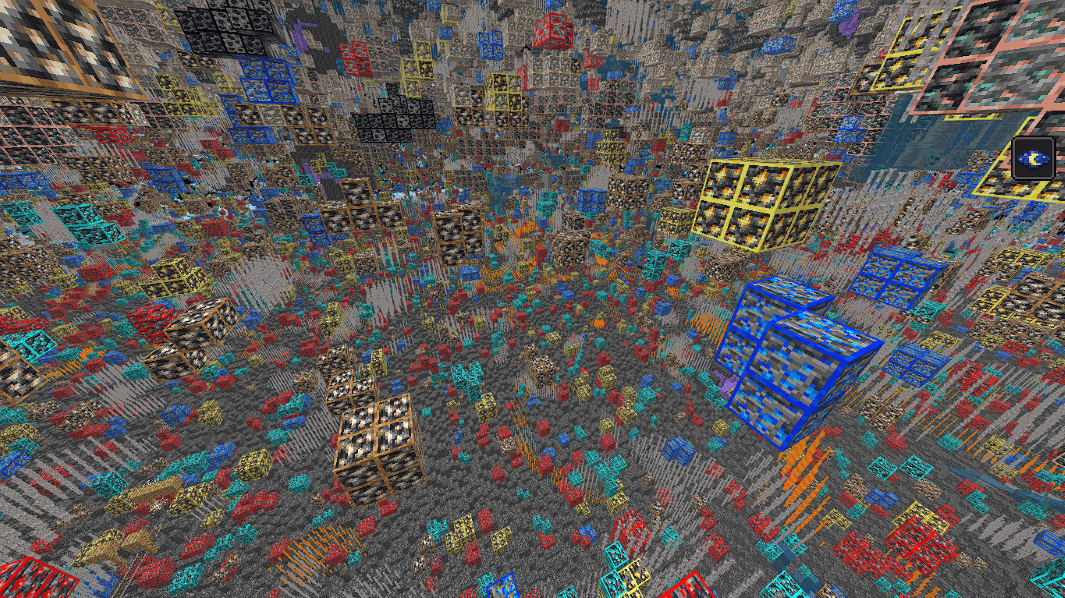
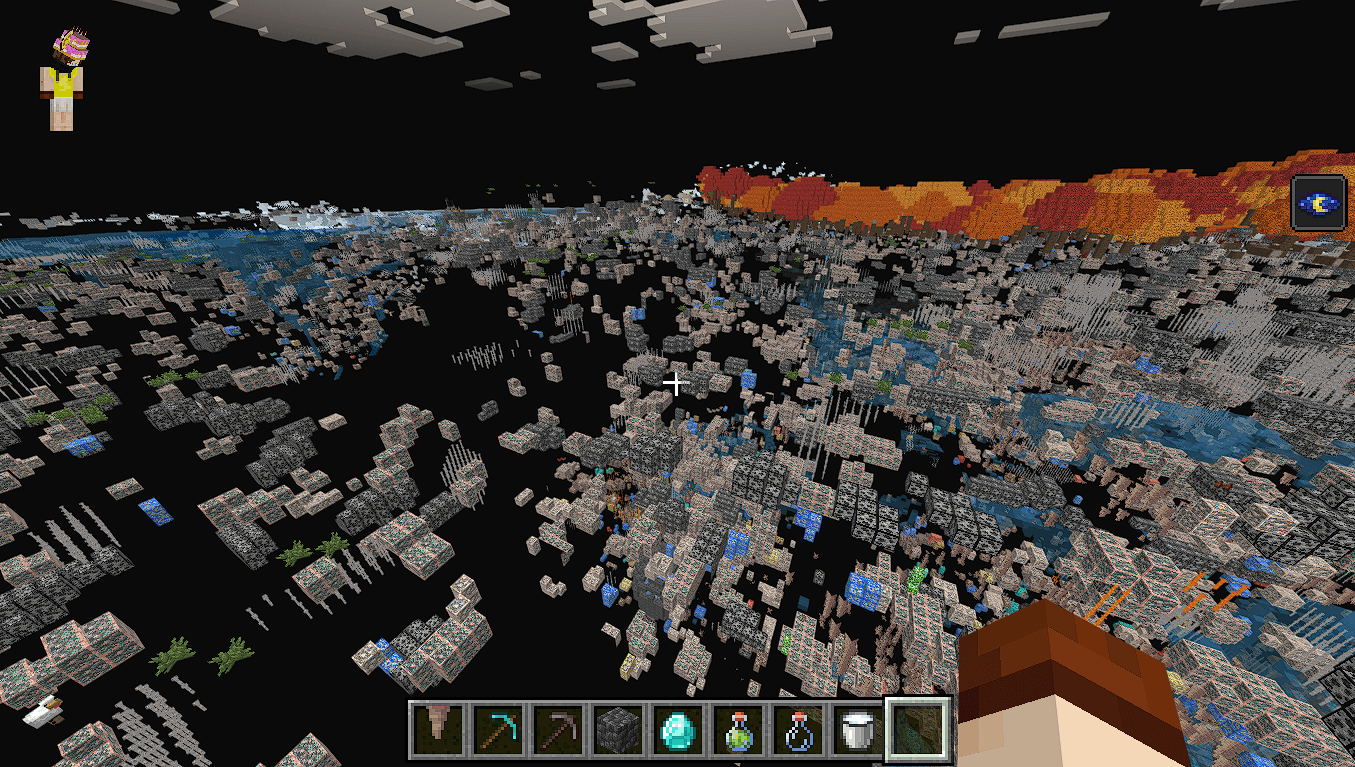
Advanced X-Ray Vision — see important underground resources through unnecessary terrain.
-
Automatic Night Vision — keeps dark caves and underground areas bright and easier to see.
-
Clear Underground View — reduces visual clutter so ores and caves are easier to locate.
-
Ore Visibility — designed to keep important ores clearly visible in dark underground areas.
-
Invisible Terrain & Glass Support — removes unnecessary blocks from your view while keeping the important parts visible.
-
Lightweight & Optimized — designed to provide a smooth experience without unnecessary features or heavy systems.
-
Single Addon — X-Ray and Night Vision functionality are combined into one addon.
-
Minecraft Bedrock Compatible — designed for modern/latest Bedrock versions.
⛏️ PERFECT FOR
-
Survival players looking for resources faster
-
Mining and underground exploration
-
Finding rare ores
-
Exploring caves and underground structures
-
Builders who need to locate underground resources quickly
-
Players who want a cleaner underground view
⚠️ IMPORTANT — REQUIRED SETTINGS
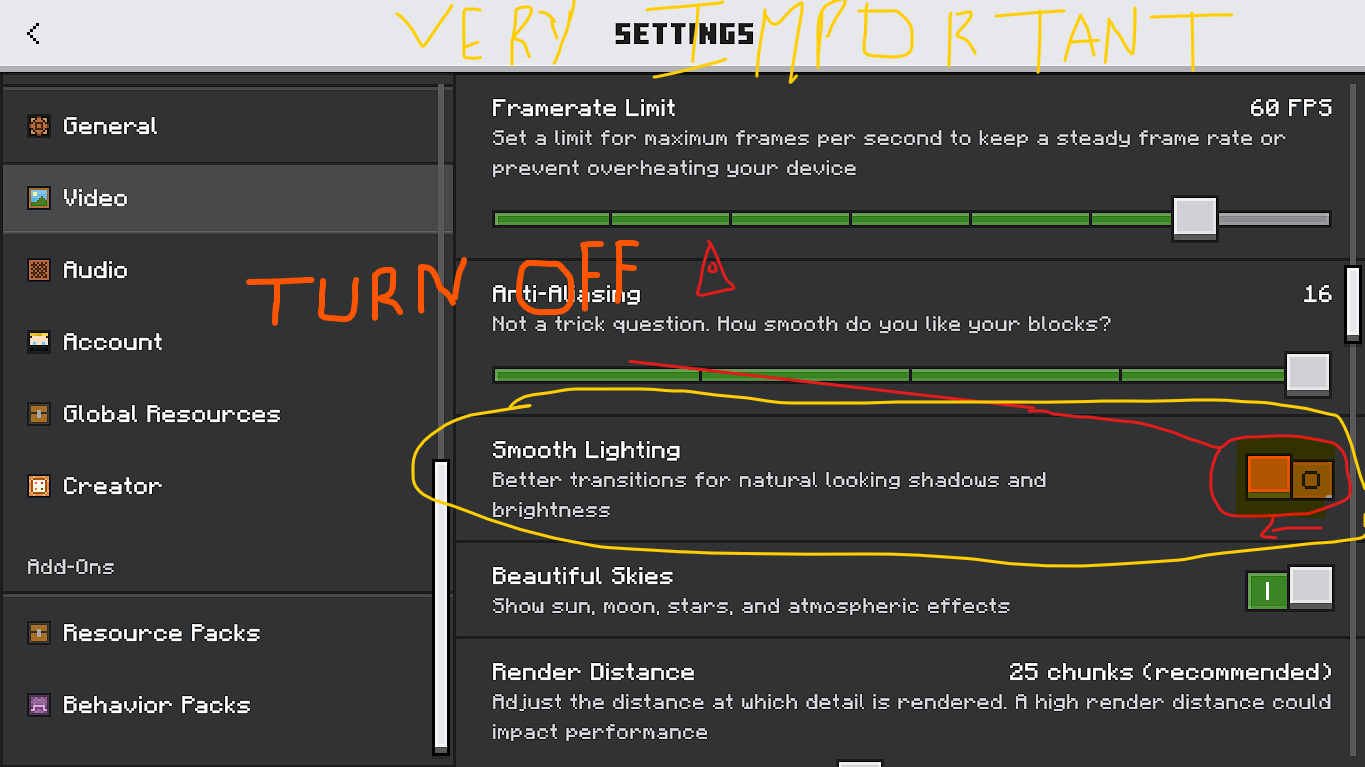
For the addon to work correctly, you MUST enable Experiments and turn OFF Smooth Lighting.
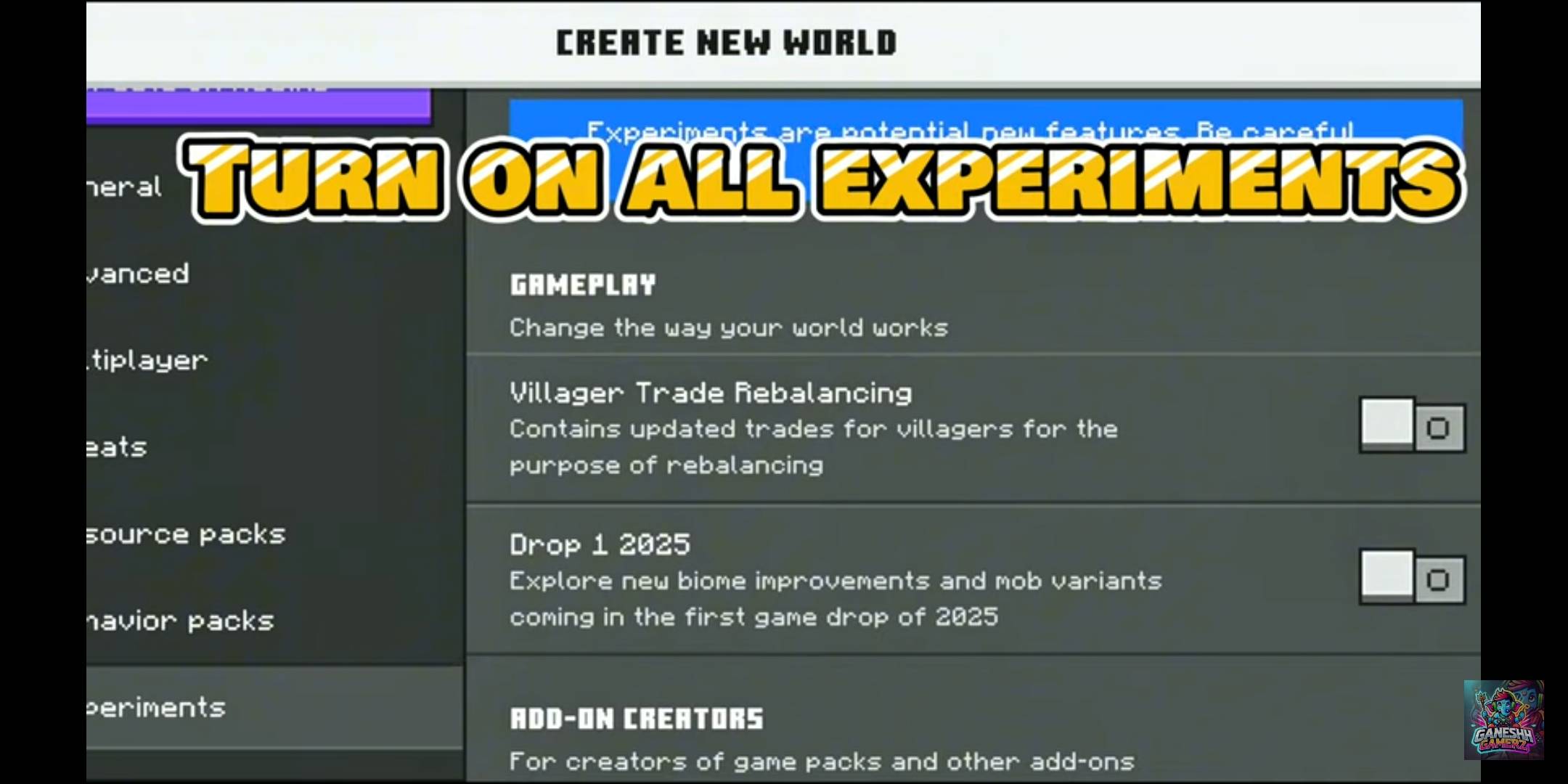
🧪 1. ENABLE EXPERIMENTS
Before entering your world:
-
Open your Minecraft world settings.
-
Go to Experiments.
-
Turn ON the required Experiments available for the addon.
-
Apply the settings.
-
Enter the world.
Experiments are REQUIRED for the addon to function correctly.
🌑 2. TURN OFF SMOOTH LIGHTING — VERY IMPORTANT
Go to:
Settings → Video → Smooth Lighting → OFF
⚠️ DO NOT leave Smooth Lighting ON.
When Smooth Lighting is enabled, underground ores may become very dark or black, especially in areas with little light. Turning Smooth Lighting OFF allows the colored ore textures to remain clearly visible.
Recommended setting:
🌟 Smooth Lighting: OFF
📦 INSTALLATION
-
Download the Premium X-Ray Vision .mcaddon.
-
Import the addon into Minecraft.
-
Create a new world or open your existing world.
-
Activate the addon/Behavior Pack and its linked Resource Pack if Minecraft does not enable them automatically.
-
Enable the required Experiments.
-
Make sure Smooth Lighting is OFF.
-
Enter the world and enjoy X-Ray Vision + Night Vision.
💡 IMPORTANT
For the best experience, use the addon with Smooth Lighting OFF. This is especially important when searching for ores underground.
The addon is designed to provide a clear, simple, and optimized X-Ray experience without unnecessary settings or complicated configuration.
Premium X-Ray Vision — See More. Mine Smarter. Explore Faster.
AUTHOR
GGSTUDIOS