WorldBuilder

Powerful in-game building tools for Bedrock: wand selections, region edits, shapes, brushes, clipboard, and undo/redo.
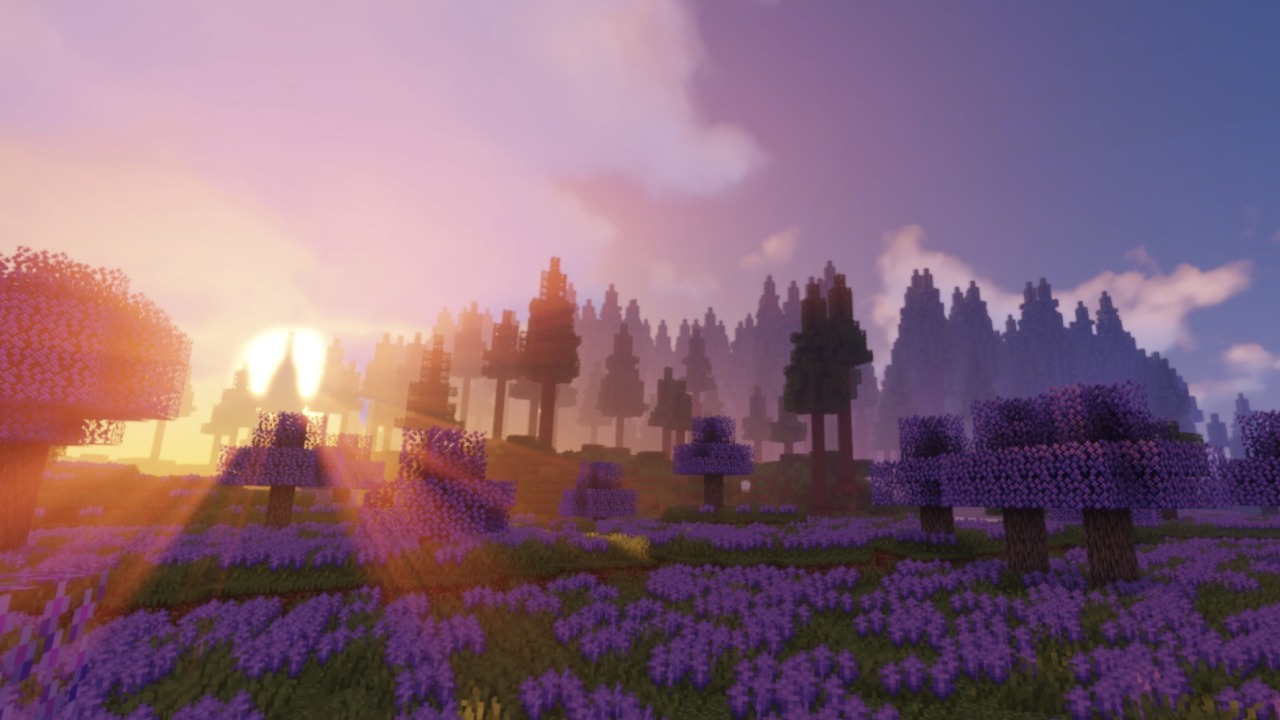
Minecraft landscape

WorldEdit for Bedrock

Select the space. Build the idea. Refine every block.

WorldEdit by CTabdul15 brings powerful building tools into Minecraft Bedrock. Mark a region with the custom wand, edit it with commands, and undo a change whenever you want to try a different approach.


What you can build with

01 · Select and edit

Pick two corners with the wand or use position commands. Fill, replace, create walls and faces, and target blocks with patterns and masks. Multiple selection modes help you match the area to the job.

02 · Shape and sculpt

Create spheres, cylinders, pyramids, cones, lines and curves. Use brushes and custom tools when you want to keep working without retyping commands.

03 · Copy and transform

Copy, cut and paste builds, then rotate, flip, move or stack them to fit your plan.

04 · Work with confidence

Undo, redo or cancel edits. Save named snapshots so you can return to an earlier state.


Get started

  1. Activate both the WorldEdit behavior pack and resource pack in your world.
  2. Enable the Beta APIs experiment, join as an operator, then run /tag @s add worldEdit. A chat message confirms when WorldEdit is ready.
  3. Type ;wand to get the selection wand. Mark two corners, then try ;set stone.
  4. Use ;undo and ;redo to review your changes, or type ;ui for the in-game menu.

Requirements: Minecraft Bedrock 1.26.50 or newer, Beta APIs enabled, both packs active, operator permission and the worldEdit tag. Commands use the ; prefix by default.


Guides and support

Explore the commands: WorldEdit documentation

Need help? Join the Discord community to ask questions and get support.

WorldEdit for Bedrock is an independent add-on inspired by WorldEdit for Java Edition. It is not an official EngineHub or Mojang project.

WorldBuilder Team

profile avatar
  • 14
    Followers
  • 7
    Projects
  • 257.5K
    Downloads

More from CTabdul15View all

  • Keystone project image

    Keystone

    Keystone upgrades your Minecraft Bedrock survival with a comprehensive suite of quality of life utilities, featuring Vein Miner, TreeCapitator, Dynamic Lights, and much more.

    • 119.3K
    • October 12, 2026
  • Bedwars Generator project image

    Bedwars Generator

    A comprehensive Bedwars minigame system for Minecraft Bedrock Edition that provides customizable arena generation, match management, dynamic shops, and team upgrades.

    • 21.9K
    • July 10, 2026
  • Everything in a Bucket project image

    Everything in a Bucket

    Do you every wanted to capture every mob in a addon? This is now possible with the Everything in a Bucket Addon

    • 37.5K
    • June 21, 2026
  • Prison Mine Generator project image

    Prison Mine Generator

    A lag-free, UI-based prison mine generator featuring custom block weights, safe resets, and dynamic holograms.

    • 3.5K
    • June 21, 2026
  • Keystone project image

    Keystone

    Keystone upgrades your Minecraft Bedrock survival with a comprehensive suite of quality of life utilities, featuring Vein Miner, TreeCapitator, Dynamic Lights, and much more.

    • 119.3K
    • October 12, 2026
  • Bedwars Generator project image

    Bedwars Generator

    A comprehensive Bedwars minigame system for Minecraft Bedrock Edition that provides customizable arena generation, match management, dynamic shops, and team upgrades.

    • 21.9K
    • July 10, 2026
  • Everything in a Bucket project image

    Everything in a Bucket

    Do you every wanted to capture every mob in a addon? This is now possible with the Everything in a Bucket Addon

    • 37.5K
    • June 21, 2026
  • Prison Mine Generator project image

    Prison Mine Generator

    A lag-free, UI-based prison mine generator featuring custom block weights, safe resets, and dynamic holograms.

    • 3.5K
    • June 21, 2026