World Builder by PG WARRIOR YT
- By
This is a builder Addon for MCPE to make any build easily
5745.jpg
5746.jpg
5747.jpg
5748.jpg
5749.jpg
5750.jpg
5751.jpg
5740.jpg
5741.jpg
5742.jpg
5743.jpg
5744.jpg
5739.jpg
Description
Builder add-ons and companion applications for Minecraft Pocket Edition (PE) / Bedrock are specialized tools designed to streamline, automate, or completely revolutionize the construction process. Instead of manually placing blocks one by one, these add-ons introduce advanced procedural tools, structural blueprints, and automated importing systems directly into mobile gameplay. They cater to both casual players looking to instantly populate their worlds with pre-made megastructures and survival purists seeking efficient engineering toolkits.
Ultimate Builder Addon for Minecraft Pocket Edition (MCPE)
Transform your Minecraft Pocket Edition building experience with the Ultimate Builder Addon, a professional-grade world-editing toolset designed to bring desktop-class architecture capabilities directly to your mobile device. Whether you are constructing massive medieval castles, intricate modern megacities, sprawling terraformed landscapes, or detailed pixel art, this add-on completely eliminates the tedious, time-consuming grind of placing individual blocks by hand. Build massive structures in just a few seconds and elevate your creative potential with zero complex chat commands required.
Complete Toolset & Features
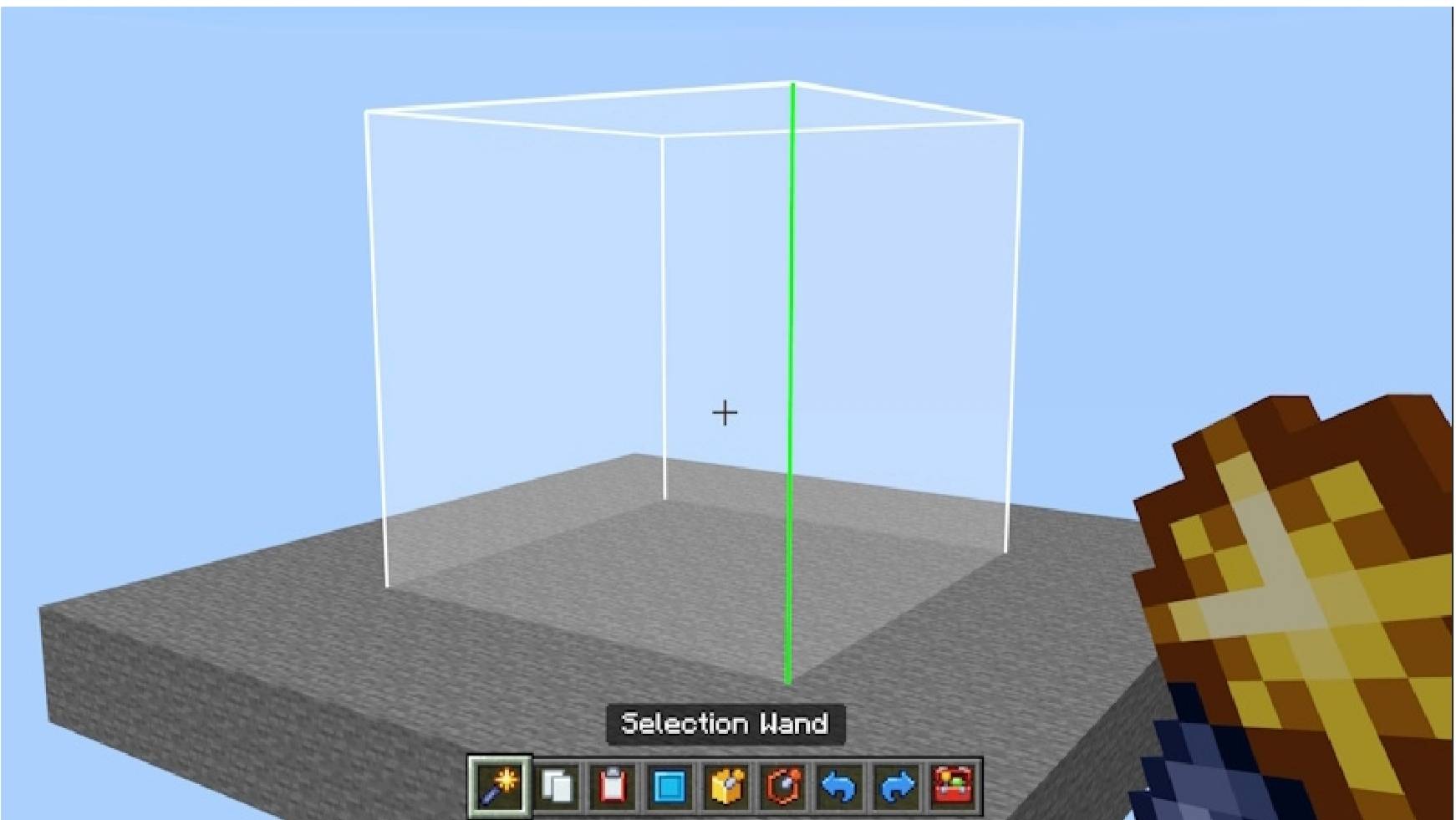
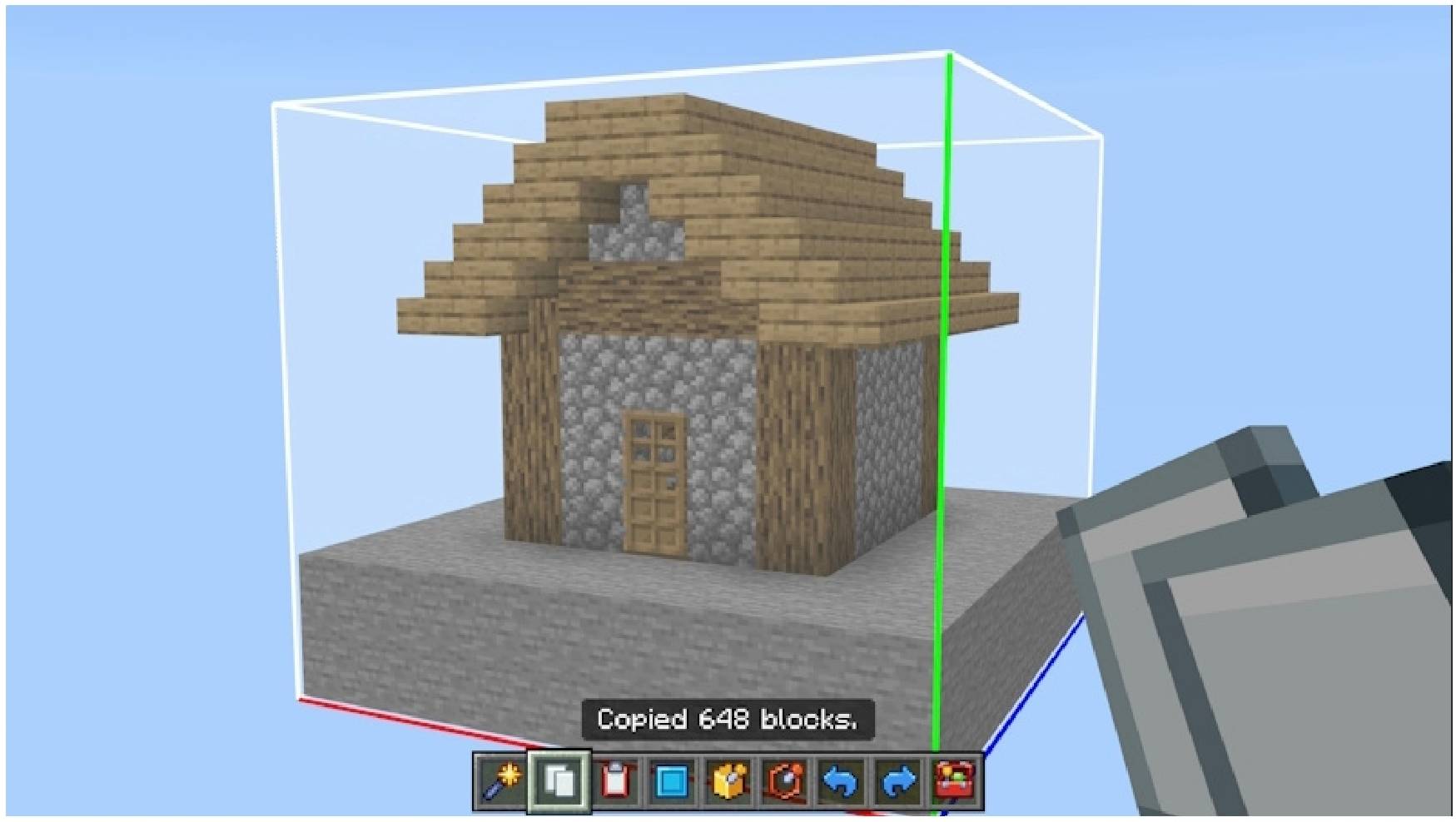
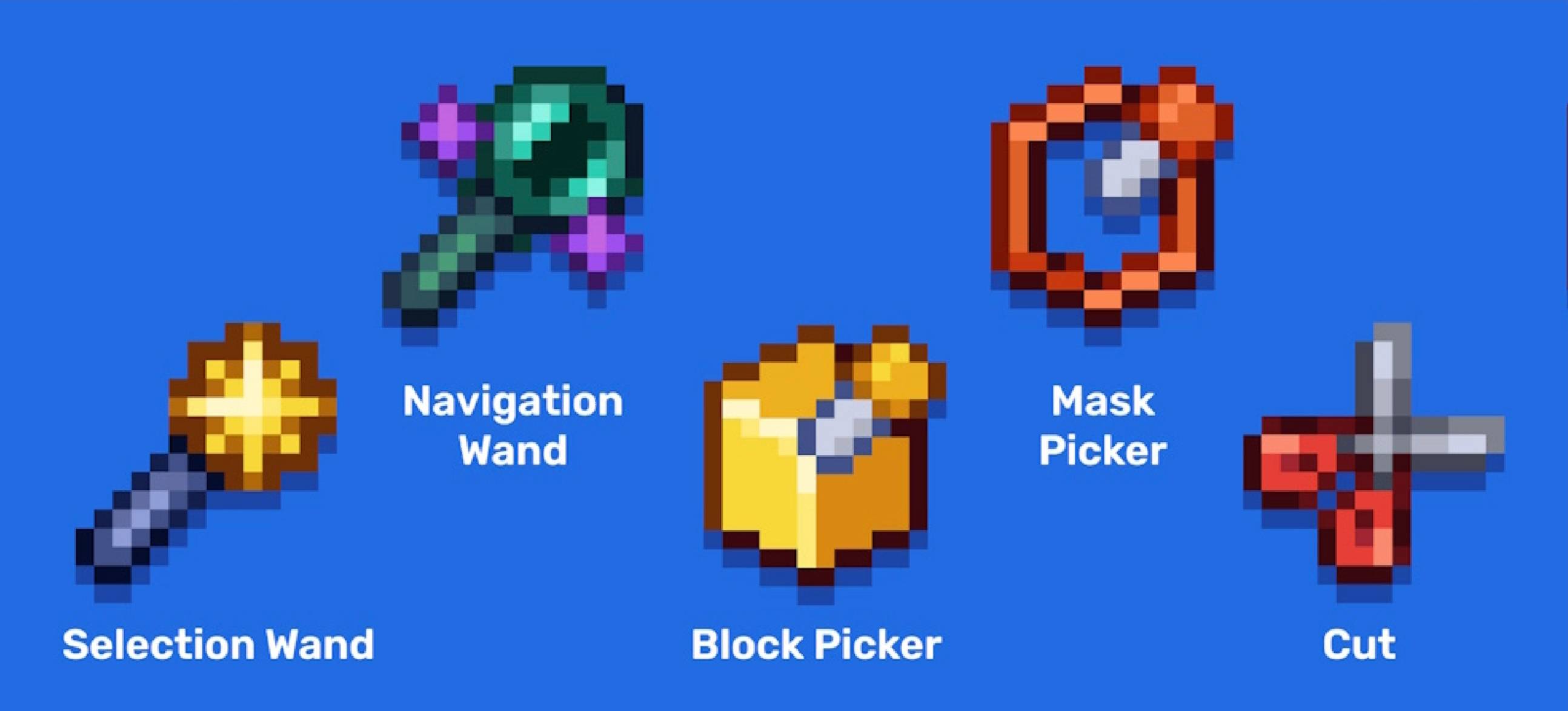
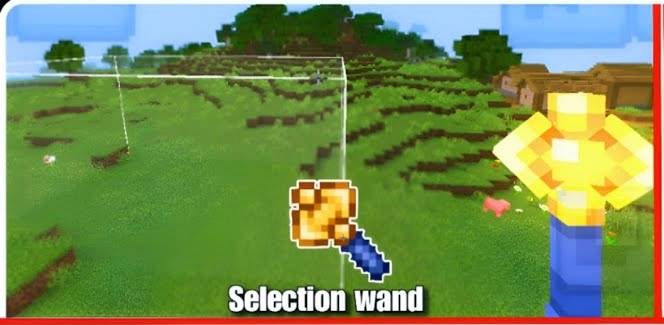
Selection Wand: Precisely tap and define the exact boundaries of your working area with visual markers to target specific zones for your editing operations.
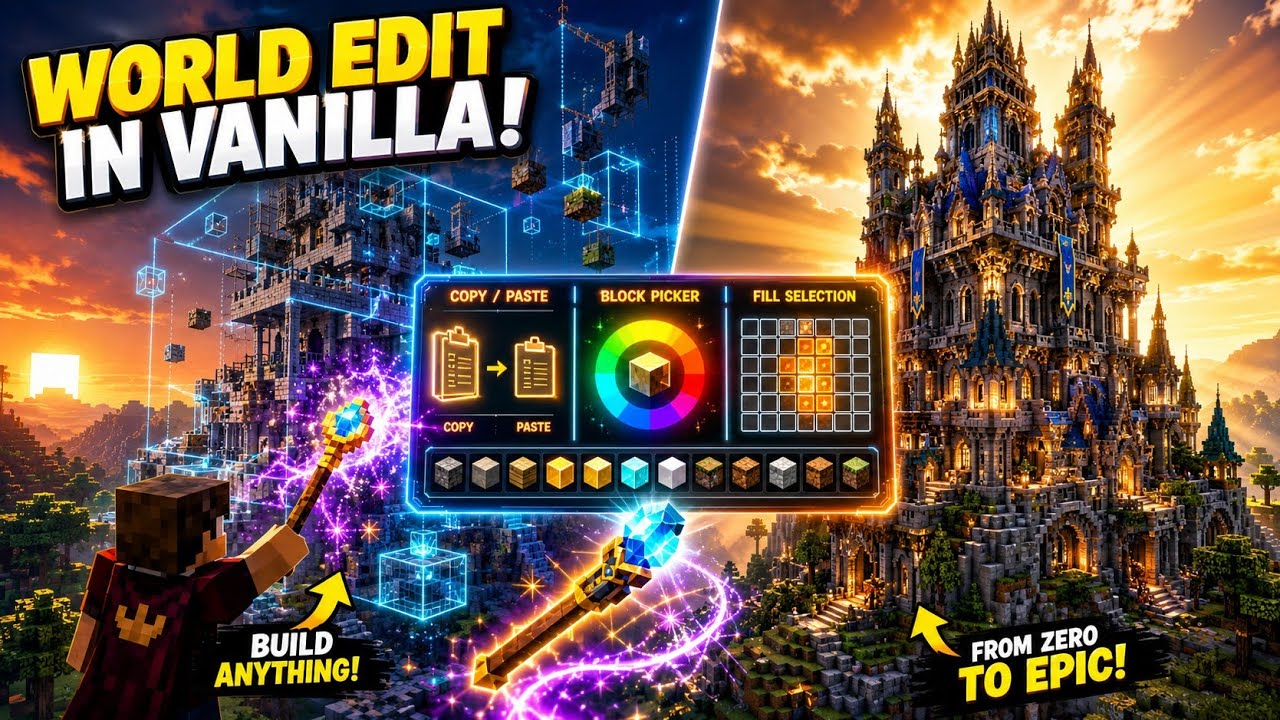
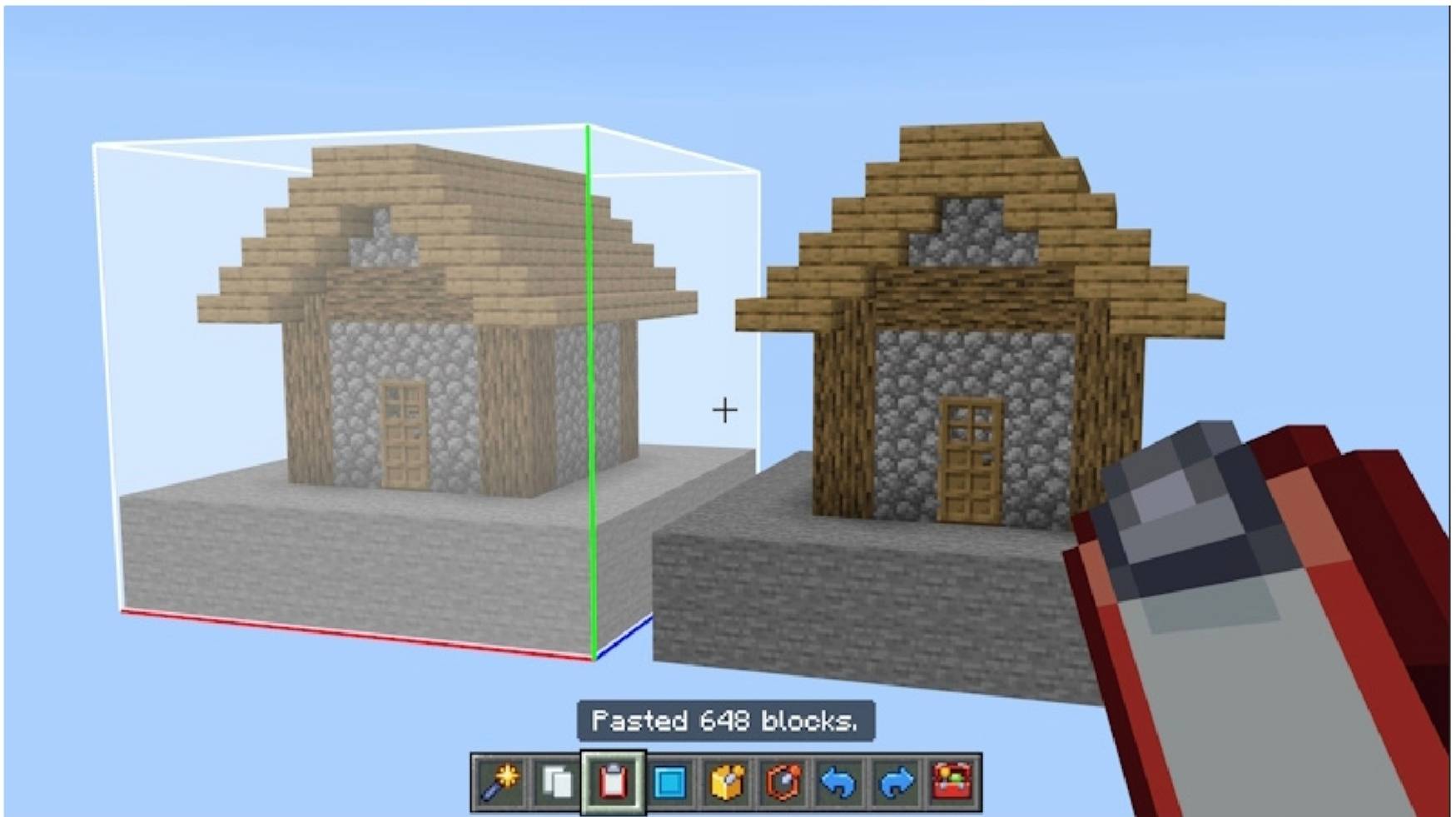
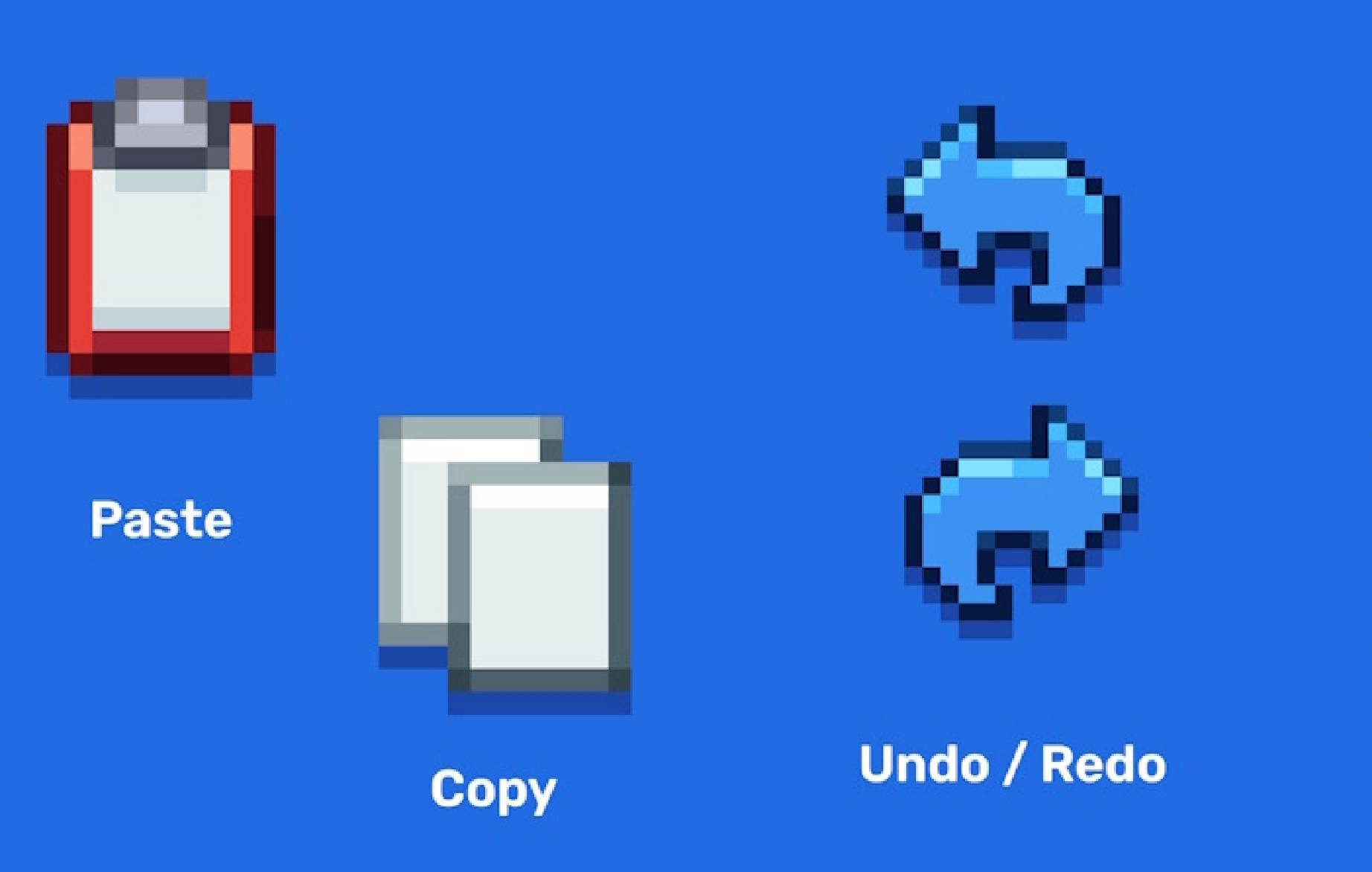
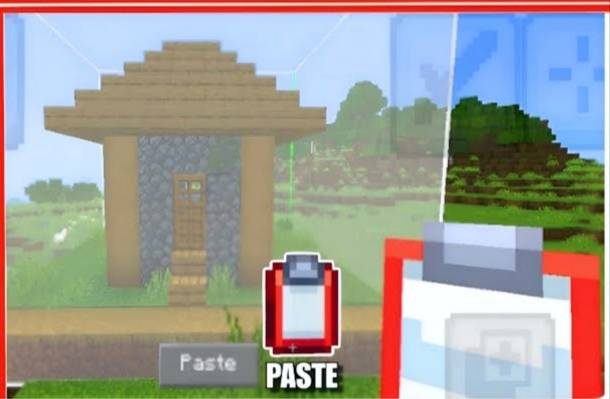
Copy & Paste: Duplicate entire houses, architectural wings, complex landscaping, or multi-story structures instantly and place them anywhere in your world.
Undo & Redo: Experiment fearlessly with your architectural designs by instantly reversing accidental mistakes or restoring your previous edits with a single tap.
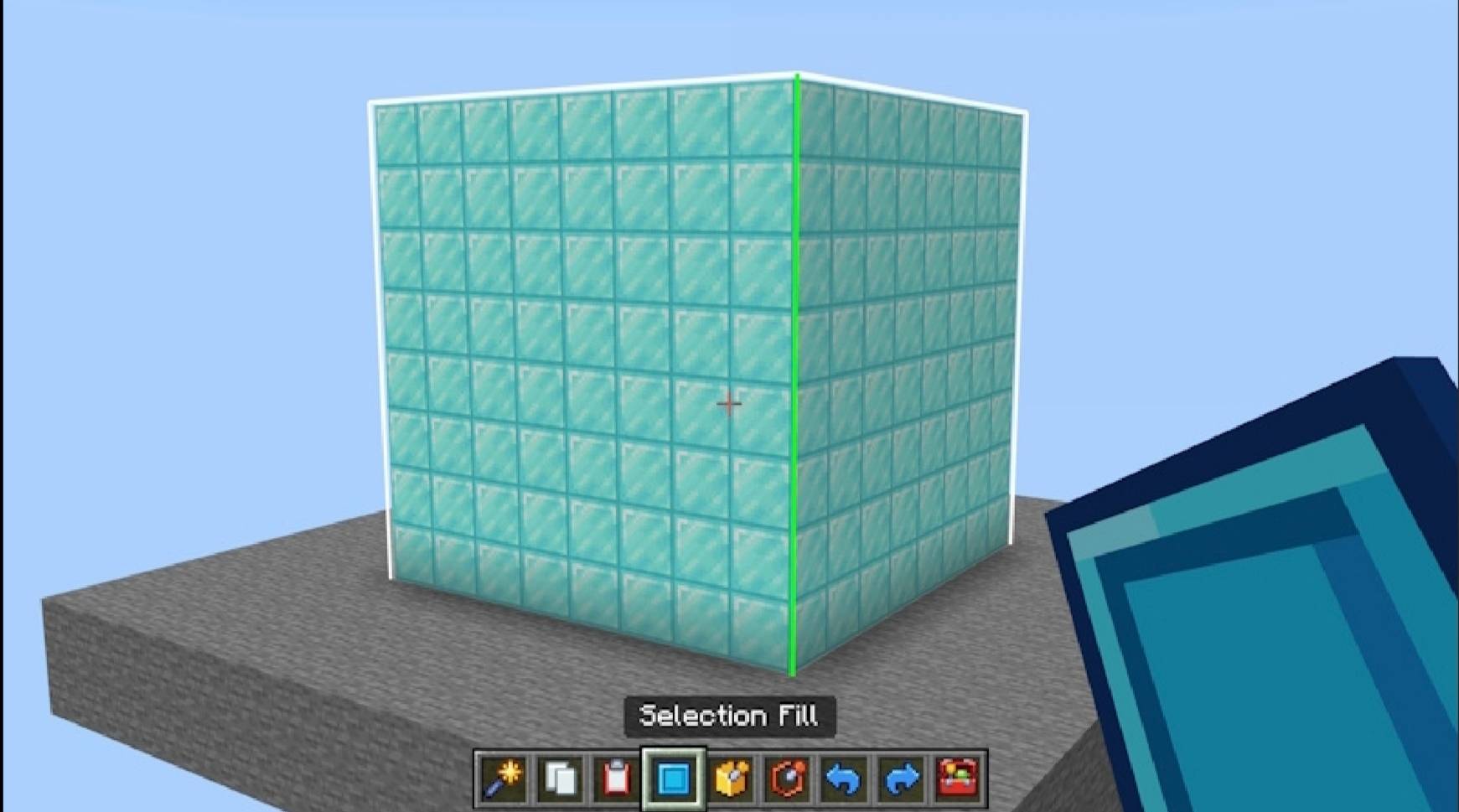
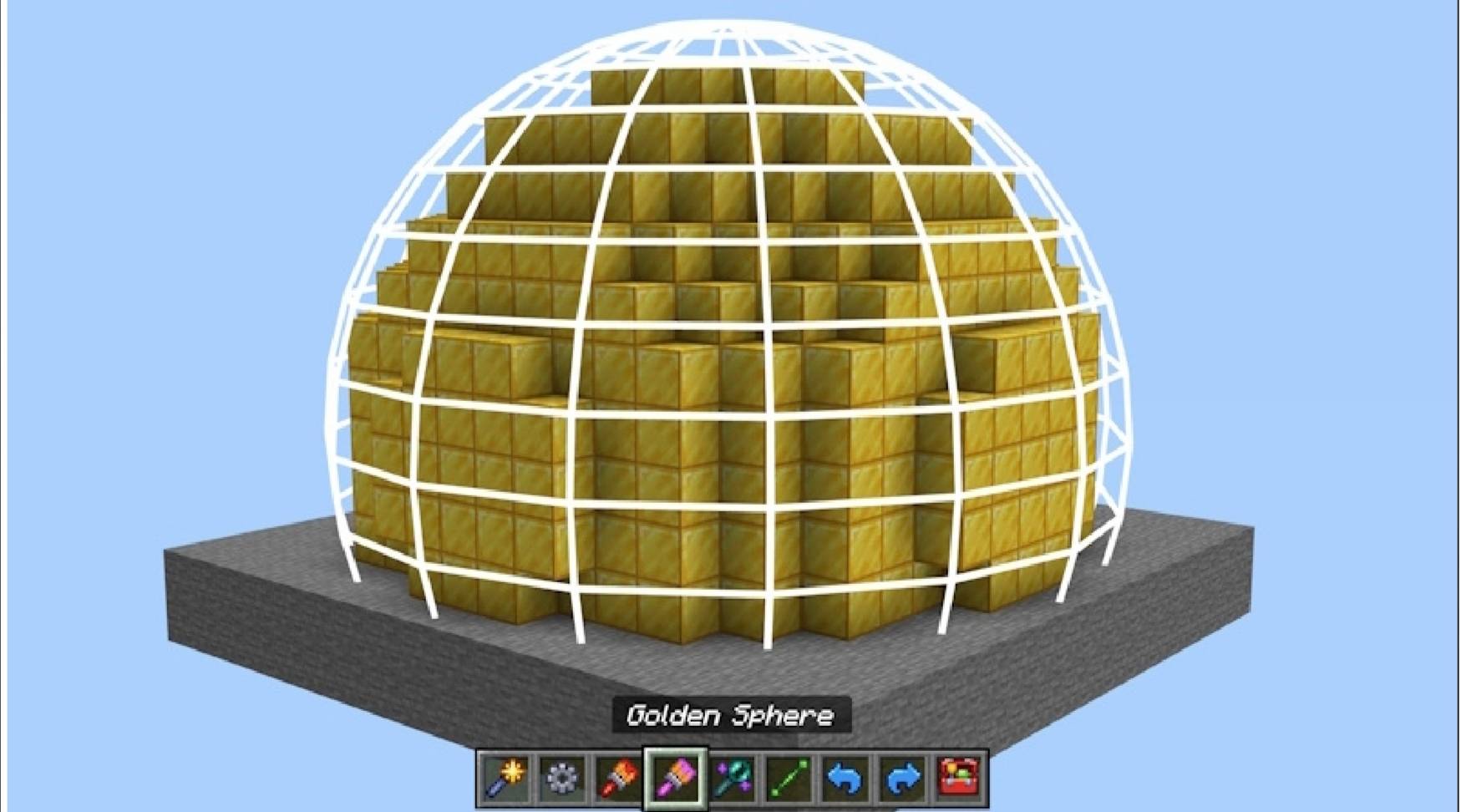
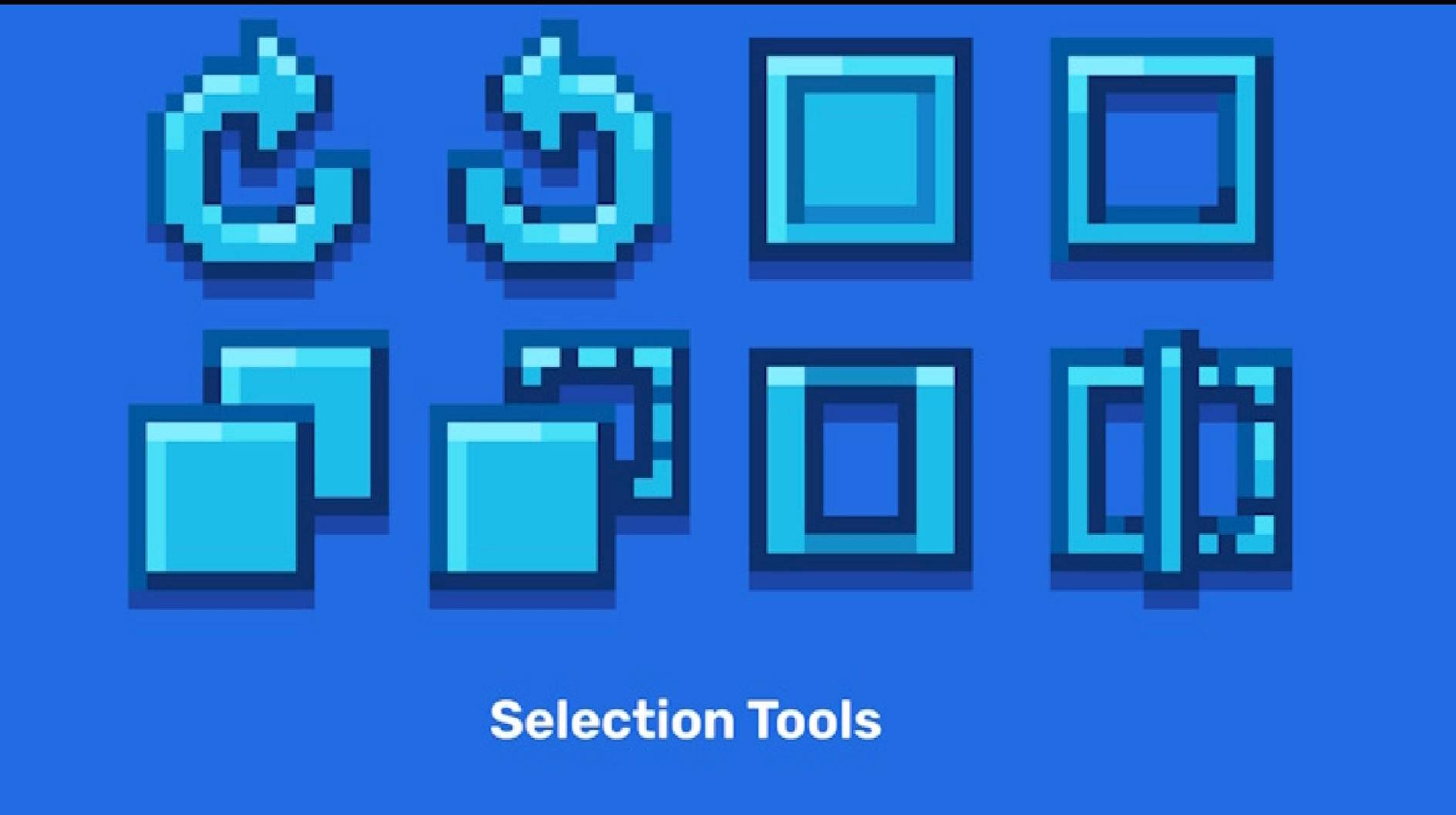
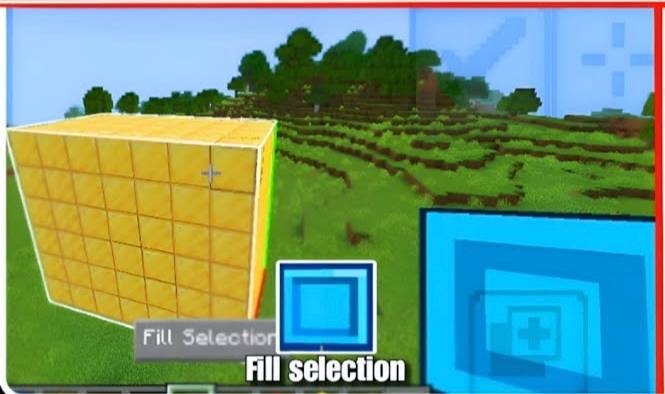
Fill Selection: Automatically populate large, defined volumetric spaces with any block of your choice to build solid foundations, thick walls, or massive terrain layers instantly.
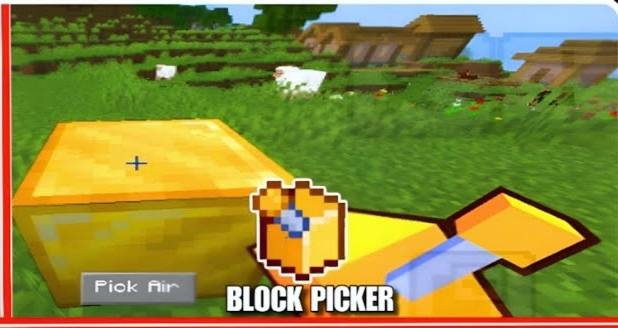
Block Picker: Sample any block in the game world instantly by tapping on it to load it directly into your active building hand without searching through inventory menus.
Mask Tool: Restrict your paste and fill operations to target only specific block types, allowing you to edit interiors or overlay textures without destroying your existing structures.
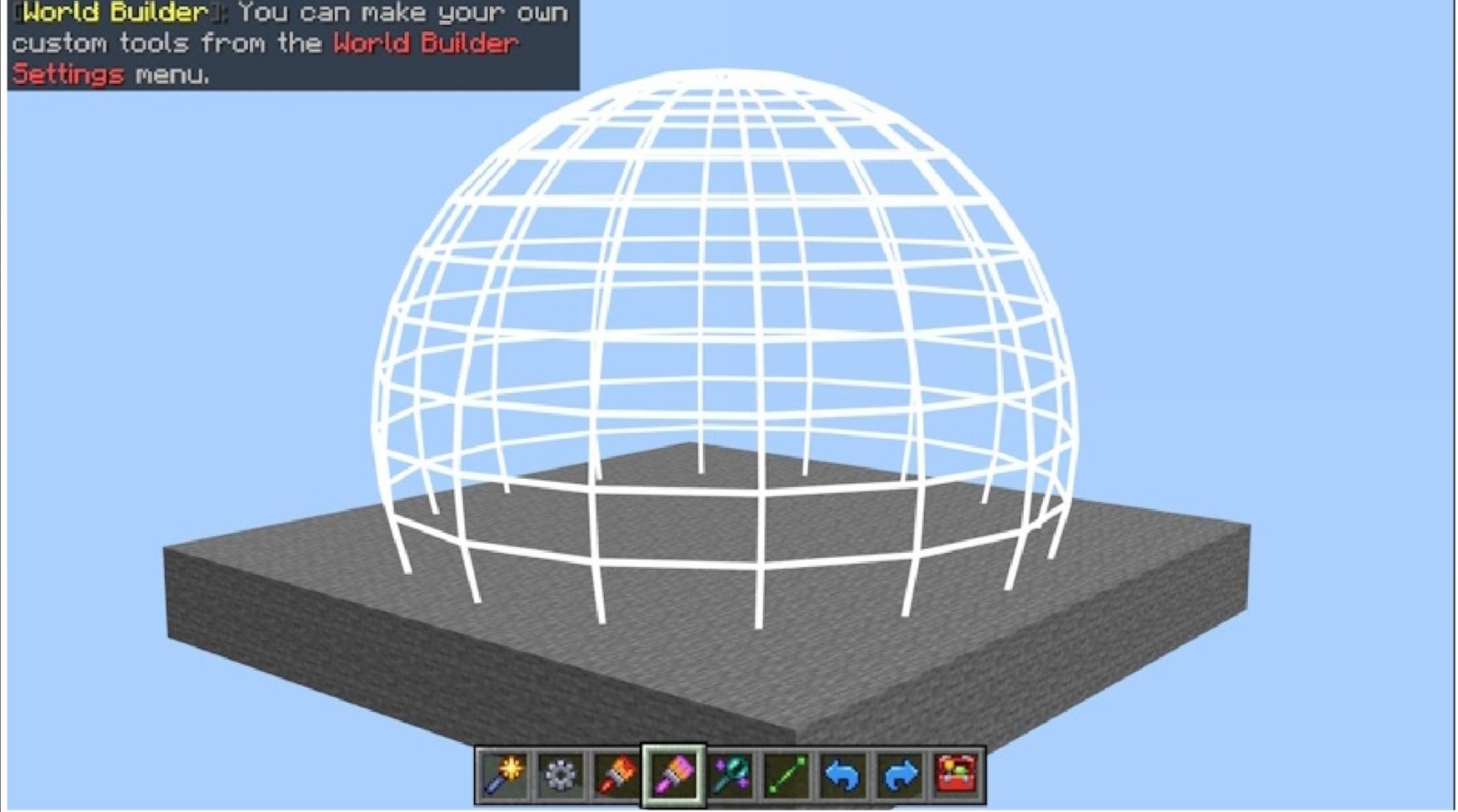
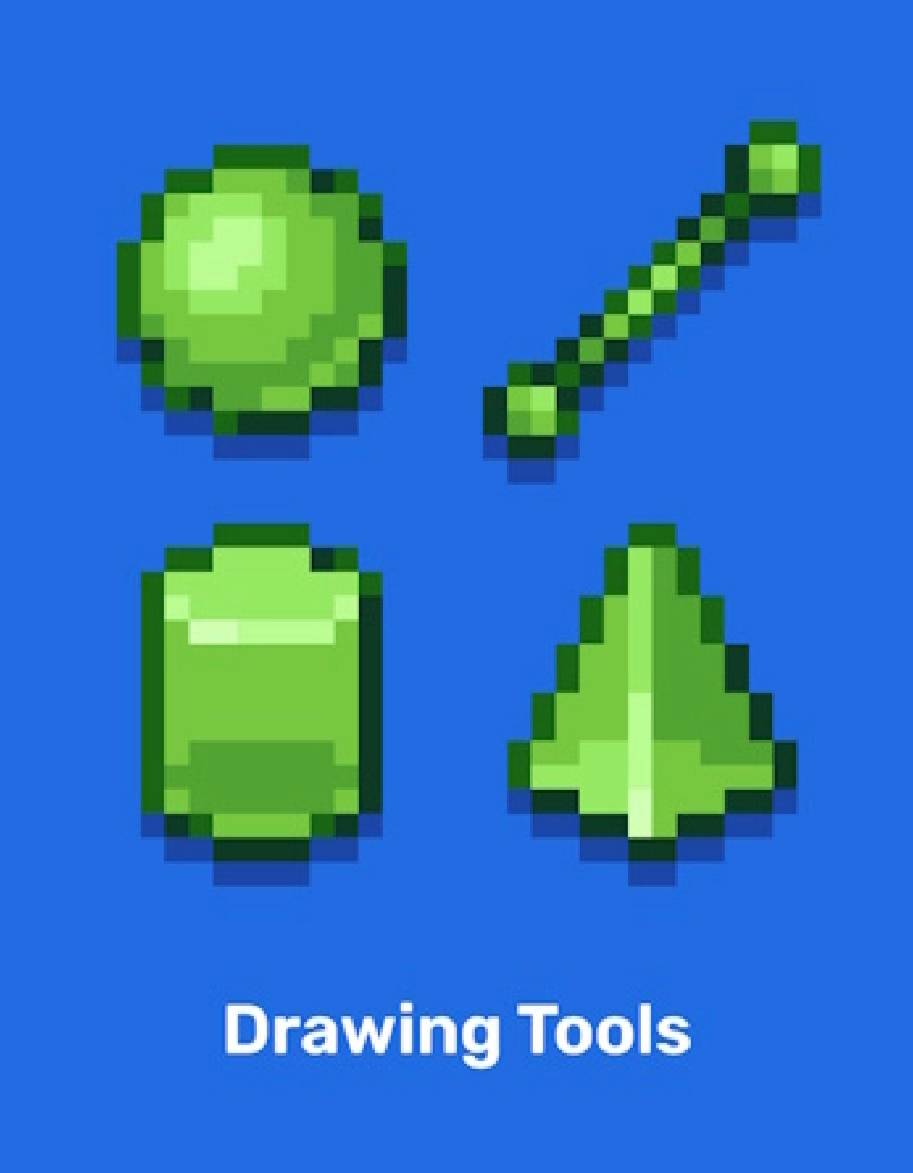
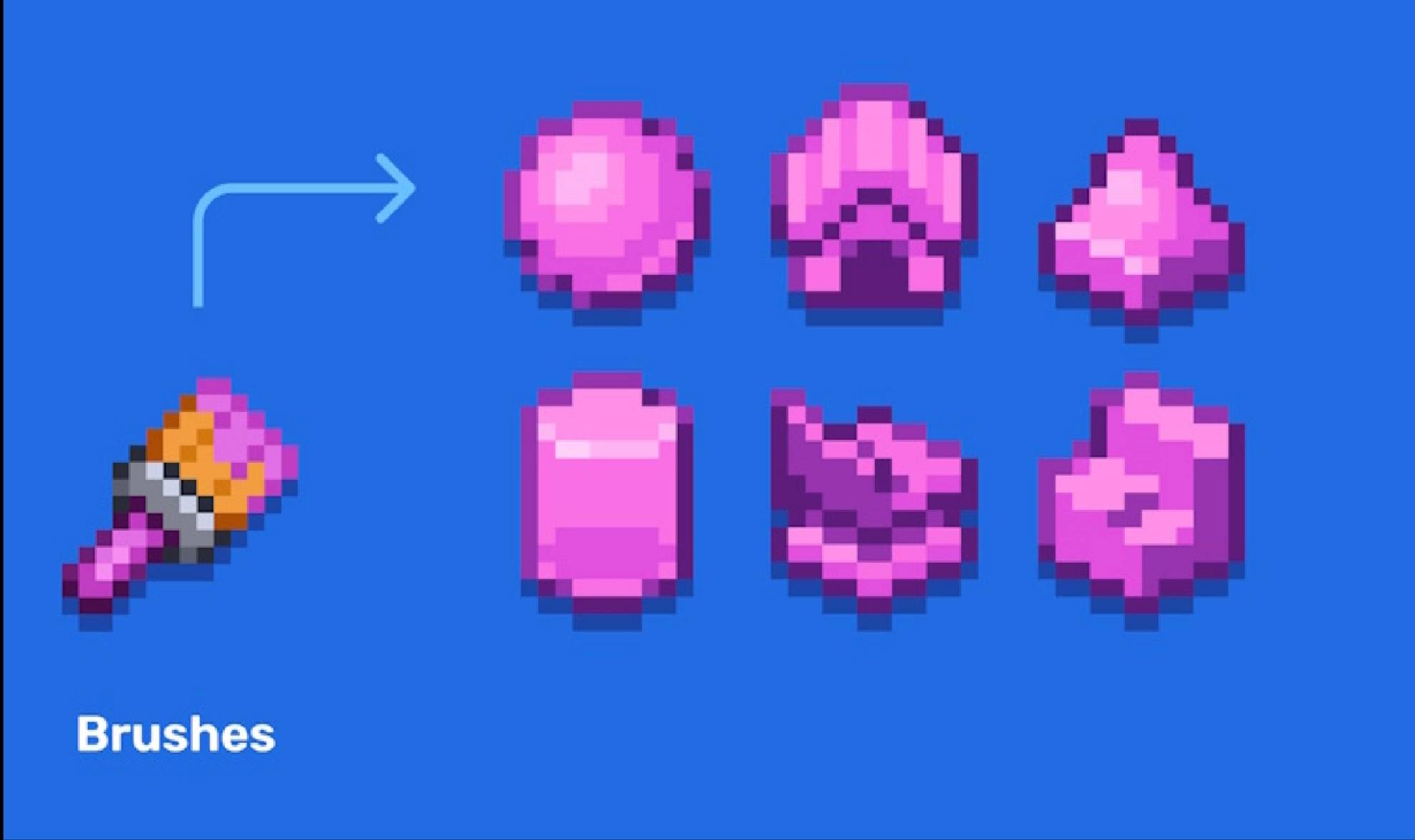
Geometric Object Builder: Automatically generate flawless, mathematically precise structural shapes without any manual counting, including squares, cubes, spheres, triangles, and many more geometric additions.
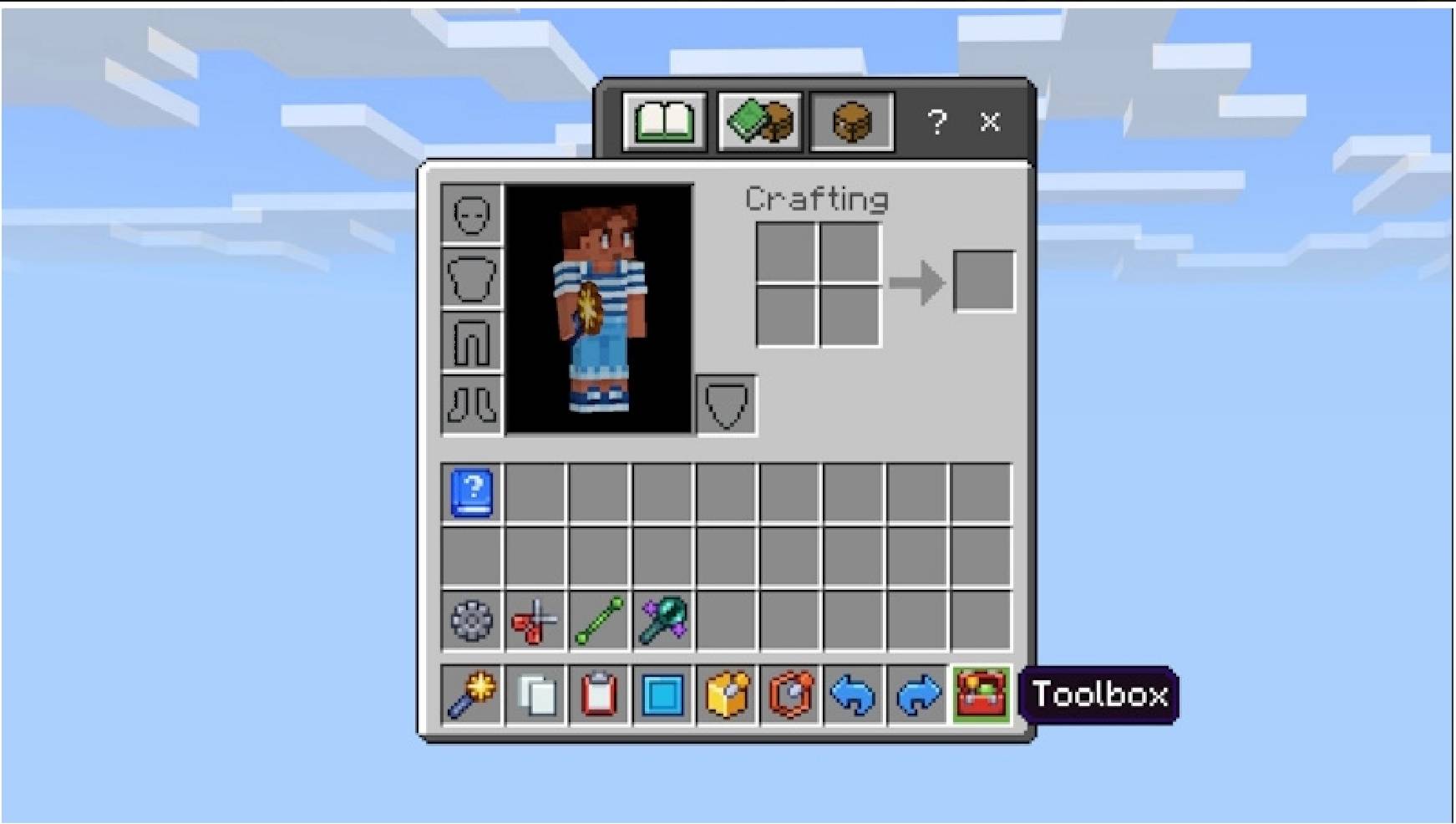
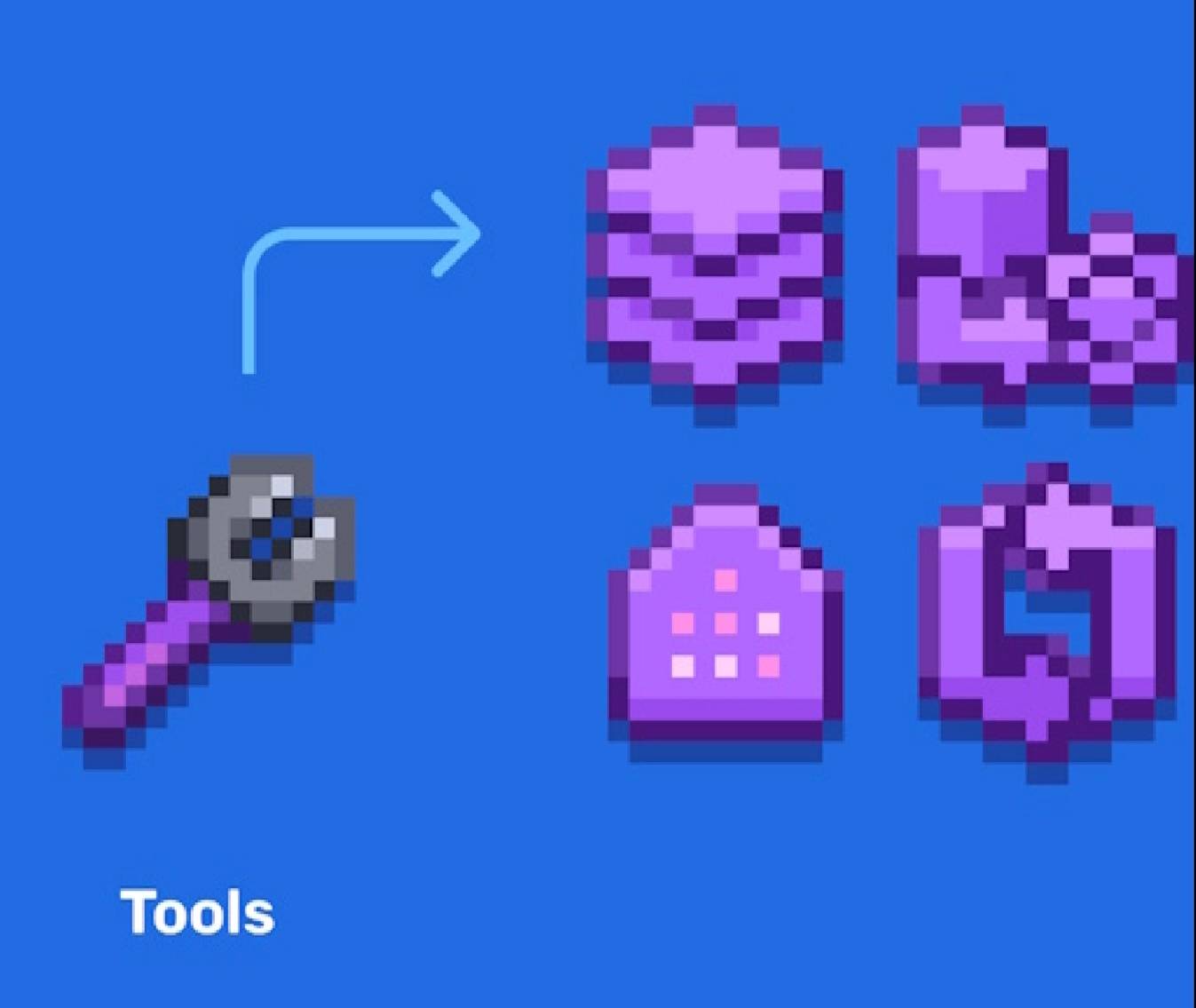
Creative Inventory Integration: Every single tool features its own unique function, layout, and purpose, neatly organized for rapid access.
Installation & Setup Guide
Ensure that your Minecraft world is actively set to Creative Mode before attempting to use the tools.
Install and apply the modpack properly within your game menu, making sure to enable it under both your Resource Packs and Behavior Packs settings for the world.
Open your creative inventory and navigate directly to the 3rd slot to access all builder tools and items instantly.
No chat commands, experimental toggles, or administrative permissions are needed to get started.
Compatibility & Performance
Fully compatible with all versions of Minecraft Bedrock Edition.
Optimized to run exceptionally smooth and fast on the latest version of Minecraft Pocket Edition.
Support & Troubleshooting
Mastering advanced world-edit tools is easy, but if you find a specific feature or workflow too challenging, comprehensive support and step-by-step tutorial videos are available to guide you through your first massive builds and show you how to use every tool to its maximum potential.
Continuous Development & Future Updates
This is only the beginning! This is not the final version of the add-on. The development team is actively working on regular updates to bring even more advanced tools, expanded geometric libraries, user interface improvements, and various bug fixes based on community feedback.
Download the Ultimate Builder Addon today, skip the endless grinding, and construct massive, breathtaking builds in just a few seconds!
Features:
Instant One-Click Imports: Allows users to select a building from a catalog and place it straight onto an existing Minecraft map seamlessly with a single tap.
Massive Structure Catalogs: Features a library of over 550 to 1,000+ unique structures, spanning diverse templates like furnished modern houses, medieval castles, pixel art, vehicles, ships, and skywars maps.
Redstone Builds and Traps: Includes functional engineering layouts such as redstone contraptions, automated mechanisms, and security traps.
Automatic Map Backup & Recovery: Safeguards user saves by automatically creating a world backup prior to placing any build, giving players the option to reverse changes or undo placements if a structure doesn't fit.
Offline Access: Functions fully without an internet connection once downloaded, letting users modify and load structures locally.
Standalone Utility: Operates without requiring third-party block launchers, complex add-on managers, or advanced modding knowledge.
The World Builder by PG WARRIOR YT Team