What is This? 'Achievements Friendly'
- By
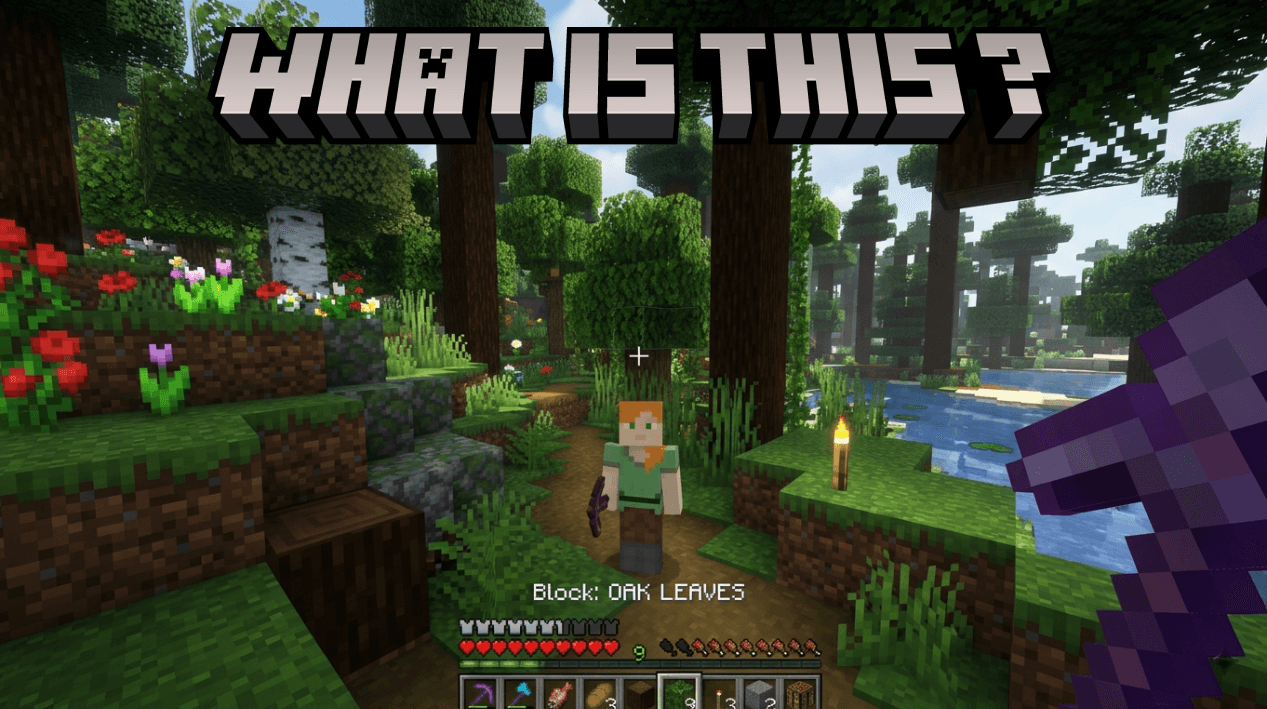
Look at any block or mob and your action bar instantly shows its name — with Passive, Neutral, or Hostile tags for entities.
Description
How To Use
Download the .mcpack file and double-tap it — Minecraft opens and imports it automatically
Open or create a world → go to Behavior Packs → activate "What Is This?"
Launch the world
Using it
Just play normally — no commands or setup needed. Simply look at anything:
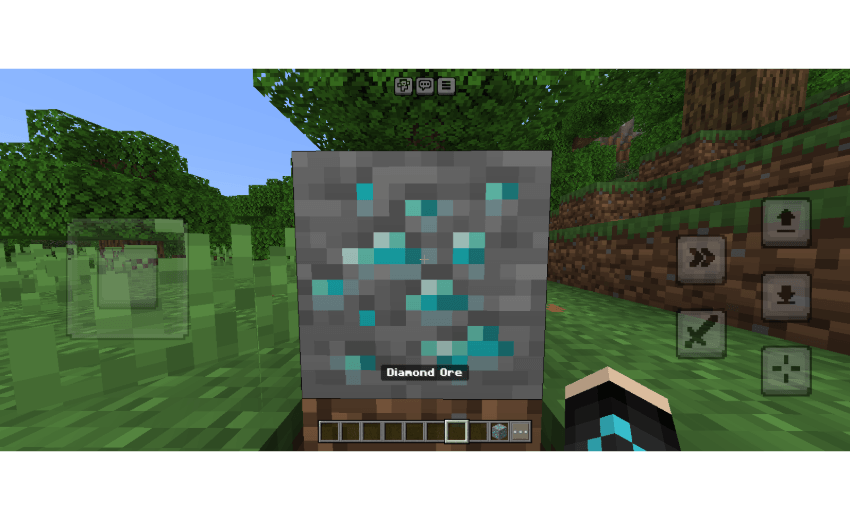
Point at a block → action bar shows its name (e.g. Grass Block)
Point at a mob → shows its name + threat level (e.g. Creeper §c[Hostile])
Point at a named mob → shows its custom name alongside the type and tag
Look away → action bar clears automatically
Features
*Block detection* — looks up any block within 6 blocks range and displays its name
*Entity detection* — identifies any mob/entity within 10 blocks
*Mob classification* — labels entities as 🟢 Passive, 🟡 Neutral, or 🔴 Hostile
*Custom name support* — shows a mob's custom nameTag if it has one
*Action bar display* — non-intrusive, shows info without opening any UI
*Auto-clear* — bar clears when nothing is in sight
*Multiplayer ready* — works for all players simultaneously
*Smooth updates* — refreshes ~4 times per second (every 5 ticks)
*Self-skip* — ignores the player's own entity in detection
*Silent error handling* — skips gracefully if an entity unloads mid-check
You are allowed to:
- Showcase this addon WITH CREDITING
- Use this addon in your worlds/servers/realms
You are NOT allowed to:
- Repost this addon to other sites (This includes apps)
- Create your own download link
- Claim this addon as your own
Support
If you had any problem with the addon you can join our discord server
The What is This? 'Achievements Friendly' Team


Owner