Death Locator V1 'Acivement Friendly'
- By
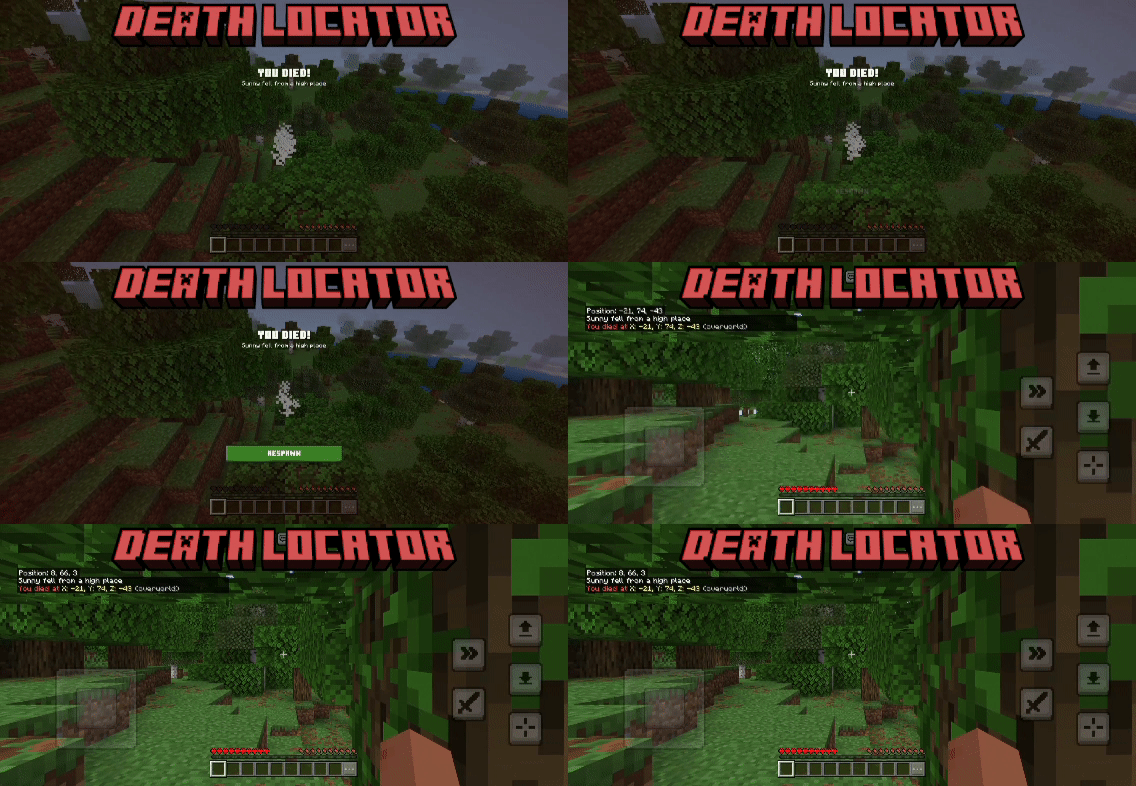
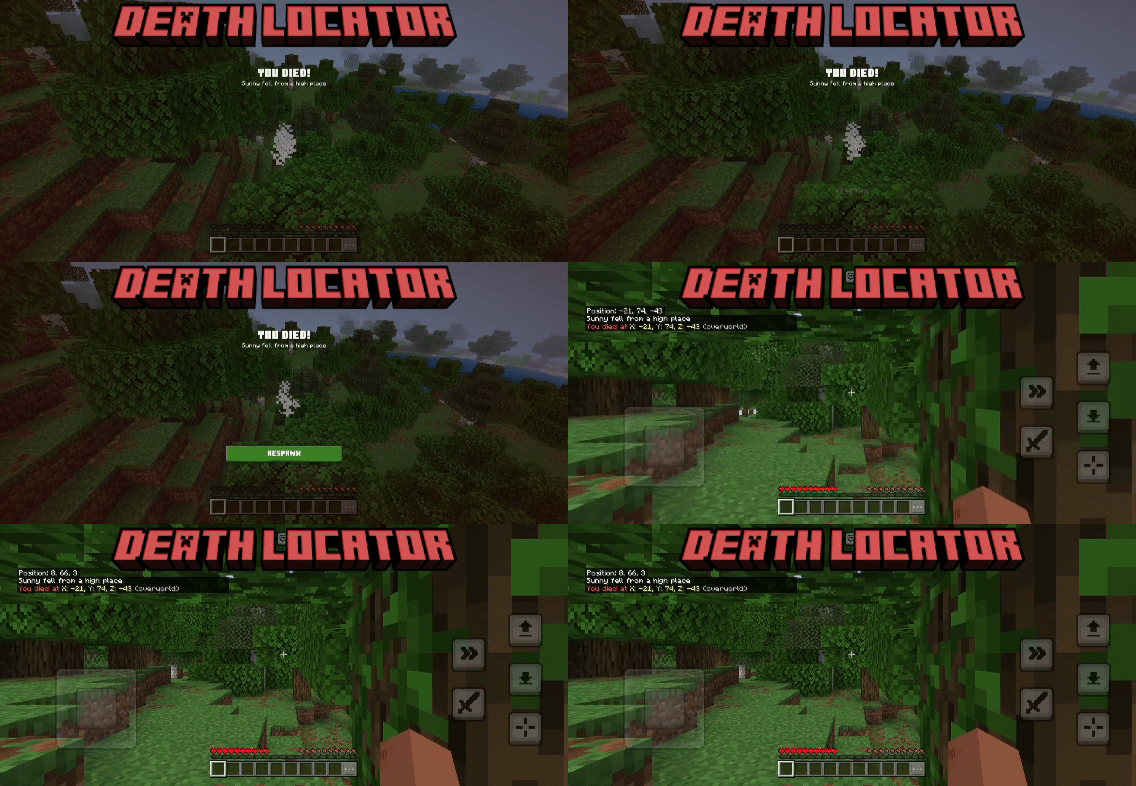
Detects when a player dies and sends them a chat message showing the exact X, Y, Z coordinates and dimension where they died.
MCPEDL
Description
ShowCase
How To Use
Download the .maddon file
Tap/double-click it — Minecraft will open and import it automatically
Wait for the "Successfully imported" message
Open Minecraft and go to Play
Create a new world or edit an existing one
Scroll down to Behavior Packs
Find Death Locator and tap the + to activate it
Hit Confirm if it warns about cheats
Launch your world!
Features
- Detects player death only (ignores all mobs/entities)
- Shows X coordinate of death location
- Shows Y coordinate of death location
- Shows Z coordinate of death location
- Coordinates are floored (no messy decimals)
- Shows the dimension you died in
- Cleans up dimension name (removes "minecraft:" prefix)
- Sends message only to the player who died (not everyone)
- Colored message for easy readability (red, yellow, gray)
- Uses
afterEventsso it fires reliably after death is confirmed
You are allowed to:
- Showcase this addon WITH CREDITING
- Use this addon in your worlds/servers/realms
- Modify this addon (Without removing the credits)
You are NOT allowed to:
- Repost this addon to other sites (This includes apps)
- Create your own download link
- Claim this addon as your own
Support
If you had any problem with the addon you can join our discord server, Feel free to support me if you'd like!
The Death Locator V1 'Acivement Friendly' Team


Owner