Waypoint Locator
- By
Create, share, and track multiple waypoints in Minecraft Bedrock. Includes a coordinate map, locator-bar markers, and a real vanilla locator map.
WaypointLocator_CurseForge_Logo_400x400.png
IMG_1604.PNG
IMG_1603.PNG
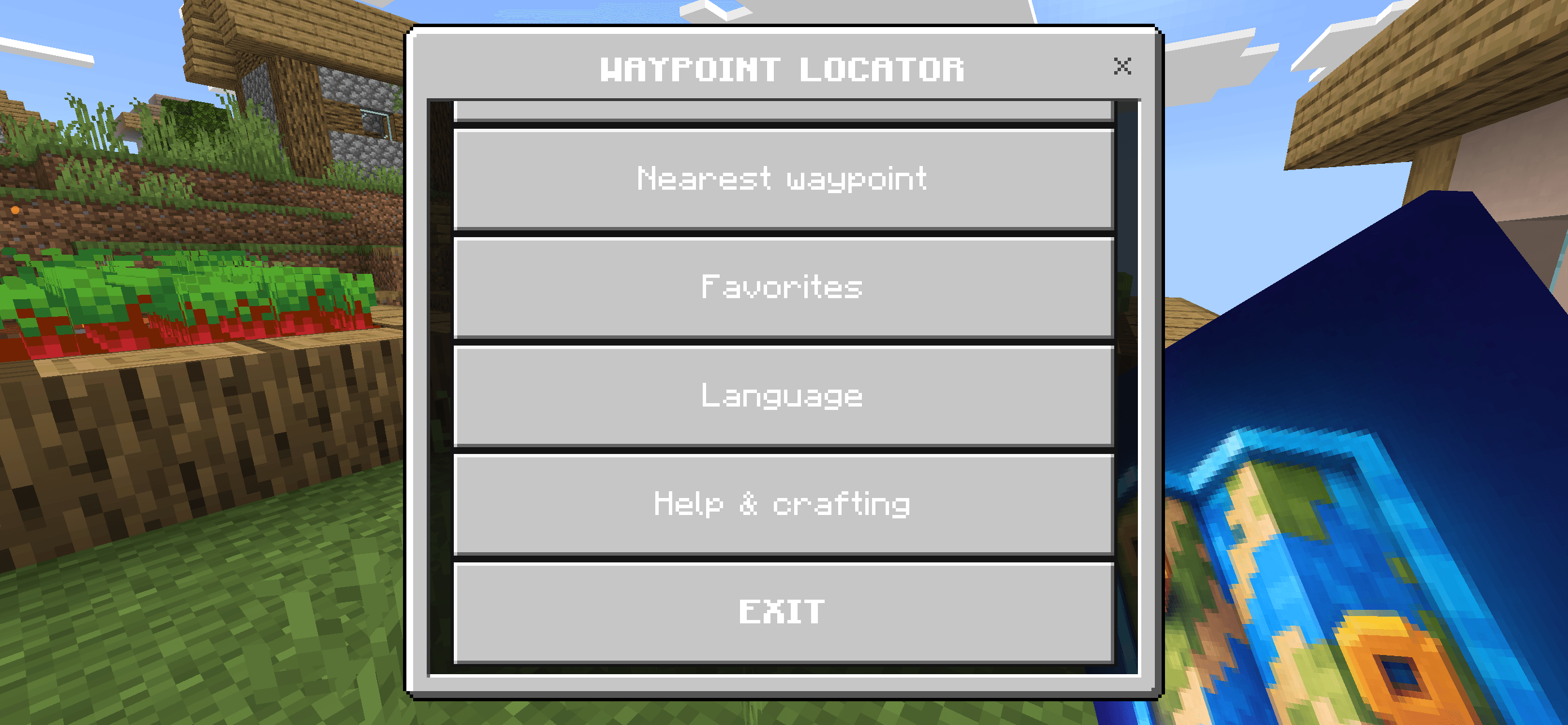
IMG_1606.PNG
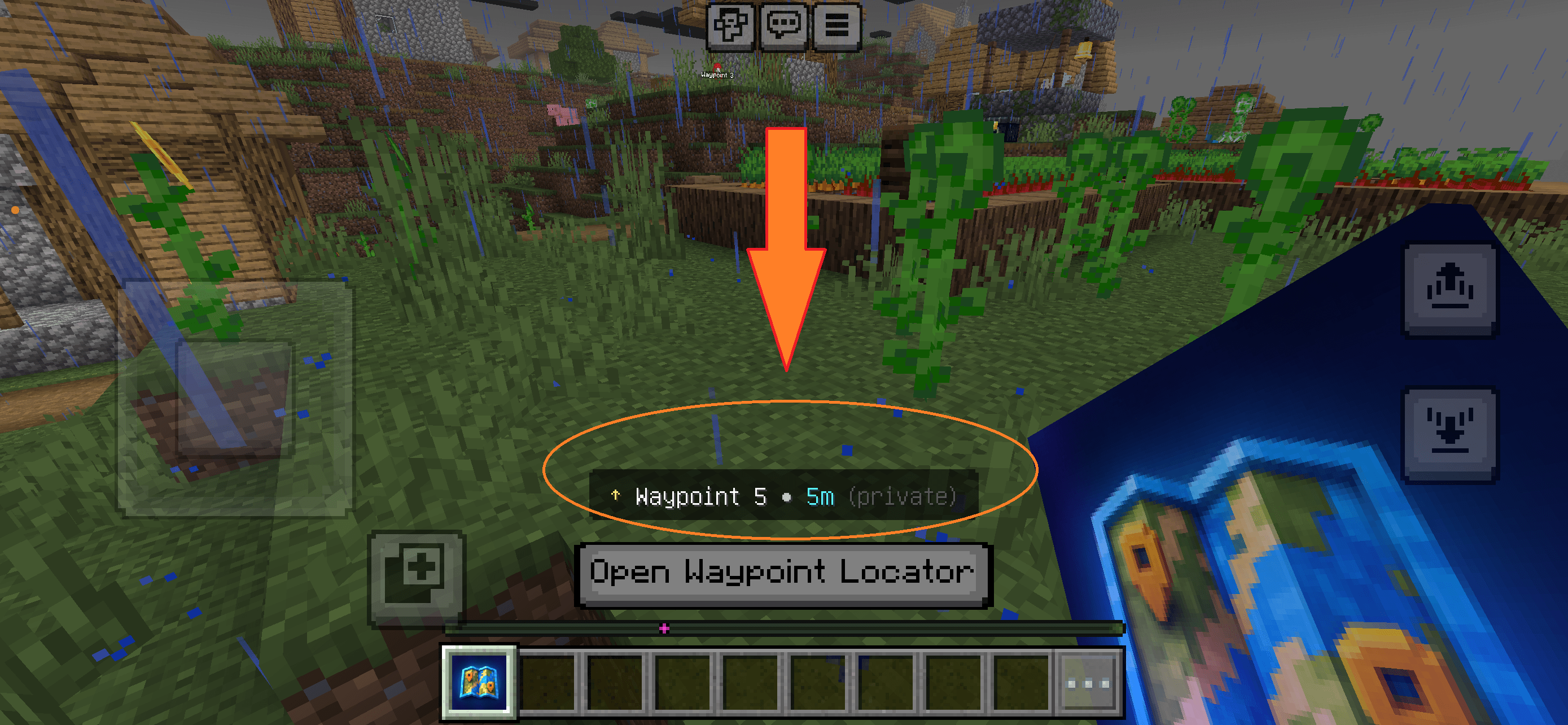
IMG_1610.PNG
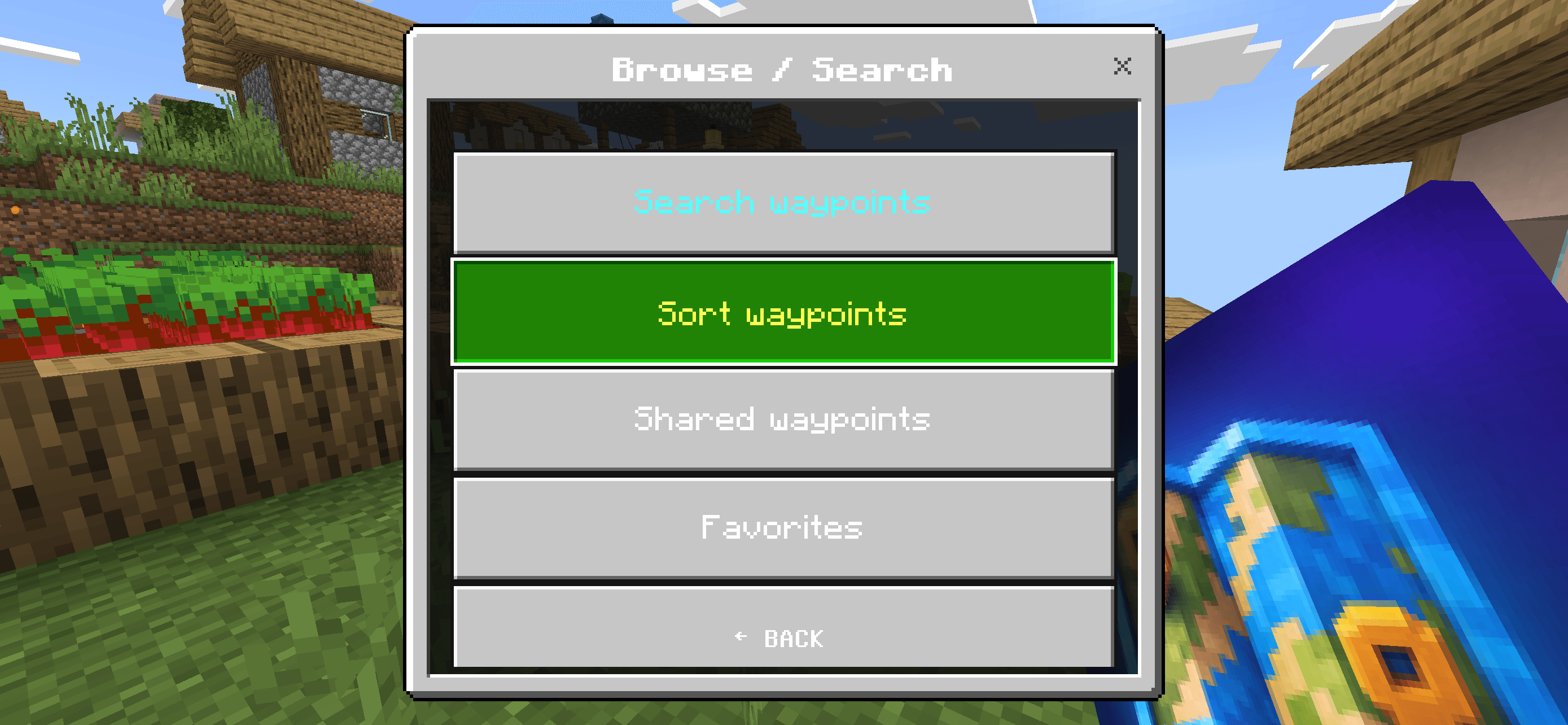
IMG_1607.PNG
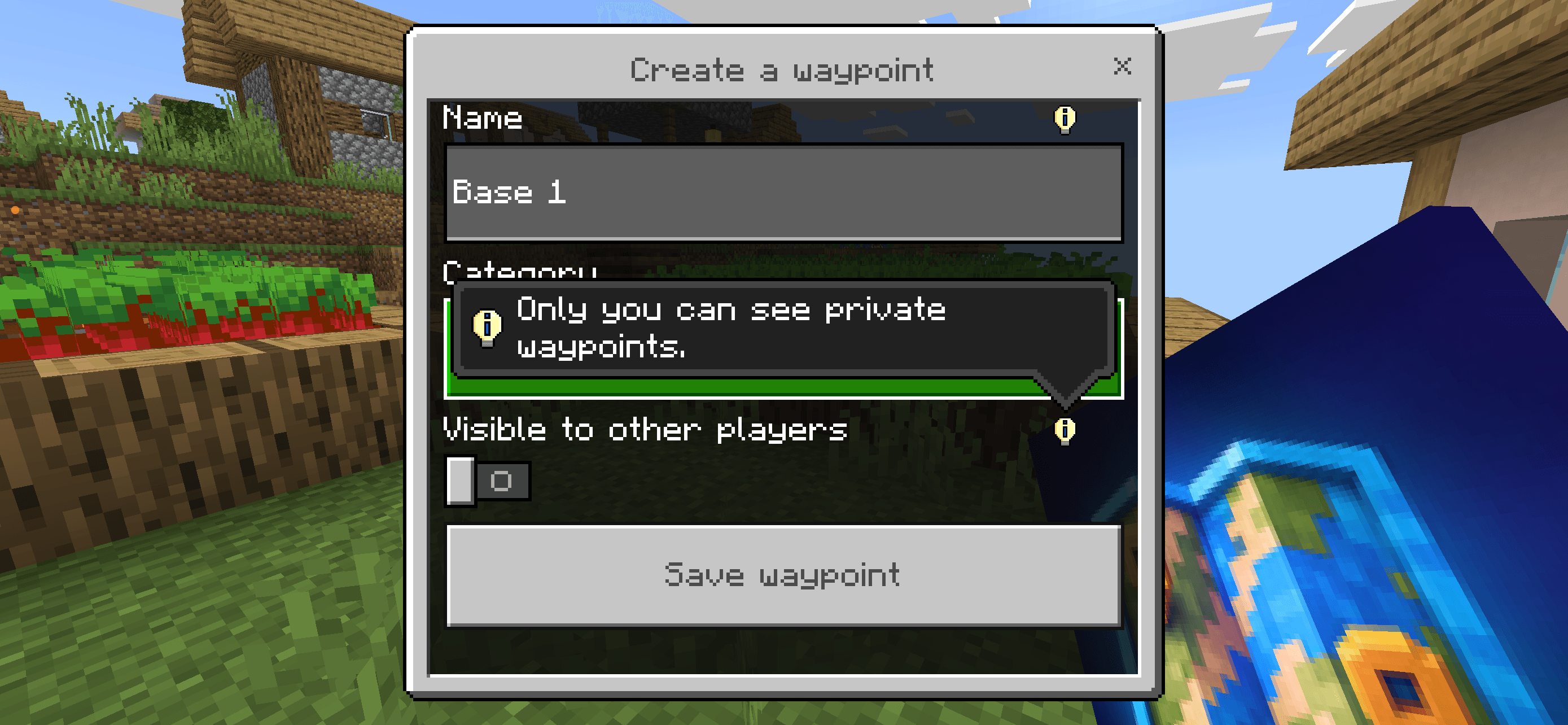
IMG_1609.PNG
IMG_1608.PNG
IMG_1605.PNG
IMG_1455.PNG
IMG_1453.jpeg
Description
Waypoint Locator
Waypoint Locator is a lightweight and multiplayer-friendly waypoint system for Minecraft Bedrock Edition.
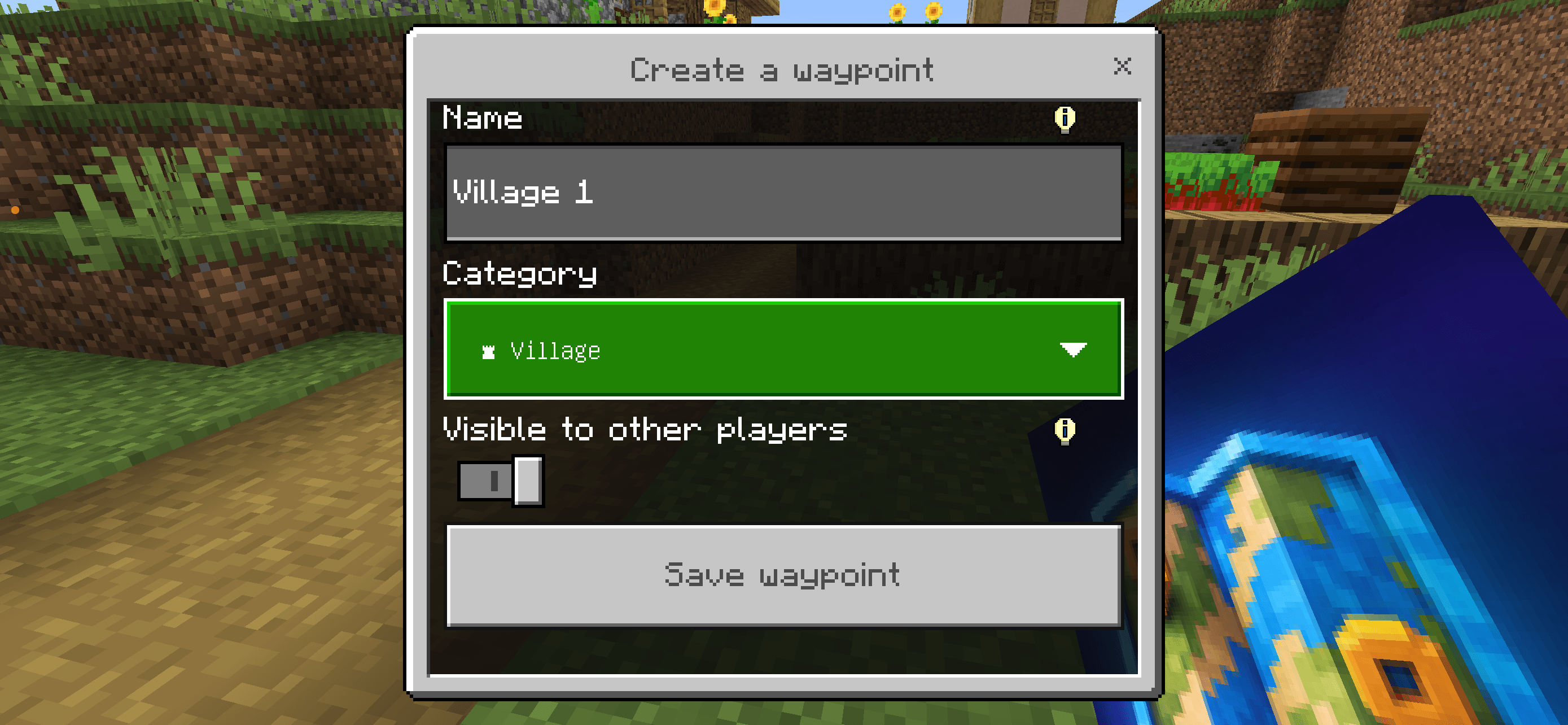
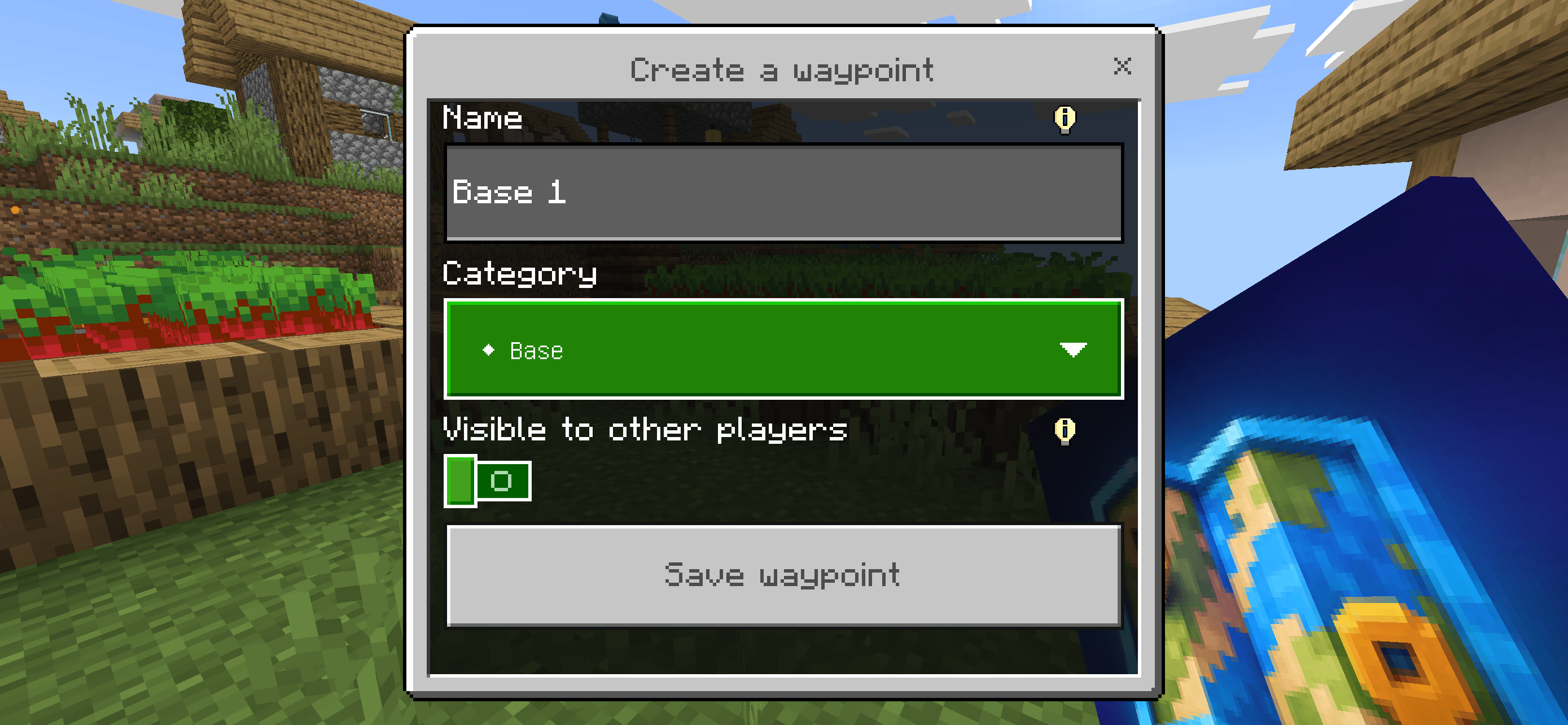
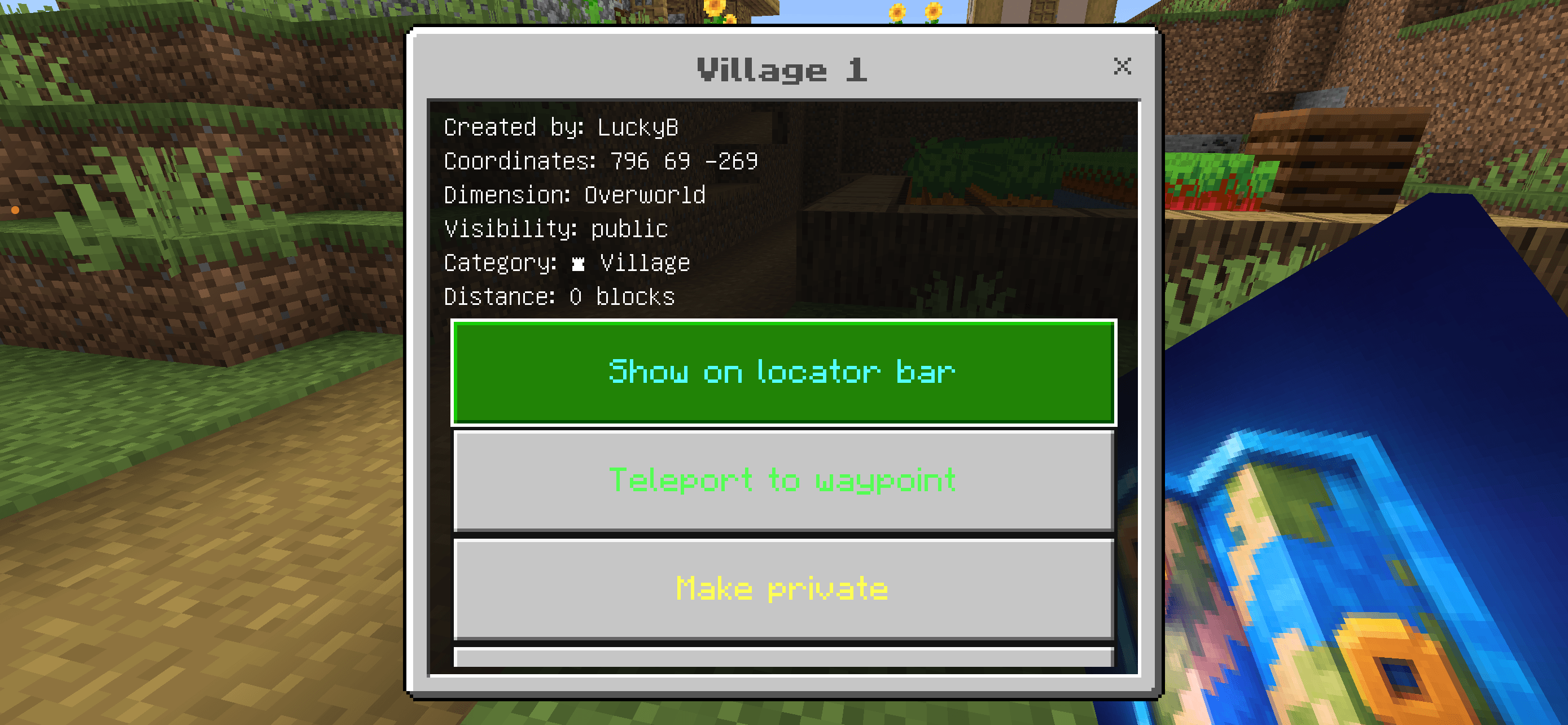
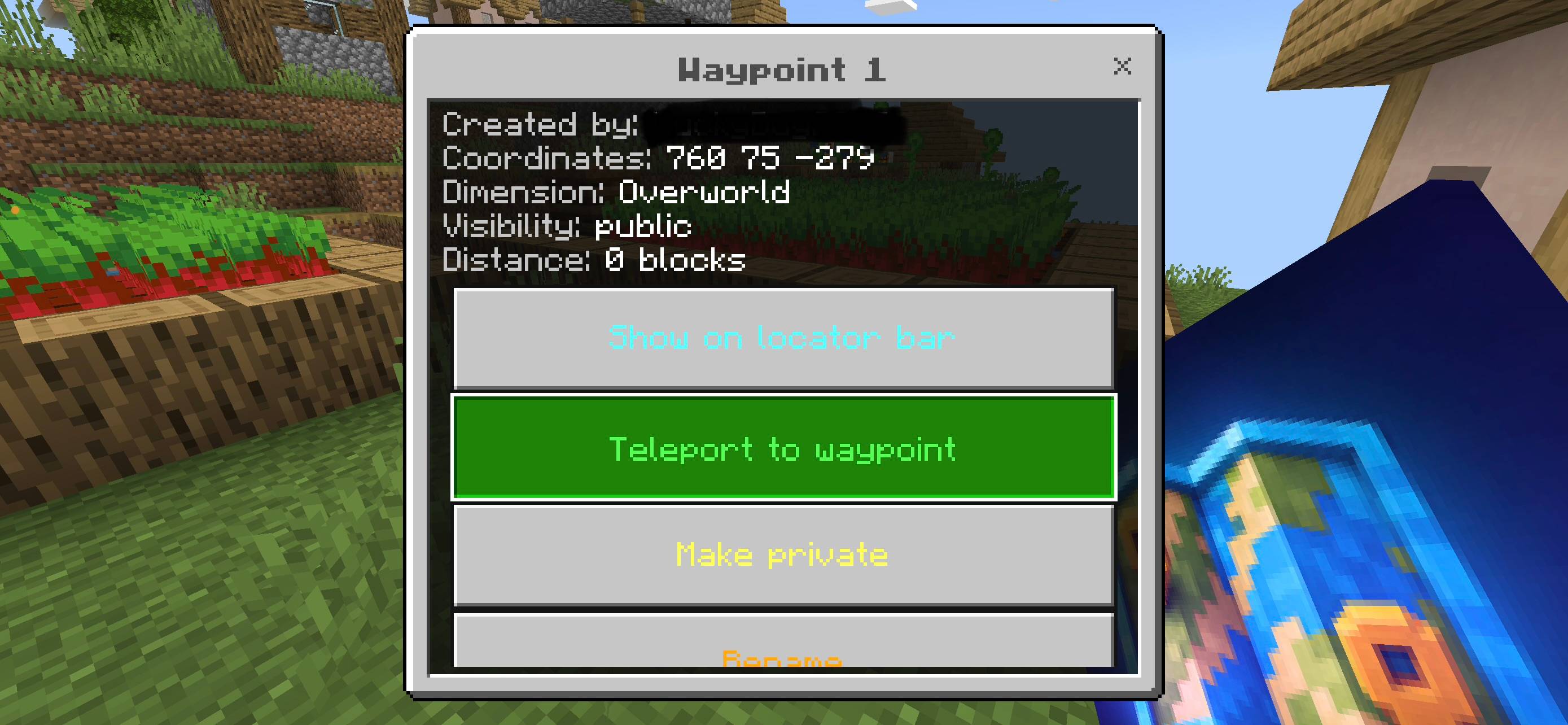
Create, manage and track locations directly in your world. Waypoints can be private or shared with other players, while public locations can be displayed as visible world markers.
✦ Features
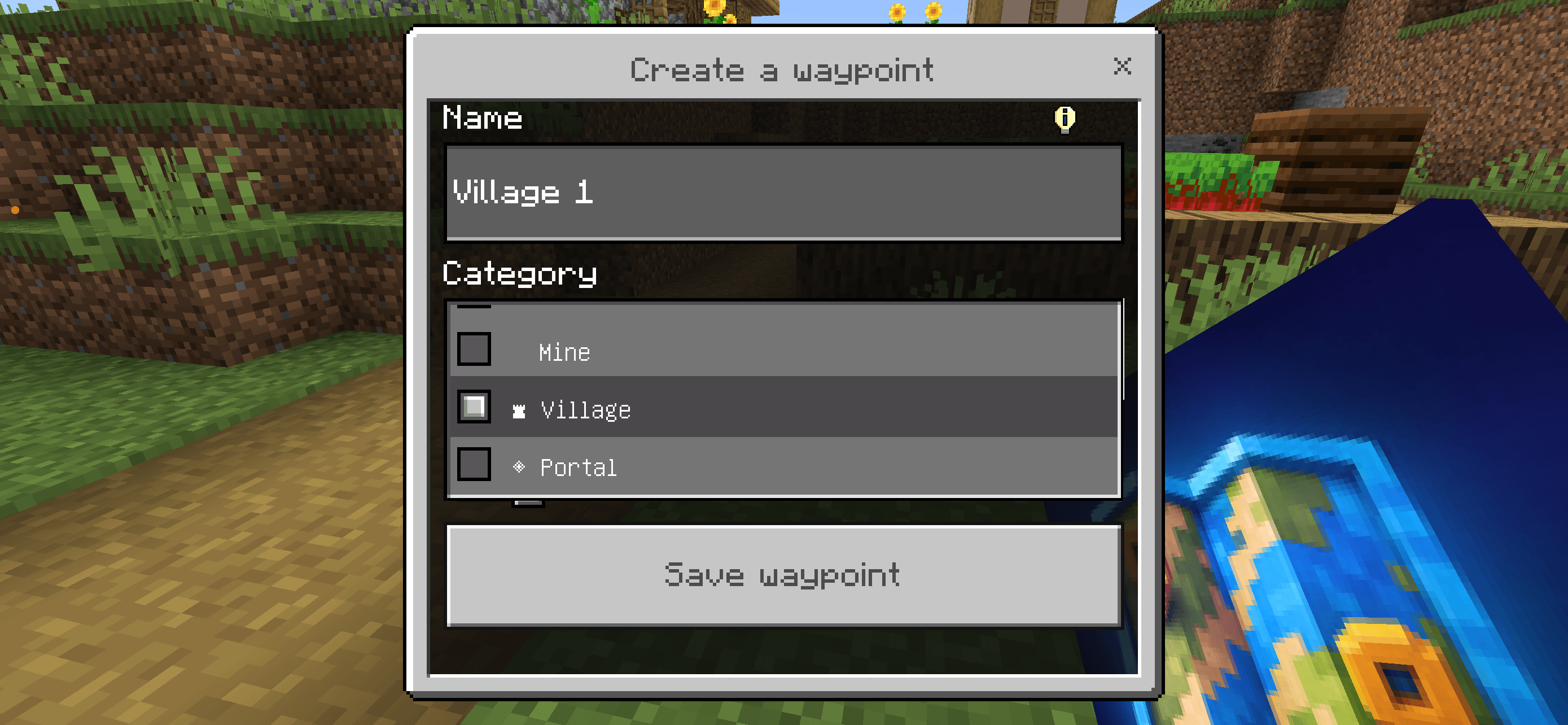
- Create and manage custom waypoints
- Private and public waypoints
- Public world markers with waypoint names
- Personal HUD for tracked private waypoints
- Direction and distance display
- Locator Bar integration
- Waypoint categories
- Favorites
- Search and sorting
- Share waypoints with other players
- Optional waypoint teleportation
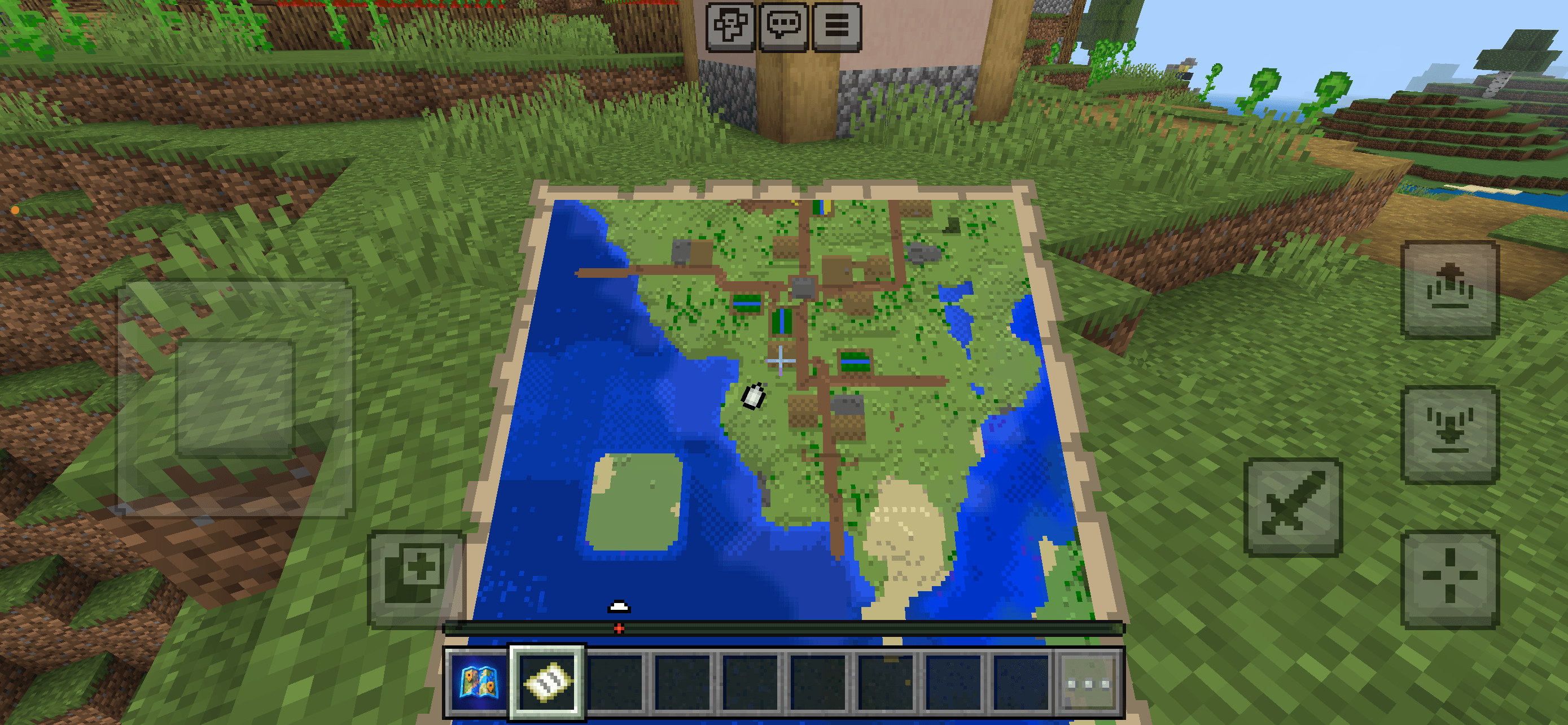
- Vanilla Locator Map support
- Multiplayer and Dedicated Server support
- Admin management system
🌍 Automatic Multi-Language Support
Waypoint Locator automatically detects the player's Minecraft language.
Each player can use the addon in their own language — even when playing together on the same server.
Supported languages:
🇬🇧 English
🇩🇪 Deutsch
🇪🇸 Español
🇫🇷 Français
🇹🇭 ไทย
The language can also be changed manually from the Waypoint Locator menu.
📍 Private Waypoints
Private waypoints belong only to their creator.
When tracking a private waypoint, the personal HUD displays:
- Waypoint name
- Direction
- Distance
Private waypoint information is shown only to the owner.
🌐 Public Waypoints
Public waypoints can be accessed by other players.
World Pins provide a visible marker directly at the saved location, including the waypoint name.
Public waypoints can also be shared and managed through the waypoint menu.
🛠 Admin Menu
Server operators have access to a dedicated Admin Menu.
Open it with:
/function waypoint/set
Admins can:
- Manage all waypoints
- View player waypoint information
- Enable or disable teleportation
- Enable or disable public waypoints
- Enable or disable waypoint sharing
- Enable or disable the Locator Bar
- Enable or disable World Pins and names
- Enable or disable the Vanilla Locator Map
📦 Installation
- Download the
.mcaddonfile. - Open it with Minecraft.
- Activate the Behavior Pack and Resource Pack for your world.
- Start the world.
- The Waypoint Locator item is automatically provided to players.
Use the Waypoint Locator item to open the main menu.
Lightscribe
The Waypoint Locator Team