🛡 Admin Desk
Advanced Admin Menu for Minecraft Bedrock
Take full control of your Minecraft Bedrock world with Admin Desk, a modern administration addon designed for Singleplayer, Multiplayer, Realms and Dedicated Servers.
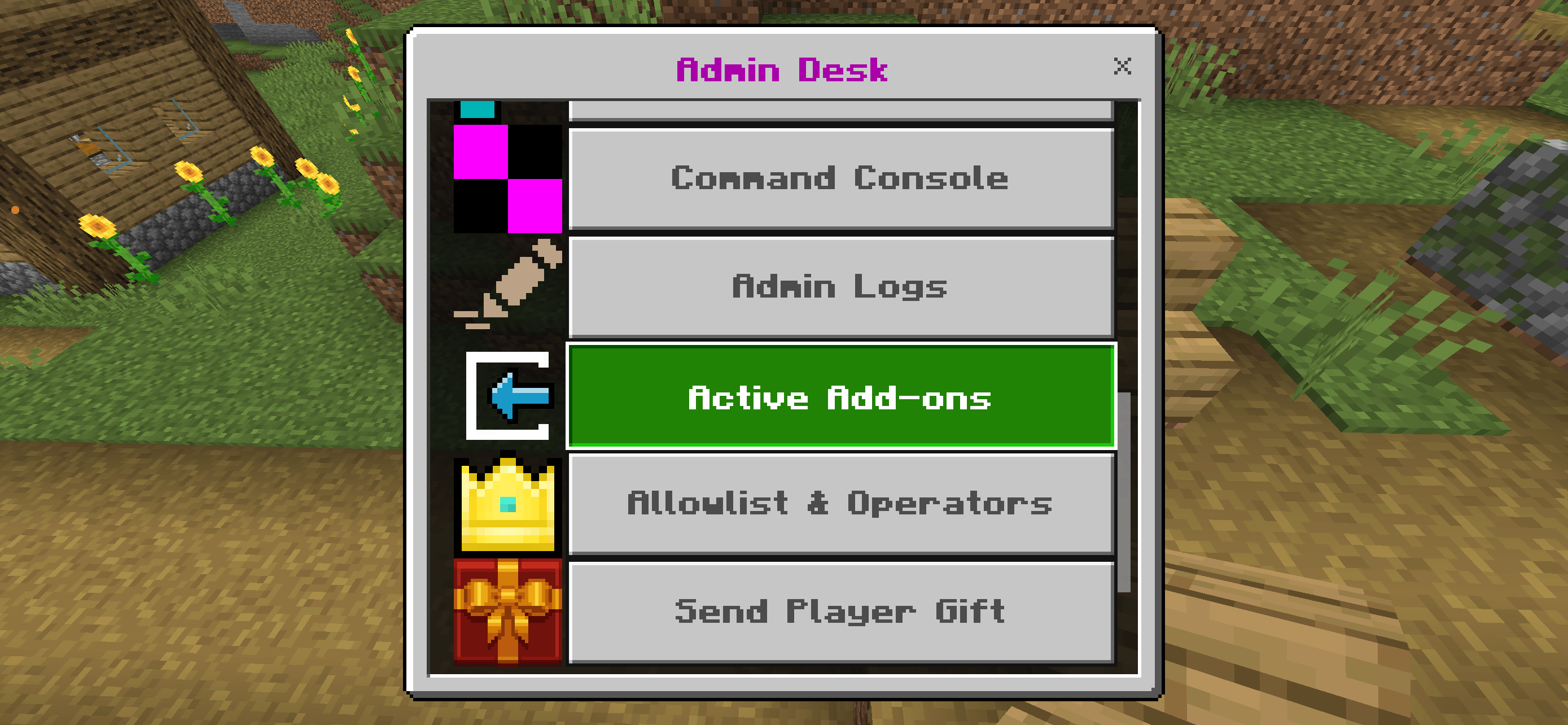
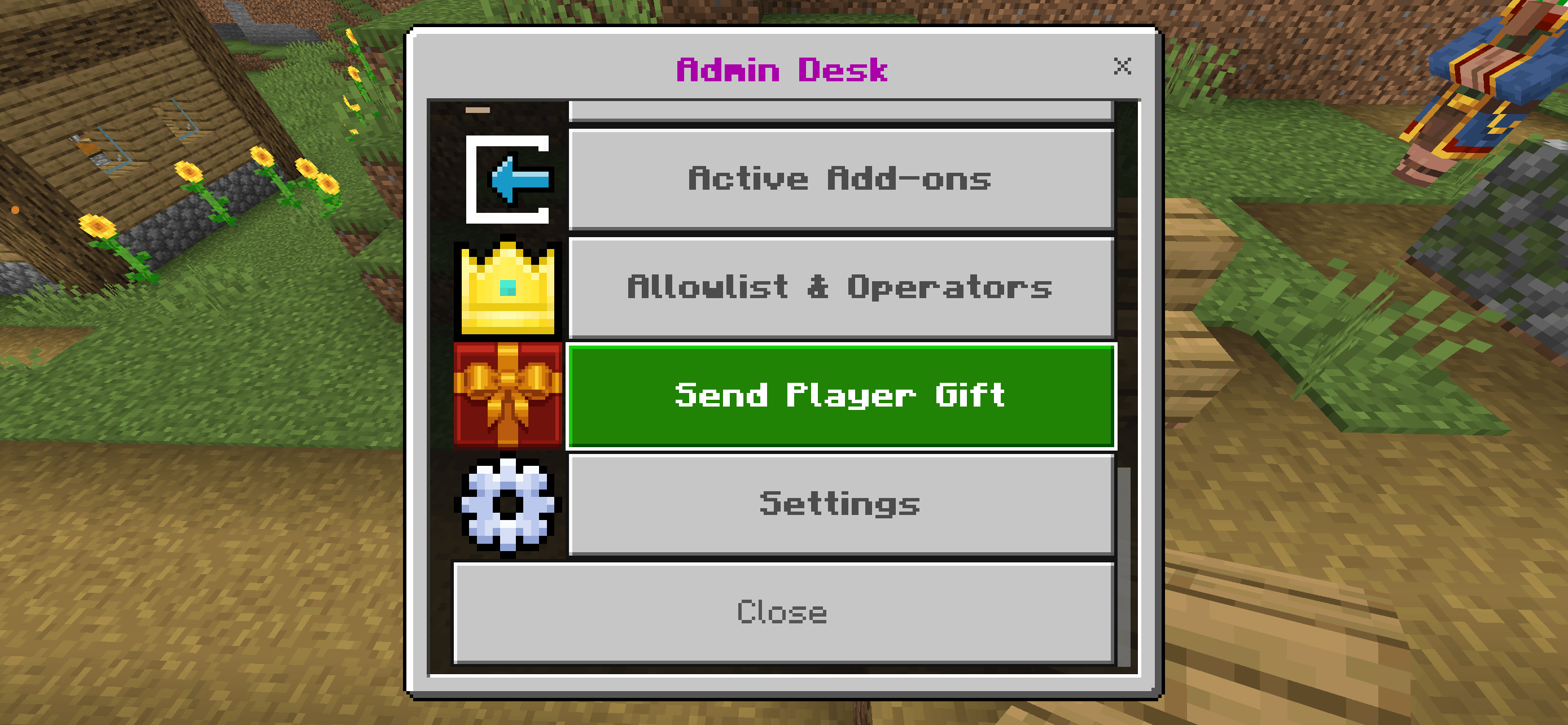
Manage players, control your world, create custom administrator ranks and access powerful server tools — all from an intuitive in-game menu.
✨ Features
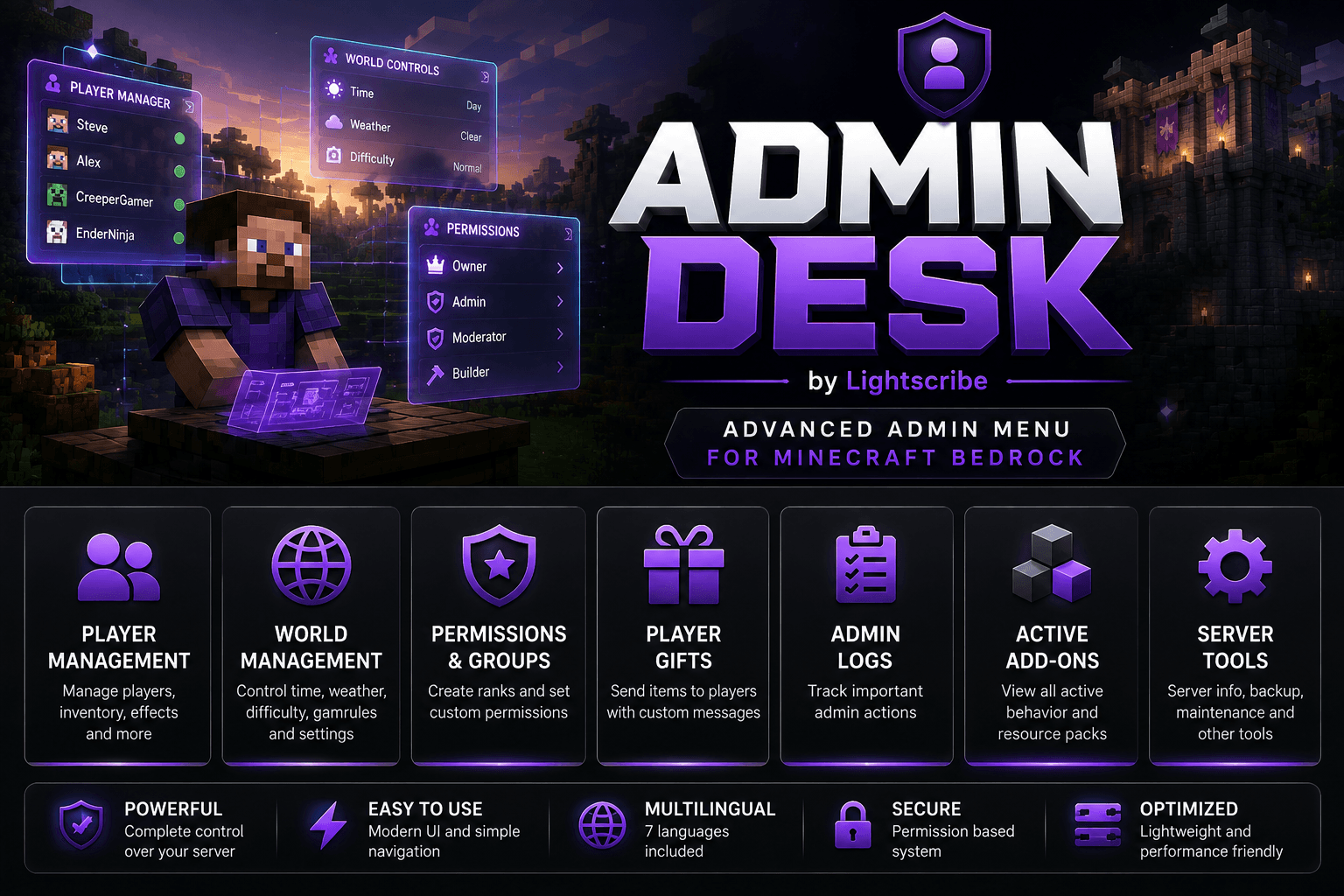
👥 Player Management
- Manage online players
- Heal & Feed
- Change Gamemode
- Teleport Players
- Teleport to Players
- Freeze Players
- Kick Players
- Clear Inventory
- Apply Effects
- Spectator Mode
🌍 World Management
- Change Time
- Change Weather
- Set Difficulty
- Modify Gamerules
- Set World Spawn
- World Settings
🛡 Permission System
Create your own administrator hierarchy.
Examples:
- Owner
- Admin
- Moderator
- Helper
- Builder
Assign individual permissions to every rank.
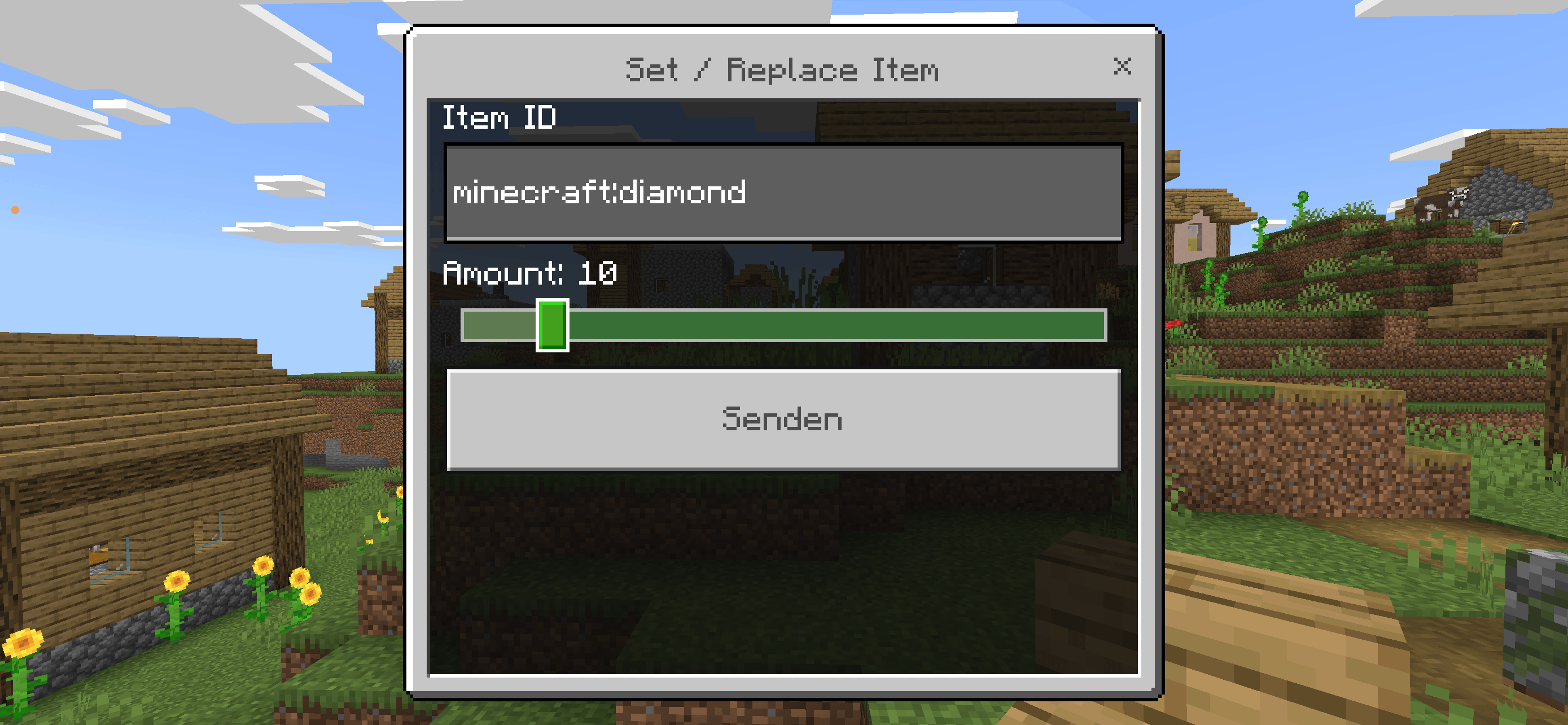
🎁 Player Gifts
Send valuable items to any online player.
Features:
- Large item selection
- Custom gift message
- Select players directly from the online player list
📦 Active Add-ons
View all enabled Behavior Packs and Resource Packs directly from the menu.
📋 Admin Logs
Track important administrator actions including:
- Player Management
- World Changes
- Permission Changes
- Gifts
- Server Actions
⚙ Server Tools
- Clear Floating Items
- Entity Utilities
- Broadcast Messages
- Server Information
- Maintenance Tools
🌐 Multilanguage Support
Each administrator can choose their own language directly inside the addon.
Supported Languages:
- 🇺🇸 English
- 🇩🇪 Deutsch
- 🇪🇸 Español
- 🇫🇷 Français
- 🇹🇭 ไทย
Changing the language only affects the Admin Desk interface.
Minecraft itself is not modified.
✅ Compatibility
- Minecraft Bedrock Edition
- Singleplayer
- Multiplayer
- Realms
- Dedicated Servers
🚀 Easy to Use
Open the menu with
After the initial setup, Admin Desk provides quick access to every management feature from one modern interface.
❤️ Why Admin Desk?
Admin Desk is designed to replace complicated command usage with a clean and intuitive administration interface.
Whether you're managing a Realm, a multiplayer community or your own survival world, Admin Desk helps you stay in control with speed, clarity and flexibility.
📌 Planned Features
- Warp Manager
- Home System
- Ban System
- Mute System
- Player Statistics
- Backup Manager
- Advanced Server Monitoring
- Additional Languages
- UI Themes
Installation
1. Import the addon
Open the .mcaddon file and enable the Behavior Pack (and Resource Pack if included) in your world.
2. Join the world
Join your world as the server owner or an operator.
3. Run the installation command
(Use this command only once after import and first start with the addon.)
This command:
- Creates the Admin Desk database
- Registers the first owner
- Creates the default administrator ranks
- Initializes the configuration
Note: Run this command only once after installing the addon.
4. Open the Admin Menu
👨💻 Created by
Lightscribe Team