MCPEDL.png
Description
Quick Wall Tool
Join Origami Studios Discord for updates!
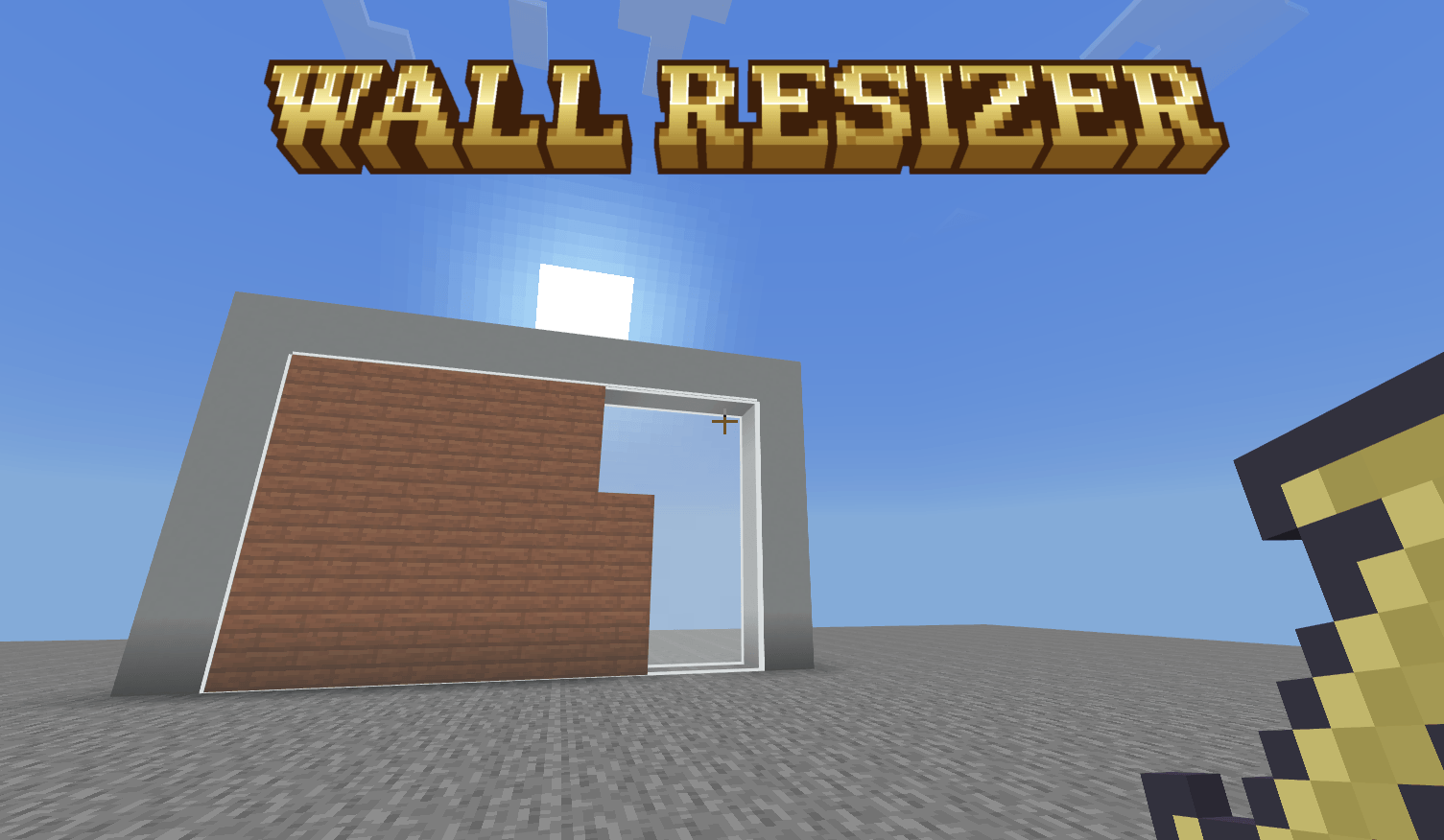
Create and delete walls at blazingly fast speeds.


With the Resizer hold down the <build/interact> button and release when done.

Shift to Delete walls

Detailed Instructions
- Select a single block
- Pick a side of the block (this will control how the block will stretch)
- Hold down the build/interact button
- Move where you are looking to where you want the wall to end
- If you want to delete, hold shift
- Release the build/interact button
Wall Sizer Team