Village Spawner SL
- By
Generate villages, temples, forts, dungeons, ruins and unique settlements directly in your Bedrock world.
Settlement-Forge-pack-icon-cf.png
Settlement-Forge-cover-cf.png
Settlement-Forge-showcase-village-cf.png
Settlement-Forge-showcase-temple-cf.png
Description
Settlement Forge – Village Spawner
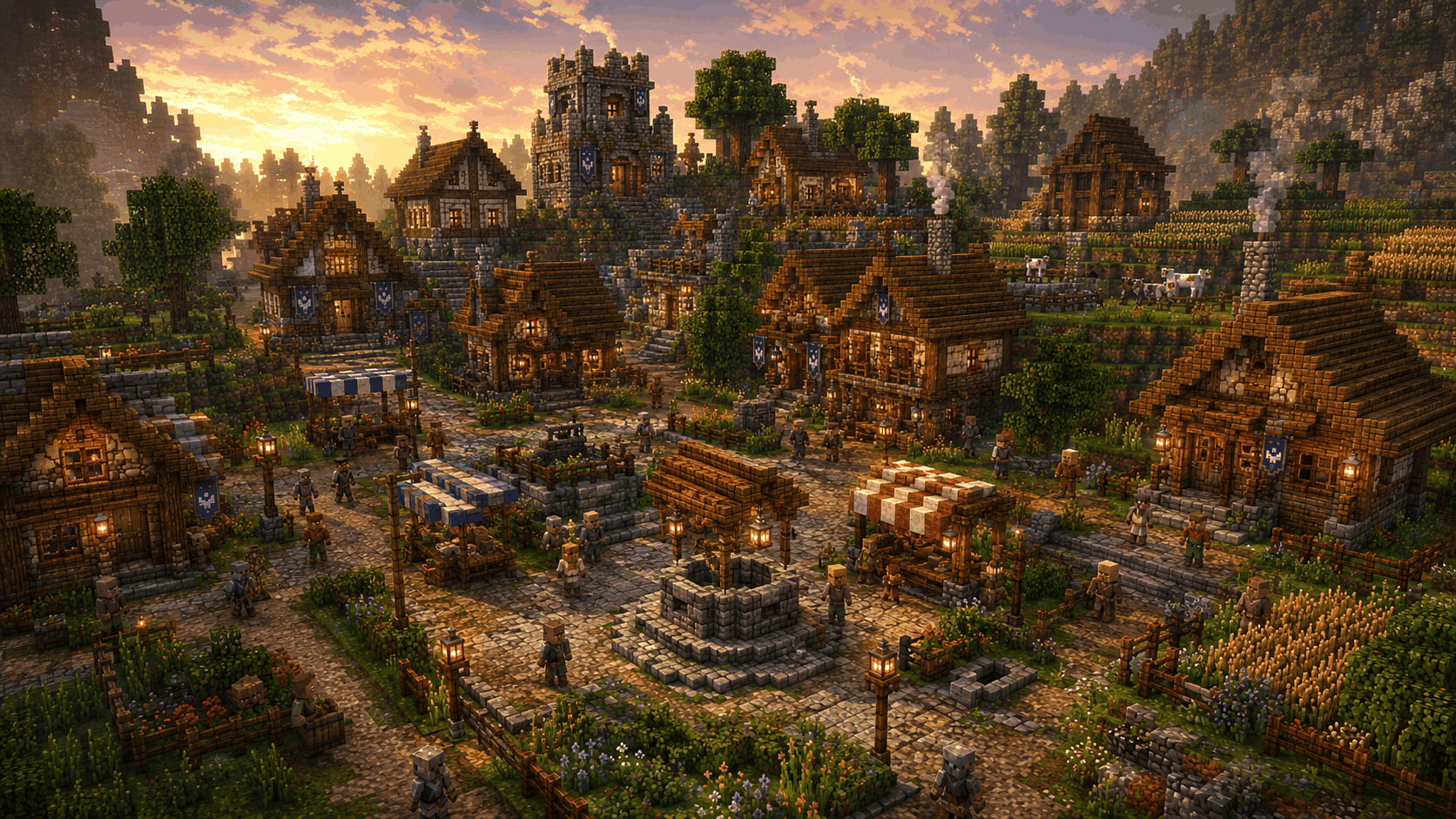
Settlement Forge adds generated villages, temples, forts, dungeons and other unique structures to your Minecraft Bedrock world.
Create settlements directly in-game and choose between different structure types, sizes, biome styles, loot settings and gameplay options.
The goal is to make generated structures feel more detailed, varied and useful than simple empty buildings.
Features
- Multiple village sizes
- Randomized village layouts
- Different house shapes and building styles
- Detailed house interiors
- Markets and village centers
- Wells
- Farms
- Roads and decorated paths
- Village walls and watchtowers
- Different profession buildings
- Blacksmith
- Farmer houses
- Libraries
- Cartographers
- Toolsmiths
- Armorers
- Butchers
- Masons
- Shepherds
- Bakeries
- Taverns
- Warehouses
- Churches
- Town halls
- Stables
- Barns
- Fisher houses
Pillager Structures
Generate different hostile settlements such as:
- Pillager Camps
- Pillager Outposts
- Pillager Forts
- Multiple fort layouts
- Watchtowers
- Barracks
- Armories
- Prison cages
- Training areas
- Loot storage
- Defensive walls
Forts are randomized so they do not always use the same layout.
Temples & Dungeons
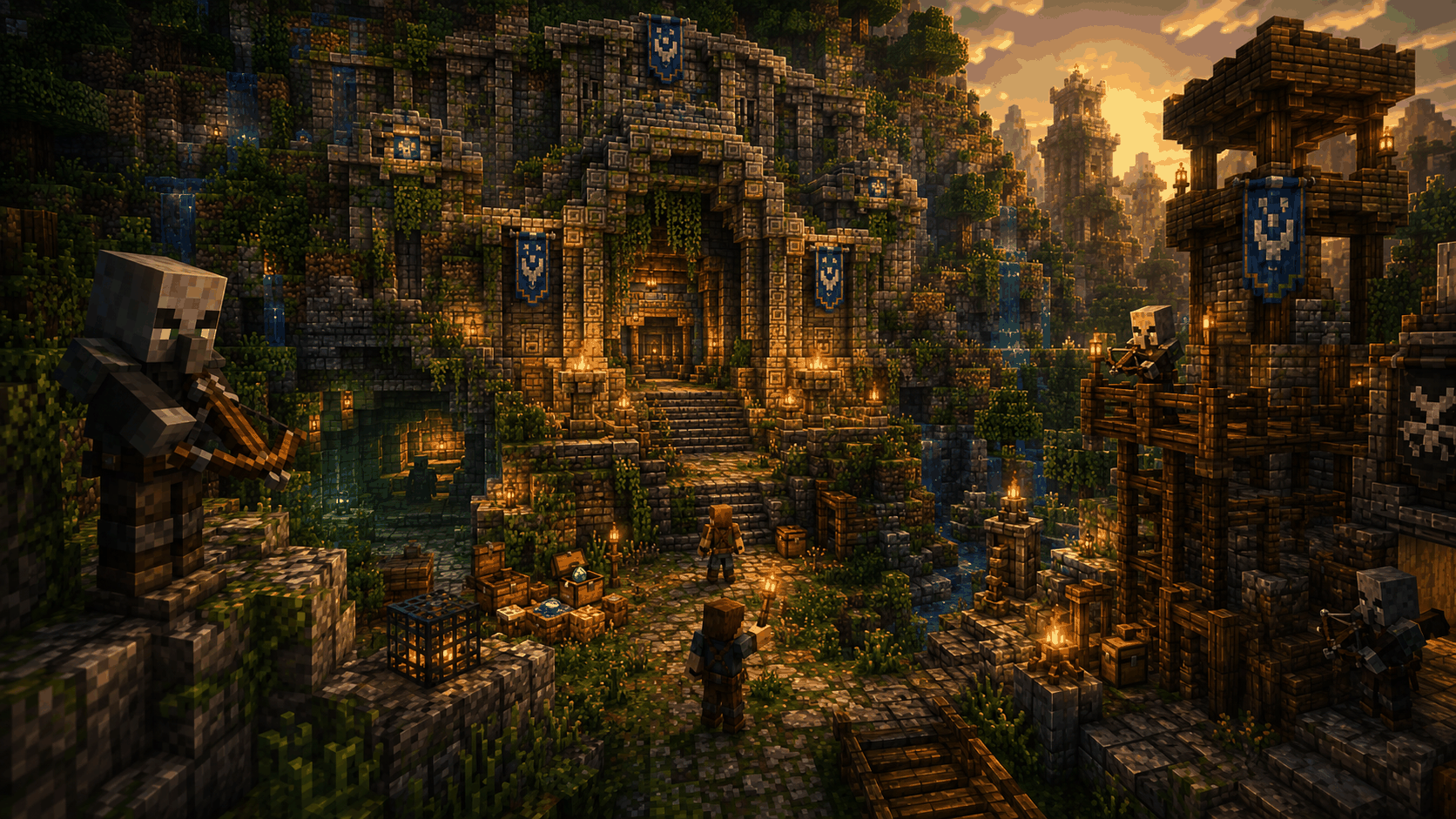
Settlement Forge also includes larger adventure structures.
- Jungle Temples
- Pyramid Temples
- Ruined Temples
- Multi-level underground areas
- Labyrinth sections
- Trap rooms
- Boss areas
- Treasure chambers
- Temple Key system
- Configurable traps
- Optional bosses
- Different dungeon layouts
- Up to 3 dungeon levels
- Different loot qualities
Temple-specific options are only shown when a Temple or Dungeon is selected.
This includes:
- Give Temple Key
- Enable / Disable Traps
- Number of Trap Zones
- Boss Settings
- Temple Key System
- Dungeon Layout
- Dungeon Levels
These options are hidden when generating normal villages or other structures.
More Structures
Additional generated structures include:
- Ruined Villages
- Abandoned Mines
- Graveyards
- Monasteries
- Witch Huts
- Biome Special Structures
- Dungeons
- Random Settlements
Loot
Choose different loot levels when generating structures:
- Low
- Normal
- Rare
- Epic
- Legendary
Higher loot levels can contain more valuable items.
Villager Options
Choose how many villagers should be generated with a village.
Different settings allow villages to be created with fewer villagers, more villagers or without villagers.
Admin Menu
Open the Settlement Forge admin menu with:
/function village
You can also open the menu using the Settlement Forge house item from your inventory.
The menu allows you to configure and generate structures directly in-game.
Structure Management
Generated settlements can be managed from the admin menu.
You can:
- View generated settlements
- Teleport to generated settlements
- Remove generated settlements
- Manage temple options
- Generate new structures
Settlement Forge uses a terrain backup system for generated structures so supported settlements can be restored when they are removed.
Minecraft Bedrock Edition
Settlement Forge is made for Minecraft Bedrock Edition.
It is designed for players and server admins who want to quickly add detailed settlements, structures and adventure locations to their worlds without manually building everything.
Support Future Development ❤️
Do you enjoy this addon? You can support my work through Buy Me a Coffee.
Every donation helps me dedicate more time to creating new addons, improving existing projects, fixing issues and responding to community suggestions more quickly.
Support is completely optional. Feedback, ideas and feature requests are always welcome and help make future updates even better.
Click here for Buy Me a Coffee
Thank you for supporting Lightscribe and the development of more Minecraft Bedrock content! 🙏
Village Spawner SL Team