FPS Performance Counter
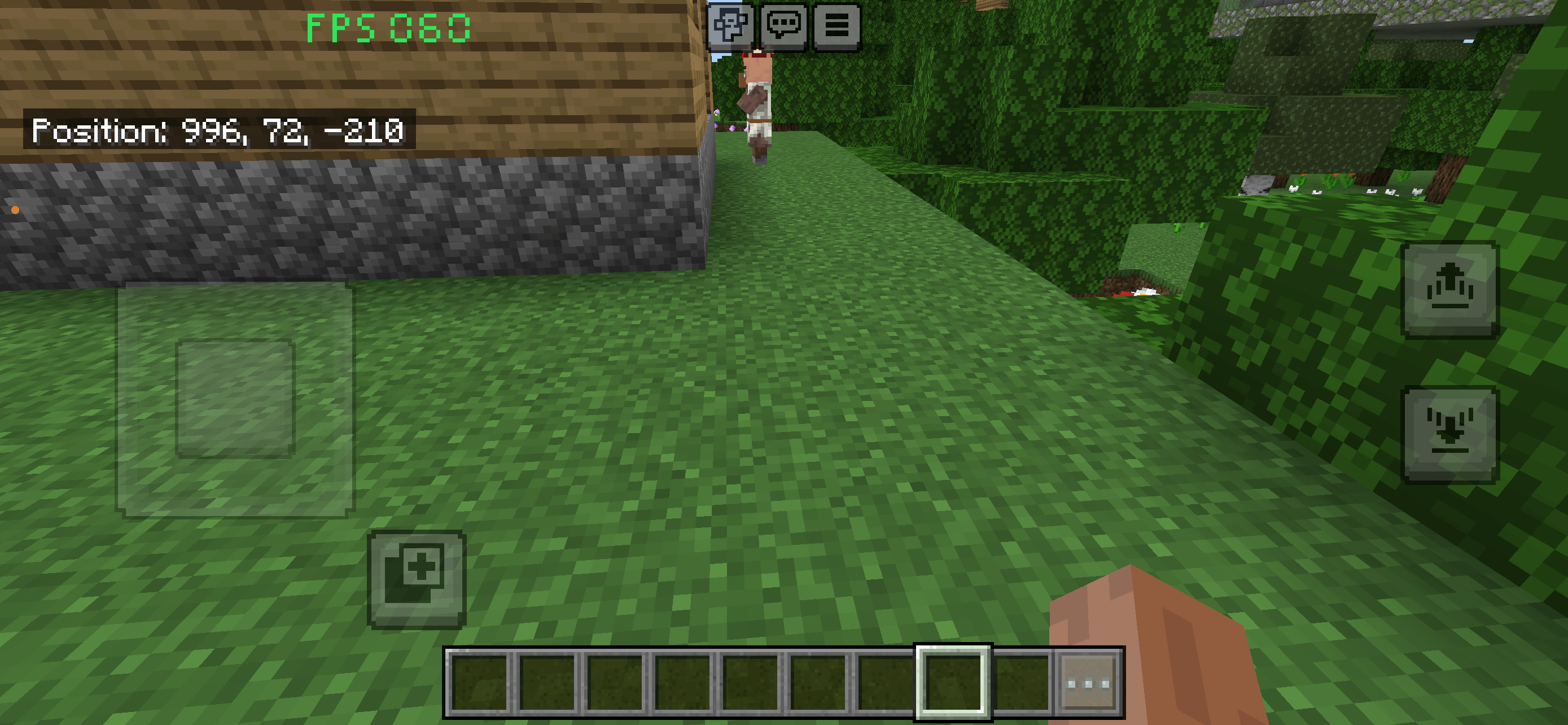
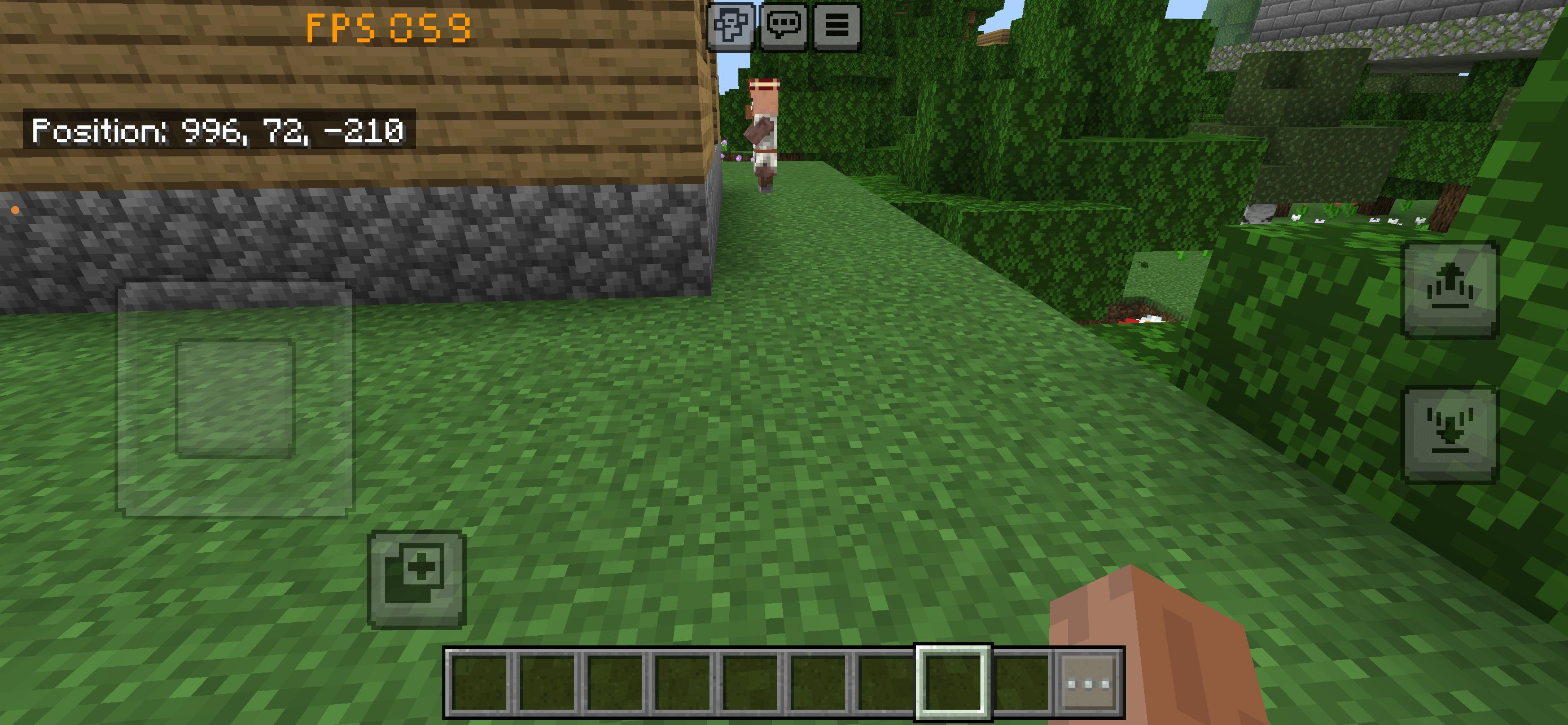
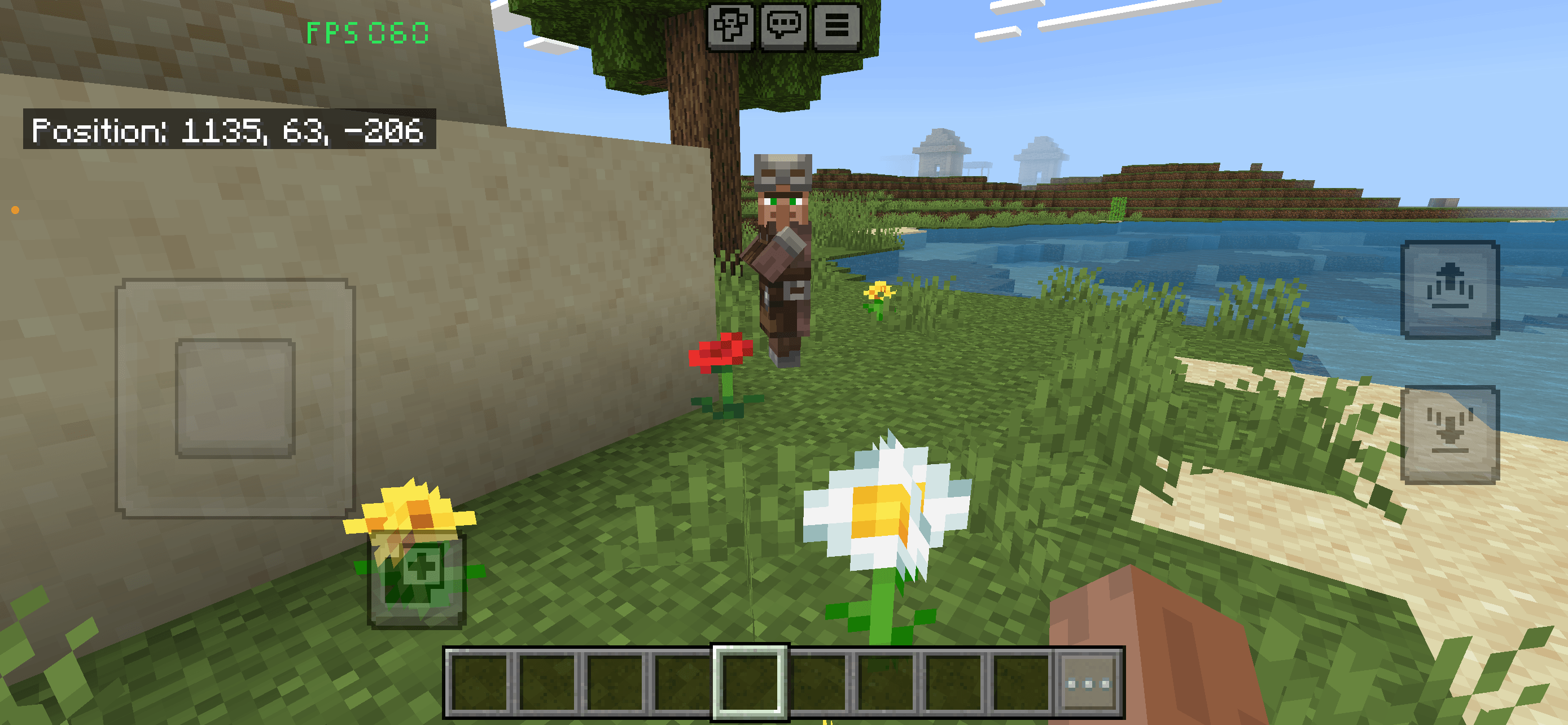
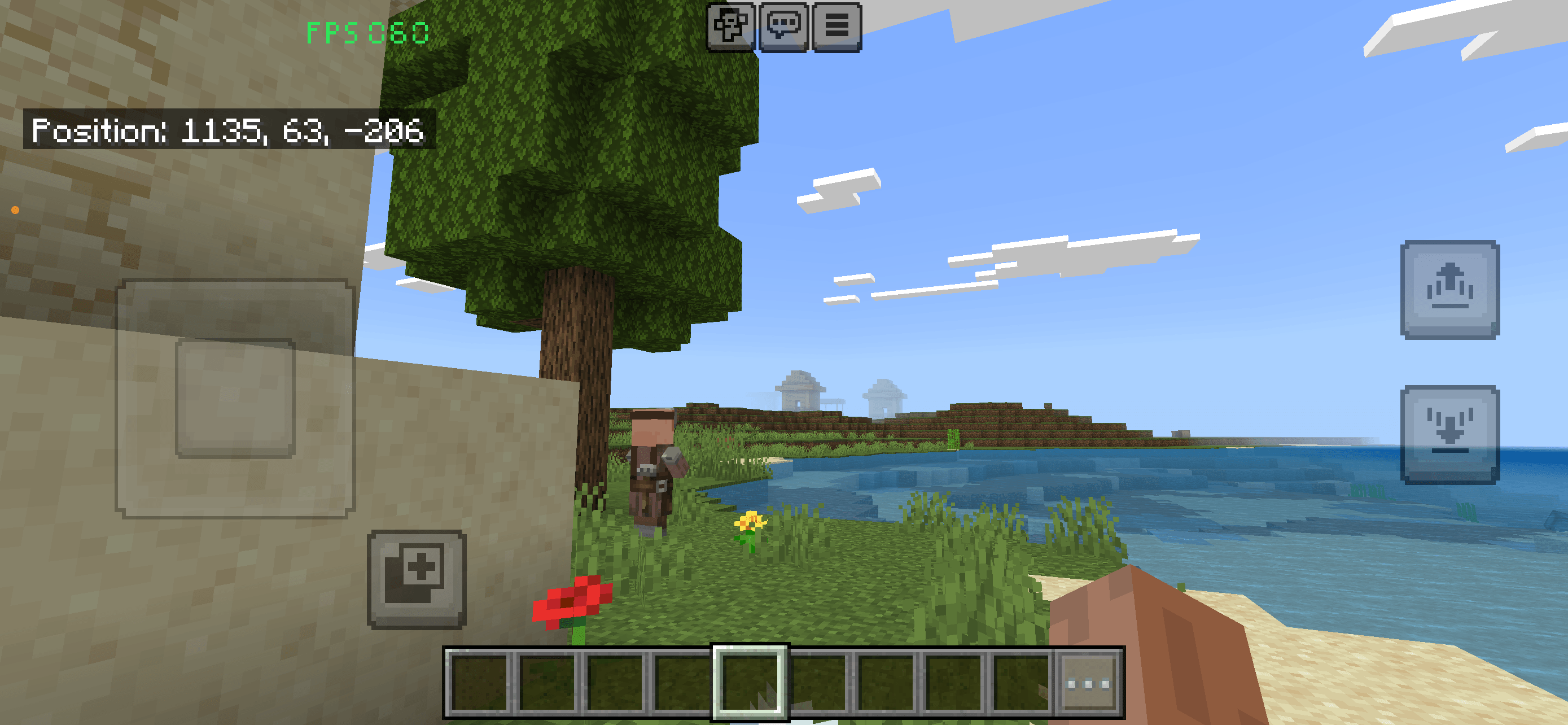
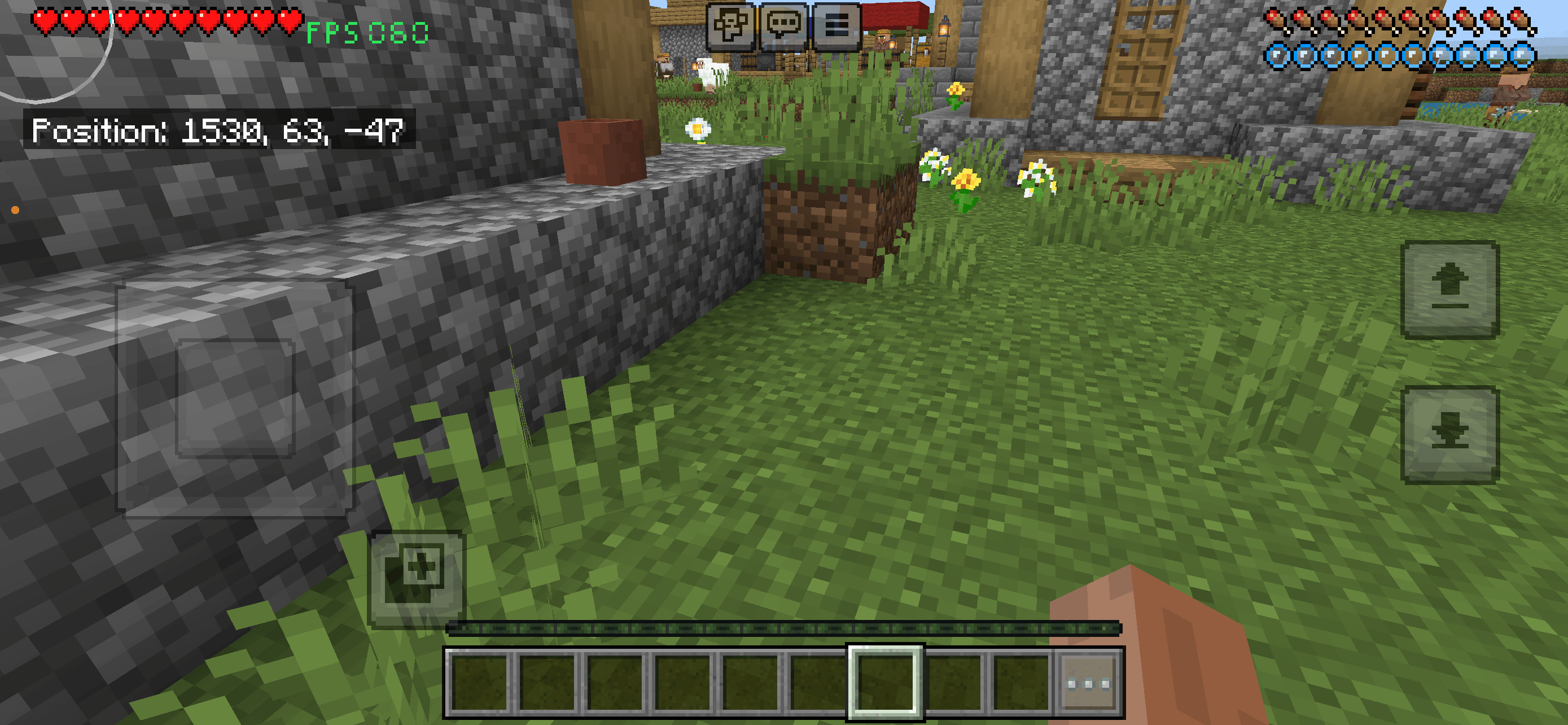
FPS Performance Counter LS adds a clean, permanent FPS display to Minecraft Bedrock Edition.
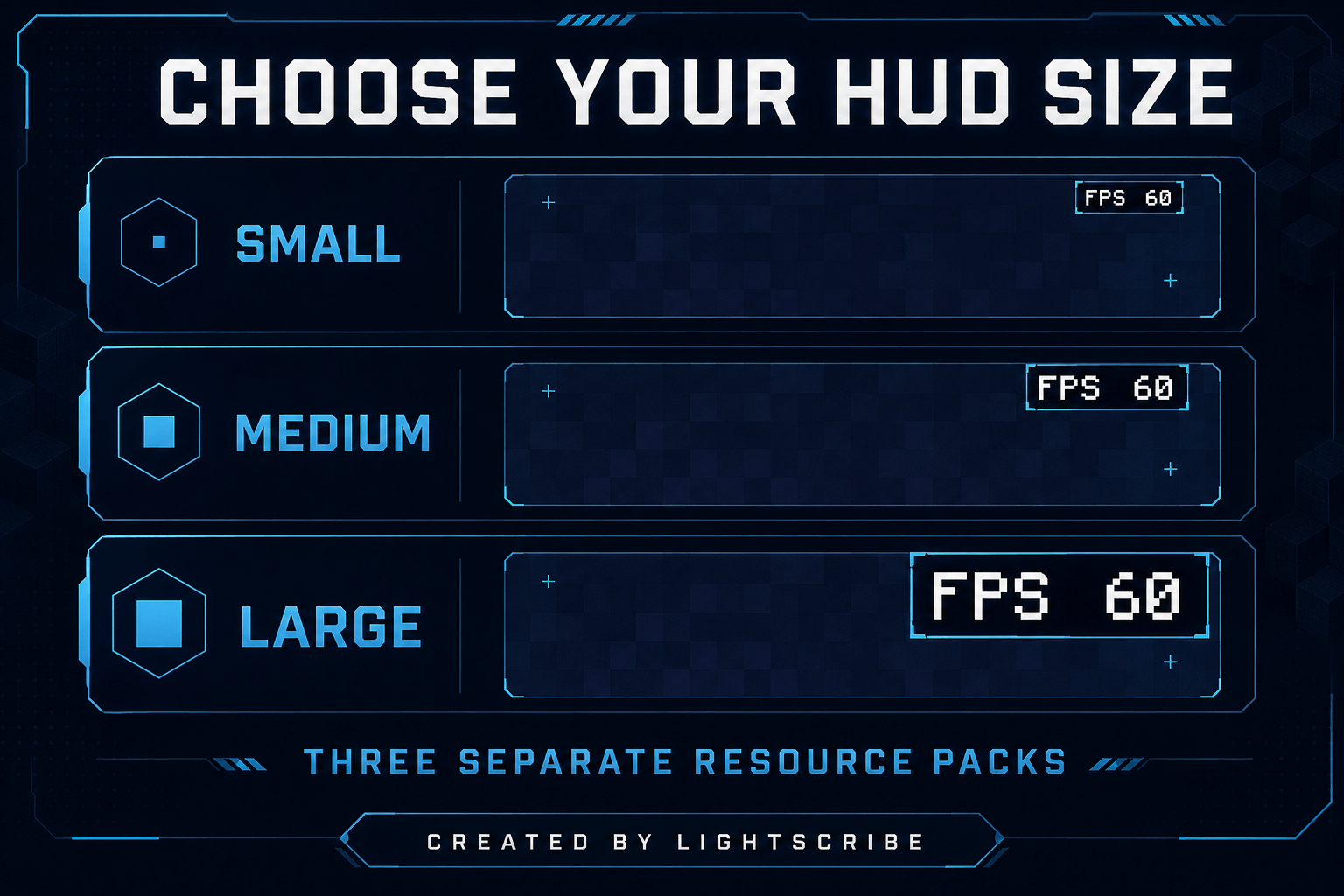
The counter appears in the upper-right corner and uses a balanced Medium size for good readability without covering too much of the screen.
Features
- Real-time FPS display
- Medium-sized HUD
- Fixed position in the upper-right corner
- Automatic performance colors
- Clean and lightweight design
- No commands required
- No Behavior Pack required
- Singleplayer and multiplayer support
- Bedrock Dedicated Server support
- Created by Lightscribe
Automatic FPS Colors
The display changes color automatically:
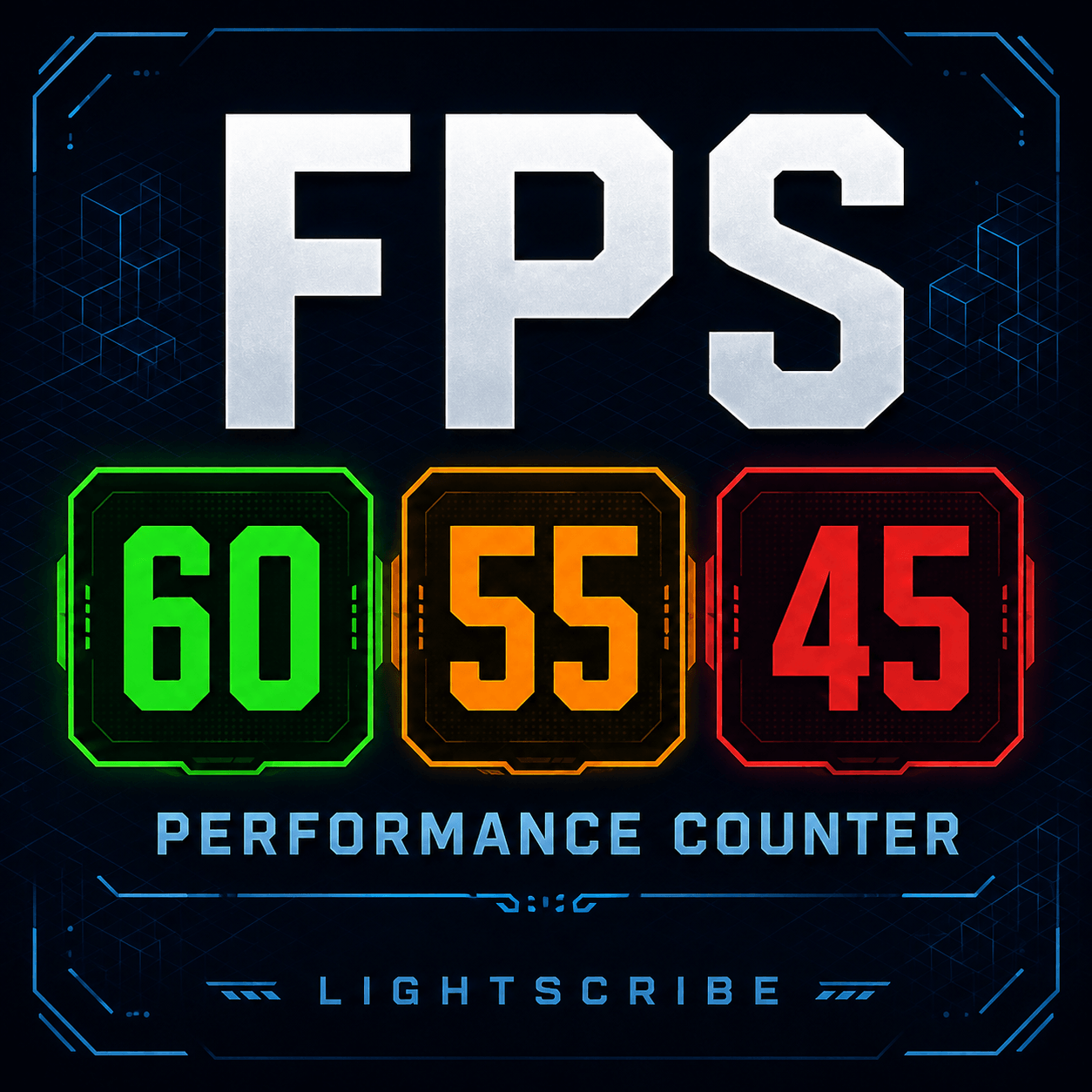
- Green: 60 FPS or higher
- Orange: 50–59 FPS
- Red: Below 50 FPS
This allows you to recognize performance changes immediately without opening additional menus.
Installation
- Download the
.mcpack file.
- Open the downloaded file with Minecraft.
- Wait for the Resource Pack import to finish.
- Open your world settings.
- Select Resource Packs.
- Activate FPS Performance Counter LS – Medium.
- Start or restart the world.
The FPS display should appear automatically in the upper-right corner.
Global Resource Installation
You can also activate the pack globally:
- Open Minecraft settings.
- Select Global Resources.
- Open My Packs.
- Select FPS Performance Counter LS – Medium.
- Press Activate.
Bedrock Dedicated Server Installation
- Rename the downloaded file extension from
.mcpack to .zip.
- Extract the ZIP file.
- Copy the extracted folder into the server’s
resource_packs directory.
- Open:
worlds/<your-world-name>/world_resource_packs.json
- Add the following entry:
{
    "pack_id": "2c94c25e-acde-49ca-b874-a11820efcf55",
    "version": [
        2,
        1,
        0
    ]
}
- Save the file and restart the server.
To require connected players to download the Resource Pack, add or change this setting in server.properties:
texturepack-required=true
Compatibility Notice
Resource Packs that also modify the player entity or related render controllers may conflict with the FPS display.
If the counter is not visible, temporarily deactivate other HUD or player-rendering Resource Packs and test again.
FPS Performance Counter LS
Created by Lightscribe