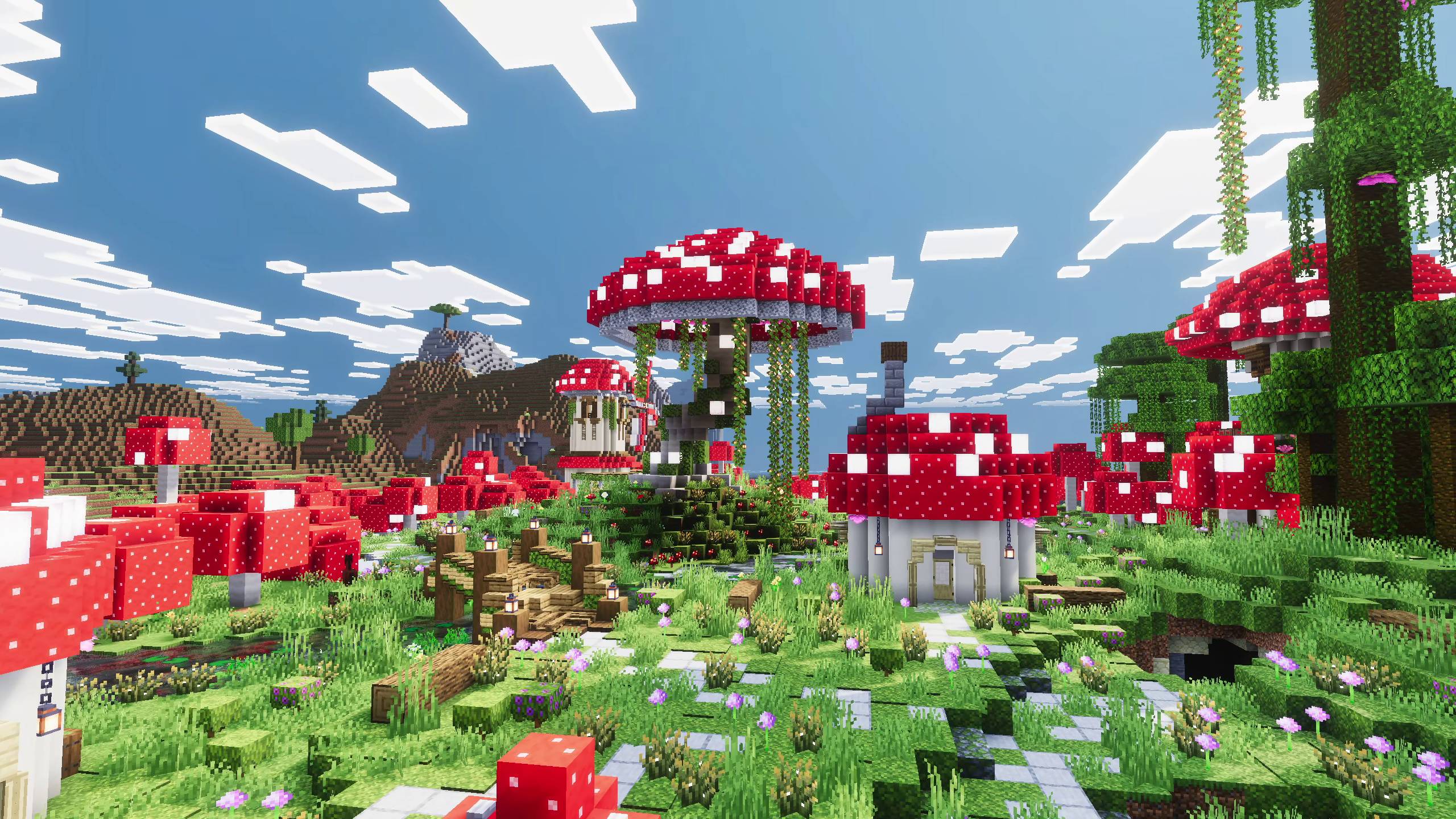
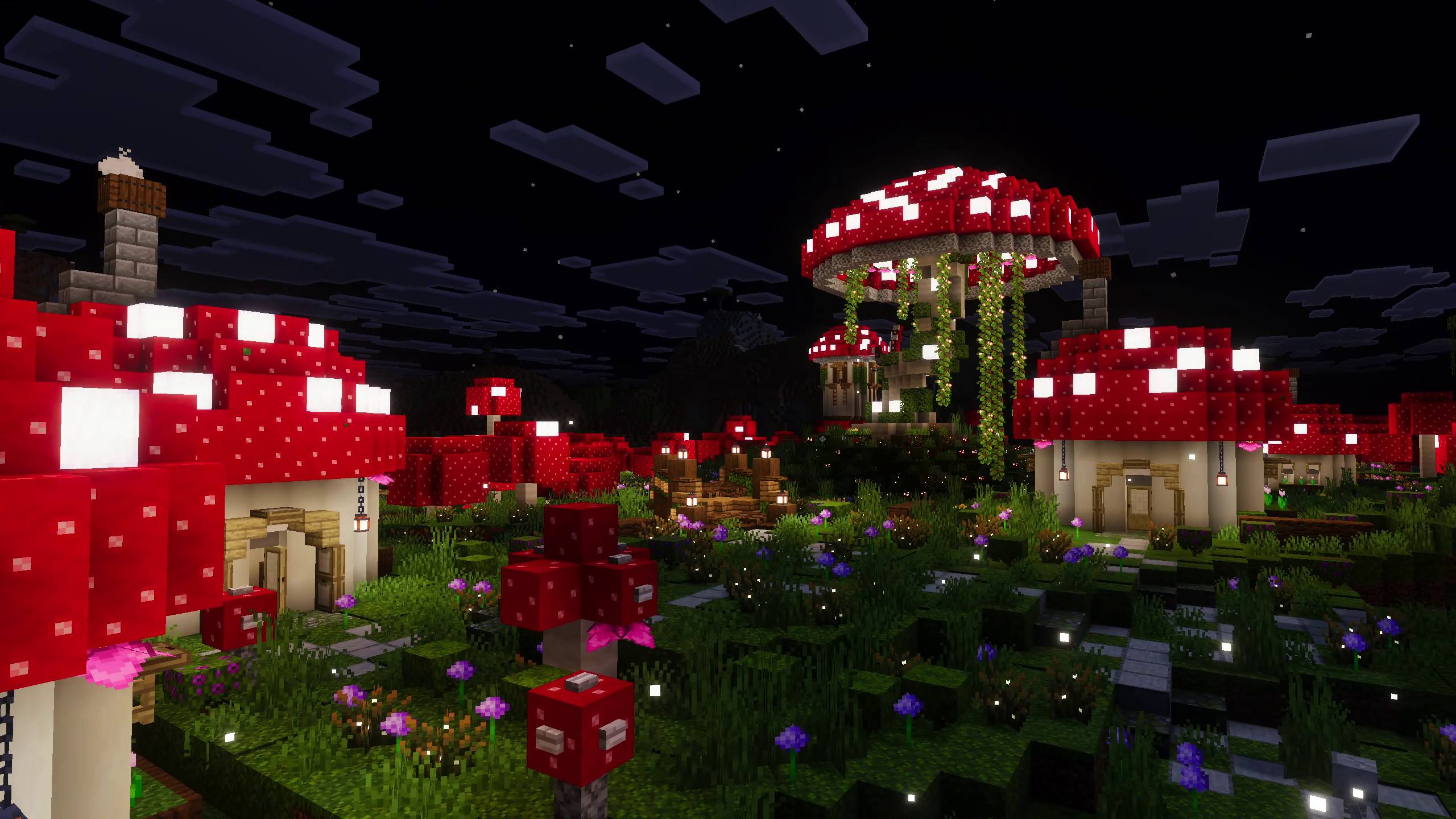
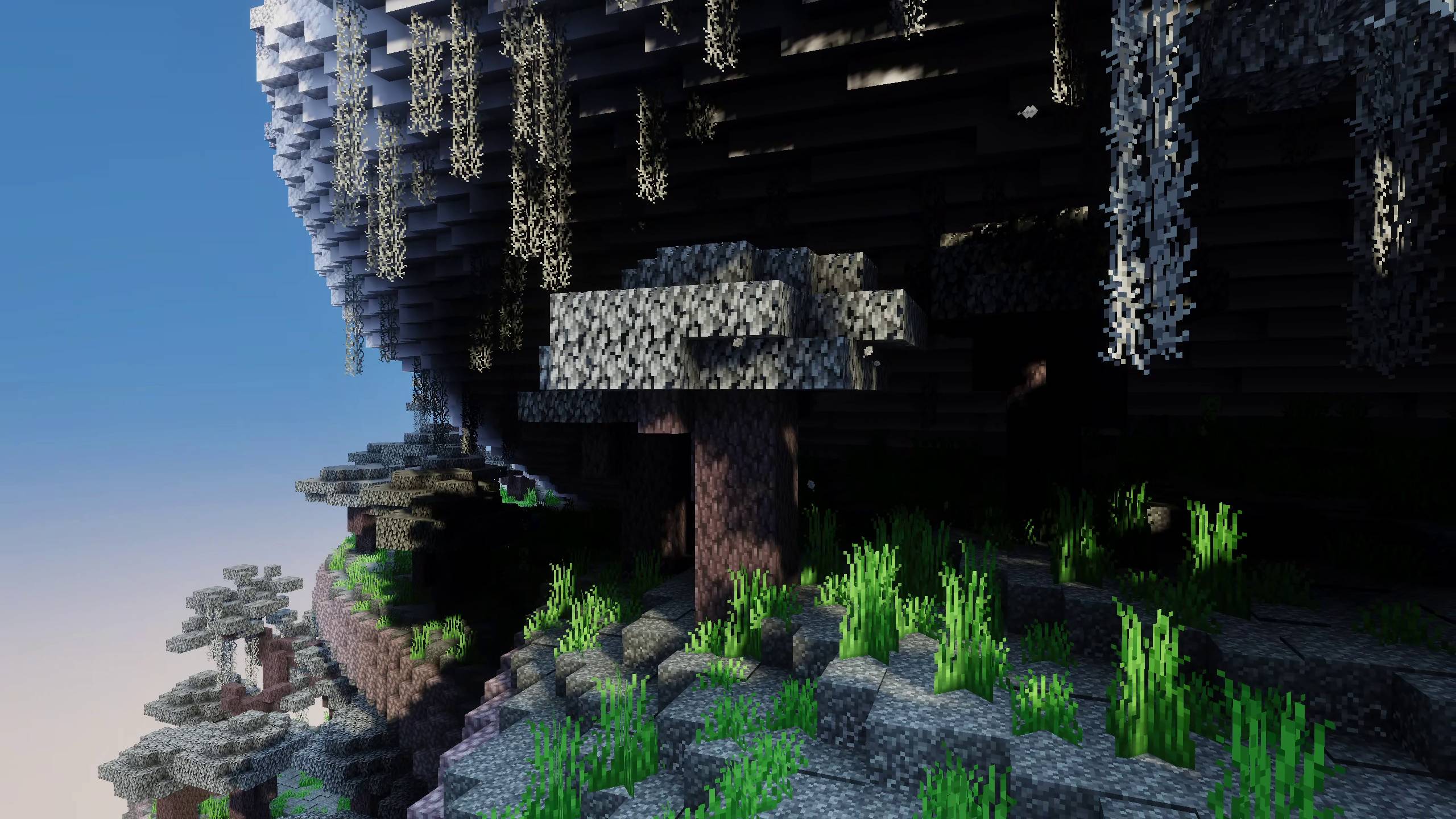
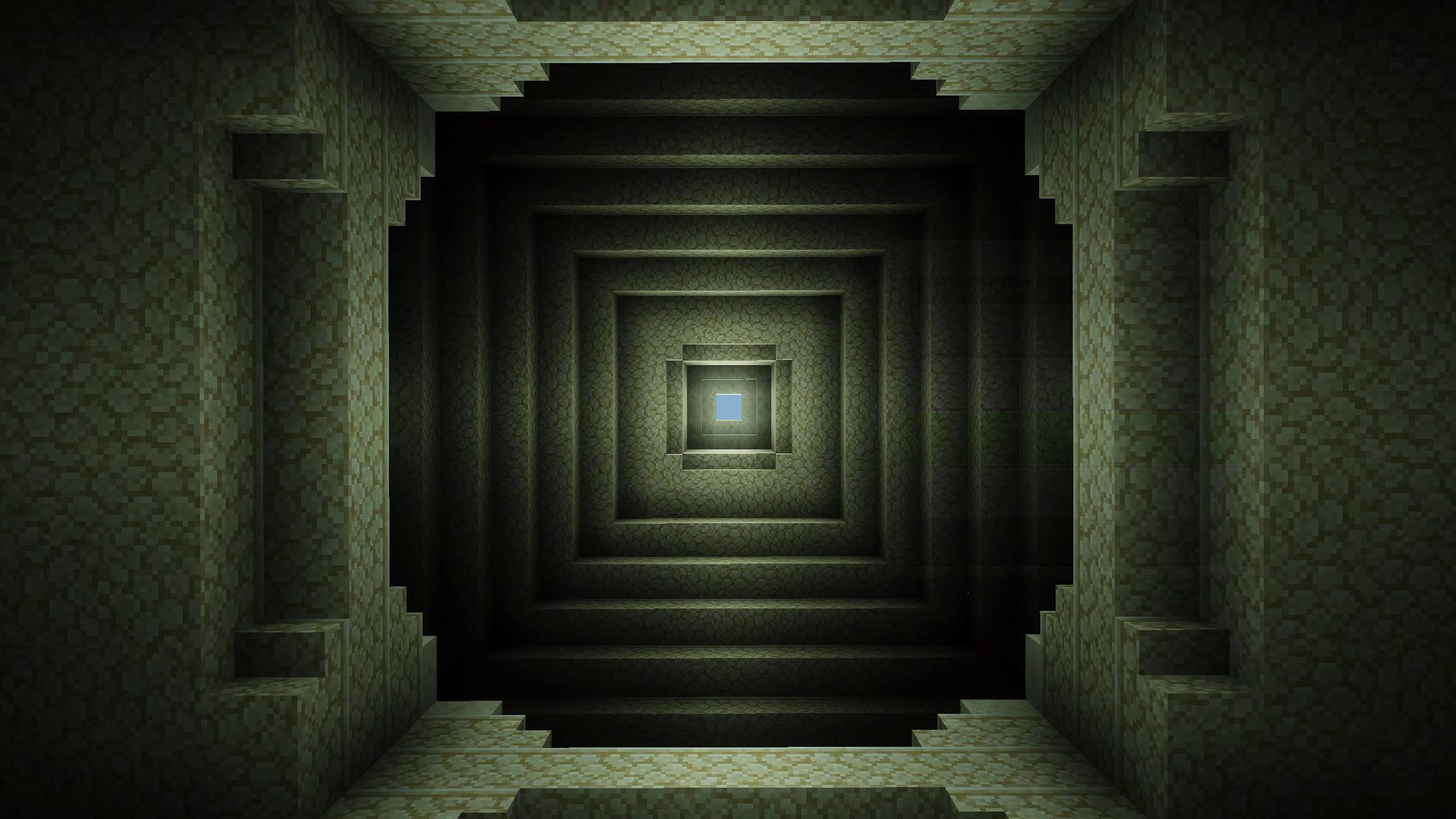
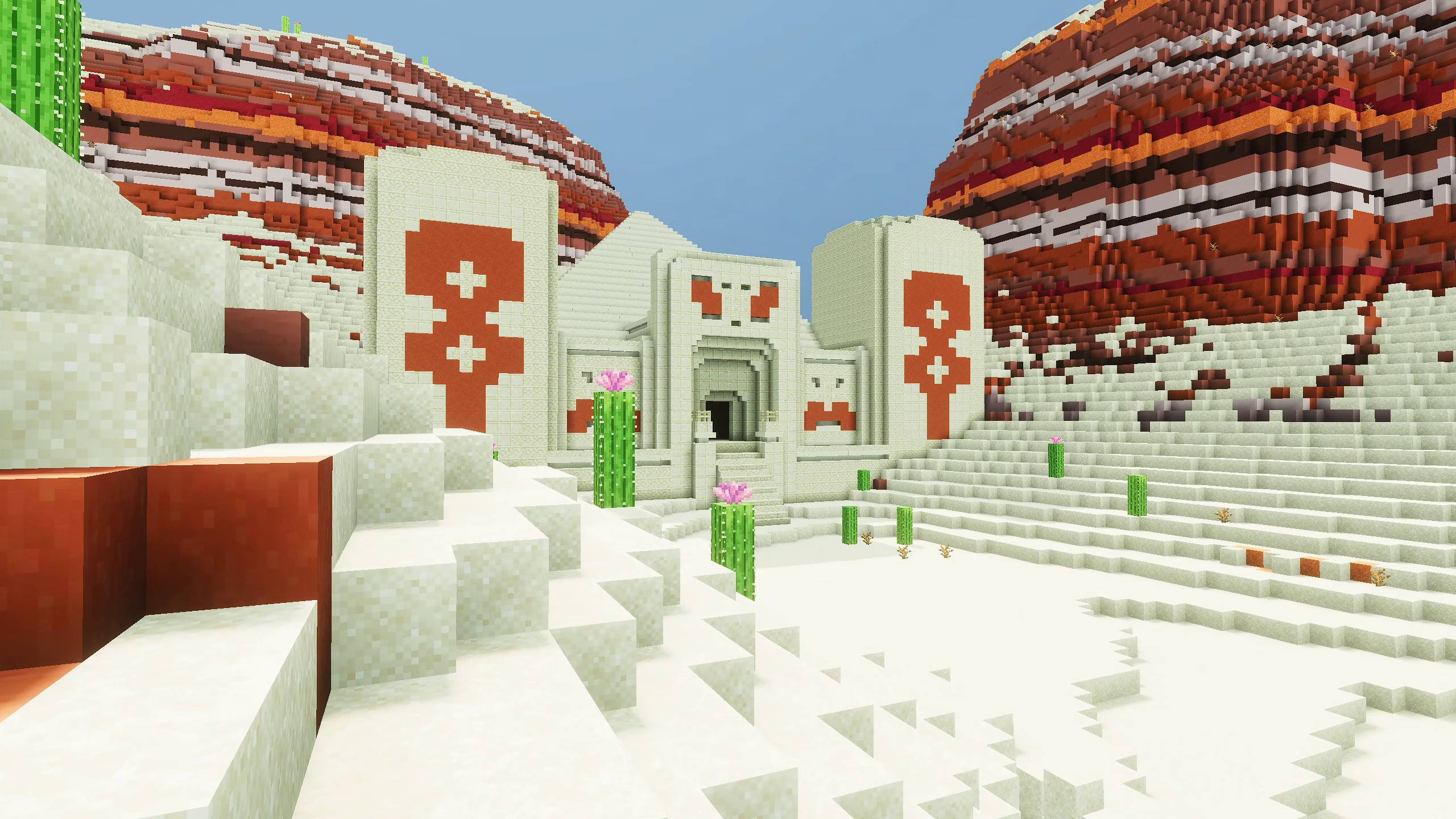
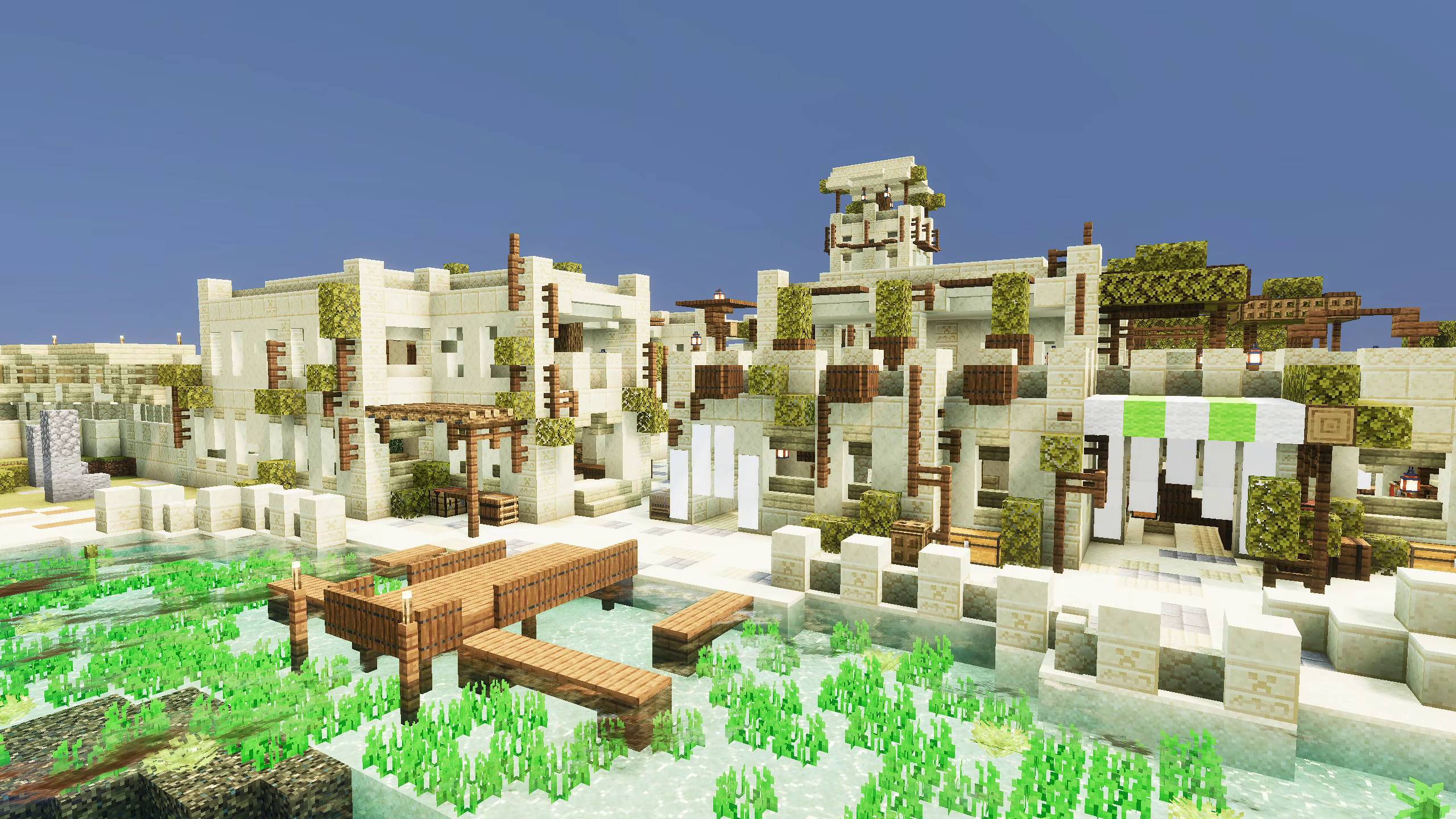
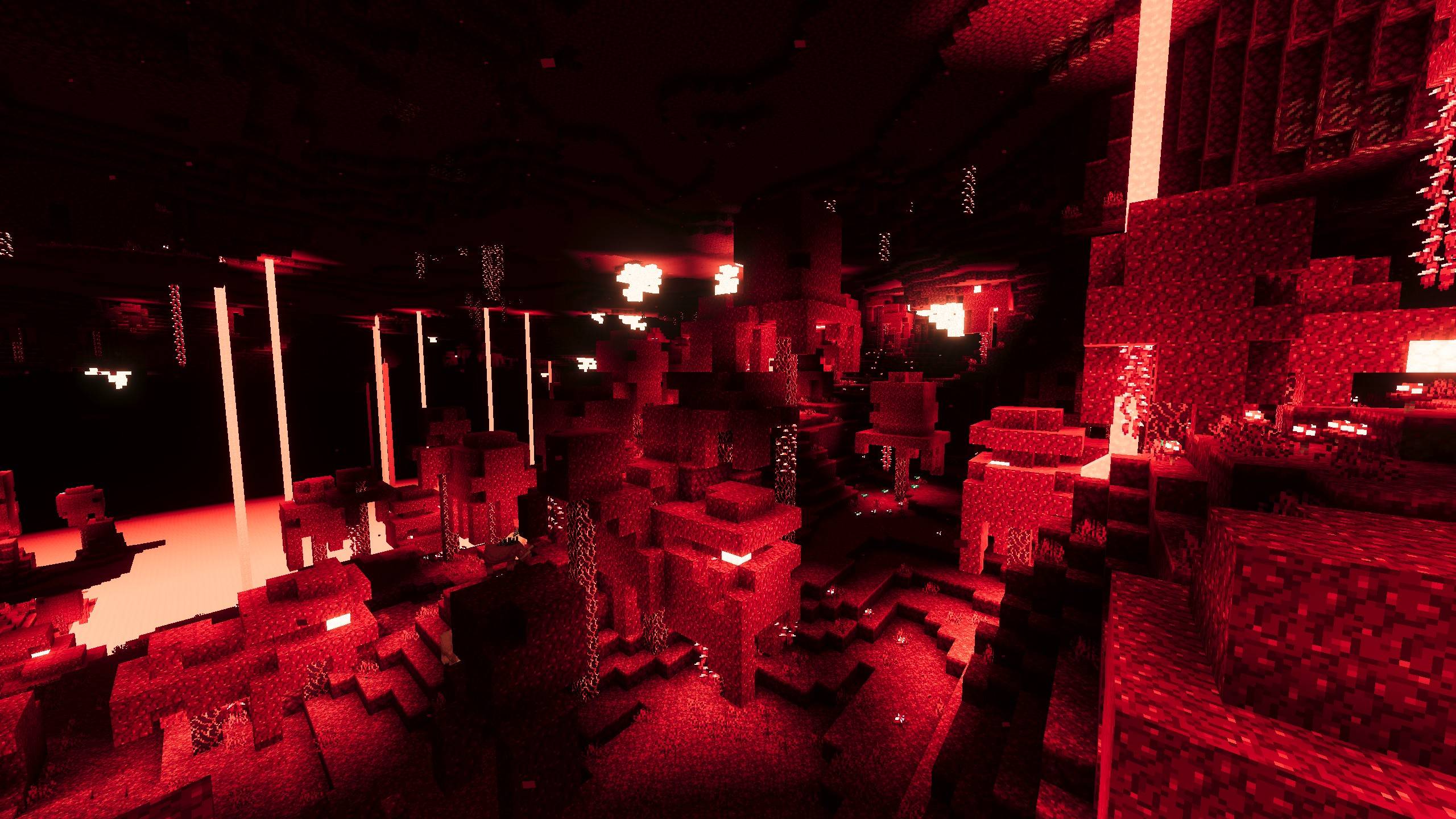
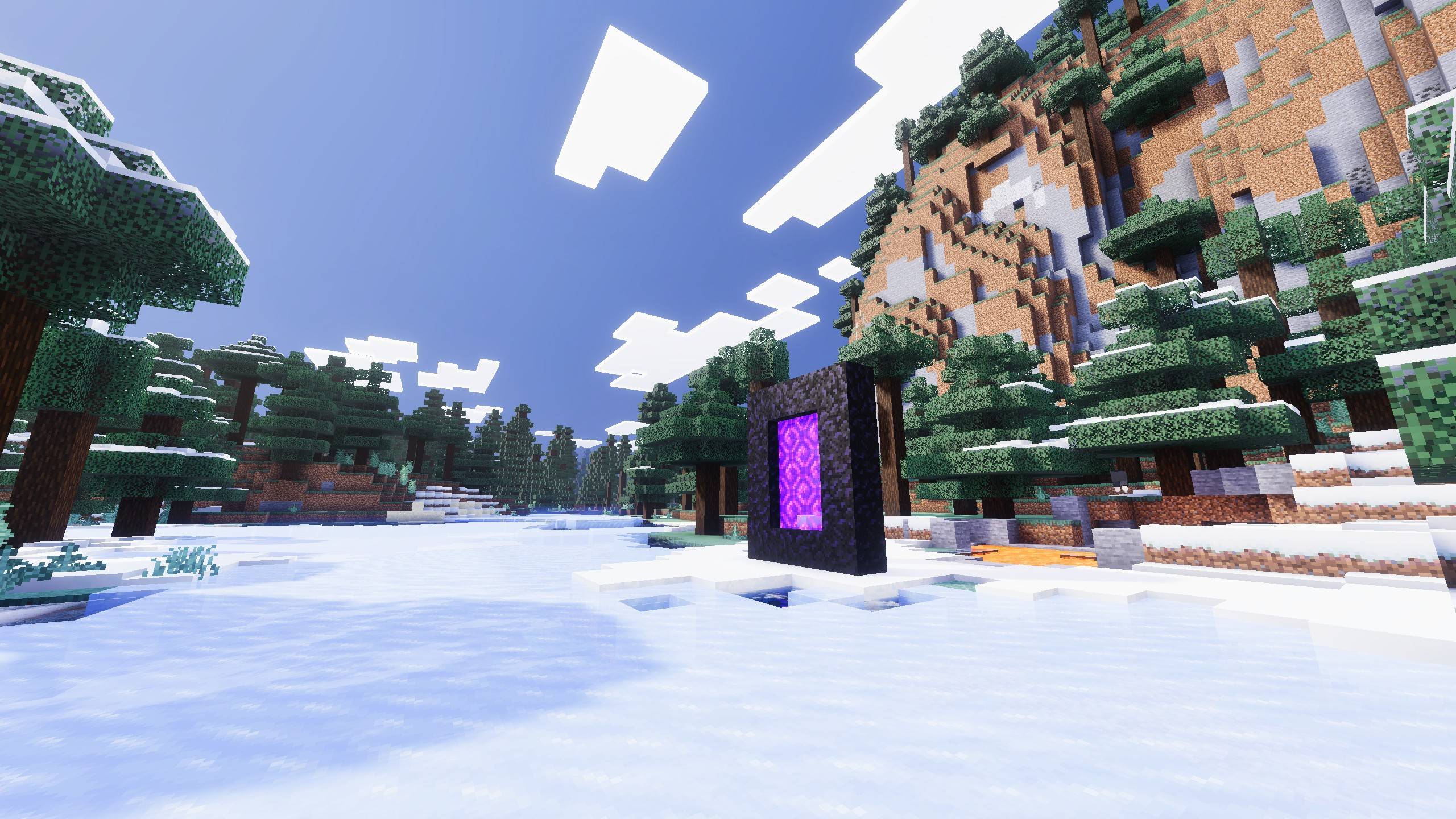
Where high contrast and saturation meets high taste. The Vibrance works on the proven strategies but with added risk and takes it to extreme. But at the End it all looks amazing! to the level where's it's one of the best out there.
Welcome to Vibrance Shader's page. Vibrance is a Vibrant Visuals shader for Minecraft Bedrock that pushes light, color, and atmosphere further than the default deferred rendering look goes on its own. Read more below or scroll to view preview and get download options.
Want to host a powerful and reliable Minecraft or Hytale server? Get started with Godlikeclick here
Vibrance Shader is a brand new shader designed as the successor to Lunac Shaders. It’s still new and might not have the long standing stability of Lunac yet, but I personally like it much more, it’s a fresh, bright and vibrant alternative that I think a lot of you will enjoy.
When building this shader, I decided to play around with the classic rule of increasing brightness, contrast, and saturation, but pushed those values to the absolute extreme (not that simple.. still had to balance and manage all other things). Surprisingly, it looks incredible! Plus, if you've used shaders before, you know how flat and ugly noon time usually looks. I always assumed that was just a limitation of Minecraft's visuals, but after a lot of tweaking, I finally cracked it, the noon lighting in Vibrance looks so good it might actually look better than daytime, it keeps your visuals consistent all day long.
⚡ Key Features of Vibrance Shader
Stylized Cinematic Lighting & ACES Tonemapping: Uses the industry standard ACES tone mapping operator paired with custom color grading configurations to deliver rich, film like visuals.
Atmospherics & Custom Biomes: Configured with custom client biome definitions for over 80+ unique biomes (including newer additions like the Pale Garden, etc). Each biome features its own tailored fog, atmosphere, and lighting presets.
Rich Volumetric Fog & Light Transmission: Detailed volumetric density and media scattering/absorption settings for both air and water, allowing for gorgeous light rays and realistic underwater environments.
Customizable Shadows (Subpacks): Choose the style that fits your aesthetic. Toggle between smooth Soft Shadows and classic, stylized Blocky Shadows via subpacks. btw I have noticed Blocky Shadows are faster and game perform better than soft shadows
Custom Point Light Glows: Customized emissive point light colors for almost every light-emitting block in the game. Torches, lanterns, campfire, soul fires, trial spawners, copper bulbs, and amethyst clusters glow with vibrant, custom-tailored colors.
Realistic Water Waves & Caustics: Implements physically-modeled waves (incorporating chlorophyll, suspended sediment, and CDOM concentrations) and rich caustics to make oceans and rivers feel dynamic and lifelike.
Recommended Video Settings:
First, activate the Vibrance shaders in your world.
Make sure you're inside the world, then go to Settings > Video Settings.
In Graphics Mode, make sure "Vibrant Visuals" is selected.
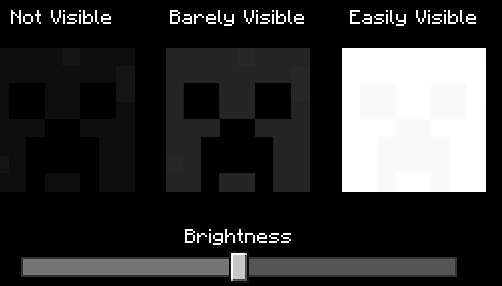
Now First Adjust The Brightness: This is Default brightness. You can further adjust to your liking.
Use "Favor Performance" mode is the recommended over "Favor Visuals" mode unless you have a powerful machine that can easily handle it😈😈
Set The Resolution as "Native" by moving the slider. Or else Quality becomes really bad. (Keep it Auto if you have performance issues🥴🥴
Video Showcase
1. You are allowed to make video on the texture but give credits in video description. Please Only give original MCPEDL/CurseForge link. 2. You are not allowed to edit and publish it on the internet. 3. You are not allowed to publish the texture on any other website and claim it as yours
Download the New Bedrock Manager application to easily install and manage your minecraft addons, worlds and more! Download Now! (Windows only, android in future)
Enjoy!
👉 Click the banner or [start here] to get going. Use code MODMCPE40 for 40% off! 💬 Curious what players think? Check out the community discussion on [Best Minecraft Server Hosting].
Vibrance Shader | Vibrant Visuals Shader | High saturation & Contrast Team
Easy cinematics is like a replay mod For Minecraft bedrock and MCPE! Shoot Stunning in-game Cinematic Scenes Easily with this addon in minecraft. Great addon for content creators and for those who want to showcase their work!
Most Accurate FPS Counter *Texture Pack* For Minecraft Bedrock & Pocket Edition. No Behaviour pack required. Achievements remain enabled. View FPS on your HUD screen in-game effortlessly.
Easy cinematics is like a replay mod For Minecraft bedrock and MCPE! Shoot Stunning in-game Cinematic Scenes Easily with this addon in minecraft. Great addon for content creators and for those who want to showcase their work!
Most Accurate FPS Counter *Texture Pack* For Minecraft Bedrock & Pocket Edition. No Behaviour pack required. Achievements remain enabled. View FPS on your HUD screen in-game effortlessly.