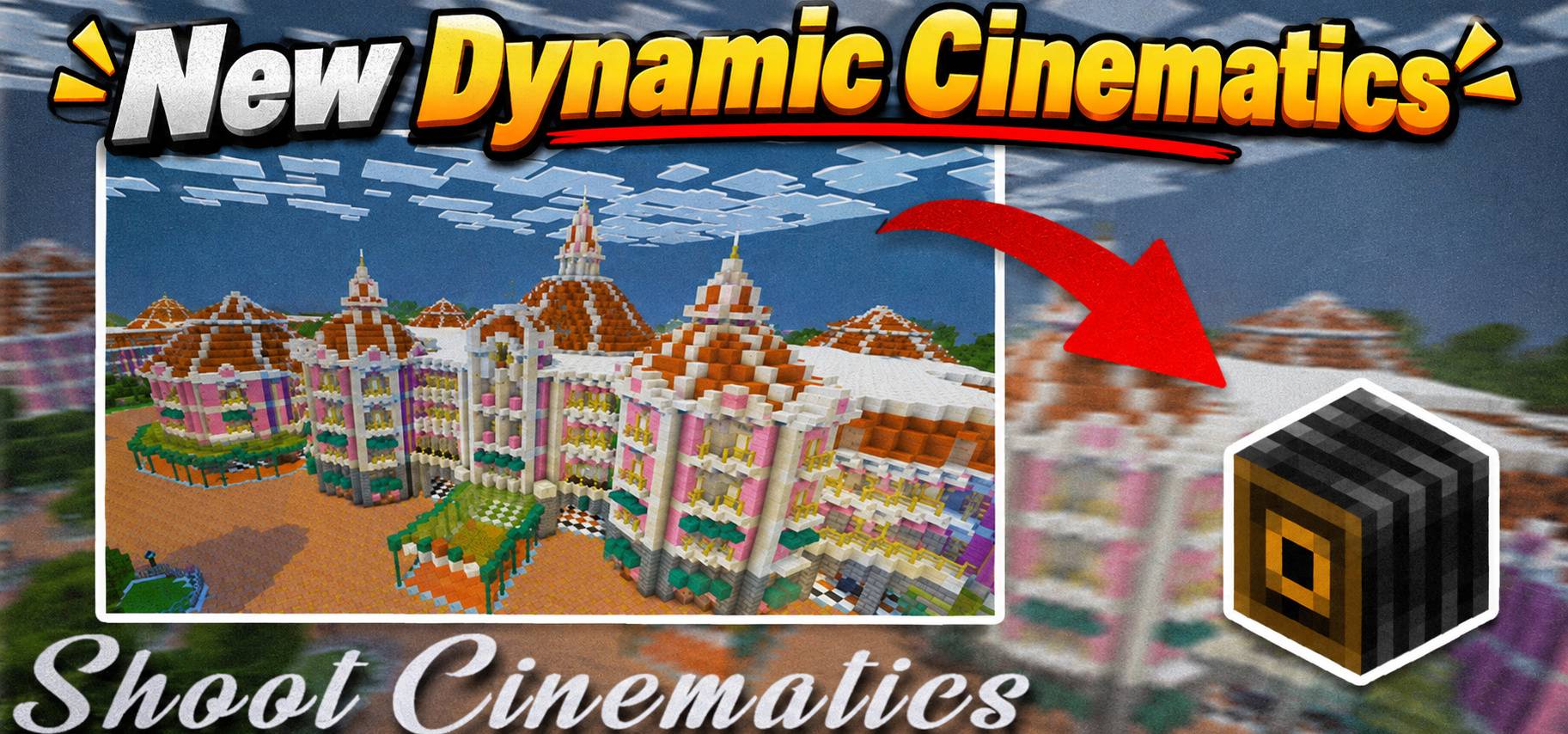
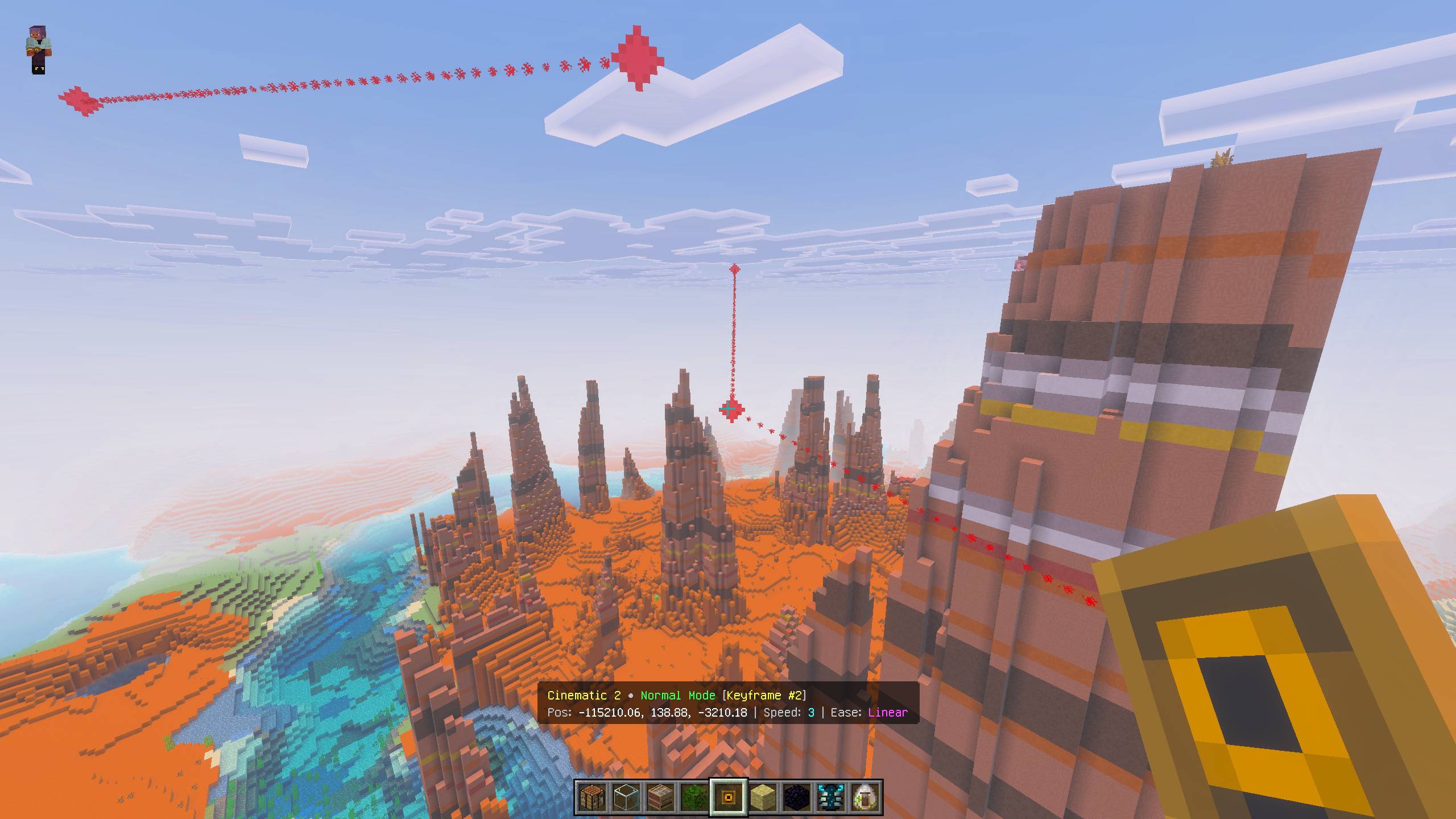
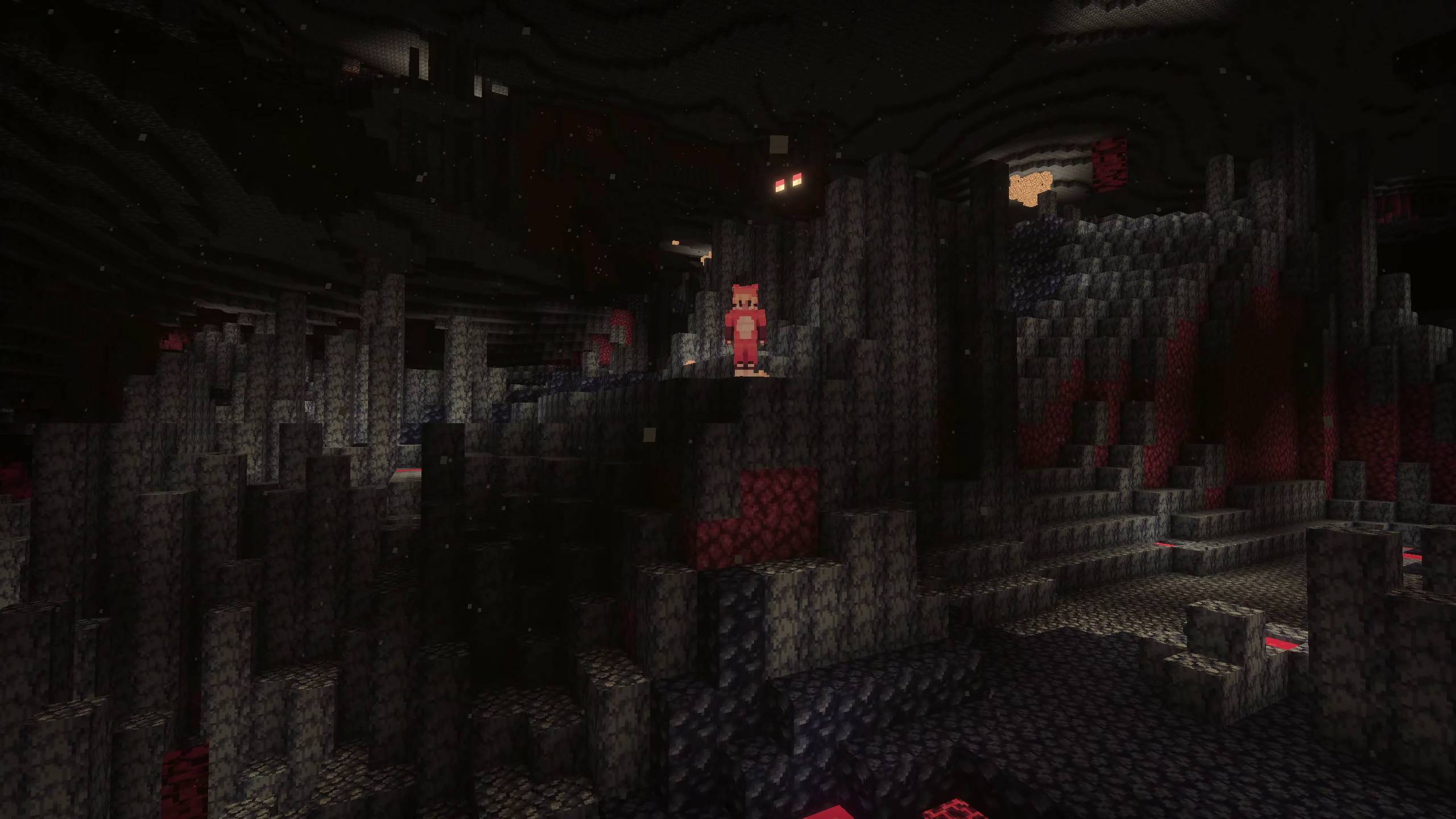
Easy cinematics is like a replay mod For Minecraft bedrock and MCPE! Shoot Stunning in-game Cinematic Scenes Easily with this addon in minecraft. Great addon for content creators and for those who want to showcase their work!
Want to host a powerful and reliable Minecraft or Hytale server? Get started with Godlikeclick here
The Easy Cinematic Addon helps you create cinematic scenes easily in Minecraft Bedrock & Pocket Edition. It has never been this easy to create amazing cinematic shots before. This addon gives you extensive control over the system while keeping things simple enough for any regular user to operate. It’s especially useful for content creators and addon developers who want to showcase their work.
Features:
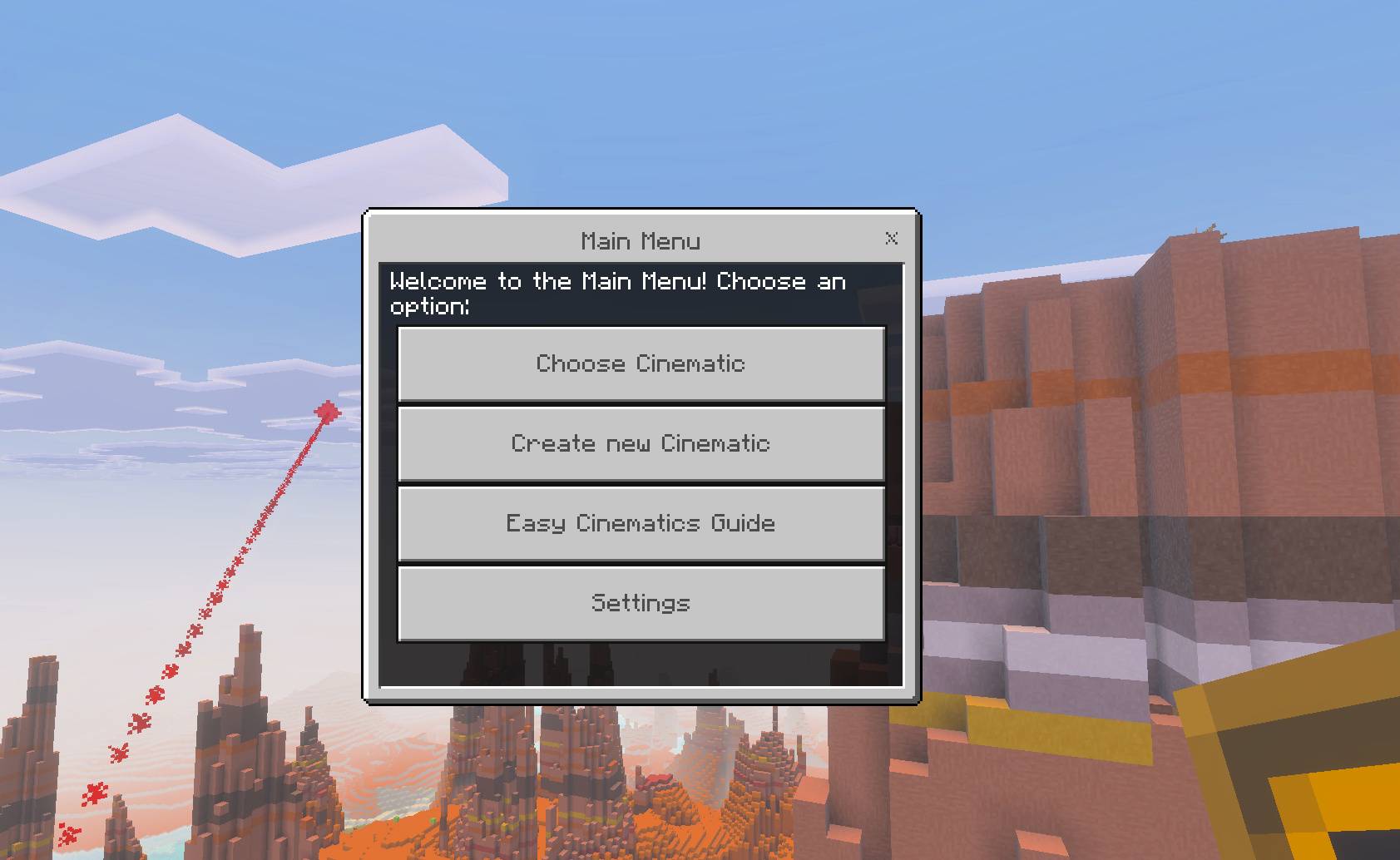
🎬 Dedicated GUI Menu & Controller: Manage your cinematics effortlessly using an interactive ingame menu.
🎥 3 Cinematic Modes:
Normal Mode: Custom target focus point for each keyframe.
Single Focus Mode: Lock camera focus onto a single target point throughout the entire path.
Fixed Direction Mode: Lock camera rotation angle while moving along keyframes.
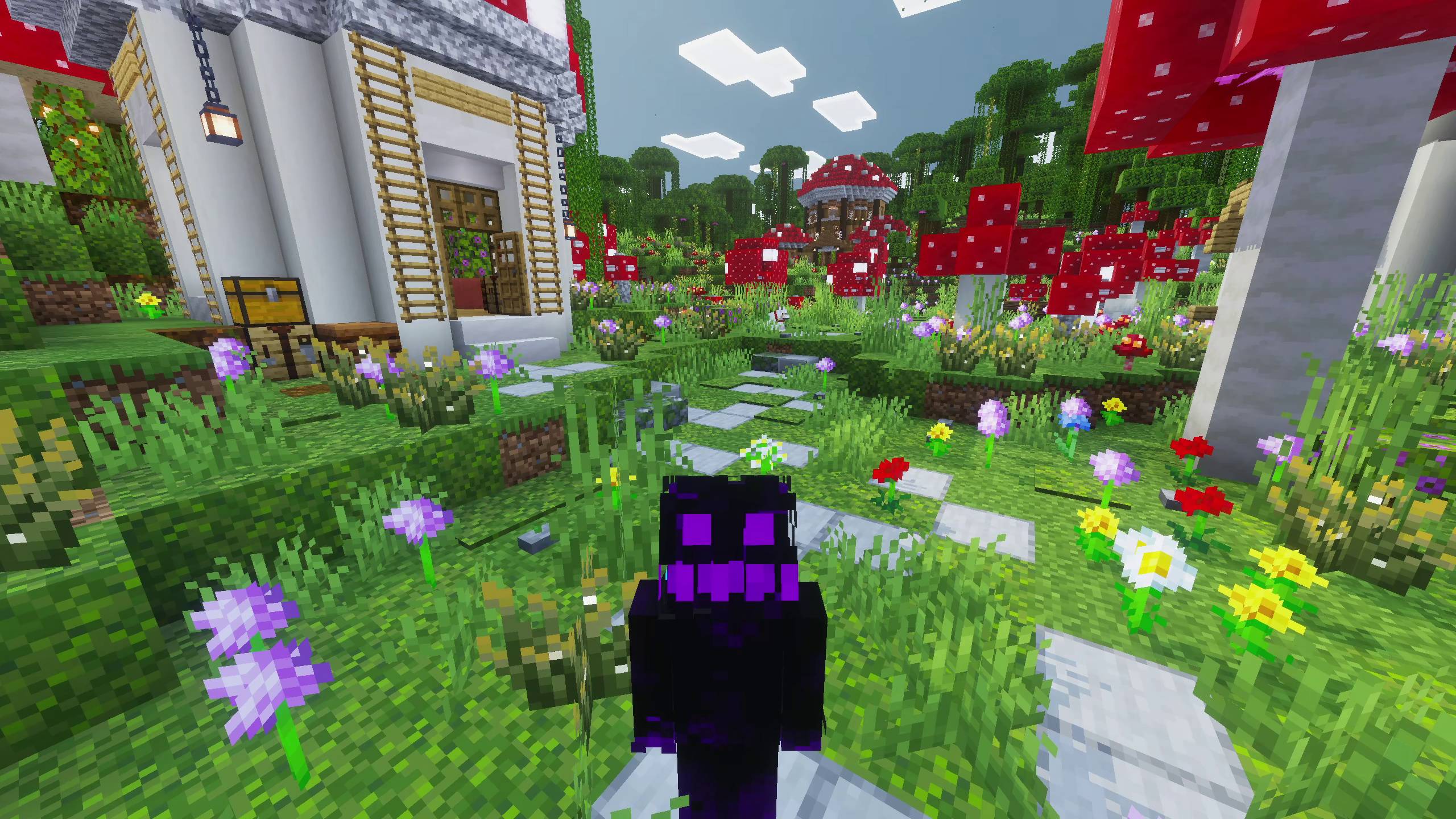
🎯 Dynamic Entity Tracking Camera (new): Smooth, real-time third-person camera that dynamically follows target entities or players.
Smart Raycast Targeting: Look directly at any mob or player when opening the controller to auto-detect them, or select yourself / other players from the menu.
Fully Configurable: Customize follow distance (3-15 blocks), responsiveness speed, camera smoothness, and front or behind positioning.
Seamless Gameplay: Move freely with full player control and active HUD while tracking, with quick toggle (Start/Stop) and automatic safeguards.
🌀 Smooth & Curved Paths (new): Enable Catmull-Rom spline curves for natural, sweeping camera motion instead of straight lines.
👁️ Player Visibility Control: Hide or show players during camera playback per cinematic or as a world default.
🏷️ Command Block & Tag Triggers: Trigger cinematics automatically via command blocks using player tags for cutscenes and maps.
📊 Live Actionbar HUD: Display active cinematic mode, wait times, and keyframe details directly on your screen while holding tools.
Instructions:
Download and install both the Resource Pack and Behavior Pack inside your world.
Acquire the cinematic controller from the creative menu, or by crafting it using 1x redstone dust, 1x iron ingot and 1x stick: place in verticle order in middle slots.
Access the main menu by right clicking while holding the Cinematic Controller.
To use the new Dynamic Tracking Camera, look directly at any mob or player (or yourself) and right click with the Cinematic Controller, then choose Dynamic Tracking Camera to configure settings and start following!
There's a Full Guide inside the addon which you can access from the Main Menu.
Commands:
This addon supports slash commands for quick cinematic management and command block automation:
This addon offers a dedicated system and UI to create cinematic shots and dynamic tracking scenes. The UI menu provides all necessary options for convenience. It’s super easy to use. If you still face any issues or difficulties, feel free to join my Discord server to get direct support.
Showcase Video
1. You are allowed to make video on the addon but give credits in video description. 2. You are allowed to use it in your project, but only with my permission. Discord username: grumm7613 3. You are not allowed to publish the texture on any other website and claim it as yours.
Download the New Bedrock Manager application to easily install and manage your minecraft addons, worlds and more! Download Now! (Windows only, android in future)
Enjoy!
👉 Click the banner or [start here] to get going. Use code MODMCPE40 for 40% off! 💬 Curious what players think? Check out the community discussion on [Best Minecraft Server Hosting].
Most Accurate FPS Counter *Texture Pack* For Minecraft Bedrock & Pocket Edition. No Behaviour pack required. Achievements remain enabled. View FPS on your HUD screen in-game effortlessly.
shuffles the block under your feet into somethingely random! Features survival & chaos mound/particle effects, and a simple in-gamngs menu. Customize it all or play with friends!
ake bdrock more like java! This Minecraft Bedrodition add-on introduces a saturatianic for food, mirroring the same system prnt in Minecraft Java Edition.
Lunac Shaders 3d is a another version of The Lunac Shaders with Heightmaps and MERS textures. This PBR (Physically Based Rendering) version is much better version in terms of Details, shadows and lightning with 3d blocks.
Most Accurate FPS Counter *Texture Pack* For Minecraft Bedrock & Pocket Edition. No Behaviour pack required. Achievements remain enabled. View FPS on your HUD screen in-game effortlessly.
shuffles the block under your feet into somethingely random! Features survival & chaos mound/particle effects, and a simple in-gamngs menu. Customize it all or play with friends!
ake bdrock more like java! This Minecraft Bedrodition add-on introduces a saturatianic for food, mirroring the same system prnt in Minecraft Java Edition.
Lunac Shaders 3d is a another version of The Lunac Shaders with Heightmaps and MERS textures. This PBR (Physically Based Rendering) version is much better version in terms of Details, shadows and lightning with 3d blocks.