⛏️ VectorLock: Vein Miner ✨
- By
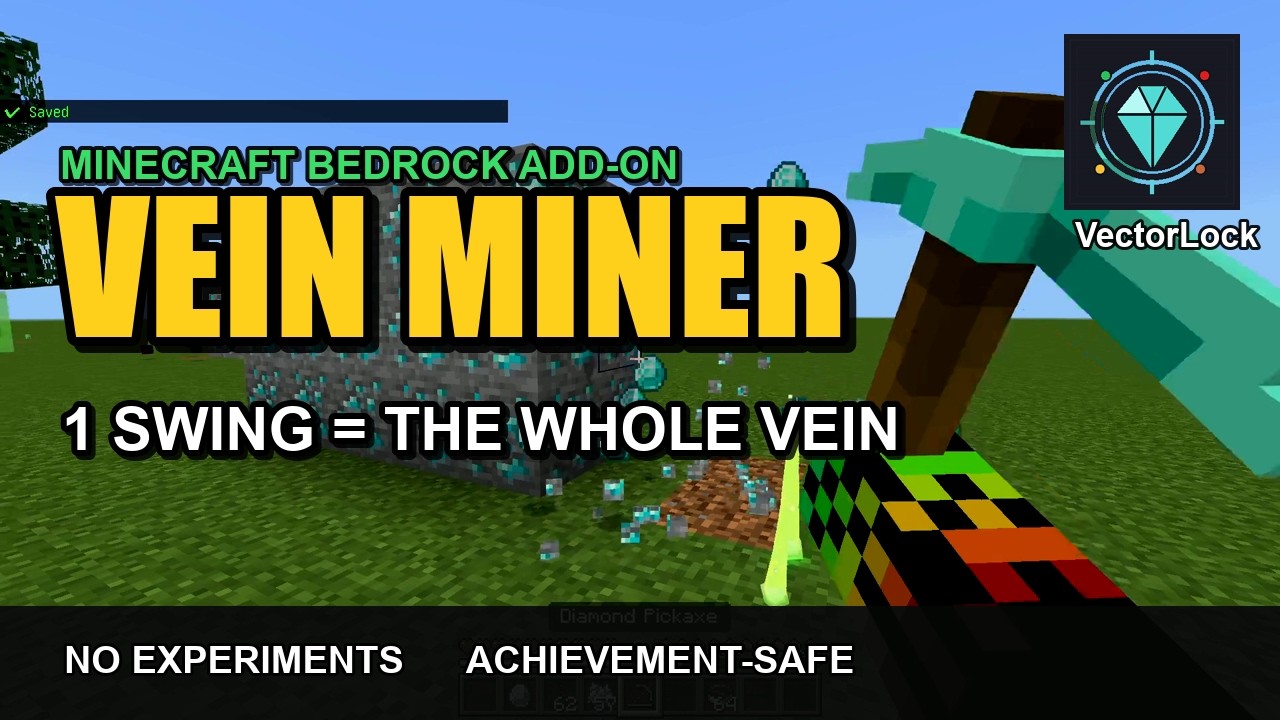
Break the whole ore vein in one swing — 16 ores, adjustable radius, no Experiments, achievements stay on.
VeinMiner_02_features.png
VeinMiner_01_key_art.png
VeinMiner_03_howto.png
Description
⛏️ VectorLock: Vein Miner — Mine a Whole Ore Vein in One Swing
Stop chipping ore one block at a time. Hit a single ore and the entire connected vein breaks and drops instantly — Coal, Iron, Copper, Gold, Redstone, Lapis, Diamond and Emerald, Overworld and Deepslate alike.
Vein Miner is a lightweight, Stable-API Minecraft Bedrock add-on: no Experiments required, works in singleplayer and multiplayer, and your world stays Achievements Enabled. It runs perfectly on its own, and plugs straight into the VectorLock unified menu if you use other add-ons in the suite.
Original work — designed and developed by p7x939 (VectorLock Studio).
✅ Requirements & Compatibility
- Minecraft Bedrock 1.21.70 or newer
- Add the Behavior Pack to your world
- No "Beta APIs" / Experiments needed — Stable Script API only
- Works in Survival and Creative, singleplayer and multiplayer/Realms
- Achievement-safe: the add-on itself never disables achievements
⛏️ What It Does
Break any supported ore and Vein Miner instantly clears every ore block of the same type within your chosen radius, dropping the loot for you. Mining a big diamond cluster or a wall of redstone becomes a single swing.
Supported ores (16):
Coal · Iron · Copper · Gold · Redstone · Lapis · Diamond · Emerald — plus the Deepslate version of each.
Survival-friendly by design: every block in the vein still costs tool durability, so it never feels like cheating — it just removes the tedium.
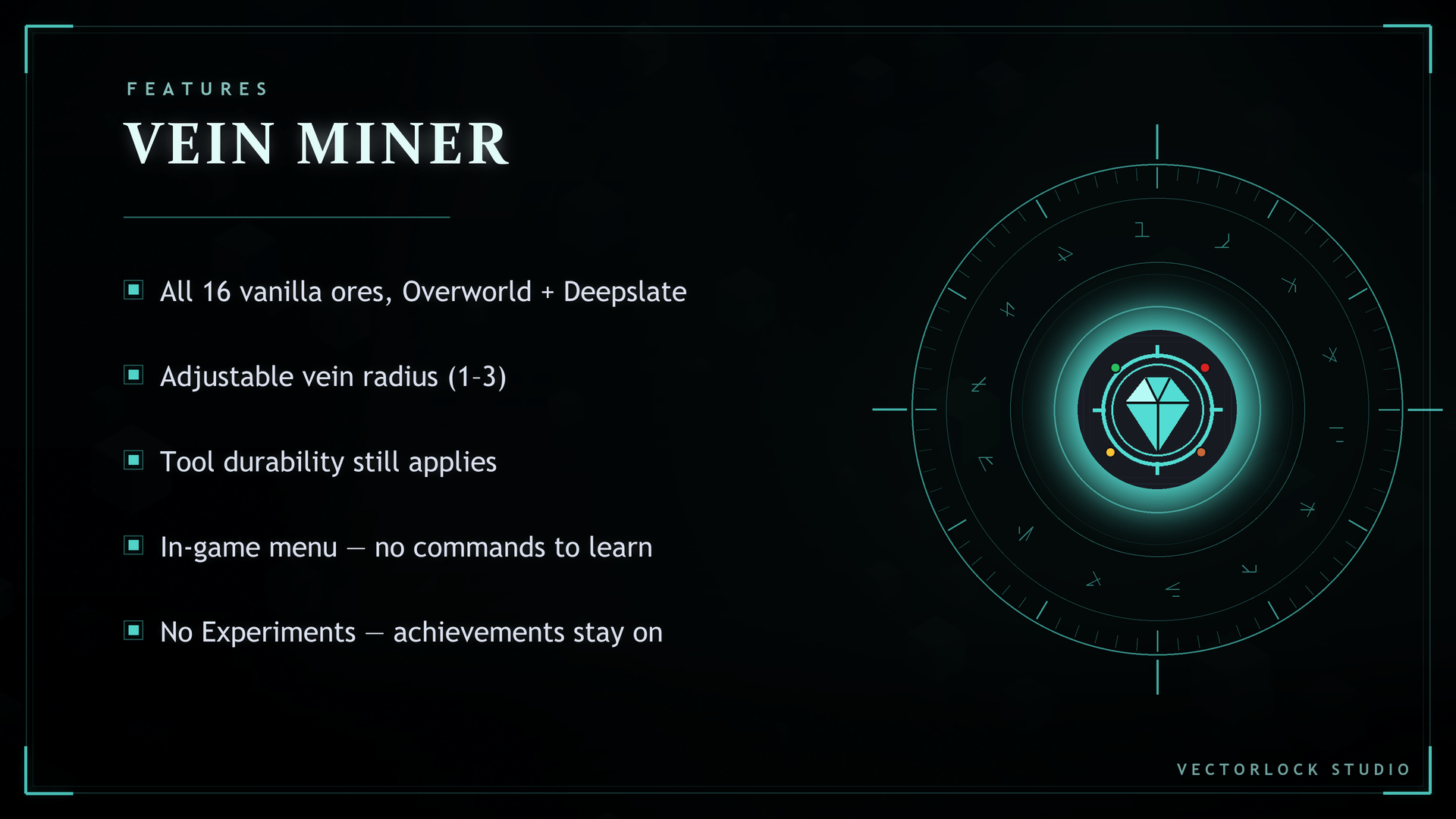
✨ Features
- One swing = the whole vein of that ore type
- Adjustable radius (1–3) — decide how far the effect reaches around the block you hit
- Works on all 16 vanilla ores, Overworld + Deepslate
- Durability still applies per block (fair for survival)
- No Experiments — Stable Script API
- Achievements stay ON
- In-game settings menu — no commands to memorize
- Standalone, or integrates with VectorLock Core for a unified menu
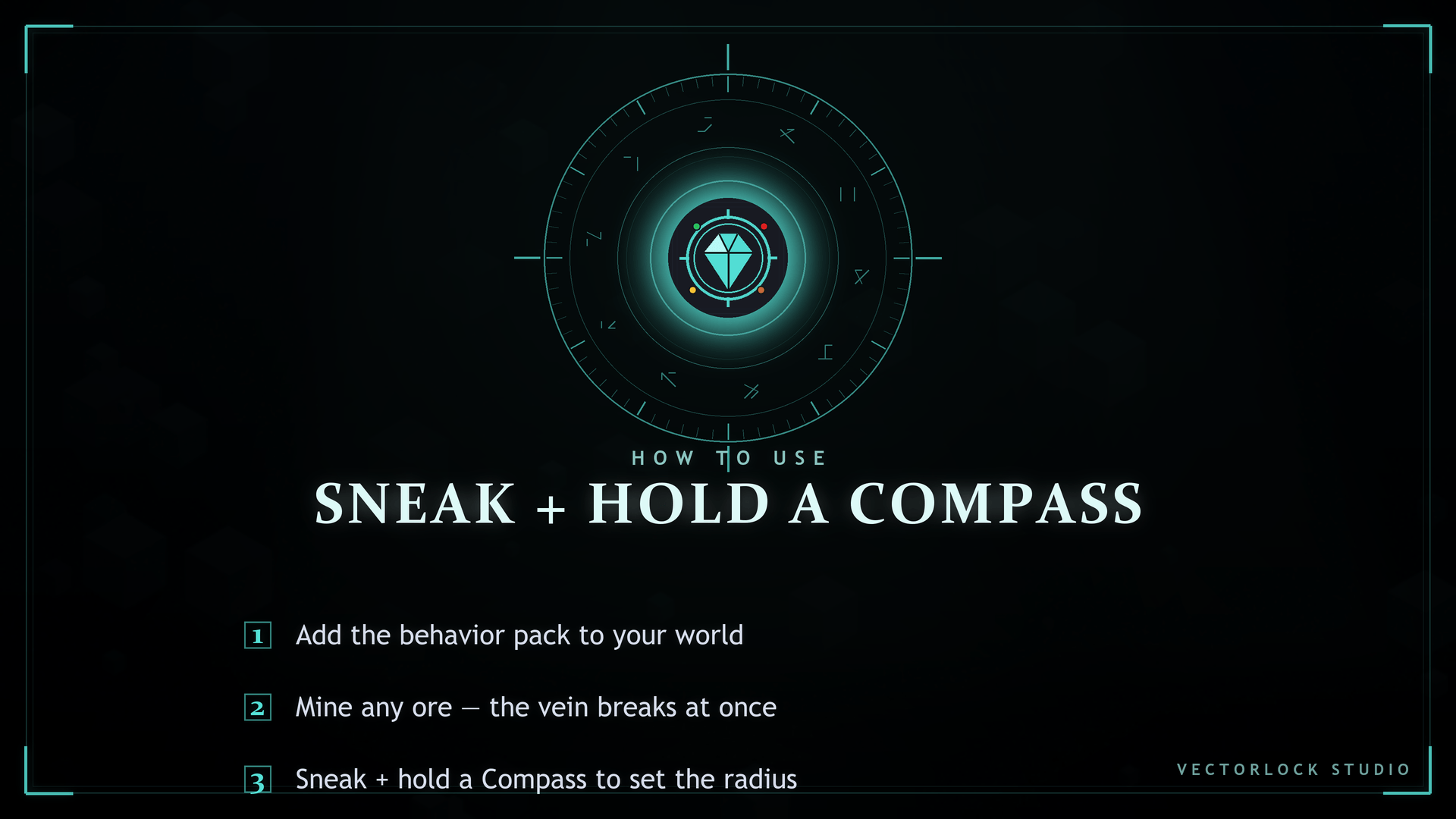
🎮 How to Use
- Install the pack (see below) and enter your world.
- Mine any ore — the connected vein breaks at once and the drops appear.
- Open the settings screen anytime: Sneak + use a Compass.
- In the menu you can toggle Vein Miner on/off and set the vein radius (1–3).
📥 Installation
- Download VectorLock-VeinMiner.mcaddon.
- Open the file (double-click, or import it into Minecraft).
- Create or edit a world → Behavior Packs → activate "Vector Lock Vein Miner."
- Start the world and mine — you're done.
Settings are saved to the world, so they persist even if you re-import the pack later.
❓ FAQ / Troubleshooting
Do I need to turn on Experiments?
No. Vein Miner uses the Stable Script API — leave all Experiments off.
Will it disable my achievements?
No. The pack declares itself as an add-on per Minecraft's official spec, so your world remains Achievements Enabled. (Note: enabling Cheats or Experiments, or switching to Creative, disables achievements — that's vanilla Minecraft behavior, not this pack.)
Nothing happens when I mine.
Make sure the Behavior Pack is activated on the world, and that you're breaking a supported ore. Open Sneak + Compass and confirm Vein Miner is toggled ON.
Does it work on Realms / servers?
Yes, as long as the host supports Script API behavior packs and the pack is applied to the world.
Can I use it with other add-ons?
Yes. It runs solo, and if you install VectorLock Core it auto-joins one shared menu with the rest of the suite.
🔒 More From VectorLock
Vein Miner is one of 18 standalone VectorLock power add-ons. A few favorites:
| Add-on | What it does |
|---|---|
| Tree Cutter | Fell a whole tree in one cut |
| Ore Vision | See ores, chests & spawners through blocks |
| Item Magnet | Pull in nearby items & XP |
| Waypoints | Pins, warp, HUD compass, death location |
| Fly | Fly in Survival (double-jump to toggle) |
Install VectorLock Core to run several at once from a single tidy in-game menu.
⚠️ License
© 2026 p7x939. All Rights Reserved.
Original work by p7x939 (VectorLock Studio). Copying, redistributing, re-uploading, modifying, or claiming this work as your own — in part or in whole — is prohibited without the author's prior written permission. Please link back to the official CurseForge page instead of re-hosting the file.
━━━━━━━━━━━━━━━━━━━━━━━━━━━━━━━
❤️ SUPPORT
━━━━━━━━━━━━━━━━━━━━━━━━━━━━━━━
Vein Miner is free. If it saved you some pickaxe time and you'd like to support development:
• Just downloading here on CurseForge already helps — thank you!
• PayPal: https://paypal.me/wattanakornnanta
Every bit keeps new VectorLock add-ons coming. 🙏
⛏️ VectorLock: Vein Miner ✨ Team