🕊️ VectorLock: Fly — Double-Tap to Soar in Survival
- By
Double-tap jump to fly in Survival, with full air control and a safe landing when you switch it off.

Fly_02_features.png

Fly_03_howto.png

Fly_01_key_art.png
Description
🕊️ VectorLock: Fly — Double-Tap to Soar in Survival
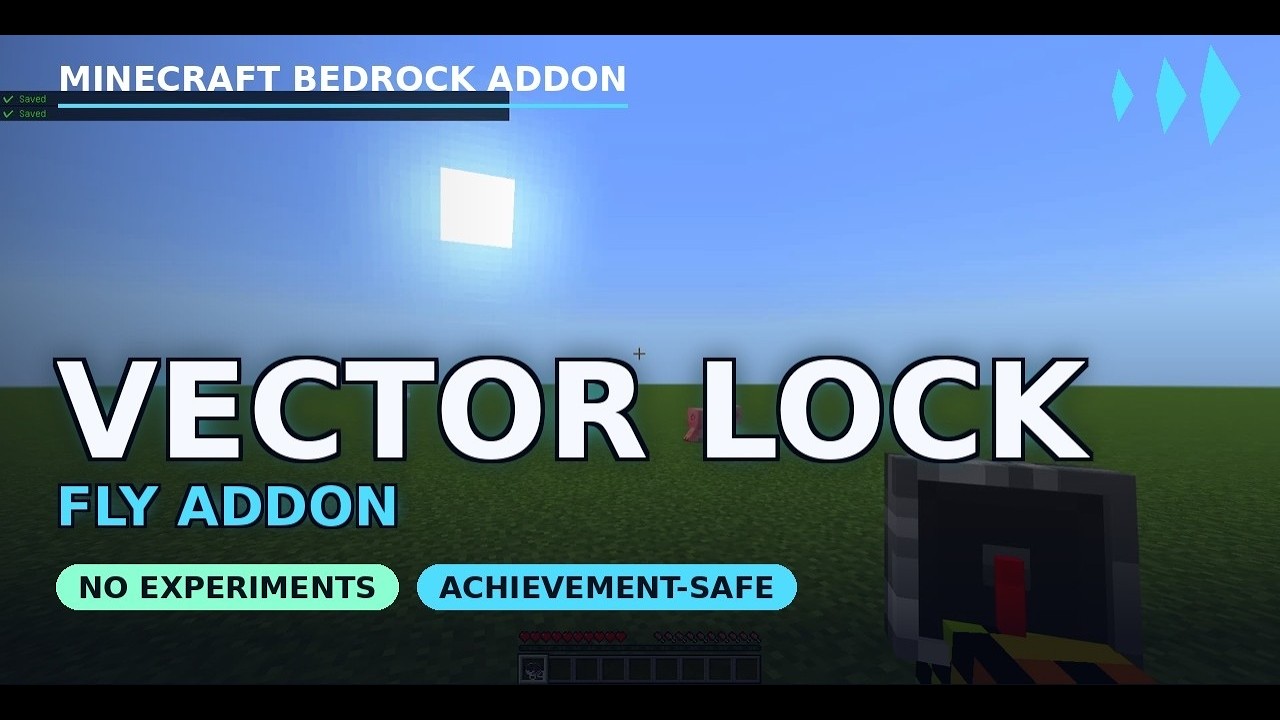
No creative mode, no commands, no cheats flag. Fly lets you take off in Survival with a simple double-tap of jump — full WASD control in the air, smooth ascend/descend, and no fall damage while you're airborne. Land whenever you want and touch back down softly instead of slamming into the ground.
Fly is a lightweight, Stable-API Minecraft Bedrock add-on: no Experiments required, works in singleplayer and multiplayer, and your world stays Achievements Enabled. It runs perfectly on its own, and plugs straight into the VectorLock unified menu if you use other add-ons in the suite.
Original work — designed and developed by p7x939 (VectorLock Studio).
✅ Requirements & Compatibility
- Minecraft Bedrock 1.21.70 or newer
- Add the Behavior Pack to your world
- No "Beta APIs" / Experiments needed — Stable Script API only
- Works in Survival and Creative, singleplayer and multiplayer/Realms
- Achievement-safe: the add-on itself never disables achievements
- Changes the player entity to switch gravity off while you hover — see the FAQ if you also run another add-on that modifies the player
🕊️ What It Does
Turn Fly on in the settings menu, then double-tap jump in-game to take off. While airborne, you steer with normal WASD — hold sprint to fly faster, jump to climb, sneak to descend. Double-tap jump again to land. No fall damage while you're flying, and a few seconds of soft landing right after you touch down so you never take a surprise hit.
- Double-tap jump to start or stop flying — no menu diving mid-flight
- Full directional control — WASD moves you the way you're looking, sprint for a speed boost
- Jump / sneak to ascend and descend smoothly
- No fall damage while flying, plus a brief soft-landing window right after you cancel
- Durability still applies as normal — Fly doesn't touch your gear
✨ Features
- Creative-style flight in Survival — no gamemode switch, no cheats toggle
- Double-tap jump to toggle flight on/off instantly
- Sprint while flying for a faster cruising speed
- Jump/Sneak for smooth vertical control
- Fall-damage cancel while airborne, with soft-landing after you land
- No Experiments — Stable Script API
- Achievements stay ON
- In-game settings menu — no commands to memorize
- Standalone, or integrates with VectorLock Core for a unified menu
🎮 How to Use
- Install the pack (see below) and enter your world.
- Open the settings screen: Sneak + use a Compass.
- Toggle Creative Fly on in the menu.
- In-game, double-tap jump to take off. Use WASD (+ sprint) to move, jump to climb, sneak to descend.
- Double-tap jump again to land.
📥 Installation
- Download
VectorLock-Fly.mcaddon. - Open the file (double-click, or import it into Minecraft).
- Create or edit a world → Behavior Packs → activate "Vector Lock Fly."
- Start the world, open Sneak + Compass, and turn Fly on.
Settings are saved to the world, so they persist even if you re-import the pack later.
❓ FAQ / Troubleshooting
Do I need to turn on Experiments?
No. Fly uses the Stable Script API — leave all Experiments off.
Will it disable my achievements?
No. The pack declares itself as an add-on per Minecraft's official spec, so your world remains Achievements Enabled. (Note: enabling Cheats or Experiments, or switching to Creative, disables achievements — that's vanilla Minecraft behavior, not this pack.)
How do I actually start flying?
Turn Creative Fly on in the Sneak + Compass menu once, then double-tap jump in-game any time to take off or land.
Do I take fall damage?
Not while you're actively flying. Right after you land, you also get a few seconds of soft-falling so a normal drop right after landing doesn't hurt.
Nothing happens when I double-tap jump.
Make sure the Behavior Pack is activated on the world and that Creative Fly is toggled ON in the Sneak + Compass menu first — the double-tap only works once the feature is enabled.
Does it work on Realms / servers?
Yes, as long as the host supports Script API behavior packs and the pack is applied to the world.
Can I use it with other add-ons?
Yes. It runs solo, and if you install VectorLock Core it auto-joins one shared menu with the rest of the suite. One thing worth knowing: Fly switches gravity off while you hover, and it does that by defining the player entity. Minecraft loads only one player definition at a time, so if another add-on also changes the player, only one of the two takes effect.
I can fly around, but I can't hover in one spot — I keep sinking.
That is the add-on conflict described above: another pack's player definition is the one in use, so Fly's zero-gravity hover never gets applied. Moving through the air still works normally — only the stationary hover breaks. Turn off the other add-on that changes the player, or change the pack order in your world's Behavior Packs list so a different one takes priority.
🔒 More From VectorLock
Fly is one of 18 standalone VectorLock power add-ons. A few favorites:
| Add-on | What it does |
|---|---|
| Vein Miner | Mine a whole ore vein in one swing |
| Tree Cutter | Fell a whole tree in one swing |
| Item Magnet | Auto-pulls nearby drops and XP to you |
| Ore Vision | See ores, chests & spawners through blocks |
| Waypoints | Pins, warp, HUD compass, death location |
Install VectorLock Core to run several at once from a single tidy in-game menu.
⚠️ License
© 2026 p7x939. All Rights Reserved.
Original work by p7x939 (VectorLock Studio). Copying, redistributing, re-uploading, modifying, or claiming this work as your own — in part or in whole — is prohibited without the author's prior written permission. Please link back to the official CurseForge page instead of re-hosting the file.
🕊️ VectorLock: Fly — Double-Tap to Soar in Survival Team