


Team Party Reborn — Achievement Friendly
- By

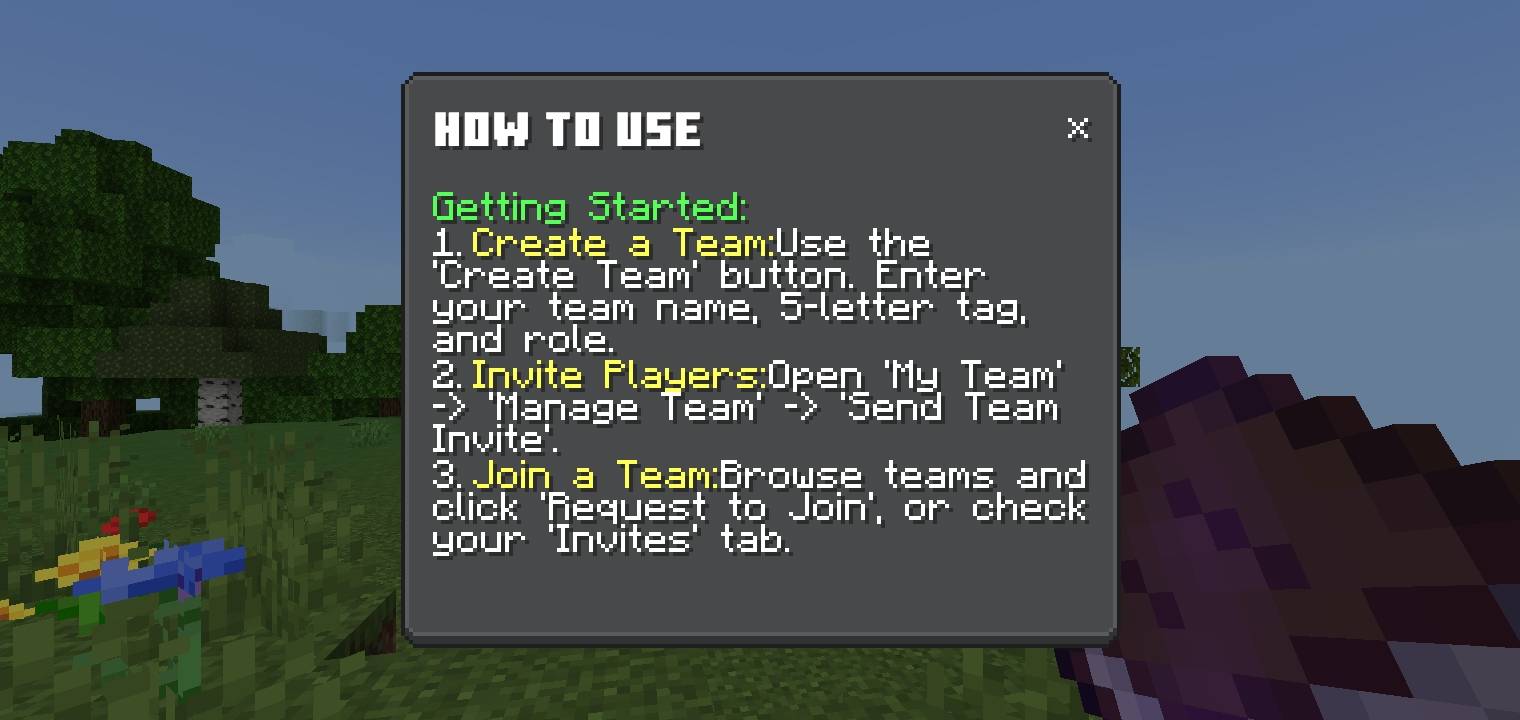
Open the Team Manager UI and select "How to Use" button to view the guidelines ingame.
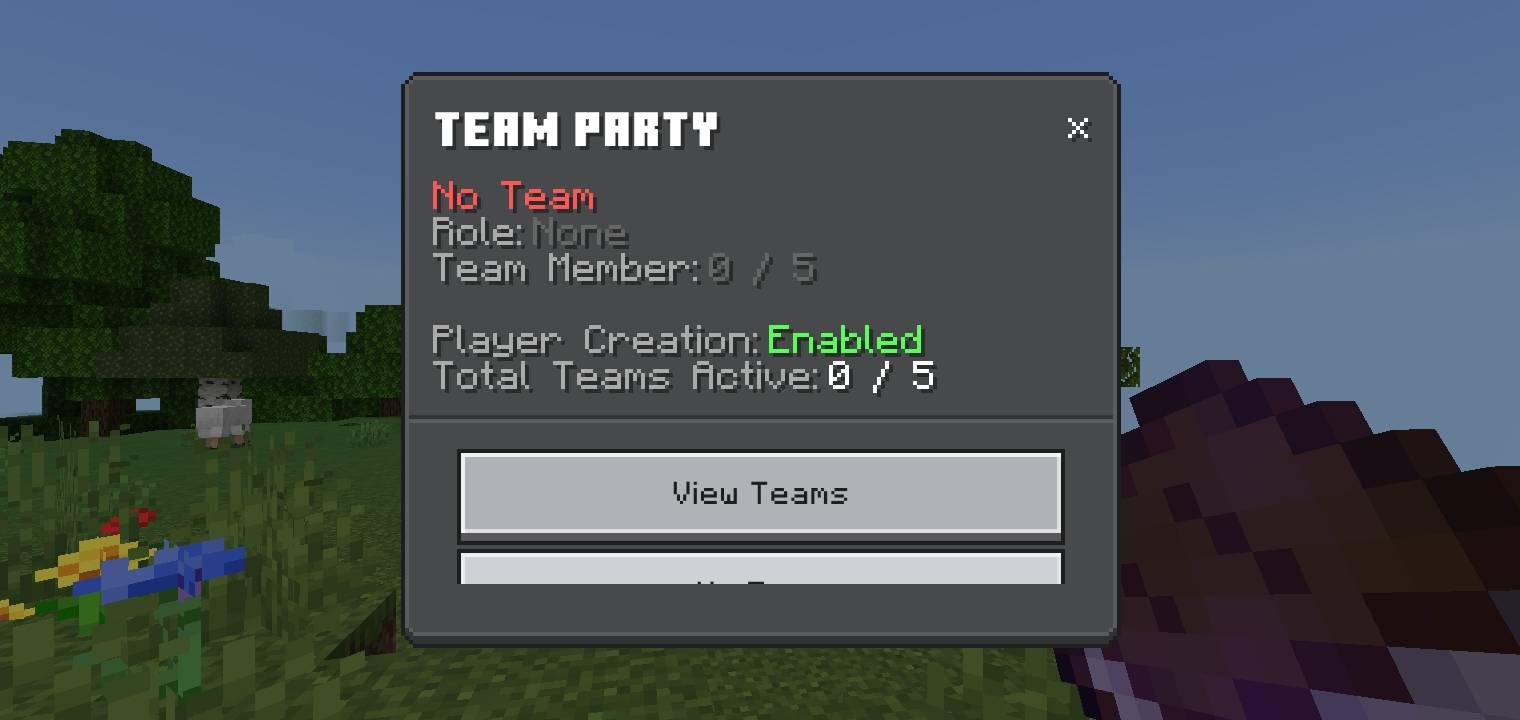
Getting Started. The Player Creation is Enabled in default.
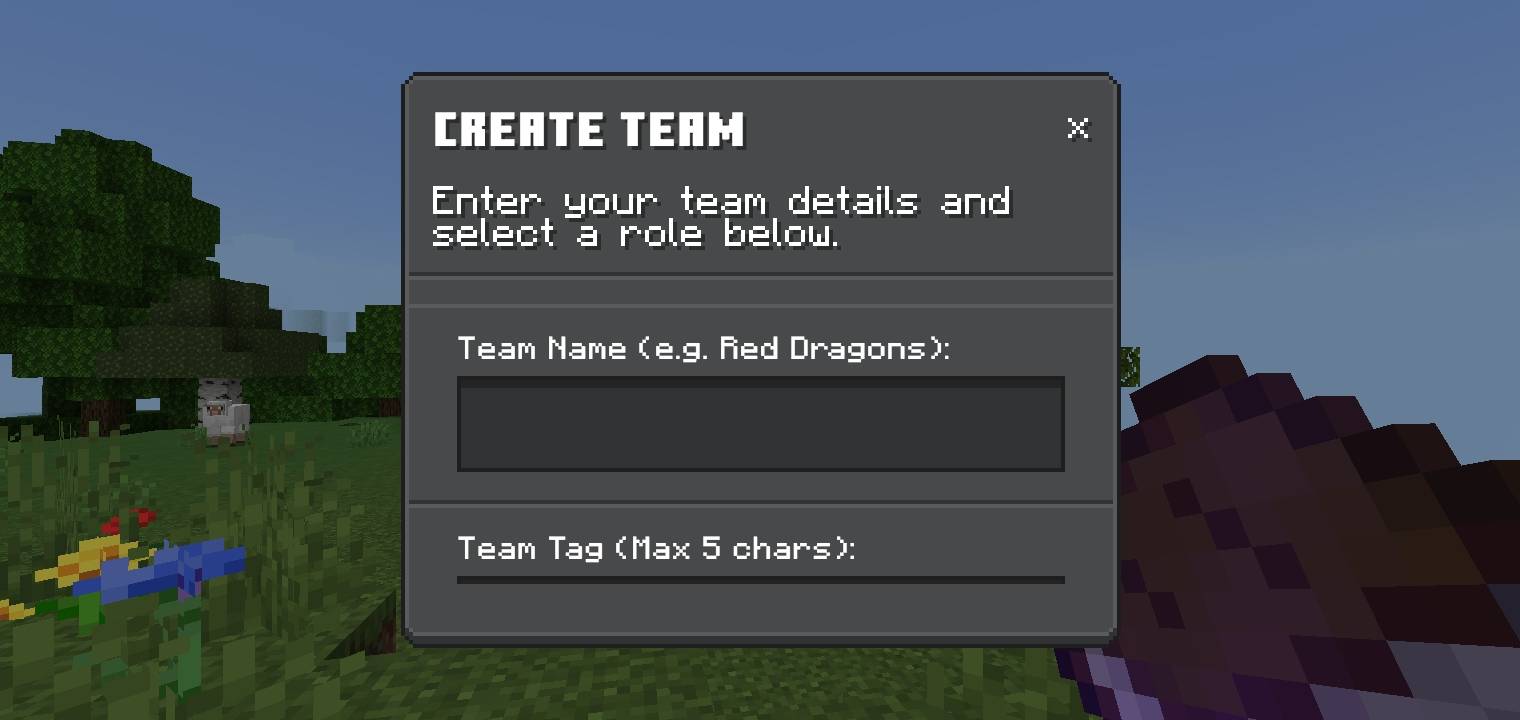
Select the "Create Team" button and start to make your own faction. Enter team name, team tag, description, and role.
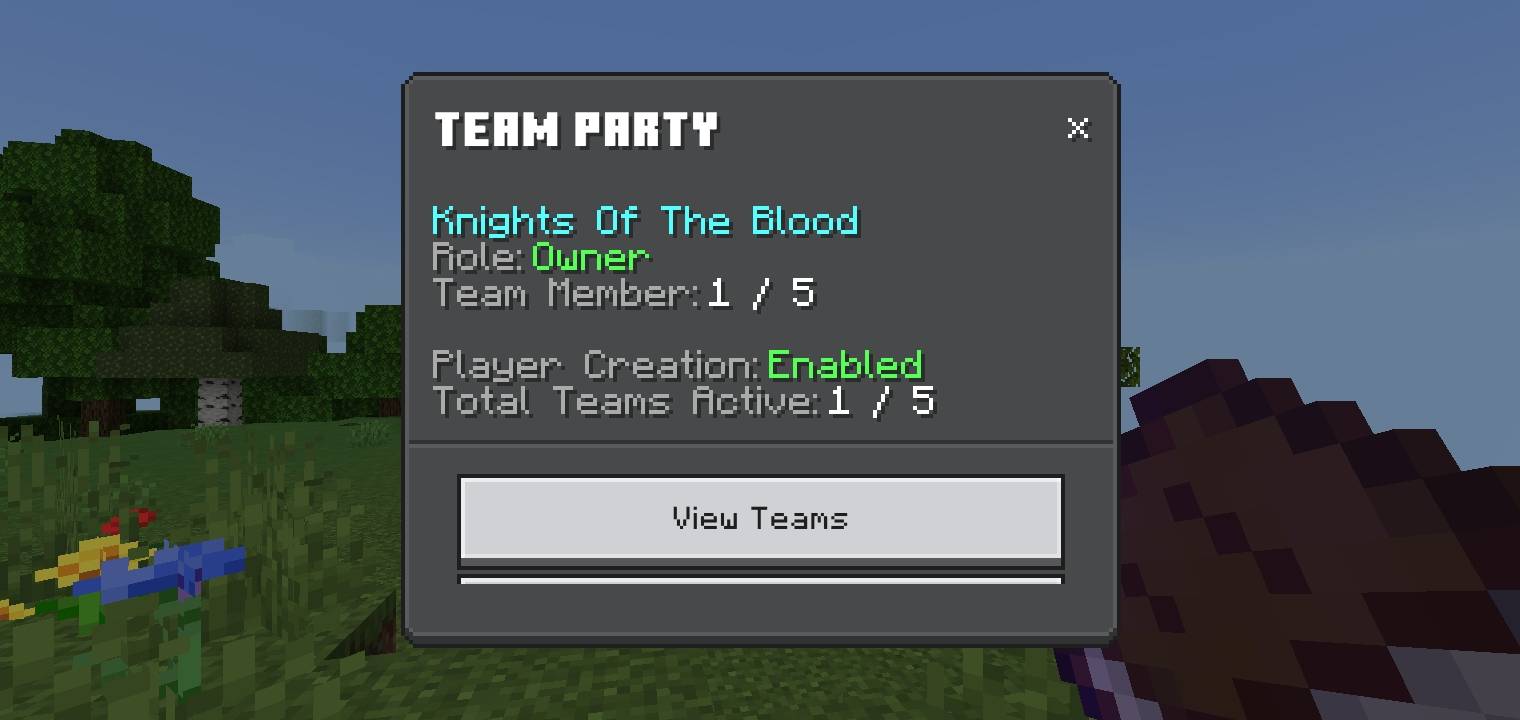
The initial Team Info in the main panel.
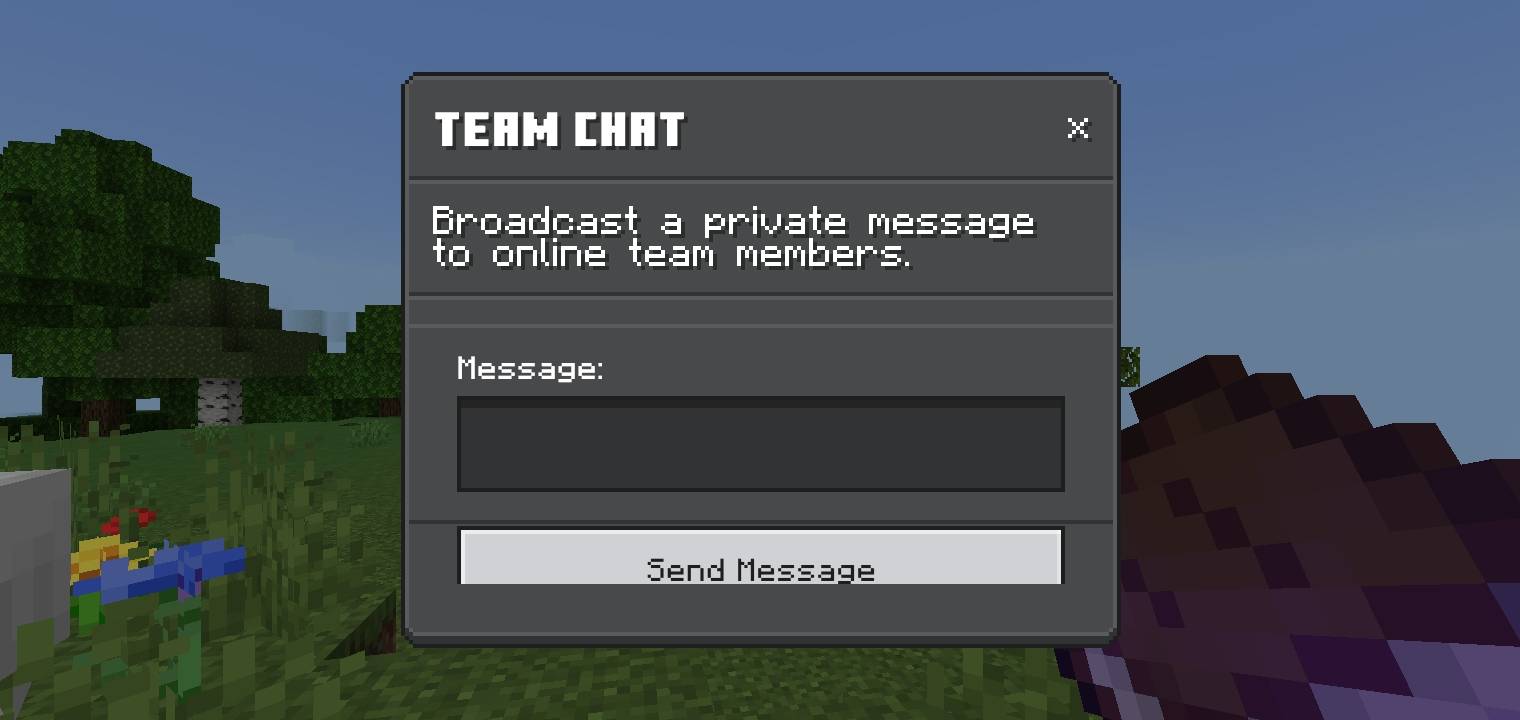
Type a message to send to your team party.
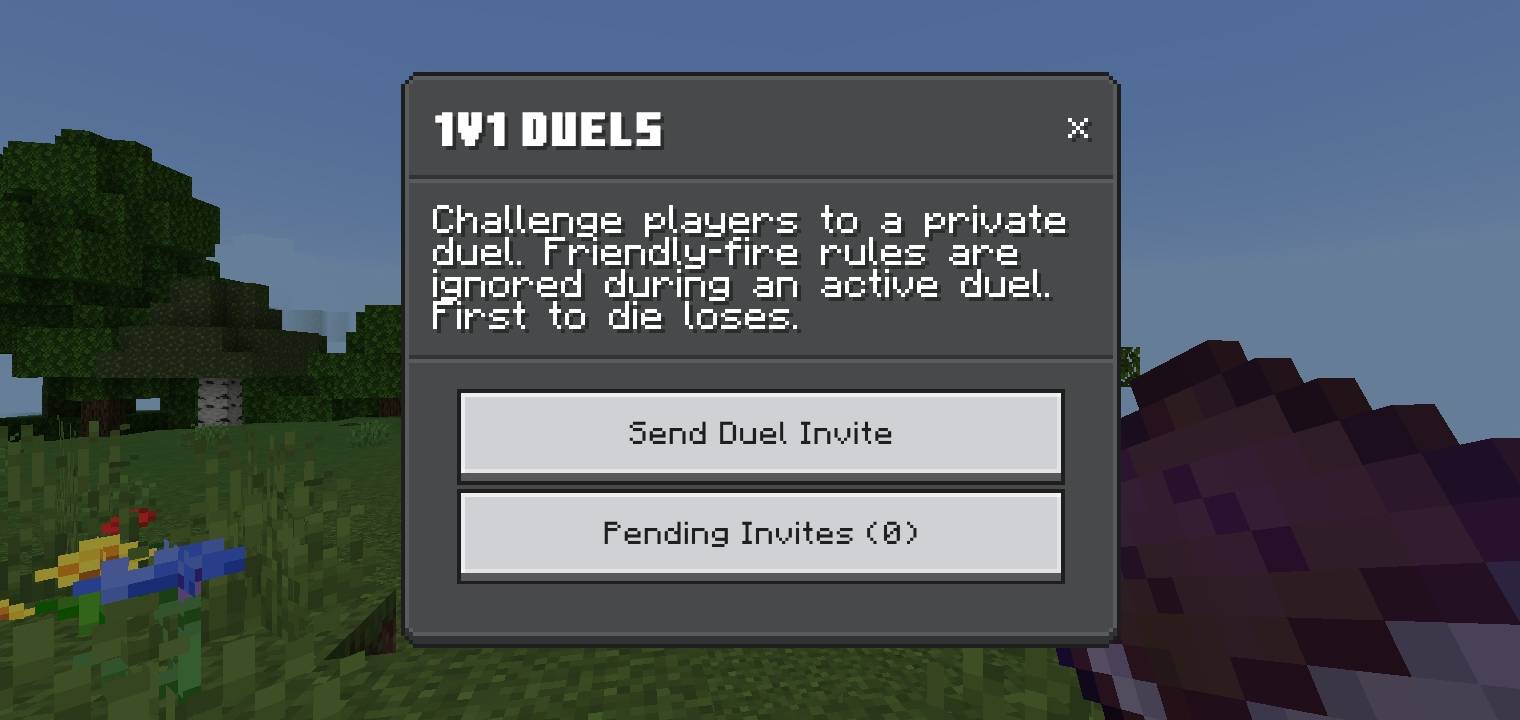
Invite a player in a 1v1 duels, wether your teammate or other team.
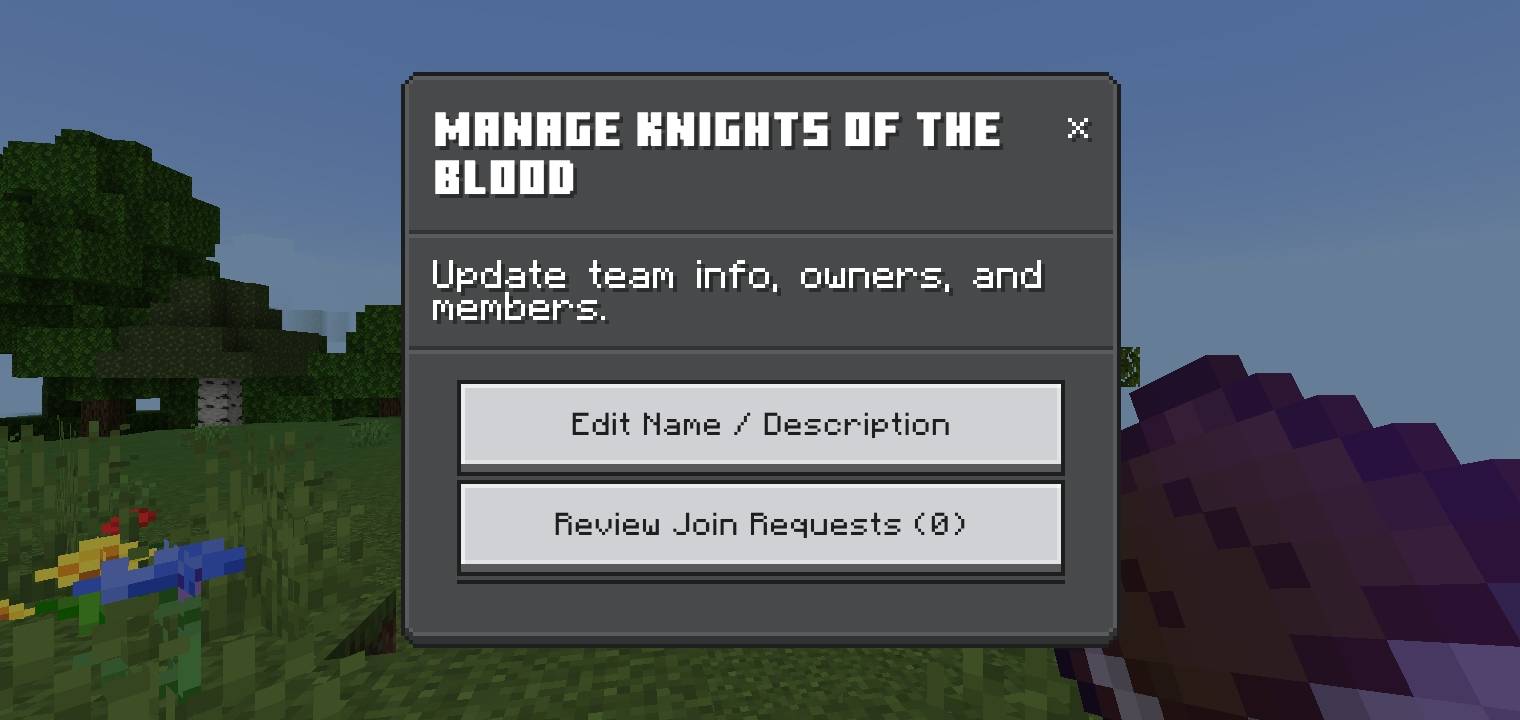
Manage your team, update info, roles, and request.
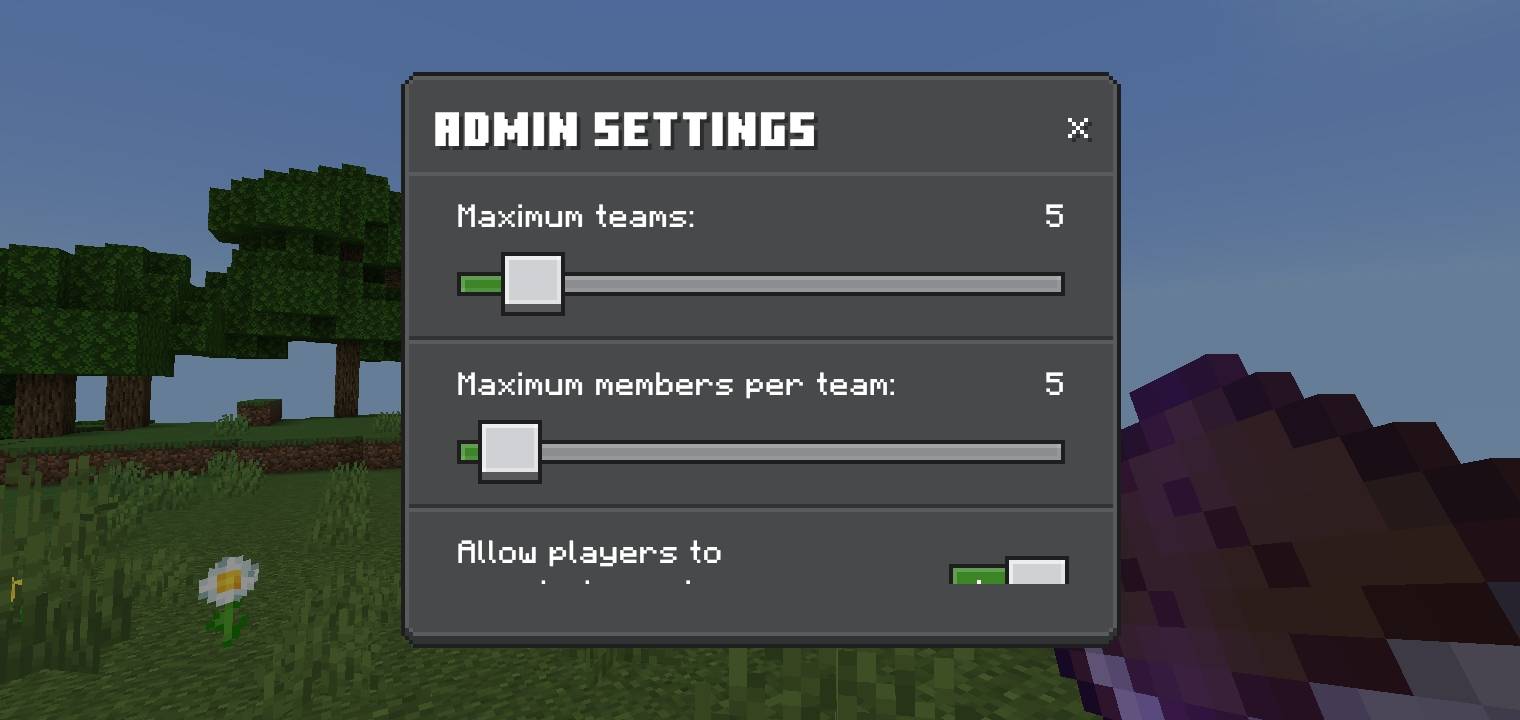
Only player with OP permission can access the Admin Settings. Adjust the maximum number of teams and team members. Disable/Enable player creation.
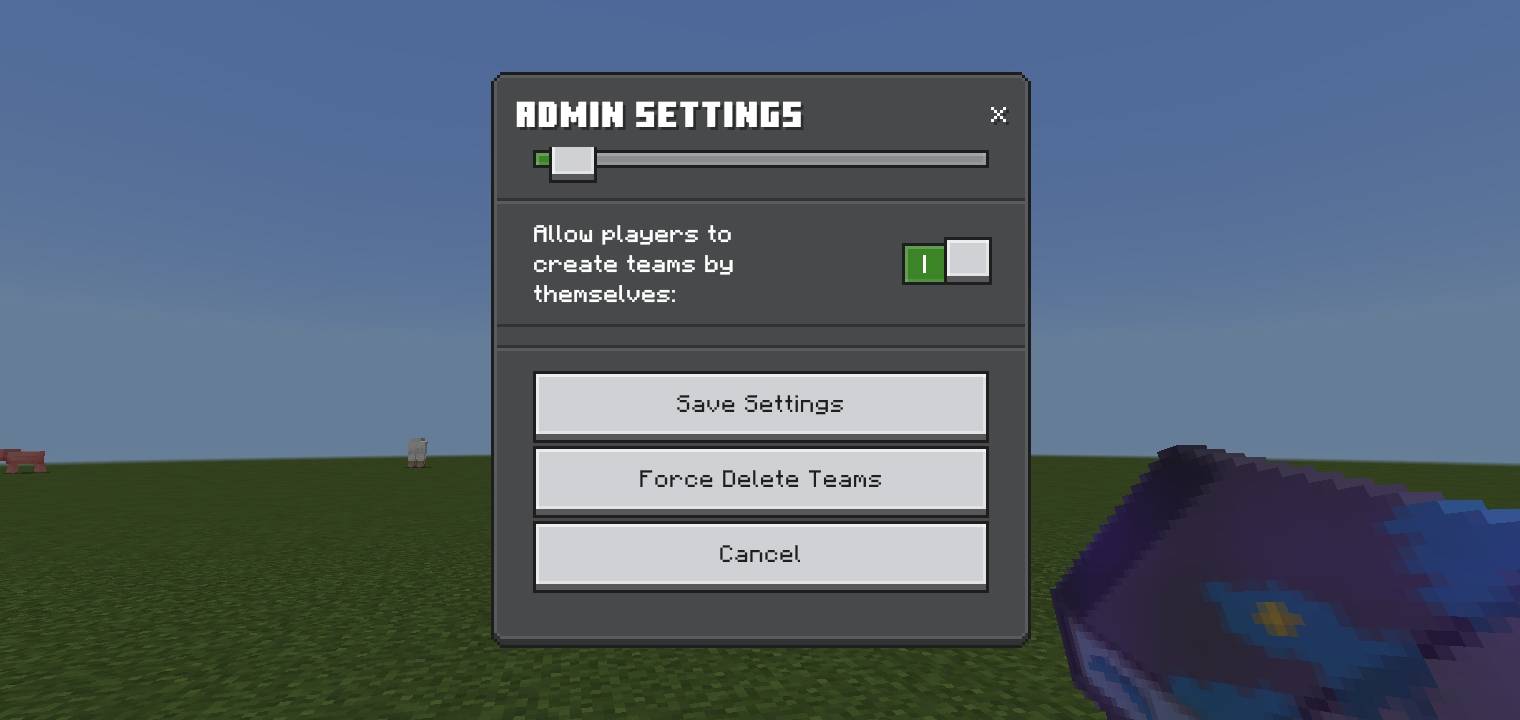
Click the Force Delete Teams button and you can pick the team you want to delete
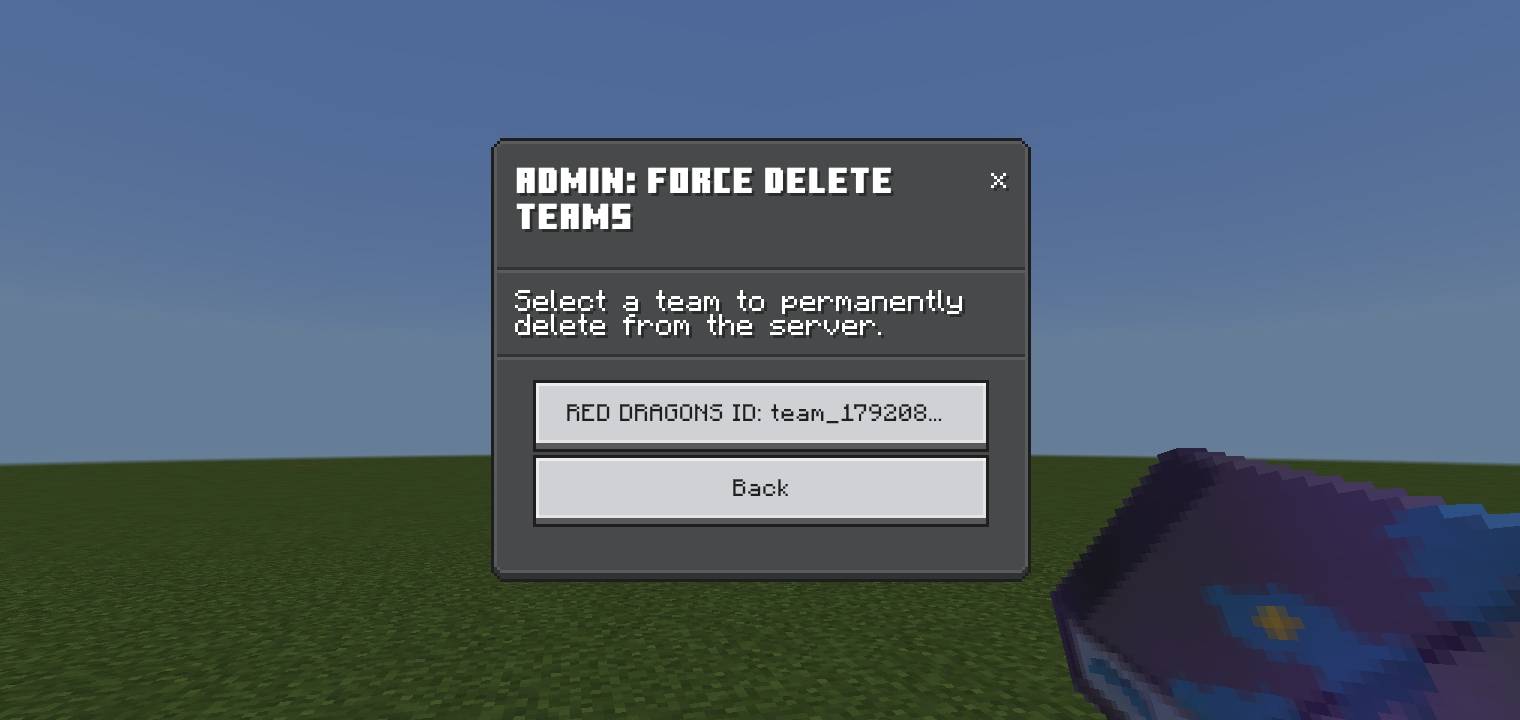
Select inactive team to delete
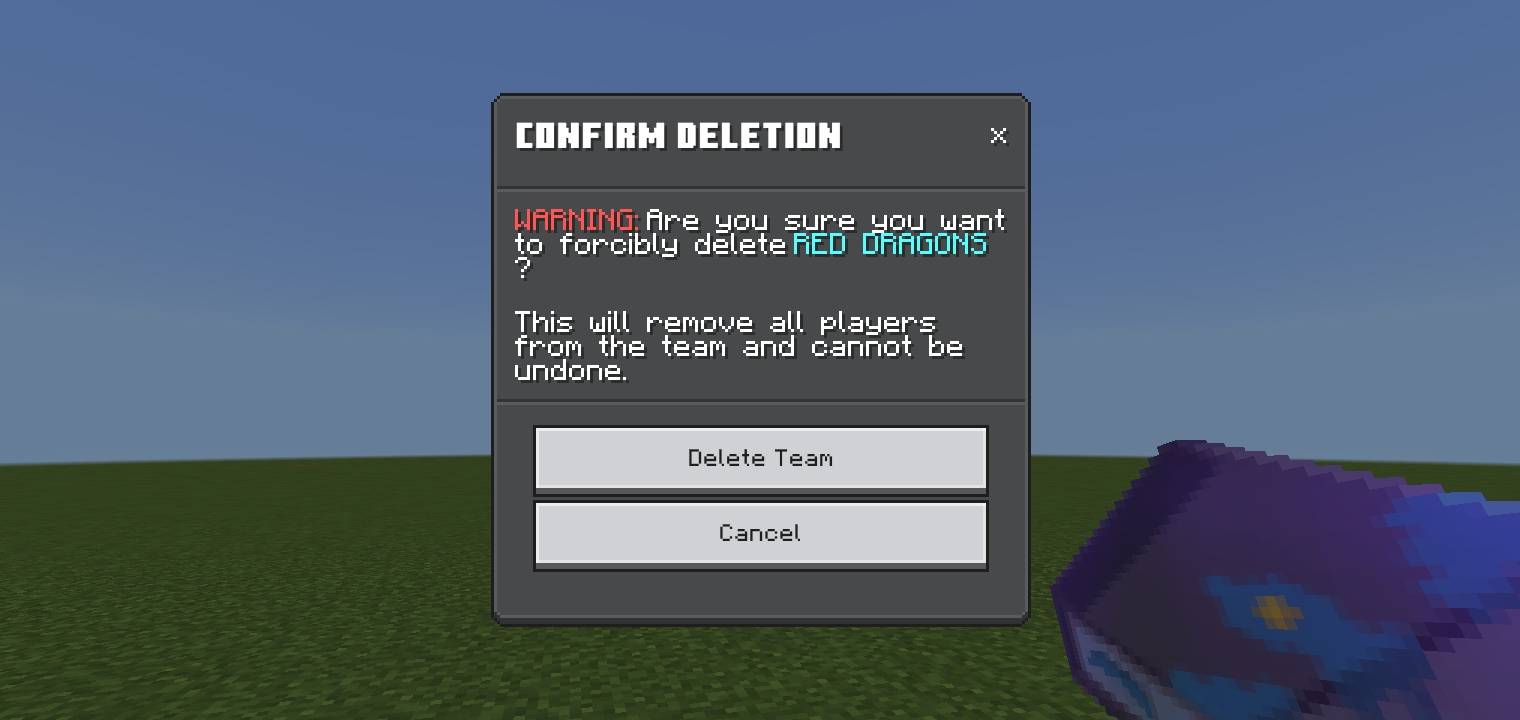
This will ask a confirmation to delete the chosen team