![TC VeinGlow – RGB Ultimate VeinMiner,TreeCapitator, Ore Excavation & 45+ Mining Modes [Achievement friendly] logo](https://media.forgecdn.net/avatars/thumbnails/2042/202/64/64/639248069707782556.png)
TC VeinGlow – RGB Ultimate VeinMiner,TreeCapitator, Ore Excavation & 45+ Mining Modes [Achievement friendly]
- By
[AF] VeinGlow: Tree ,Leaf Capitator, Vein Miner, Ore Excavation, RGB outlines, 45+ modes (Vein V1–V3, tunneling, 3x3/5x5, stairs, patterns), passive features (TreeCap, farming, liquids), block/tool filters, hunger control, visual outlines, admin.
Screenshot 2026-01-20 042834.png
MCPEDL
Description
TC VeinGlow
Vein Mining Reinvented — Survival-Friendly, Visual, and Fully Configurable
Quick Navigation: What's New Videos Compatibility Patterns Progression Automation Visuals How to Use Safety Admin Languages Support
What Is New in v2.6.0
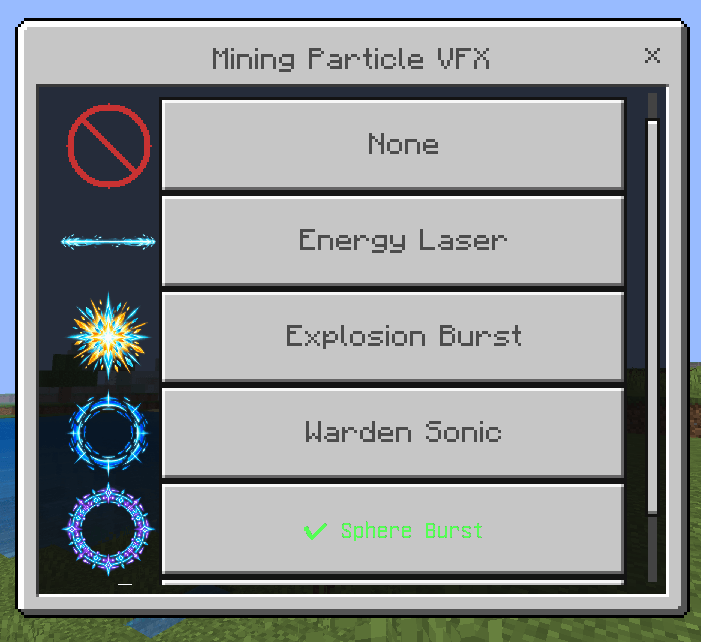
Particle VFX Menu
|
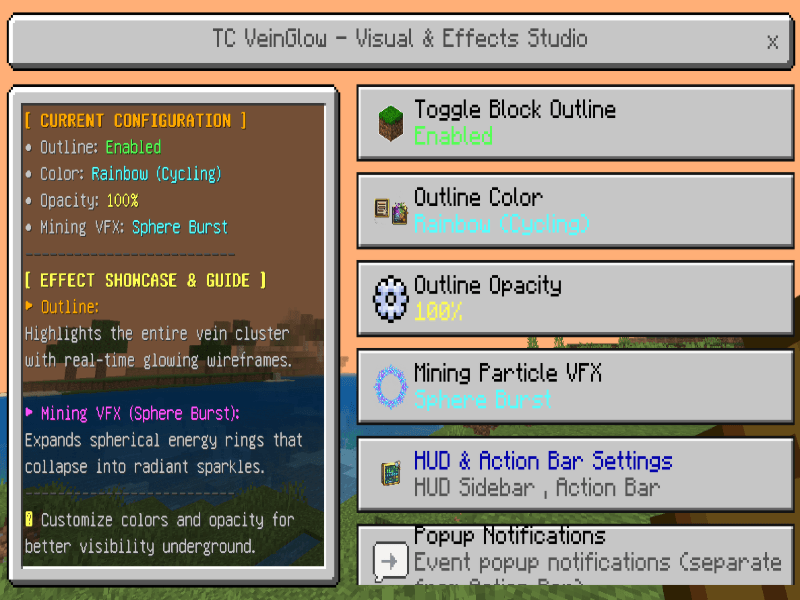
Visual & Effect Settings
| |
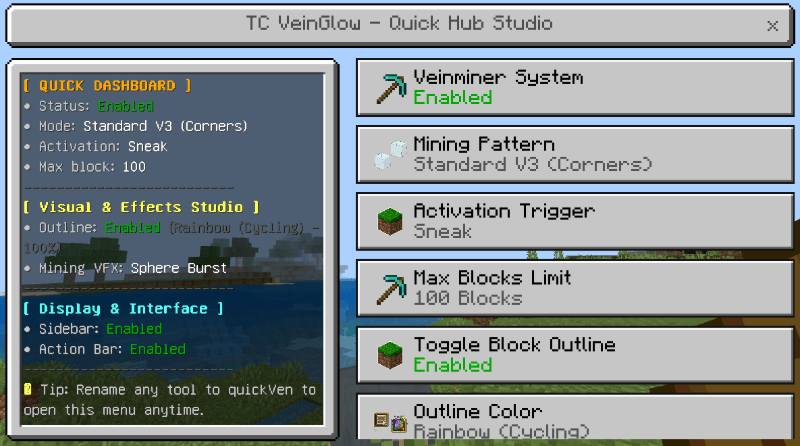
Quick Menu
|
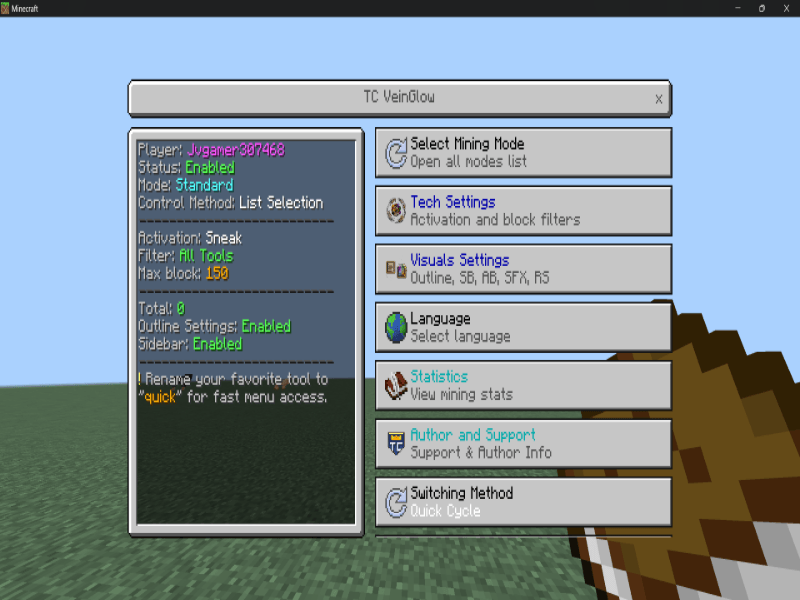
Main Dashboard
|
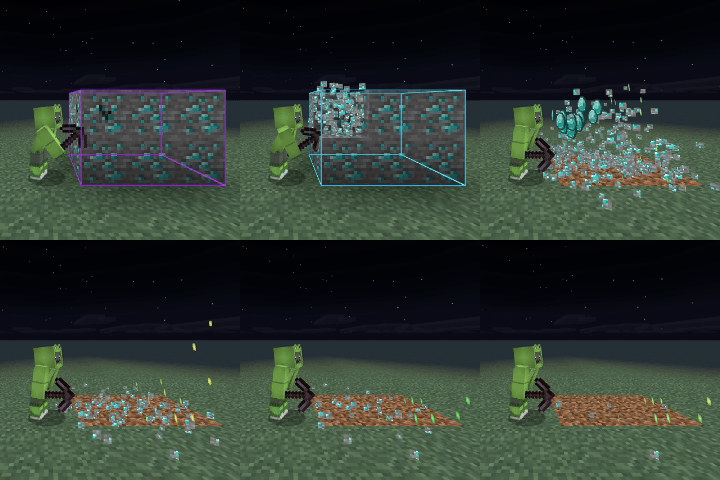
Mining VFX — Watch Directly
|
VFX Showcase I
|
VFX Showcase II
|
|
VFX Showcase III
|
VFX Showcase IV
|
Version Compatibility
| Release | Minecraft Bedrock |
|---|---|
| Current Release v2.5.0 | 1.21.30+ |
| v2.1.1–v2.4.1 | 1.21.0+ |
| v2.0.0 | 1.20.80+ |
 |
 |
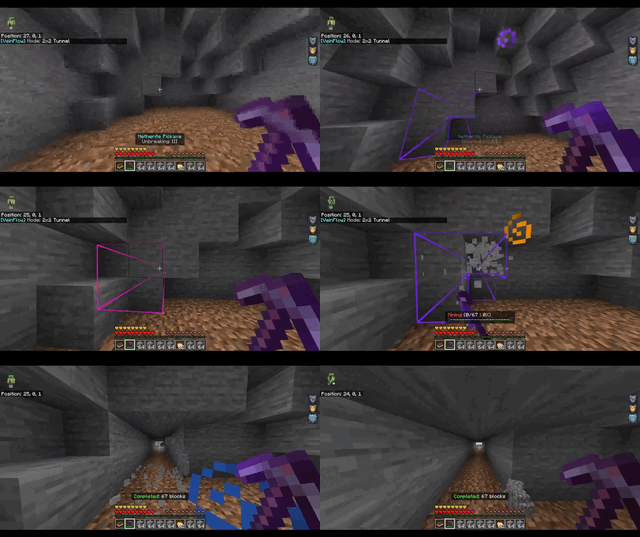
Core Pattern Arsenal
|
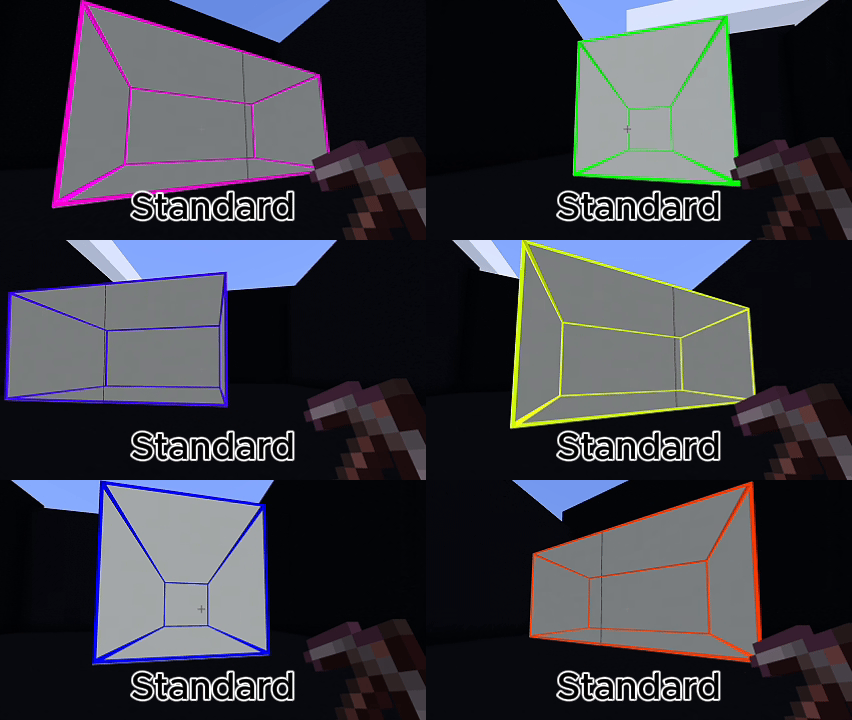
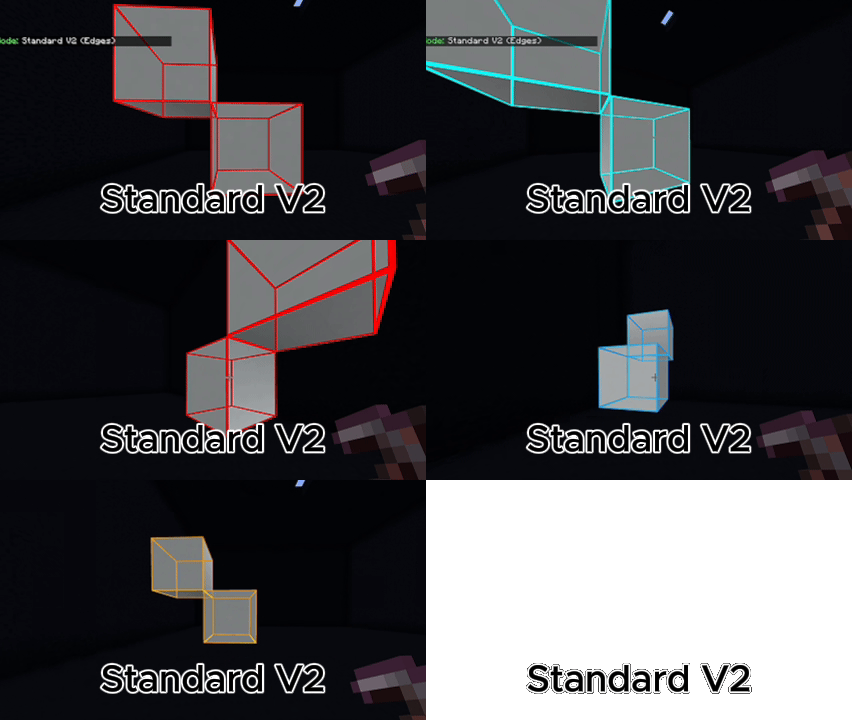
Connected Mining
Standard: shared faces. |
Tunnels
Line, 1x2, 2x1, 2x2, 3x3, diagonal, arc, zigzag, and strip-mining layouts. |
|
Heavy Excavation
3x3 Hammer, 5x5 Sledge, 3x3x3 and 5x5x5 excavators, Room Clearer, Moat, Trench, and Farm Grid. |
Geometry
Circle, Sphere, Dome, Hollow Cube, Hollow Cylinder, Frame, Cone, Plus, Star, Heart, and Checkerboard. |
|
Advanced Patterns
Spiral Outward, Branch Mining, Maze, Random Chaos, and Quarry-style excavation. |
Vertical Mining
Stairway Up, Stairway Down, diagonal stairways, and Spiral Staircase. |
 |
 |
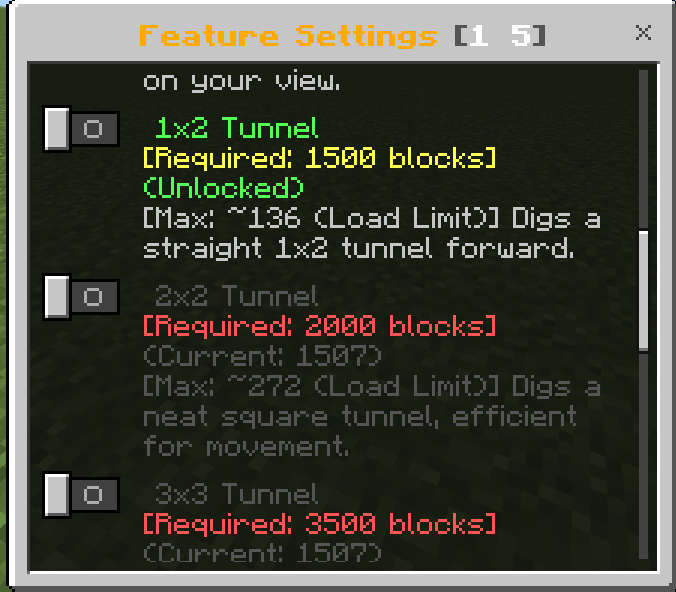
Optional Unlock Progression
Administrators can enable milestone progression for advanced patterns. If Unlock Mode is disabled, progression restrictions are not applied.
 |
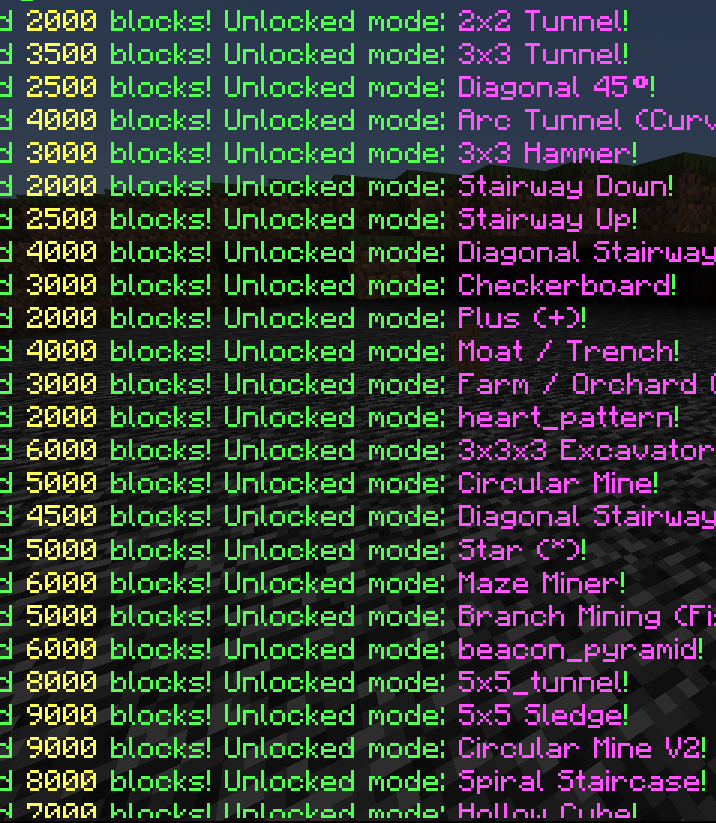 |
Progression Preview Gallery
 |
 |
 |
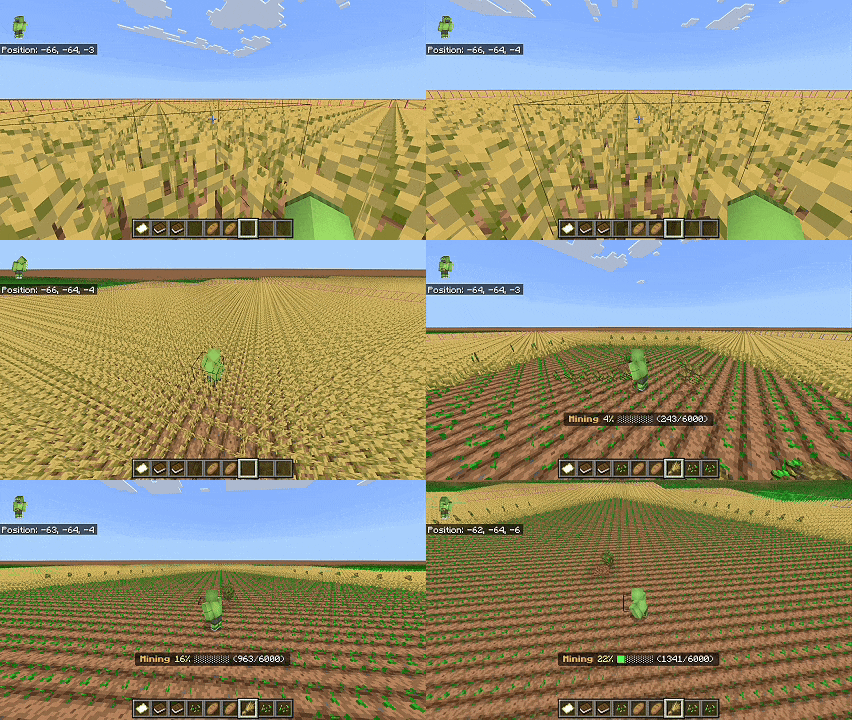
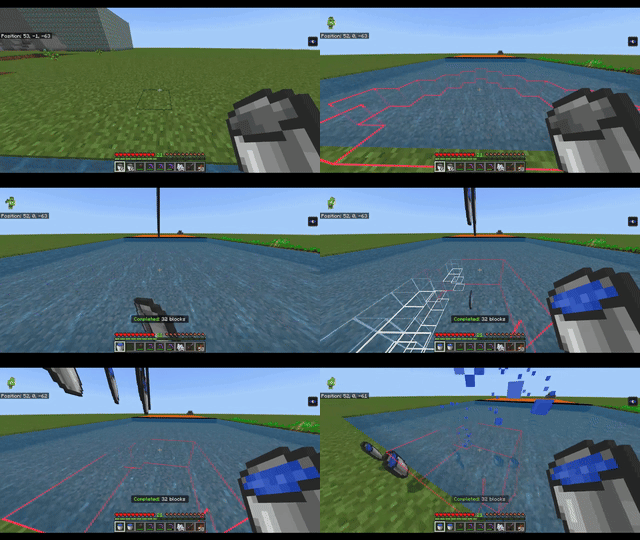
Smart Automation
| Tree Capitator Break logs, process leaves, and replant saplings. |
Automated Farm Harvest mature crops and replant compatible seeds. |
| Liquid Collector Collect water or lava with available empty buckets. |
Vein Hoe & Shovel Till soil or create paths using selected patterns. |
| Auto Torch & Safe Tunnel Light dark tunnels and reduce liquid or falling-block hazards. |
Tool Protection Stop at low durability and switch to a hotbar replacement. |
| Sweep Vein Trigger supported vein behavior from sword sweeping. |
Double Door Synchronize adjacent compatible doors. |
 |
 |
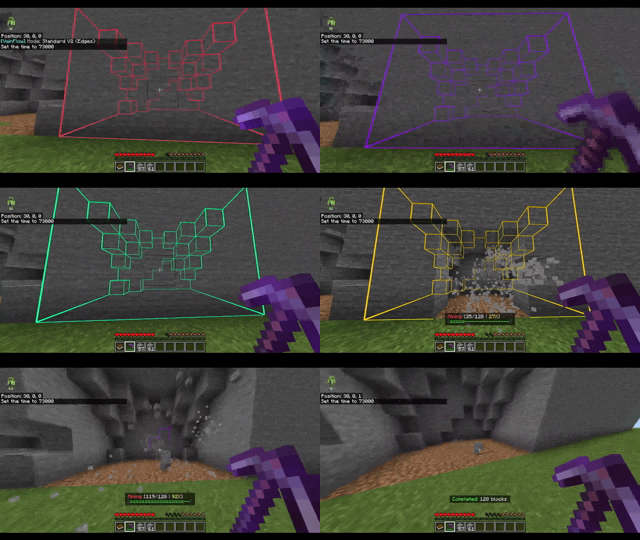
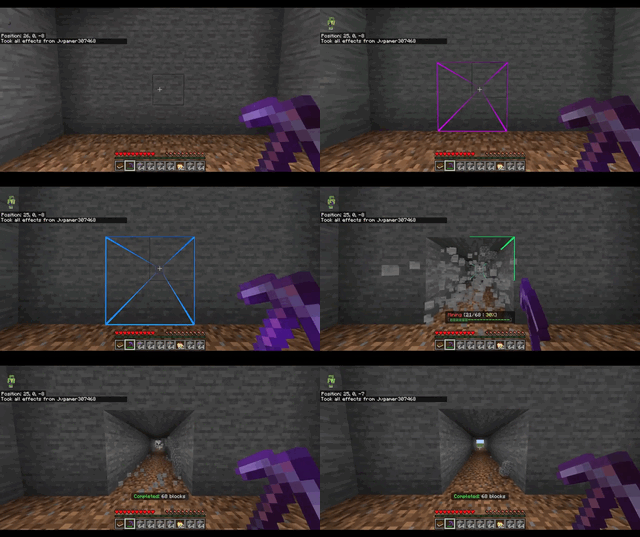
Visual System — Precision Overlays & 3D VFX
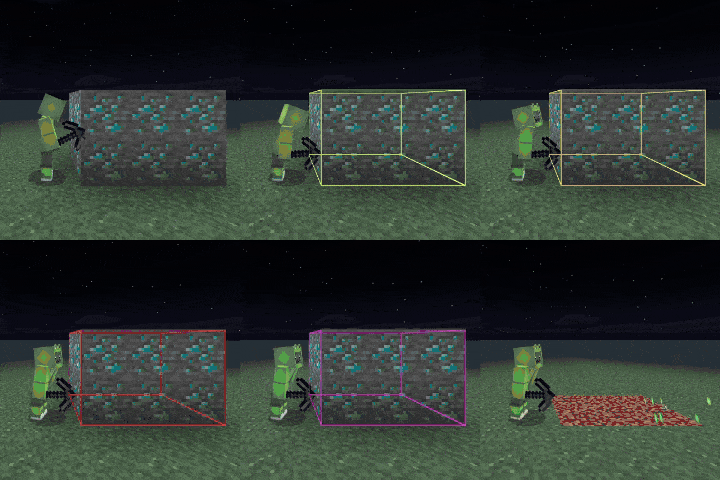
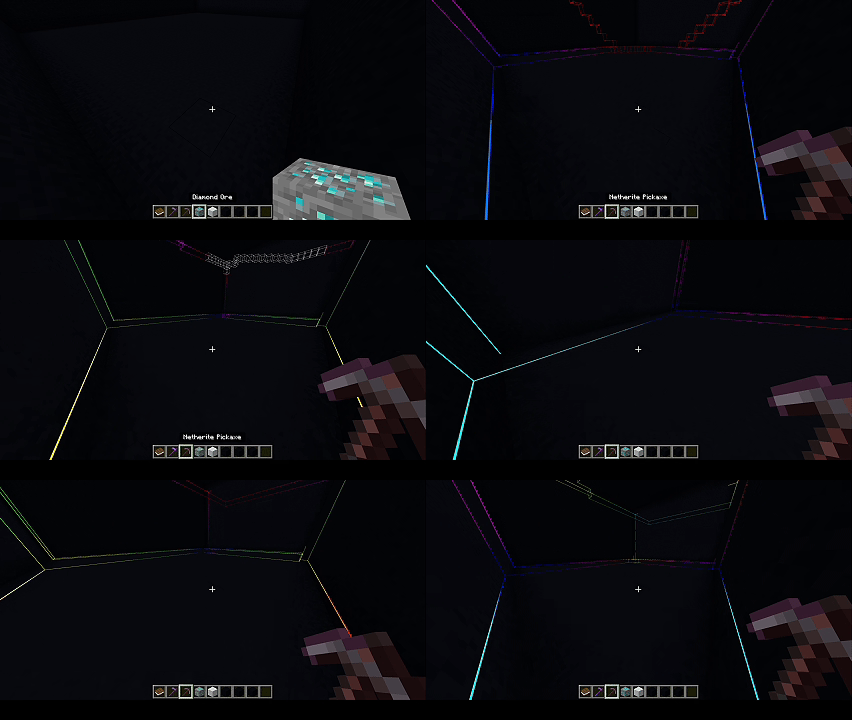
- Entity-based block previews display the mining selection before destruction.
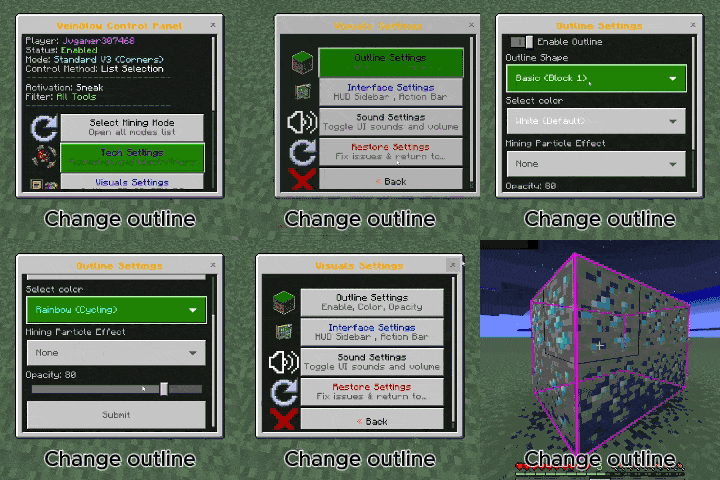
- Multiple outline styles: Box, Wireframe, Scan, Bold, and corner-focused variants.
- Sixteen color presets, including animated rainbow color.
- Action-bar counters show the active pattern and current mining progress.
- Custom Laser, Warden, Explosion, and Sphere Burst effects combine models, animation, and particles.
|
Target Outlining
 |
Dynamic Colors
 |
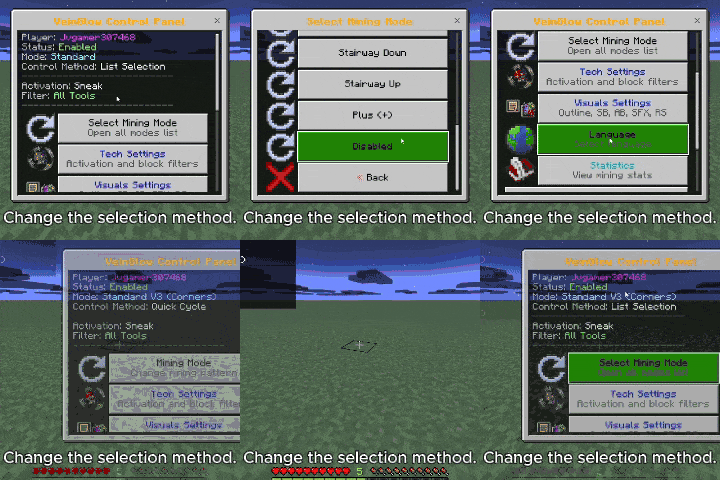
How to Use
|
Main Control Panel
Activate both packs, complete onboarding, then use the supplied VeinGlow book to open the main dashboard and configure mining. 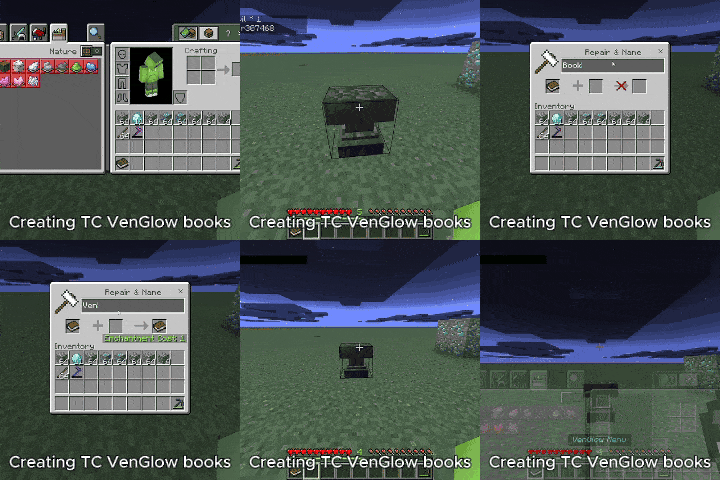 |
Quick In-Hand Menu
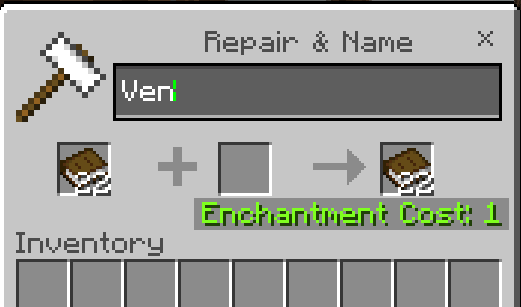
Rename a tool to VenFlow or Quick. Sneak or use the configured interaction method while holding it. 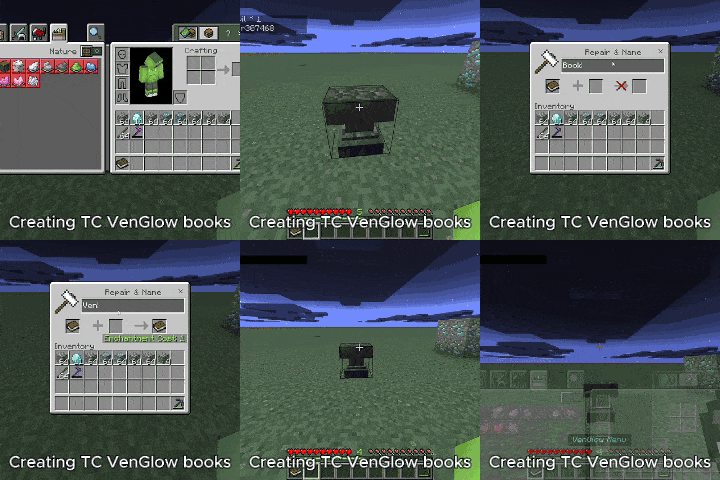 |
Basic flow: select a pattern, choose activation and filters, hold the correct Vanilla tool, preview the target blocks, then activate mining.
Critical Safety Rules
- Sneak activation: prevents unintended large mining operations when enabled.
- Immediate cancellation: releasing the configured activation stops the current session.
- Vanilla checks: tool tier, durability, hunger or XP cost, block filters, and maximum limits remain enforced.
- Tool protection: mining can stop before a tool breaks.
Configuration & Administration
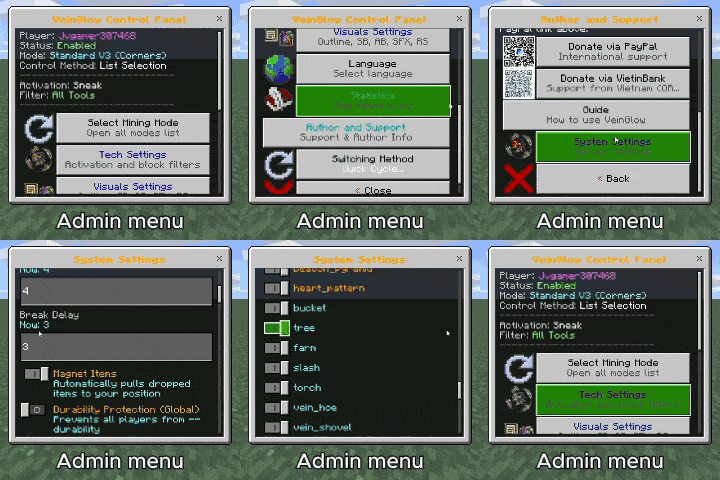
- Configure maximum blocks, mining delay, durability threshold, hunger or XP cost, and item magnet behavior.
- Enable or disable patterns, passive abilities, preview systems, and individual particles.
- Set block filters for each supported tool category.
- Settings are stored per world and per player where appropriate.
Admin Menu Preview
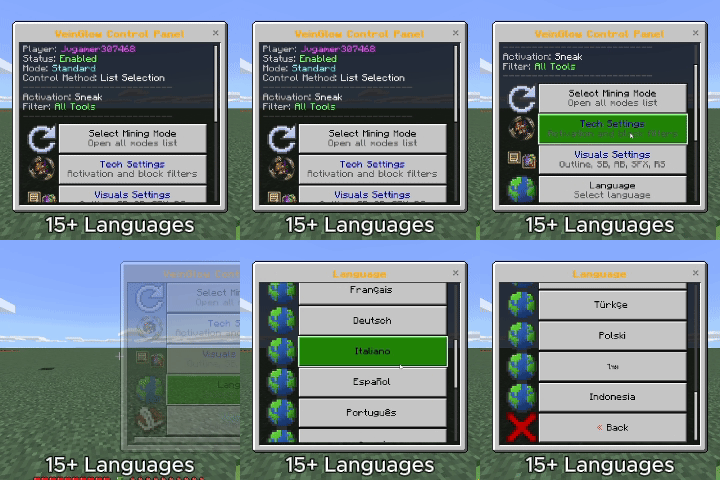
15 Languages
English, Vietnamese, Chinese, Japanese, Korean, French, German, Italian, Spanish, Portuguese, Russian, Turkish, Polish, Thai, and Indonesian.
Installation
- Download and open the TC VeinGlow `.mcaddon` file.
- Wait for Minecraft to import both packs.
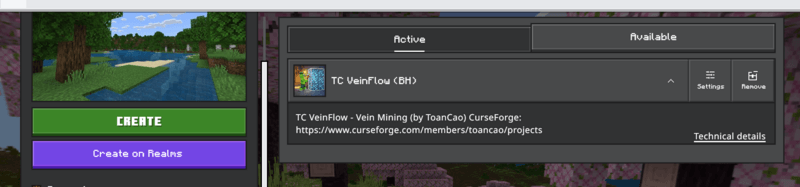
- Activate the Behavior Pack and Resource Pack on the same world.
- Enter the world and follow the onboarding instructions.
No separate Experimental or Beta API toggle is required.
Support & Community
| Ko-fi https://ko-fi.com/toancao |
YouTube https://www.youtube.com/@toancaomc |
| Discord https://discord.gg/9rch87H9yM |
CurseForge https://www.curseforge.com/members/toancao/projects |
The TC VeinGlow – RGB Ultimate VeinMiner,TreeCapitator, Ore Excavation & 45+ Mining Modes [Achievement friendly] Team


Owner