Sync - Create mods without coding
- By
Sync lets you create powerful mods using intuitive menus, no coding required!
Sync Addon Thumbnail
Description

Minecraft Bedrock’s first addon that lets you create mods entirely in-game
Sync is a revolutionary Minecraft Bedrock addon that empowers players and creators to build custom automations, rules, and interactive experiences without writing a single line of code. Whether you're a newbie to scripting or a seasoned builder, Sync turns complex event handling into an intuitive menu-based system. Imagine creating custom item effects, protected regions, player stats trackers, or even interactive shops! All through simple forms and toggles.
This addon is perfect for survival worlds, adventure maps, servers, or realms where you want dynamic behaviors like rewarding kills, restricting actions, or displaying custom UIs. Everything is saved in your world, making it multiplayer-friendly and persistent.
How To Setup The Addon
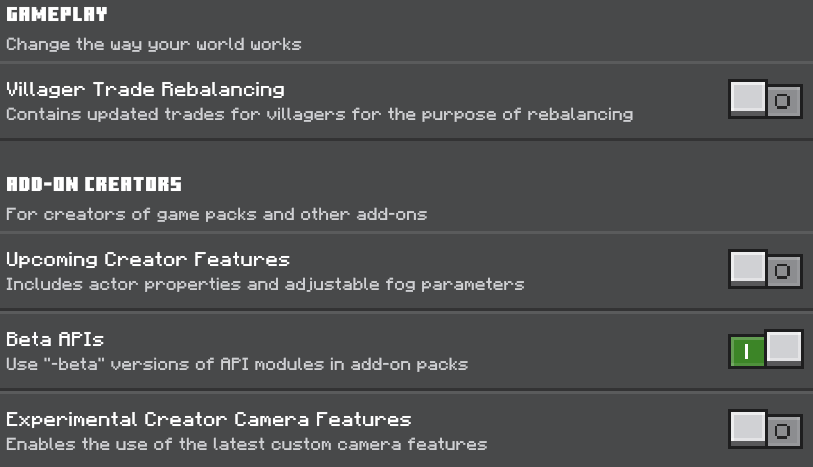
Activate Behaviour Pack & Turn On Beta APIs

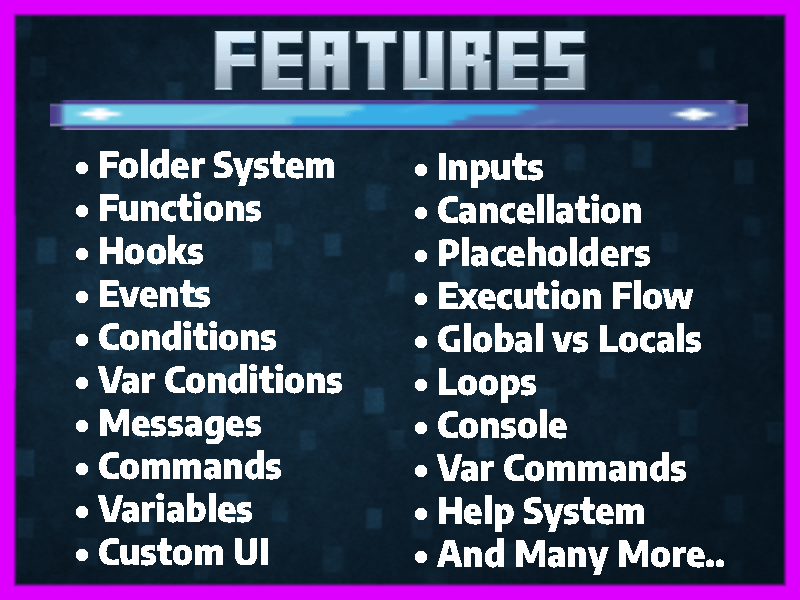
Key Features
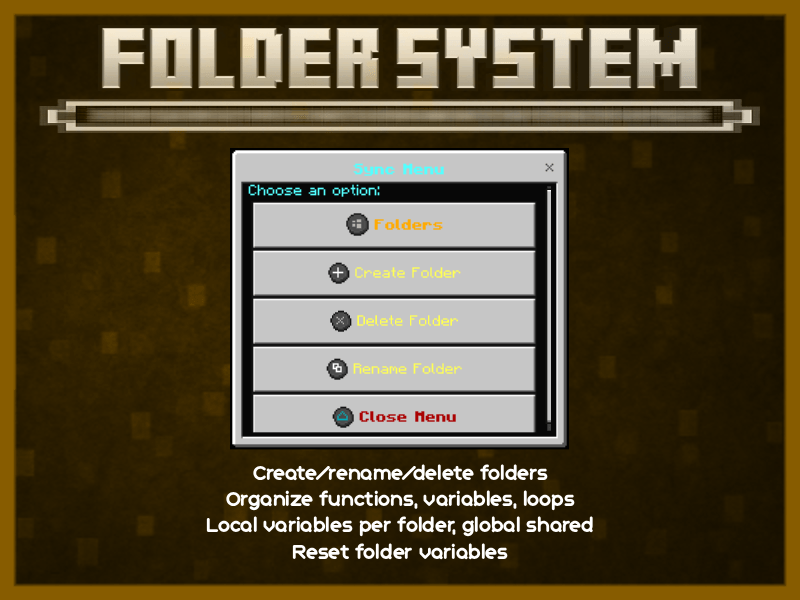
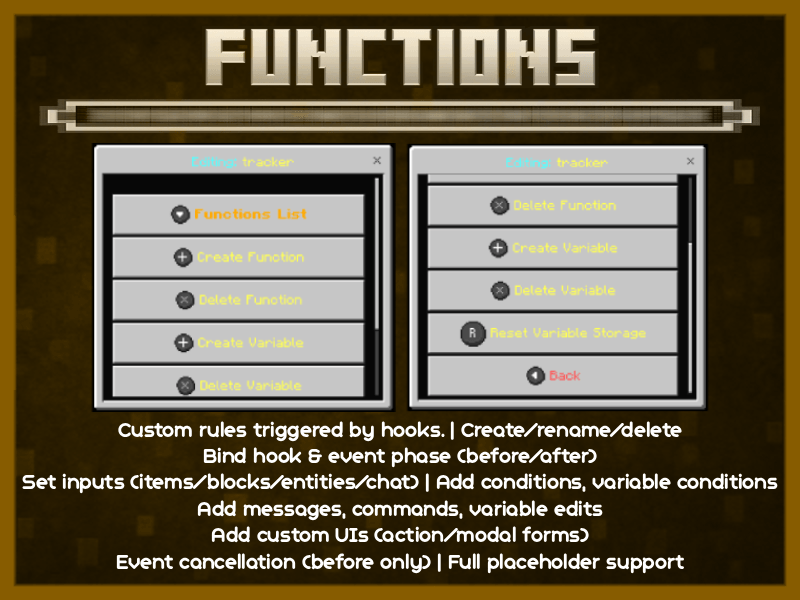
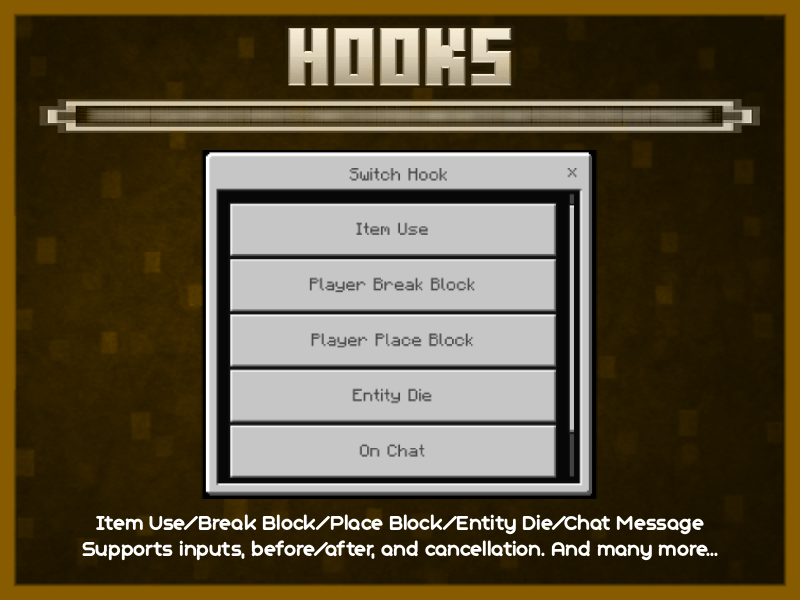
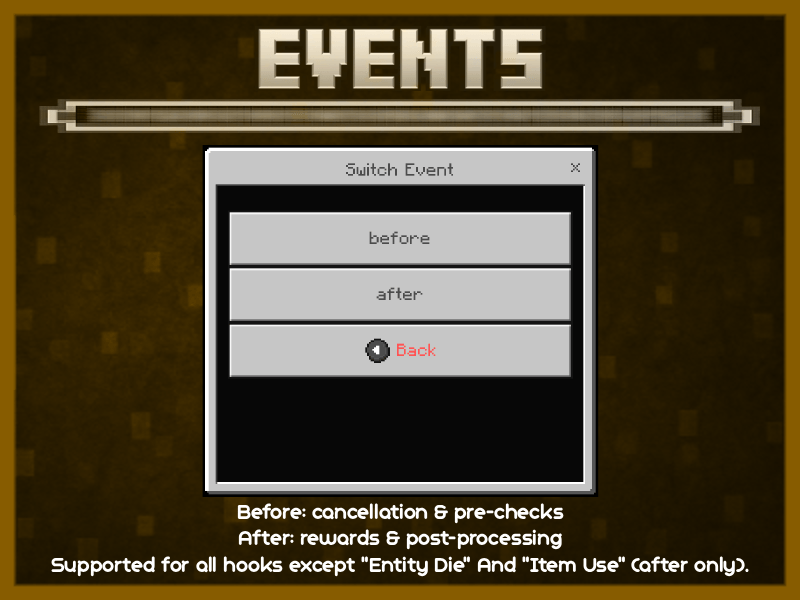
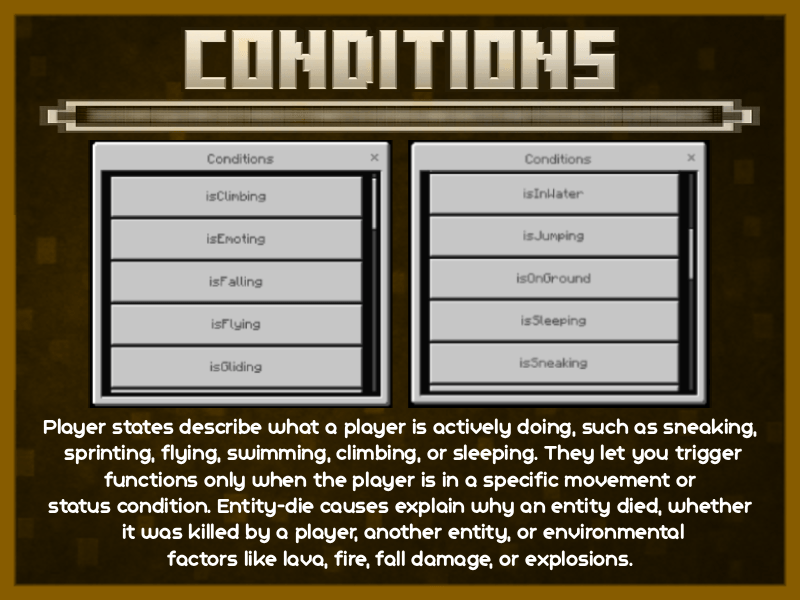
Variables System
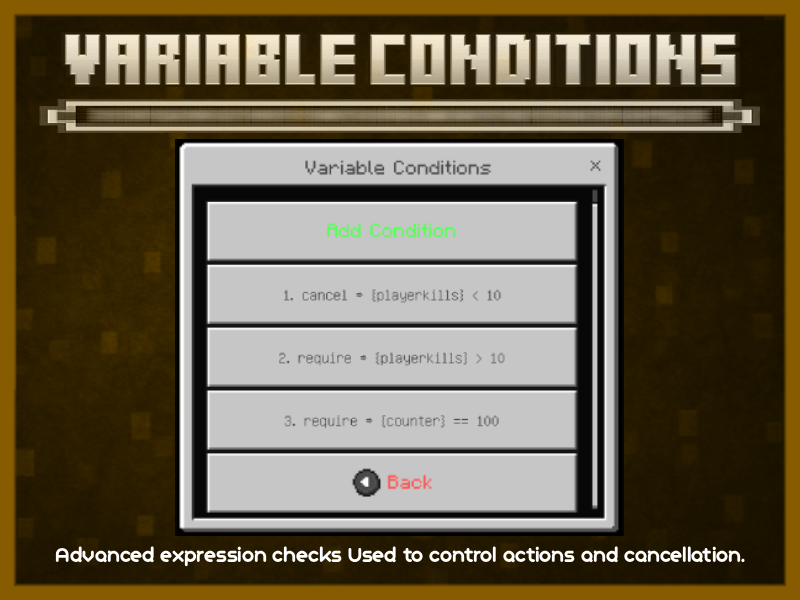
The addon includes a complete variable engine with global variables and local variables (per-player, per-folder). Variables can be added, removed, set, or reset, and they can be used inside functions, hooks, conditions, and loops. All variables can be viewed with the /varlist command and edited directly through the UI menus.
Custom UI (Forms) [This Is A Beta Feature]
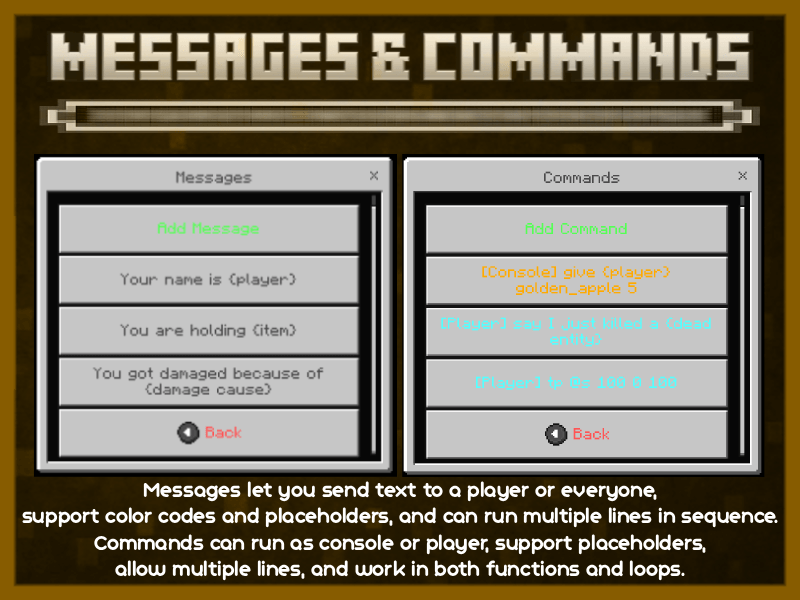
Sync provides a powerful UI builder. ActionForms support multiple buttons, and each button can send messages, run commands, modify variables, or open another UI. ModalForms support text and numeric inputs, and all inputs return a {value} structure to be used in actions. OnSubmit actions can execute commands, send messages, modify variables, or open further UIs. When a UI is defined for a hook, it replaces normal action execution.
Inputs System (Filters)
Each hook can define filters to control what triggers it. You can filter by items, blocks, entities, or chat messages. Filters accept comma-separated lists or the keyword any to match everything.
Event Cancellation
Before-events support cancellation. Events can be cancelled using a dedicated cancel action, variable-based conditions, or UI actions that explicitly cancel. This allows custom protections, behaviour overrides, and interactive confirmation systems.
Placeholders
Placeholders can be used anywhere: messages, commands, UI text, and variable operations. Examples include {player}, {varname}, {item_name}, {block}, {killer}, and many more... Additional placeholders are available depending on the hook context.
Execution Flow System
Every hook follows a clear execution path: the hook triggers, inputs are checked, conditions are evaluated, variable conditions are processed, and actions are executed. Before-events run before Minecraft performs the action, while after-events run when it completes. If a UI is defined for the hook, the UI overrides and replaces direct actions.
Globals vs Locals
Global variables are shared across all players. Local variables are per-player per-folder. This dual system is used for variables, loops, and placeholders, allowing shared systems and player-specific logic to coexist.
Loops System (Periodic Tasks)
It includes a full background loop engine. Loops can be created, renamed, or deleted, and each loop has its own tick interval. Loops may run globally or per-player, and can optionally bind to a folder to access local variables. Loops support sending messages, running commands, modifying variables, and using placeholders. They run automatically and are useful for timers, automated rewards, leaderboards, counters, and playtime tracking.
Error Console
It keeps the last 20 error entries, including timestamps and the exact command or action that failed. A full UI browser allows easy inspection. Accessible using /console or through the help menu.
Commands
/variable lets you add, set, remove, or reset any global or local variable.
/varlist shows all global and per-player variable folders.
/broadcast sends a message to all online players.
/send sends a private message to a specific player.
Help System
This includes a complete in-game help menu that explains every subsystem through UI pages. It is beginner-friendly and provides all documentation without leaving the game.
Videos Related To This Addon
website

Permission Notice
You are allowed to upload and share any world that uses this addon, anywhere you like.
The addon may be included with the world without restriction.
Create, share, and enjoy freely.

Create Mods In MCPE Without Coding! Directly In Game.
The Sync - Create mods without coding Team


Owner