Soul Link
- By
Soul Link Addon — Summary Overview Soul Link is a Minecraft Bedrock addon that synchronizes game states between players. When enabled, players share health, death, healing, food, movement, inventory, and camera view in real time.
A625F907-9C0F-45F0-9BF2-DB4042F1B015.png
MCPEasDL.png
MCPEDL.png
Description
Soul Link - Synchronize Players' Lives
Version: 1.1.0
Minecraft Version: Bedrock 1.21.0+
Type: Behavior Pack + Resource Pack
Language: English
WHAT IS SOUL LINK?
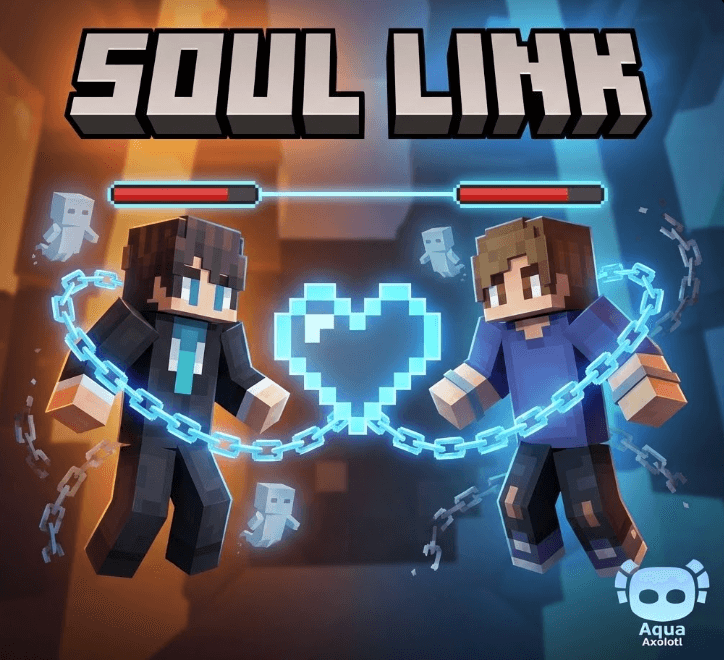
Soul Link is a revolutionary Minecraft Bedrock addon that creates an unbreakable bond between players. When enabled, players share their health, inventory, and movement - creating a truly synchronized multiplayer experience where every action affects everyone.
The first player to join becomes the Admin and controls all settings for everyone!
Perfect for: Cooperative gameplay, challenge runs, team building, and unique multiplayer experiences!
FEATURES
Admin System
- First Player = Admin - The first player to join becomes Admin automatically
- Admin Controls All - Only the Admin can change settings
- Global Settings - Admin's settings apply to all linked players
Health Synchronization
- Sync Health - When one player takes damage, all linked players lose the same amount
- Sync Death - If one player dies, everyone dies together (no one left behind!)
- Sync Healing - Healing one player heals everyone simultaneously
Movement Synchronization
- Sync Jump - One player jumps, everyone jumps!
Inventory Synchronization
- Sync Inventory - Items sync across all linked players
- Sync Durability - Item durability updates in real-time for everyone
HOW TO USE
Quick Start
1. Install both Behavior Pack and Resource Pack
2. All online players are automatically linked
3. The FIRST player to join becomes the ADMIN
4. Get the config item: /give @s soul_link:config
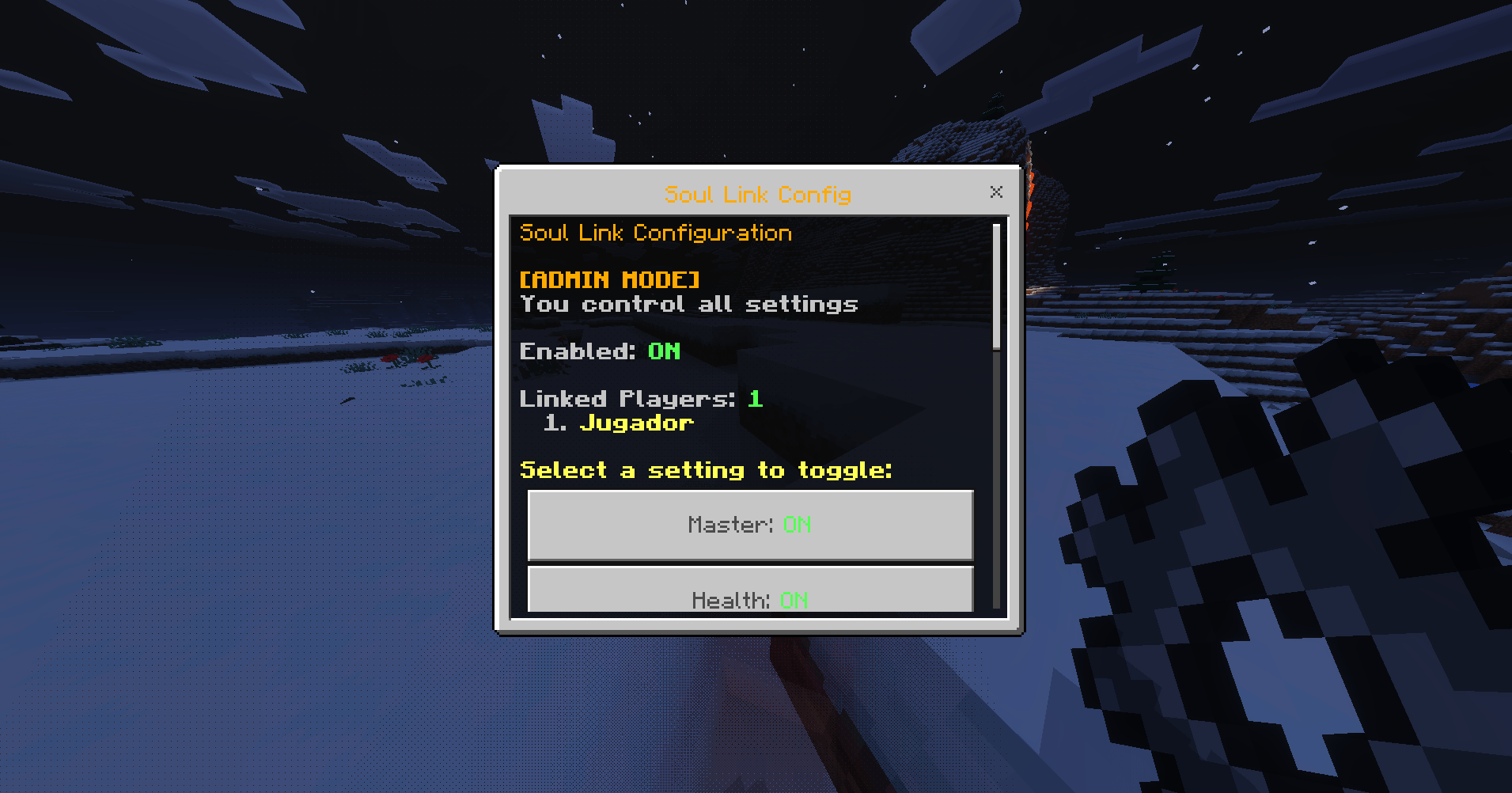
5. Right-click with the item to open the configuration menu
6. Only ADMIN can change settings - settings apply to everyone!
Configuration
- Use the soul_link:config item to open the configuration menu
- The menu displays all current sync settings
- Only the Admin can toggle settings
- Admin's settings apply to all linked players
- Non-admin players can view settings but cannot change them
Available Settings
- enabled - Master toggle for entire system
- health - Sync health damage
- death - Sync death events
- healing - Sync healing
- jump - Sync jumping
- inventory - Sync inventory items
- durability - Sync item durability
USE CASES
Cooperative Survival
Play together with shared health and resources - true teamwork required!
Challenge Runs
Create unique challenges where players must coordinate perfectly
Team Building
Perfect for groups who want to experience Minecraft together
Custom Game Modes
Build unique multiplayer experiences with synchronized mechanics
TECHNICAL DETAILS
- Real-time synchronization using event listeners
- Admin system - first player controls all settings
- Global configuration - Admin's settings apply to everyone
- Automatic player grouping - all online players are linked
- Persistent settings - Admin ID and settings save between sessions
- Optimized performance - works best with 2-4 players
- Health sync optimized to prevent infinite loops
REQUIREMENTS
- Minecraft Bedrock Edition 1.21.0 or higher
- Script API enabled
- Both Behavior Pack and Resource Pack must be installed
KNOWN LIMITATIONS
- Only Admin can change settings (by design)
- Best performance with 2-4 players
- Some edge cases with rapid state changes may not sync perfectly
INSTALLATION
1. Download the addon
2. Extract both BP and RP folders
3. Import both packs into your Minecraft Bedrock world
4. Enable both Behavior Pack and Resource Pack
5. Restart your world
6. Enjoy synchronized gameplay!
TIPS
- Start with health sync enabled for the most dramatic effect
- Use the config item to see who's linked and who's the Admin
- The Admin controls everything - coordinate with your team!
- Try different combinations of features for unique experiences!
NOTES
- All synchronization happens in real-time
- Admin settings are saved and persist between sessions
- Players are automatically grouped when online
- The system prevents sync loops with processing flags
- Health sync uses damage events to prevent infinite loops
ADMIN SYSTEM
The first player to join becomes the Admin automatically. Only the Admin can change settings, and all changes apply to everyone. This ensures consistent gameplay and prevents conflicts. If the Admin leaves, they remain Admin when they return (settings persist).
Created with love for the Minecraft Bedrock community
Experience Minecraft like never before - where every action is shared, and every moment is synchronized.
You Have Bugs? Or you want more updates and information about any other addons?
join in our discord comunnity
https://discord.gg/UbQVxkCc2Y
MCPEDL
The Soul Link Team