Miner utilities
- By
Miner Utilities adds 22 mining tools to Minecraft Bedrock: ore scanner, live ore compass, vein and area mining, auto smelt, lava alarms, light level warning, daily contracts, portable backpack, XP bank and spawner capture. All toggleable from one menu.
Screenshot 2026-09-28 104041.png
Description
MINER UTILITIES
An add-on for Minecraft Bedrock Edition
By Aqua Axolotl Studios
A complete set of mining tools in one add-on. Twenty-two utilities, five items and four recipes, all switched on and off from a single in-game menu, with a guide item that explains everything without leaving the world.
WHAT IT ADDS
Ore Scanner. Scans the area around you and reports every ore it finds, with distance and direction, and warns you when there are too many to list.
Ore Compass. A continuous bearing in the HUD to the nearest ore of the type you choose, updated as you move.
Vein Miner. Breaks an entire vein of the same block in one swing, with a configurable limit so it never gets out of hand.
Excavator. Area mining in 3x3 or 5x5, with its own footprint and block limit settings.
Auto Smelt. Ore you mine arrives already smelted, so you stop carrying raw material home.
Midas Touch. A chance to turn what you mine into gold, with the chance set by you. The pickaxe that carries it is marked in its description.
Auto Repair. Repairs your pickaxe in steps as it wears down, using the right material from your inventory, and refunds the material if the repair does not land.
Pickaxe Durability HUD. The durability of the pickaxe in your hand, always visible, with warnings at a quarter and at a tenth.
Depth Meter. Your current level in the world, in the HUD.
Light Level HUD. The light level where you stand, with a warning when you are in a zone where monsters can spawn.
Danger Alarm. Warns you when you are mining close to lava or water, with distance and direction.
Auto Torch. Places torches from your inventory as you mine, so you stop working in the dark.
Auto Void. Discards cobblestone, dirt and gravel once you carry more than a set amount. It never touches anything with a name, enchantments or durability.
Inventory Sort. Sorts and stacks your inventory from a menu. Armour and offhand slots are left alone.
Mining Streak. A multiplier that builds while you keep mining and resets when you stop. It raises your Midas Touch chance.
Mining Contracts. Three daily bounties drawn from a pool of ten, with real rewards. Progress is read from your own session counters, so it survives leaving the world.
Mining Session Stats. Blocks mined, ores found, time spent, deepest level and experience gained, all tracked per player and shown in a summary menu.
Damage Numbers. Damage dealt, shown as a HUD line.
Silk Touch Spawners. A spawner broken with Silk Touch becomes an item you can carry. When you place it back, the creature it spawns is chosen by you.
XP Storage. A bank item that holds your experience. You deposit and withdraw as much as you like, and nothing is ever lost.
Mining Pack. A portable container of twenty-seven slots. Hold the item and it appears at your side and follows you, saving what you leave inside between sessions.
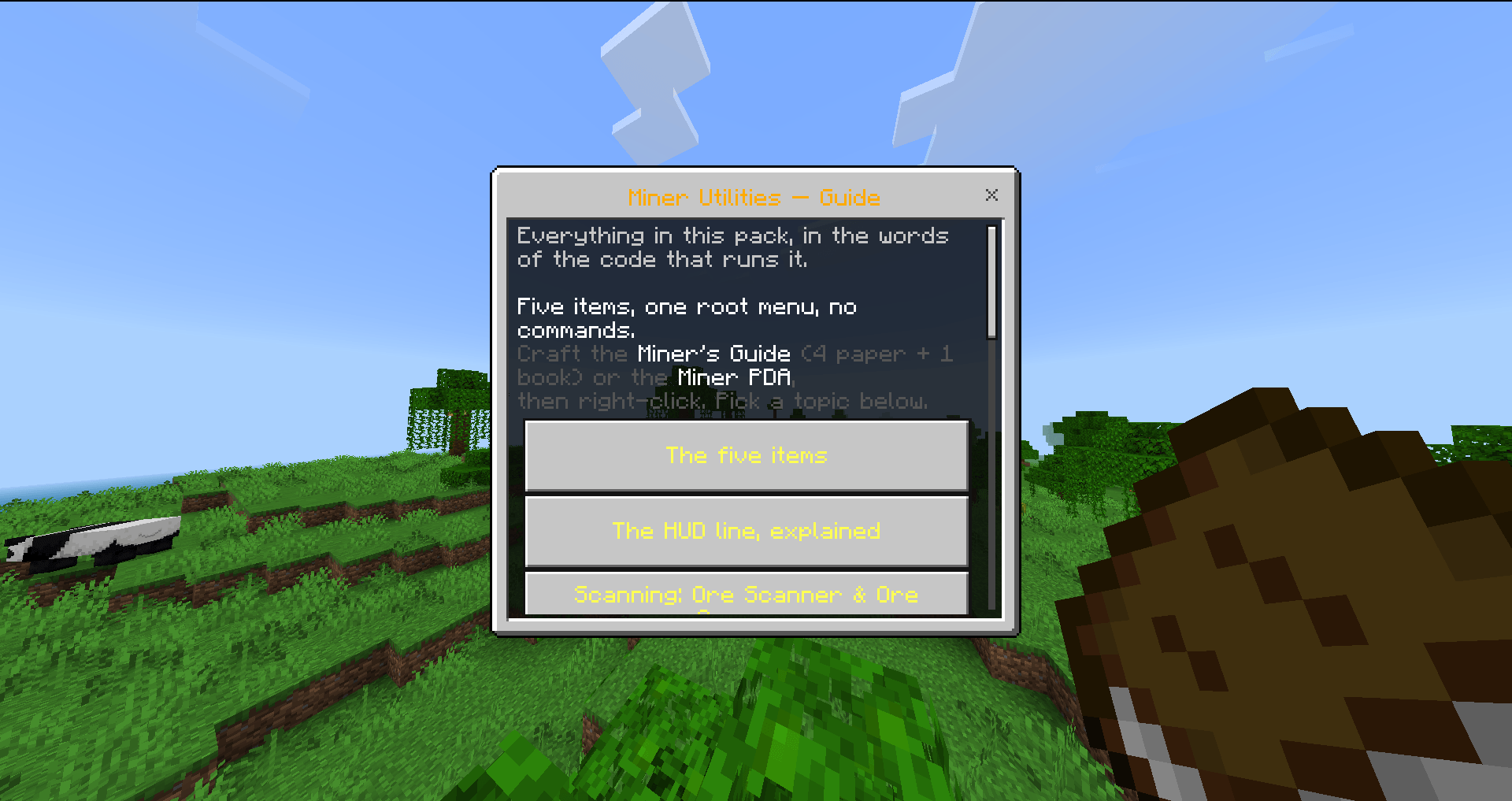
Miner's Guide. The item you receive the first time you enter a world. It opens an in-game guide to every utility, written from the code itself.
ITEMS AND RECIPES
Five items come with the add-on: the Miner's Guide, the Miner PDA that opens the menu, the XP Bank, the Captured Spawner and the Mining Pack. Four of them are craftable, so nothing requires a command. The Miner's Guide is made from paper and a book, the pack from leather and a chest, and the guide arrives by itself when you first join a world.
SETTINGS
Every utility can be switched off, and the ones with numbers let you tune them: the scanner radius, the compass radius and its target ore, the excavator footprint and its block limit, the vein miner limit, the Midas Touch chance, and the amount of junk the auto void will keep before it starts discarding.
HOW IT IS BUILT
Thirty-two source modules, five thousand five hundred lines of script, one behavior pack and one resource pack. No command is ever run from the script: everything goes through the official Minecraft scripting API. Every block identifier is checked against the game's own data. The pack ships one hundred and eighteen automatic checks that run over the built file, not the source, so what is verified is what you install.
WHAT IT DOES NOT DO
It does not change vanilla recipes, it does not touch your world settings, and it does not need any experimental toggle. Every utility can be turned off from the menu if you do not want it.
The Miner utilities Team