A 100% working Size Changing Addon Tiny Baby Giant
- By
The only size-changing addon that works with ALL other addons — no player.json modification. 4 drinkable potions: Half, Tiny, Giant, and Growth. Script API only.
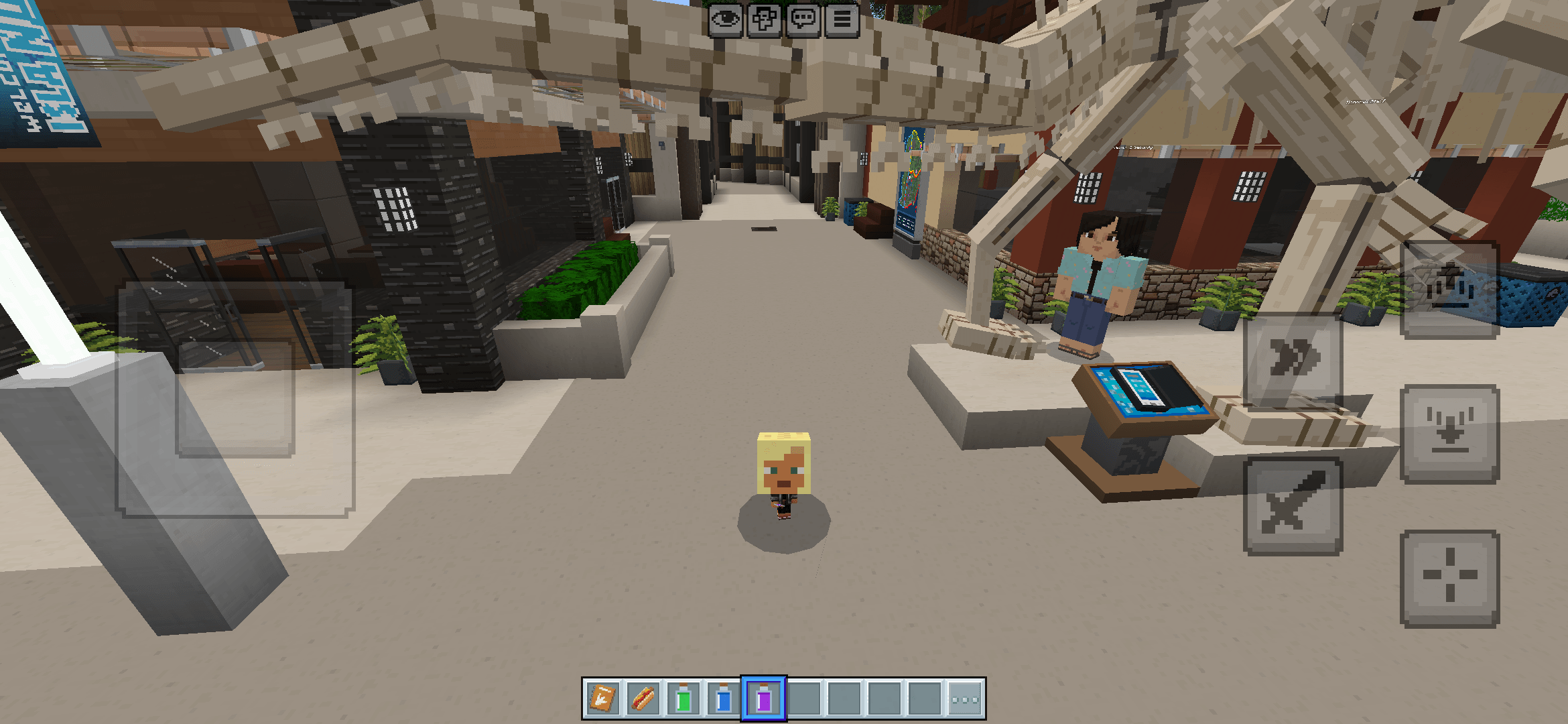
Screenshot_2026-02-20-00-27-24-602_com.mojang.minecraftpe.png
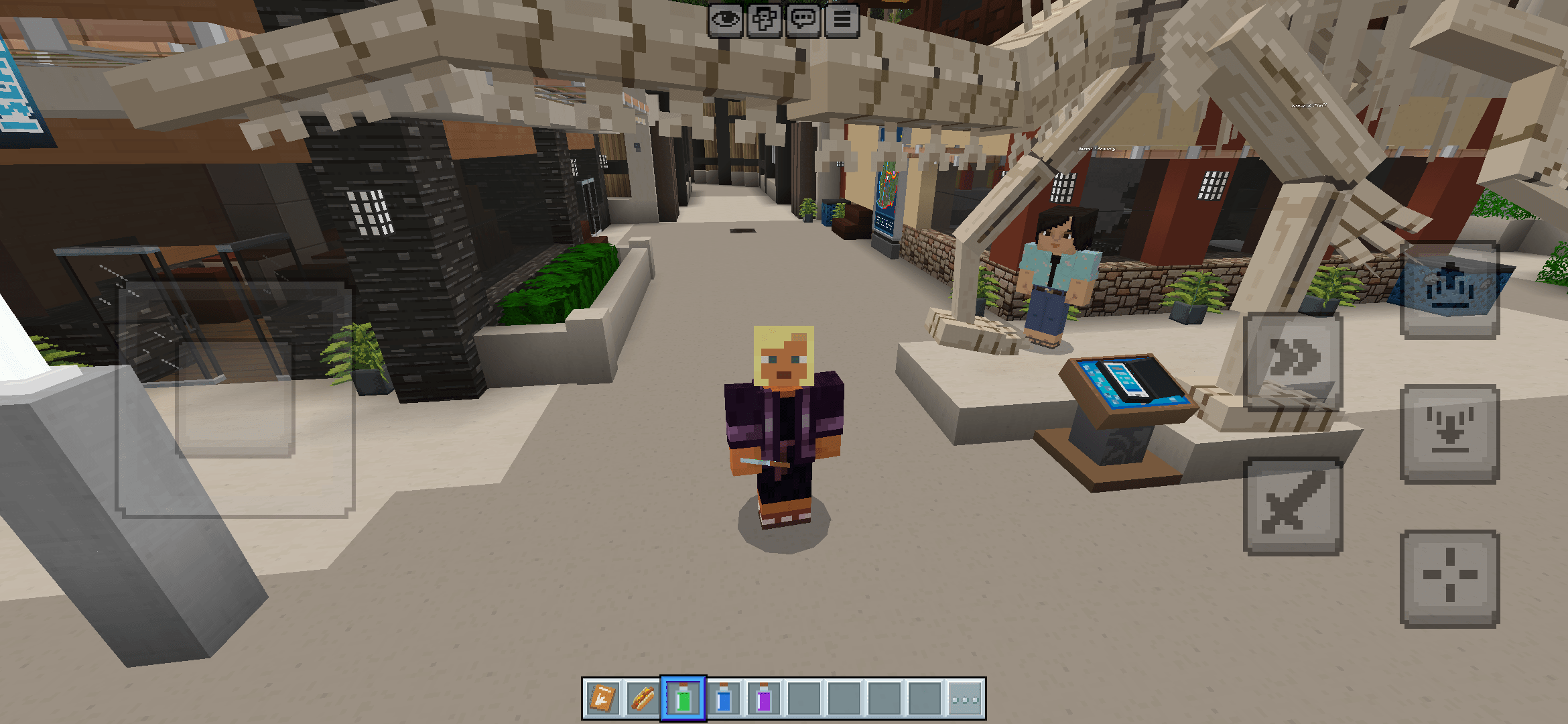
Screenshot_2026-02-20-00-27-47-947_com.mojang.minecraftpe.png
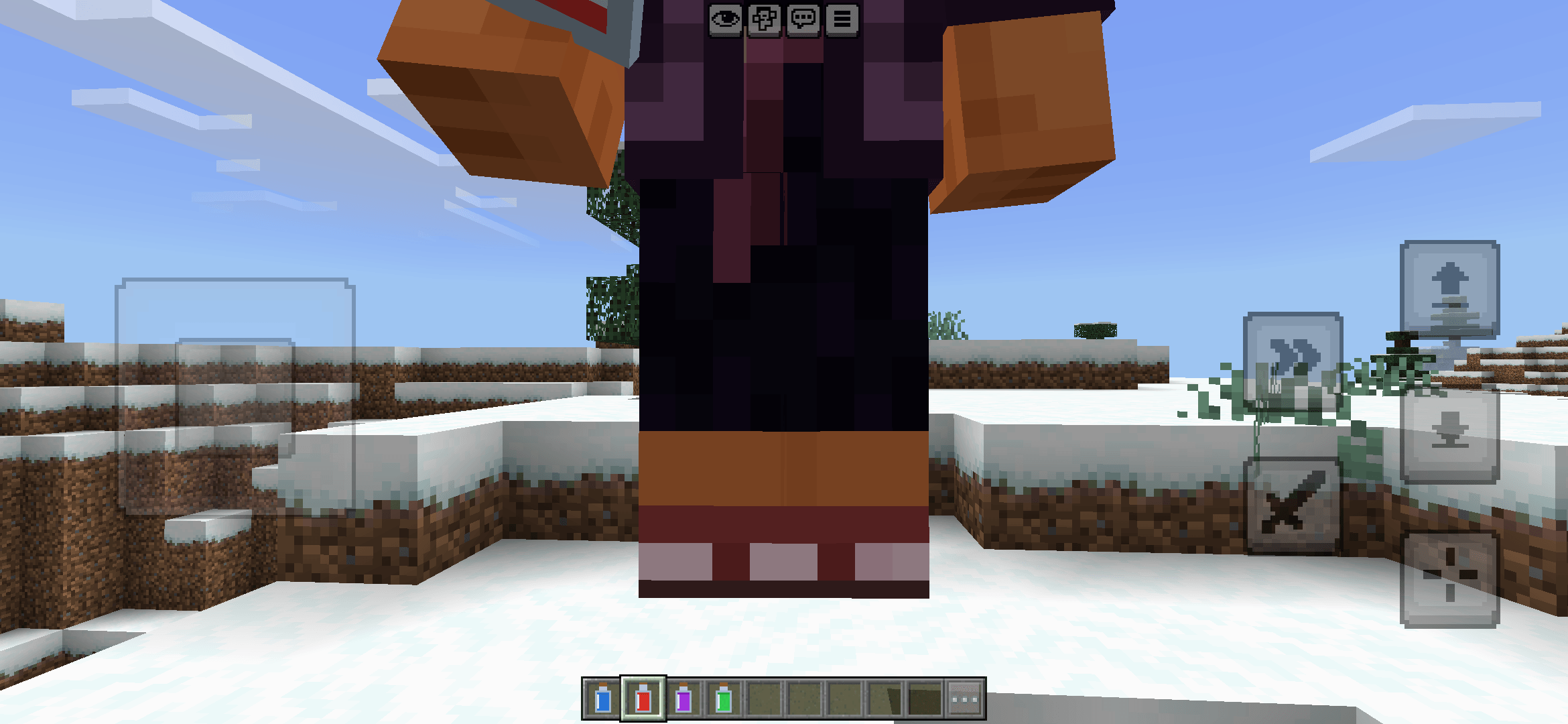
Screenshot_2026-02-20-00-38-50-650_com.mojang.minecraftpe.png
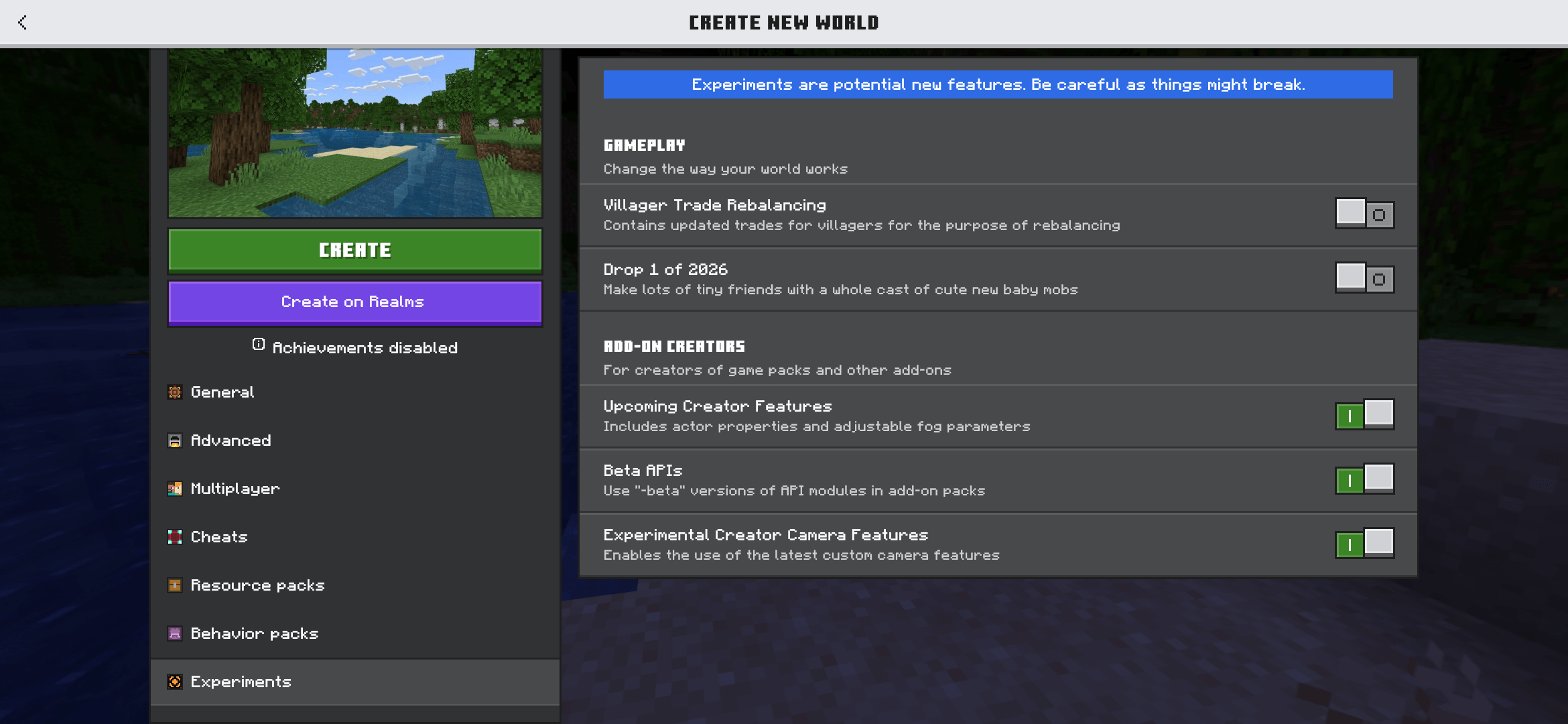
Screenshot_2026-02-20-00-37-29-401_com.mojang.minecraftpe.png
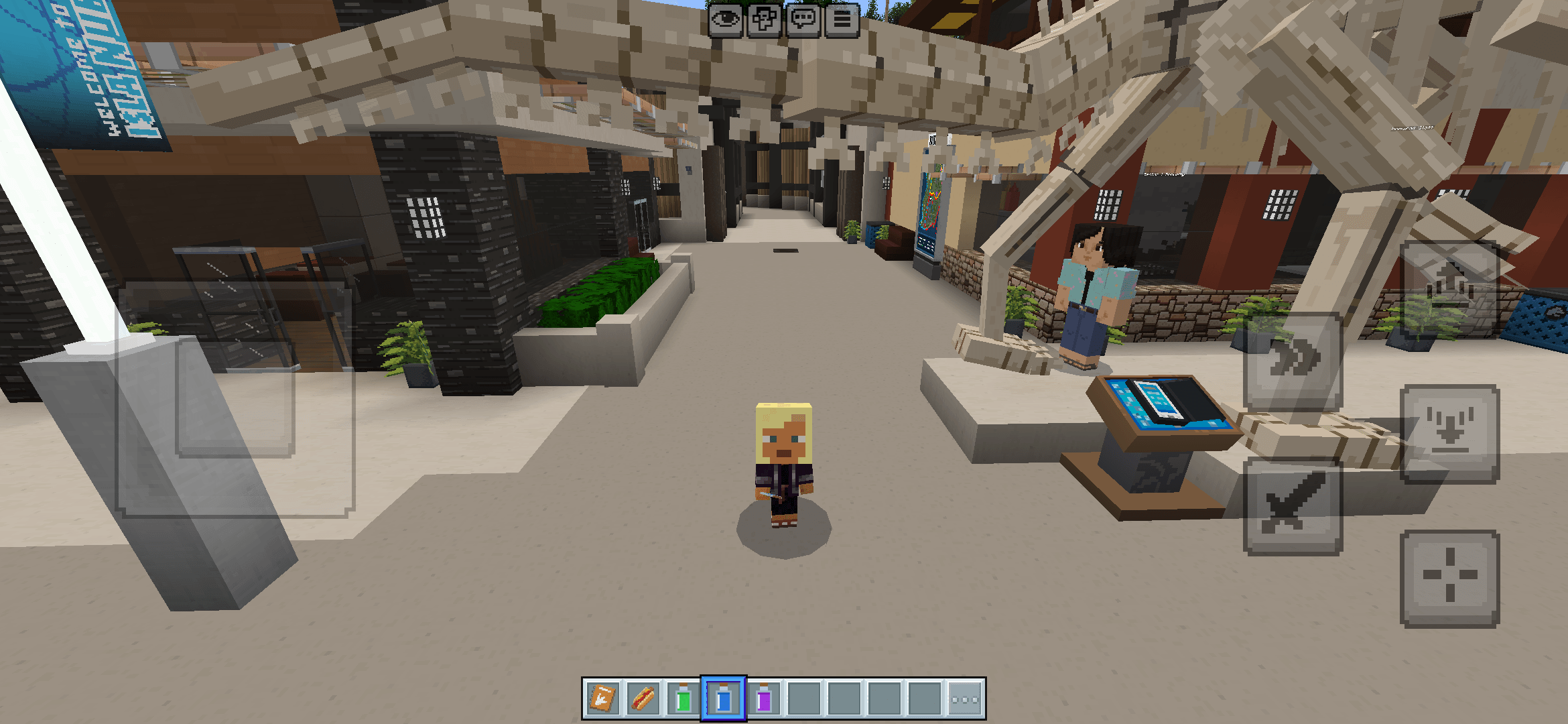
Screenshot_2026-02-20-00-27-36-217_com.mojang.minecraftpe.png
Description
# Size Potions — Conflict-Free Size Changer for Minecraft Bedrock
## The only size-changing addon guaranteed to work alongside ALL other addons. No clashes. No conflicts. Ever.
---
### What is this?
Size Potions lets you change your player's visual size by drinking a potion. Shrink down to explore tiny spaces, or grow into a towering giant — all without modifying a single vanilla file.
### Why is this different?
Every other size-changing addon on the market modifies `player.entity.json`, which means it **will conflict** with any other addon that also touches the player entity — custom armor, emotes, capes, morphs, you name it.
**This addon uses ZERO player file modifications.** It works entirely through the Script API and runtime animation commands, making it the only size-changer that is fully compatible with every other addon you have installed.
---
### 4 Potions Included
| Potion | Effect | Scale |
|--------|--------|-------|
| 🔵 **Shrink Potion (Half)** | Shrinks the player to half size | 0.5× |
| 🟣 **Shrink Potion (Tiny)** | Shrinks the player to quarter size | 0.25× |
| 🔴 **Giant Potion** | Grows the player to massive size | 4× |
| 🟢 **Growth Potion** | Restores normal size | 1× |
All potions are drinkable items found in the creative inventory under the Potions category. Simply drink to activate — effects persist through dimension changes and reconnects.
---
### Important Notes
**⚙️ Beta APIs Required**
This addon uses the Script API. You must enable **Beta APIs** in your world settings under Experiments for the addon to function.
**👁️ Visual Only — POV Is Not Changed**
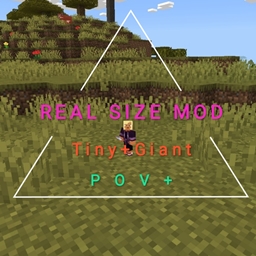
This addon changes the player's visual appearance only. Your point of view (camera height) remains at normal level. If you want POV scaling to match your size, check out my companion addon: link comes soon
**📦 No Player Entity Modification**
This addon does NOT include or modify `player.entity.json`. This is by design and is what makes it compatible with all other addons. The size change is applied at runtime through `/playanimation`, meaning there are no file-level conflicts possible.
**⬛ Hitbox Unchanged**
The player's collision box remains default size regardless of visual scale. This is a Bedrock limitation — hitbox changes require player entity modification, which would defeat the purpose of this addon.
---
### How It Works (For Creators)
Instead of baking animations into the player entity definition, this addon:
1. Stores scale animations in the resource pack's `animations/` folder
2. Uses the Script API to detect when a potion is consumed
3. Applies the animation at runtime via `/playanimation` on a named controller
4. Tracks the player's current size state using entity tags for persistence
This approach means the addon has zero footprint on the player entity and cannot conflict with any other addon.
---
### Requirements
- Minecraft Bedrock Edition 1.21.0 or newer
- Beta APIs enabled in world Experiments
### Installation
1. Download and open the `.mcaddon` file
2. Minecraft will import both the Behavior Pack and Resource Pack automatically
3. Create a new world (or edit an existing one)
4. Activate both packs in the world settings
5. Enable **Beta APIs** under Experiments
6. Search "shrink", "giant", or "growth" in the creative inventory
---
### Known Limitations
- Visual scale only — camera/POV height is not affected
- Player hitbox/collision remains default size
- Third-person view recommended for the best visual experience
- Requires Beta APIs experiment toggle
---
### License & Usage
© 2026 [McRip]. All rights reserved.
- ✅ You may use this addon in your personal worlds and servers
- ✅ You may include this addon in modpacks with proper credit and a link back to this page
- ❌ You may NOT re-upload, redistribute, or mirror this addon on any other website
- ❌ You may NOT claim this work as your own or modify it for redistribution
- ❌ You may NOT monetize this addon or include it behind a paywall
For permission requests or collaboration, contact me
---
### Support & Feedback
If you encounter any issues, please leave a comment below with:
- Your Minecraft version
- A description of the problem
- Any error messages from the content log
Enjoy being tiny (or giant)! 🧪
The A 100% working Size Changing Addon Tiny Baby Giant Team