
Server List Tool.png
Screenshot_193.png
Screenshot_198.png
Screenshot_189.png
Screenshot_194.png
Screenshot_195.png
Screenshot_197.png
Description
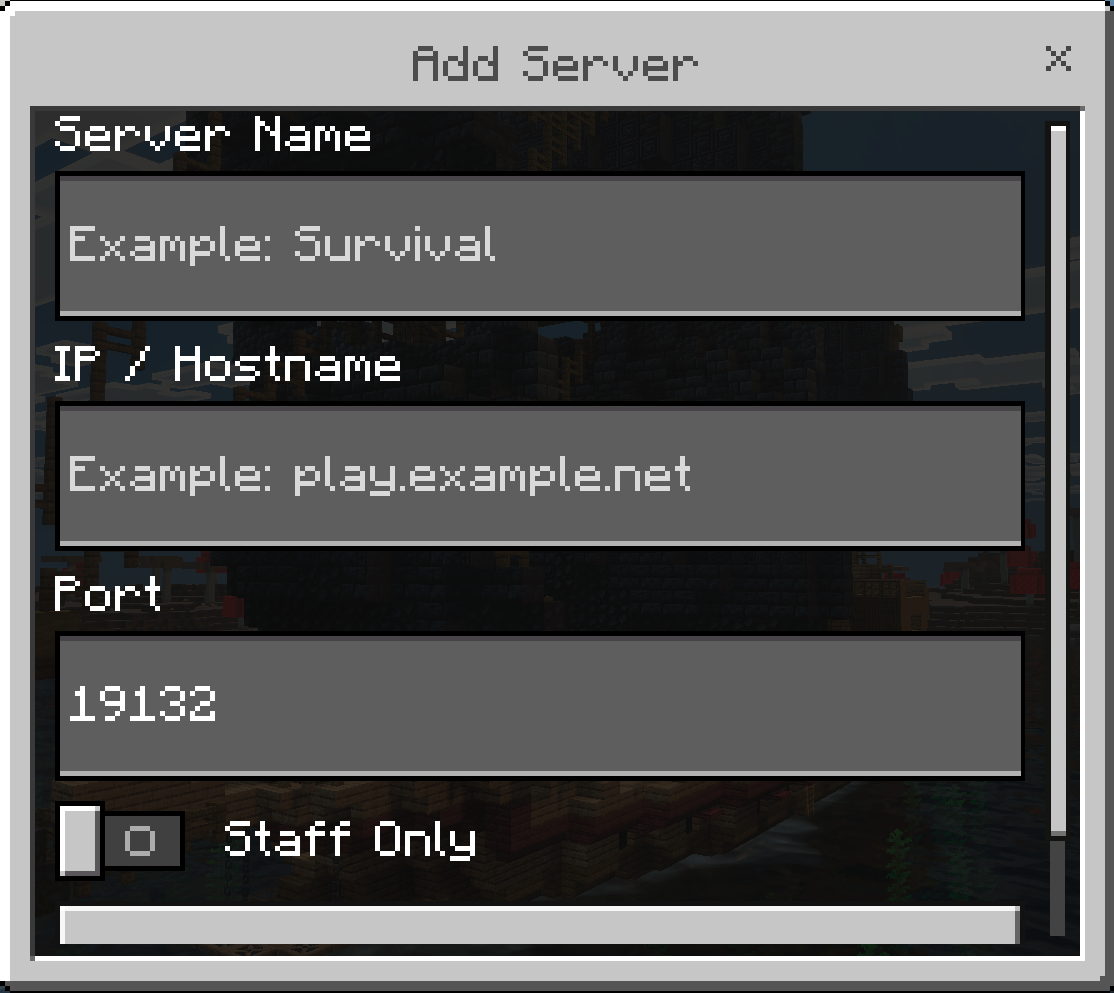
This addon exists because Minecrafts built in "/transfer" command only works for OPs. Also you have to input the server info every single time you want to move.
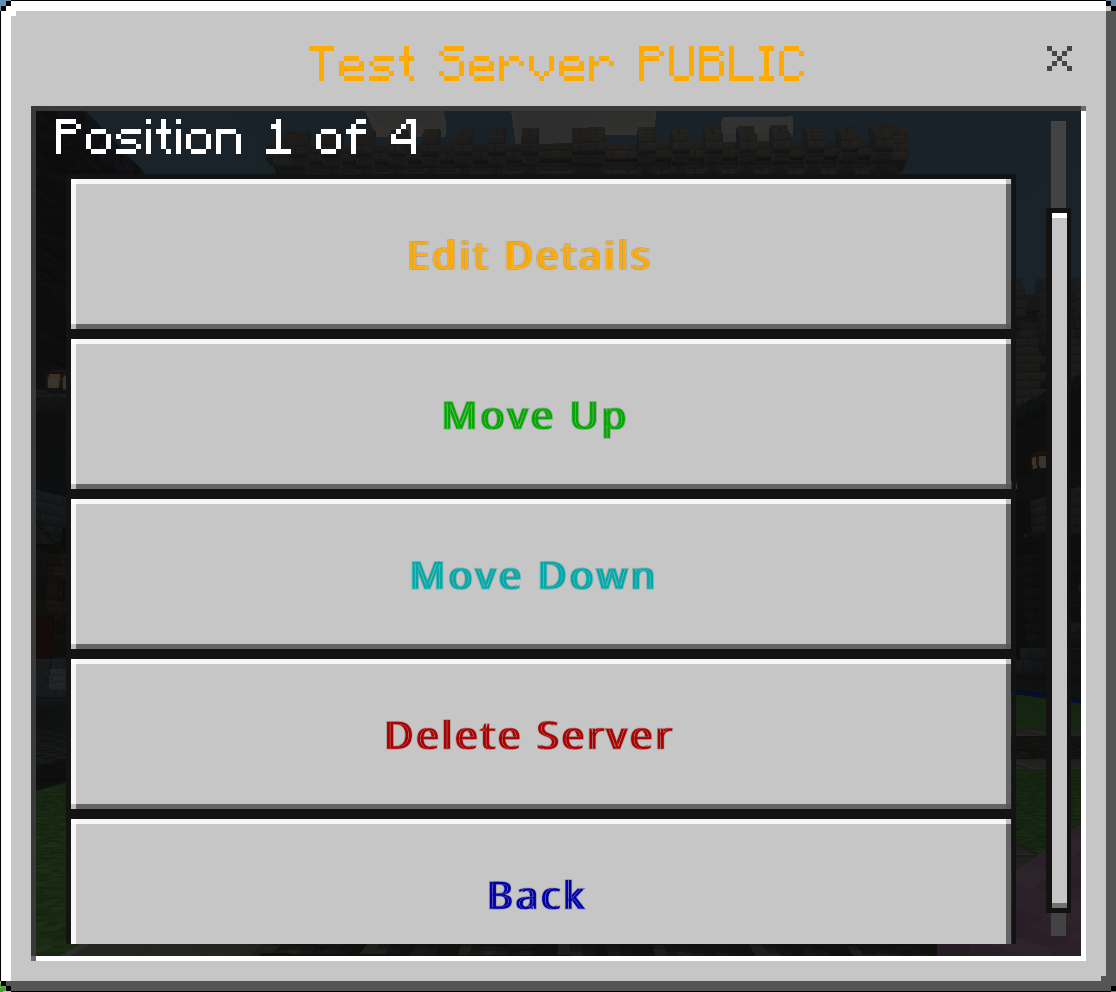
Server Transfer List(STL) allows you to setup multiple servers in a customizable list
This list is accessed via a player tool "Server Transfer Tool". It can be found in creative menus or given to your self with the /give command
You can also set it to give to every player on first join in the tools settings
Features
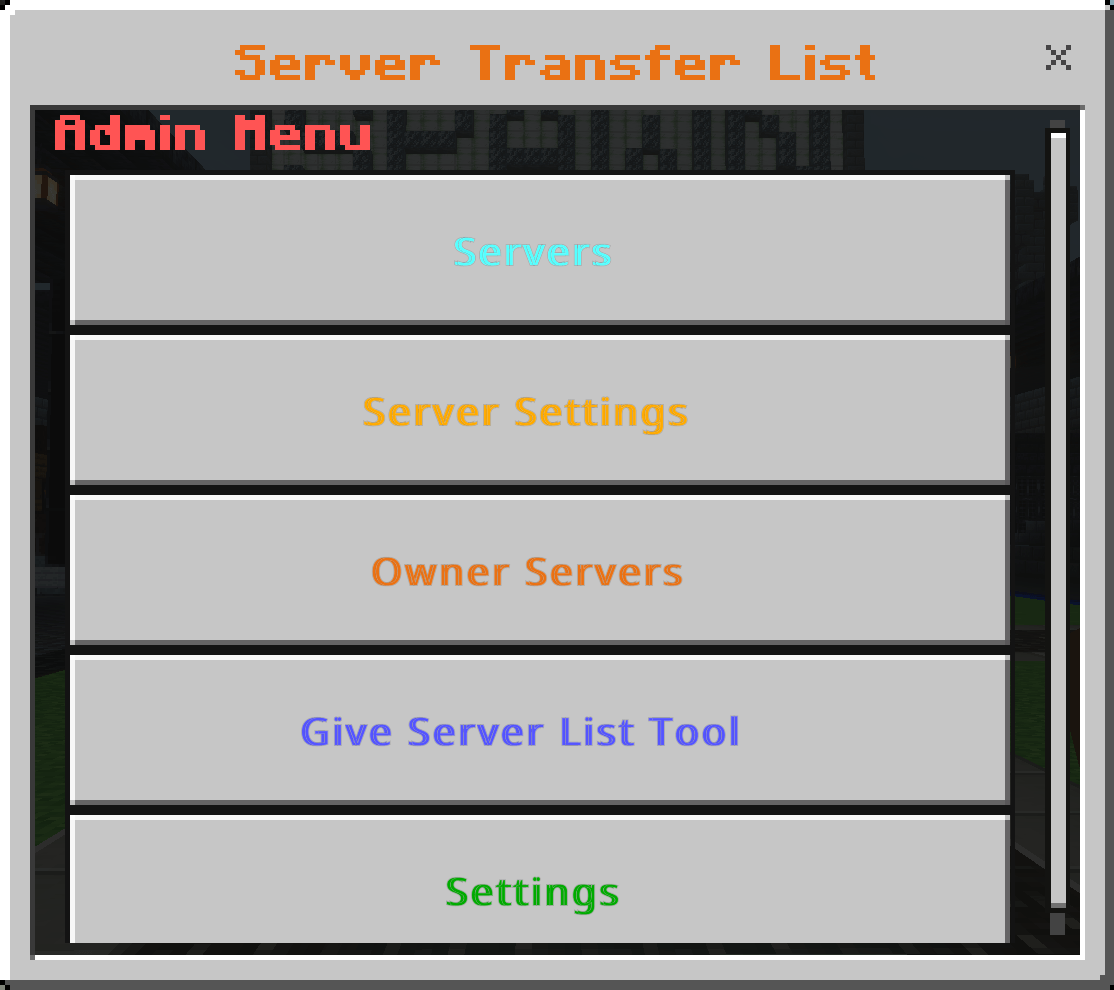
5 tag permission system
Owner, Admin, Staff, nopersonal and Excluded
Actual tags are owner, admin, staff, and excluded. No capital letters at all
to add the tags do /tag "player name" add "tag name"
Example /tag CorVariant add owner
Owner FULL access to all functions in the menus. able to make Owner only server listings
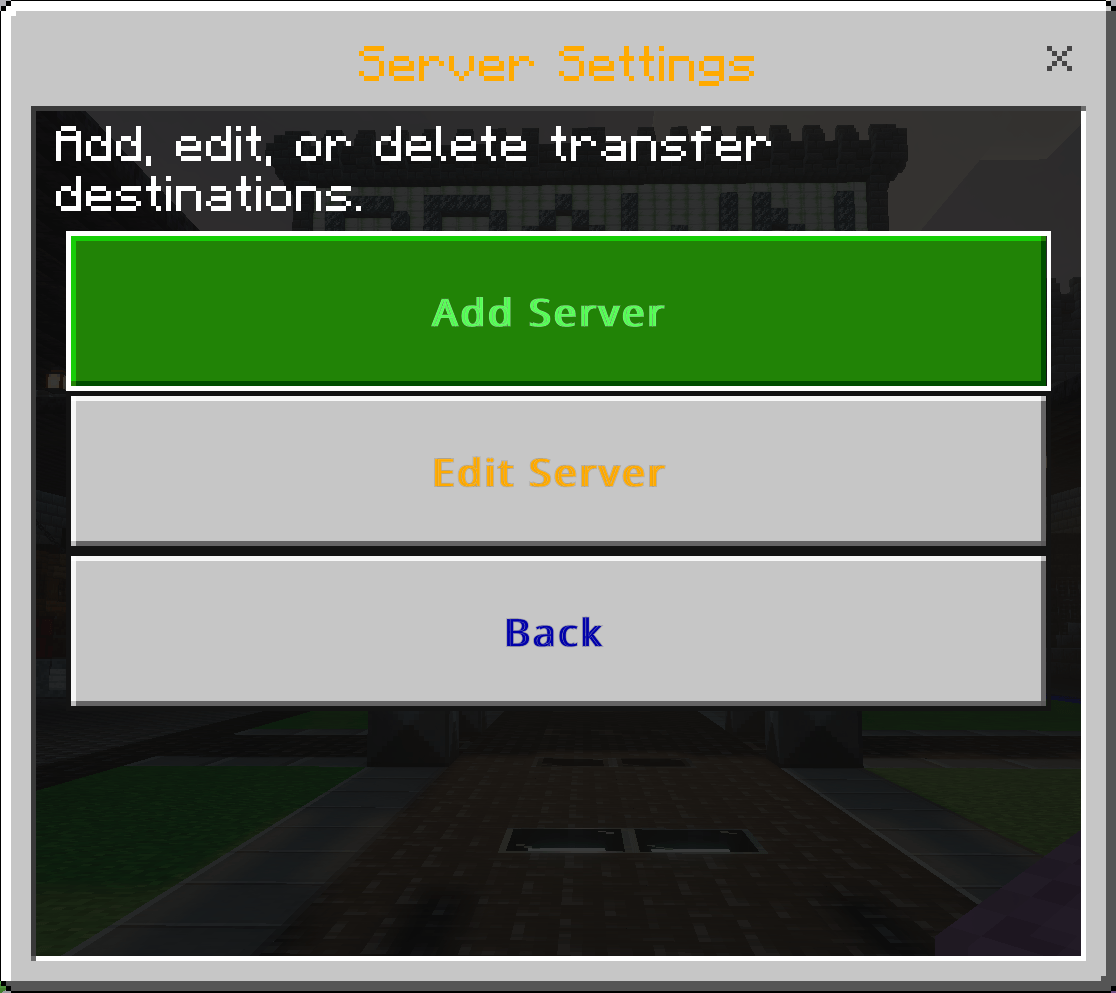
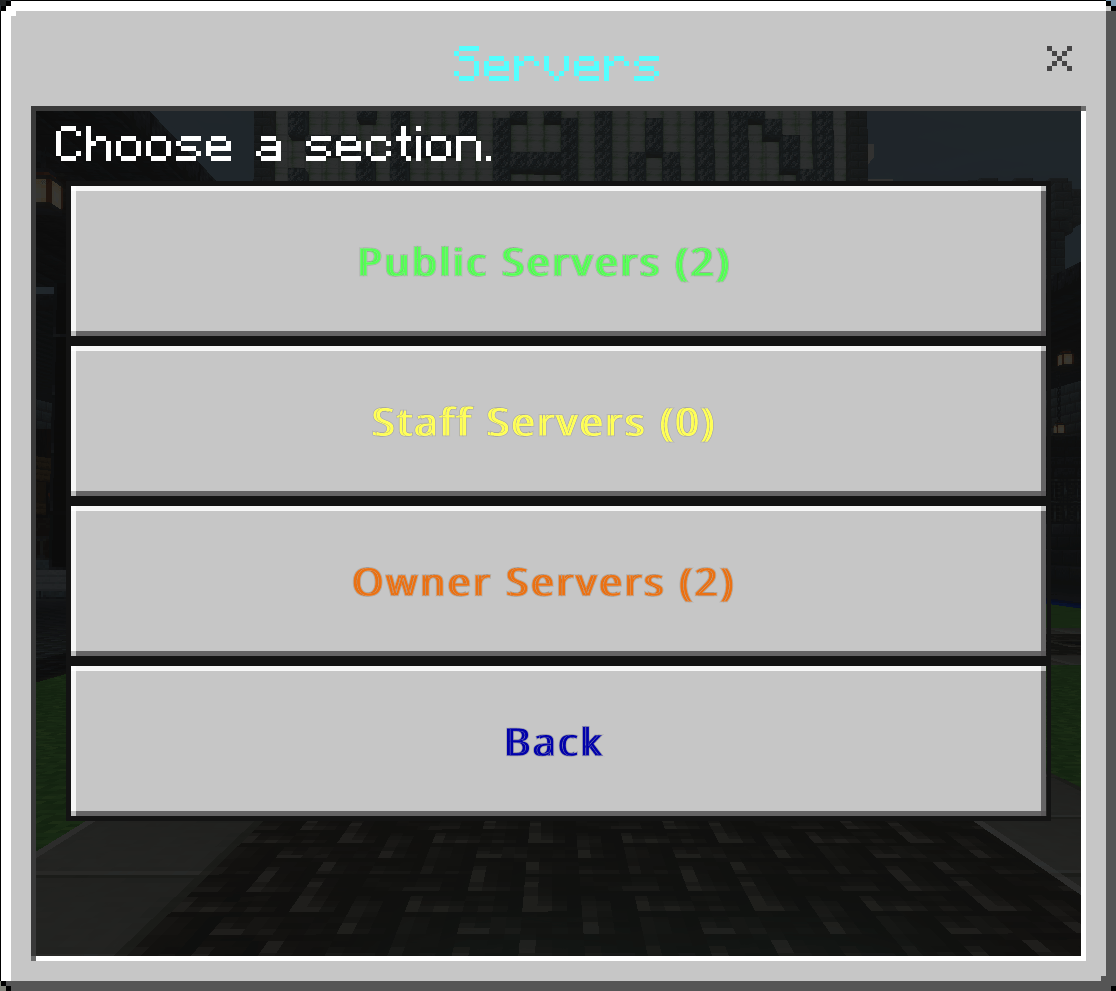
Admin Can make server listings, edit servers listings, and use Public server listings and Staff server listings. Admins and lower are not able to see Owner only server listings.
Staff can use public and staff only server sections. Staff are not able to edit, or make server listings.
nopersonal when tagged on a player will not allow them to make personal listings
Excluded players with the excluded tag AND the servers that have excluded toggled on the player with the tag will not be able to see that server listed
Search for servers if you have alot of them listed
Quick connect your last-used server shows at the top of the Servers menu for one-tap reconnecting
Server Notes admins can add an optional description to any server, shown under its name.
Transfer Audit log staff and up can see a full history of who transferred where and when (works for offline players too).
Transfer Annoucement optional chat announcements when someone transfers, with separate on/off controls for regular players, staff, admins, and owners.
Welcome Message set a client side message shown to players when they join, editable in-game.
Player Permission Settings grant or revoke Owner/Admin/Staff/Excluded tags without leaving the game.
Commands get the tool or open the menu without needing the item:
Players can make there own personal server listing for them to move in and out of servers for only that player can see. Can be disabled by admins in the settings
Use $help or /stt:help to see all commands
$getstt or /stt:getstt gives the player the player tool
$uistt or /stt:uistt open the player tool ui directly without needing the tool
The reason for the $ prefixed and the / commands both is for compatibility with other addons.
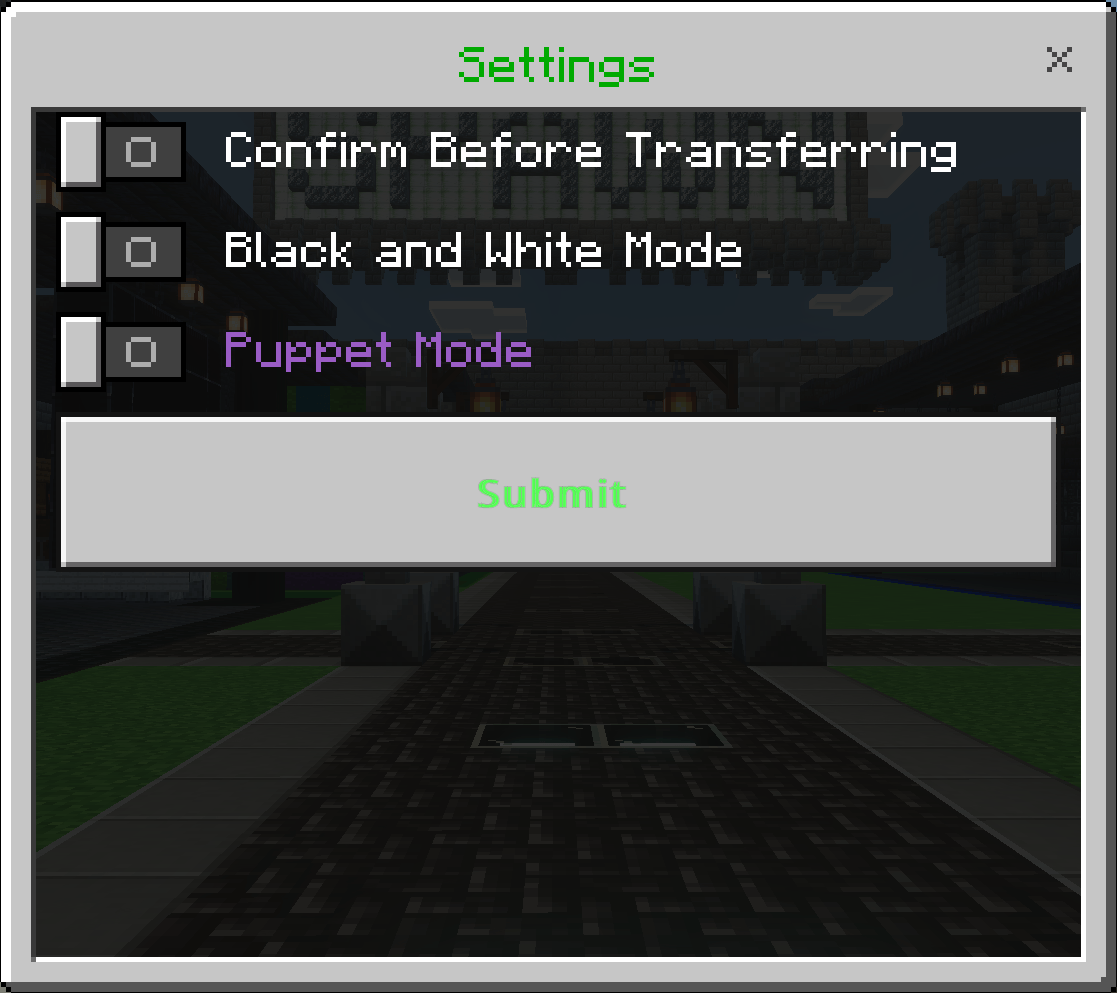
Puppet Mode This mode makes all colored text purple
It was added for a friend that loves all things purple :)
Black and white mode turns off all the colors on all the text in the entire addon.
Toggle to apply a confirmation screen before you transfer to a server.
Put on every Bedrock Dedicated Server(BDS) for seemless transfers
NOTE: THIS ONLY WORKS ON BEDROCK DEDICATED SERVERS!!!!!
THIS WILL NOT WORK ON REALMS
It will work on single player worlds if you happen to want to use it there to move to a BDS without having to go to the main menu
Examples on why to use the the tool
You have a survival server and also want a creative server and a skyblock server
You can have each server listed in the addon so players can move between each one without having to go to the main menu. This also allows you to only need to give out one I
- Join the discord if you need help and or you find bugs
https://discord.gg/D3bcw5J9mm
- DISCLAIMER!
This addon was made with AI
I am not a professional Developer
I never claim to be good at making addons
WHAT I ACTAULLY CLAIM TO BE
Im just some guy that wanted these addons and made them and shared them here so maybe someone else can use them....
I test these addons ALOT many many hours are spent testing them before posting
I try my very best to make the best addon I can make...
I use these addons I make on my own bedrock dedicated server
I want nothing from anyone. I just hope you dont attack me for making this addon unlike some people have...
Server Transfer List Team