Description
Item Display+
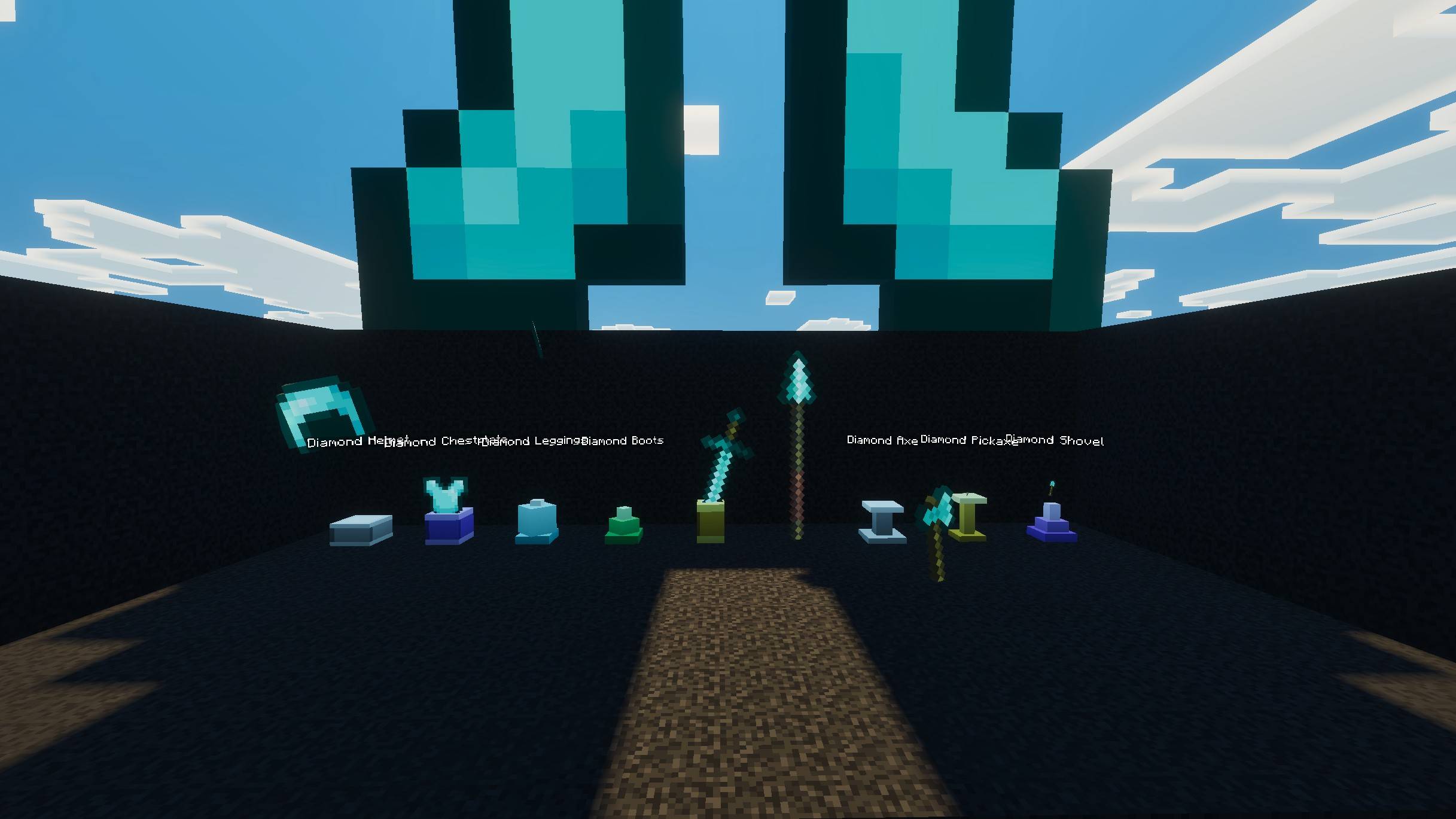
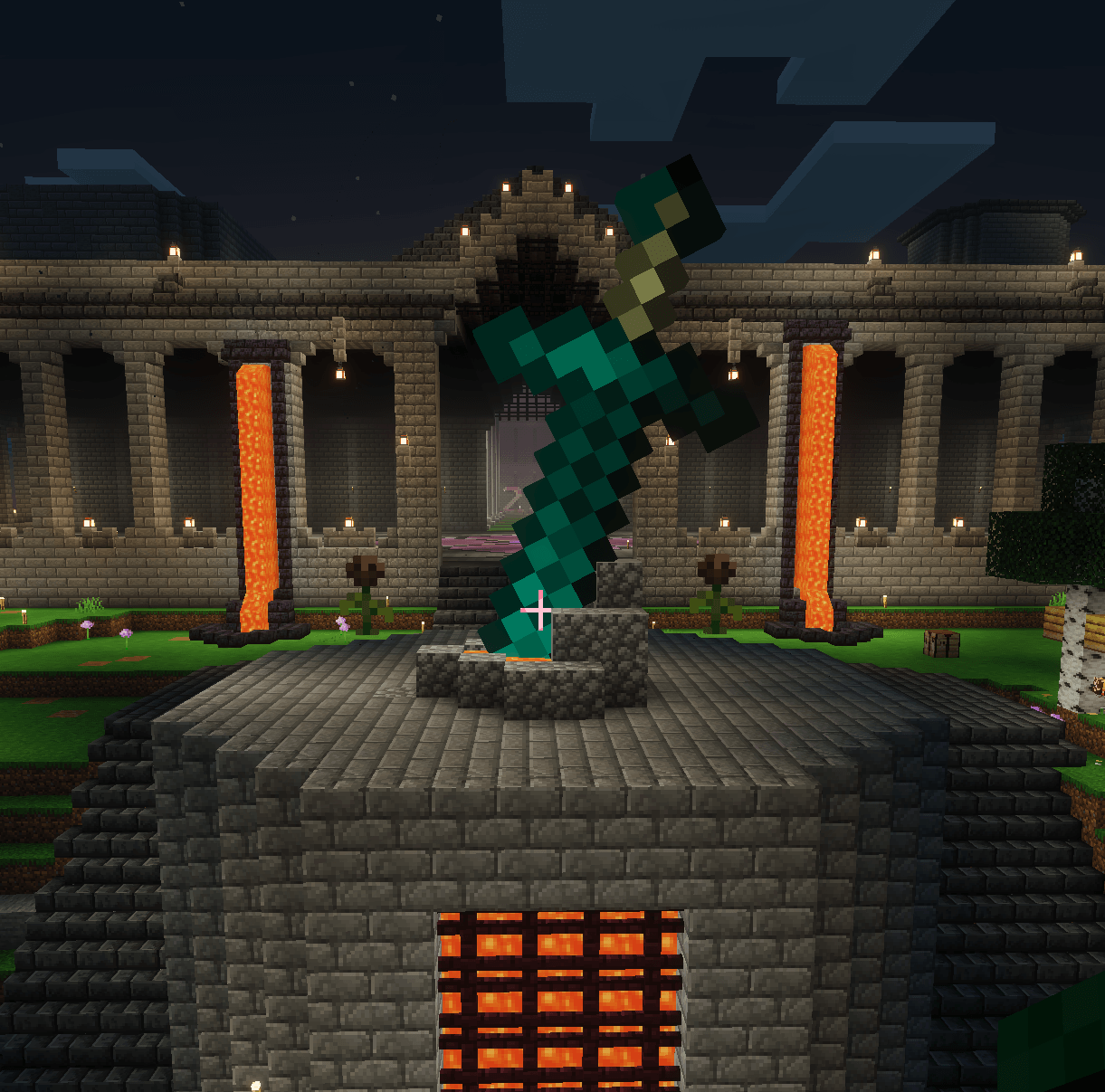
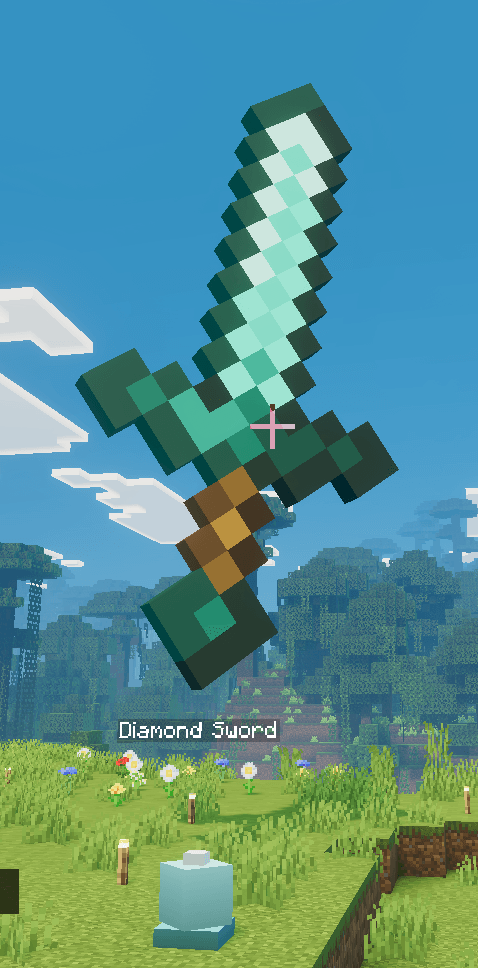
Turn any item into a floating, rotating showpiece. Craft a Trophy Podium, place it, put one item on it, and it will hover above the podium as a glowing centerpiece for your base, shop, or museum — fully customizable, right down to the degree. That is the main purpose of the addon. BUT you can do SO SO much more with it.
If you've used Java Edition's armor stand posing mods to display items and create hologram pixel art then, this is that same idea brought to Bedrock. players can drop an item on a Podium and fine-tune its exact position, rotation, and angle with the menus and the remote podium viewer so you can open the menu and see the holgram off to the side.
Features
9 craftable Trophy Podium variants — Stone, Golden, Crystal, Obsidian, Emerald, Diamond, Classic, Ornate, and Spire, each with its own distinct shape and texture. Craft them all, mix and match, decorate however you like.
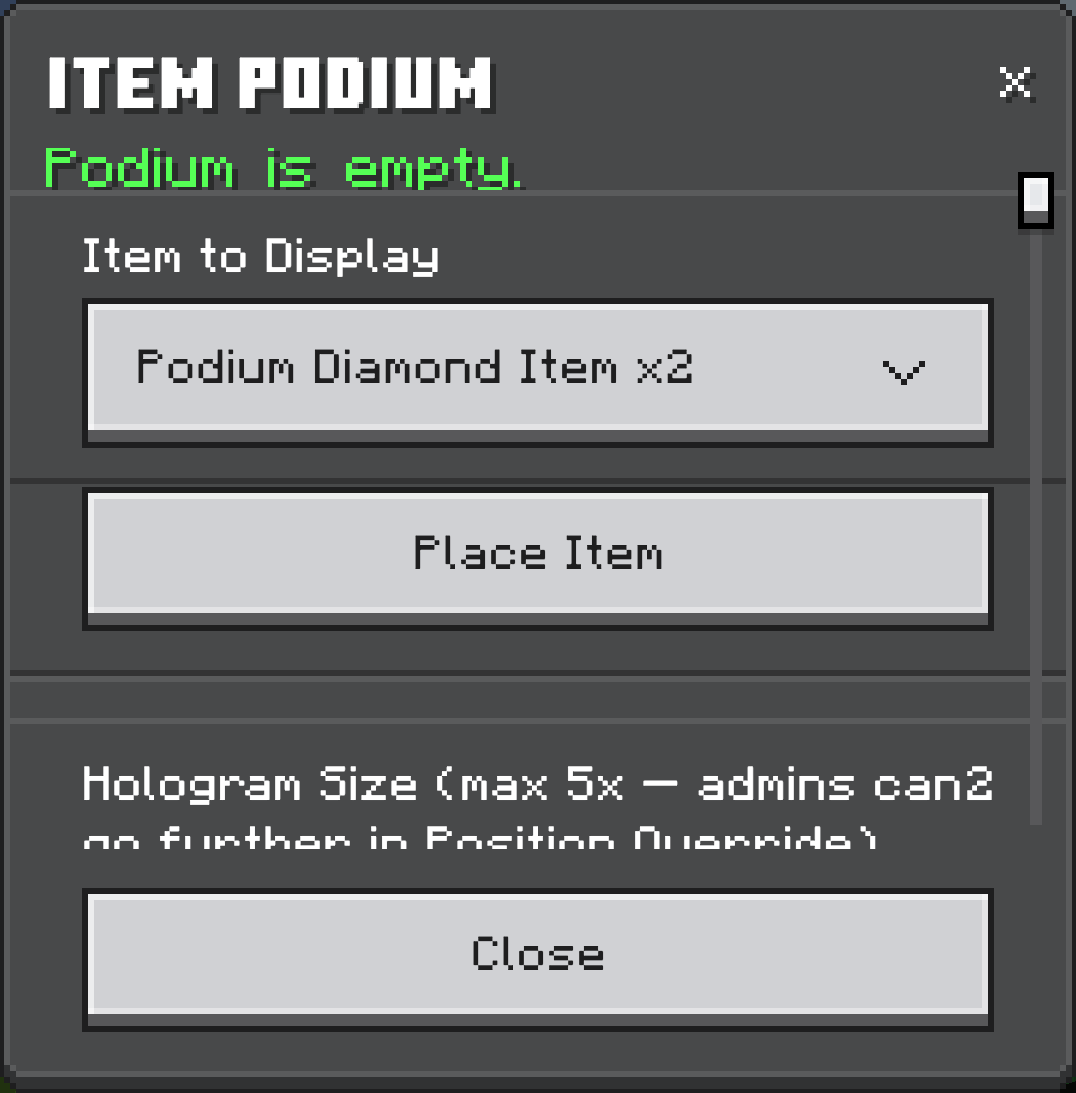
Floating item hologram — right-click a podium, pick any item from your inventory, and it appears floating above the podium at roughly 2x size, gently bobbing and spinning by default.
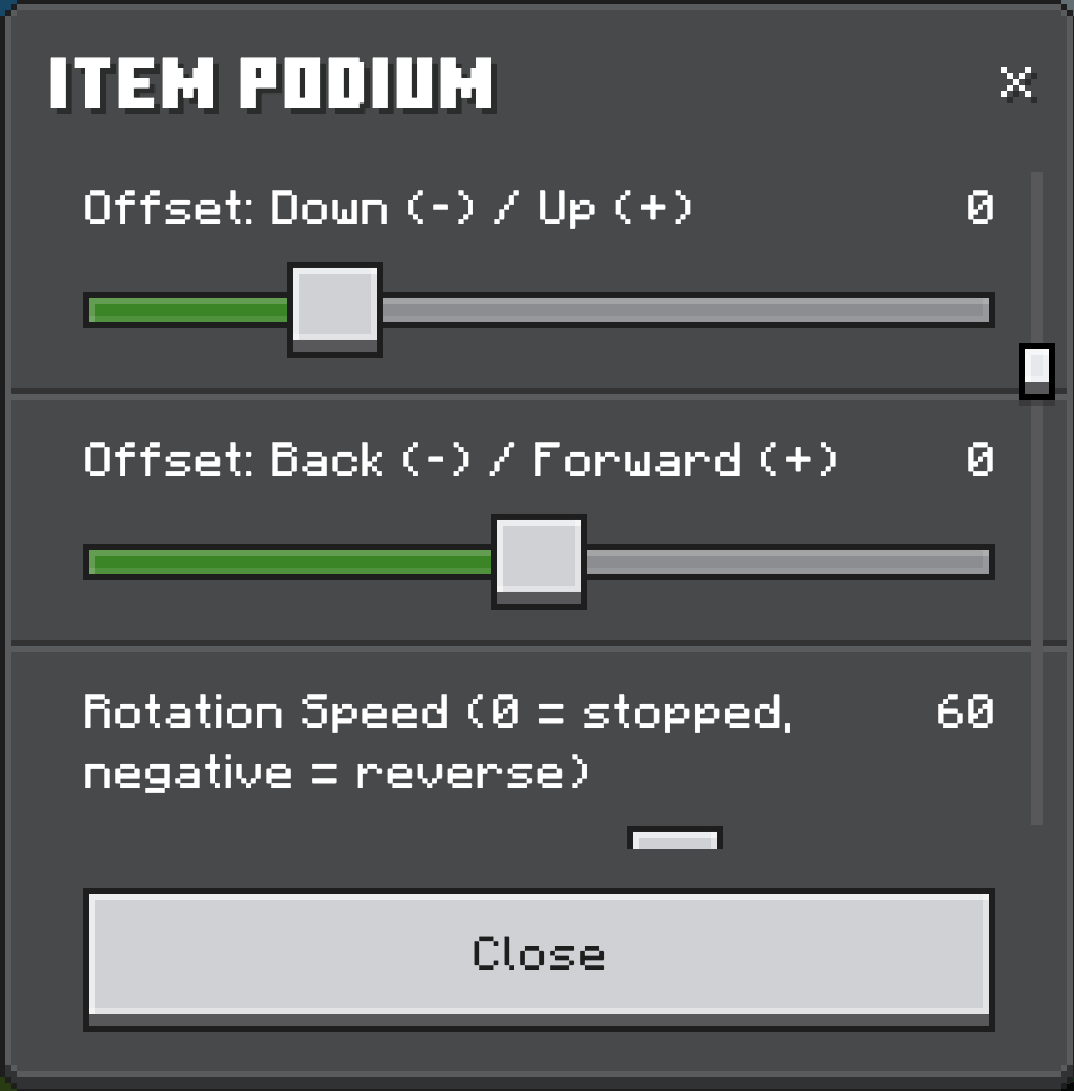
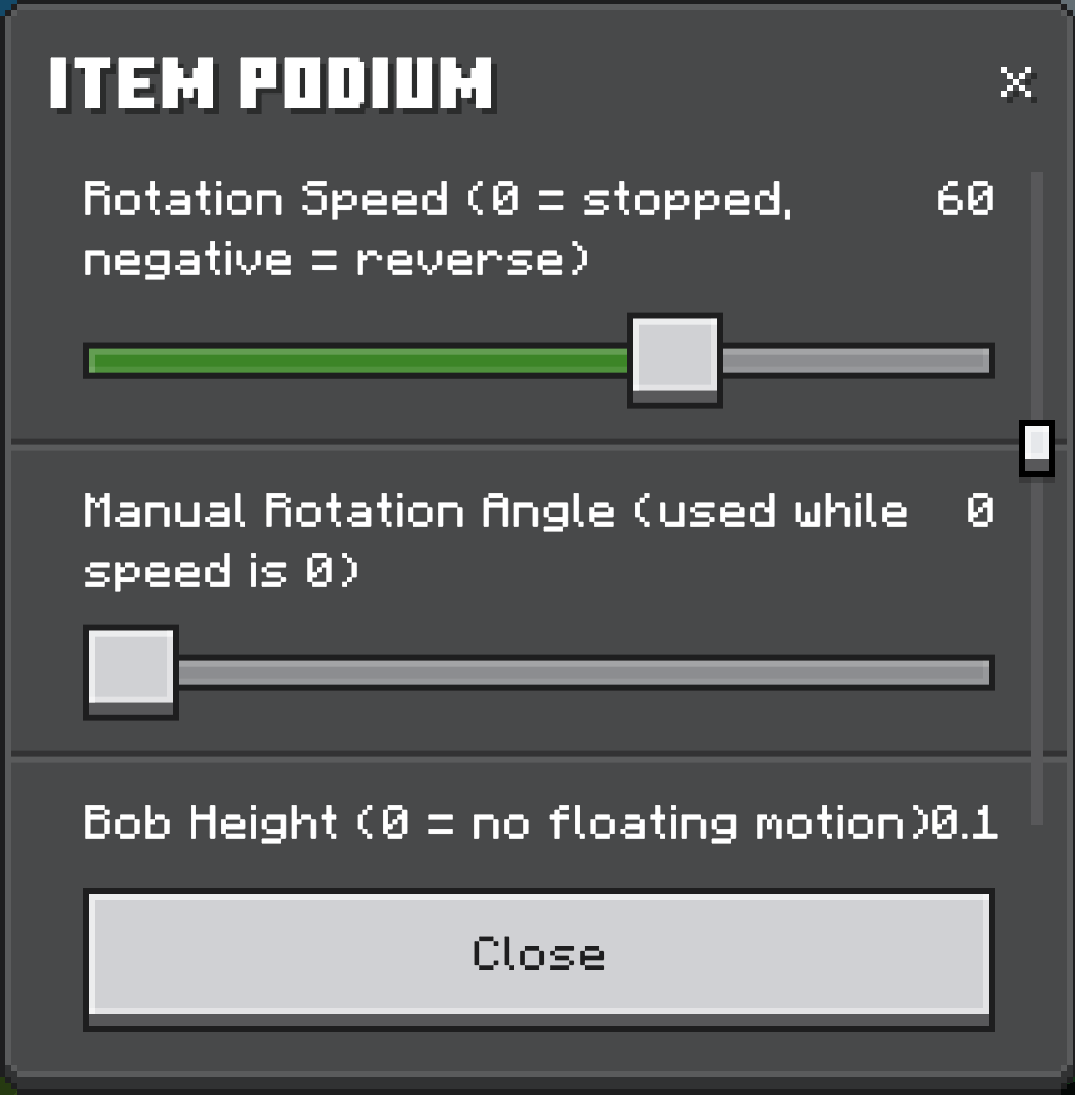
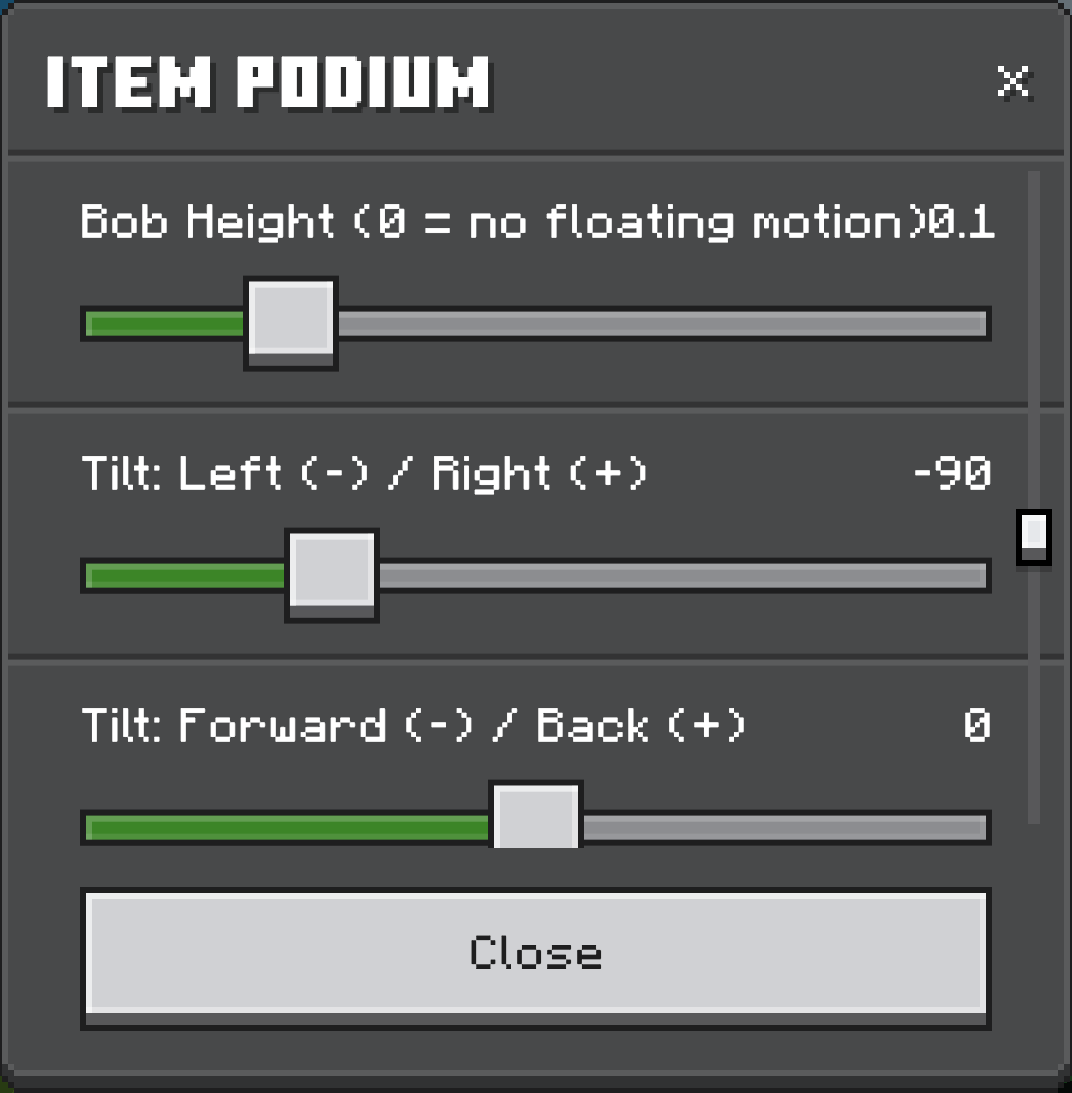
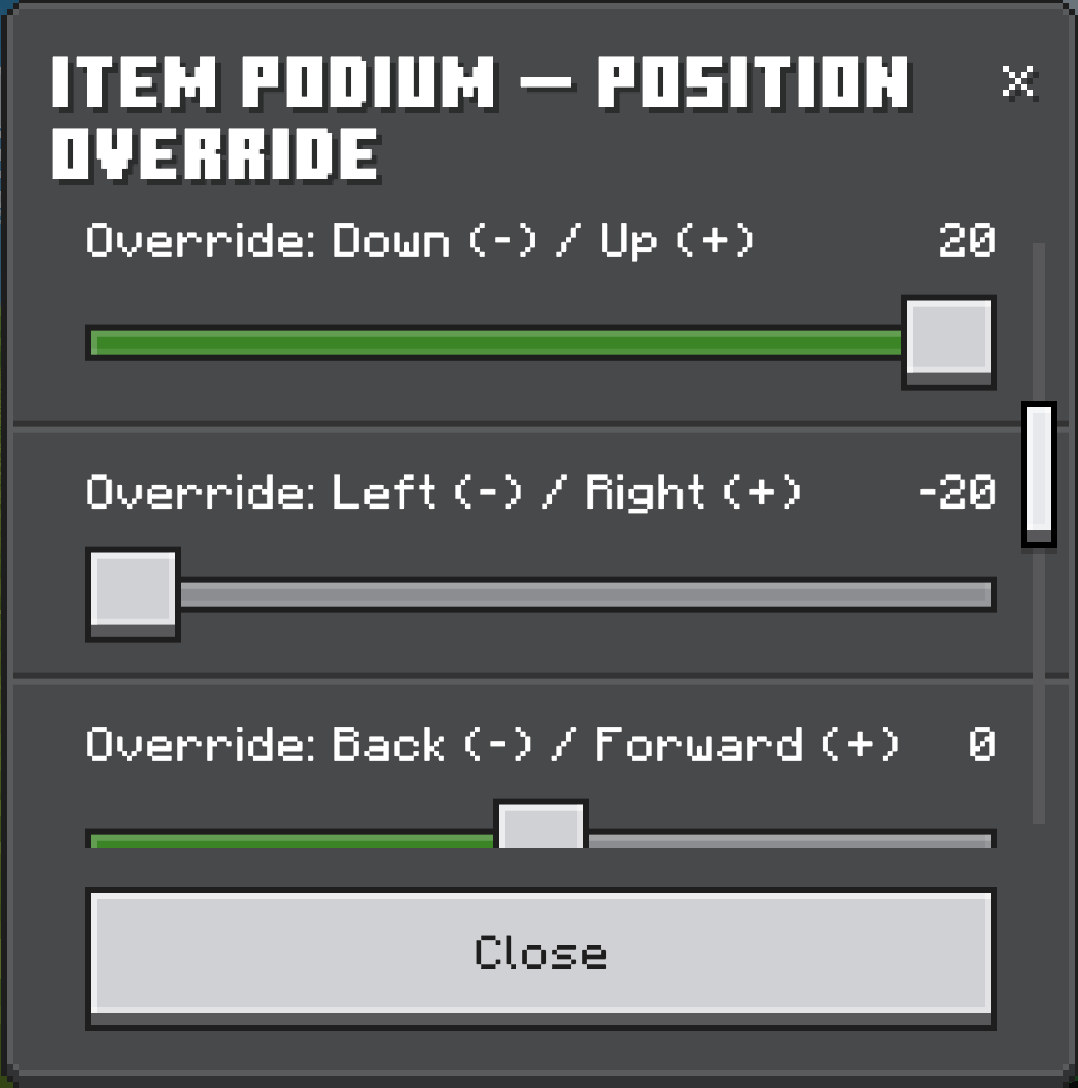
Full display customization, all from one in-game menu, with live preview so you see every change instantly:
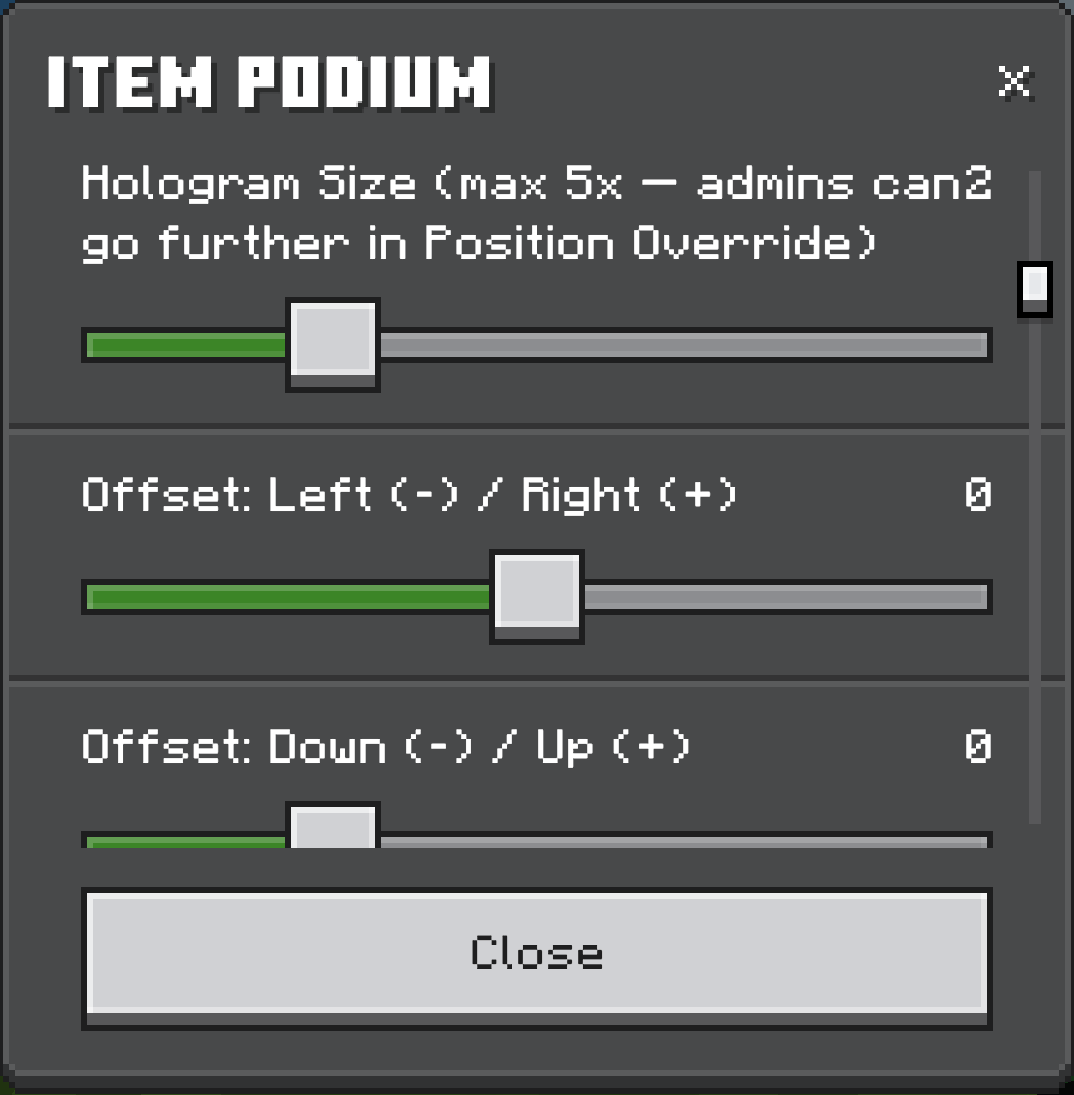
- Hologram Size — 0.1x to 5x (admins can push it to 10x)
- Offset (X/Y/Z) — fine-tune the hologram's exact position relative to the podium
- Position Override — a separate control for moving the hologram far from its podium (up to 20 blocks in any direction) for dramatic display setups
- Rotation Speed — auto-spin the item, forward or reverse, at any speed, or stop it entirely
- Manual Rotation Angle — set a fixed facing angle by hand, in 1° steps
- Tilt (2 axis) — correct any item's resting angle so it displays exactly how you want, even oddly-posed items
- Bob Height — control (or disable) the floating up-and-down motion
- Show Name toggle — show or hide the floating nameplate above the item
- Hide Podium toggle — make the physical stand invisible while keeping the item on display
Security & ownership — lock any podium to yourself. Once locked, only you or a player with the admin tag can open its menu, break it, or mine it. Sneak + right-click to instantly retrieve a podium you own.
Podium Viewer — a craftable remote-control item. Right-click any podium to link the viewer to it, then use the viewer from anywhere within ~4 chunks (64 blocks) to open that podium's settings menu instantly, without walking back to it. Perfect for managing display setups spread across a large build.
Admin tools — players tagged admin get access to the Scale Override (push a hologram up to 10x size) and can manage locked podiums that belong to other players.
Crafting Recipes
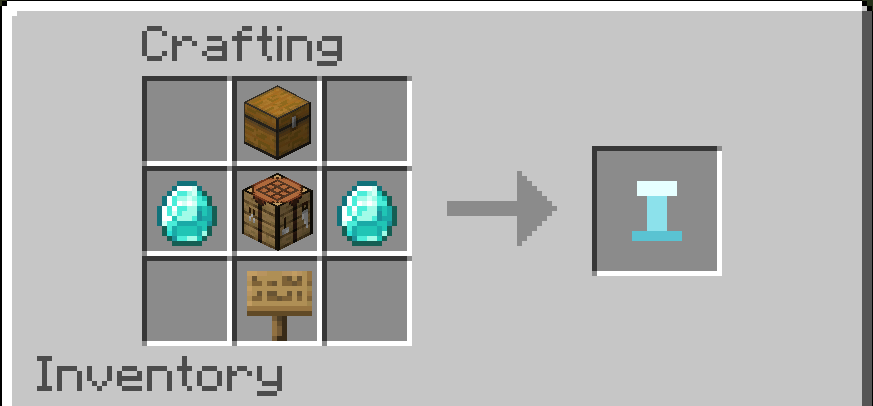
All 9 Trophy Podiums share the same shaped recipe — a chest on top, a crafting table on the bottom row flanked by a themed material, and an oak sign underneath:
[    ] [Chest]         [    ]
[Mat.] [Crafting Table] [Mat.]
[    ] [Oak Sign]       [    ]
| Podium | Material |
|---|---|
| Stone Trophy Podium | Emerald |
| Golden Trophy Podium | Gold Ingot |
| Crystal Trophy Podium | Quartz |
| Obsidian Trophy Podium | Obsidian |
| Emerald Trophy Podium | Emerald Block |
| Diamond Trophy Podium | Diamond |
| Classic Trophy Podium | Quartz Block |
| Ornate Trophy Podium | Gold Block |
| Spire Trophy Podium | Amethyst Shard |
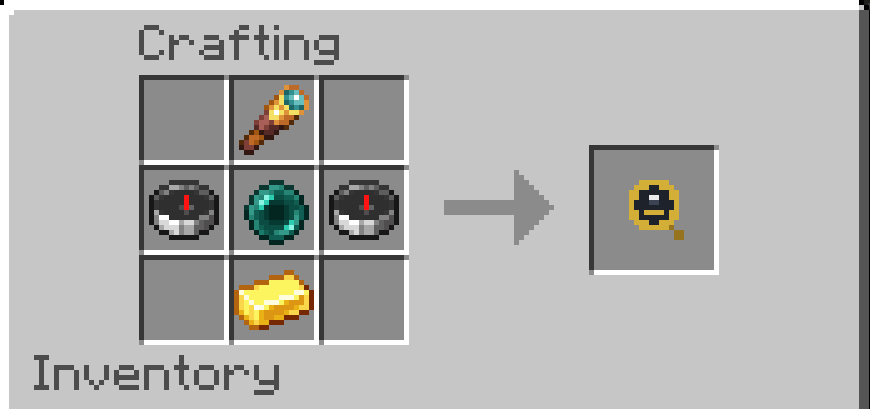
Podium Viewer (the remote-access item) uses its own recipe — a spyglass on top, an ender pearl between two compasses, and a gold ingot underneath:
[       ] [Spyglass]     [       ]
[Compass] [Ender Pearl]  [Compass]
[       ] [Gold Ingot]   [       ]
How to get started
- Craft a Trophy Podium (Stone is the starter recipe; the other 8 variants use their own themed recipes).
- Place it and hold any item.
- Right-click the podium, pick your item from the dropdown, and hit Place.
- Right-click again anytime to adjust size, position, rotation, tilt, or lock it down.
Requirements
- Beta APIs enabled in your world settings — this addon uses newer scripting APIs that require it.
- Minecraft Bedrock 1.26.50 or newer.
- Join the discord if you need help and or you find bugs
https://discord.gg/D3bcw5J9mm
DISCLAIMER!
This addon was made with AI
I am not a professional Developer
I never claim to be good at making addons
WHAT I ACTAULLY CLAIM TO BE
Im just some guy that wanted these addons and made them and shared them here so maybe someone else can use them....
I test these addons ALOT many many hours are spent testing them before posting
I try my very best to make the best addon I can make...
I use these addons I make on my own bedrock dedicated server
I want nothing from anyone. I just hope you dont attack me for making this addon unlike some people have...
Item Display+ Team