Scoreboards UI
- By
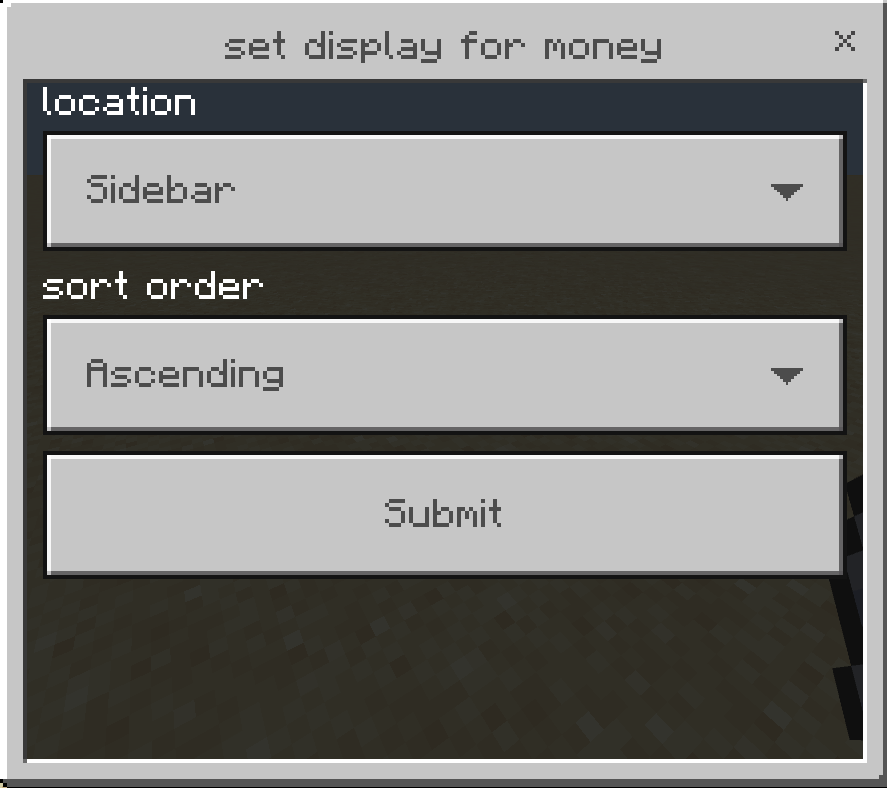
Are you tired of writing commands to change a score or create a scoreboard objective, use this addon to manage scoreboards with a user interface without any commands.
scoreboard_3.png
scoreboard_2.png
scoreboard_5.png
scoreboard_1.png
scoreboard_4.png
Description
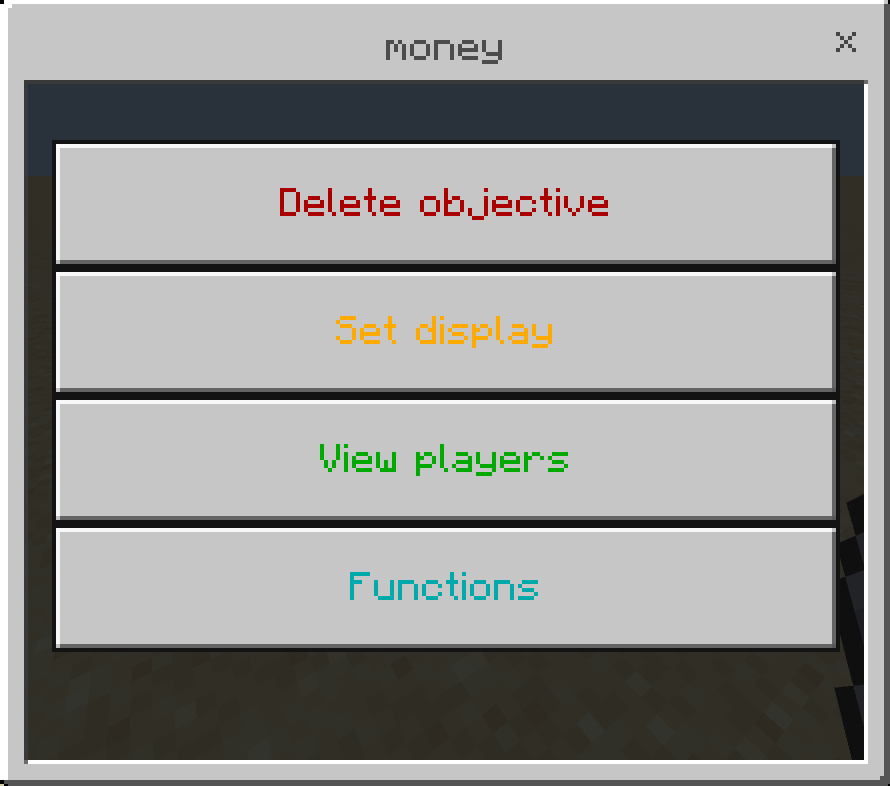
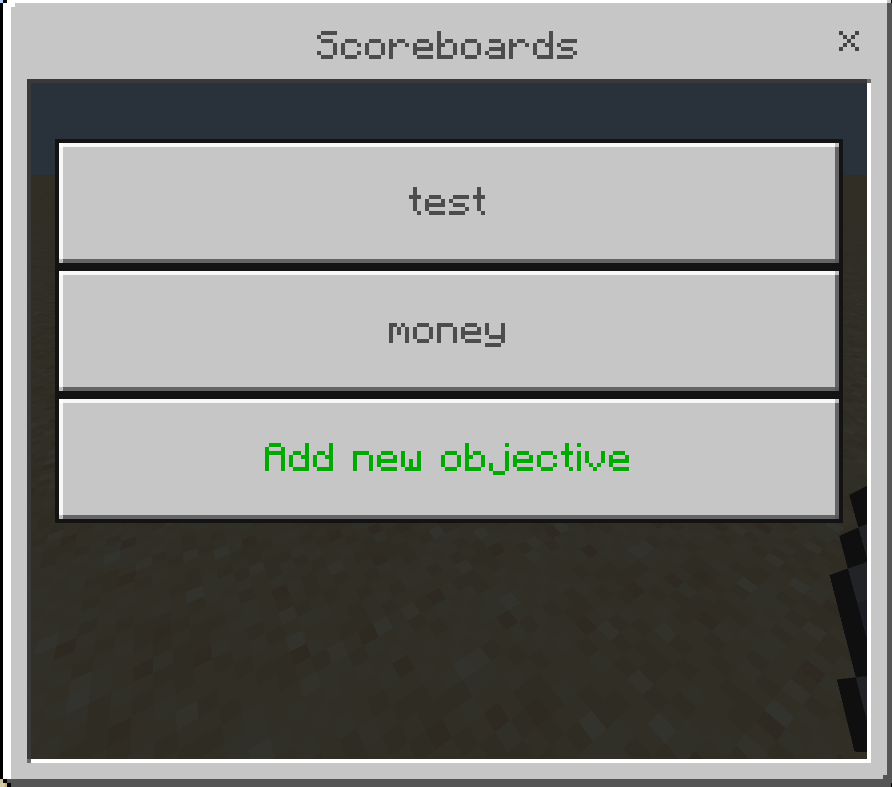
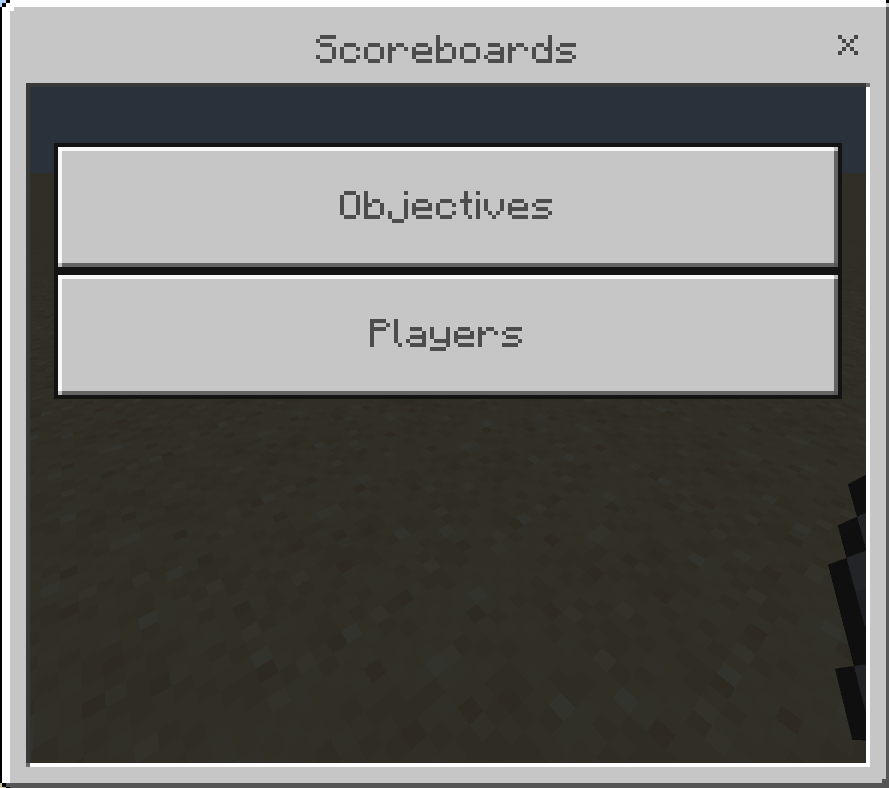
Manage your scoreboards with a user interface instead of writing long commands.
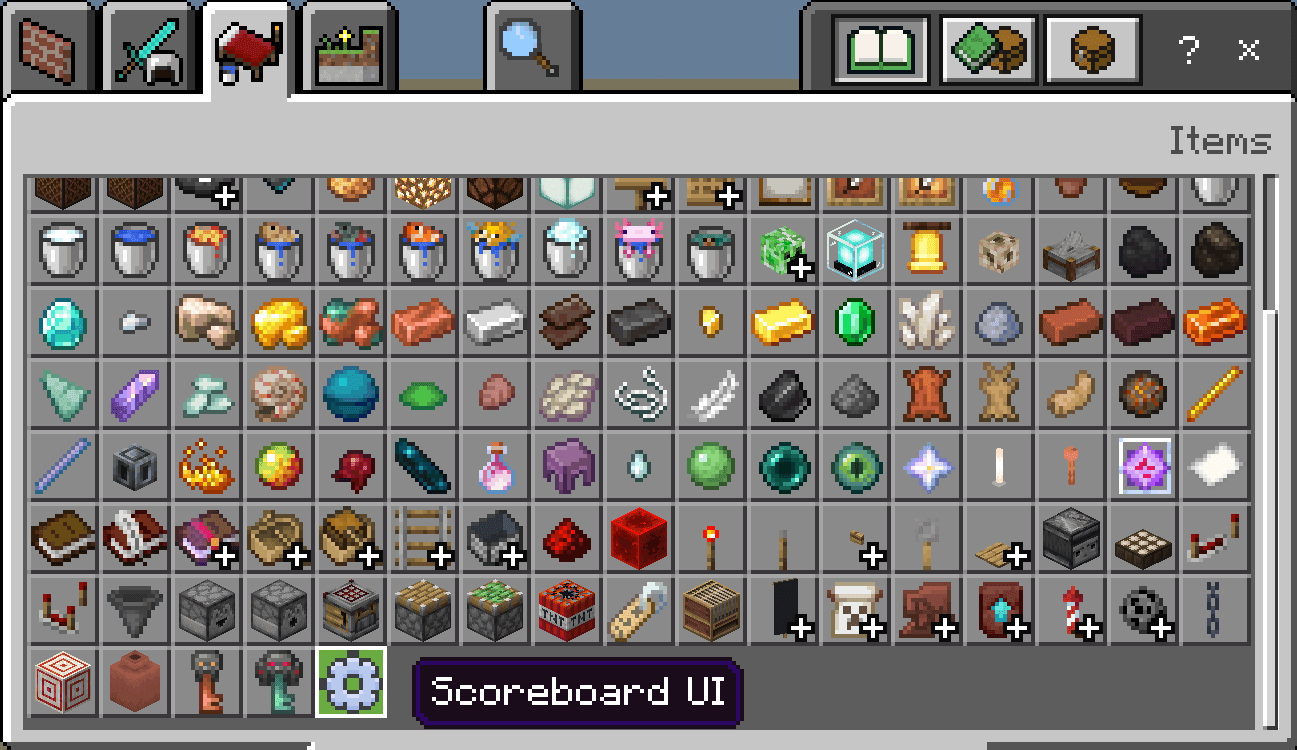
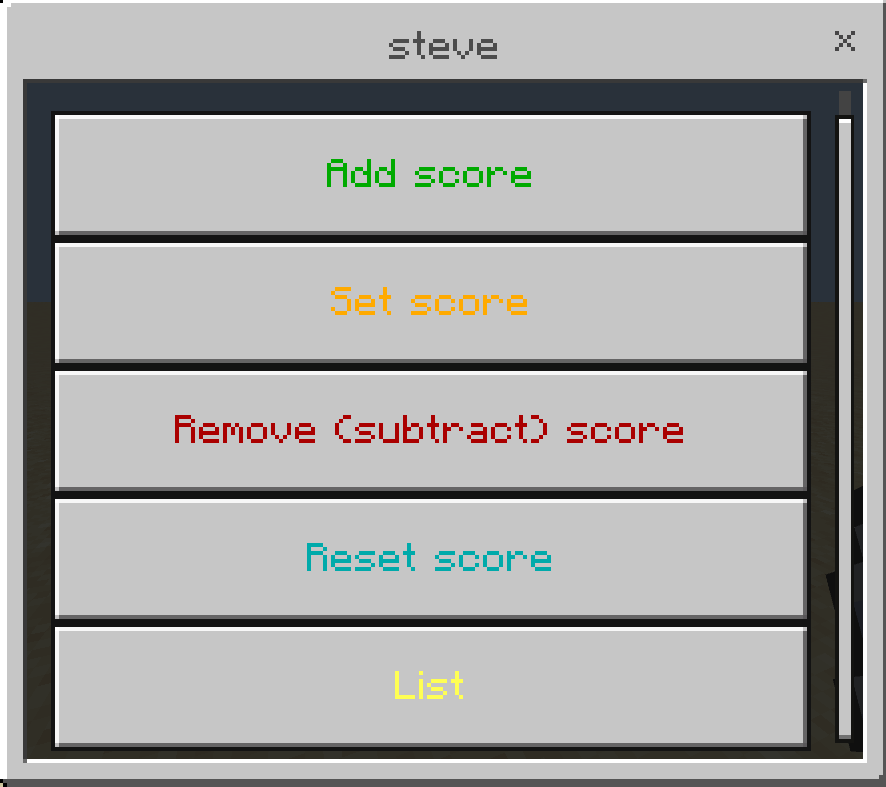
to open the UI use the settings item
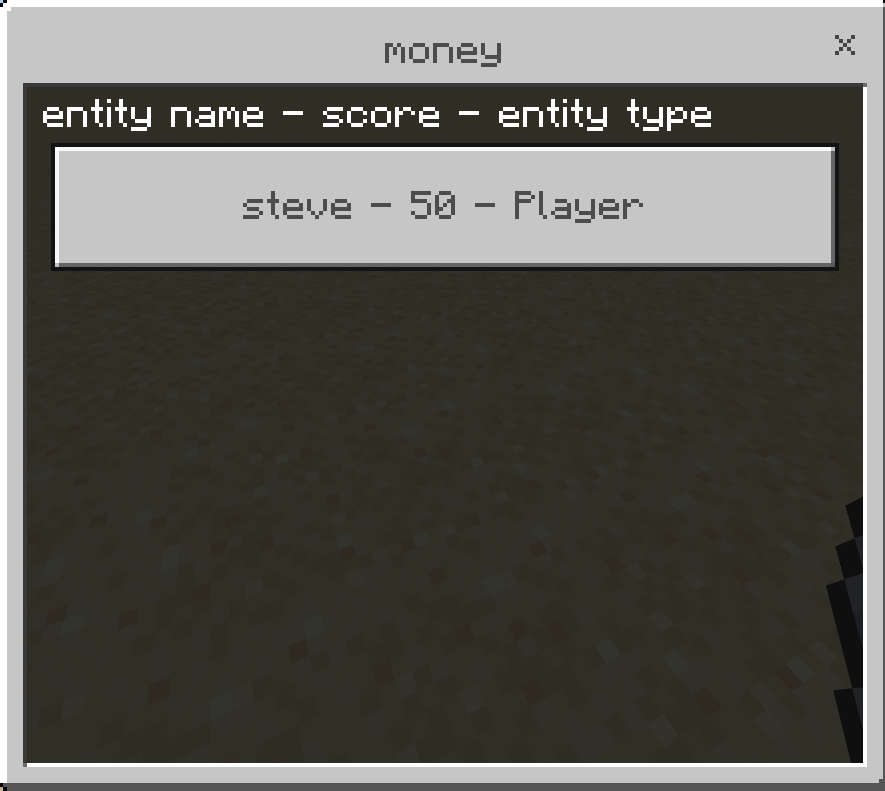
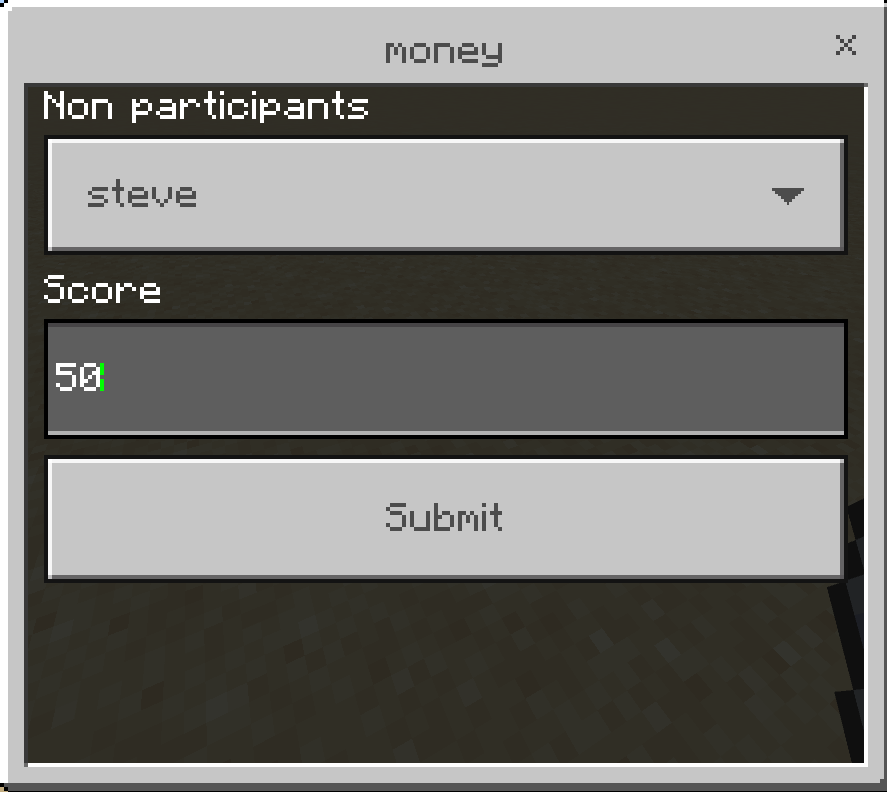
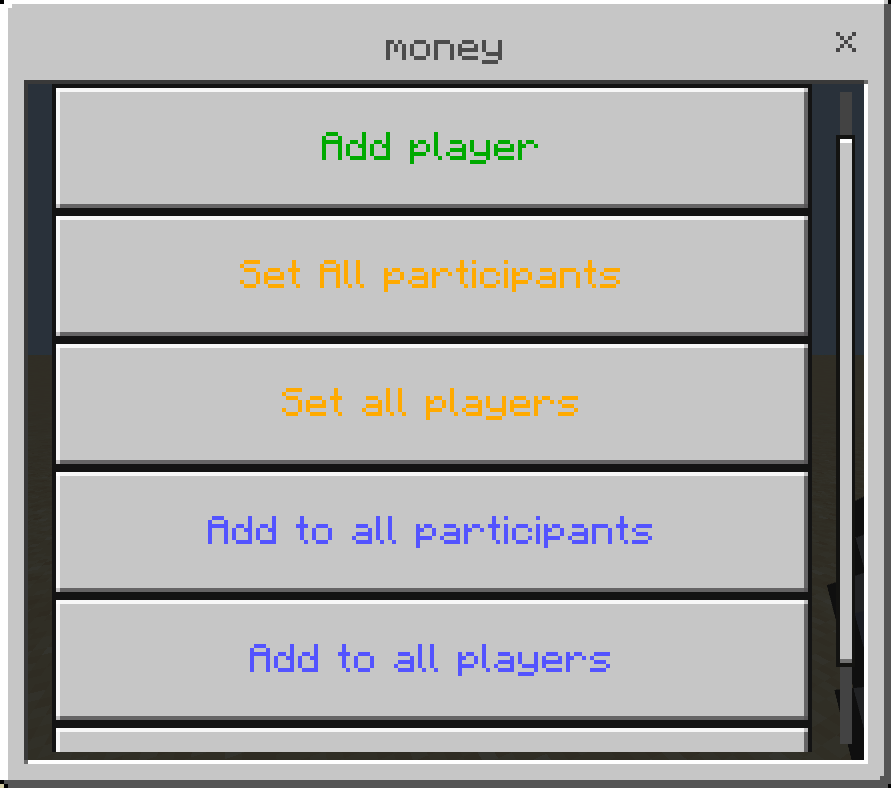
set all participants will set score for players who already have a score in the scoreboard objective (even if 0), set all players will set the score for all players including those who dont have a score yet.
"set" changes the score to that number, for example if the player's score was 10 and you set it to 50 it will become 50.
"add" add a score to player's existing score, in the previous example the score becomes (10 + 50 = 60).
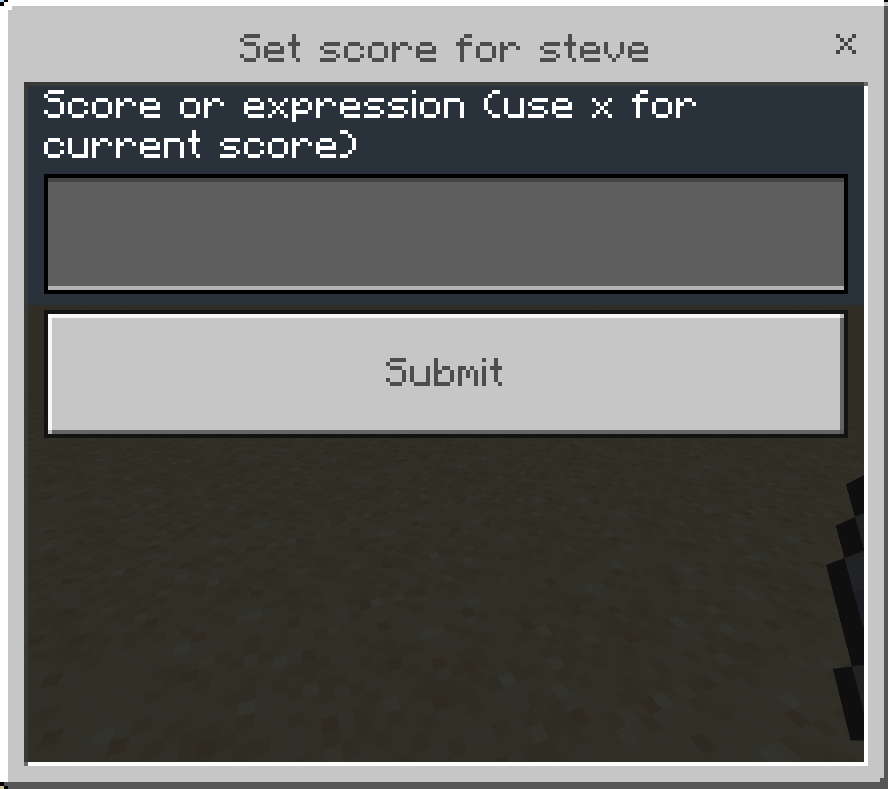
here you can use player current score in a math expression, for example you have 3 players with different scores (20, 100, 105) and you want to double their score, instead of changing each player's score manually you can use this expression: x * 2 this will double each player's score, you can also use: + - / *
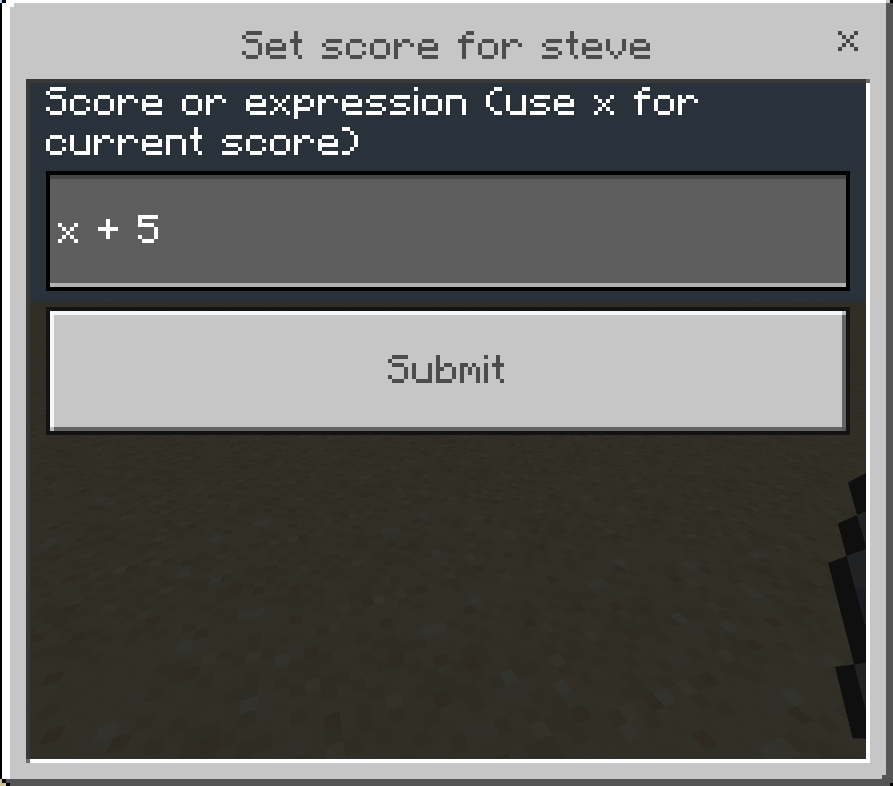
this will add 5 to each player's score.
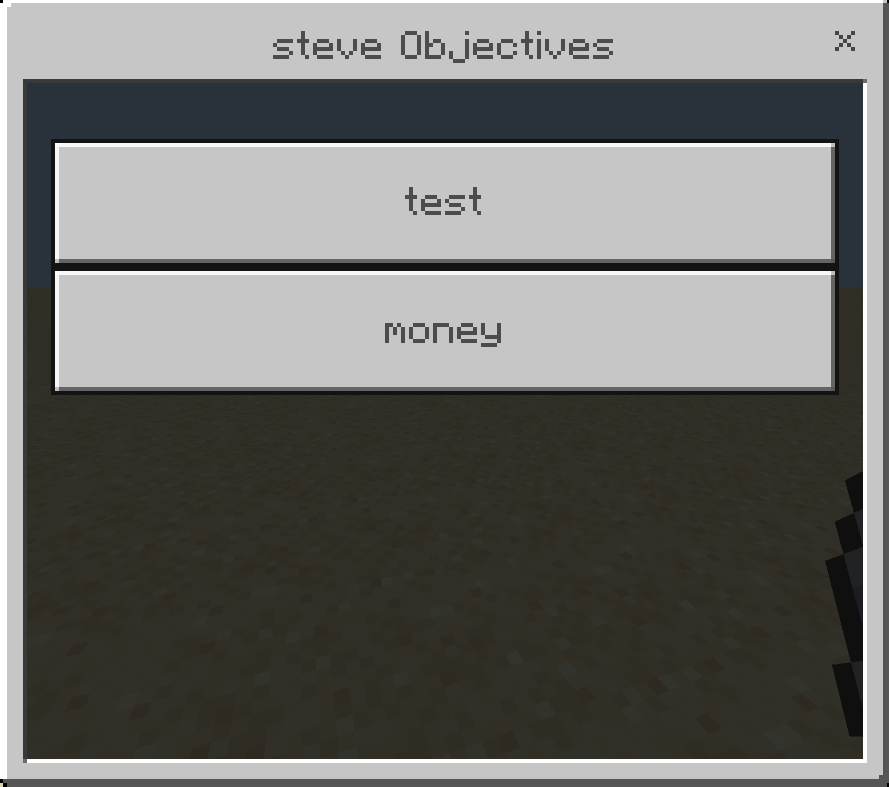
NOTE: you must be Operator to use the item
Scoreboards UI Team

Owner