RR Quick Chat - Fast Communication
- By
Communicate instantly in Minecraft! This addon provides an easy-to-use menu with pre-made messages for combat, survival, and social situations. You can also save custom messages for fast, one-click chatting.
RR Quick Chat - Fast Communication (13).jpg
RR Quick Chat - Fast Communication (10).jpg
RR Quick Chat - Fast Communication (11).jpg
RR Quick Chat - Fast Communication (12).jpg
RR Quick Chat - Fast Communication (4).jpg
RR Quick Chat - Fast Communication (3).jpg
RR Quick Chat - Fast Communication (5).jpg
RR Quick Chat - Fast Communication (2).jpg
RR Quick Chat - Fast Communication (8).jpg
RR Quick Chat - Fast Communication (6).jpg
RR Quick Chat - Fast Communication (9).jpg
RR Quick Chat - Fast Communication (7).jpg
Description
RR Quick Chat - Fast Communication

Today i am bringing you a very simple but incredibly useful behavior pack for your minecraft bedrock worlds. So if you play on mobile or console you already know the biggest pain in this game is typing in the chat. If you are playing on a mobile phone the keyboard covers the entire screen and you cant see anything while you are typing. And if you are on an xbox or playstation it literally takes ten years to type a single sentence using the controller.
By the time you type creeper behind you to warn your friend, the creeper already exploded and killed both of you. I hated this so much because fast communication is so important when playing multiplayer survival. So i sat down and coded the RR Quick Chat addon. This pack completely fixes the communication problem by giving you a menu of pre made messages that you can send with just one single click.

How The Quick Chat System Works
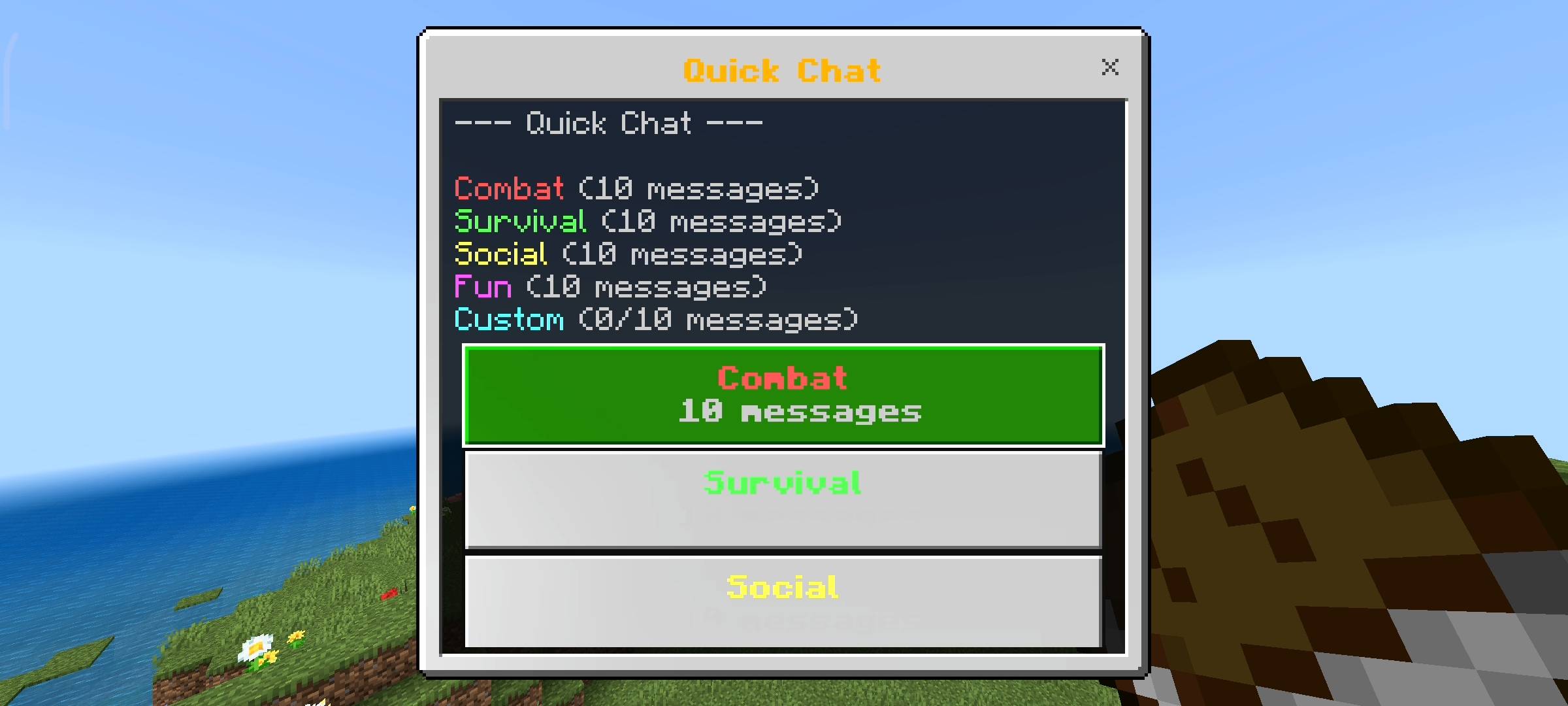
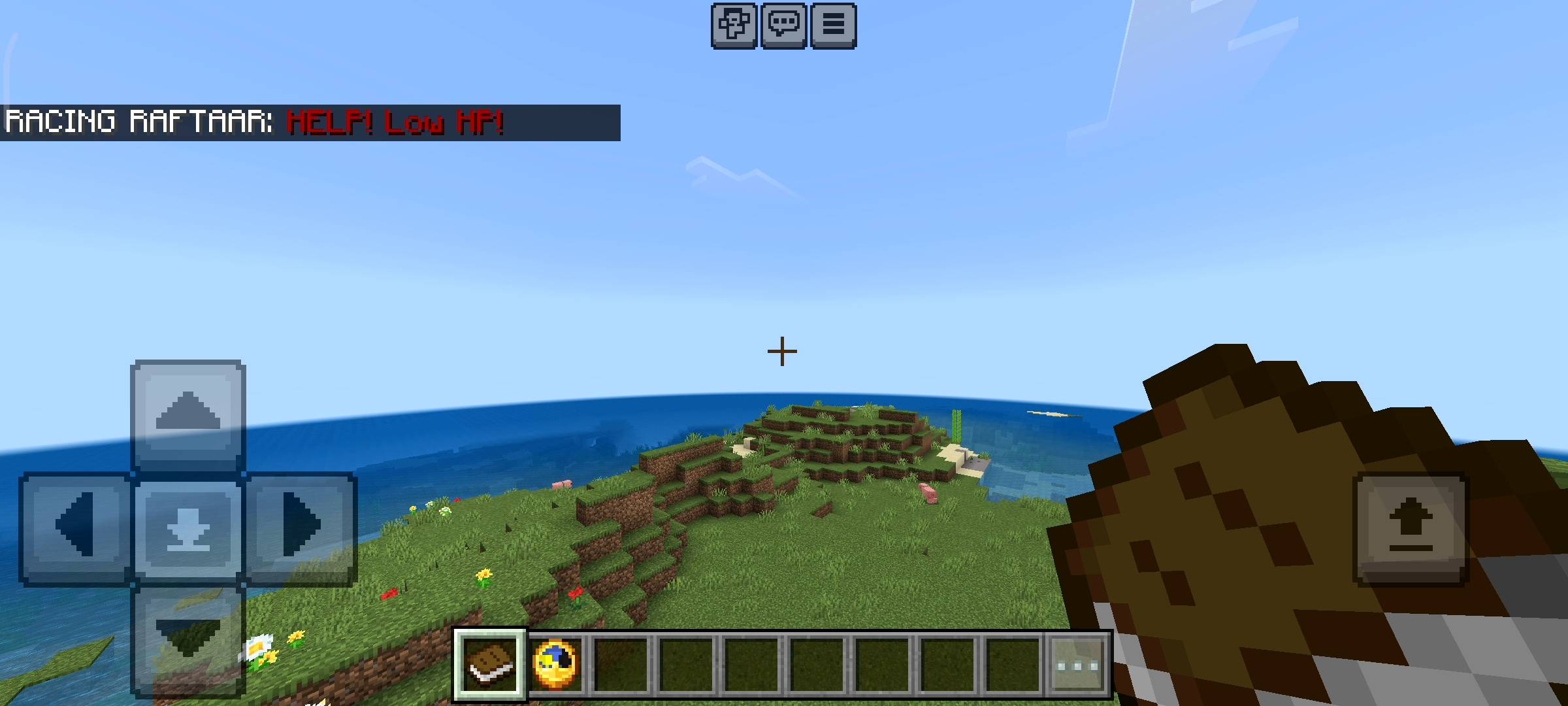
When you load into a world with this pack installed for the first time, the game will automatically give you two items in your inventory. You get a Quick Chat book and a Quick Chat compass clock. If you just hold the book and use it anywhere, a UI menu instantly pops up on your screen. You dont have to type any commands or anything.
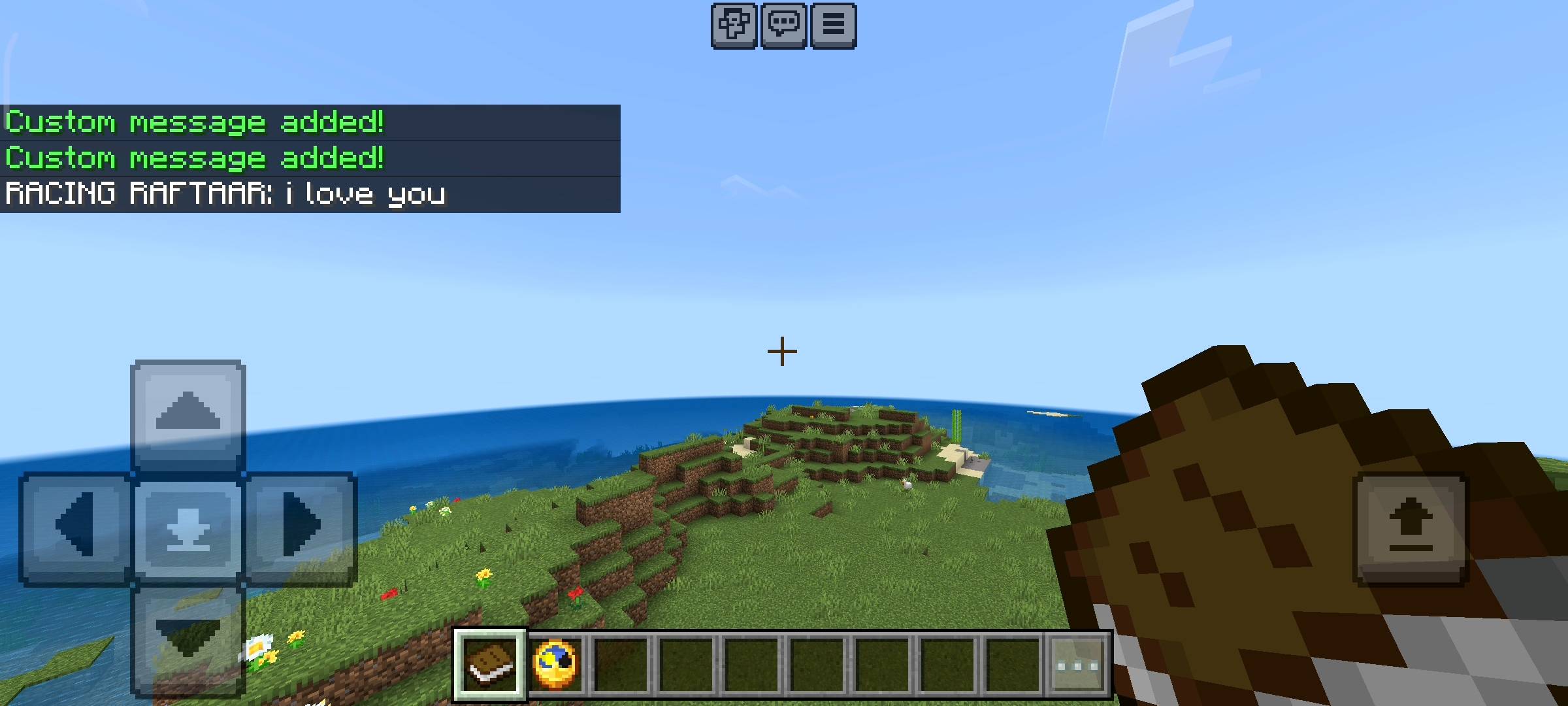
The menu has different categories of messages. You just click on the message you want to say and it instantly broadcasts it to the global server chat with your name on it. It literally takes one second to call for help now instead of standing still and typing while zombies are hitting you. And yeah if you lose the starter items dont worry because any normal book or clock will work if you just sneak and use them.
Pre Made Chat Categories
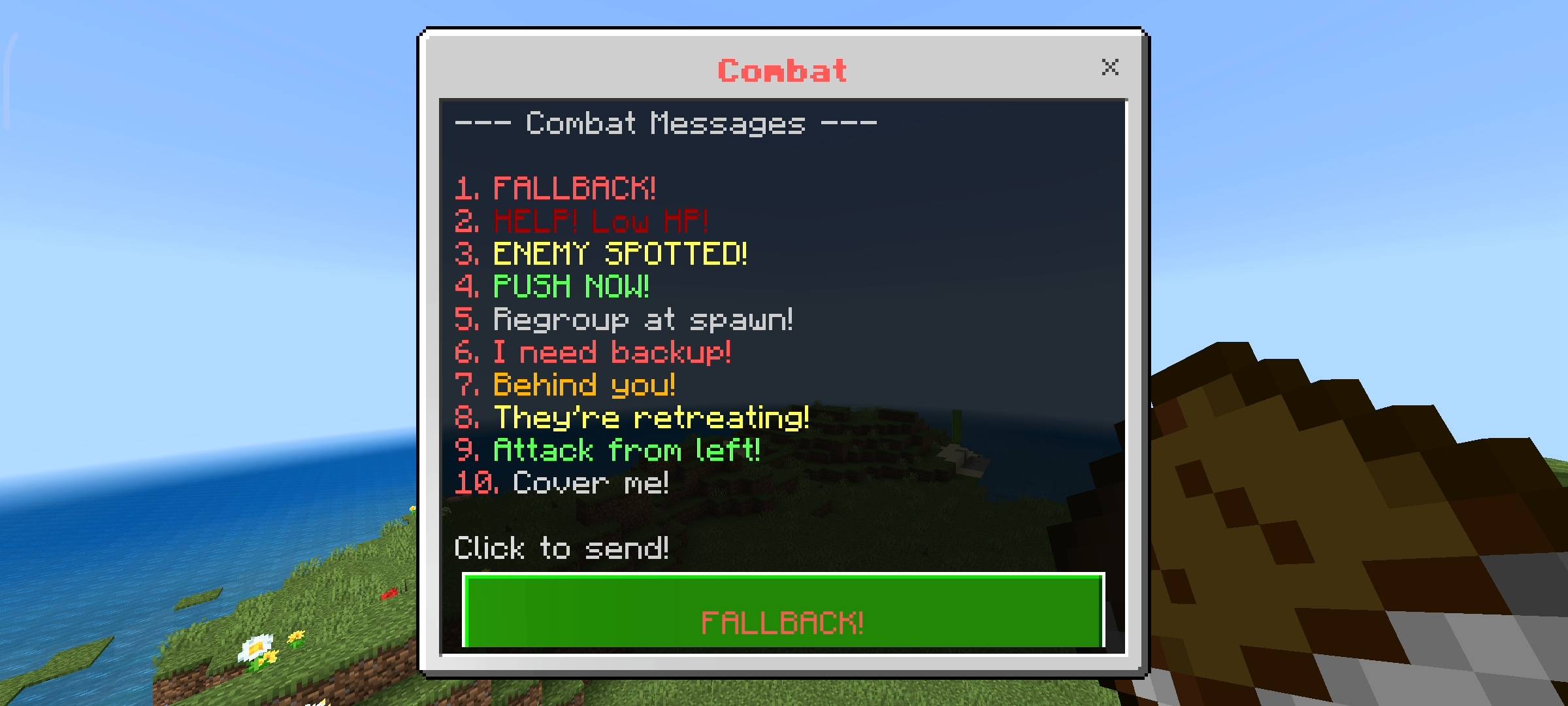
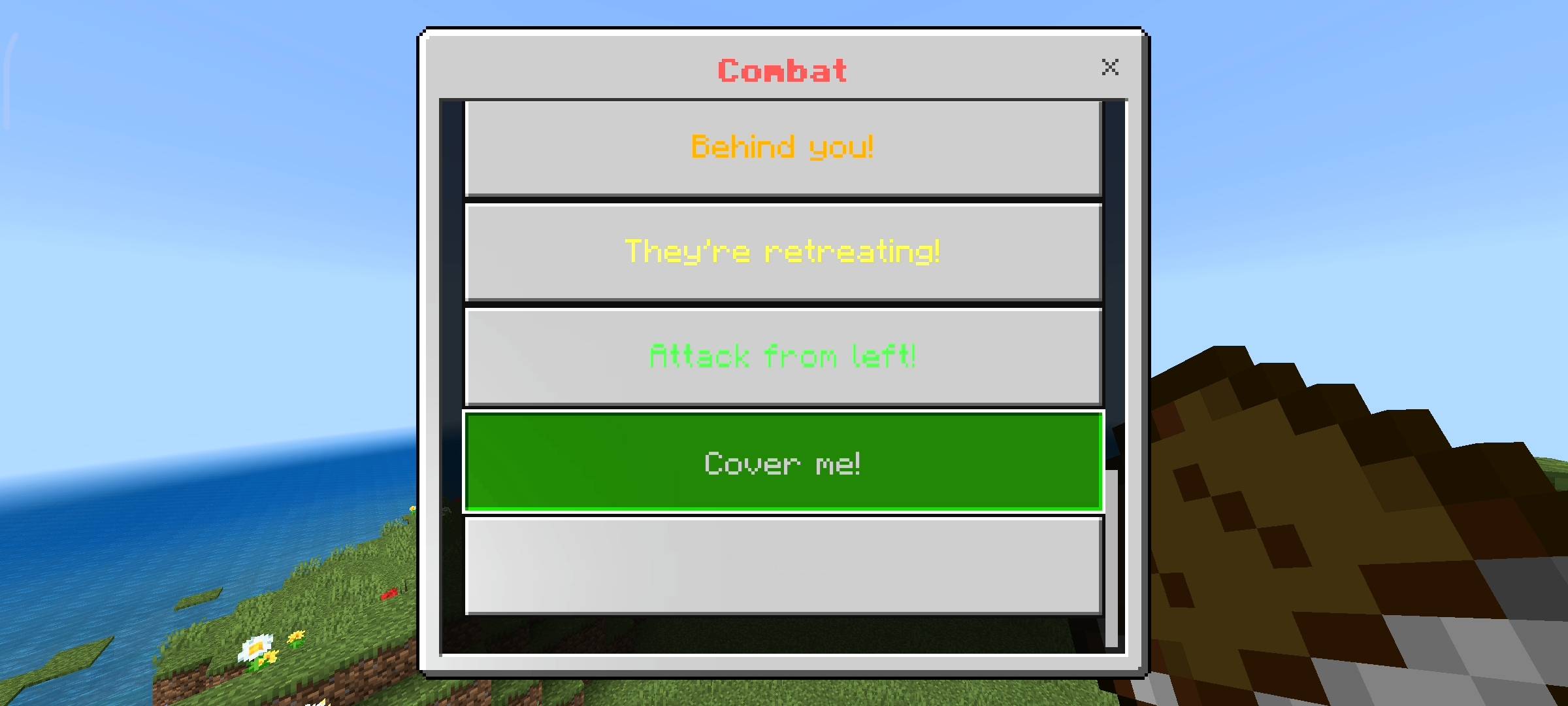
I spent a lot of time thinking about what things players say the most and divided them into four different categories. The first one is Combat which is colored red. It has messages like FALLBACK or HELP Low HP or ENEMY SPOTTED. This is perfect for pvp realms or when you are fighting a wither and need your team to push. The second category is Survival colored green. This has things like I need food, I found diamonds, Lava ahead or Base here.
It is super useful when you are strip mining and want to tell your friends you found good loot without stopping to type everything out.
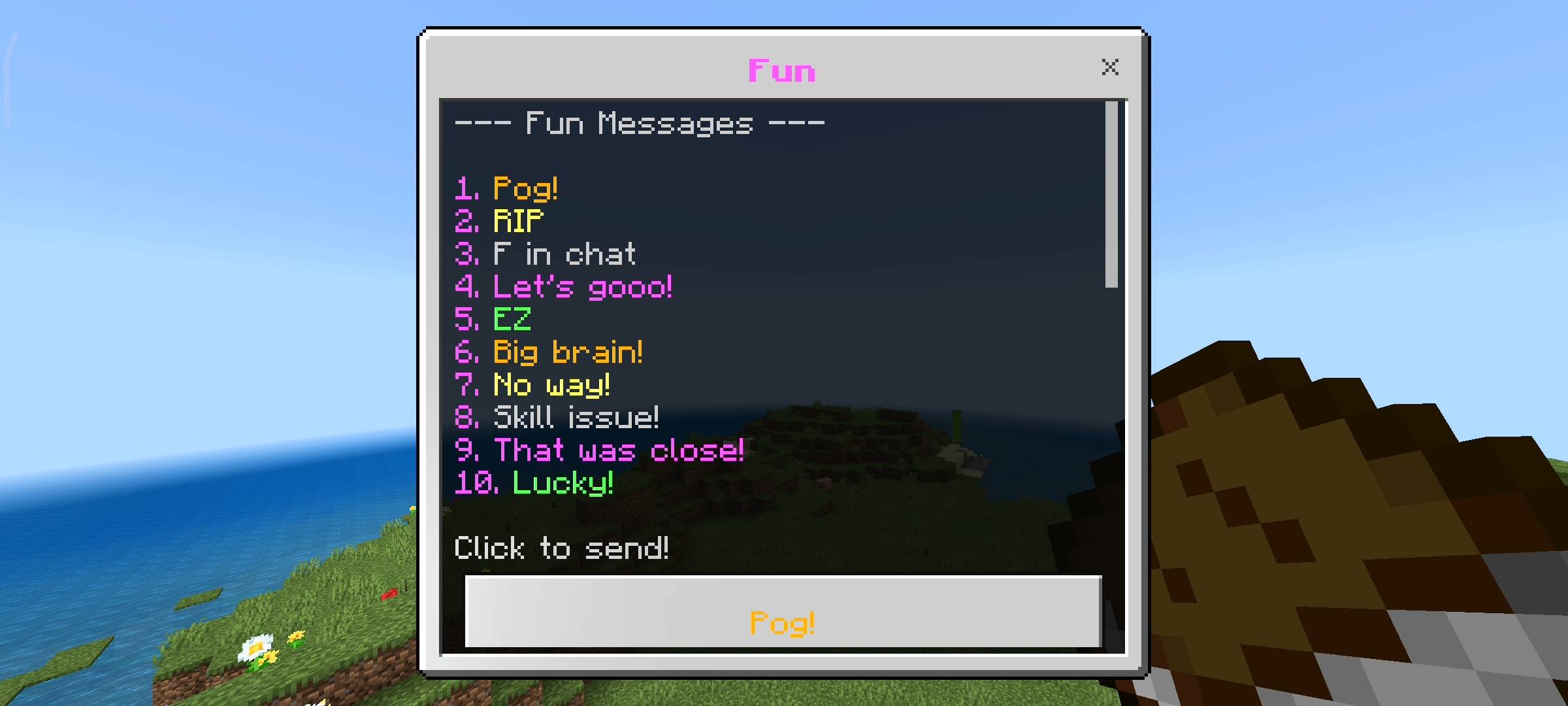
The third category is Social which is yellow. Sometimes you just want to be polite to people on the server so I added messages like GG, Good game, Thanks, Welcome and BRB. And the last category is Fun which is pink. I know you guys love trolling your friends so i added messages like Pog, RIP, F in chat, Skill issue and Big brain. So when your friend falls in lava you can instantly just click Skill issue in the menu and make fun of them before they even respawn back at their bed.
Adding Your Own Custom Messages
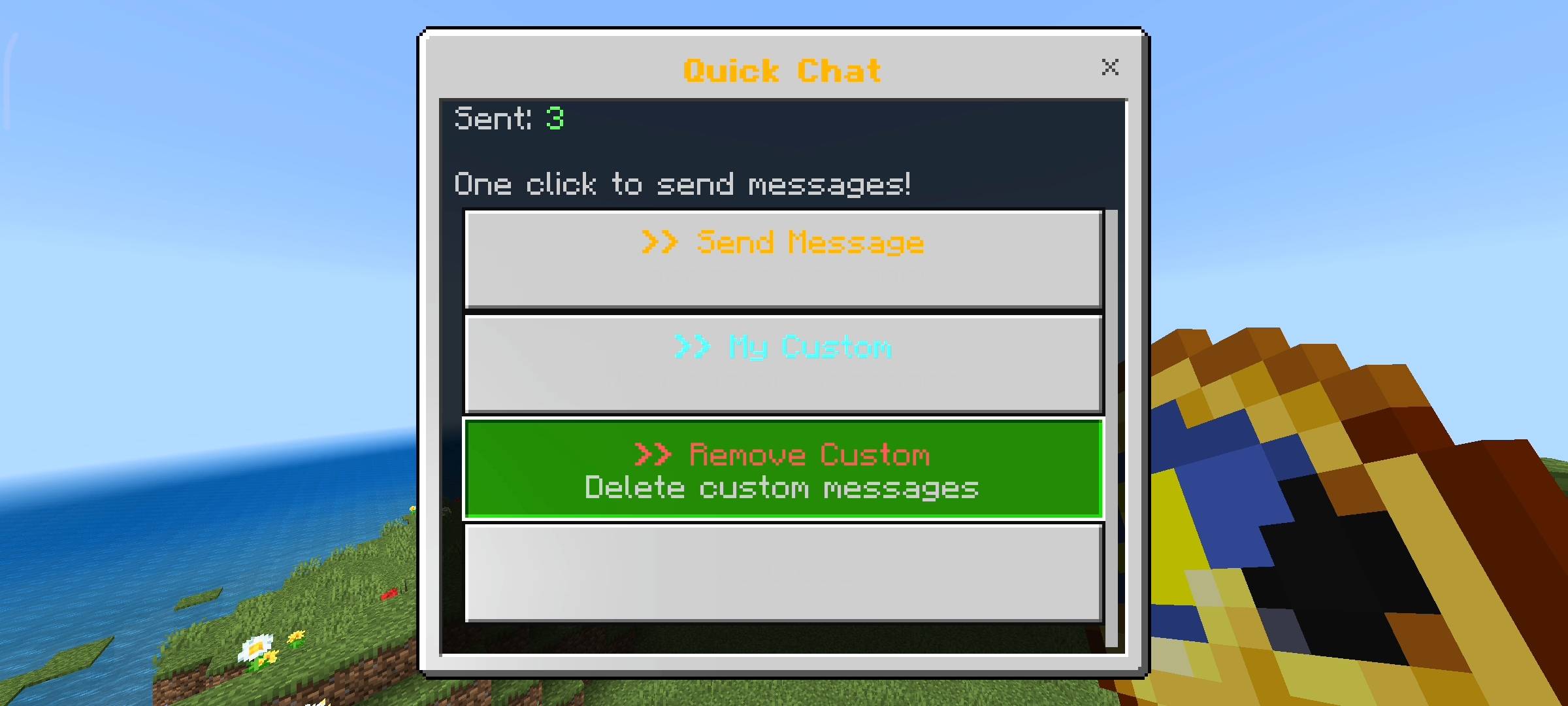
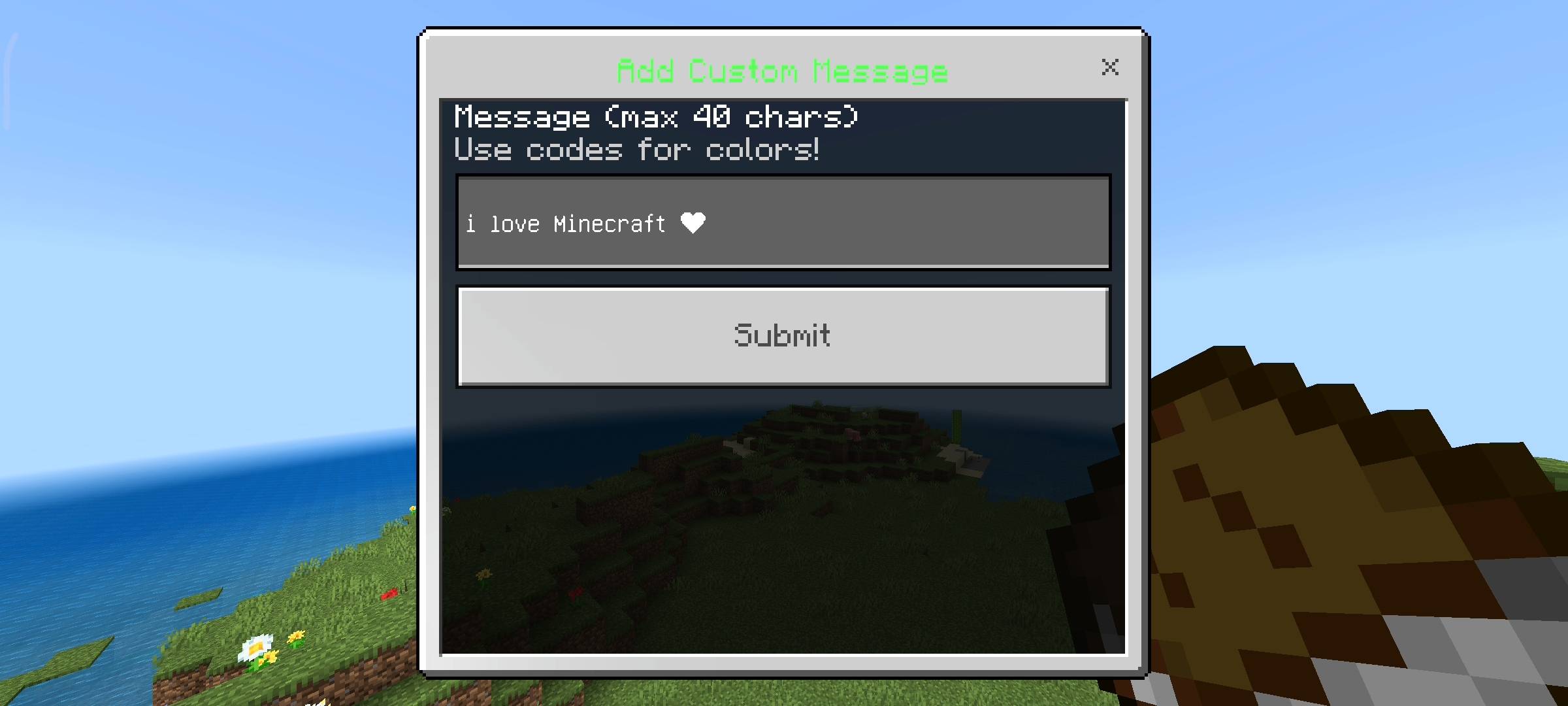
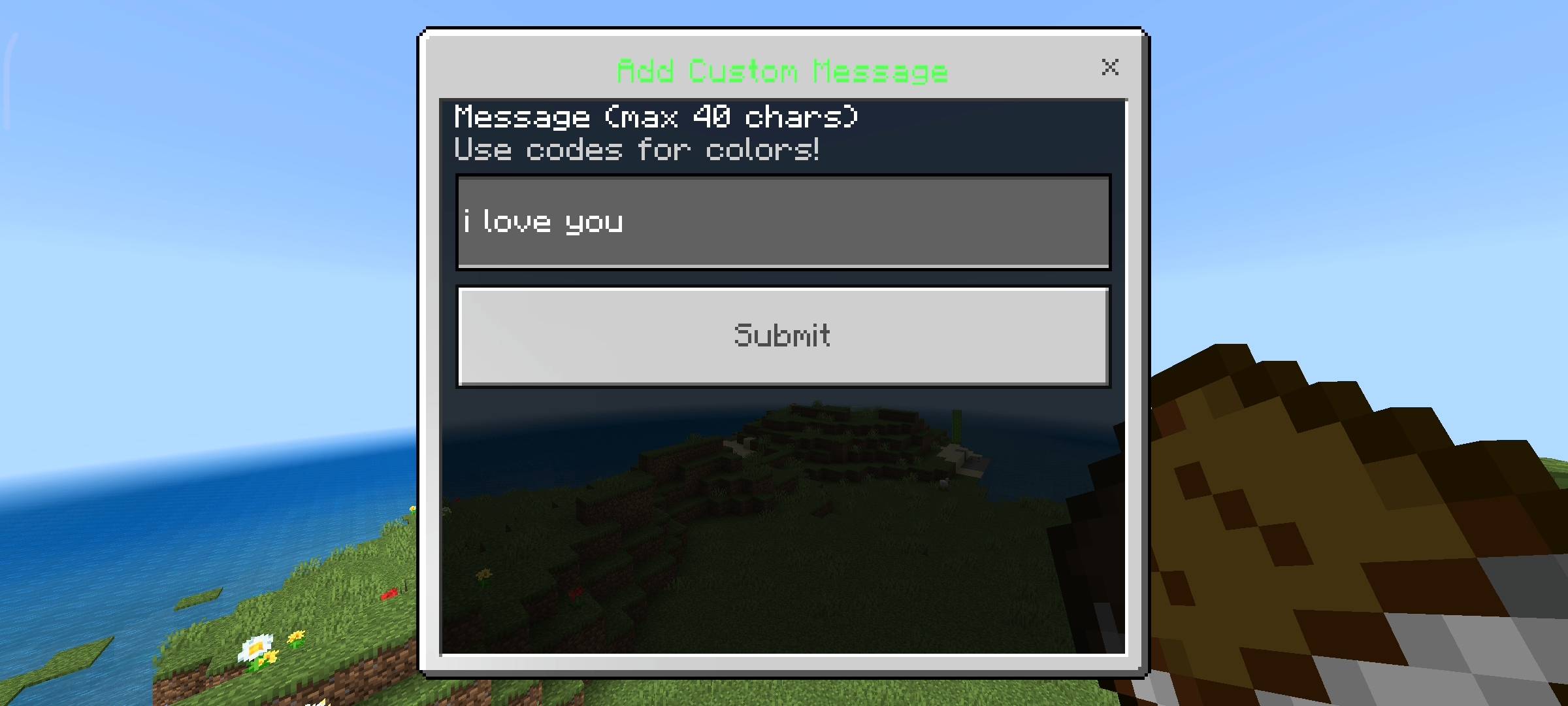
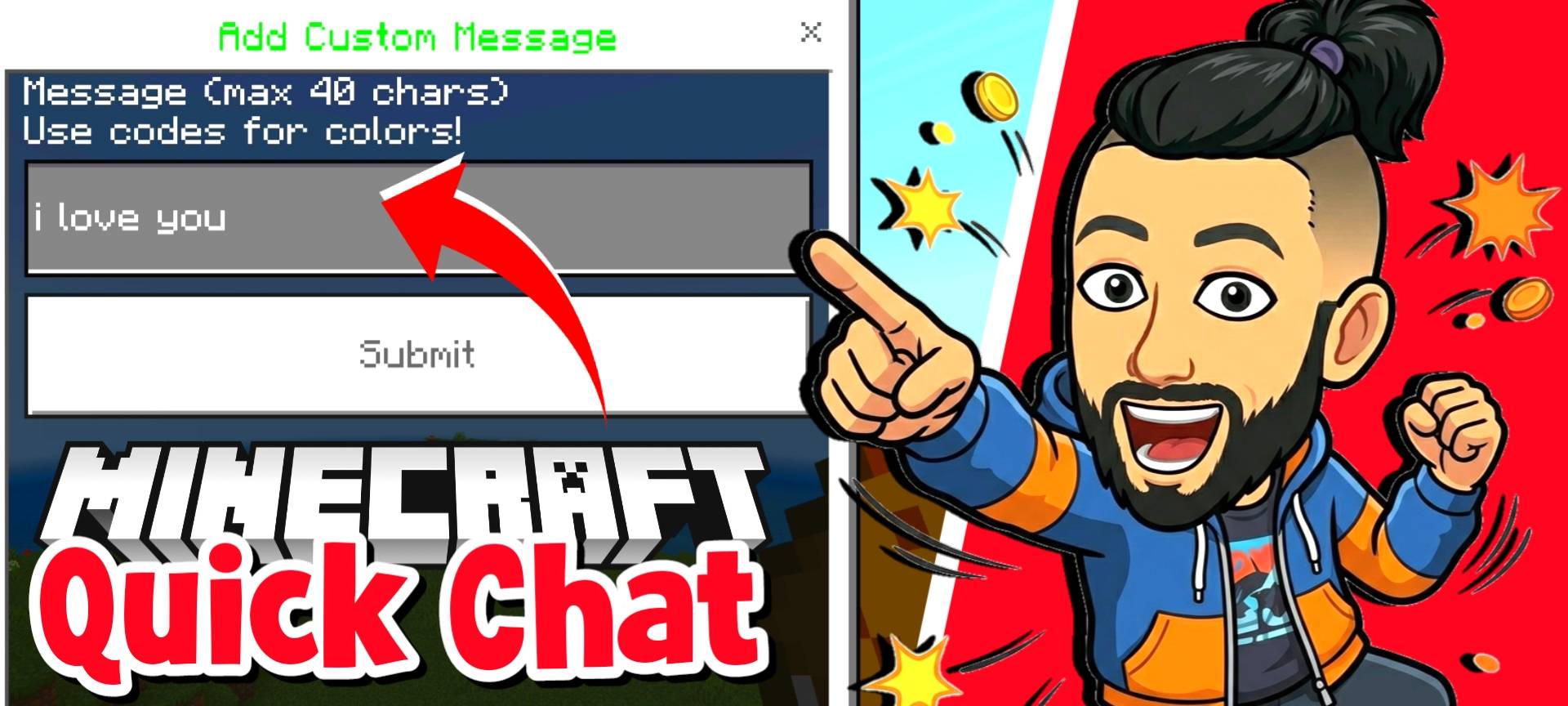
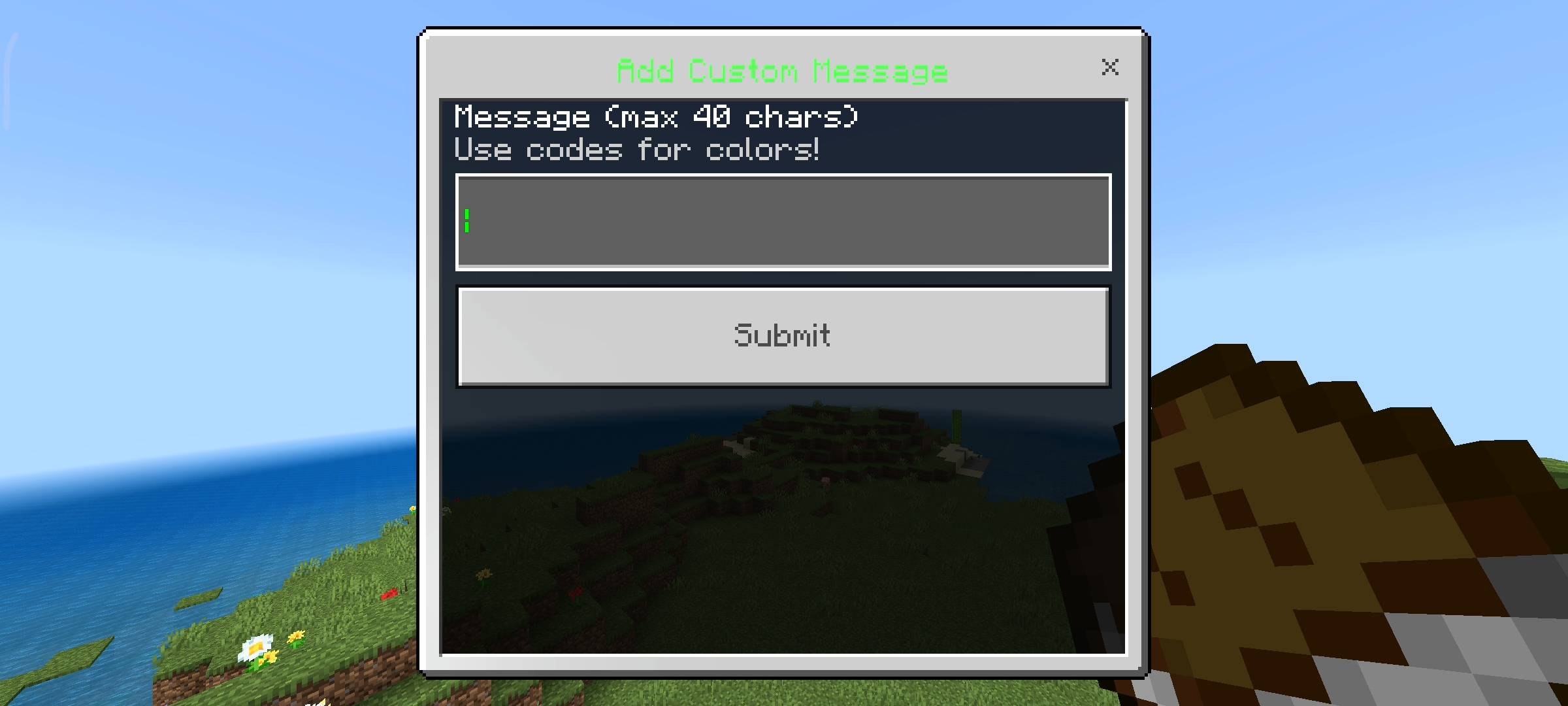
Now the pre made messages are great but i know every friend group has their own inside jokes or maybe you want to type messages in hindi or your own language. So I built a fully working custom message system into the pack too. If you go to the custom tab you can add up to 10 of your own personal messages.
A text box pops up and you just type whatever you want. It has a maximum limit of 40 characters so people dont use it to spam the chat with huge paragraphs and lag the server. You can even use the section symbol color codes to make your custom messages colored. If you fill up all 10 slots you can just go to the remove custom menu and delete the old ones to make space for new ones.
Tracking Your Stats And Menus
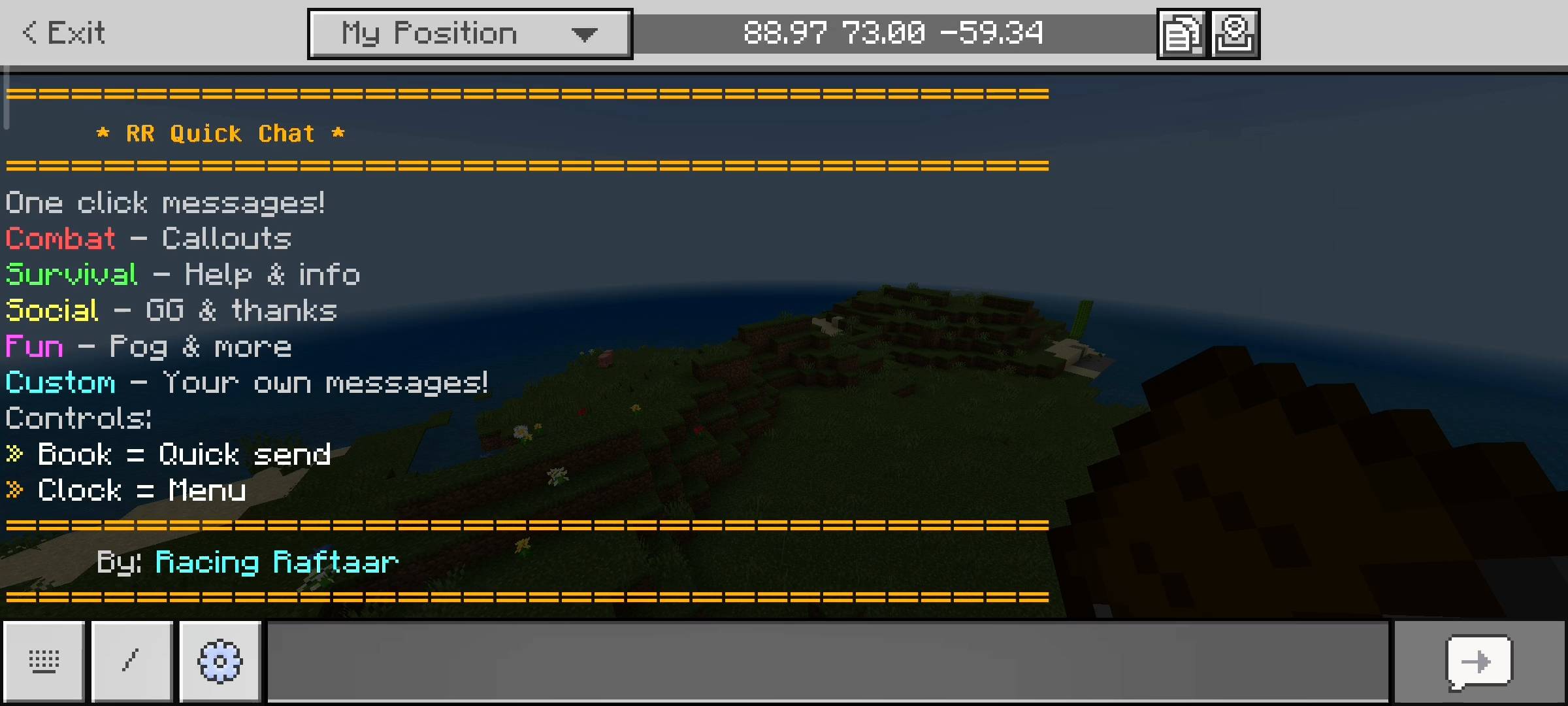
If you use the clock item it opens the main menu instead of the quick send menu. Here you can see your personal stats. The game tracks exactly how many quick messages you have sent in your entire playthrough. It also shows you how many custom message slots you have used out of 10. I just added this because it is fun to see how much you use the system and keep track of things. The menus are very fast and responsive so it doesnt interrupt your gameplay at all.
Beta APIs Setup
You guys should be used to this by now. Because this pack uses the custom UI forms to open the menus directly on your screen and uses dynamic properties to save your custom messages permanently so they dont delete when you leave the server, you absolutely must turn on the Beta APIs experiment. Go to your world settings before you play and check the experiments toggle. If you dont turn it on the book and clock will not open any menus and the pack is basically useless.
AI Disclaimer
I just want to leave a quick heads up for you guys about the images on this page. The main cover picture and the screenshots you see in the gallery were enhanced using ai image generators. I use ai to make the curseforge page look very cinematic and nice for you guys because i am not a designer.
The RR Quick Chat - Fast Communication Team


Owner