Instant Dropper Addon: Fast Item Drop (Java 'Q' Logic)
- By
Drop items instantly like Java Edition! Uses the Feather tool for quick dropping and inventory management.
Instant Dropper Addon Fast Item Drop (Java 'Q' Logic) (6).jpg
Instant Dropper Addon Fast Item Drop (Java 'Q' Logic) (5).jpg
Instant Dropper Addon Fast Item Drop (Java 'Q' Logic) (4).jpg
Instant Dropper Addon Fast Item Drop (Java 'Q' Logic) (2).jpg
Description
RR Instant Dropper v2.0.0 - The Ultimate Inventory Manager
Hey everyone! Let's be completely honest, one of the most frustrating and time-consuming mechanics in Minecraft Bedrock Edition is managing your inventory. Unlike Java Edition players who can simply tap the 'Q' key on their keyboard to instantly throw an item to a friend, Bedrock players are forced to open their inventory, tap the item, hold it outside the window, and wait for that incredibly slow green bar to fill up. When you are in the middle of an intense PvP battle sharing potions, or strip mining and quickly trying to throw away blocks of dirt, this slow system is an absolute nightmare.
I decided to completely fix this issue and bring true Java-style inventory mechanics to Bedrock Edition. Welcome to the RR Instant Dropper Addon. This highly optimized, context-aware script completely changes how you discard and manage items. By linking high-speed drop mechanics to a simple Feather, you can clear your entire inventory in seconds without ever opening a vanilla menu. For Version 2.0.0, I have completely rewritten the core engine. This is the Full Access Edition, meaning every single premium bulk-drop feature, UI mode, and server leaderboard is 100% unlocked for you right out of the box!
Java-Style Quick Drop (Context-Aware)
I designed the script to be incredibly smart and context-aware. It actively changes its behavior based on where your character is looking.
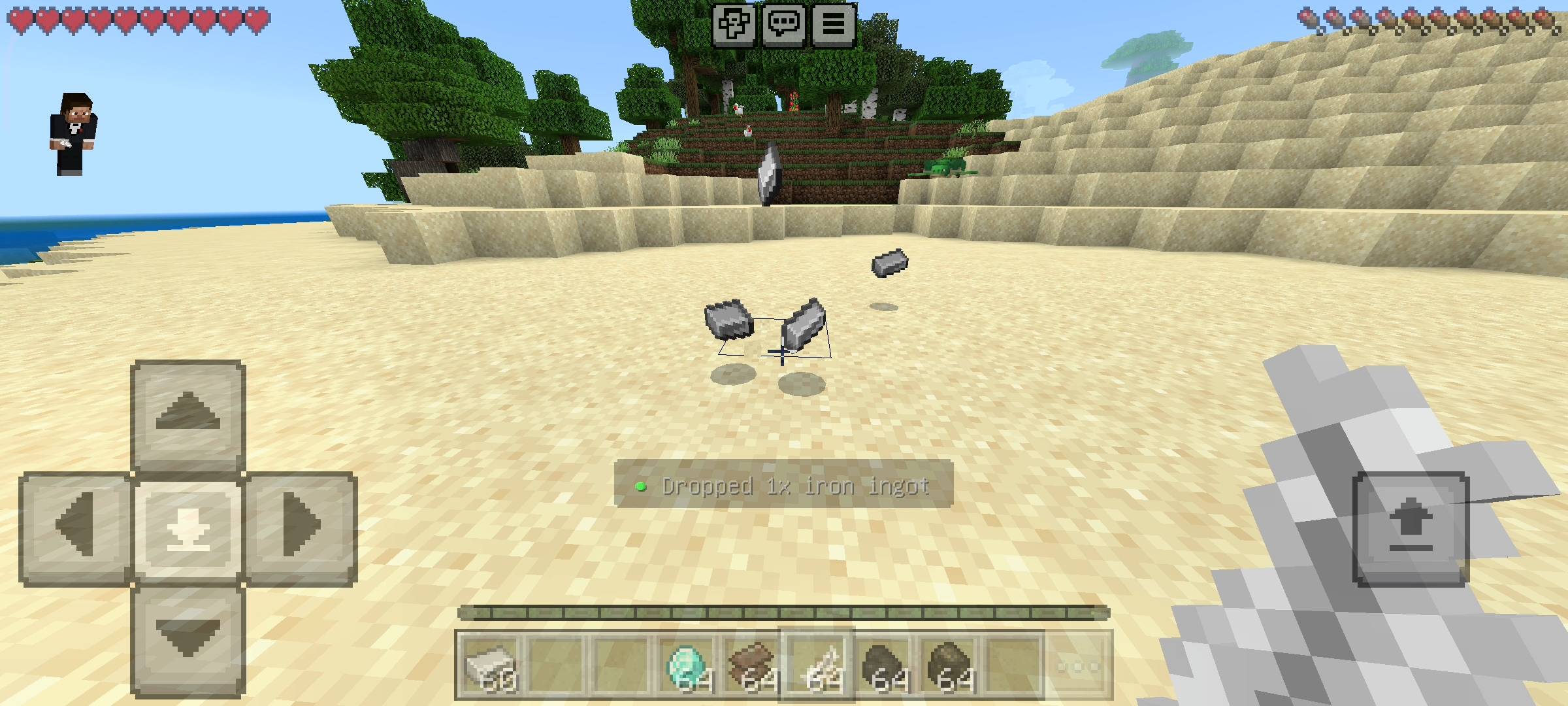
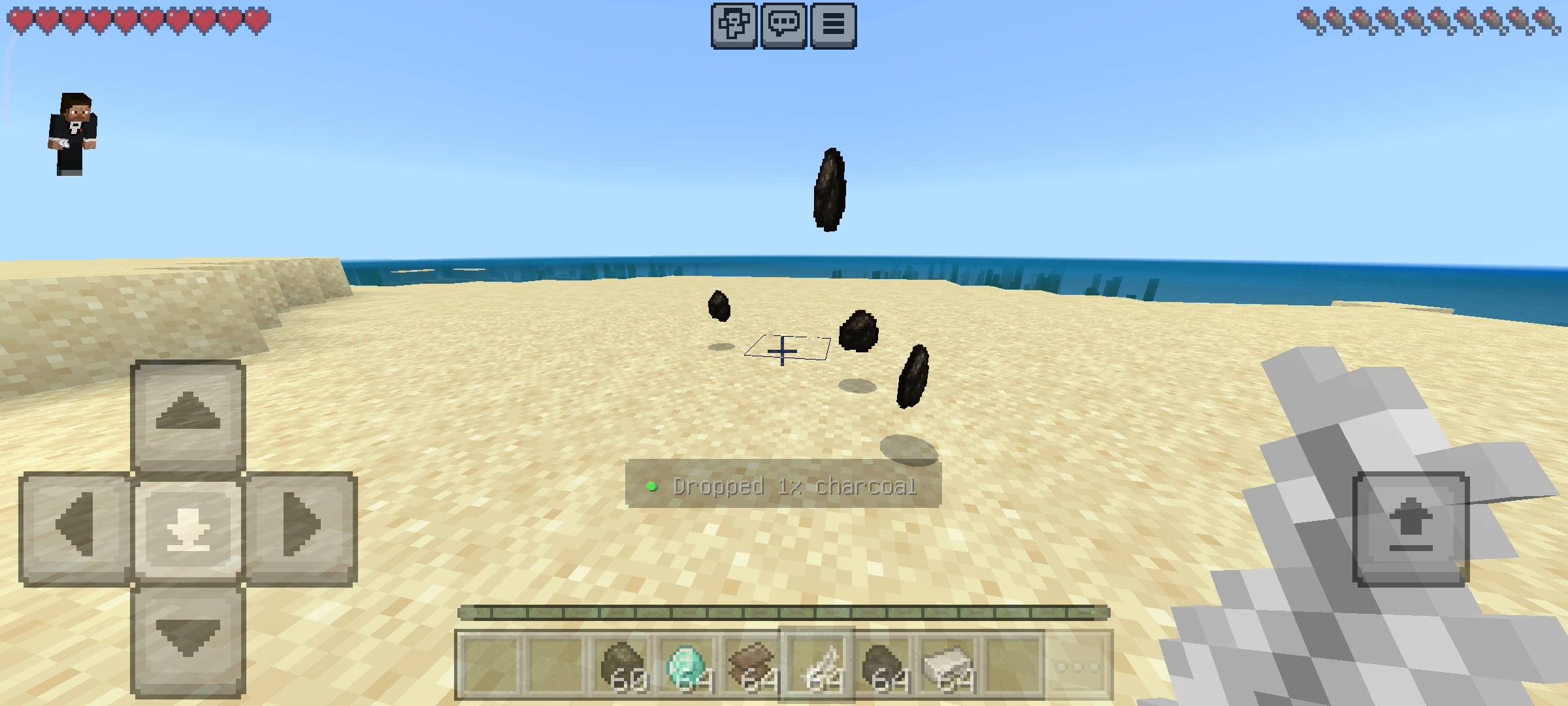
If you want to instantly drop an item to a teammate or throw away a single piece of junk, simply hold a Feather, look straight ahead, Sneak (crouch), and Use the item (Tap the screen or Right-Click). The script will instantly eject one item from your inventory. There is absolutely zero delay. You can rapid-fire click to shoot out specific amounts of items. The dropped item will fly naturally in the direction you are looking with a smooth physics impulse, accompanied by a satisfying "Pop" sound effect and a clean Action Bar notification.
The Interactive Drop Panel & Bulk Management
What if you want to drop large quantities of items without spamming the screen? The addon features a beautiful custom Graphical User Interface (GUI) specifically designed for bulk inventory management.
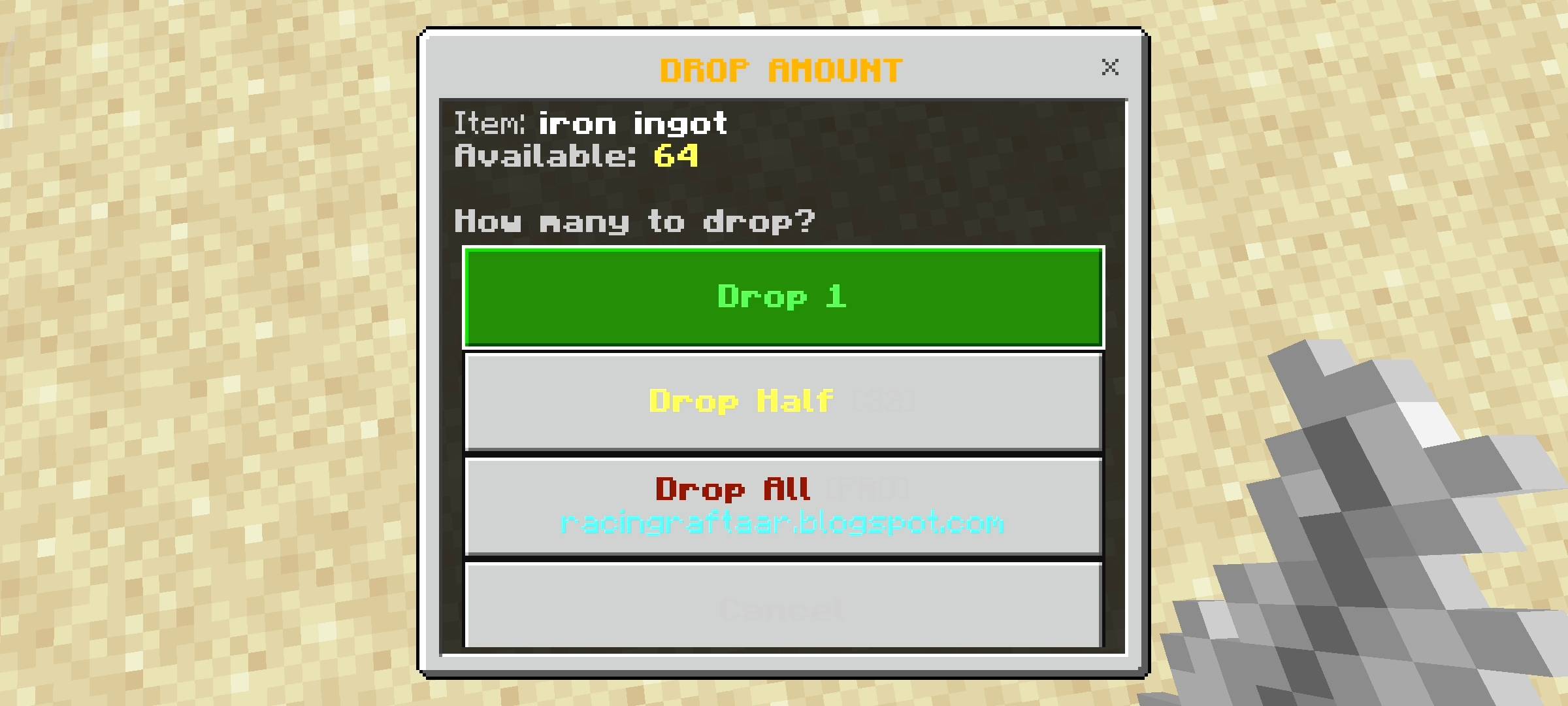
To open the Drop Panel, simply hold a Feather, look directly down at the floor, and Sneak while Using the item. The script instantly scans all 36 slots of your inventory and displays a clean list of everything you are carrying, automatically formatting the technical item names to look neat and professional.
- Drop Half: Need to share food or torches with a friend? Select an item from the menu and hit "Drop Half" to instantly split your stack and toss exactly half of it on the ground.
- Drop All: Instantly eject a full stack of 64 items with a single click. A heavy "Break" sound effect will play to confirm the massive drop.
Quick Drop Mode (Turbo Clearing)
If you have just returned from a massive caving expedition, your inventory is probably filled with useless cobblestone, gravel, and rotten flesh. Clearing this out manually takes forever.
From the main Drop Panel, you can activate the brand new Quick Drop Mode. This is a fast-paced, turbocharged UI mode that completely bypasses all confirmation screens. Once activated, tapping any item on the list will instantly eject the entire stack from your inventory in real-time. You can clear out dozens of stacks of junk in a matter of seconds, saving you massive amounts of time.
Live Stats Tracking & Server Leaderboards
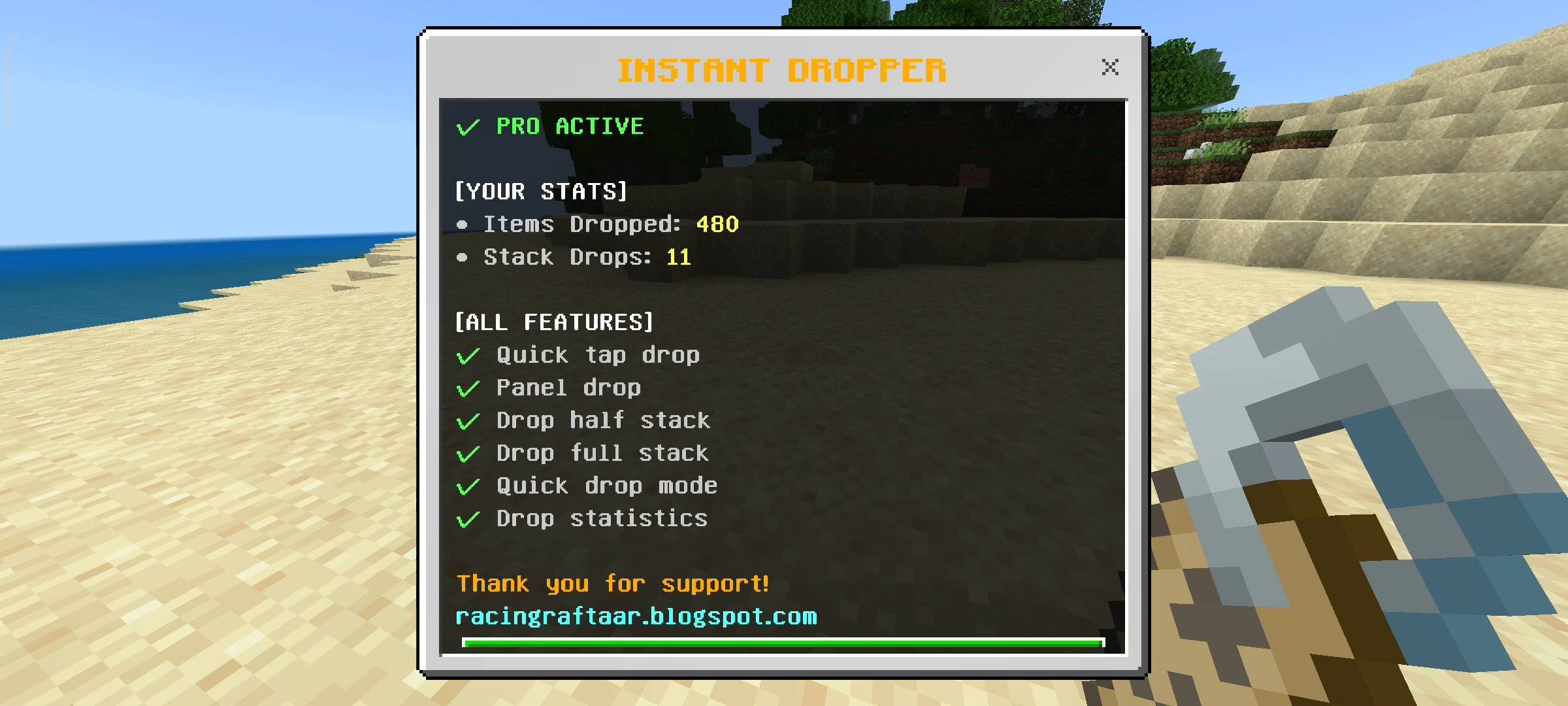
If you play on a multiplayer SMP Realm, managing resources is a massive part of the economy. The addon now features a silent background tracking system that monitors your inventory habits. It precisely counts exactly how many single items you have dropped, how many full stacks you have ejected, and calculates your total lifetime items dropped.
You can view your personal profile at any time by holding a standard Book and Sneaking to open the Stats Panel. From here, you can also access the Live Server Leaderboard. This displays a real-time ranking of the Top 5 most active droppers on your server, showing you exactly where you rank among your friends.
Admin Controls & Zero Lag Optimization
Server owners need full control over custom UIs, so I built a dedicated Admin Panel into the game. By simply holding a Name Tag and Sneaking, Admins can access exclusive management settings. From this menu, you can quickly jump into the Drop Panel, access your Stats, or use the Global Reset function to securely wipe the drop statistics for all players on the server when starting a fresh survival season.
Most importantly, Version 2.0.0 is flawlessly optimized. The script efficiently scans all 36 inventory slots instantly without causing any server lag, frame drops, or game crashes. The drop direction algorithms have been perfected so that items eject smoothly and never get glitched inside the player's hitbox.
[ AI DISCLAIMER ]
Please note that some of the graphical assets, promotional thumbnails, and gallery screenshots used to showcase this project may have been created or enhanced using AI tools for better visual presentation.
Please note that some of the graphical assets, promotional thumbnails, and gallery screenshots used to showcase this project may have been created or enhanced using AI tools for better visual presentation.
[ IMPORTANT REQUIREMENT ]
This addon relies entirely on highly advanced custom Script APIs to track player view direction, scan inventory containers, calculate item splitting algorithms, and render the custom UI menus. You MUST go to your World Settings > Experiments tab, and turn on Beta APIs before loading your world. If you do not enable this setting, the Feather tool will not work and the menus will not open!
This addon relies entirely on highly advanced custom Script APIs to track player view direction, scan inventory containers, calculate item splitting algorithms, and render the custom UI menus. You MUST go to your World Settings > Experiments tab, and turn on Beta APIs before loading your world. If you do not enable this setting, the Feather tool will not work and the menus will not open!
Developer: Racing Raftaar
Version: 2.0.0 Full Access Edition
Supported Minecraft Versions: 1.21.0 and above
Instant Dropper Addon: Fast Item Drop (Java 'Q' Logic) Team

Owner