RR Chat Rooms - Multiplayer Chat
- By
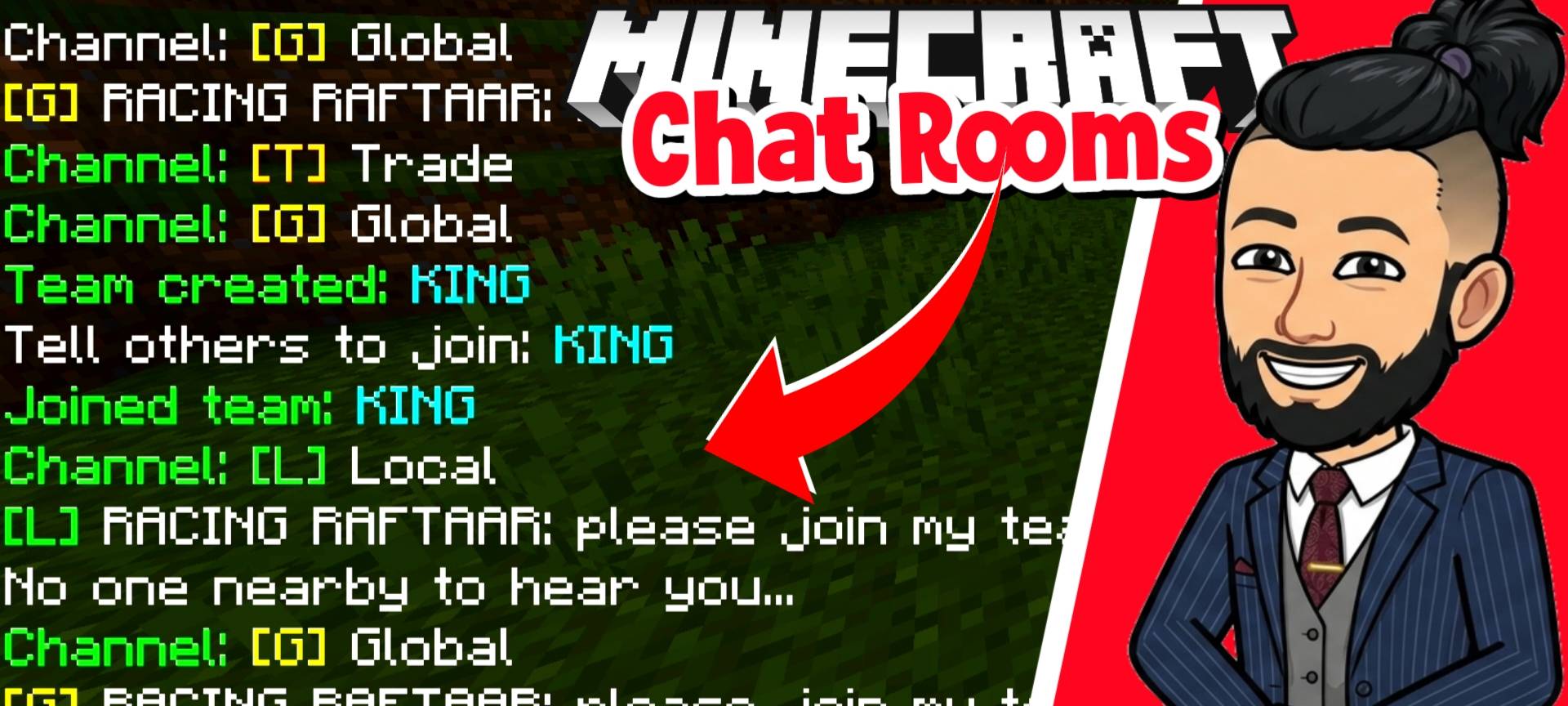
Upgrade your server's chat with Global, Local, Trade, and Team channels! Use the custom Chat Book to easily send messages, trade safely, or create private multiplayer groups.
RR Chat Rooms - Multiplayer Chat (10).jpg
RR Chat Rooms - Multiplayer Chat (11).jpg
RR Chat Rooms - Multiplayer Chat (12).jpg
RR Chat Rooms - Multiplayer Chat (13).jpg
RR Chat Rooms - Multiplayer Chat (14).jpg
RR Chat Rooms - Multiplayer Chat (15).jpg
RR Chat Rooms - Multiplayer Chat (2).jpg
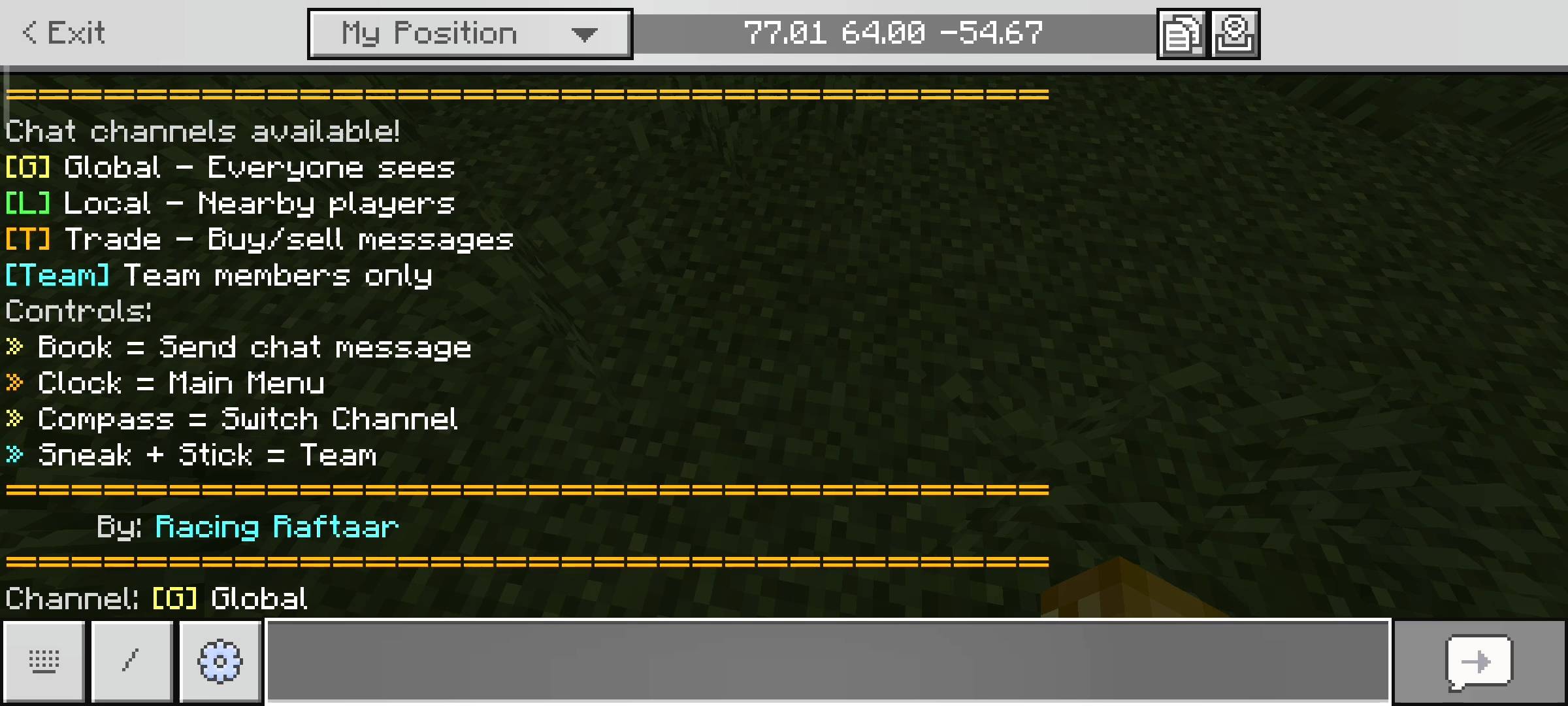
RR Chat Rooms - Multiplayer Chat (3).jpg
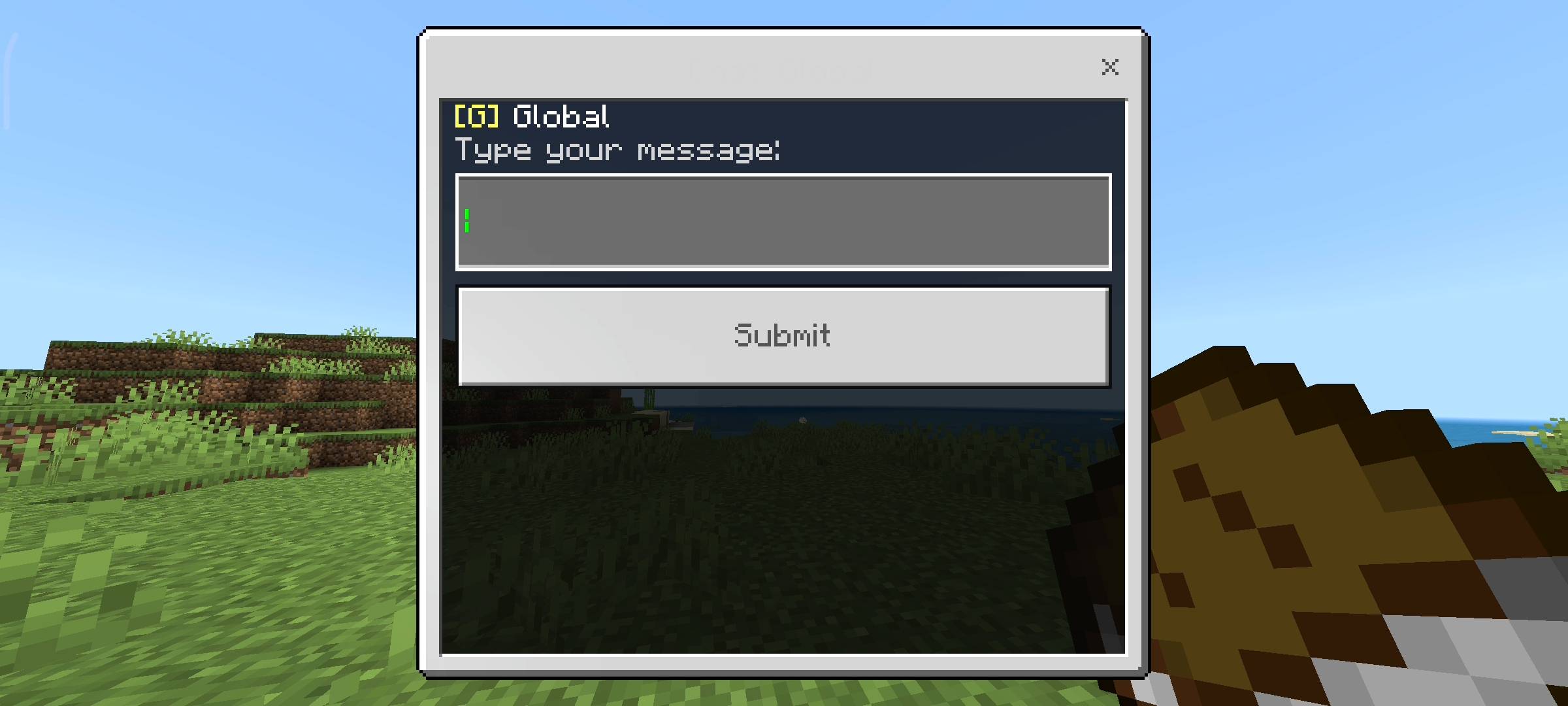
RR Chat Rooms - Multiplayer Chat (4).jpg
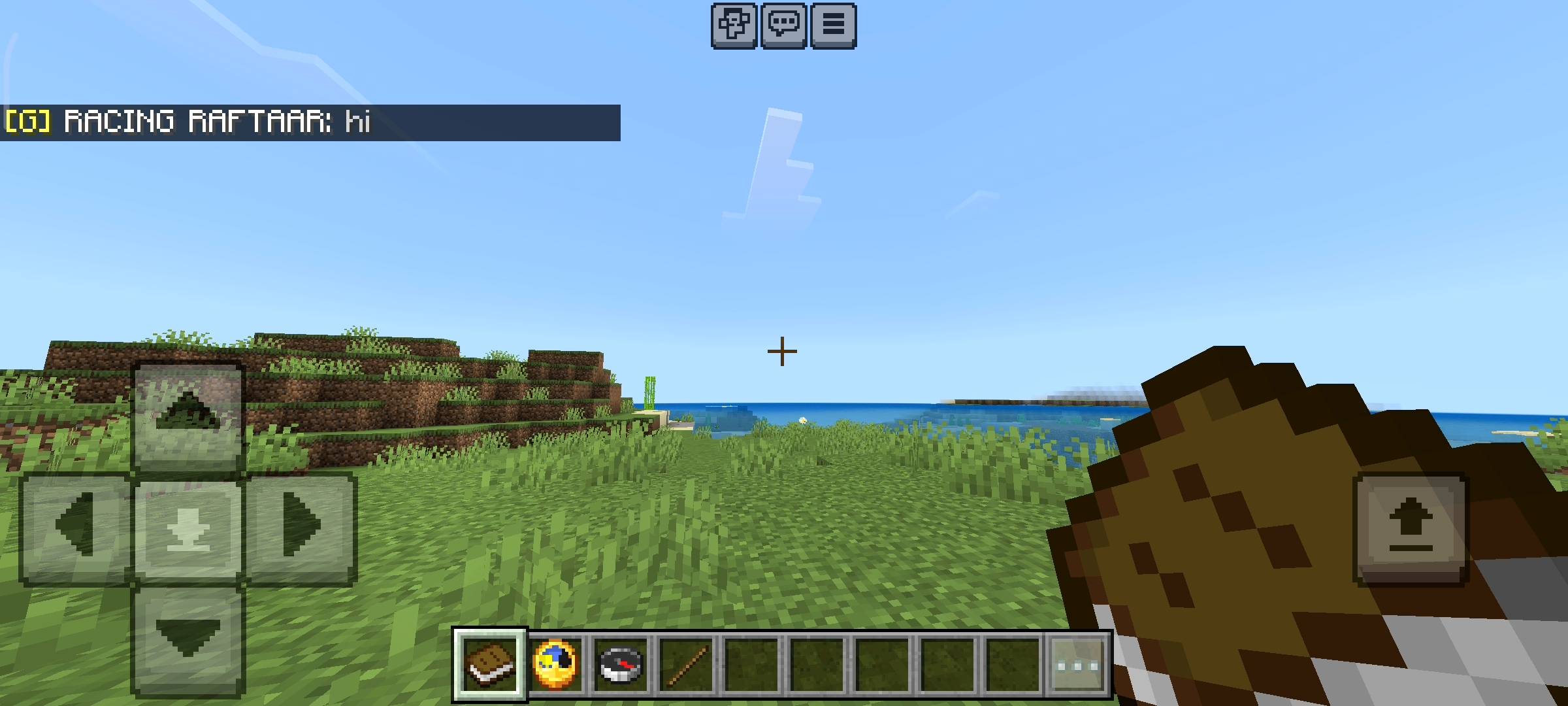
RR Chat Rooms - Multiplayer Chat (5).jpg
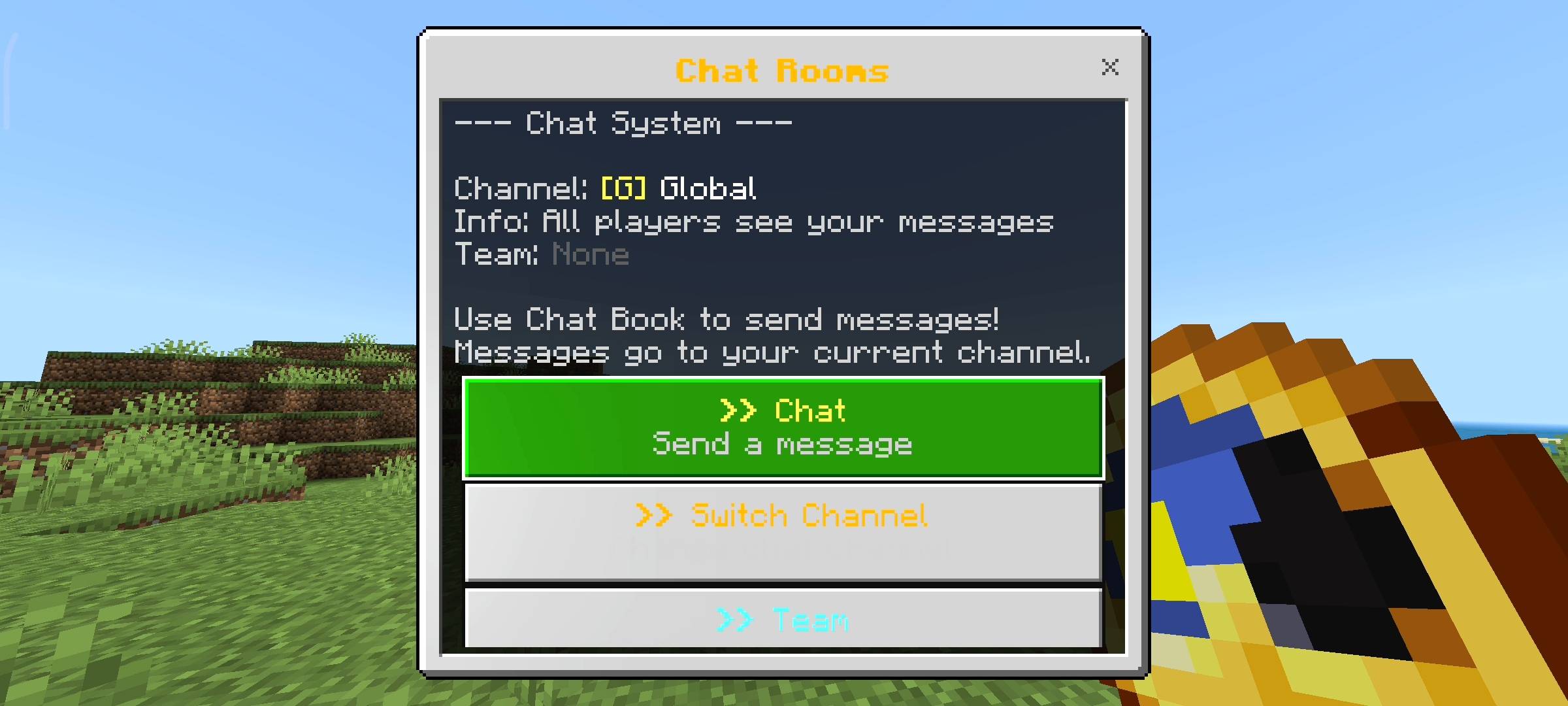
RR Chat Rooms - Multiplayer Chat (6).jpg
RR Chat Rooms - Multiplayer Chat (7).jpg
RR Chat Rooms - Multiplayer Chat (8).jpg
RR Chat Rooms - Multiplayer Chat (9).jpg
Description

Today I am really excited to share this one with you all because i know how annoying multiplayer servers can get. If you have ever played on a big SMP or a realm with your friends you probably know that the vanilla chat is always a massive mess. People are constantly spamming messages or arguing and if you just want to talk to your friend who is mining deep underground with you it gets completely lost in the global chat. Vanilla minecraft does not have any way to separate chats.
It just broadcasts everything you type to every single person online. So i sat down and coded the RR Chat Rooms addon. This pack completely overhauls the communication system in the game by adding actual chat channels and a private team system so you can talk in peace.
How The Channels Work
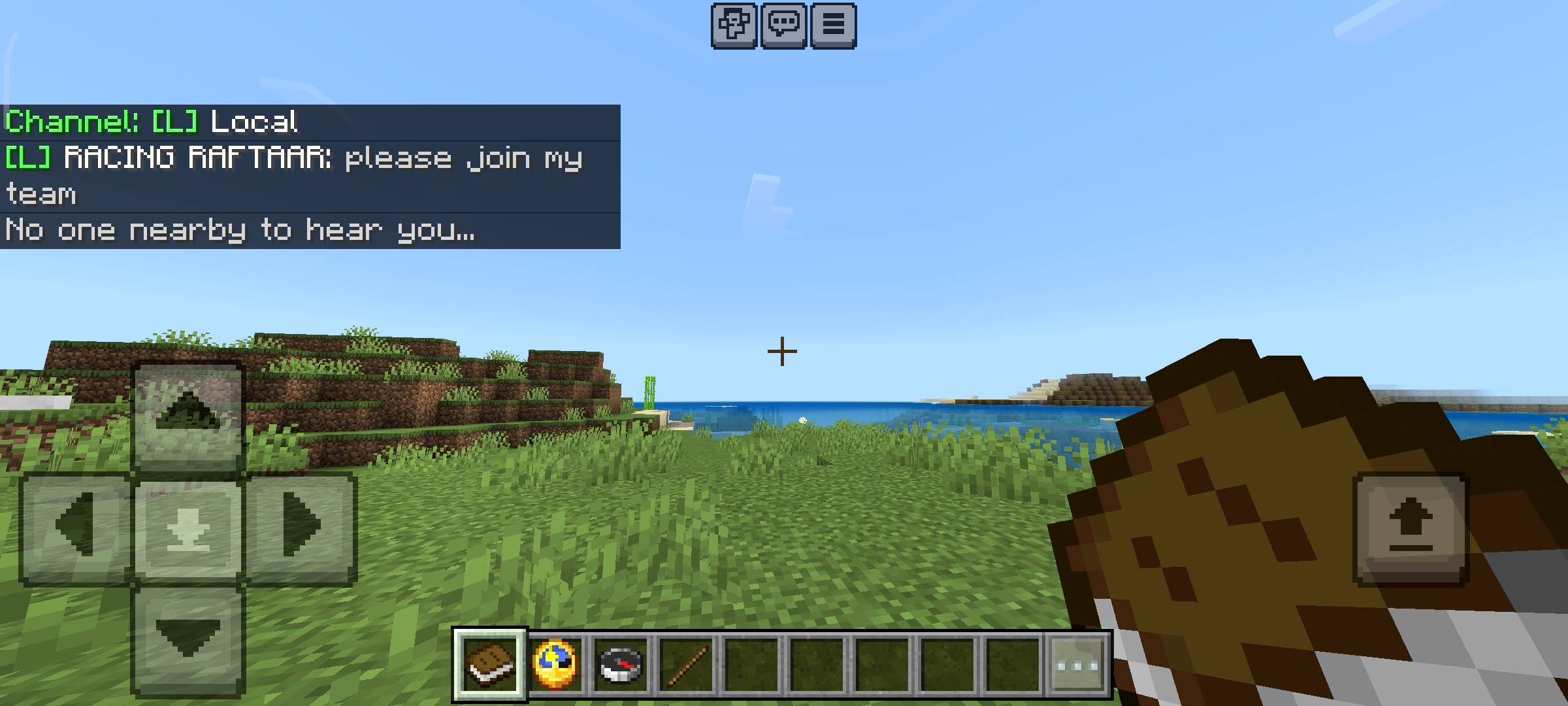
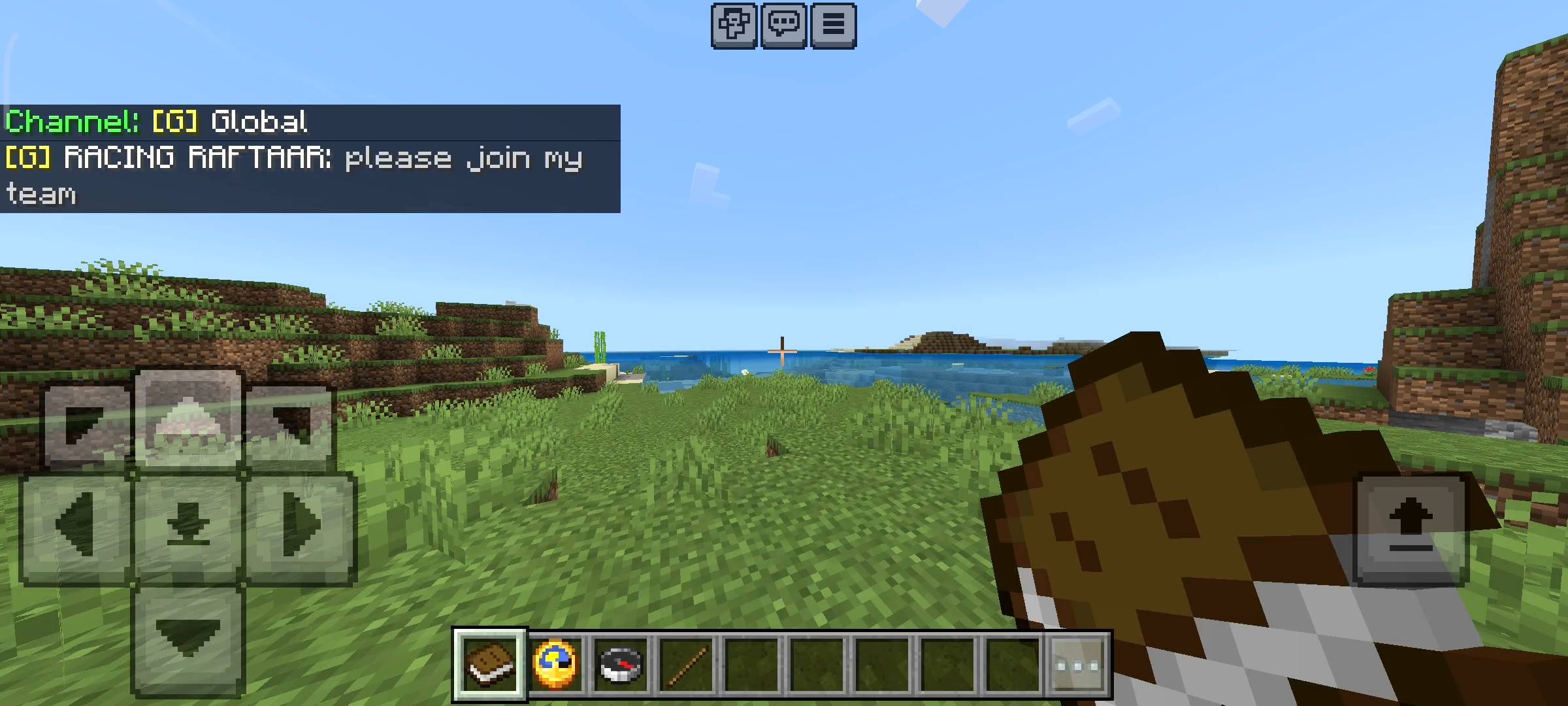
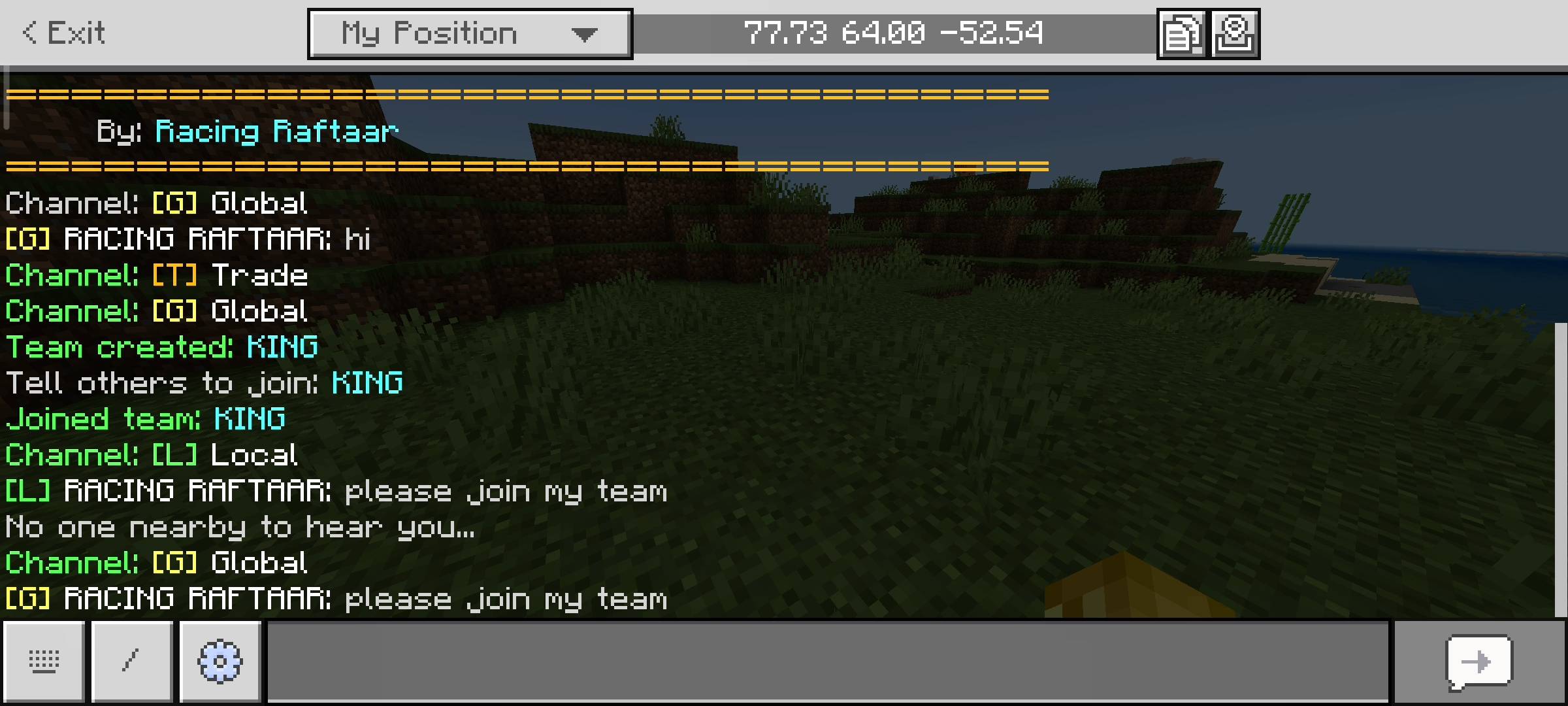
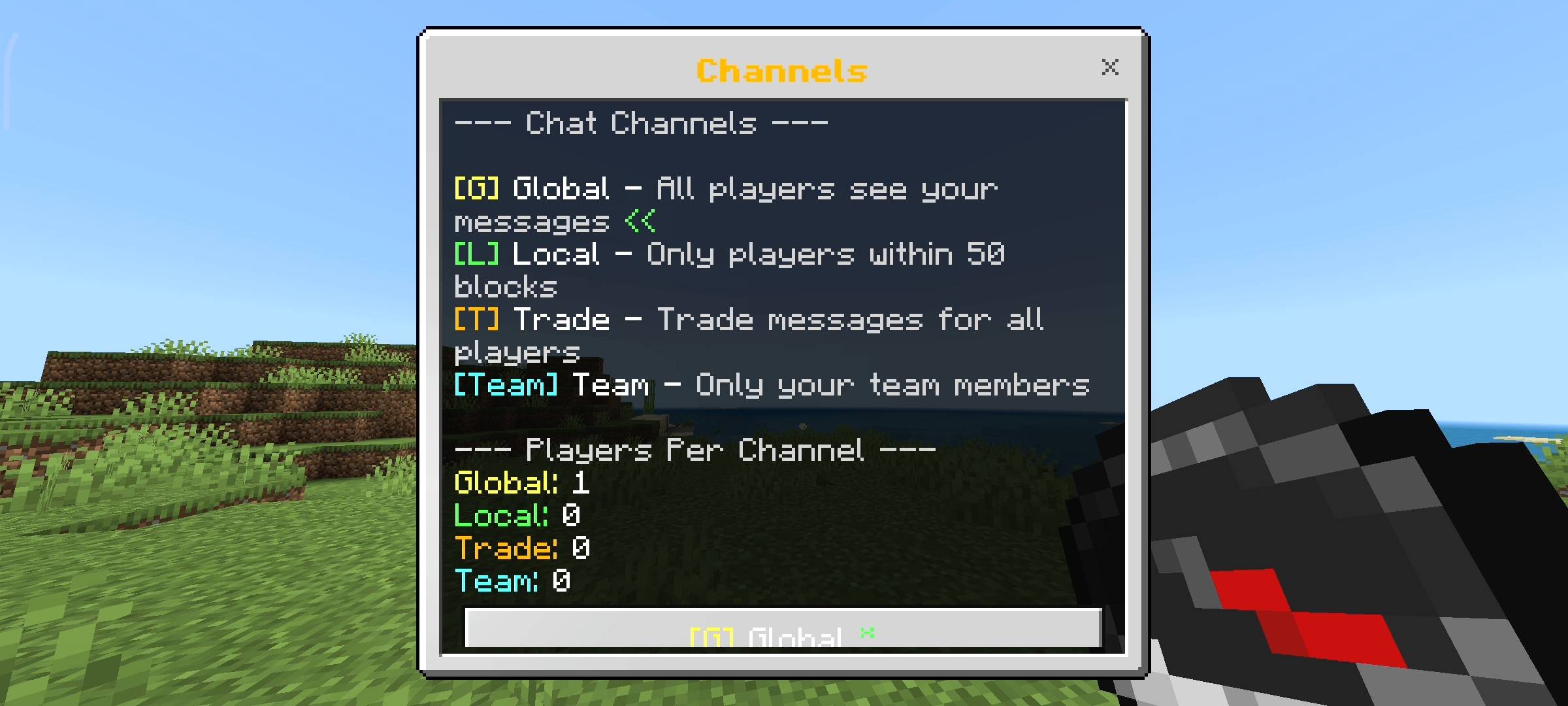
I designed four specific channels for different situations so the server chat stays clean. First is the Global channel which is basically the default vanilla chat where everyone on the server can hear you. Then there is the Local channel.
This is honestly my favorite one because if you switch to local chat only players who are within a 50 block radius of you will be able to see your messages. It is super immersive if you are just hanging out in your base with a neighbor and dont want to bother the whole server. I also added a Trade channel specifically for people who want to buy or sell items.

So if someone is spamming trade offers for diamonds you dont have to look at it if you switch to another channel. And finally there is the Team channel for private group chats. The addon tracks exactly how many players are currently active in each channel and shows you the live numbers in the menu so you know exactly where everyone is talking.
The Team System
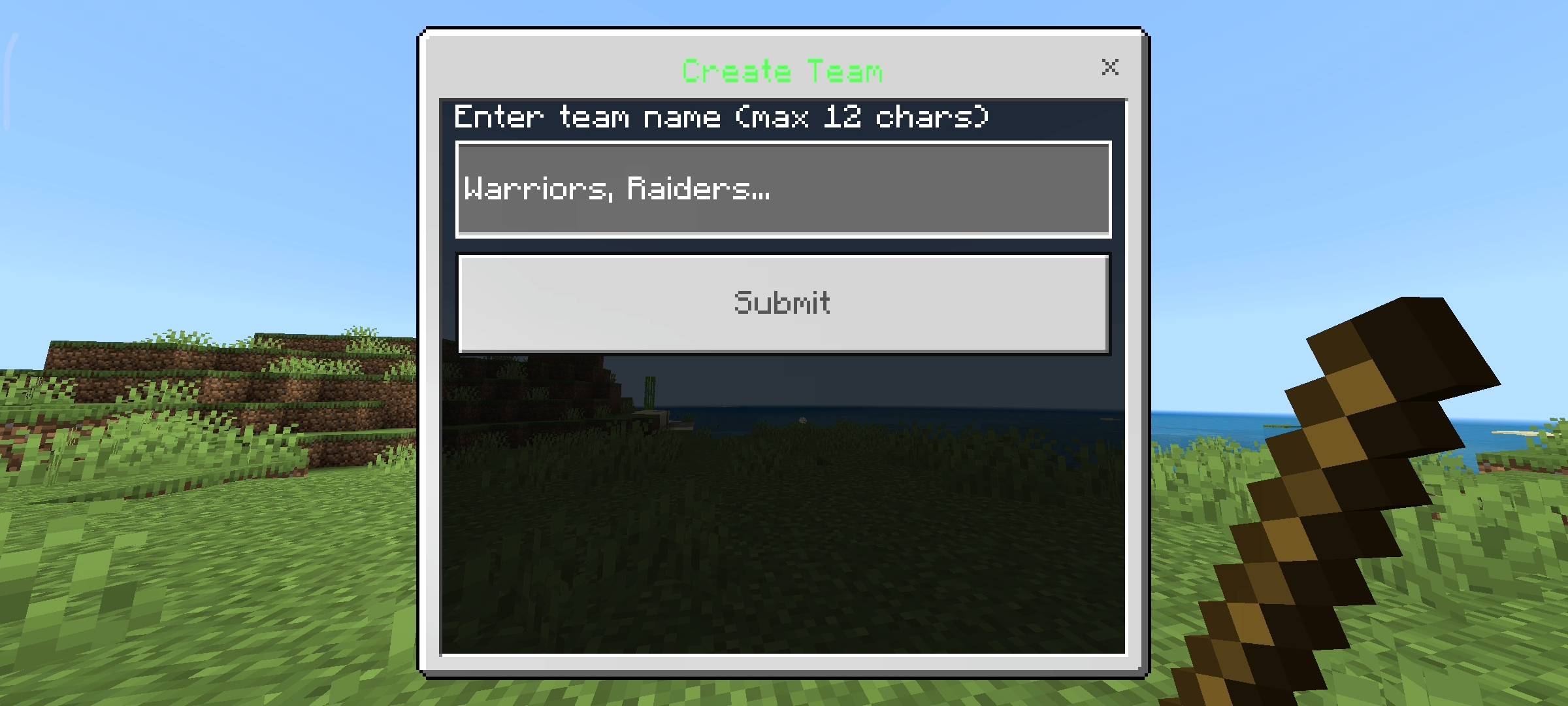
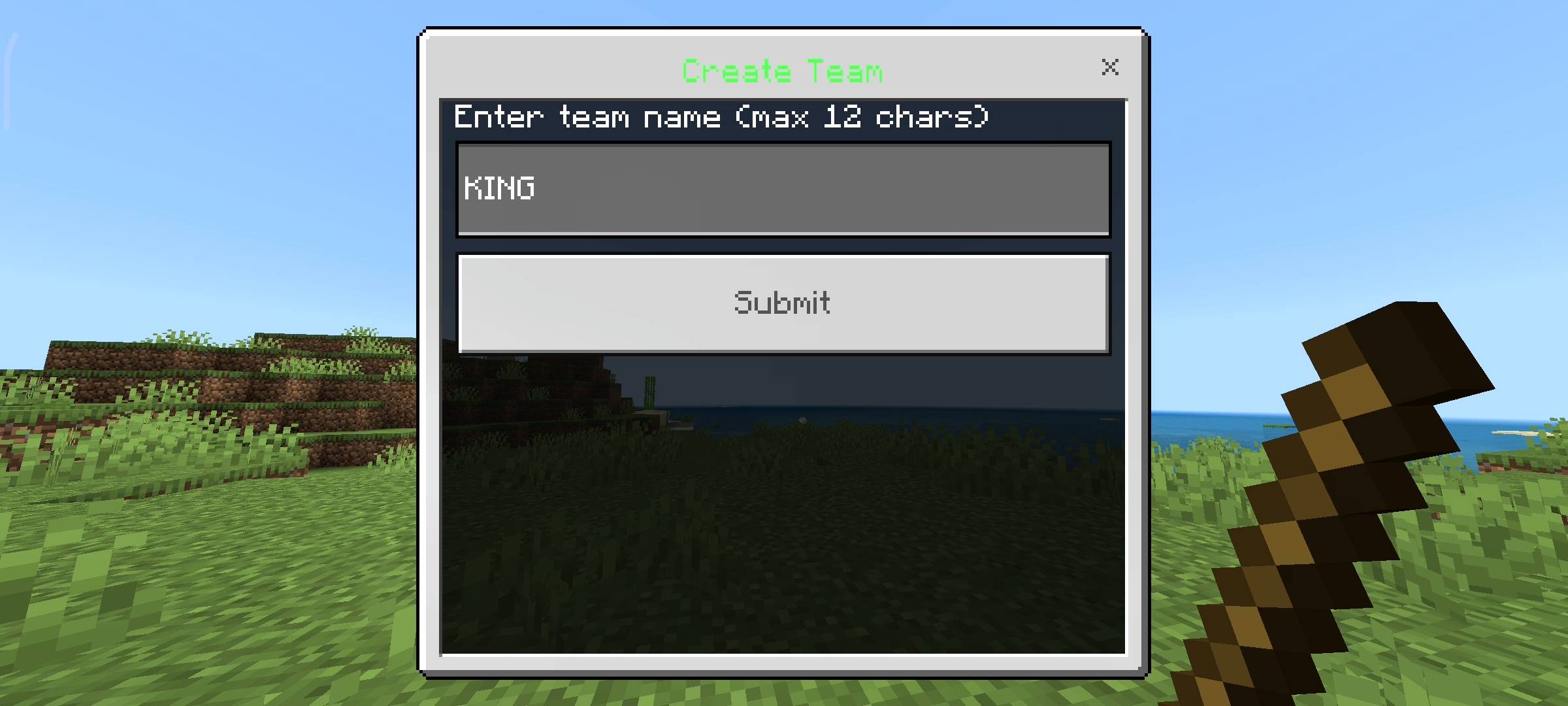
The team system is perfect for factions or small groups living together on a server. You can actually create a custom team with a name up to 12 characters long like Warriors or Raiders. Once you make a team you can tell your friends to join it using that exact name. When you switch your setting to the Team channel any message you send will only be seen by your team members even if they are thousands of blocks away exploring the nether.
It is a completely private chat room just for your group. The addon also tells you exactly who is online in your team and notifies everyone when a team member logs back into the server. If you ever get tired of your group you can just leave the team from the UI menu and join a new one instantly.
Items and Controls
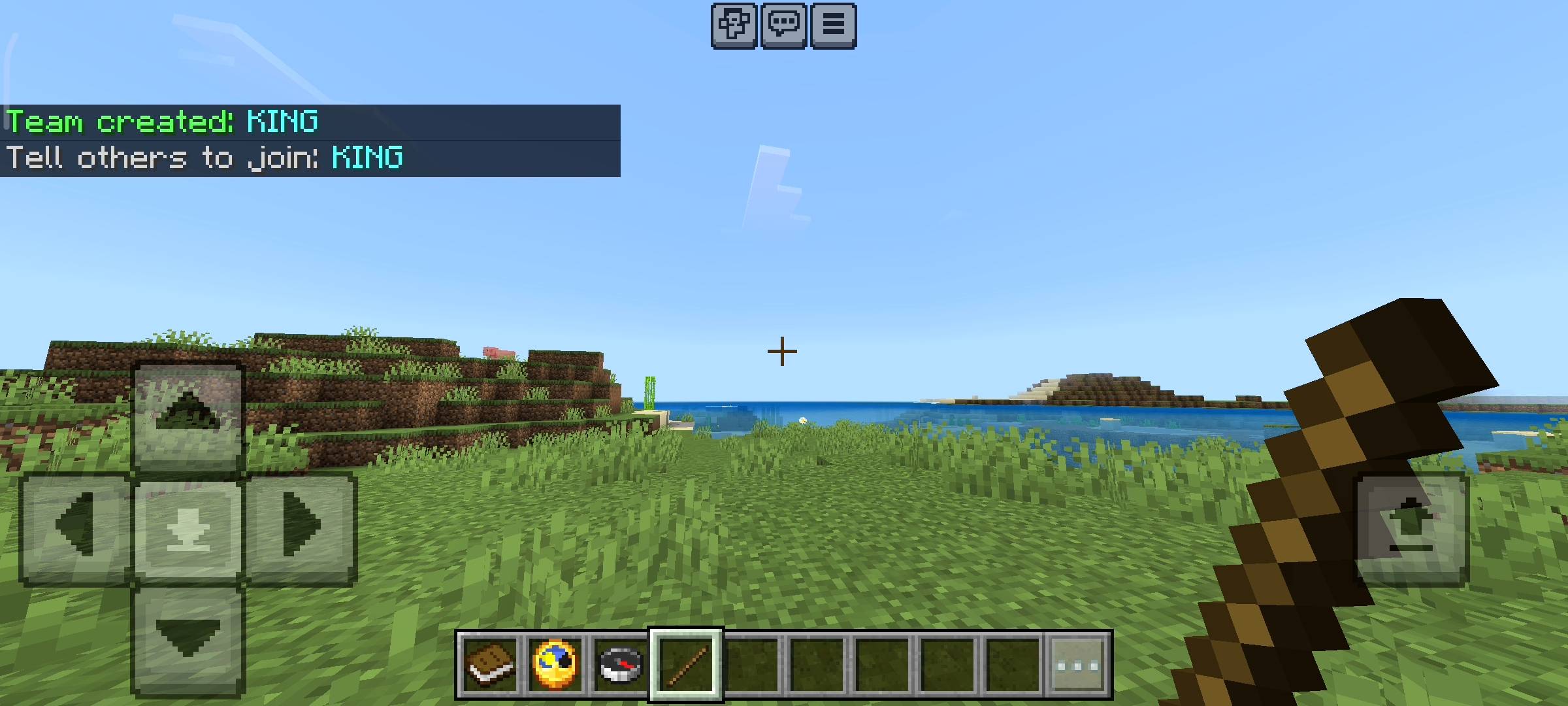
I wanted to make this very easy to use for new players so there are zero text commands involved. When a new player joins the world for the very first time the game automatically gives them four special items to control the chat. You get a Chat Book, a Clock, a Compass and a Stick. To actually send a message you just use the Chat Book. It opens a clean UI text box where you can type your message and it sends it to whatever channel you are currently in.
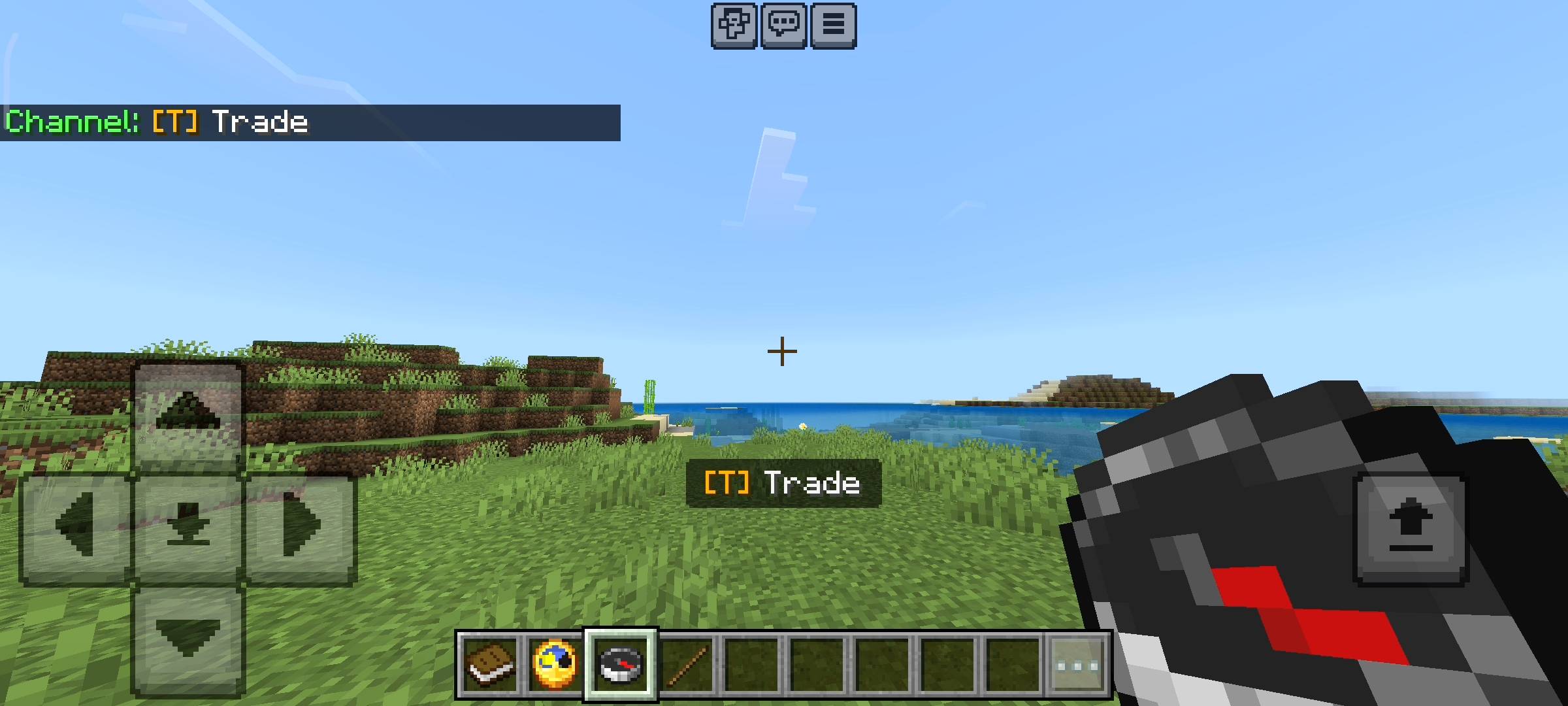
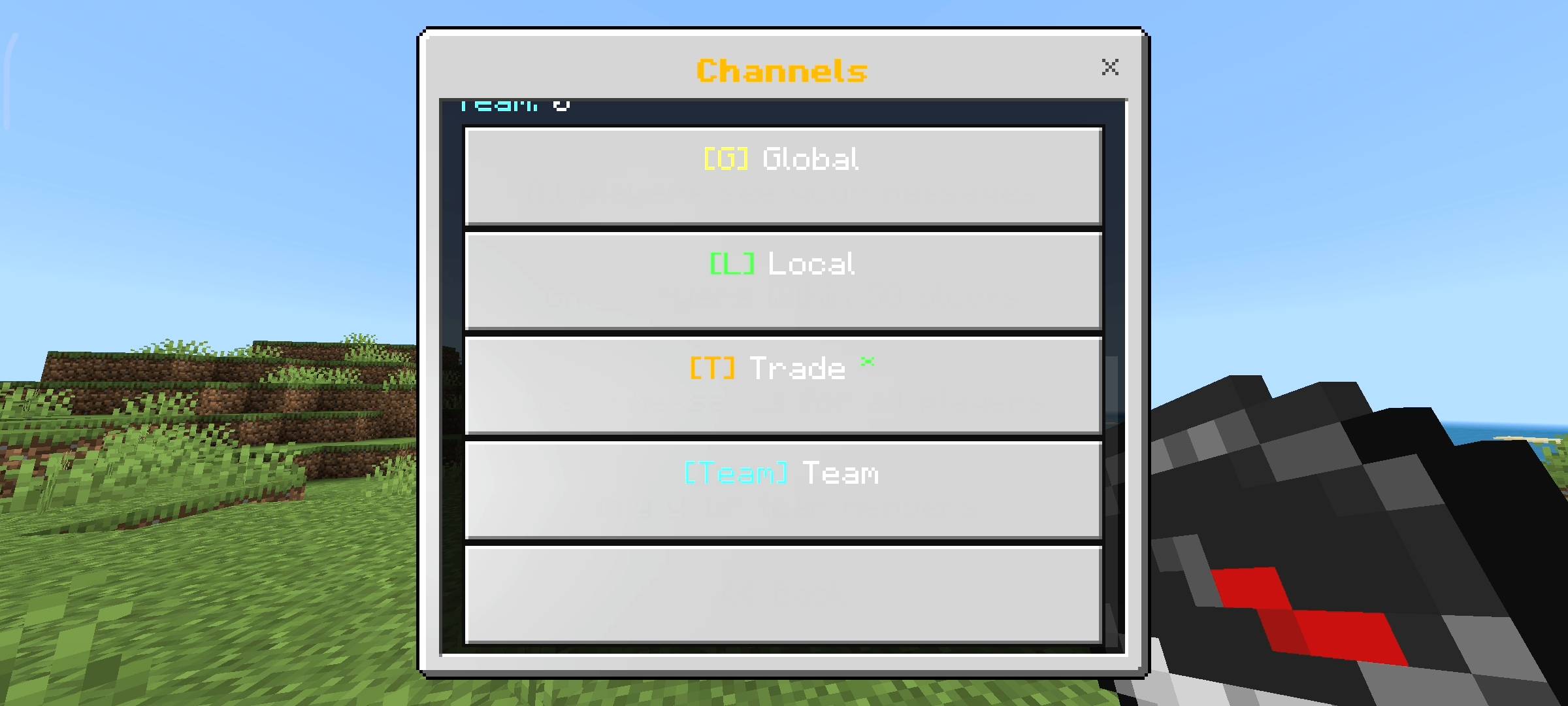
If you want to switch your channel you just use the Compass and a menu pops up showing all four channels. The Clock opens the main hub menu where you can see your current status and the Stick is used for the team menu. Just remember you have to sneak and use the stick to open the team menu so you dont accidentally click it while fighting zombies. I made sure to give these items automatically so server admins dont have to set up starter kits.
And if you die and lose them dont worry, any normal book clock or compass will do the exact same thing.
Beta APIs Setup
Because this pack tracks player distances for the local chat radius and saves your custom team names using dynamic properties you absolutely must turn on the Beta APIs experiment in your world settings. If you forget to turn this on none of the UI menus will pop up when you click the items and the custom chat routing will not work at all. So please remember to check your experiments tab before you load the game.
AI Disclaimer
The main cover image and the screenshots in the gallery were enhanced using ai image generators.

RR Chat Rooms - Multiplayer Chat Team

Owner