PVP Toggle - Player Protection
- By
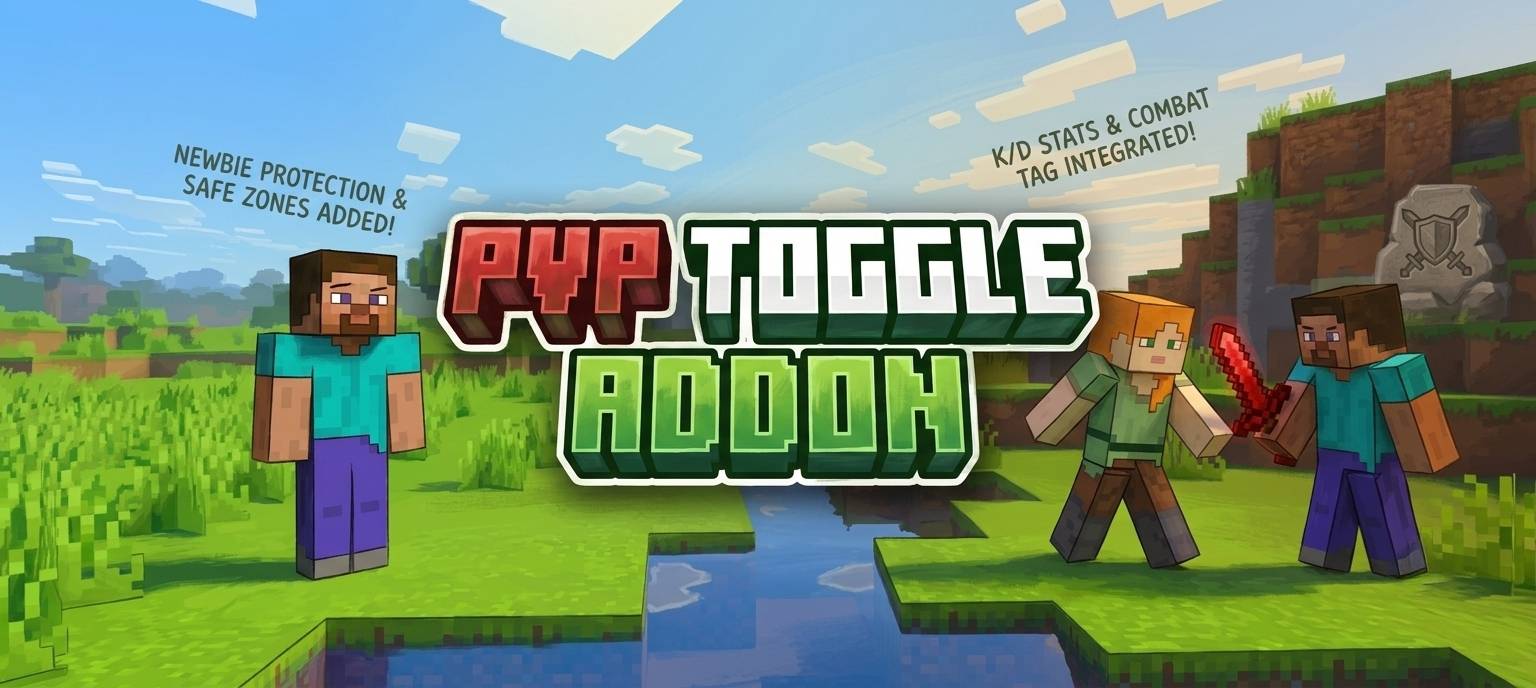
Easily control your combat status! Toggle PvP on or off to protect yourself from other players. Includes new player protection, kill/death tracking, combat tagging, and a custom stats menu.
PVP Toggle - Player Protection (6).jpg
PVP Toggle - Player Protection (4).jpg
PVP Toggle - Player Protection (3).jpg
PVP Toggle - Player Protection (5).jpg
PVP Toggle - Player Protection (2).jpg
Description
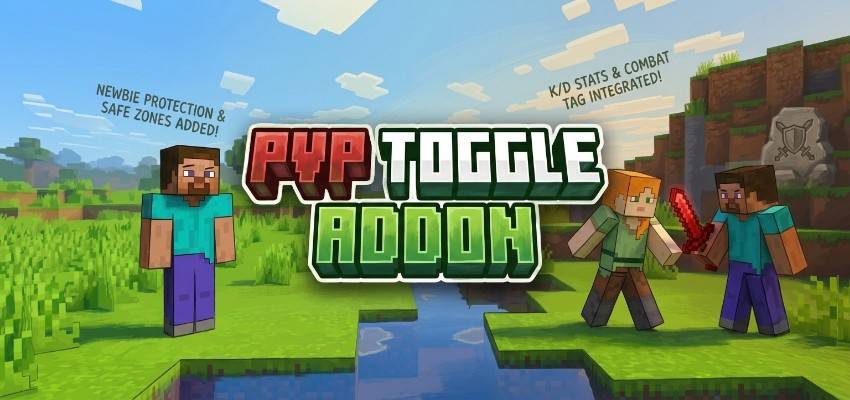
Whats up guys Racing Raftaar here. I hope everyone is having a great day. I play a lot of survival multiplayer and SMP realms with my friends and honestly, one of the most annoying things is random PVP. Sometimes you are just trying to build a nice house or organize your chests and someone comes out of nowhere and kills you for no reason. Or maybe you are mining deep underground with a lot of diamonds and your friend decides to prank you by hitting you into lava. It completely ruins the fun. So i decided to make something that puts the control entirely in your hands. Today I am bringing you the RR PvP Toggle Addon. This pack gives every player the ability to turn their PvP on or off whenever they want without using any complicated command blocks or asking admins for help.
How The PvP Toggle Works
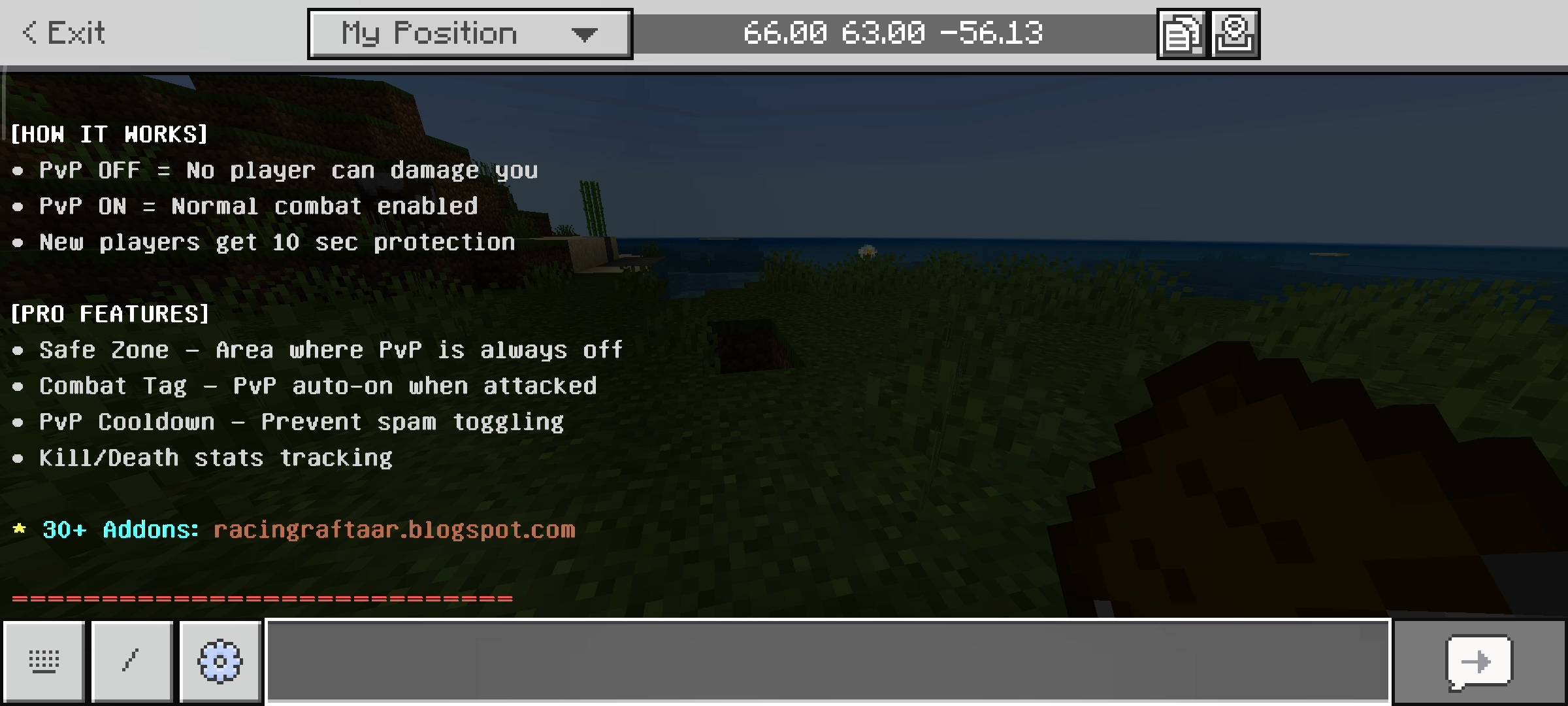
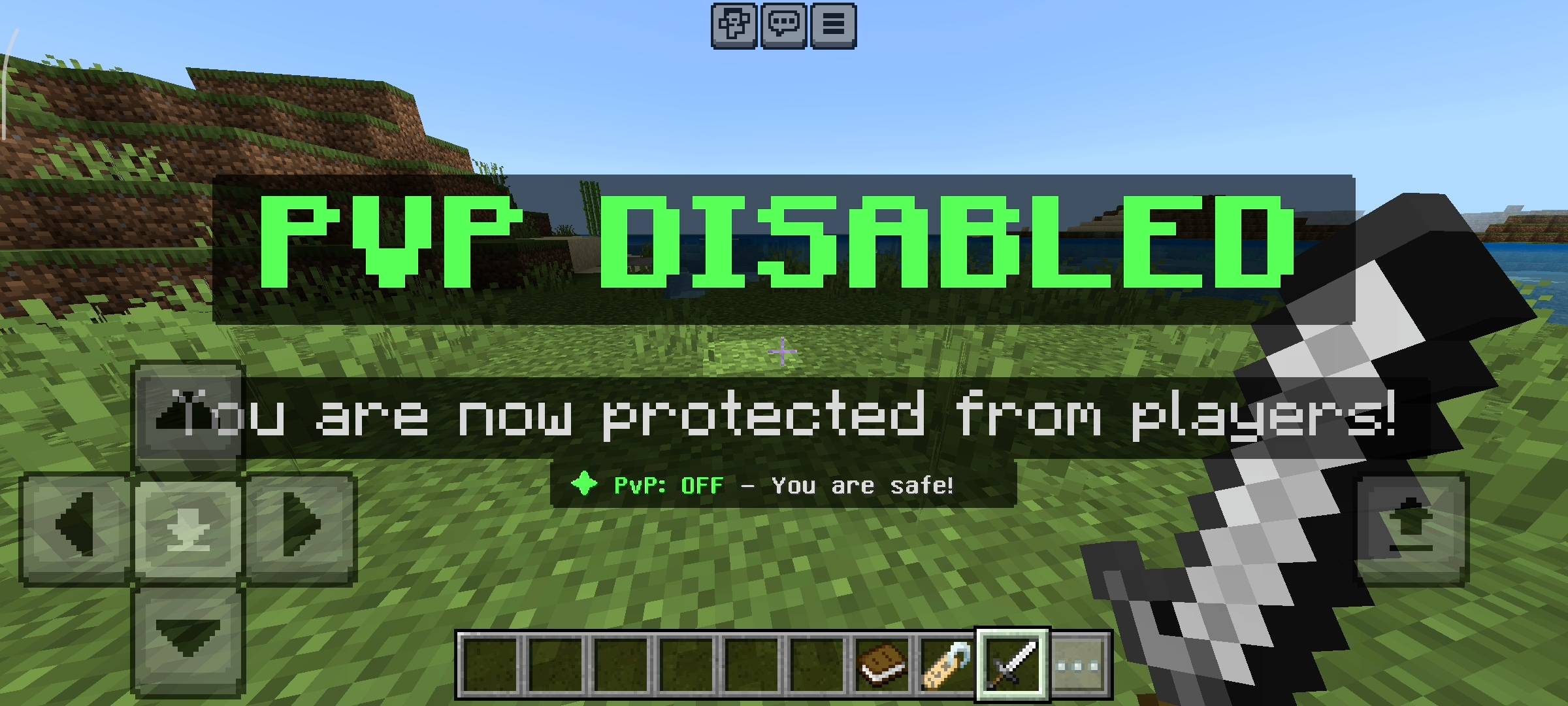
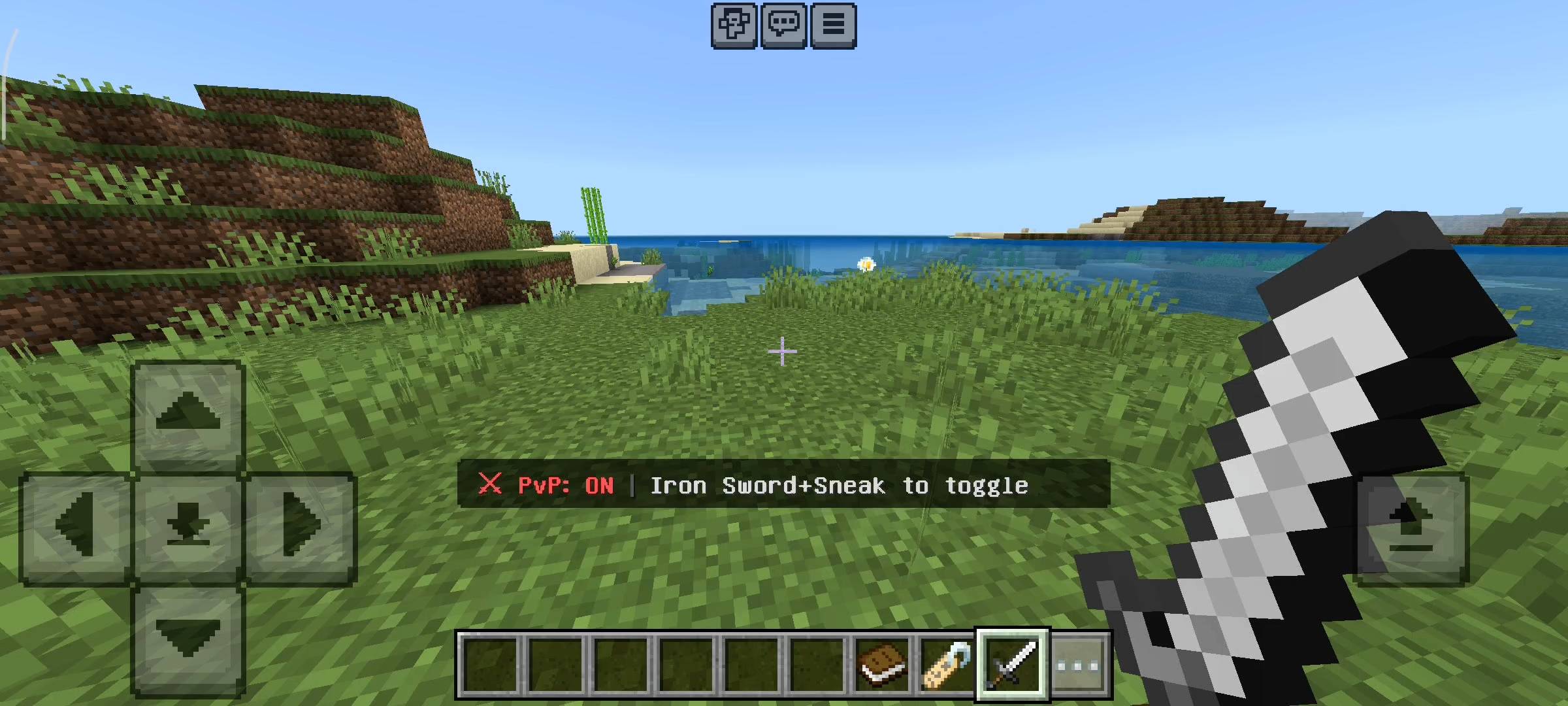
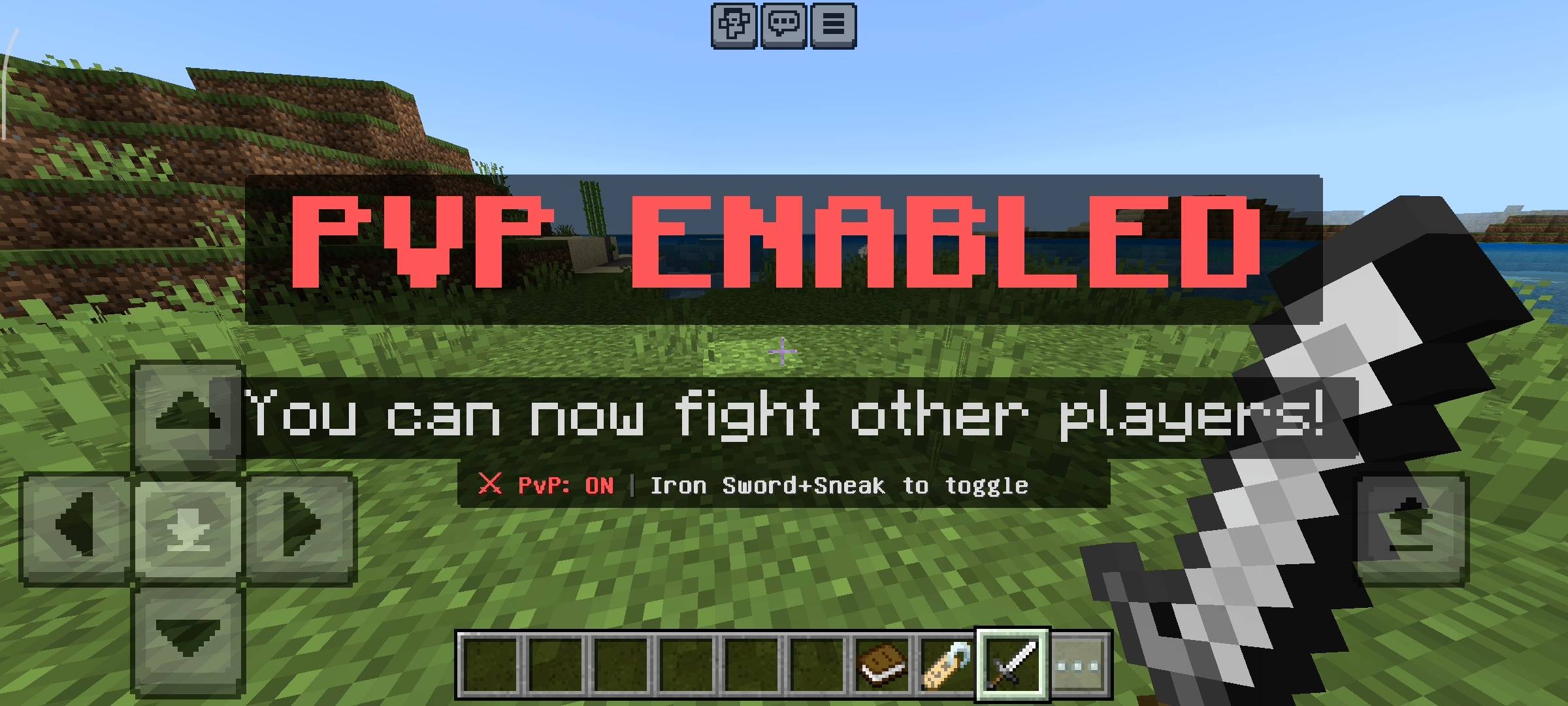
The system is incredibly easy to use. I wanted it to feel like it belongs in the vanilla game. If you want to turn your PvP off, all you have to do is hold an Iron Sword in your hand and sneak. That is it. A message will pop up on your screen saying PvP is disabled and you are protected. When your PvP is off, nobody can hurt you and you cannot hurt anyone else. If someone tries to hit you they will just hear a fail sound and get a blocked message on their screen. And if you are ready to fight your friends, you just sneak with the iron sword again and your PvP turns back on. You will also see a clean HUD right above your hotbar that constantly reminds you if your PvP is ON or OFF so you dont accidentally walk into an arena without knowing.
New Player Protection
I know how frustrating it is when a brand new player joins a server and immediately gets spawn killed by geared up players. So I added a special newbie protection system. Whenever a player spawns into the world they automatically get 10 seconds of absolute invincibility. It gives them time to look around and turn their PvP off before anyone can touch them. The action bar shows a countdown timer for this shield.
Stats Panel And Tracking
Because everyone loves to see their stats, I added a full tracking system. If you hold a normal Book and sneak, it opens the Stats Panel. In this menu you can see exactly how many attacks you have blocked by turning your PvP off. It also shows you your current PvP status. It is a really clean UI menu that helps you track your defensive plays.

Features And Settings
In This version the stats menu actually tracks your total Kills and Deaths and automatically calculates your K/D ratio. It also tracks how many times you attacked people and how many times you got hit. If you hold a Name Tag and sneak, it opens the Settings panel. Here you can toggle the Combat Tag feature. If Combat Tag is ON and you attack someone while your PvP is off, your PvP will automatically turn ON because you started the fight. It prevents people from abusing the safe mode. You can also turn on a 10 second toggle cooldown so people cant just spam turn their PvP on and off during a fight to cheat. And of course, you can reset all your stats from this menu if you want a fresh start.
How to Apply in Minecraft
Applying this addon to your world is super simple. Once you download the .mcpack file, just tap on it or open it and Minecraft will automatically import it. Then, go to your world settings, click on Behavior Packs, and activate the RR PvP Toggle Addon. Make sure to put it at the top of the list if you have other addons.
Beta APIs Setup
This is the most important part guys. Because this addon uses custom background scripts to track the damage events and the sneak detection for the menus, you absolutely MUST turn on the Beta APIs experiment in your world settings. Before you load your survival world, scroll down to the experiments section and toggle Beta APIs on. If you forget to do this, the Iron Sword toggle will not work and players will just hit each other normally. So please check that.
AI Disclaimer
The main cover picture and the screenshots in the gallery were enhanced using ai image generators.
The PVP Toggle - Player Protection Team


Owner