Private Jet - Airport Vehicles
- By
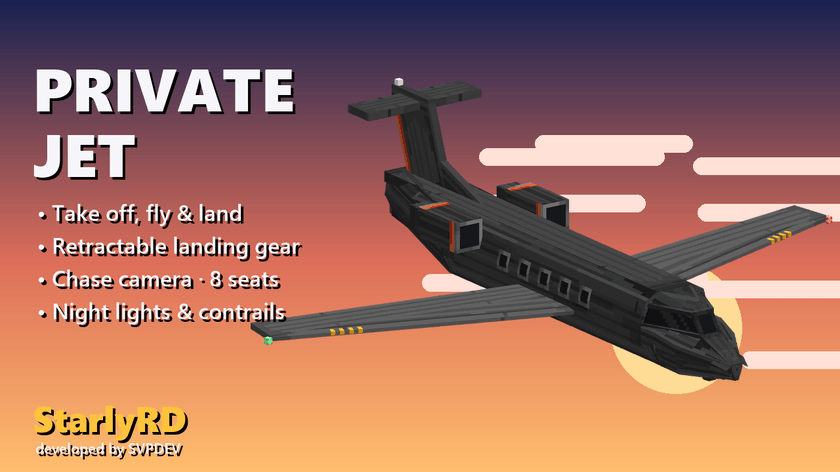
Fly your own private business jet: take off from the runway, bank through the sky with retractable landing gear and a chase camera, then land with up to 7 friends aboard.
Description
Private Jet
Your own business jet. Your runway. Your sky.
The engines spool up with a rising whine. The runway stretches out ahead, the speed climbs, and the moment the gauge says READY you pull back and the ground falls away. The landing gear folds into the belly, contrails stream from the wingtips, and the whole world is below you. Climb aboard, captain. The sky is waiting.
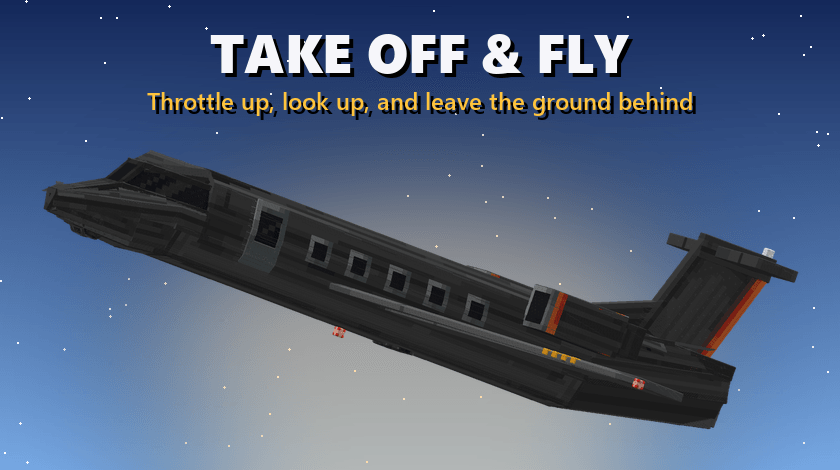
Take Off & Fly
A real take-off run, a real climb and a real landing, all with simple controls.
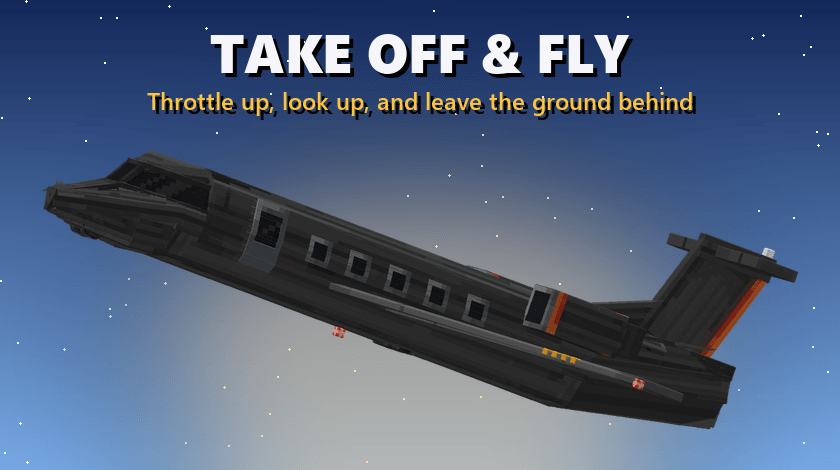
- Runway take-off: hold Jump to throttle up, wait for READY on the speed display, then look up and the jet lifts off.
- Look to fly: look up to climb, down to descend, and left or right to turn. The jet banks smoothly into every turn.
- Full power: hold Jump in the air to push the engines to maximum speed.
- Retractable landing gear: the wheels fold away after take-off and come back out for landing.
- Automatic touchdown: descend gently near the ground and the jet lands and rolls to a stop. Dive too steeply and you get a hard landing.
- Flight display: live speed in km/h and altitude above the ground.
- Chase camera: a cinematic camera follows the jet from behind while you fly. You can switch it to the cabin view.
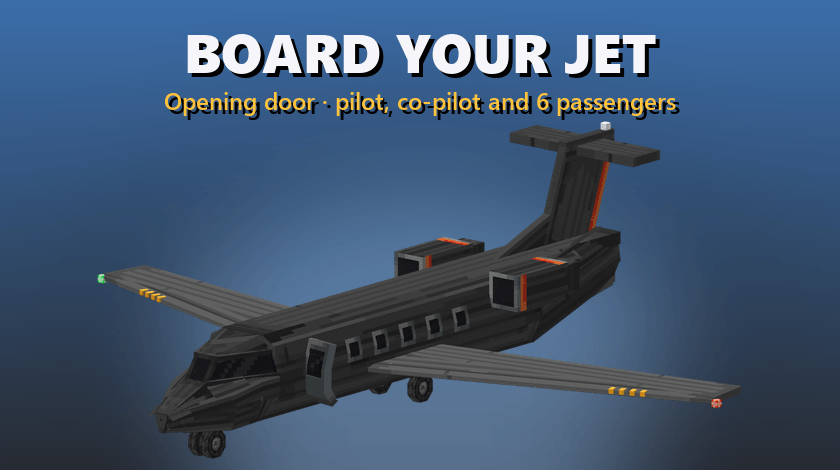
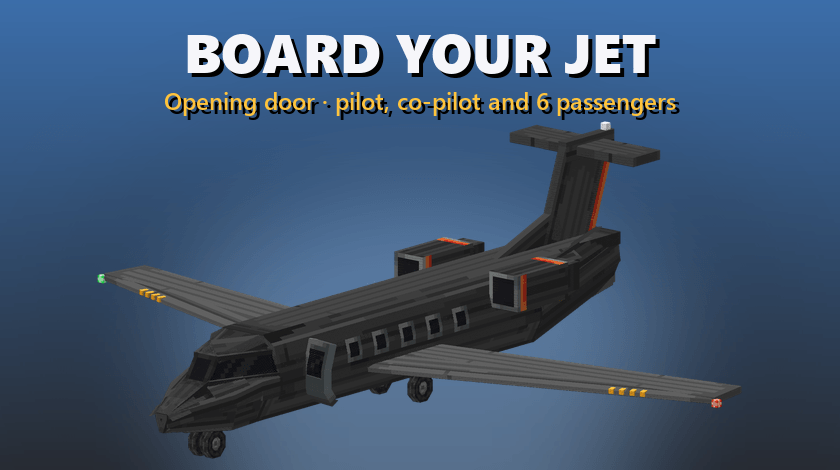
Board Your Jet
Bring your friends. There is room for the whole crew.
- 8 seats: pilot, co-pilot and 6 passengers in the cabin.
- Opening door: open and close the cabin door from the jet menu, with a cabin chime.
- Passenger camera: passengers press Jump to switch between the chase view and the cabin view.
- Parachute: leave the jet in mid-air and a parachute (slow falling) opens.
- Easy to manage: hit the jet to open its menu, where you can pick it back up into your inventory.
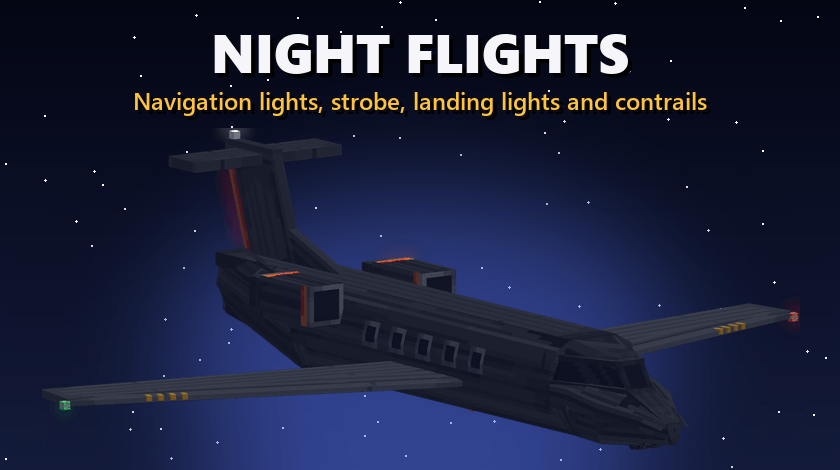
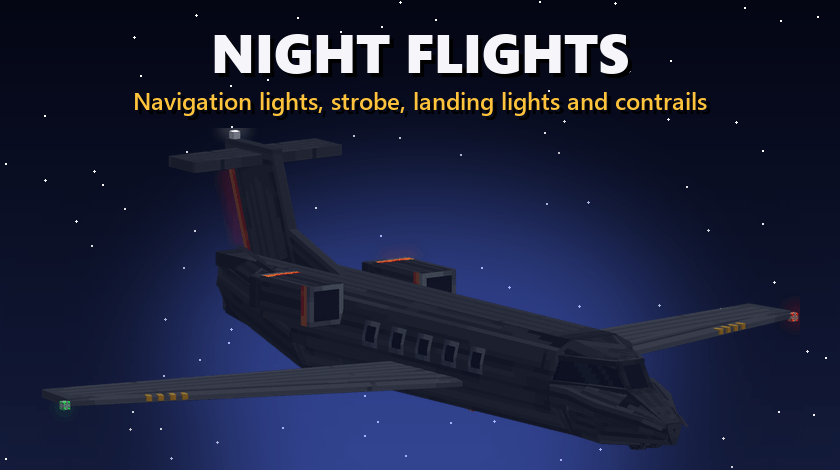
Night Flights
Lights that glow in the dark sky.
- Navigation lights: red on the left wingtip and green on the right, glowing at night.
- Strobe and beacon: a flashing white strobe on the tail and a red beacon under the belly.
- Landing lights: light up the runway in front of the jet when you taxi at night.
- Contrails and engine sounds: white trails from the wingtips, plus engine start-up, idle, flight and shutdown sounds.
How to Begin
- Craft the Private Jet (or take it from the Equipment tab in Creative).
- Place it on a long, flat area. An airport runway is perfect.
- Use the jet to board. The first player in is the pilot.
- Hold Jump to throttle up. When the display says READY, look up to take off.
- Hit the jet from outside to open the menu: door, landing lights, camera, flight guide and pick up.
Crafting recipe: 1 glass on top, black dye, iron block, black dye in the middle row, 3 iron blocks on the bottom row.
Installation
- Download the .mcaddon file and open it. Minecraft imports both packs automatically.
- Create a new world (or edit one) and activate the Private Jet behavior pack. The resource pack is added with it.
- Separate behavior pack and resource pack .mcpack files are also available.
Requirements
- Minecraft Bedrock Edition 1.21.50 or newer.
- No experimental toggles needed.
Languages
- English and Spanish (separate English-only and Spanish-only versions are also available).
Credits
Created by StarlyRD (3D models, textures and design).
Developed by SVPDEV.
Español
Jet Privado: un jet ejecutivo que vuela de verdad. Mantén Saltar en la pista para acelerar, cuando diga LISTO mira hacia arriba y despega. Mira hacia donde quieres ir para subir, bajar y girar; el tren de aterrizaje se pliega solo y vuelve a salir para aterrizar. Tiene 8 asientos (piloto, copiloto y 6 pasajeros), puerta que se abre, cámara de persecución, paracaídas si te bajas en el aire, luces de navegación, estrobo, luces de aterrizaje y estelas. Golpea el jet para abrir su menú. Disponible en inglés y español.
Private Jet - Airport Vehicles Team

Owner