Screenshot 2026-06-01 133937.png
Screenshot 2026-03-19 171624.png
Screenshot 2026-03-19 171434.png
next026-03-19 172155.png
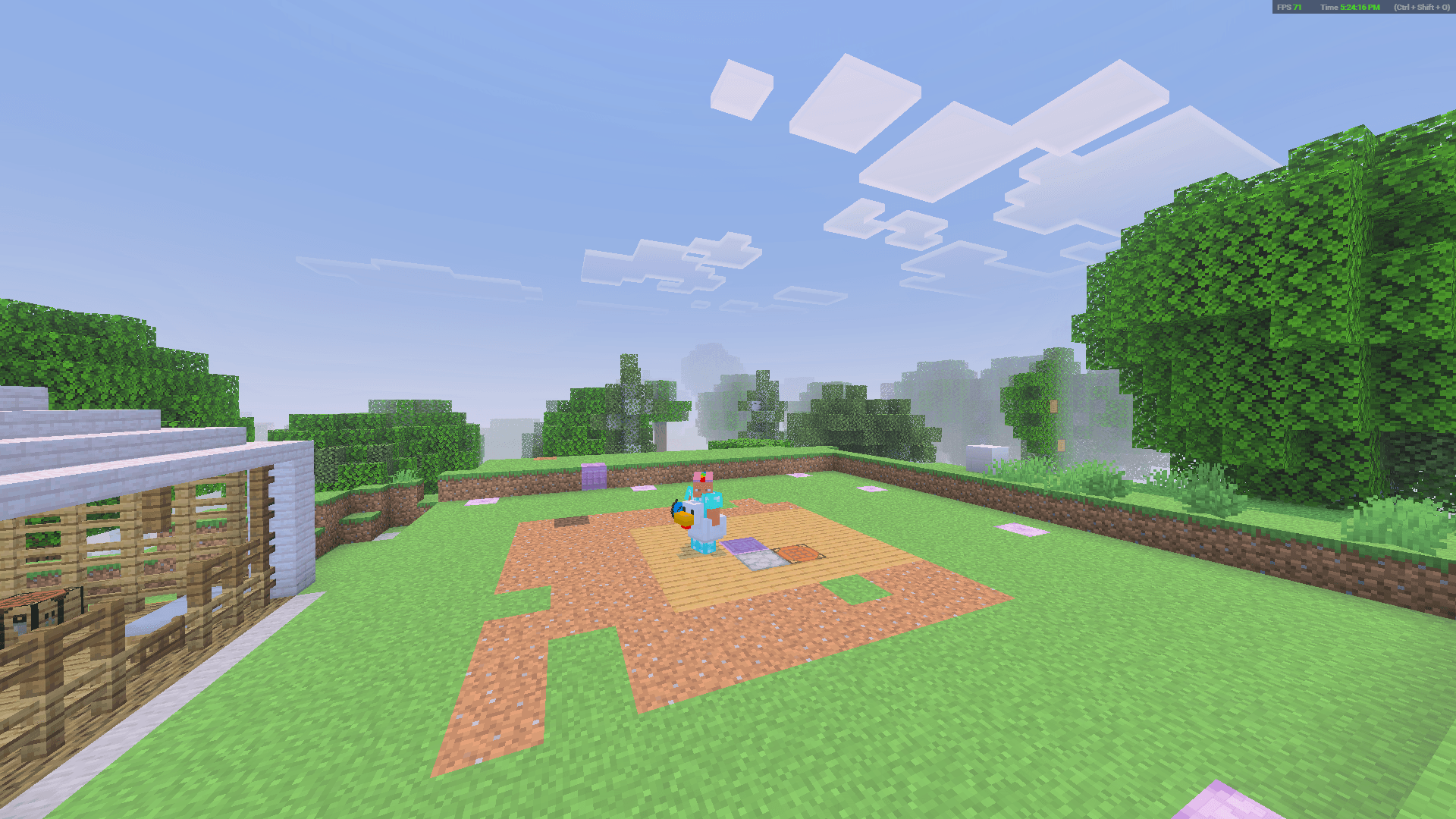
next2 2026-03-19 172419.png
Description
Please read the Guide before you play..
⛺ Portable Tent | User Guide (v3.4.22)
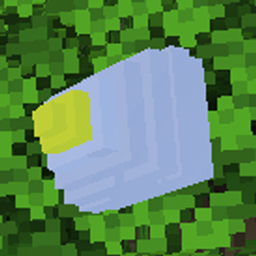
Pack up your entire mobile base—including chests and entities—with one click. Now features a Tent Menu, Return to Home teleport, and custom Tent Naming!
⚙️ Requirements & Technical Specs
-
Minecraft Version: Bedrock Edition 1.20.50+ (or 26.10+)
-
Experimental Settings: NOT REQUIRED
-
Scripting Engine:
@minecraft/server 1.10.0,@minecraft/server-ui 1.2.0
🛠️ Crafting Recipe
-
Ingredients: 3x Leather, 4x White Wool, 2x Sticks
-
Unlock Tip: Pick up Leather once in survival to automatically learn the recipe.
🌀 How to Use: Step-by-Step
-
Step 1: Register (Once per Tent)
-
Hold the crafted tent and use it.
-
Result: A unique tracking ID (e.g.,
#1000) is assigned to this tent.
-
-
Step 2: Pack Your Base
-
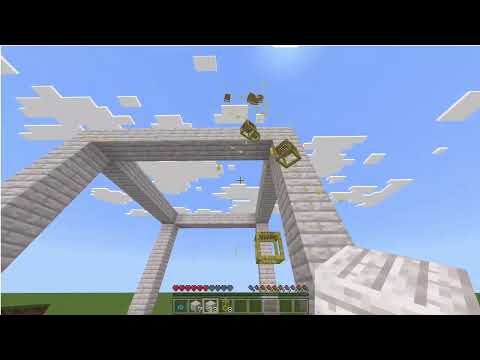
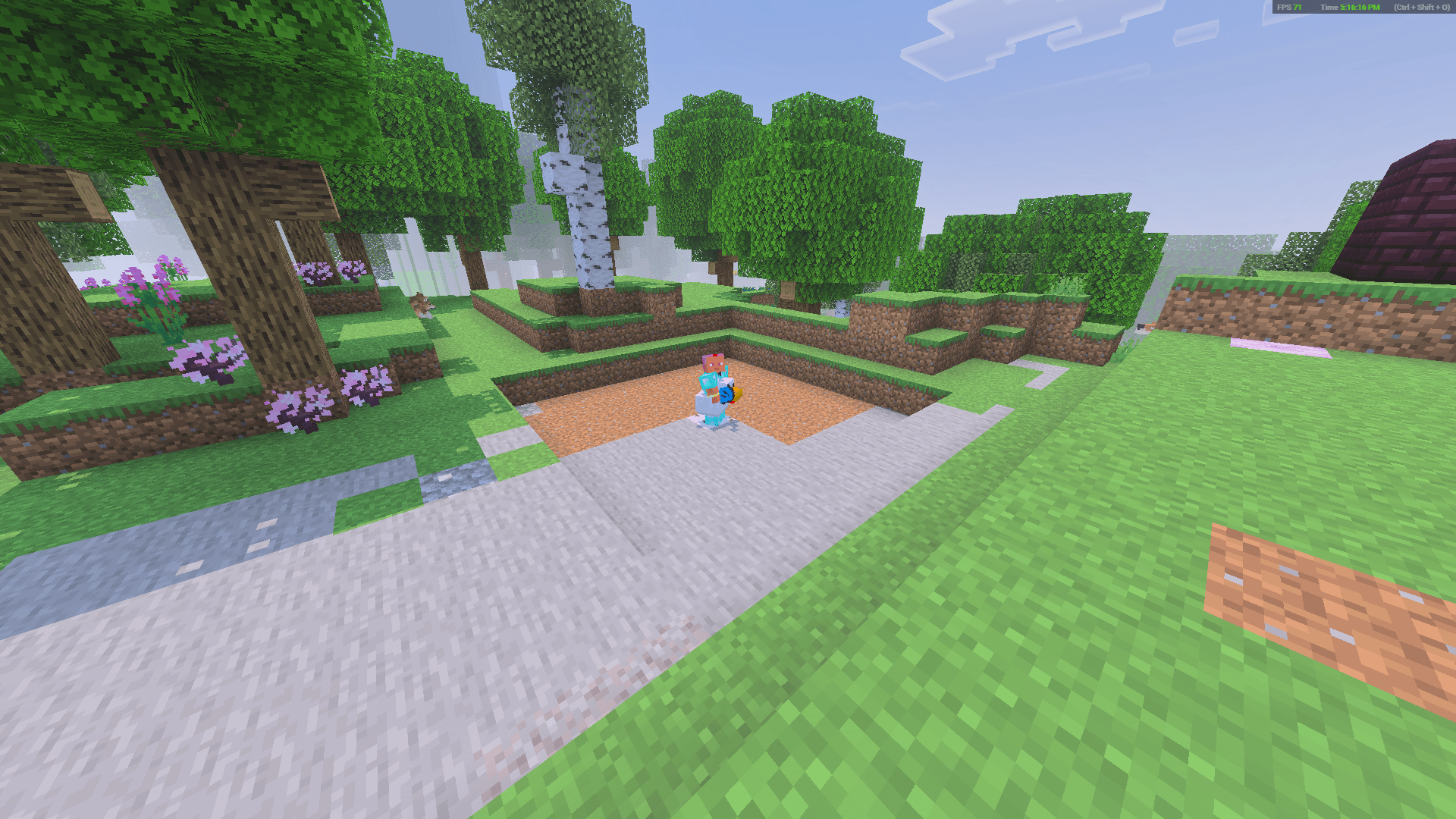
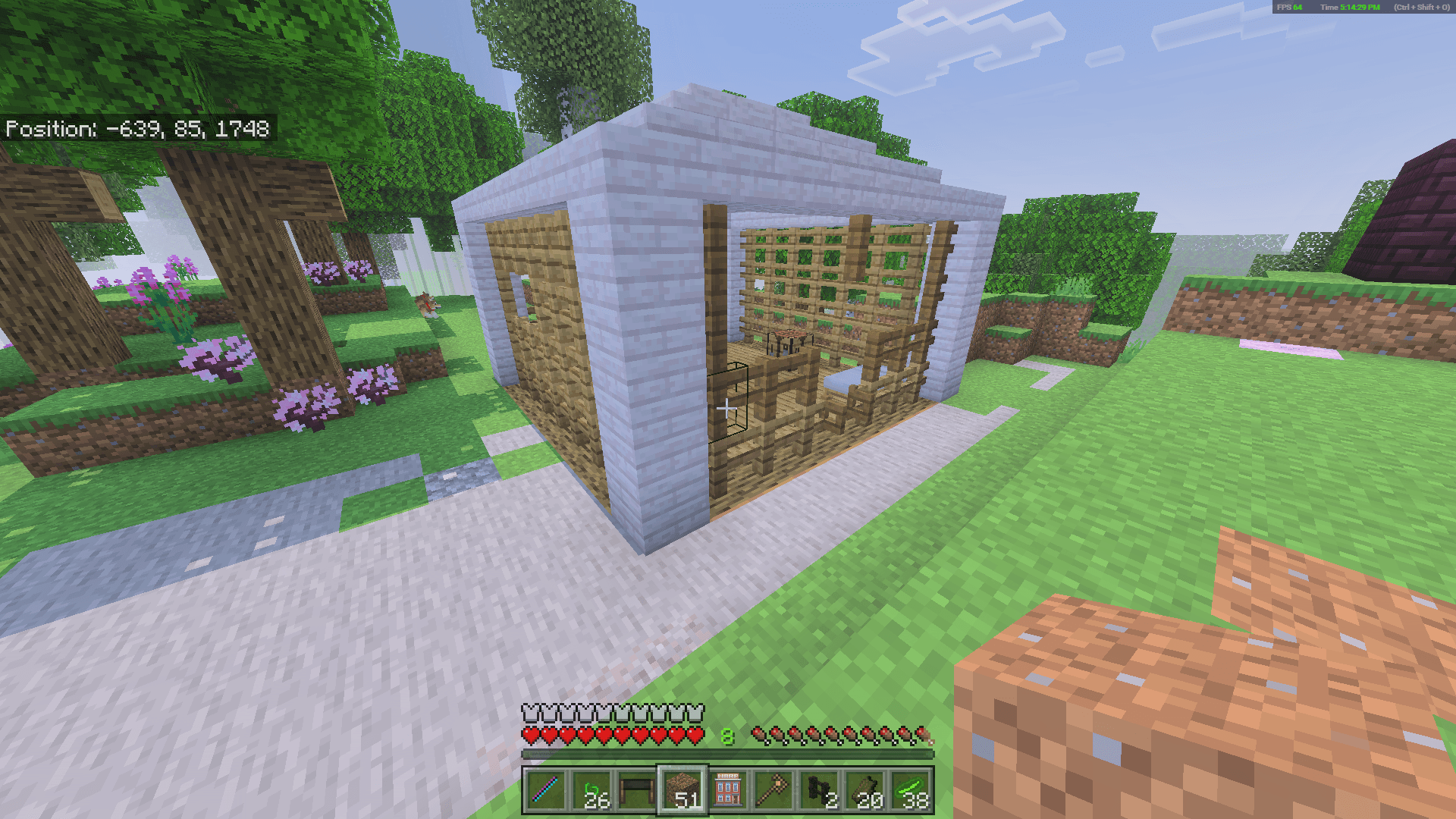
Crucial: Stand in the exact center of your Custom-build. Use the tent. (The Portable Tent DOES NOT contain a pre-built base, it is up to the player to build it.)
-
Result: The entire 9 x 8 X 9 area converts into data. The tent item becomes "Packed". Your previous home location is cleared.
-
-
Step 3: Move
-
Travel anywhere, including different dimensions (Nether/End). Your data follows you.
-
-
Step 4: Unpack
-
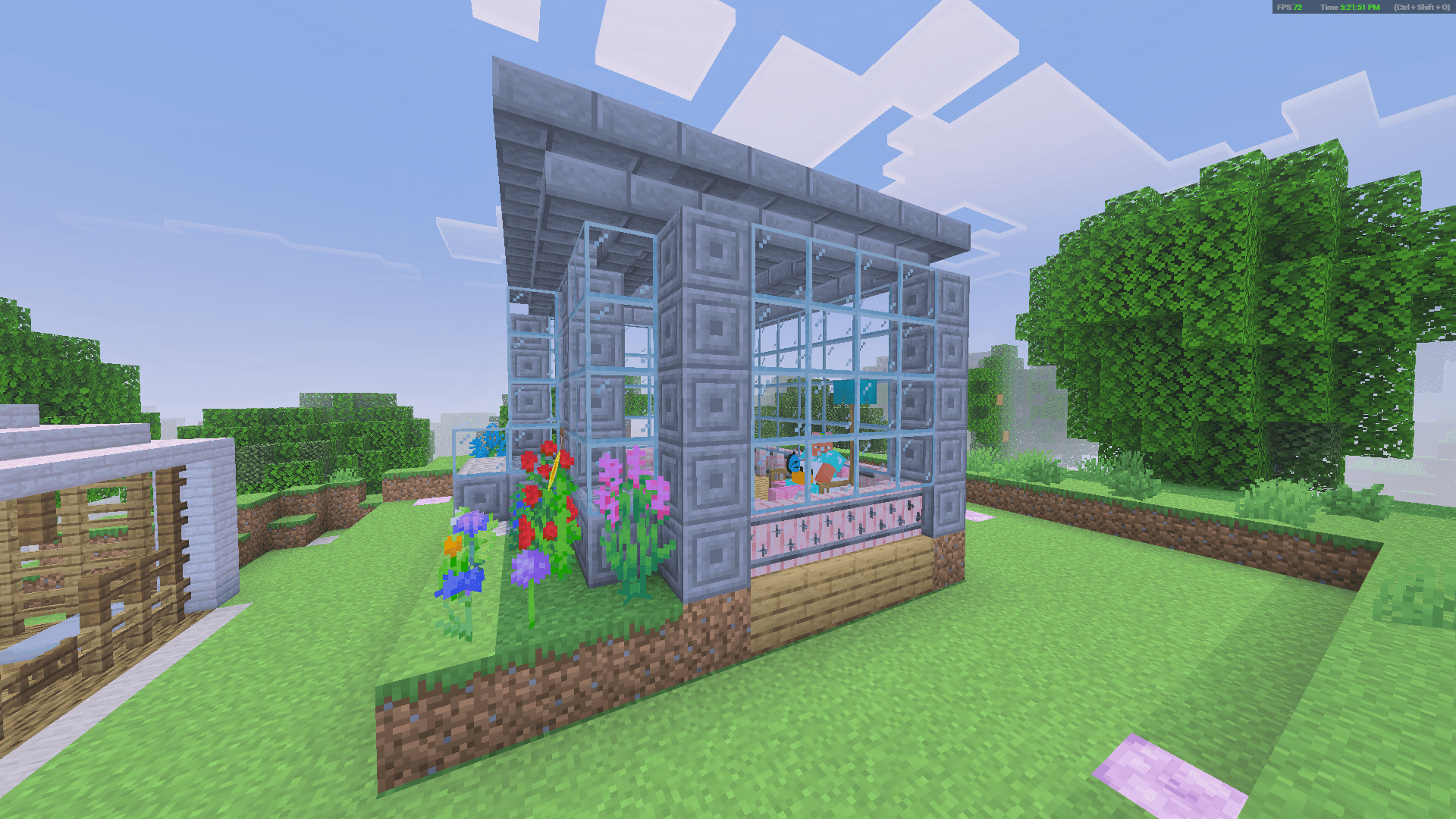
Stand exactly where you want the structure centered and use the Packed Tent.
-
Result: The structure restores, centered on your position. This spot automatically saves as your tent's new "Home".
-
-
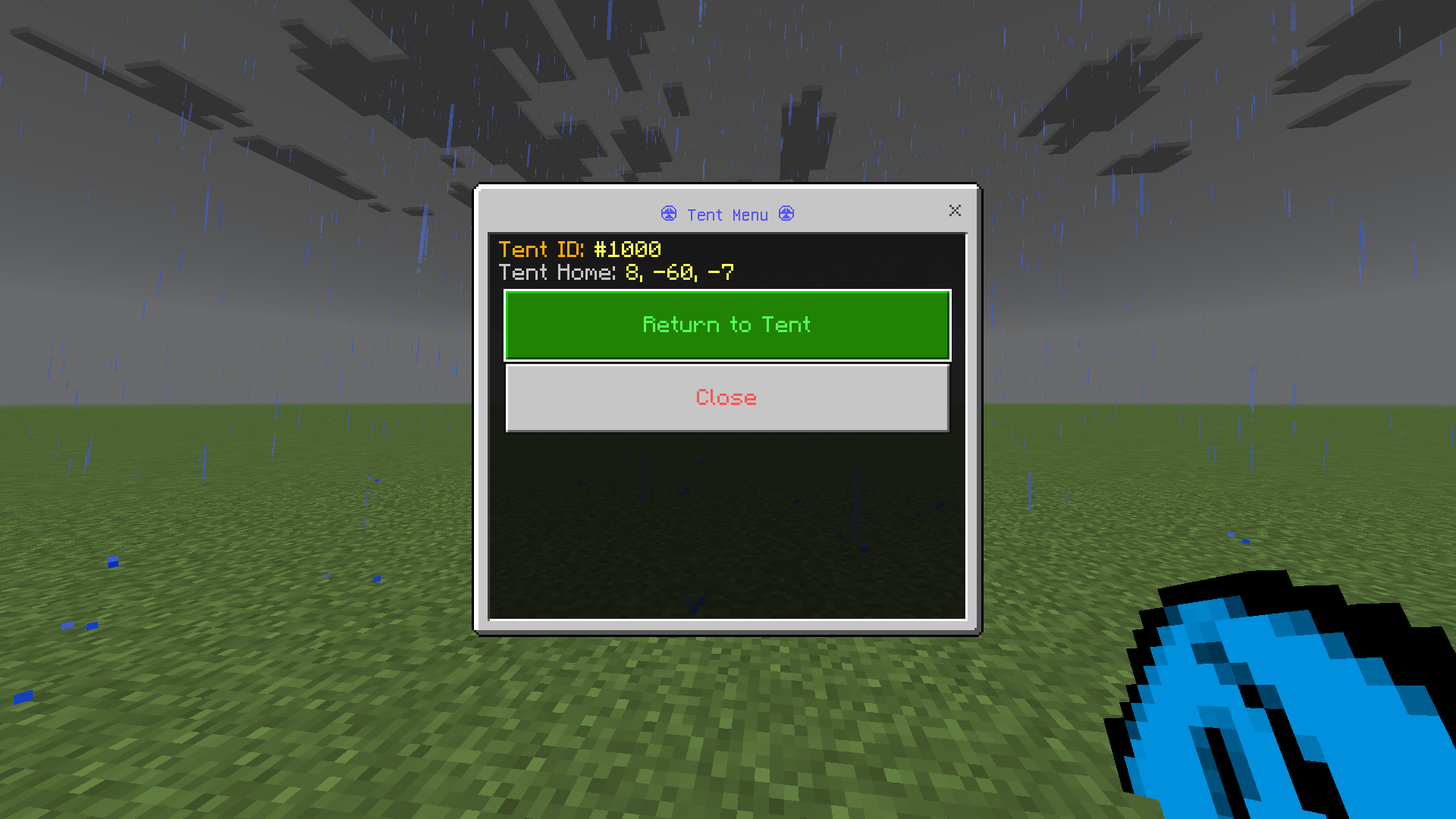
Step 5: Tent Menu & Naming
-
Sneak + Use the tent item to open the UI Menu.
-
💡 The Tent Menu Allows You To:
Return to Tent: Teleport instantly to the last location where you unpacked that tent (works across dimensions).
Rename Waypoint: Enter a custom name (up to 32 characters). The tent item will dynamically display your custom name.
View Stats: Displays your Tent ID, custom waypoint name, and saved home coordinates.
🎯 Important Mechanics
The "Anchor Rule" (Center Point Logic)
-
Centering: You must stand in the middle to capture the whole build. Standing in a corner will cut off parts of your structure.
-
Floor Logic: The 9 x 8 x 9 capture area goes upward. The block you stand on is not included. To include your floor, dig down 1 block before packing.
What Gets Packed?
-
Full Blocks: Handles full chest grids, modded blocks, and large survival bases without lag (stress-tested with 4,300+ item stacks).
-
Entities: Preserves pets, armor stands, and items on the ground.
⚠️ Limitations
-
Height Limit: Max structure height is 8 blocks. Taller builds will be cut off.
-
Collisions: Overwrites existing blocks when unpacking. There is no collision check.
-
Mod Compatibility: Waypoint-type blocks from other addons may break when packed.
💡 Advanced & Technical Info
-
Multiplayer Safe: Features an Active Lock. If two players try to use the same tent simultaneously, the second player receives a "Tent is busy..." message to prevent corruption.
-
Tent-ception (Nesting): Tents can be packed inside other tents due to unique IDs. Recommendation: Limit this to 2–3 layers deep to avoid NBT data bloat.
-
Data Persistence: Names and coordinates survive world reloads. Color codes in names are automatically sanitized.
🐛 Known Bugs
-
❌ Leads may duplicate when packing if tied to a mob.
-
❌ Water may be left behind (water-logged blocks).
-
❌ Some entities in corners might not pack if the floor isn't packed (Bedrock sphere-shaped entity detection limitation).
🔒 Strongbox – Portable Storage
A precision tool designed for transporting individual containers without disturbing their contents.
-
Crafting: Combine 3 Leather, 4 Planks, 1 Chest, and 1 Ender Pearl.
-
Initialization: Use the item once to assign a unique tracking ID (starts at
#1000). -
Packing: Stand directly in front of a supported container (Chest, Barrel, or Copper Chest) and use the tool to "vacuum" it. The item label will update (e.g., "Packed chest #1005").
-
Unpacking: Use the tool on an empty space to redeploy.
-
Note: The space directly in front of you must be clear (air only) to unpack. Avoid using this to create double chests, as it may cause unwanted results.
📜 Copyright & Creator Info
-
Creator: Made by SoggyAndroid / SoggyGravel 🫠
-
Redistribution: Mirroring, hosting, or redistributing this content on third-party services is NOT GRANTED and will face DMCA action.
-
Content Creators: You may showcase this addon, provided links direct users strictly to the official CurseForge/MCPEDL page. No direct-to-file links allowed.
Portable Tent V3.4.22 Team