OreForge Boost: Auto Smelt & Ore Boost
- By
Mine iron, gold and copper straight into ingots, tune Fortune and loot bonuses, and choose how much extra ore appears in new Overworld terrain.
MCPEDL
Description
More ore. Ready-to-use ingots.
OreForge Boost: Auto Smelt & Ore Boost lets you mine iron, gold and copper straight into ingots and choose how much extra ore appears in newly generated Overworld terrain.
AutoSmelt Touch
Break regular or deepslate iron, gold and copper ore with a suitable vanilla pickaxe to drop ingots at the block. Iron and copper require a stone or copper pickaxe or better; gold requires iron or better.
Fortune I–III can increase the underlying harvest. The operator can choose a separate loot multiplier of ×1, ×1.5, ×2 or ×3. Silk Touch preserves the ore block; durability and Unbreaking still apply. Creative follows its normal breaking rules.
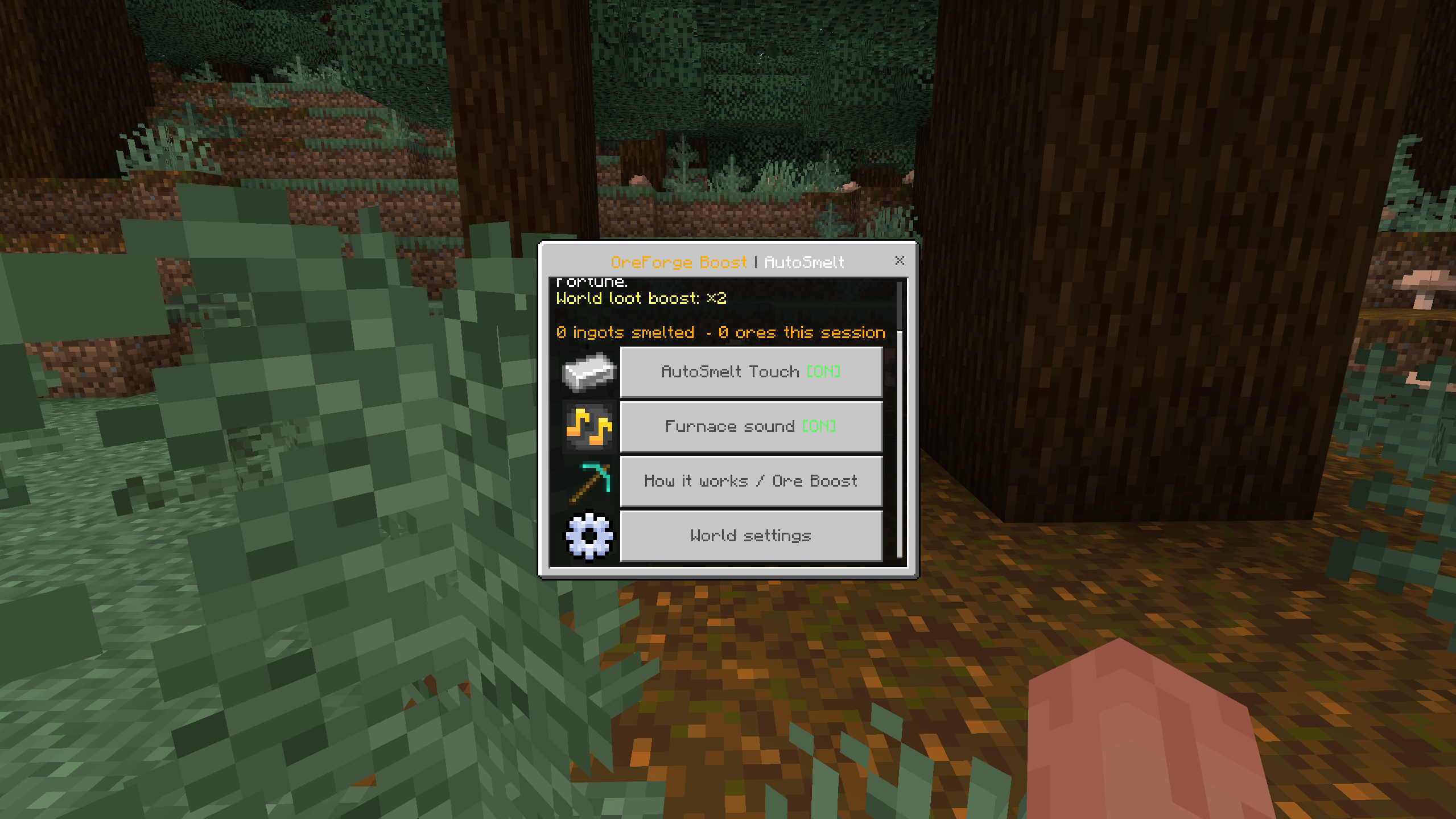
In-game capture · Personal settings
Choose your Ore Boost level
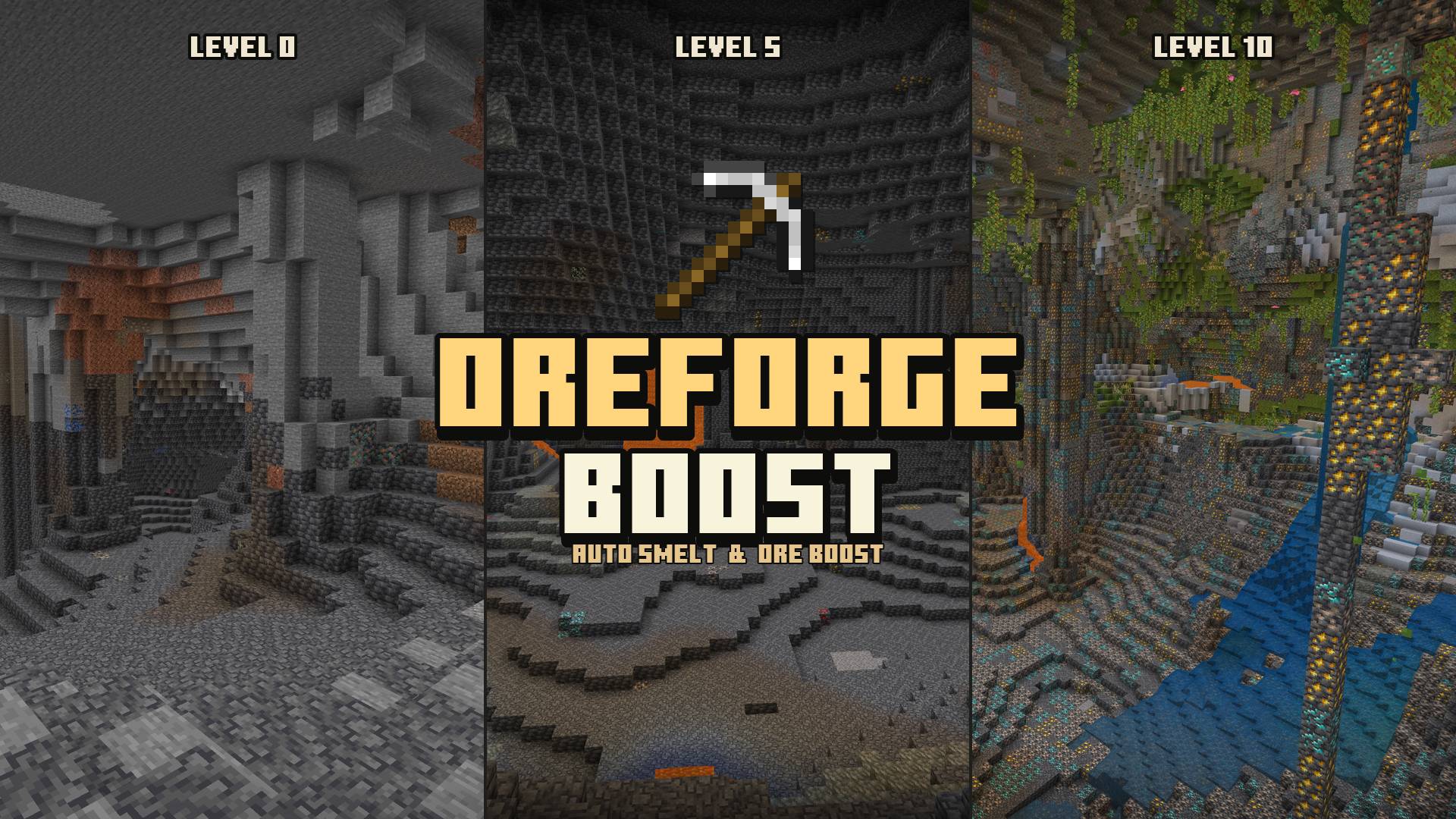
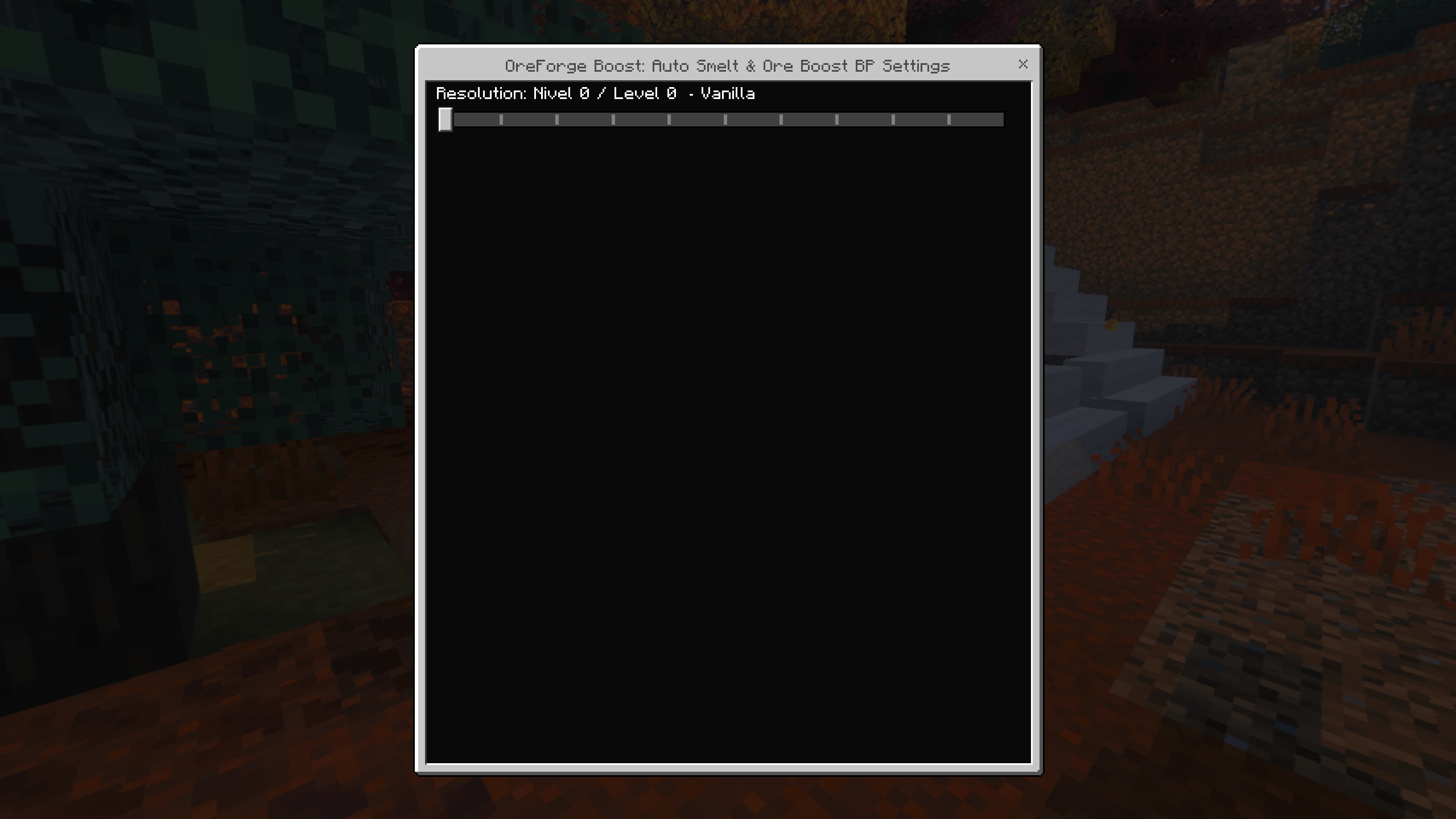
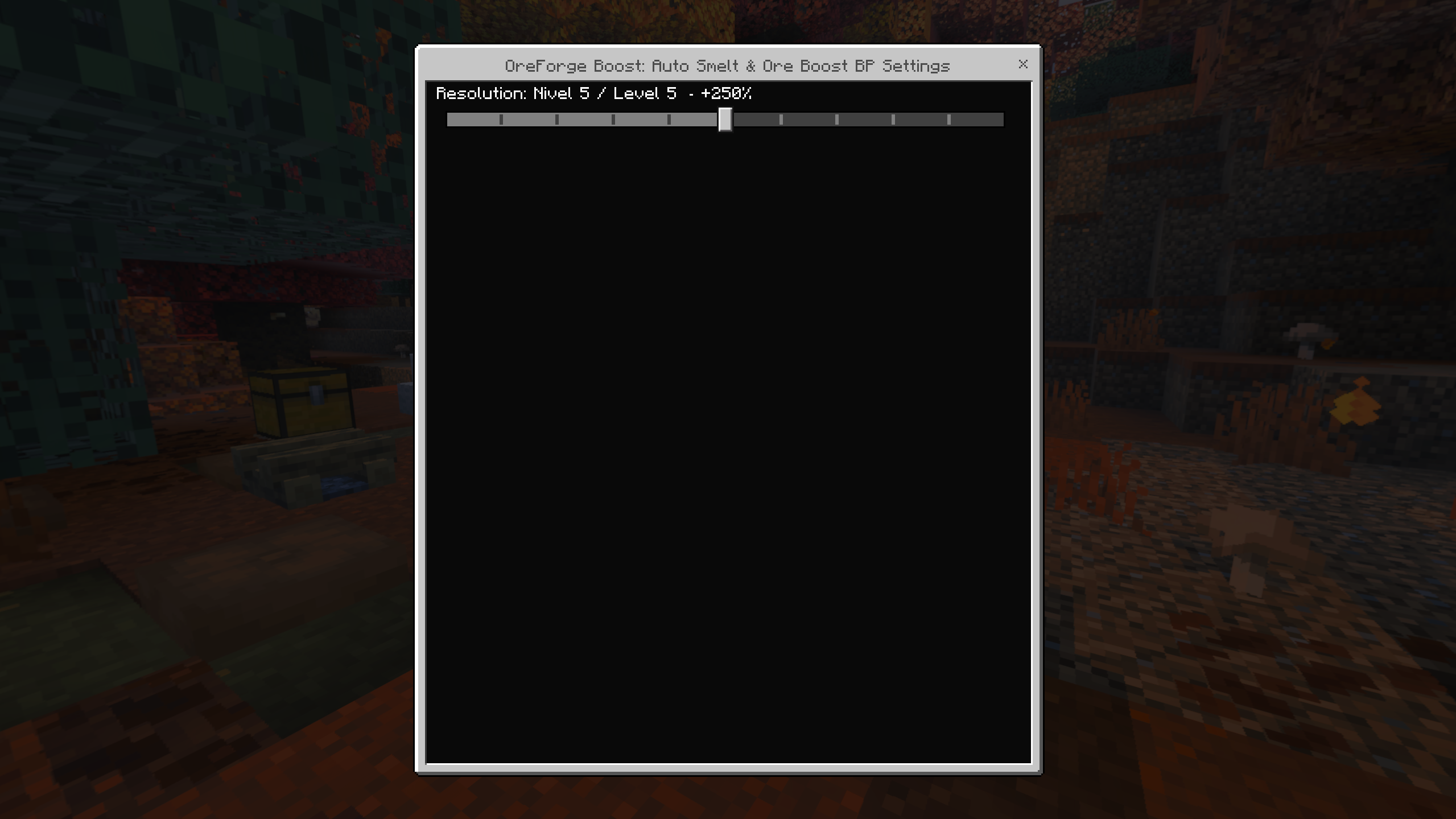
Choose one of 11 generation levels for iron, gold, copper and diamond. Level 0 is vanilla. Higher levels target extra ore in new Overworld chunks. The level is a generation profile, separate from the AutoSmelt loot multiplier.
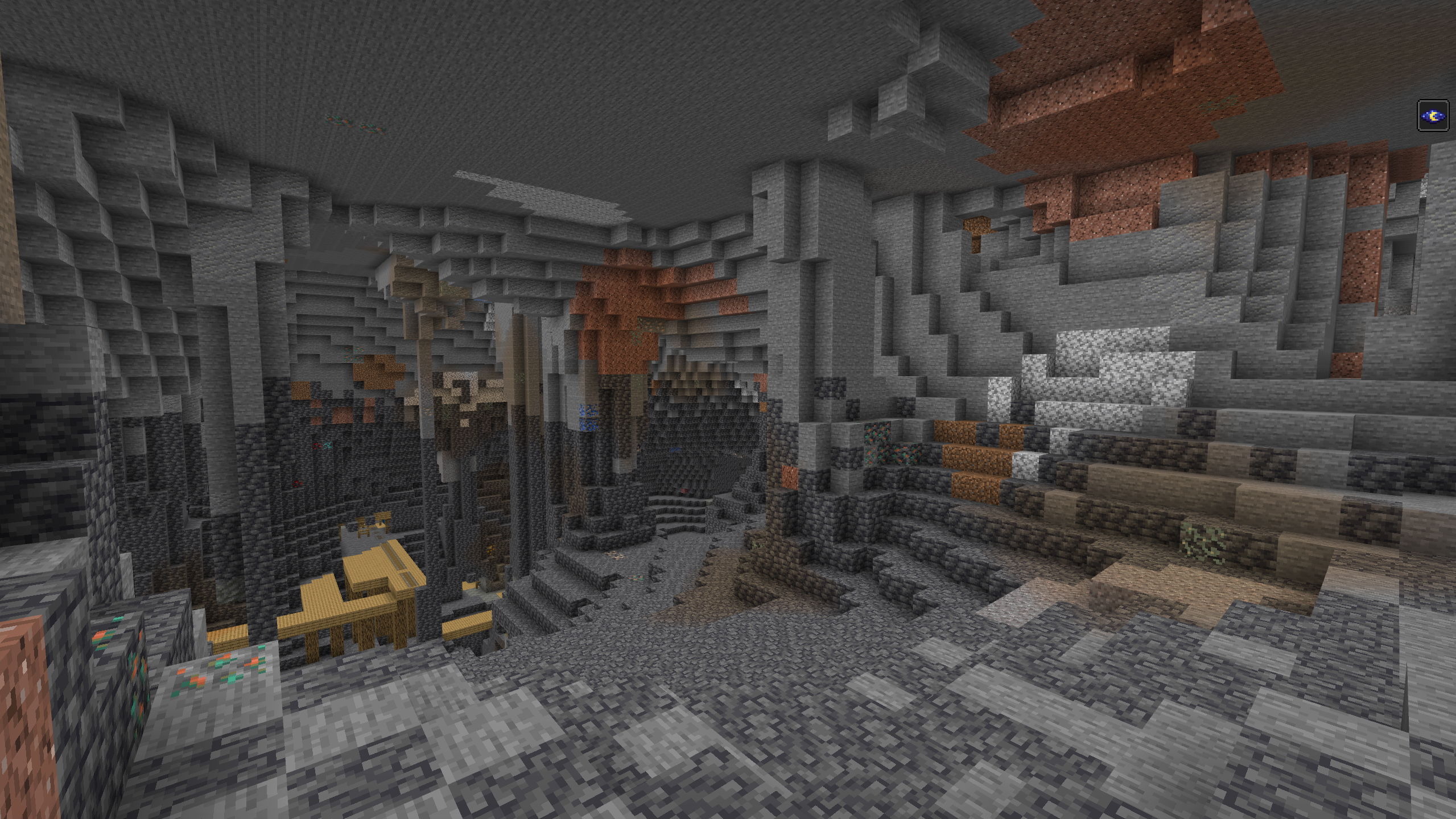
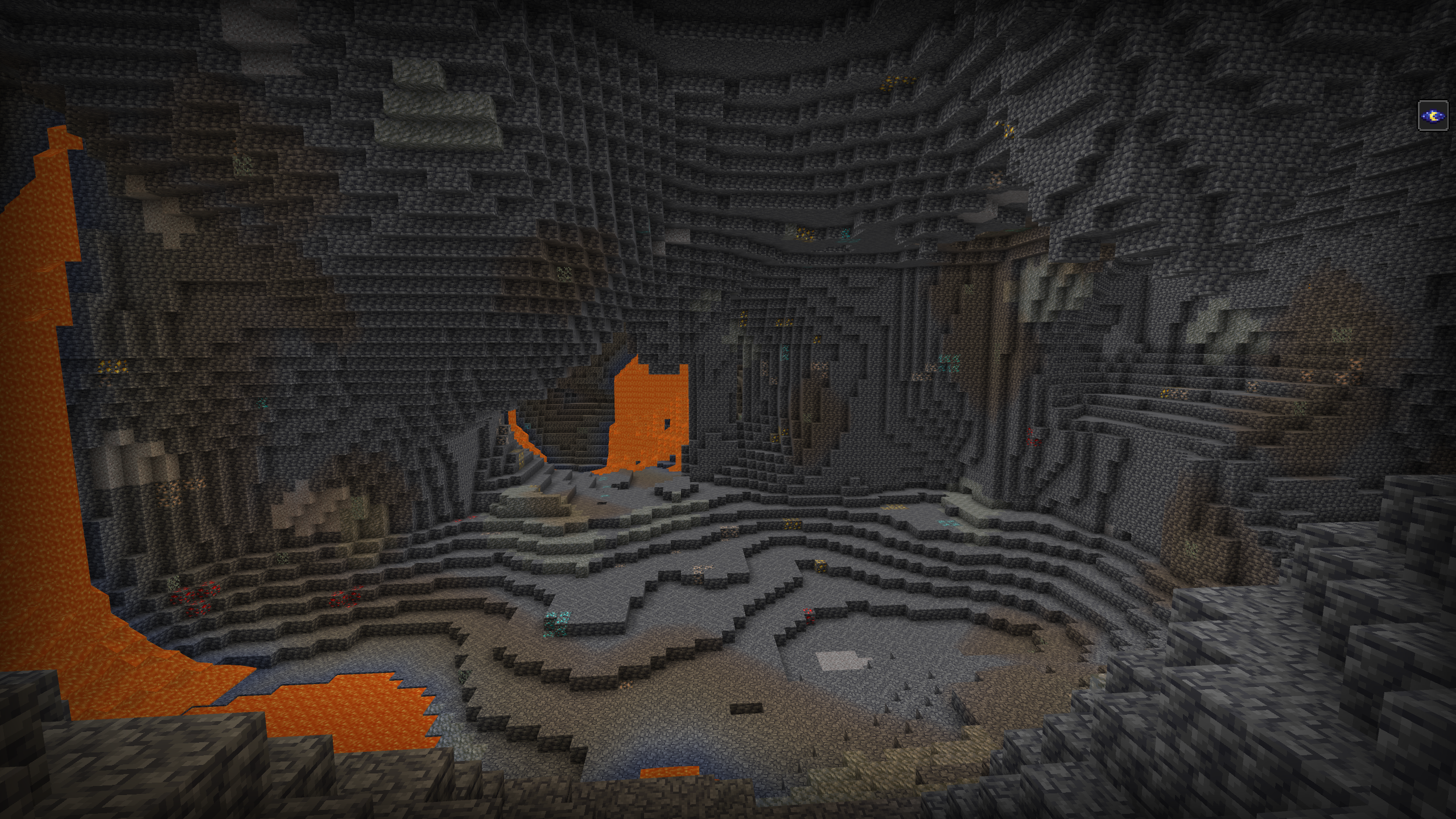
In-game capture - Level 0
In-game capture - Level 5
In-game capture - Level 10
| Level | Extra ore target |
|---|---|
| 0 | Vanilla |
| 1 | +25% |
| 2 | +50% |
| 3 | +75% |
| 4 | +100% |
| 5 | +250% |
| 6 | +500% |
| 7 | +1,000% |
| 8 | +2,500% |
| 9 | +5,000% |
| 10 | +10,000% |
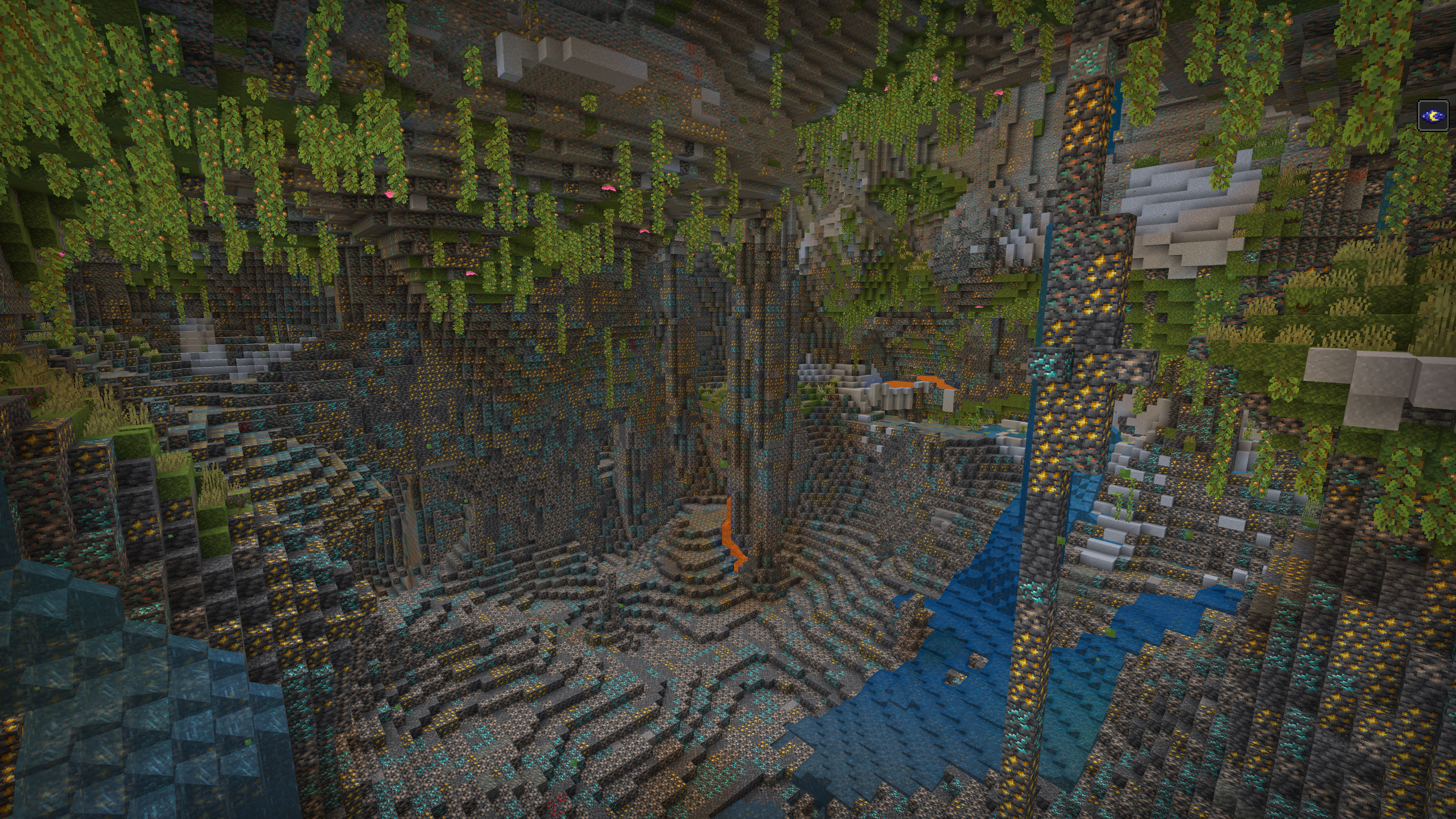
Targets cover the four ores together. Actual counts vary with seed, terrain and other packs. Previously generated chunks retain their original deposits; explore fresh chunks to see a newly selected level.
Level 0 - Vanilla
Level 5 - +250% target
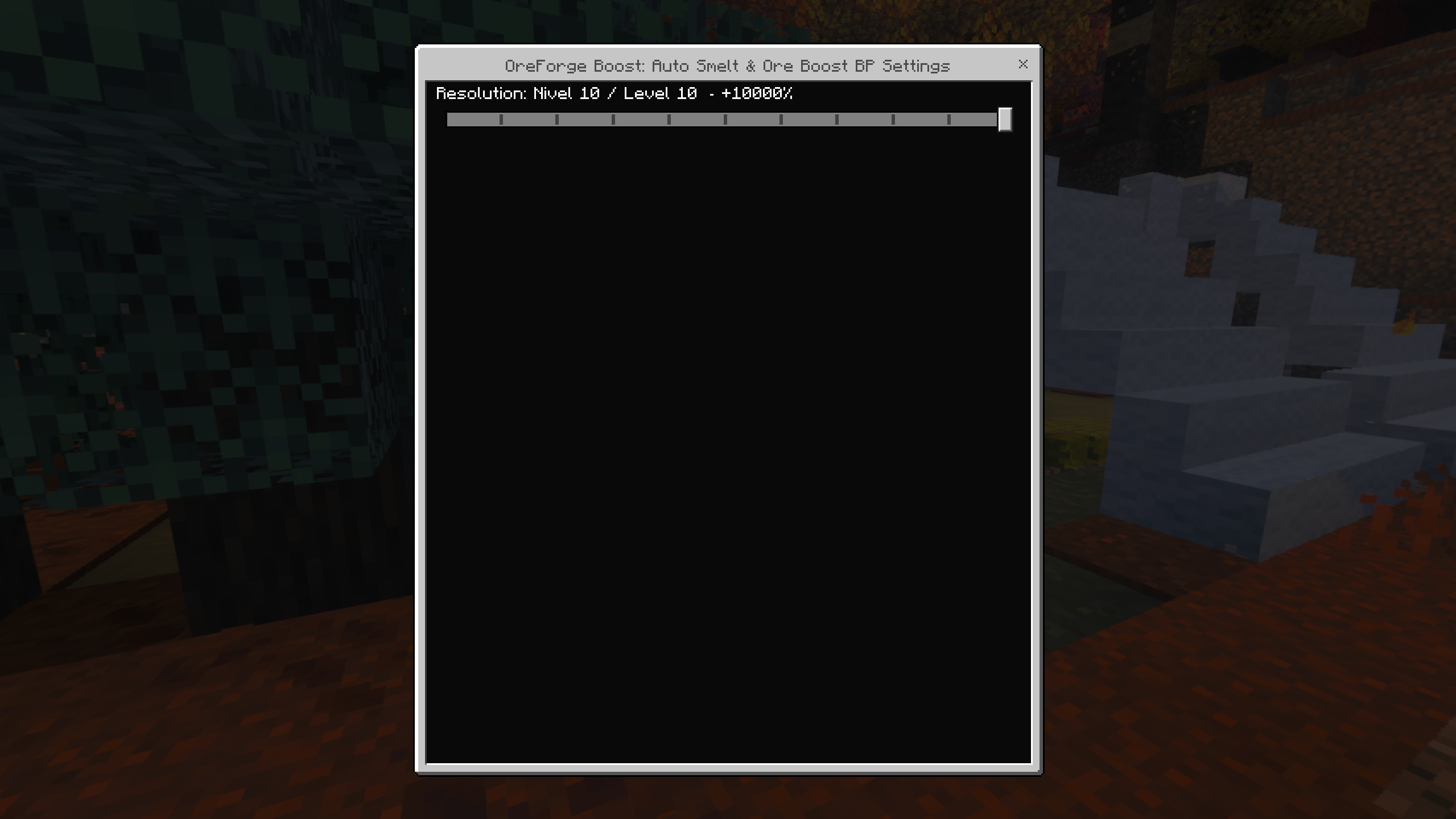
Level 10 - +10,000 % target
Save and exit the world, select a level using the gear on the active Behavior Pack, then reopen the world. Level 0 is on the left and Level 10 on the right. Use /oreforge:status to check the loaded profile before exploring.
Make it your own
Open /oreforge:menu to toggle AutoSmelt and furnace sound, read the guide and view session totals. Operators can manage Fortune, the loot multiplier and the iron, gold and copper switches for the world.
| Command | Action |
|---|---|
/oreforge:menu |
Open your settings and guide. |
/oreforge:toggle |
Toggle your AutoSmelt Touch. |
/oreforge:status |
Check the loaded generation profile and your session totals. |
/oreforge:settings |
Open world rules; operator access required. |
/oreforge:test |
Run mining checks and a sound sample; operator access required. |
Installing v1.0.0
- Import the complete .mcaddon, or import both separate .mcpack files.
- Activate the matching Behavior Pack and Resource Pack in your world, and choose the generation level with the Behavior Pack gear.
- Reopen the world, check
/oreforge:status, and explore new terrain. Use/oreforge:menufor mining settings. - The packs declare Minecraft Bedrock 1.26.50 as their minimum and use stable Script APIs. No experimental toggles are required. Achievements are disabled with this distribution.
- When replacing an earlier build, back up the world and replace both old OreForge packs if Minecraft continues to load them.
Created By IcedFoxStudios. 


OreForge Boost: Auto Smelt & Ore Boost Team

Owner