Ore Compass Finder
- By
This add-on introduces a craftable Ore Compass designed to help you locate nearby ores using sound cues, and customizable ore selection. TBA directional guidance, distance tracking powered by particle fx
Screenshot 2026-10-22 230529.png
Screenshot 2026-10-22 230450.png
Screenshot 2026-10-22 230438.png
Screenshot 2026-10-22 230416.png
Screenshot 2026-10-22 233403.png
Description
TechFreq Ore Compass Finder
Minecraft Bedrock Edition | Behavior Pack + Resource Pack | V1.0 | Achievment friendly
Tired of mining endlessly while searching for valuable ores? Meet **TechFreq Ore Compass Finder**! 💎
This add-on introduces a craftable Ore Compass designed to help you locate nearby ores using sound cues, and customizable ore selection.
TBA directional guidance, distance tracking powered by particle fx
## Features
- **Custom Ore Compass:** A beautiful 16×16 pixel-art compass featuring a dark, glowing cyan design.
- **Ore Detection:** Scans for nearby ores within a **28-block radius**.
- **16-Block Proximity Feedback:** Additional sound and visual feedback when approaching nearby ores, increased from the original 8-block range.
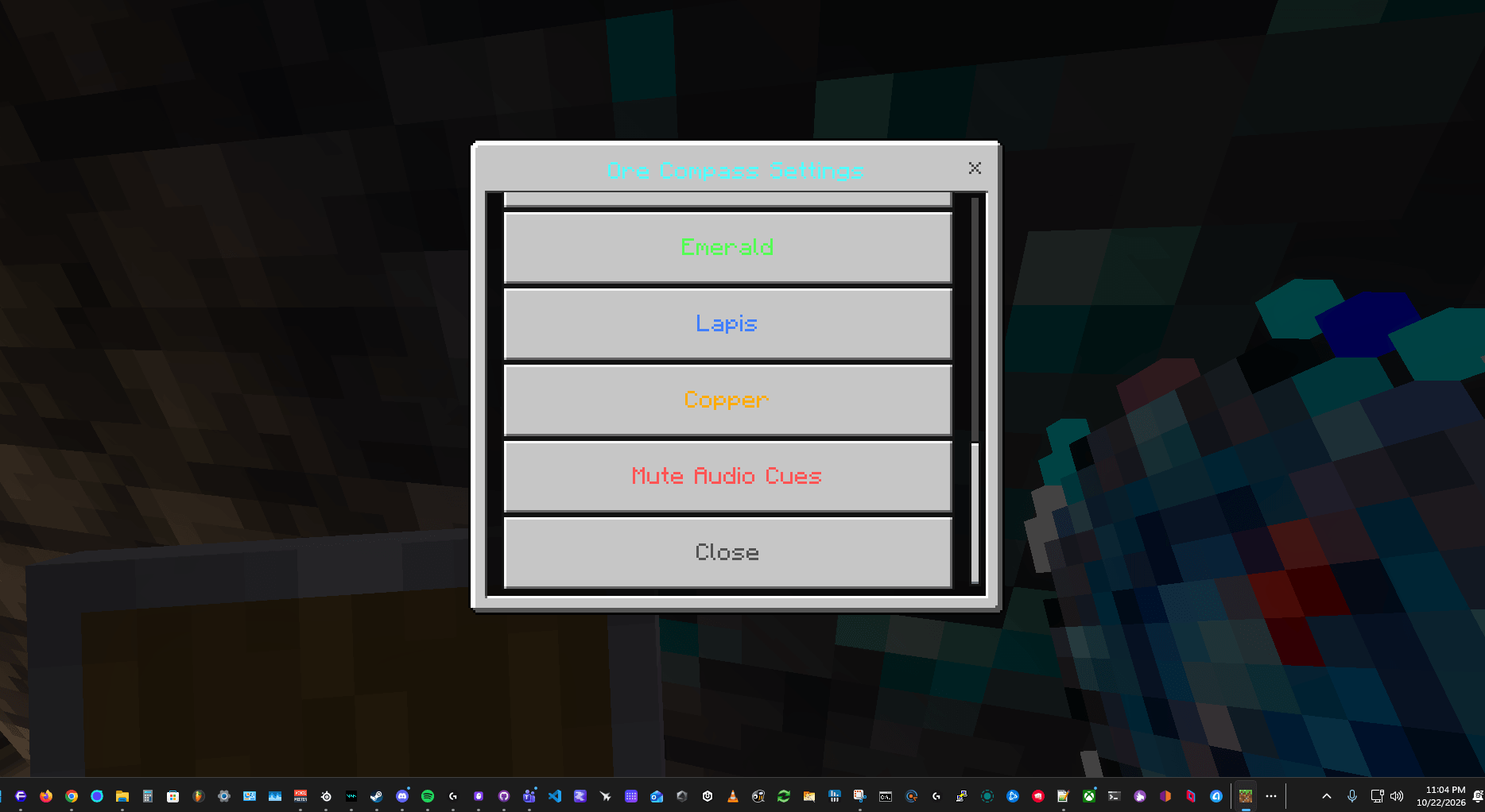
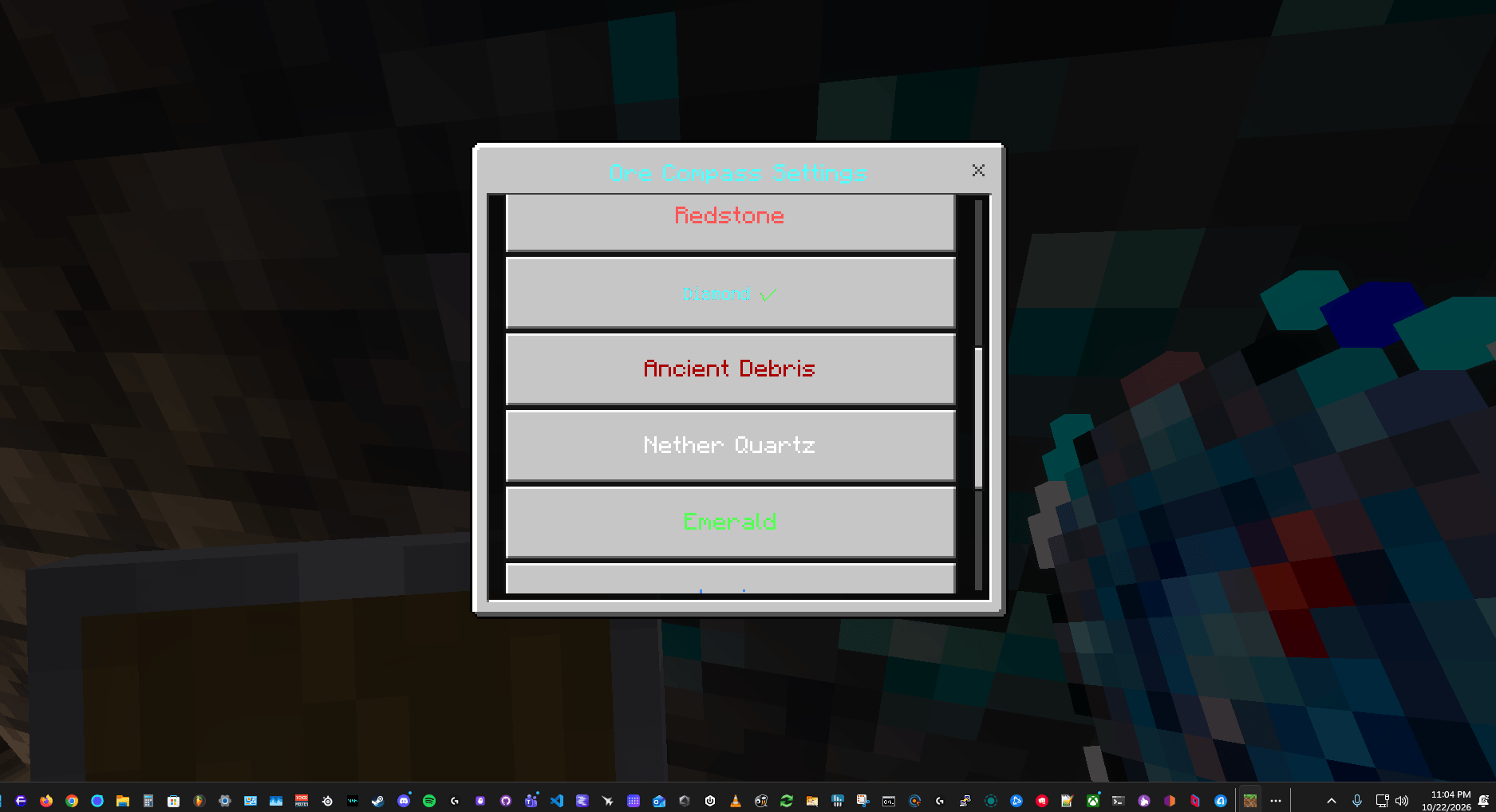
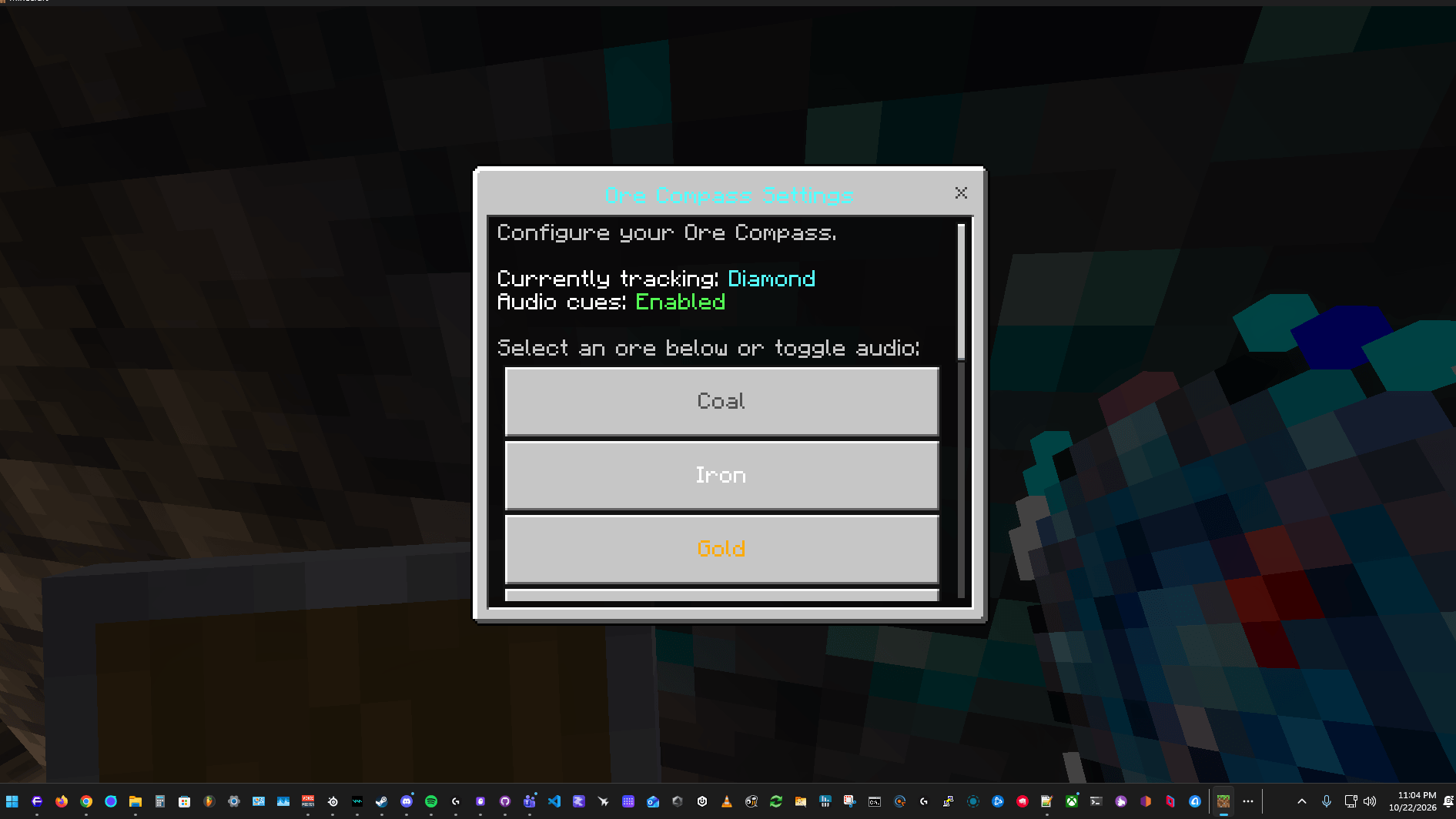
- **Ore Selection Menu:** Sneak + right-click (or use) to choose which ore you want to locate.
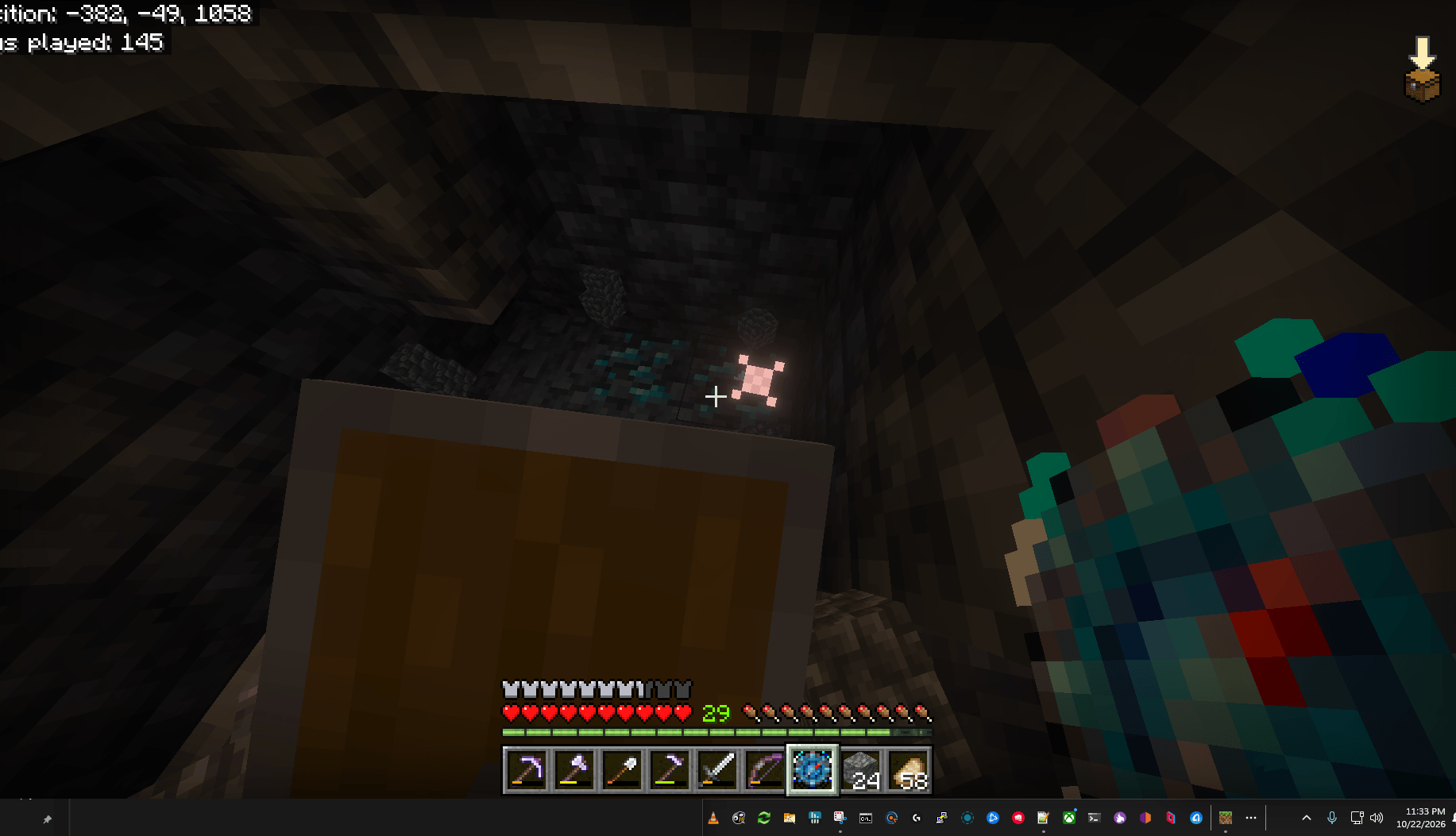
- **TBA Directional Tracking:** On-screen direction and distance information helps guide you toward ores more so particle fx.
- **Audio Cues:** Hear sounds that help indicate nearby ores.
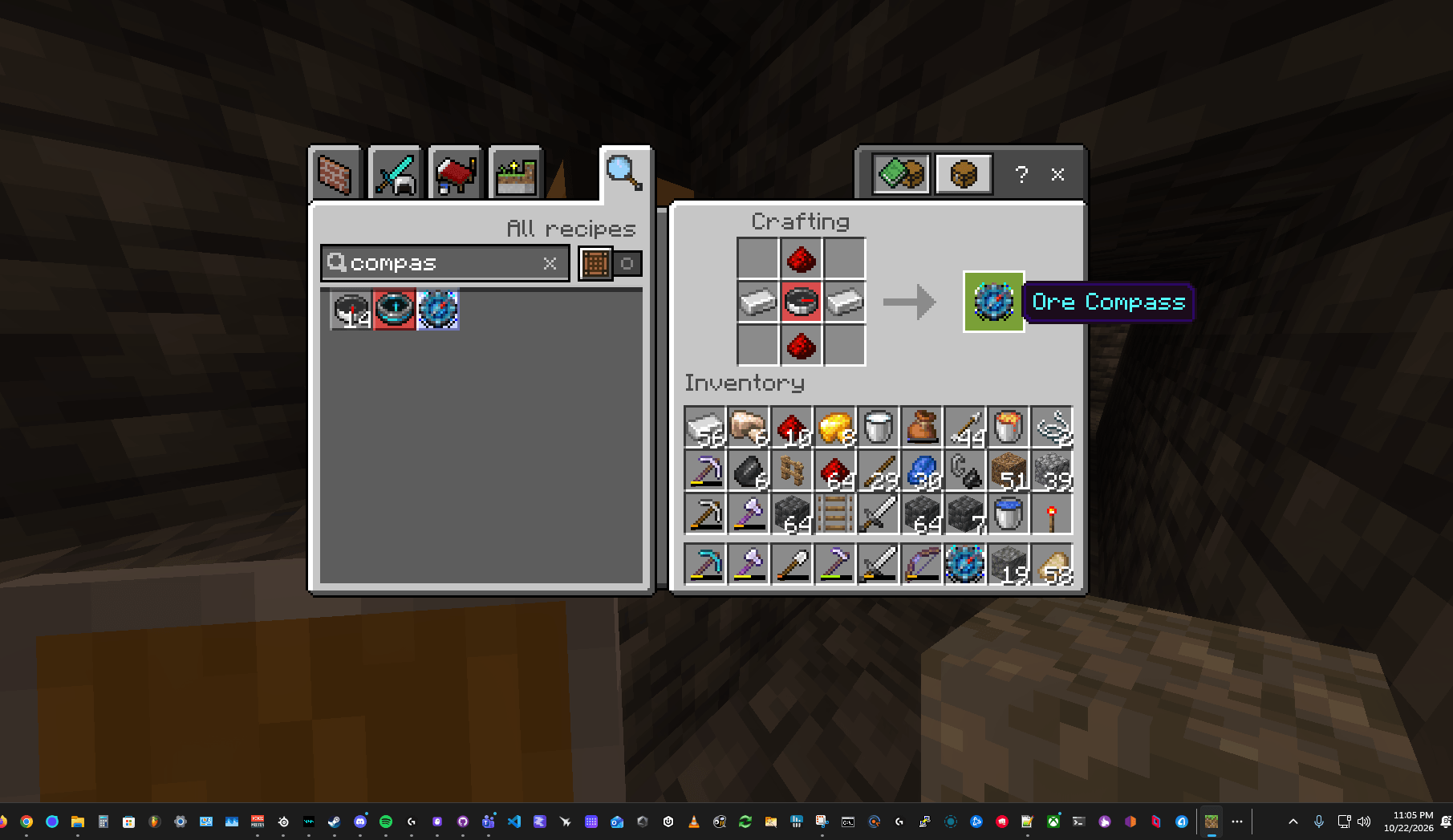
- **Custom Crafting Recipe:** Craft your Ore Compass using a regular compass, iron ingots, and redstone.
- **Multiple Supported Ores:** Track ores including Coal, Iron, Gold, Redstone, Diamond, Ancient Debris, and more.
## Crafting Recipe
Craft your Ore Compass at a crafting table using:
- 1× Compass
- 2× Iron Ingots
- 2× Redstone Dust
Arrange them like this:
```text
[ Empty ] [ Redstone ] [ Empty ]
[ Iron ] [ Compass ] [ Iron ]
[ Empty ] [ Redstone ] [ Empty ]
```
## How to Use
1. Craft and equip your Ore Compass.
2. Sneak + right-click to open the Ore Selection Menu.
3. Choose the ore you want to locate.
4. Follow the direction, distance information, and audio cues by holding the Ore Finder Compass.
5. When you get within 16 blocks, additional proximity feedback helps you narrow down its location.
**Note:** The compass needle is currently static. Use the on-screen directional information for tracking. Particle markers may be difficult to see through solid blocks.
## Installation
1. Download the `.mcaddon` file.
2. Double-click it to import into Minecraft Bedrock Edition.
3. Open your world's settings.
4. Enable **Ore Compass Finder [BP]** under Behavior Packs.
5. Enable **Ore Compass Finder [RP]** under Resource Packs.
6. Enter your world, craft your compass, and start exploring!
You can also manually extract the Behavior Pack and Resource Pack into their corresponding Minecraft pack folders.
## Compatibility and Important Notes
- Designed for Minecraft Bedrock Edition.
- Uses custom item textures and Bedrock scripting.
- No Experimental Features toggles are intended to be required.
- The compass searches within 28 blocks, while close-range feedback activates within 16 blocks.
- Achievement friendly
## Support TechFreq ❤️
Thanks for supporting my Minecraft modpacks and add-ons by downloading!
I appreciate everyone who takes the time to try my creations. Feel free to check out my other projects, follow my socials, or even send over a cup of coffee if you'd like. Completely optional, of course, lol! ☕
**Everything TechFreq:**
https://beacons.ai/TechFreq
**PayPal — Optional Support:**
https://paypal.me/TechFreq
**Check Out More Mods on CurseForge:**
https://www.curseforge.com/members/techfreq/projects
**Check Out Even More Mods on Nexus Mods:**
https://www.nexusmods.com/profile/TechFreq
---
**Made by TechFreq — Happy Mining!** 💎⛏️
Ore Compass Finder Team