MCPEDL.jpeg
Description




If you would like to show a token of appreciation for my work and support the future development of my addons, please consider buying me a coffee.

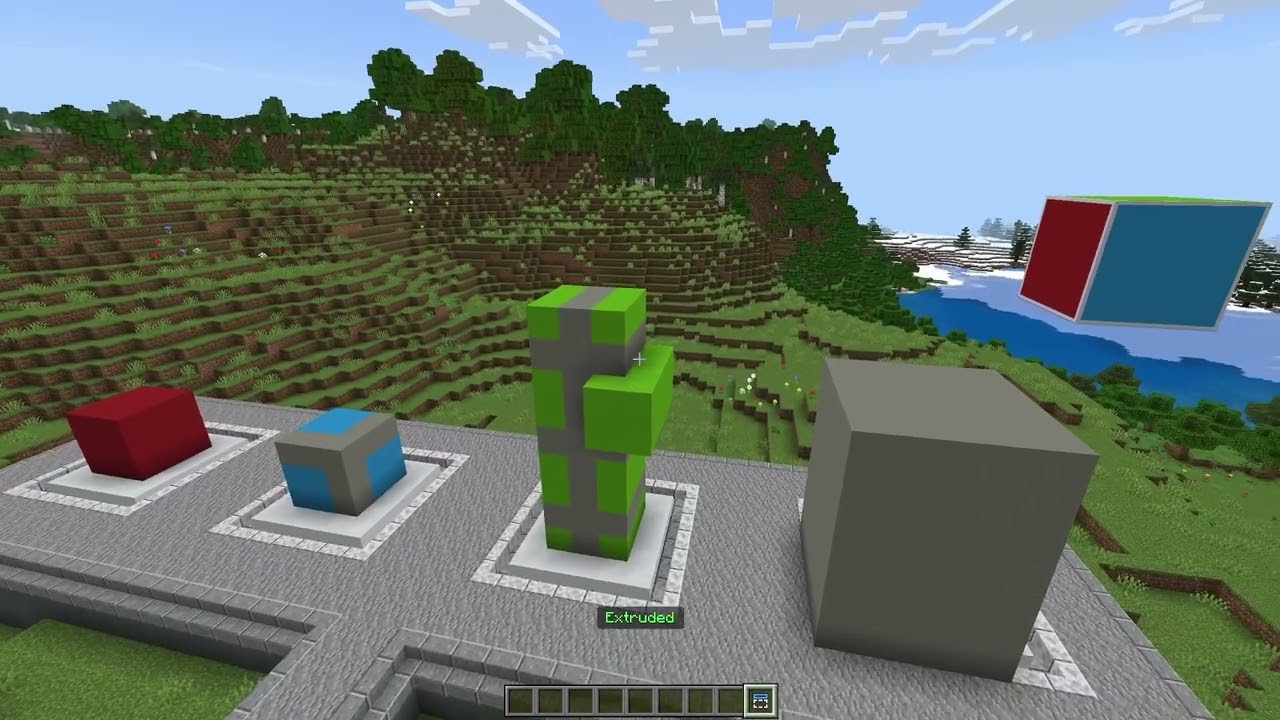
Nudge is a powerful creative building addon for Minecraft Bedrock Edition. Inspired by the simple tools from moulberry's Axiom, it is designed to give creators quick, intuitive control over their builds.
- Selections: Speedily define areas by clicking on blocks from any distance.
- Nudge Controls: Nudge areas of blocks one step at a time using the vanilla movement controls.
- Large-Area Editing: Perform edits of any size anywhere, anytime.
- Modes: Switch between editing modes (moving, cloning, stacking, deleting, etc.) to make different kinds of edits fluidly.
- Undo/Redo: Easily undo and redo your last actions.
- Built for Simplicity: No complex UIs or commands. Just fast, easy-to-master tools.
Usage
Install this just like any other addon, making sure the Beta APIs experiment is enabled.
Getting Started
Once installed on a world:
- Use
/nudge:nudgeto get the Nudge item. - "Hit" with the item to start selecting an area or "Use" it to change the edit mode.
- Instructions in-game will guide you through making edits.
Nudge is designed to feel natural and quick - a companion tool for faster iteration.
Additional Commands
/nudge:undo <amount: int> - Undoes the last edit action, or several.
/nudge:redo <amount: int> - Redoes the last undone edit action, or several.
/nudge:here - Starts, extends, or nudges your selection to your current location.
Server Installation
Before installing on a server, make sure the config/default/permissions.json file contains "@minecraft/debug-utilities". Add it if not. Then, installing Nudge on a server is the same as installing any other addon.
Join the Community
Need help, want to discuss technical Minecraft, or follow future updates? Join our Discord!
Nudge Team

Owner