Night Vision Toggle Addon: Permanent & Auto Modes
- By
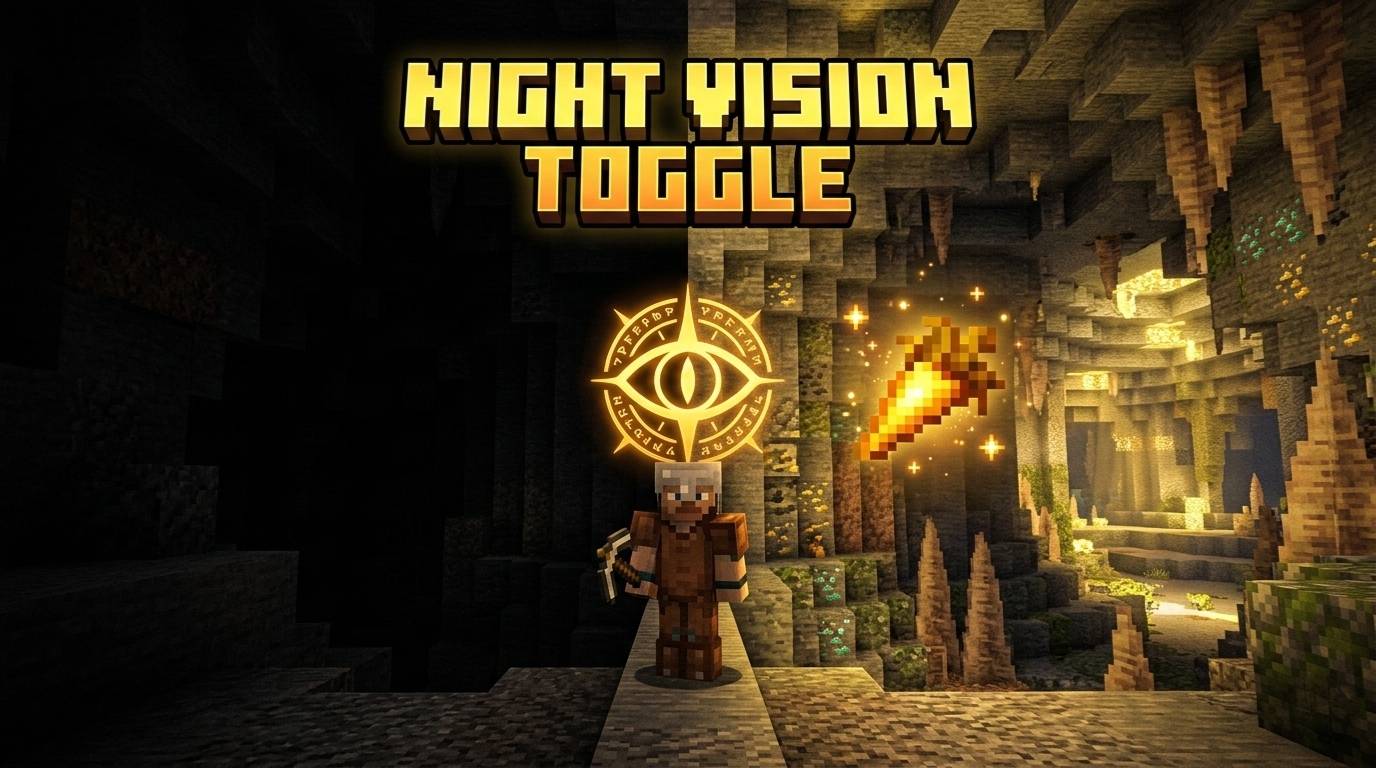
See clearly in the dark without brewing potions! Toggle permanent Night Vision using a Golden Carrot, or let the Smart Auto-Modes handle the lighting for you.
Night Vision Toggle Add-on (10).jpg
Night Vision Toggle Add-on (3).jpg
Night Vision Toggle Add-on (5).jpg
Night Vision Toggle Add-on (4).jpg
Night Vision Toggle Add-on (2).jpg
Description
RR Night Vision Toggle PRO v2.0.0 - The Ultimate Exploration Utility
Hey everyone. Let us talk about exploring caves and building in vanilla Minecraft. Exploring the deep dark biomes or massive underground ravines is incredibly fun, but dealing with the darkness is a massive headache. You either have to carry stacks of torches and place them everywhere, which completely ruins the natural look of the cave, or you have to rely on potions. Brewing night vision potions is tedious. It requires you to go to the Nether, farm blaze rods, gather nether wart, and craft expensive golden carrots. Even when you do all of that work, the potion only lasts for eight minutes. When it runs out while you are fighting a horde of skeletons, you are left completely blind and vulnerable.
I wanted to give players total control over their vision without the endless grinding. That is exactly why I created the RR Night Vision Toggle PRO addon. This utility allows you to instantly grant yourself infinite, clear night vision whenever you need it, completely free of charge. For Version 2.0.0, I completely rewrote the entire system to make it smarter and more interactive. I have also fully unlocked every single premium feature. There are no locked settings, no keys required, and absolutely no hidden paywalls. It is a complete, powerful quality of life upgrade right from the moment you install it.
The Smart Auto Mode Engine
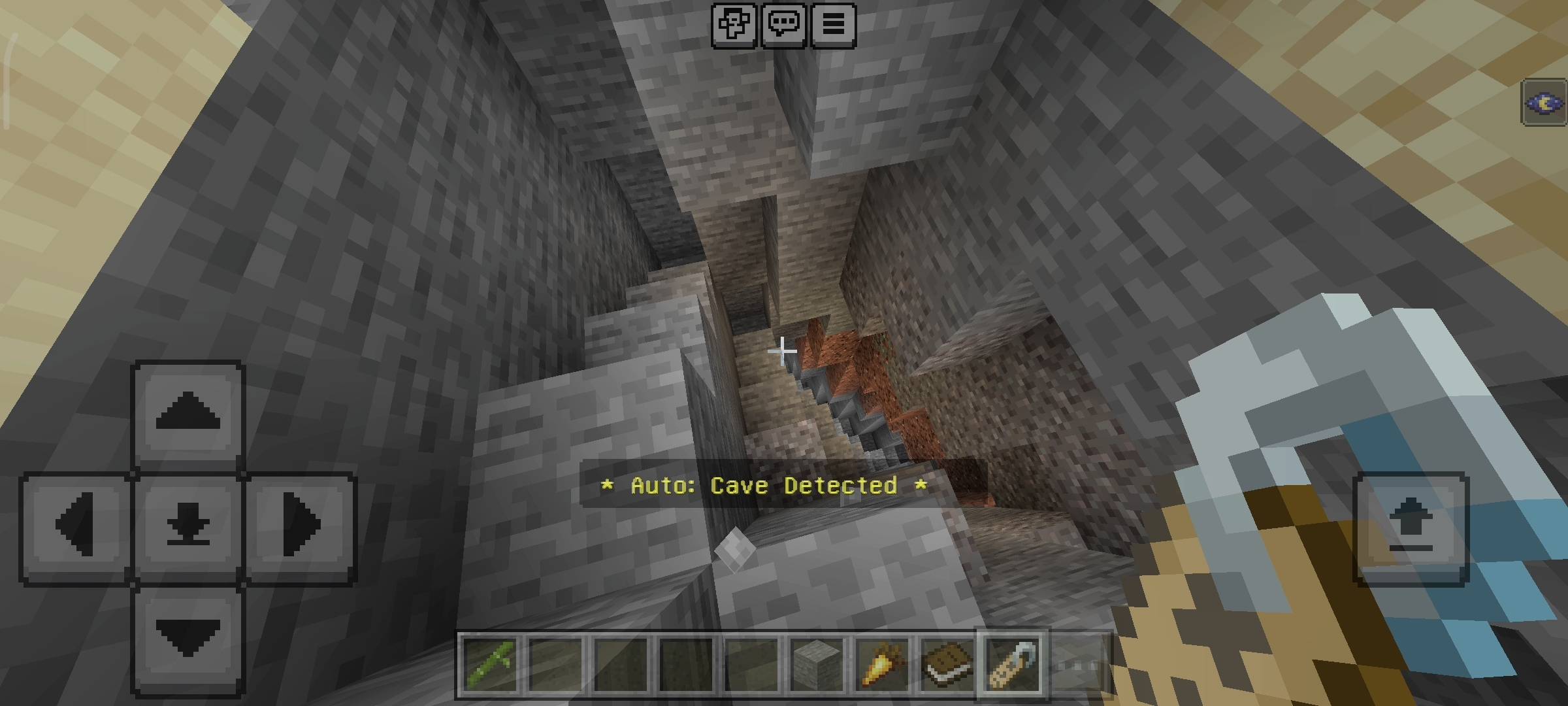
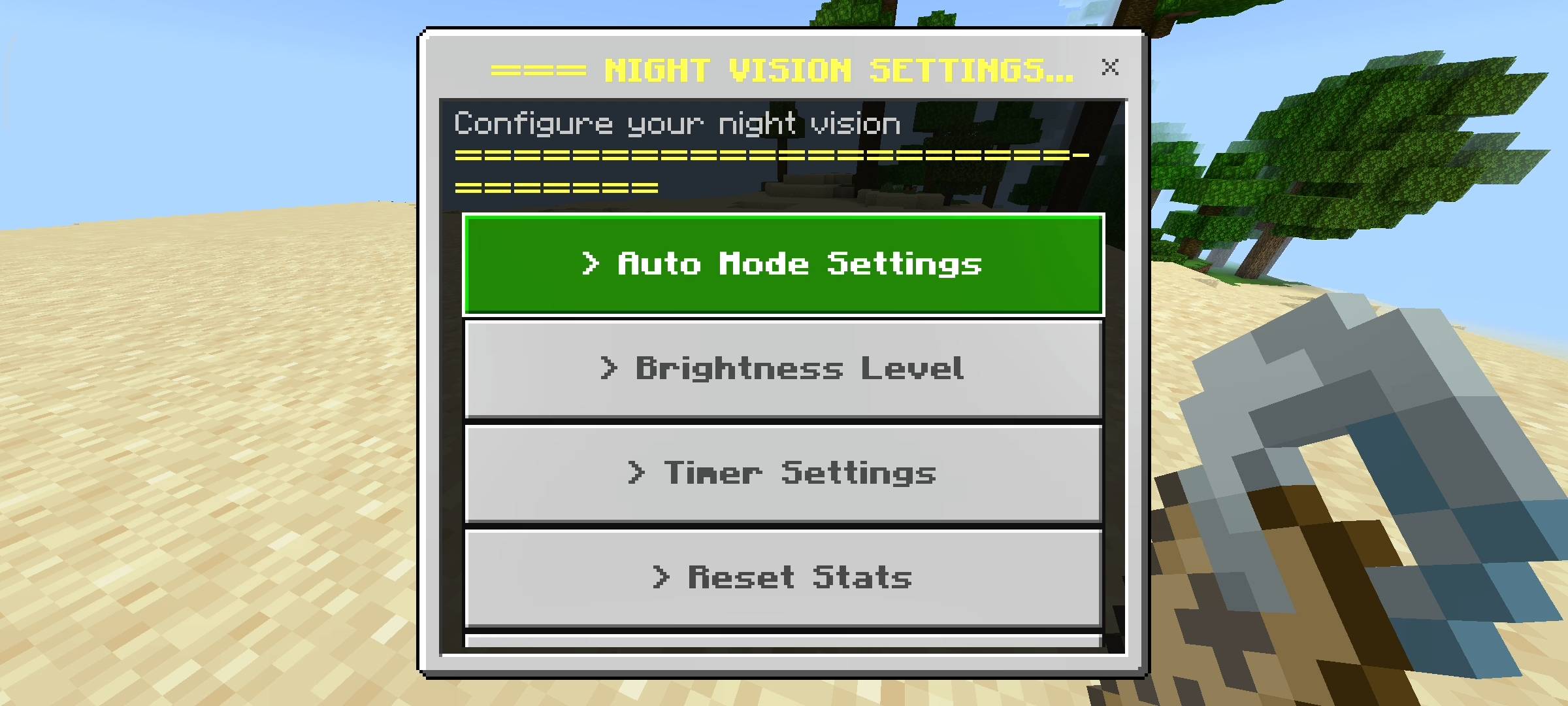
The absolute best feature in this massive update is the brand new Auto Mode system. I wanted to make the night vision feel like a natural part of your character rather than a cheat code you constantly have to toggle on and off. Through the settings menu, you can configure the addon to react to your environment automatically.
If you enable the Cave Detection setting, the script constantly monitors your Y-coordinate. The moment you dig down below Y-level 50, the addon instantly activates your night vision. You never have to pause your mining to activate it. You can also enable the Night Time detection. As soon as the sun sets in your world, your vision will clear up. To make it even smarter, I added a Daylight shutoff feature. When you climb out of your mine and step back into the sunlight, the system automatically detects the daylight and removes the night vision effect, ensuring your game always looks natural when you are outside.
Custom Brightness and Timer Controls
Different players use different shaders, resource packs, and monitors. Sometimes the standard vanilla night vision effect just is not bright enough in the deep slate caves. To fix this, I introduced Custom Brightness Levels. You can open your settings and choose between Normal, Bright, and the incredibly powerful Ultra setting. The Ultra setting completely illuminates even the darkest corners of the ocean and the deep dark biome.
I also understand that some players do not want to walk around with permanent night vision because it can make the game feel a bit too easy. If you only want a temporary boost while you are building a specific room, you can use the brand new Timer Mode. You can set a custom duration anywhere from one single minute up to a full hour. Once you activate your vision, the timer counts down silently in the background and safely turns your vision off when the time expires.
The Interactive Item UI Menus
I completely despise addons that force you to open the chat box and type long, complicated commands just to change a basic setting. It ruins the immersion and is incredibly annoying for players on mobile phones or consoles. To make everything perfectly smooth, I mapped all the controls to regular in-game items.
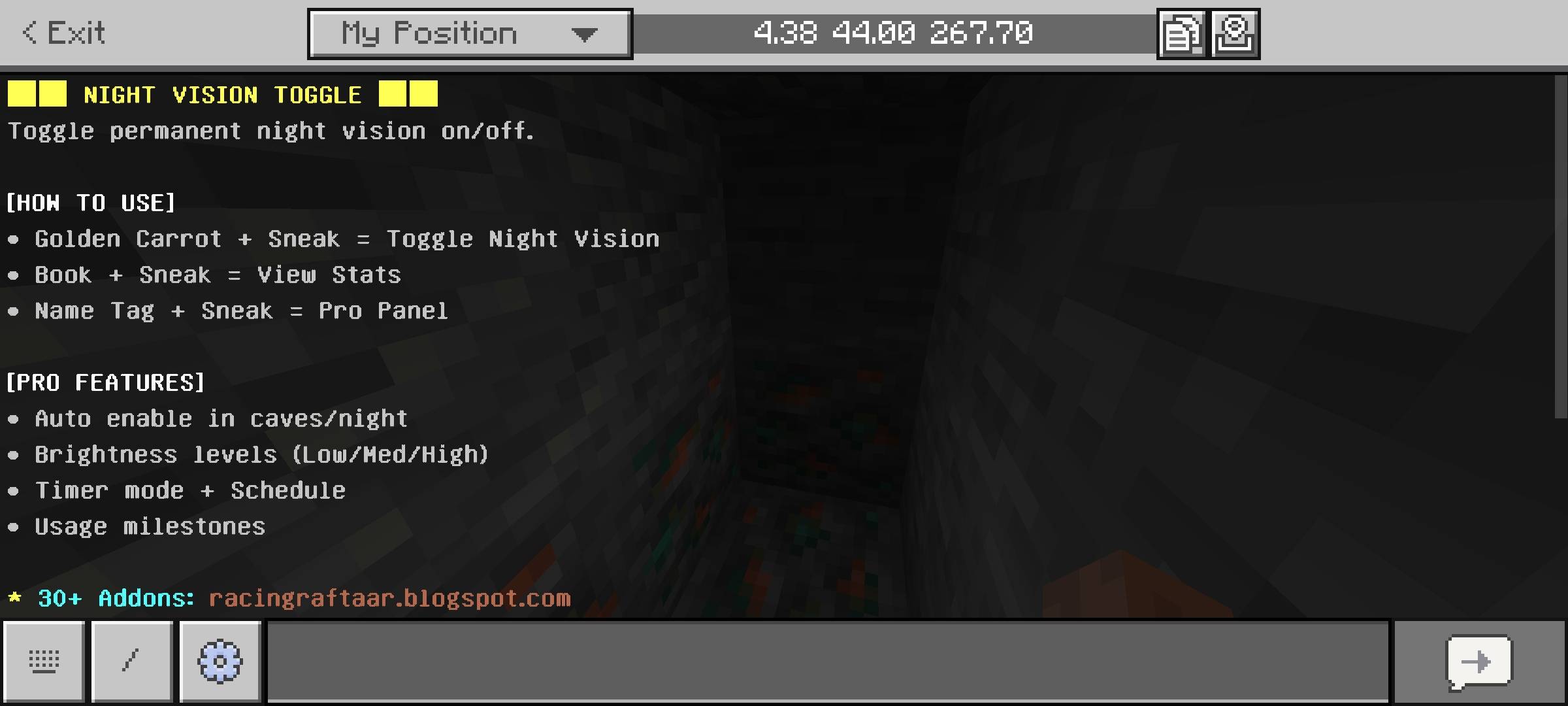
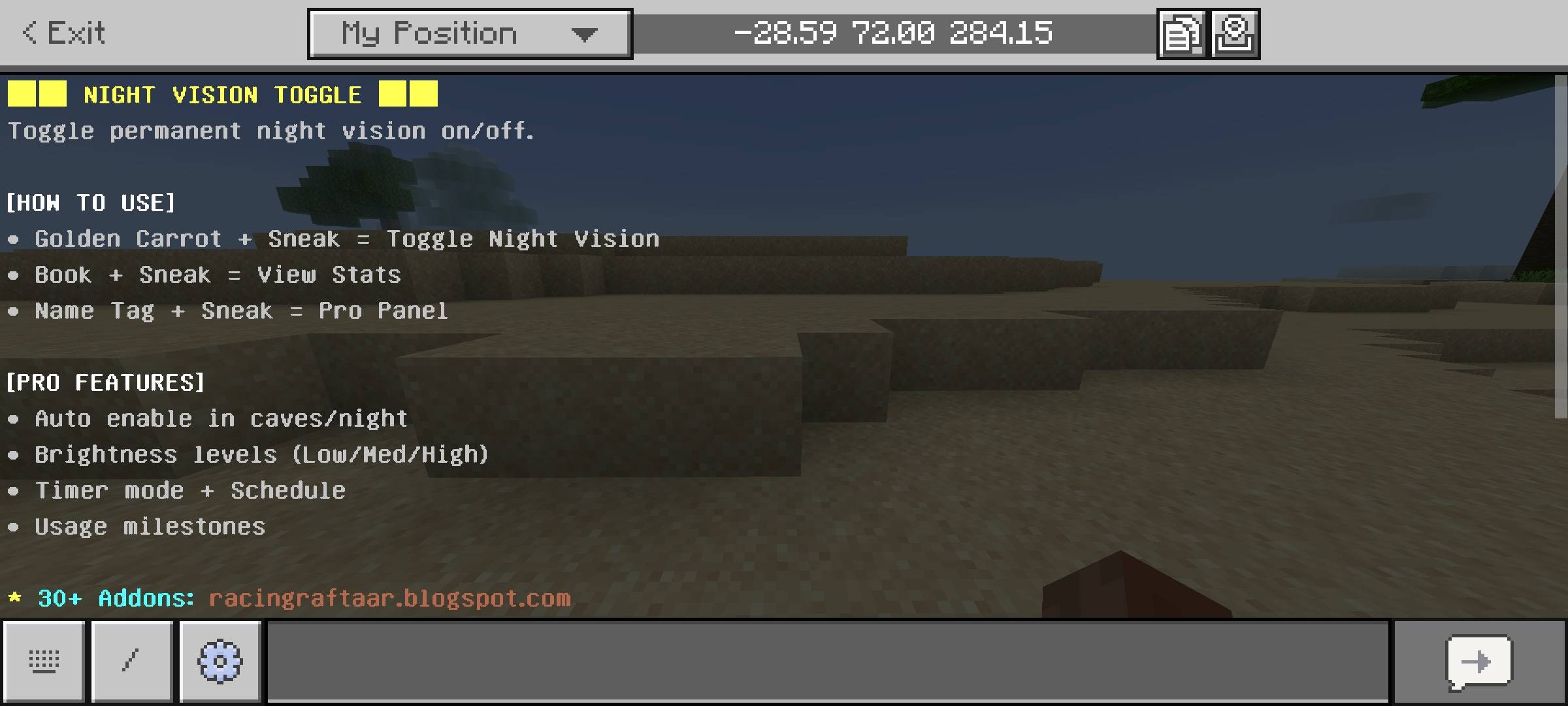
If you need to quickly turn your vision on or off in the middle of a fight, simply hold a Golden Carrot in your hand and sneak. It acts as an instant quick-toggle switch. If you want to configure your Auto Mode, adjust your Brightness, or change your Timers, just hold a Name Tag and sneak to open the Master Settings Dashboard. If you want to check your personal statistics without messing with your settings, simply hold any type of Book and sneak to pull up your profile.
Progression and Milestone Rewards
Survival Minecraft is all about progression and grinding towards a goal. I did not want this addon to just be a boring utility menu, so I added a personal tracking and milestone system. The addon silently tracks exactly how many times you have enabled and disabled your night vision over the entire lifetime of your world.
As you use the addon more frequently, you will start unlocking custom profile achievements. Using the system fifty times grants you the Night Owl milestone. If you reach two hundred uses, you unlock the Dark Walker achievement. And for the ultimate explorers who use the toggle five hundred times, you will unlock the prestigious Night Master title. It adds a really fun, rewarding layer to a simple quality of life mod.
Disclaimer Regarding Visuals: Please note that some of the promotional images, thumbnails, and gallery screenshots used to showcase this project may have been created or enhanced using AI generation tools to provide better visual presentation for the page.
Important Installation Requirement: The complex background systems required to monitor your Y-coordinates, calculate daylight cycles, track your milestones, and generate the interactive user interface menus rely on advanced scripting. Therefore, you MUST go into your World Settings, navigate to the Experiments tab, and turn on the Beta APIs toggle before you load the world. Without this toggle enabled, the auto-detection systems will not run and the item menus will not open.
Developer: Racing Raftaar
Version: 2.0.0
Supported Minecraft Versions: 1.21.0 and above
The Night Vision Toggle Addon: Permanent & Auto Modes Team


Owner