MorphPact
- By
Transform into Minecraft mobs and bosses, from Creepers to the Warden and Ender Dragon! Unlock creature forms, use their unique abilities, and collect mystical amulets in this Minecraft Bedrock morph addon.
MorphPact
One soul. A world of forms. Link with creatures, unlock their forms and carry their powers through mystical amulets. Discover 87 creature forms and return to your human form whenever you need.
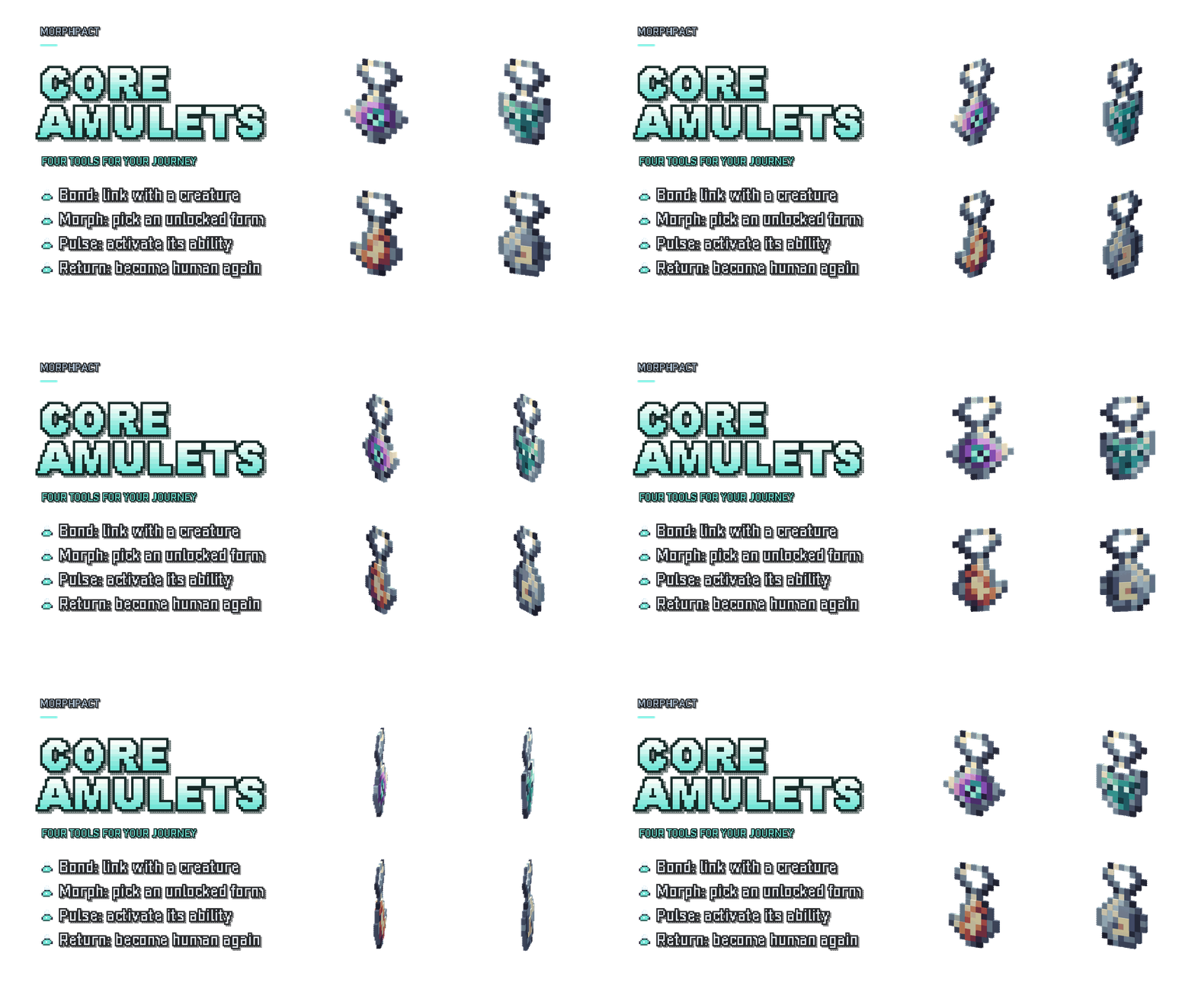
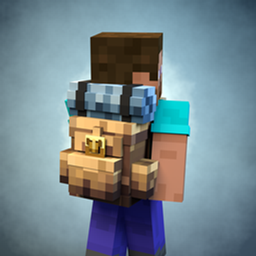
Carry the tools that link, transform, activate a form’s ability and return you to human form.
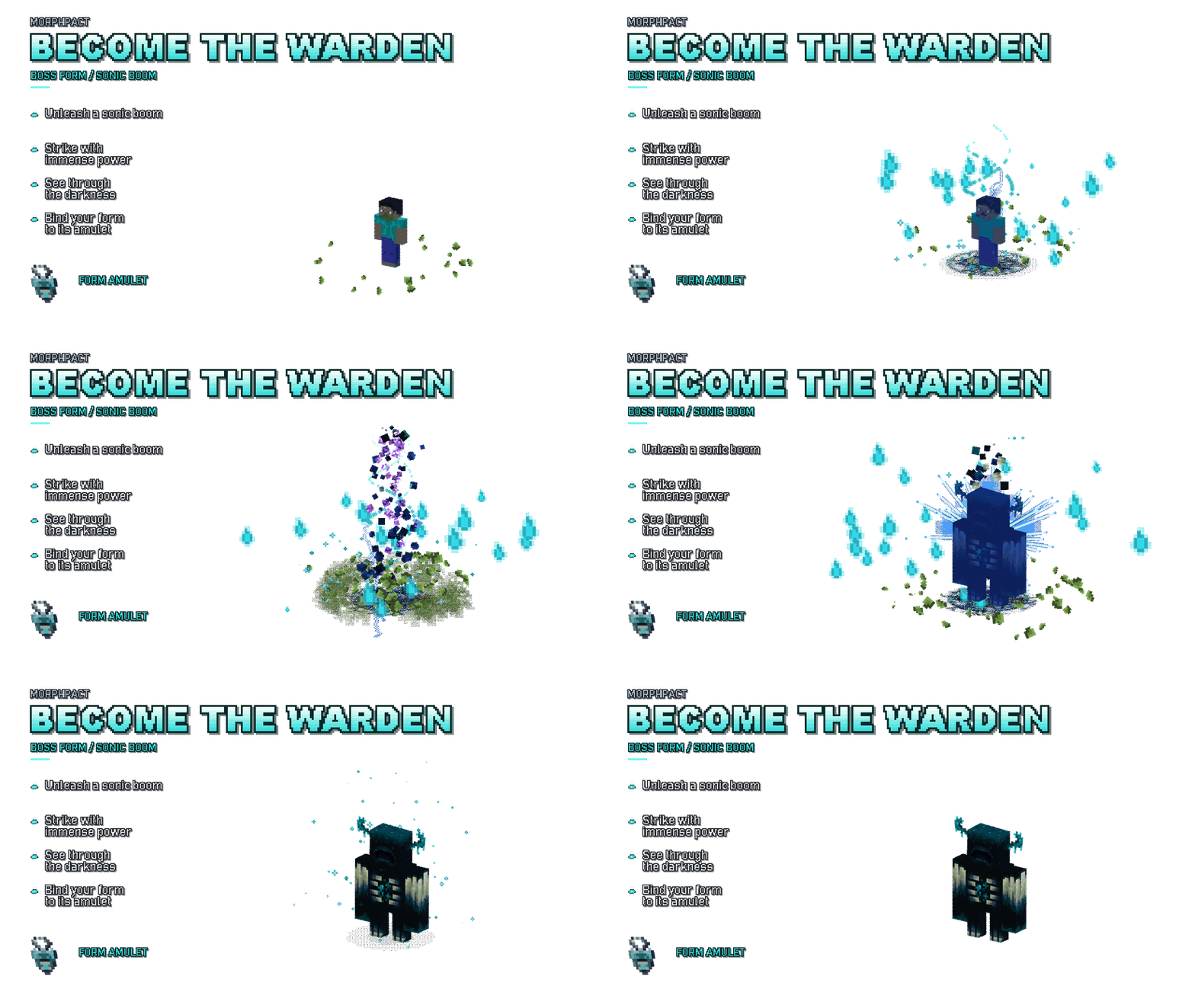
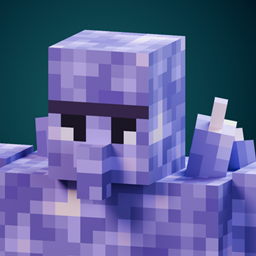
Take on a powerful form with its signature sonic boom power.
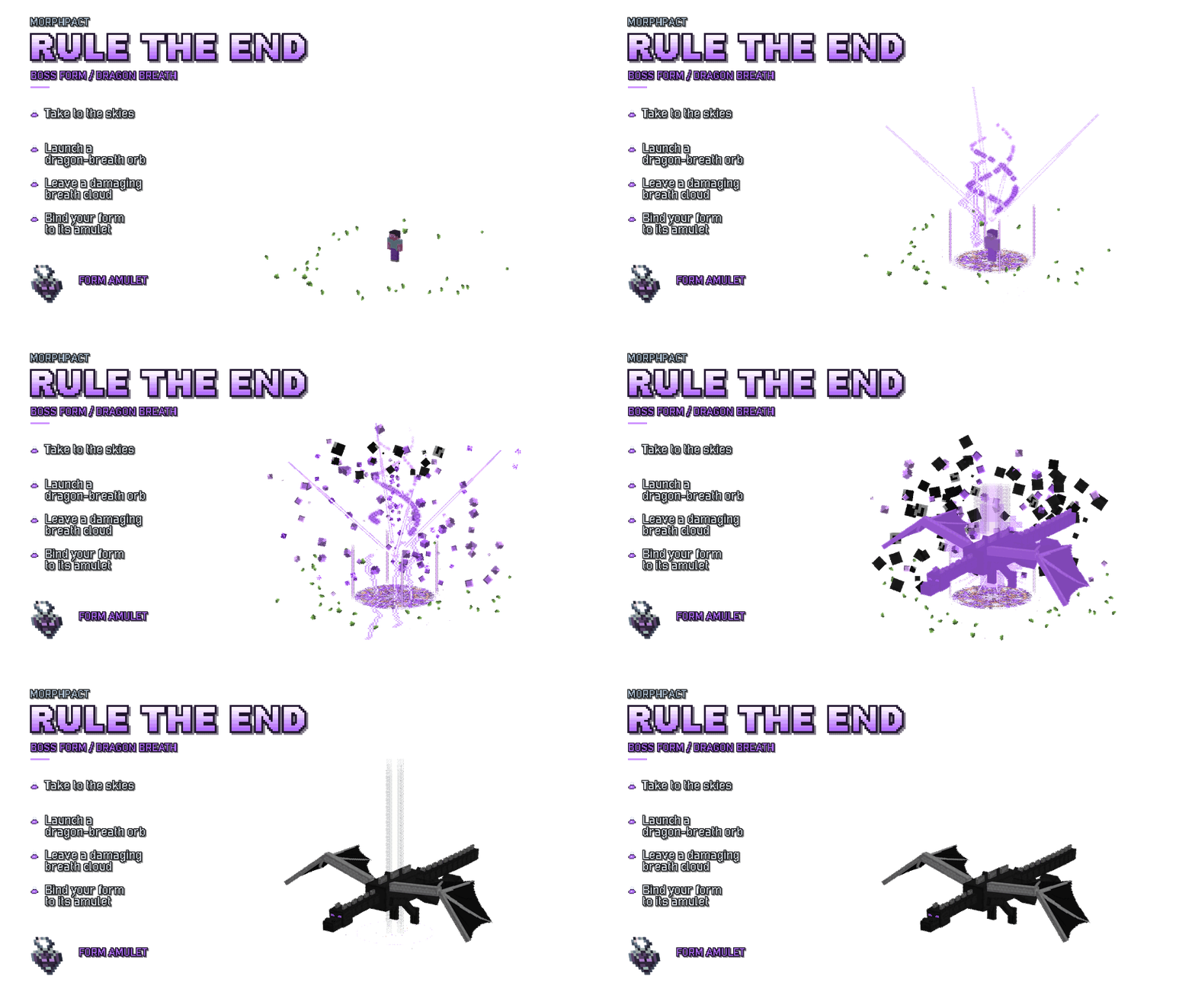
Spread your wings and bring dragon breath to your next transformation.
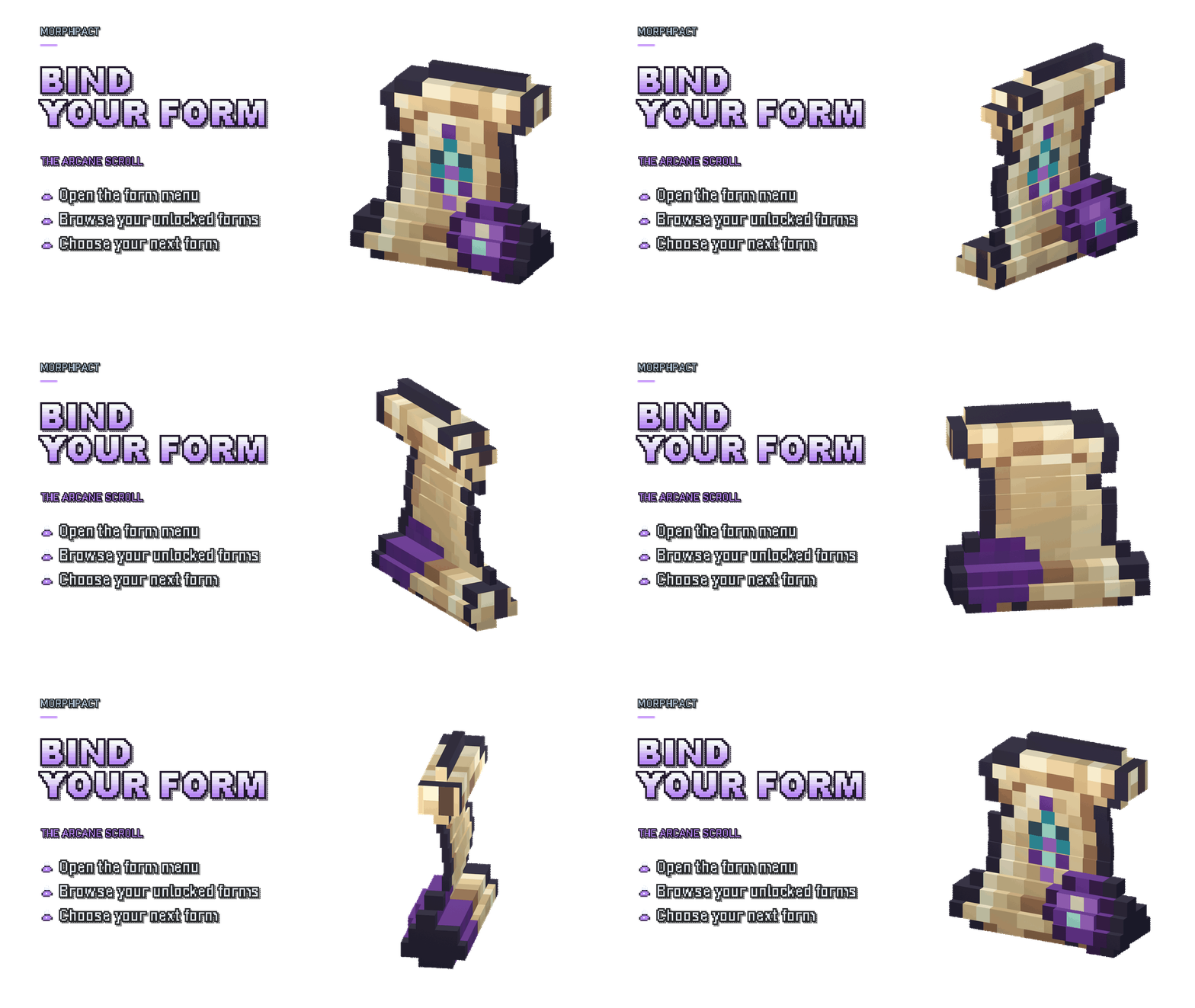
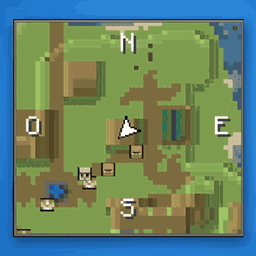
Use the arcane scroll to browse your unlocked forms and choose what comes next.
The complete collection
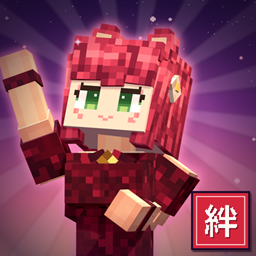
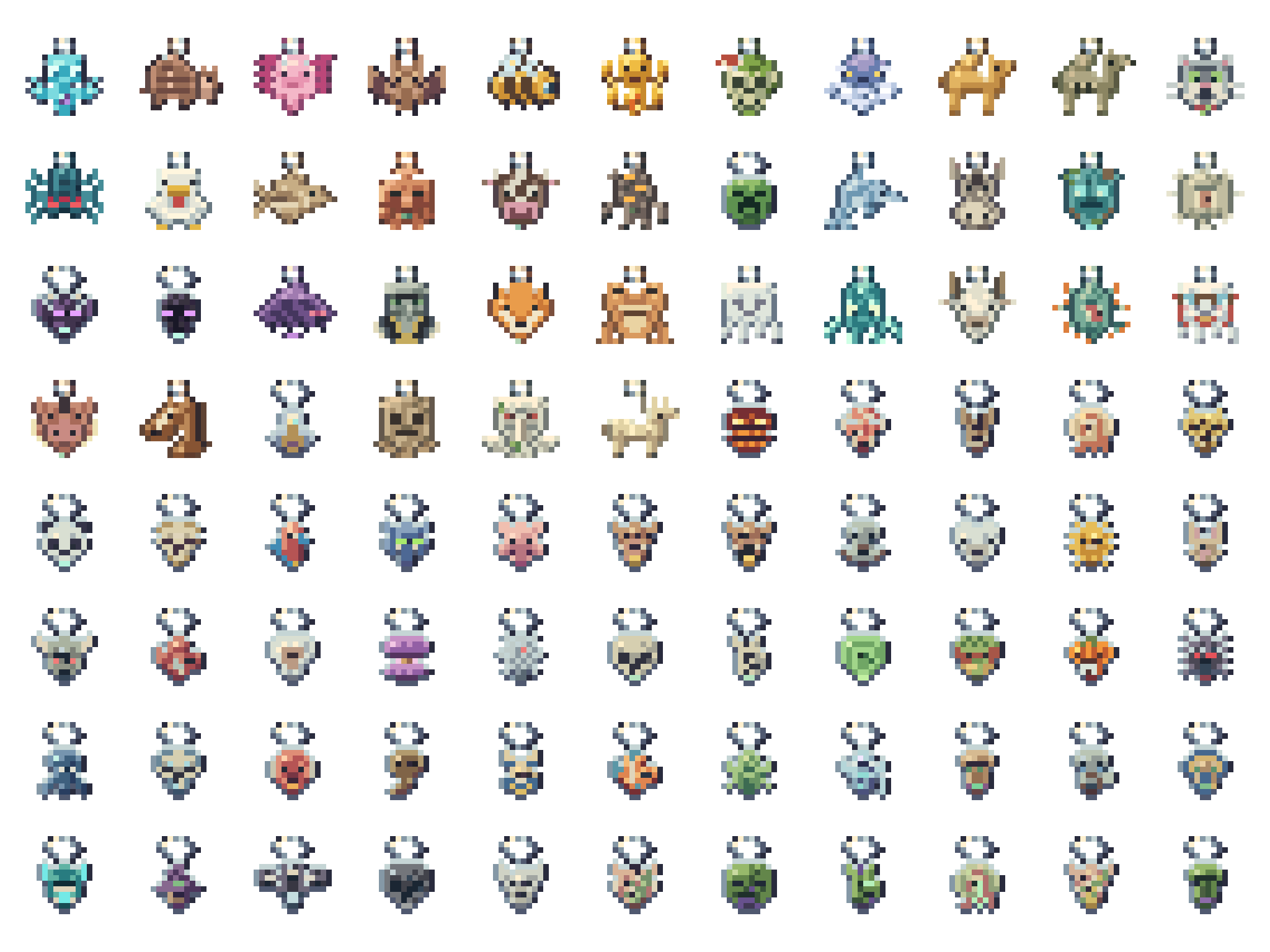
Explore all 88 form amulets, including the human form. Each entry has a large transparent item render, its creature render and its transformation GIF.
Installation and compatibility
- Download the .mcaddon from the project's CurseForge Files tab.
- Open the file with Minecraft to import both packs.
- Activate both MorphPact Behavior Pack and Resource Pack in your world.
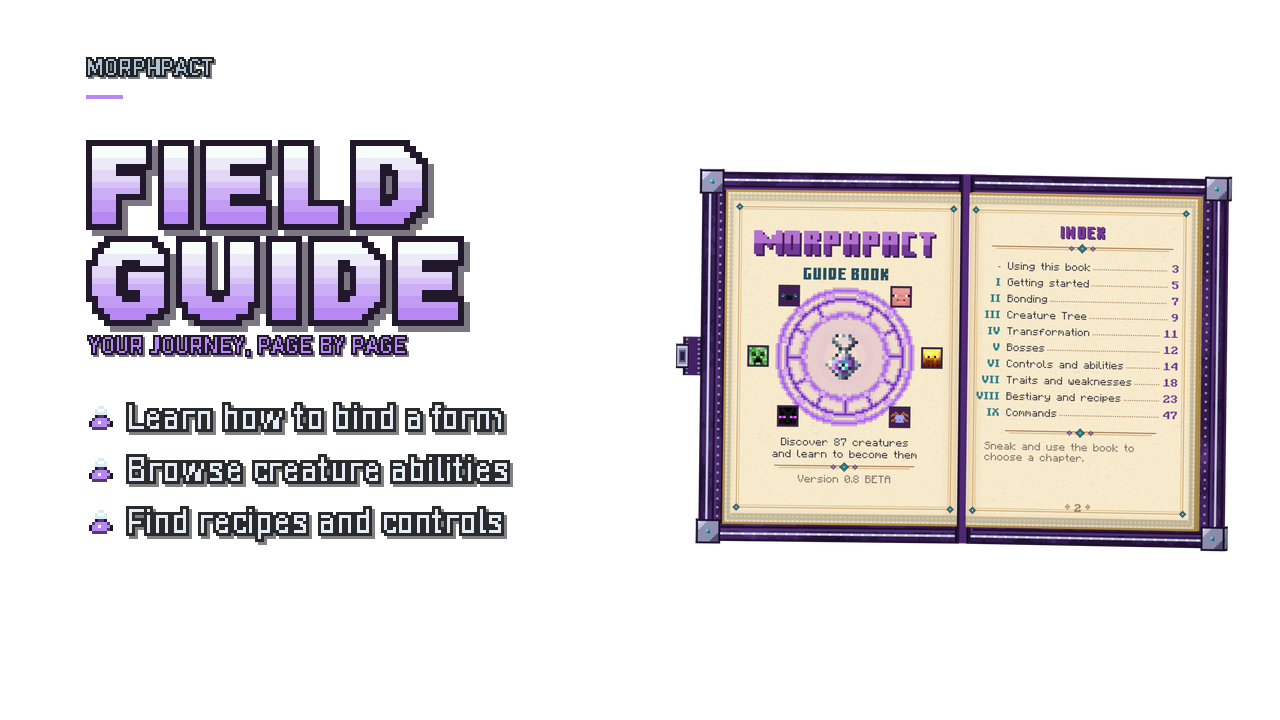
- Enter your world and use the guide book to learn about bonding, controls and recipes.
Requirements: Minecraft Bedrock 1.26.50 or later. MorphPact uses stable Script APIs and does not require experimental toggles.
The interface has been reviewed on Minecraft for Windows. Other platforms and UI profiles have not yet been fully validated. Resource packs that also change the player definition may require a compatibility merge.
Updating an existing world? Save and exit, make a backup, then use matching Behavior and Resource Pack versions. MorphPact 0.8.0 retains the existing internal item identifiers and pack UUIDs; verify your world after updating.
Frequently asked questions
- How do I unlock a creature form?
- Use the Metamorphosis Amulet near a creature to begin bonding. Some forms have additional requirements; check the Creature Tree and guide.
- Can I go back to my human form?
- Yes. Your human form remains available through the transformation controls.
- What happens if I die while transformed?
- The bond to that form is lost and you need to bond with the creature again.
- Do I need another addon?
- Activate both MorphPact packs together; the addon does not require a separate companion addon.
- Are the promotional images gameplay screenshots?
- The feature images and animations are promotional renders made with addon models and resources; they are not gameplay captures.
Feedback and credits
Found a problem or have a suggestion? Join our Discord community or leave a comment on CurseForge. Please include your Minecraft version, platform, UI profile and steps to reproduce the issue.
Created by IcedFox Studios · Development: ReDeWz & Xtrager_Dev.
</footer>
MorphPact Team

Owner