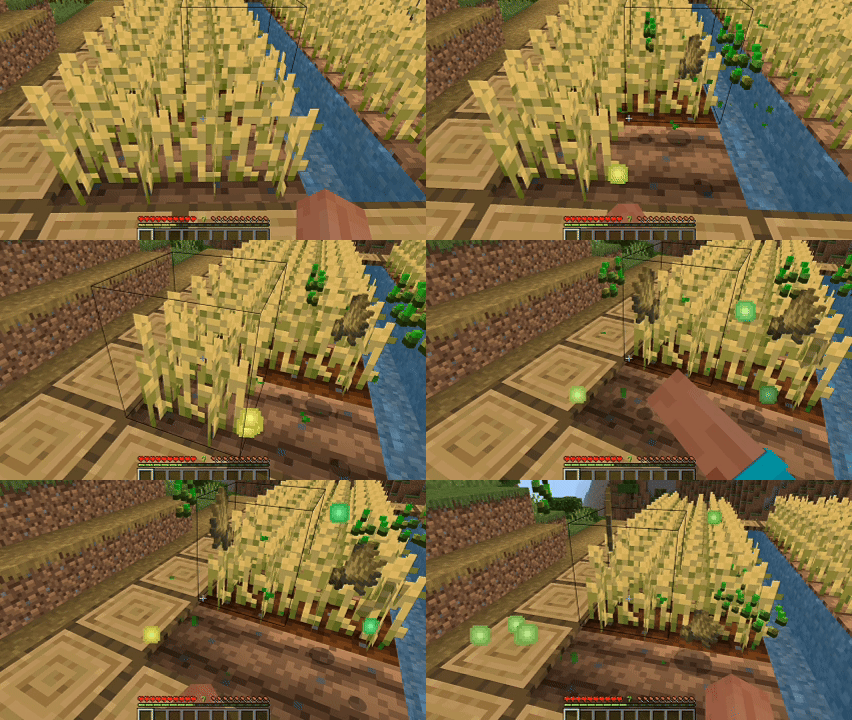
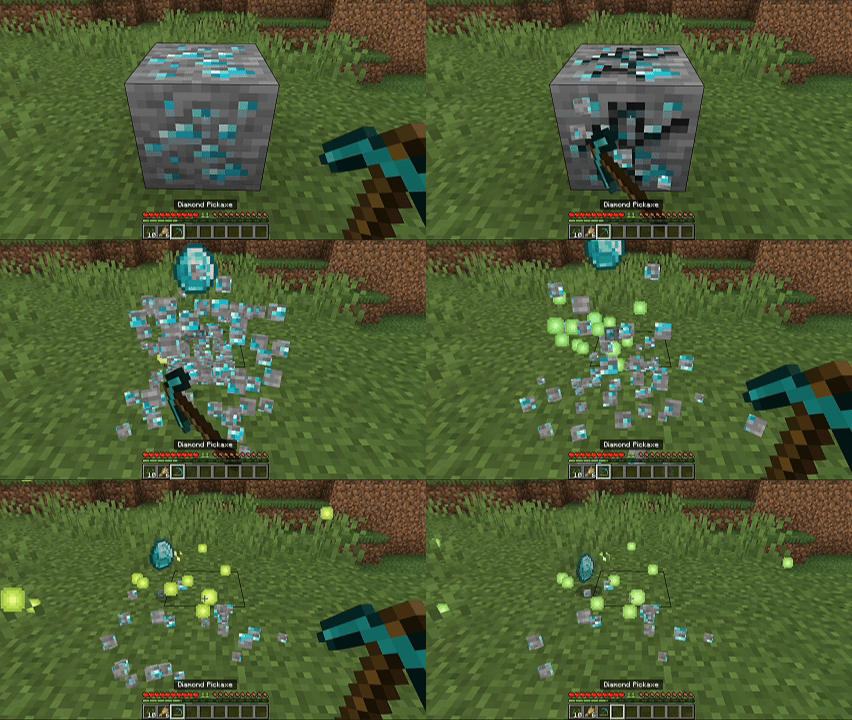
More Ways to Get XP
A Minecraft Bedrock addon that adds many new ways to earn XP; through built-in activities (crops, sprinting, hitting entities, etc.) and fully custom events you can create yourself in-game via forms, no behavior pack editing required.
Features
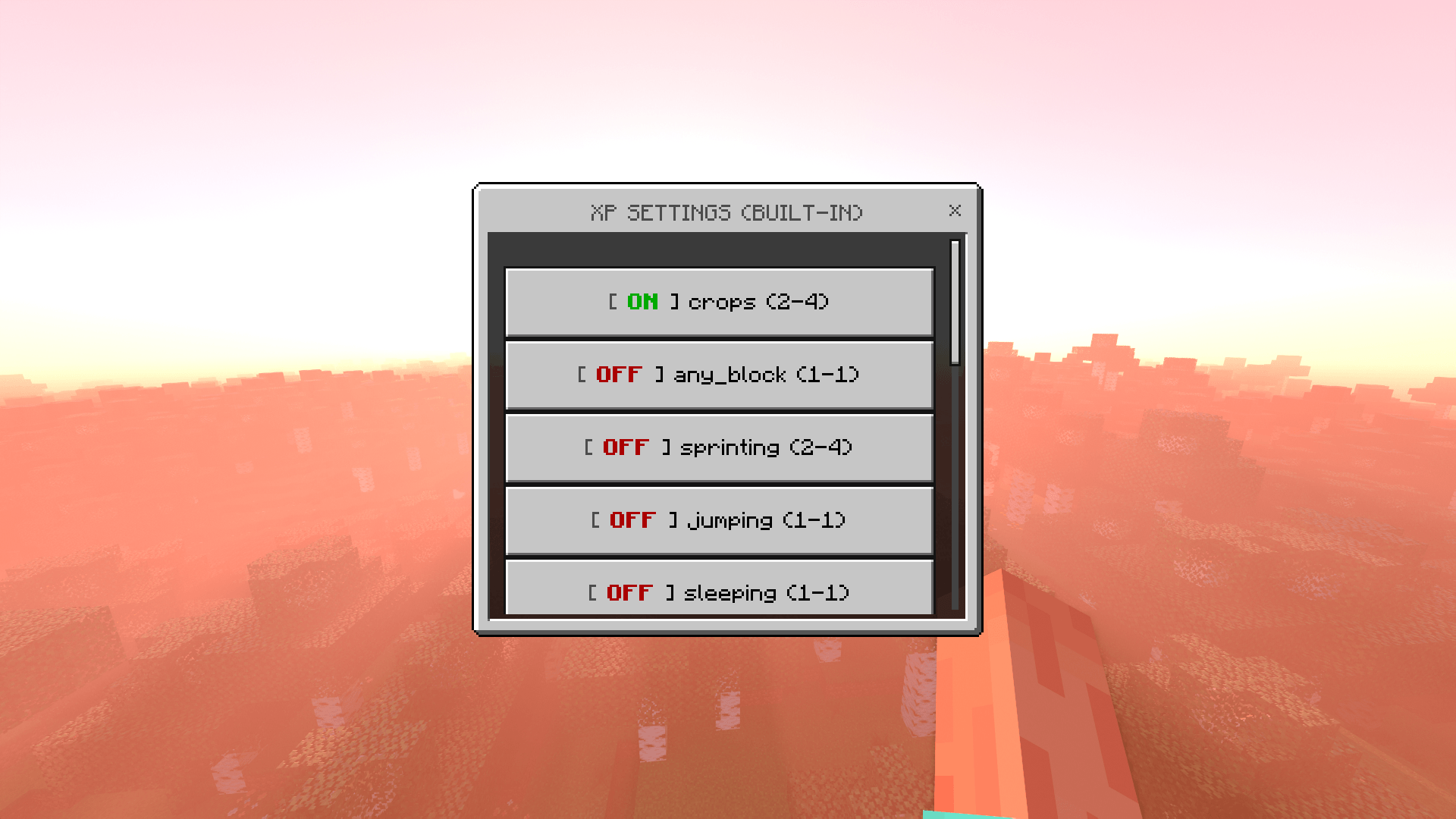
- 15 built-in XP events you can turn on/off and set the XP amount for (crops, sprinting, hitting entities, etc.) no typing needed beyond a form or one command.
- Custom events, set up your own "get XP for [doing something] to [a specific mob/block]" rule using a simple in-game form.
- Everything is configured through in-game forms (
/xpform), the same kind of pop-up menu you see for shops or settings in other addons. A manual command (/xpset) is also available for built-in events if you prefer typing.
- Settings are saved permanently in the world, they survive closing and reopening the world, or restarting the server.
- XP orbs appear right at the center of the block or entity, not awkwardly stuck at the edge.
Built-in Events
| Event |
What triggers it |
Default |
crops |
Harvesting a fully grown crop |
ON, 2–4 XP |
any_block |
Breaking any block |
OFF, 1–1 XP |
sprinting |
Currently sprinting |
OFF, 1–1 XP |
jumping |
Currently jumping |
OFF, 1–1 XP |
sleeping |
Currently sleeping |
OFF, 1–1 XP |
swimming |
Currently swimming |
OFF, 1–1 XP |
climbing |
Currently climbing a ladder or vine |
OFF, 1–1 XP |
every_morning |
Every in-game morning |
OFF, 1–1 XP |
standing_on_iron_block |
Standing on an iron block |
OFF, 1–1 XP |
hitting_entity |
Hitting any mob/entity |
OFF, 1–1 XP |
killing_entity |
Killing any mob/entity |
OFF, 1–1 XP |
open_the_door |
Opening a door |
OFF, 1–1 XP |
sneak_near_iron_golem |
Sneaking near an iron golem (within 5 blocks) |
OFF, 1–1 XP |
eating |
Eating any food |
OFF, 1–1 XP |
facing_villager |
Looking directly at a villager (within 8 blocks) |
OFF, 1–1 XP |
Heads up: any_block, hitting_entity, and killing_entity are global, turning them on applies to every single block/mob, no exceptions. If you only want XP for something specific (e.g. only killing zombies, not every mob), use a Custom Event instead, see below.
You configure these either through the form (/xpform set) or by typing a command (/xpset), pick whichever is easier for you.
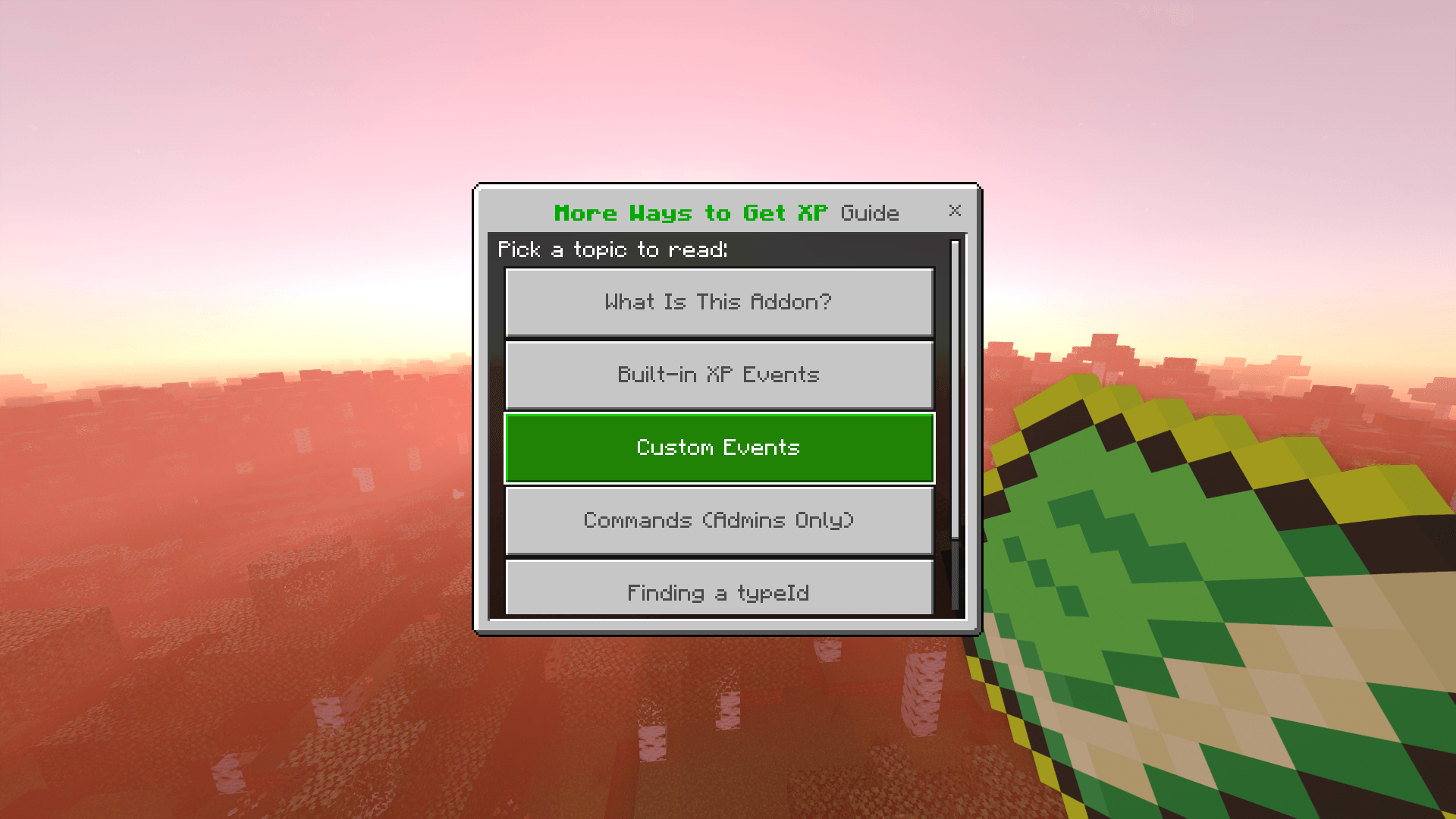
Custom Events
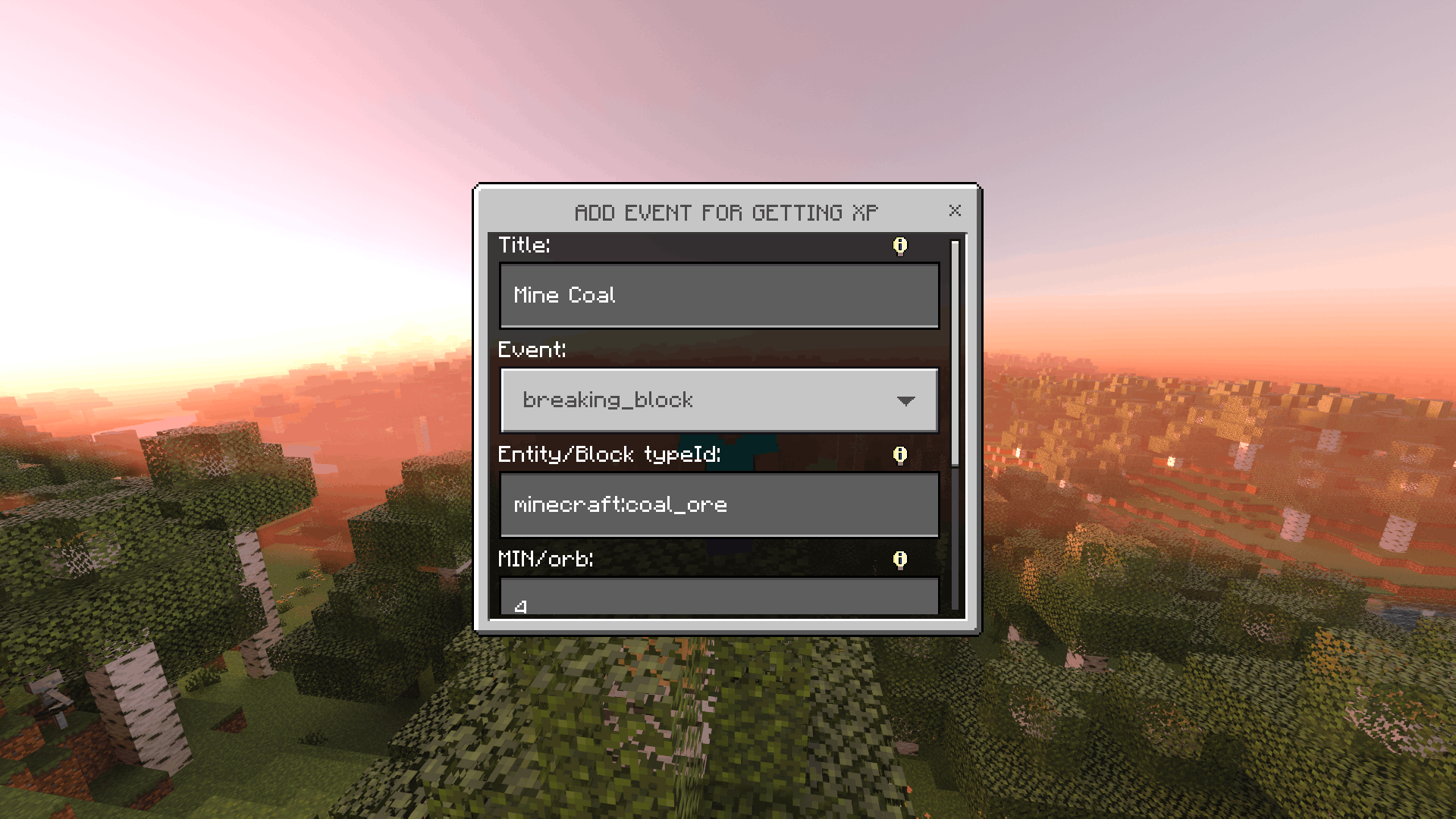
Custom events let you target something specific instead of "every block" or "every mob". There are 4 types to choose from when creating one via /xpform add:
| Type |
What it means |
hitting_entity |
Get XP for hitting one specific kind of mob (e.g. only zombies) |
killing_entity |
Get XP for killing one specific kind of mob |
breaking_block |
Get XP for breaking one specific kind of block (e.g. only diamond ore) |
standing_on_block |
Get XP for standing on one specific kind of block |
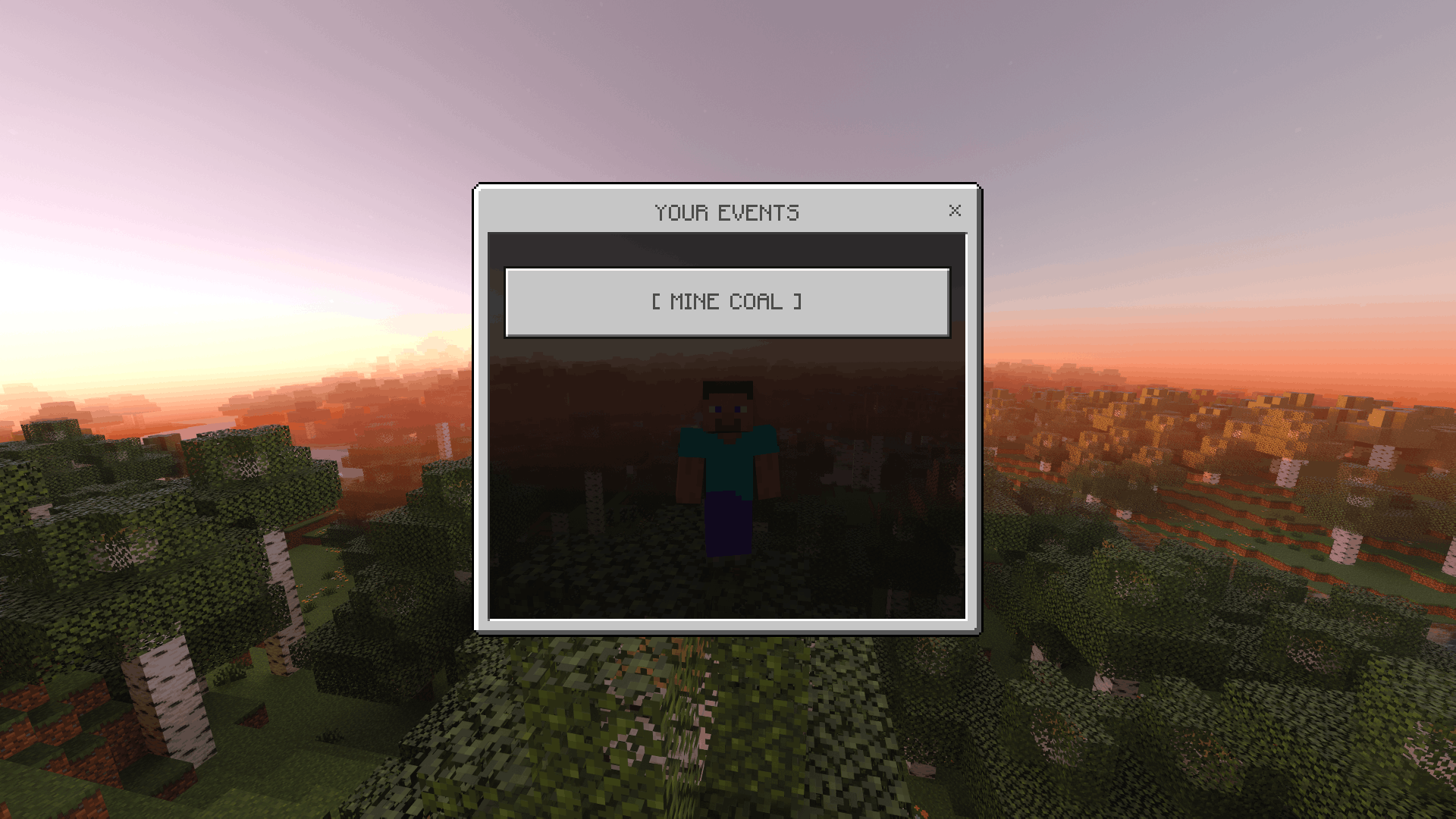
Each custom event needs the specific block/mob's typeId (explained below) and a name of your choosing so you can recognize it later in the list (/xpform own).
Understanding "typeId"
A typeId is just Minecraft's internal name for a block or mob, the same name you'd see when using commands like /give or /summon. It always looks like minecraft:something, for example:
minecraft:zombie (a zombie)minecraft:cow (a cow)minecraft:diamond_ore (diamond ore block)minecraft:emerald_block (emerald block)
Commands
/xpform <set|add|own|delete>
The main command, every option here opens an easy-to-use pop-up form, you don't need to type anything else after this.
| Option |
What it does |
set |
View & edit the 15 built-in events (turn on/off, set XP amount) |
add |
Create a new custom event |
own |
View & edit the custom events you've already created |
delete |
Remove one or more custom events |
/xpset <event> <min> <max> <enable>
A manual command for configuring built-in events only, if you'd rather type a command than use the form.
/xpset <event_name> <min> <max> <true or false>
Examples:
/xpset crops 3 5 true
/xpset sprinting 1 2 true
/xpset any_block 1 1 false
<event_name> must be one of the 15 built-in events listed in the table above (typed exactly, e.g. crops, sprinting).<min> and <max> are whole numbers, the amount of XP given each time (a random number between them is picked).- The last word must be exactly
true (turn on) or false (turn off).
This command cannot create custom events... for those, use /xpform add instead.
Item Shortcuts
If typing commands feels inconvenient, you can instead hand out these special items (e.g. to a trusted moderator). Using the item opens the same form as the matching command:
| Item |
Opens the same form as |
xpform:add |
/xpform add |
xpform:own |
/xpform own |
xpform:set |
/xpform set |
xpform:delete |
/xpform delete |
Just use/right-click the item to open the form.
Usage (Full Examples)
Example 1: Give players XP for sprinting
- Open chat.
- Type exactly:
/xpset sprinting 1 2 true
- Press Enter.
That's it, now any player who is sprinting gets 1–2 XP automatically.
Example 2: Give bonus XP for killing Endermen specifically
- Type
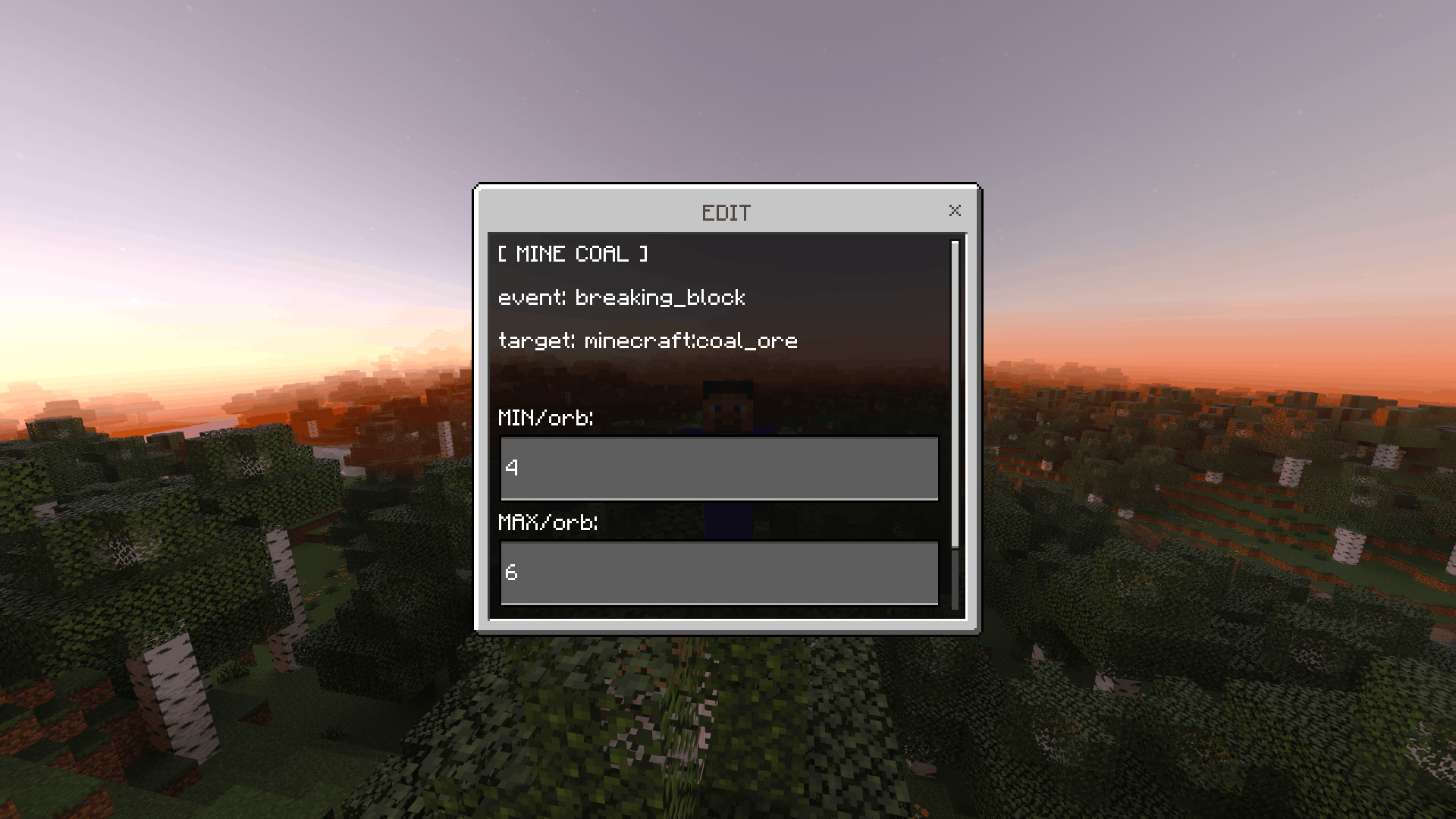
/xpform add and press Enter... a form will pop up.
- Fill in the fields:
- Title:
Kill Enderman (just a label for you to recognize it)
- Event: choose
killing_entity from the dropdown
- Entity/Block typeId:
minecraft:enderman
- MIN:
5
- MAX:
10
- Press submit.
Now every Enderman killed gives 5-10 XP/orb... separate from the built-in killing_entity event (both can be active together if you want).
Example 3: Check or change a custom event you already made
- Type
/xpform own and press Enter.
- Tap the event you want to change from the list.
- Update the MIN/MAX values and submit.
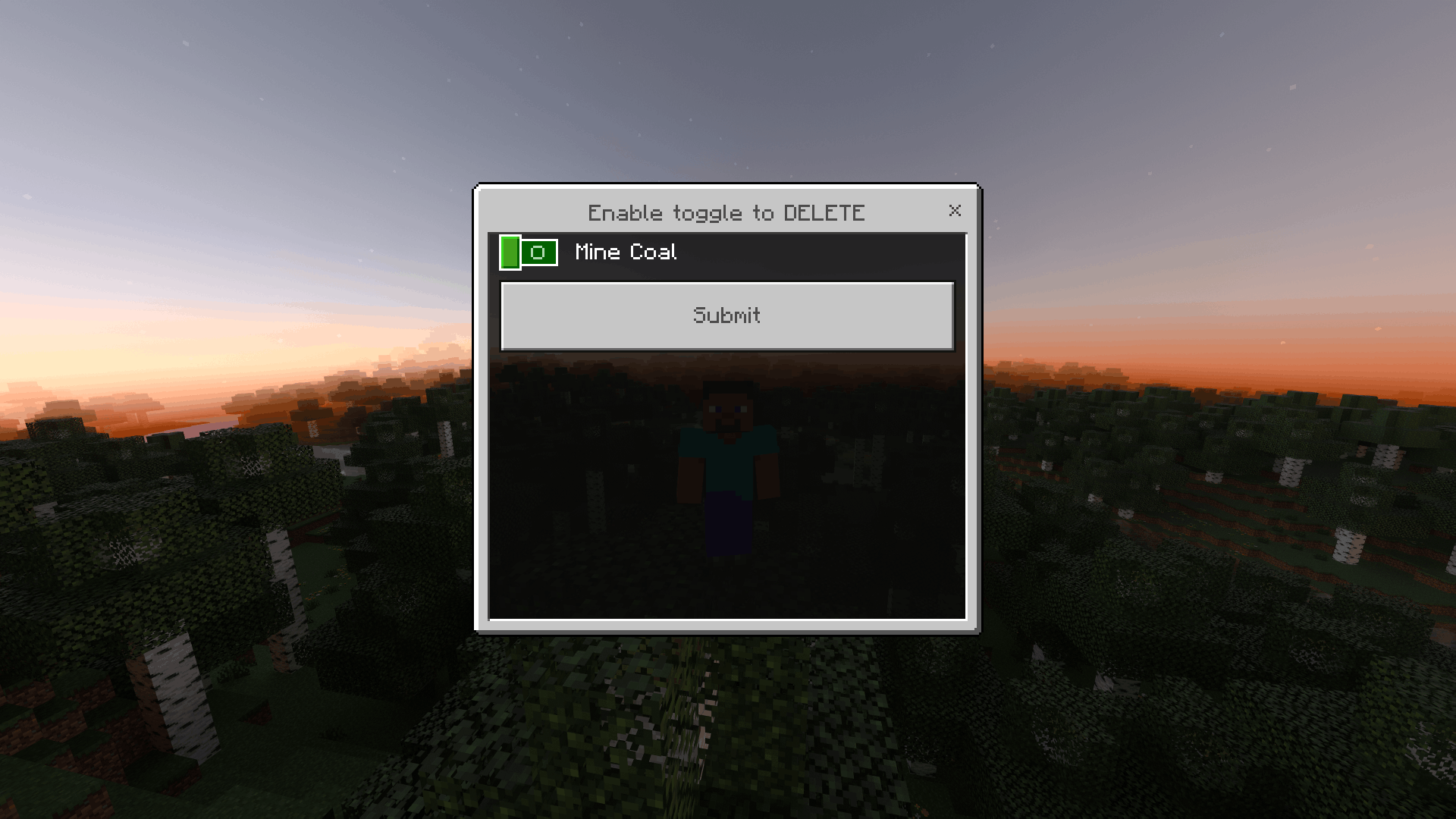
Example 4: Remove a custom event
- Type
/xpform delete and press Enter.
- Turn on the toggle switch next to the event(s) you want to remove.
- Submit.
Permissions
Only players with operator/admin permission can use /xpform and /xpset. This is intentional, you don't want random players changing your XP settings. Regular players who try will just see "You dont have permission." and nothing else happens.
How to become an operator depends on how you're playing:
- Singleplayer world: you (the world owner) already have full permission automatically, and you don't need to enable cheats to use these commands.
- Realms: the Realm owner has full permission by default. You can give a friend operator permission from the Realm's player settings menu (People tab -> tap a player -> change their permission).
- Dedicated server (hosted server software): an admin needs to add the player to the server's
permissions.
Notes & Limitations
- Changes take effect immediately, no need to reload the world or restart the server.
- All settings are saved permanently and survive world/server restarts.
any_block, hitting_entity, and killing_entity are global, see the warning under Built-in Events.- XP orbs always spawn at the center of the target block, or at the entity's exact position, never stuck inside a wall or floating at a corner.







![Star Man [Armor] project image](https://media.forgecdn.net/avatars/thumbnails/1907/954/256/256/639191088032363274.png)