This is an add-on that adds a simple fake in-game FPS display to prank your friends. You can customize and show the FPS number however you like, You can also set the minimum and maximum FPS values, giving you full control over how the number fluctuates or stays fixed within your chosen range.
How to set:
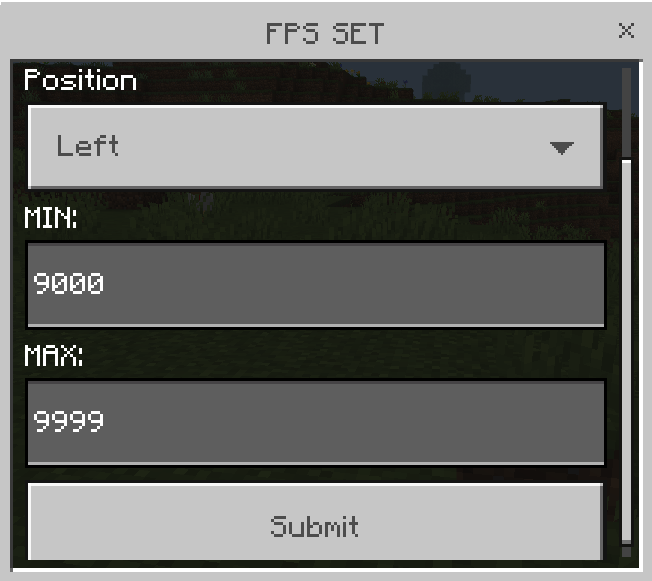
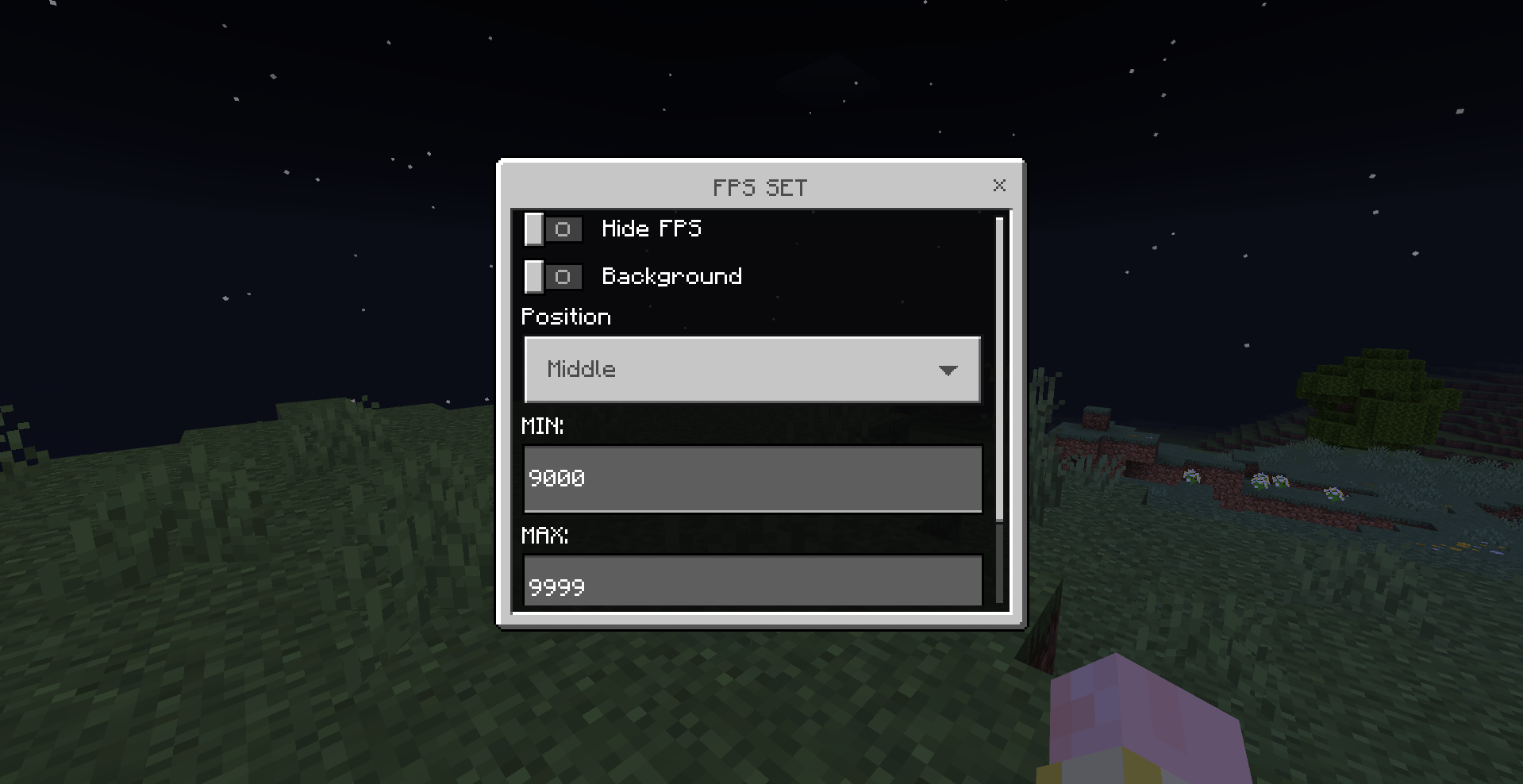
Type /fps set in the chat to open a settings form that allows you to adjust the position, background, and limits.
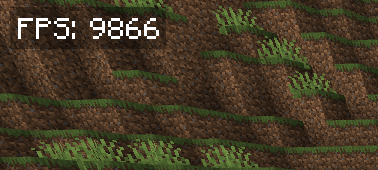
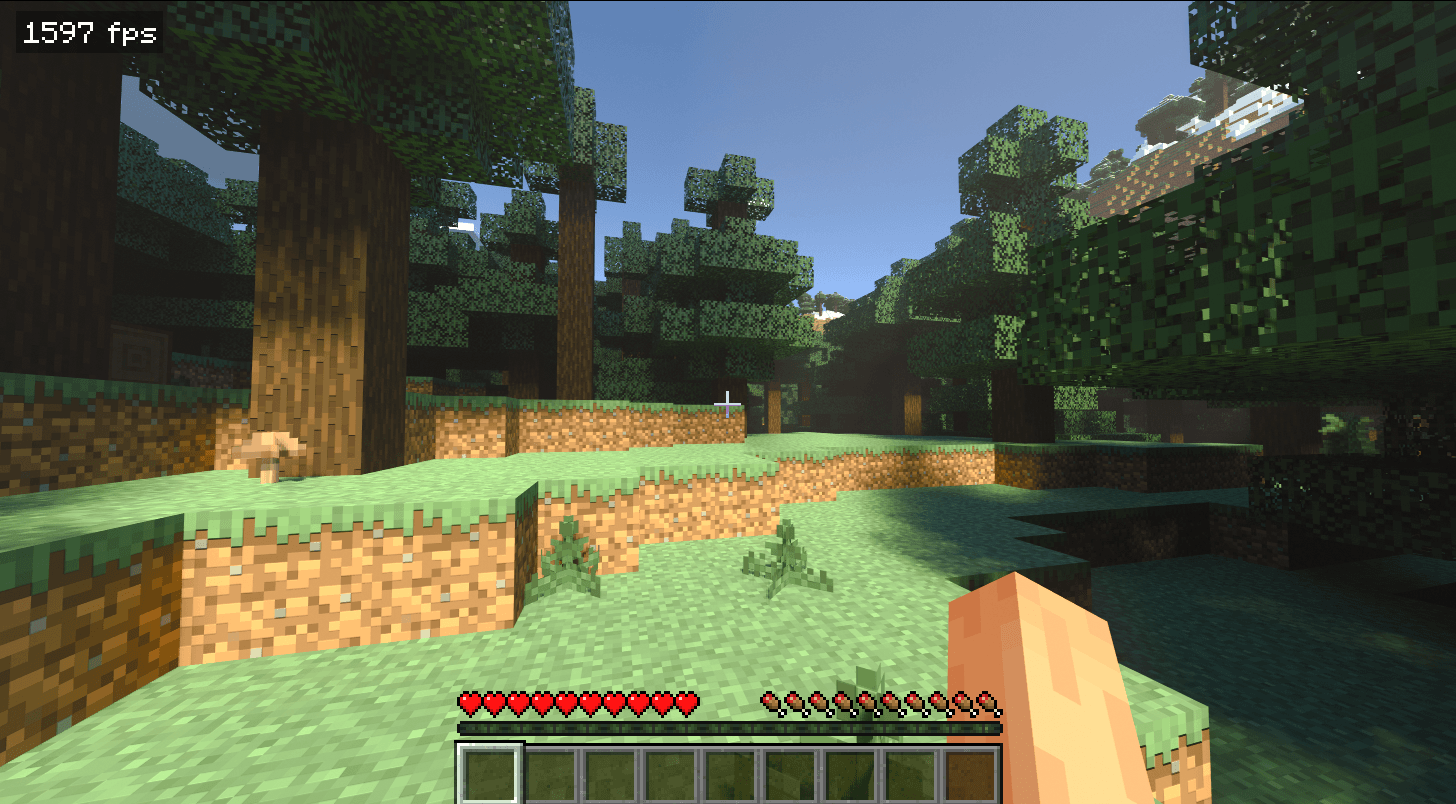
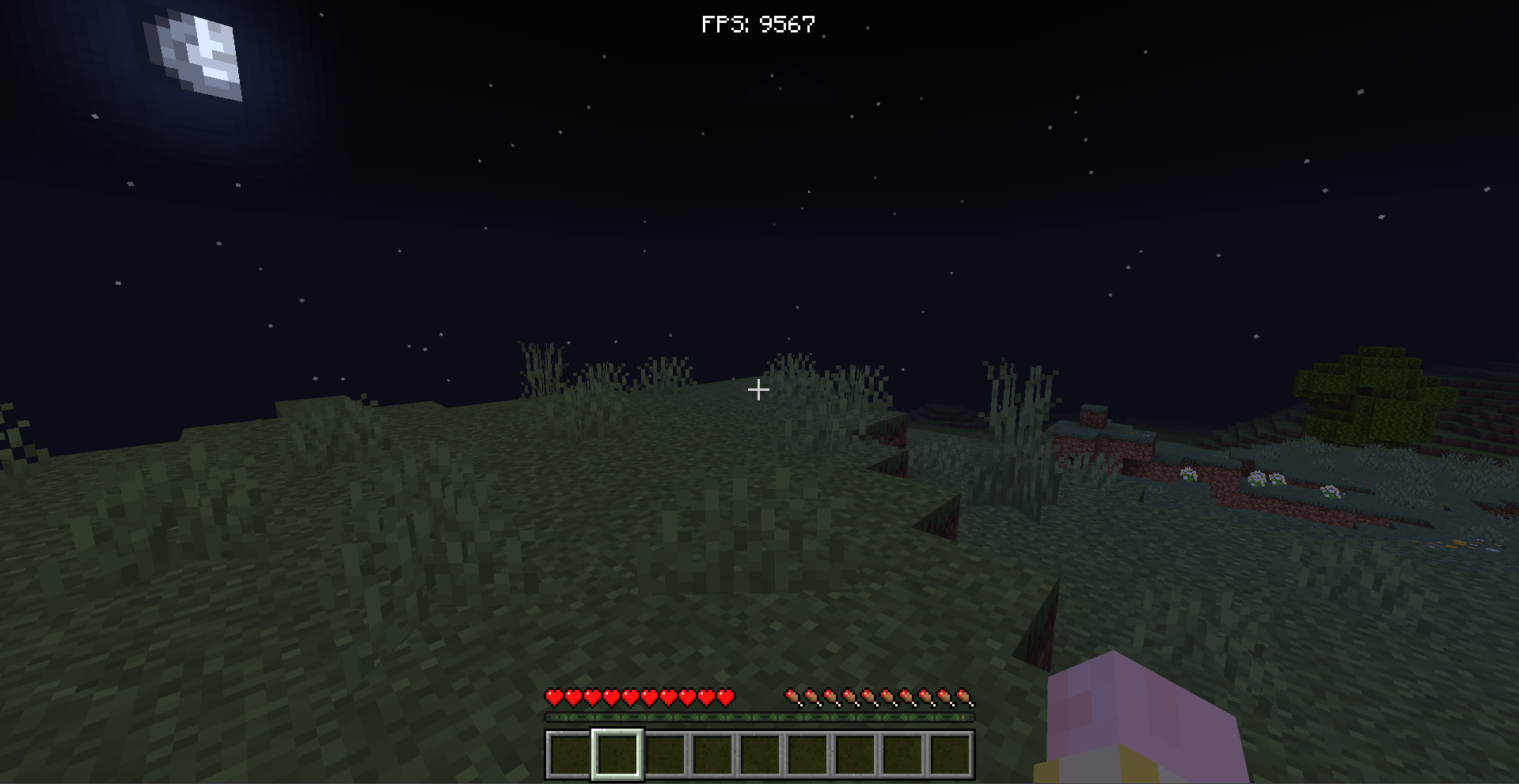
The FPS will appear as shown in the image below. You can also remove the background or move its layout to any position you like using the available options.
Optional command:
/fpscommand public <true/false> - Enables or disables public access to the FPS command if you are playing in multiplayer
All customization options are available in the FPS SET form.
Whether you’re a creator, a prankster, or just regular dude, this add-on is perfect for adding a fun and customizable FPS counter to your Minecraft Bedrock world.






![Star Man [Armor] project image](https://media.forgecdn.net/avatars/thumbnails/1907/954/256/256/639191088032363274.png)
![Fly True [Creative Flight Replica] project image](https://media.forgecdn.net/avatars/thumbnails/1887/719/256/256/639181204300900406.png)