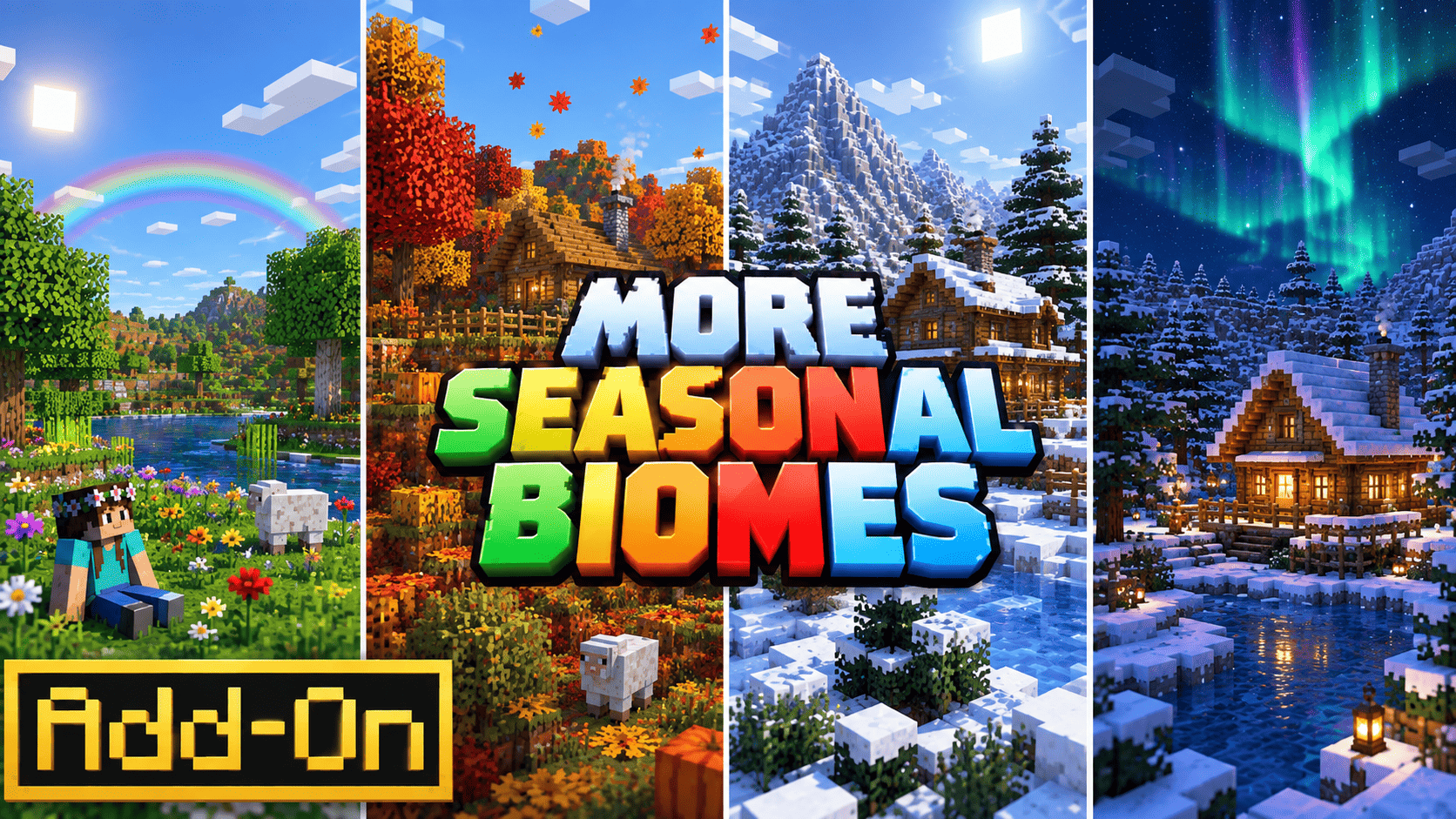
I've always liked the idea of a Minecraft world that feels like it's actually moving through the year instead of just cycling day and night forever. There are a few season add-ons floating around already, and most of them go all-in on repainting every single tree, crop, and grass block for each season. It looks fantastic, but it also means a resource pack the size of a small texture pack, and a system that's fighting your shader pack or resource pack for control of every leaf block on the map. I wanted something smaller — an add-on you could drop into pretty much any world, on pretty much any device, and actually feel the season change without your FPS taking a hit.
So that's what Four Seasons is. It's built from scratch on the Scripting API plus vanilla fog, weather, and particle systems — no retextured blocks, no giant asset folder, just a script quietly keeping track of what day it is and reacting to it.
How the cycle works
Every season lasts 7 in-game days, so a full year is 28 days — long enough that you actually notice each one, short enough that you're not waiting forever for winter to roll around. The season is worked out directly from the world's day count, so nothing breaks if you reload the world, hop servers, or skip ahead with /time set. The moment you load back in, the add-on figures out where you are in the cycle and just picks up from there. No saved state to corrupt, nothing to reset.
What actually changes
Sky tint. Each season pushes its own fog color and draw distance to every player — a pale spring green, a warm golden summer haze, a rust-orange autumn fog that sits a little closer, and an icy pale-blue winter fog that closes in more than the rest. Subtle, but it changes the whole mood of a screenshot.
Weather. Winter leans hard into rain and snow (about 60% of the time when the weather re-rolls), spring gets frequent light showers, summer stays mostly clear with the occasional thunderstorm, and autumn sits in between. Weather re-rolls roughly every three minutes so it never feels static.
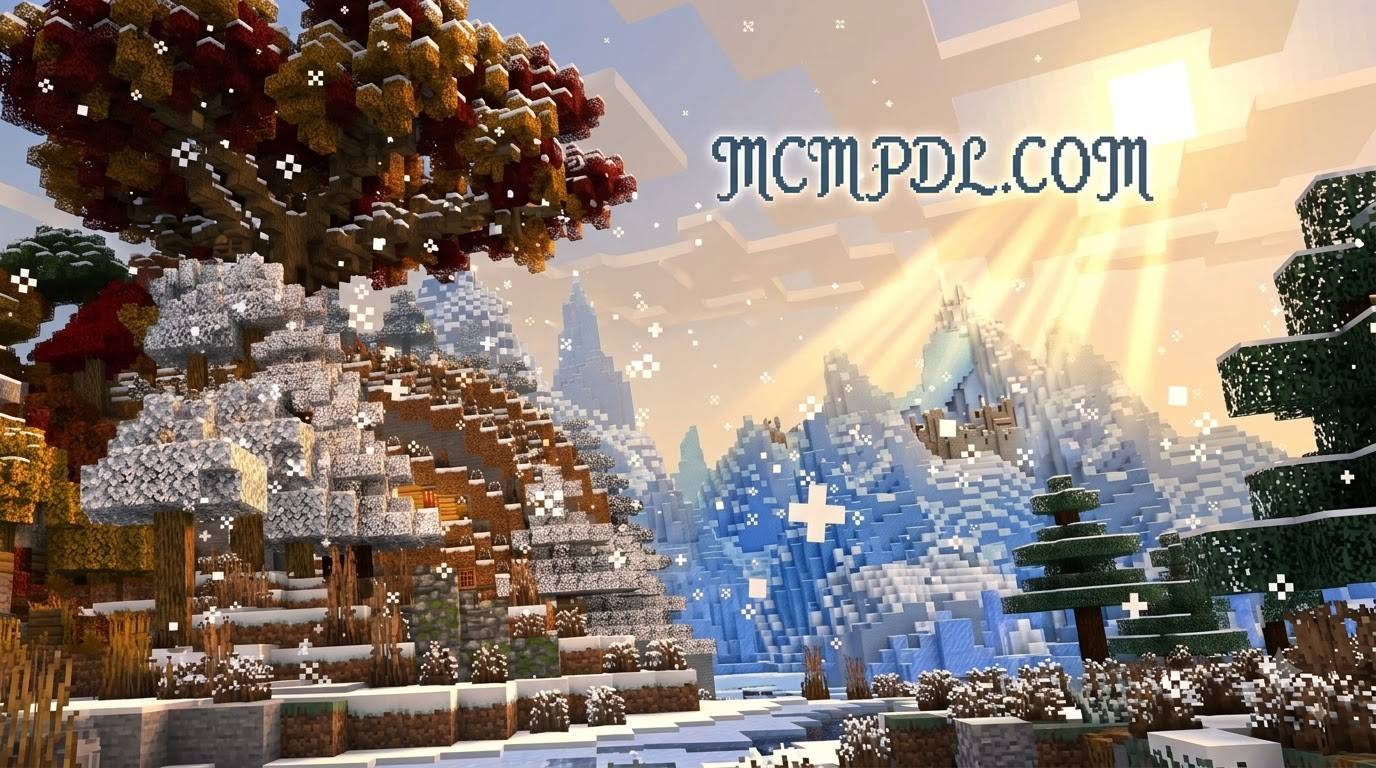
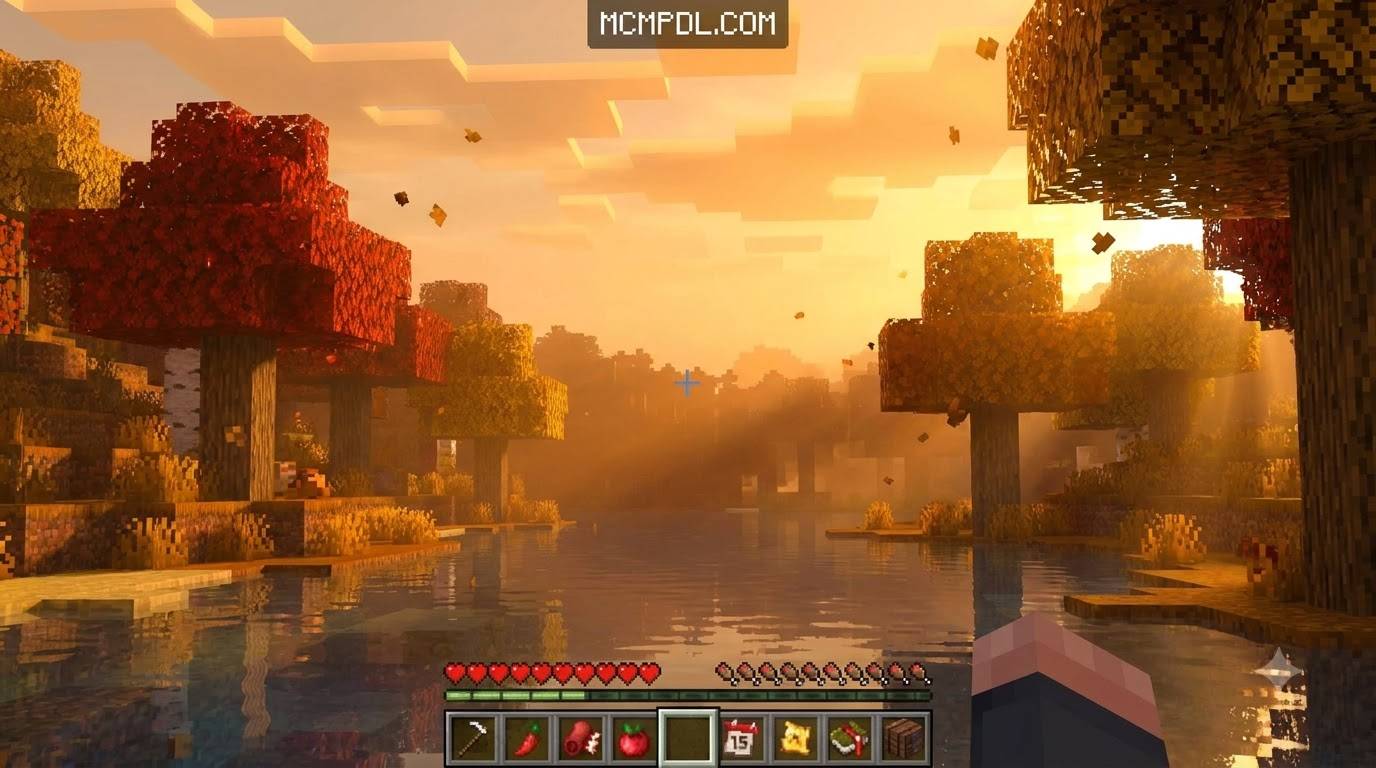
Ambient particles. Falling leaves in autumn, gentle snow in winter, drifting petals in spring, little sunlit sparkles in summer — spawned quietly around wherever you're standing.
A companion critter. Each season has one mob that shows up a bit more than usual near players — rabbits in spring, bees in summer, foxes in autumn, and, just for fun, a snow golem occasionally wandering around in winter. Not a full mob rework, just something nice to spot while you're out exploring.
Season Almanac. A craftable item (book + compass + 2 paper) that tells you the current season and exactly how many days are left until the next one, any time you use it. No more losing track halfway through a build.
Four seasonal foods, each with its own recipe: Spring Berry Tart (sweet berries, wheat, sugar), Summer Fruit Punch (melon slices, sugar), Harvest Pie (pumpkin, apple, wheat), and Winter Spiced Cocoa (cocoa beans, sugar, sweet berries). Nothing overpowered — just a bit of extra food variety that fits the mood of the season.
Why fog instead of retextured trees
This was the main design call, so it's worth explaining. Repainting every leaf, grass, and crop block per season means making a custom variant of basically every plant block in the game, and swapping them live as the season changes means either replacing blocks across the whole loaded world (expensive, laggy, and awkward around player builds) or hijacking the resource pack's color grading, which fights with whatever shader you've got running. Fog and weather, on the other hand, are systems Bedrock already exposes cleanly through /fog and /weather — cheap, dimension-wide, and they don't touch a single block in your world or care what texture/shader pack is layered on top. You lose the "every tree visibly changes color" effect, but you gain something that just works, everywhere, forever, without a multi-megabyte texture folder.
Installation
You'll get two files — a Behavior Pack and a Resource Pack. Open/tap both so Minecraft imports them, then turn both packs on for the world you want to use them in. One important step: in that world's settings, open Experiments and turn on Beta APIs — the scripting won't run without it. If you see a "module version mismatch" message on import, that just means your Minecraft build ships a slightly different Scripting API version than expected; the error tells you exactly which version to use instead.
Known limitations / what's next
This is a first release, and I kept the scope tight on purpose instead of promising everything at once. Trees, crops, and grass keep their normal vanilla look for now — the seasonal feeling comes from the sky, weather, particles, and mobs, not from repainted foliage. A future update may add optional seasonal recoloring for a few specific blocks without touching vanilla block behavior. If something breaks or feels off, let me know and I'll patch it.
Credits
Built and scripted by Baku_Studio