Minimap 3D
- By
Explore Minecraft Bedrock with a 3D minimap, live world map, waypoints, mob radar, compass and cave mapping.
Bedrock Minimap 3D
See your world from a whole new perspective.
Mountains rise, valleys dip and forests take shape as you explore. Bedrock Minimap 3D displays your surroundings at an angle, making the landscape easier to read than on a flat, top-down map.
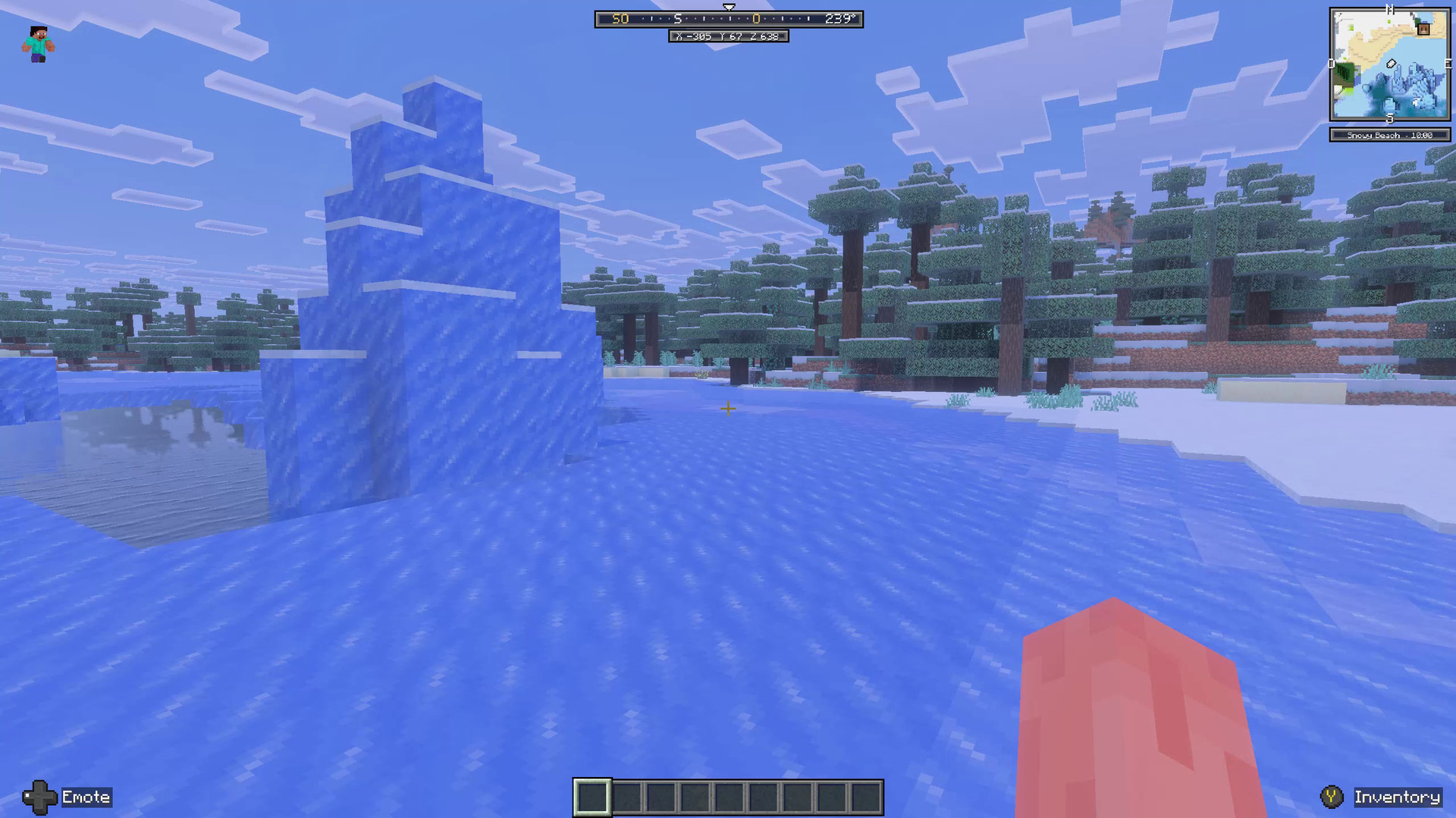
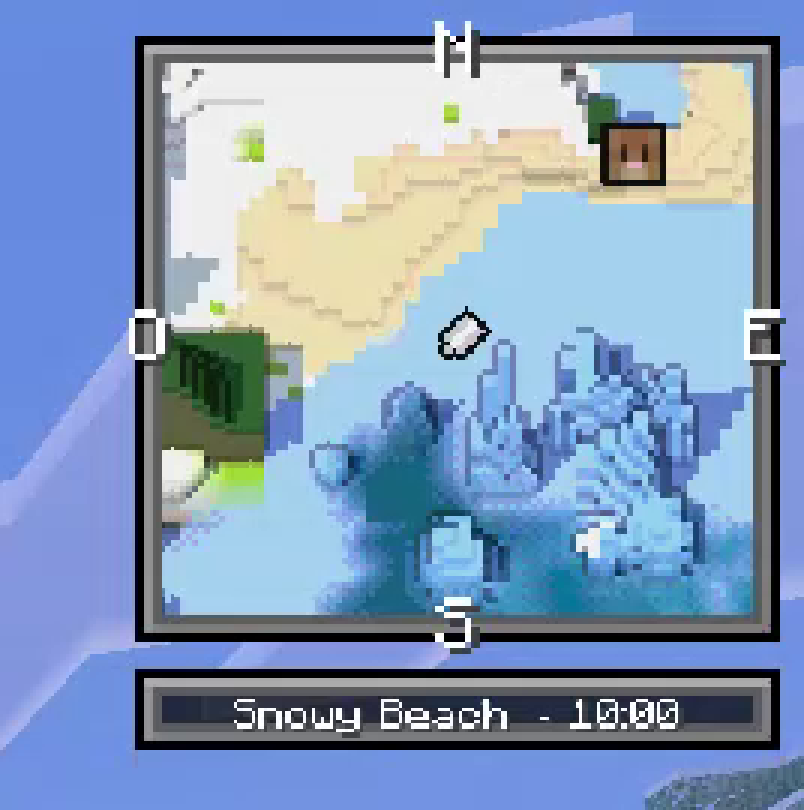
From colorful forests to frozen oceans, keep your bearings with an in-game minimap, compass and coordinates. The screenshots below are taken directly from gameplay; the close-ups show the same minimap enlarged for easier viewing.
Cherry Grove
Pink canopies and green hills come together in a colorful landscape. The minimap shows the shape of the terrain and nearby trees while you explore.
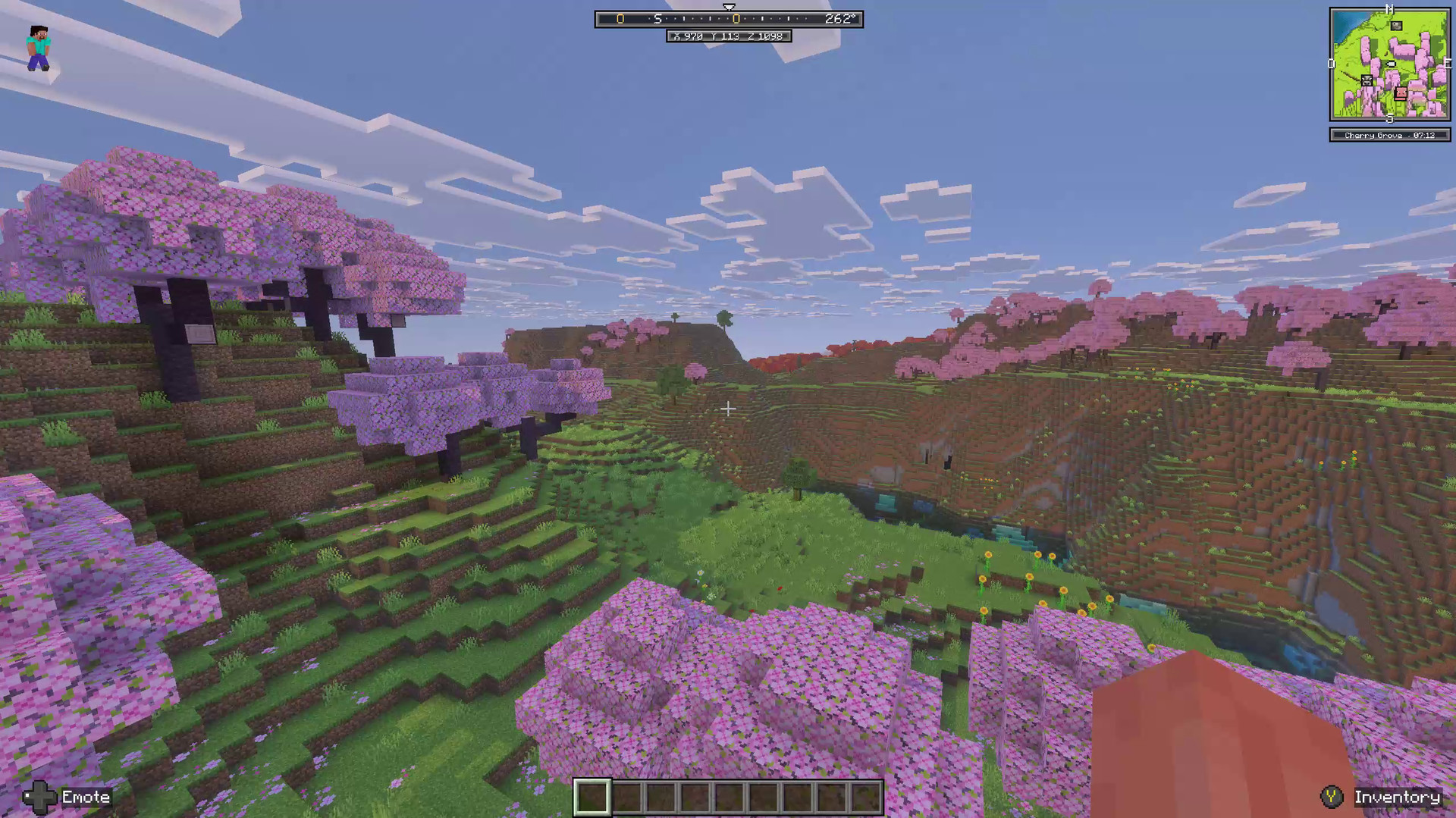
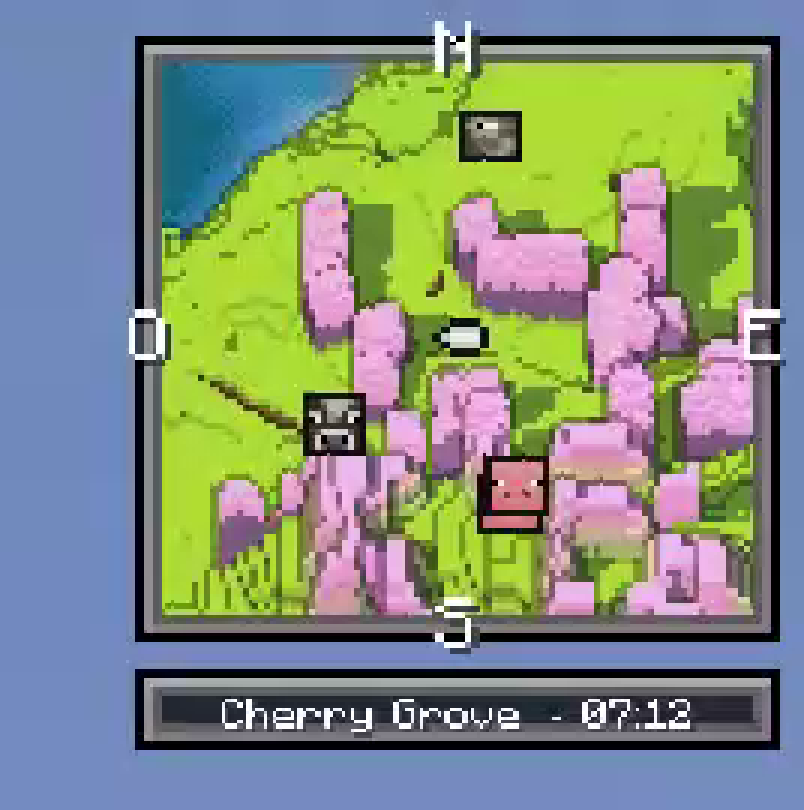
Closer look at the minimap:
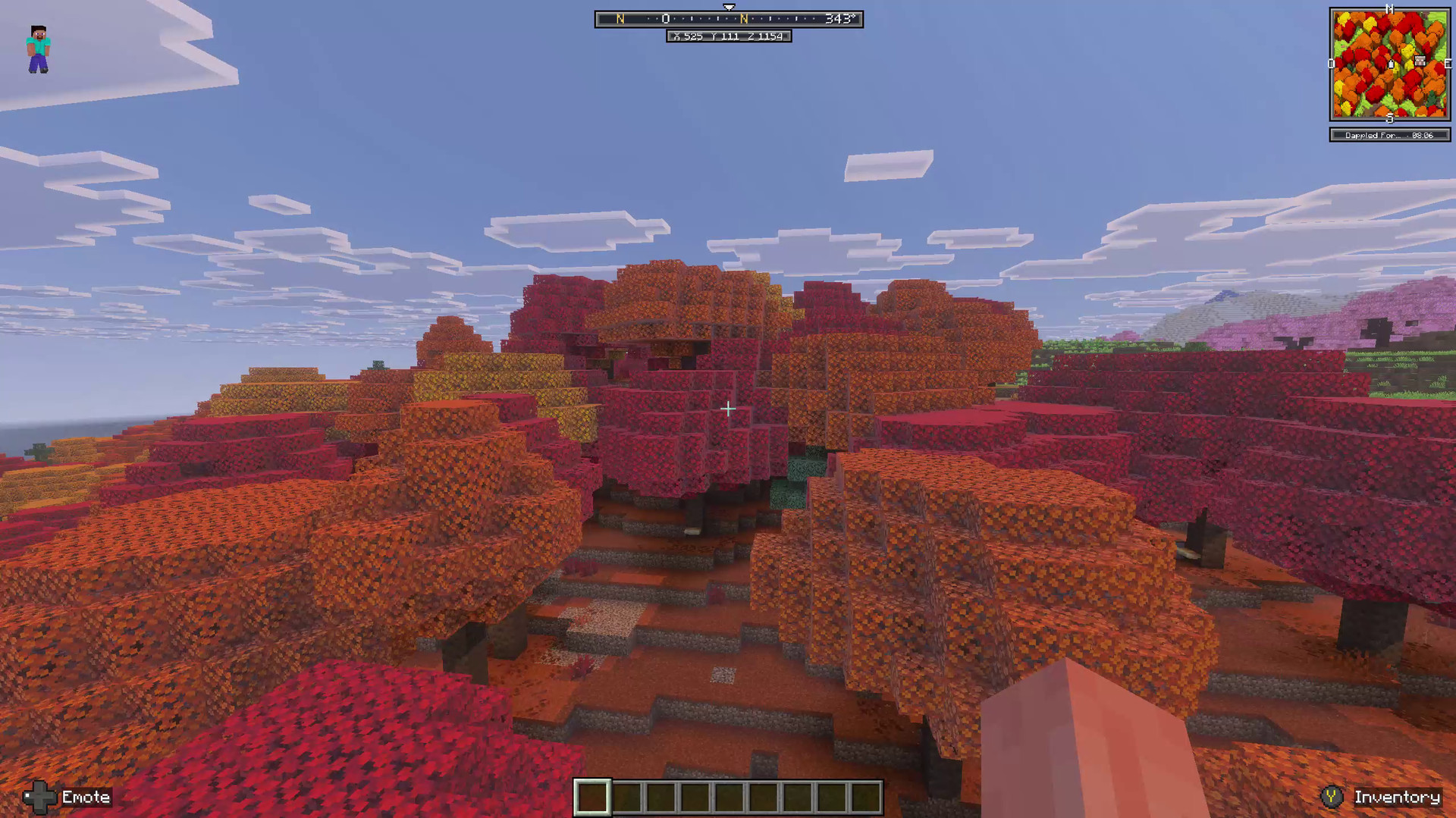
A Forest Full of Color
Follow your route through a dense canopy of red, orange and yellow. Tree crowns and changes in elevation give the minimap a distinctive sense of depth.
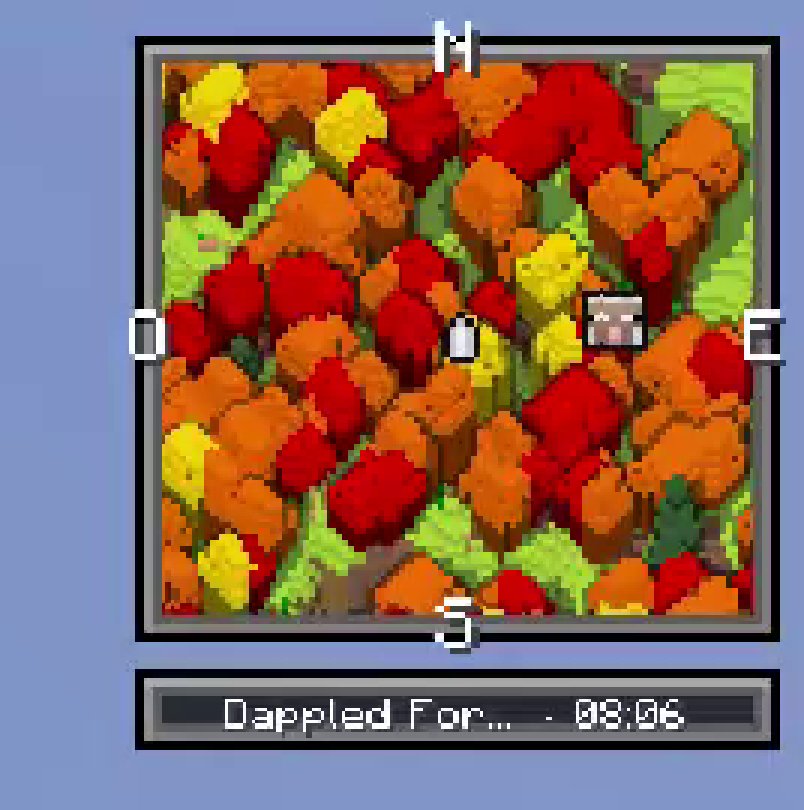
Closer look at the minimap:
Snowy Mountains
Snow-covered ridges and steep slopes are easier to read when height is part of the map. See how the terrain rises around you as you travel.
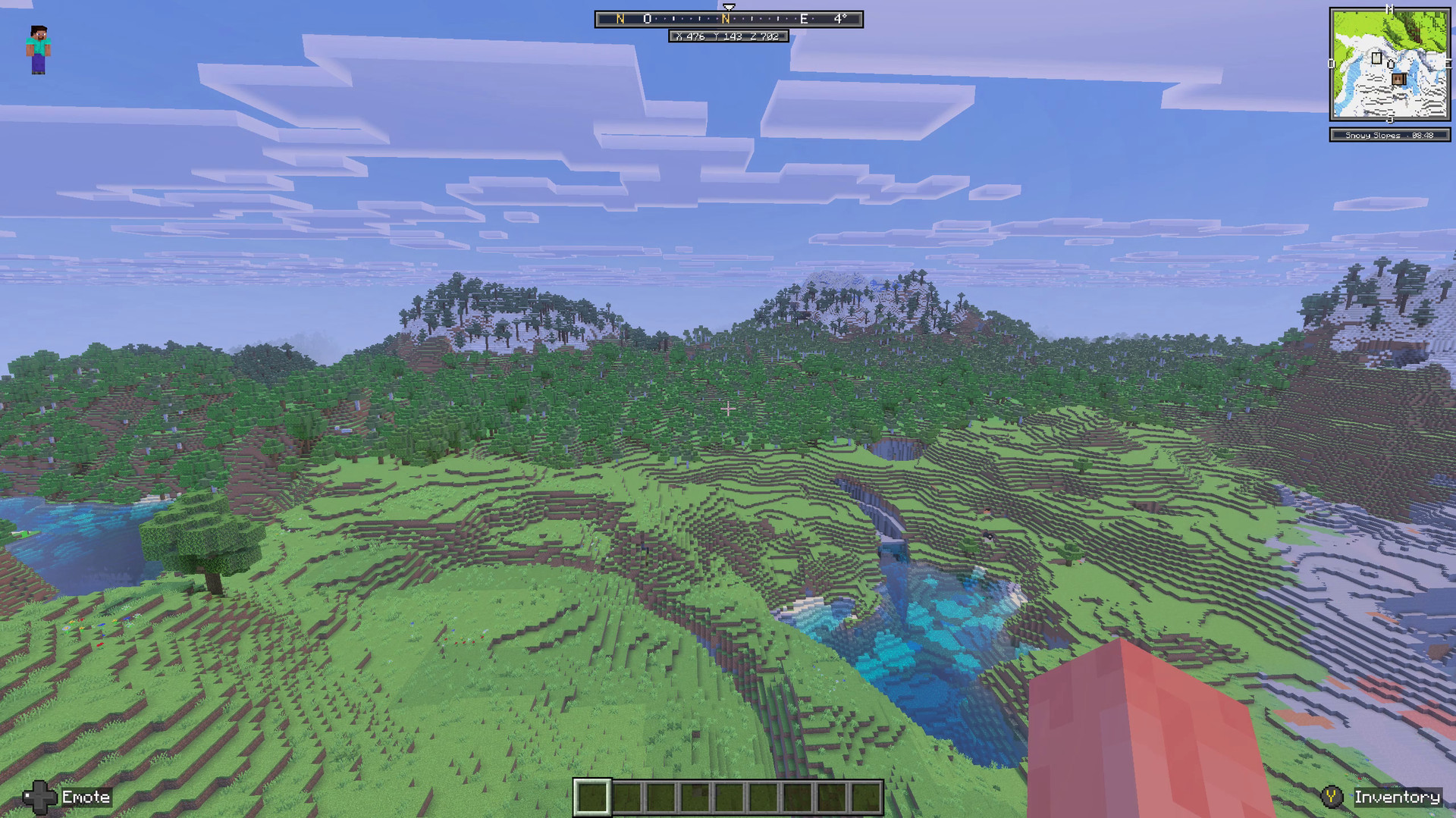
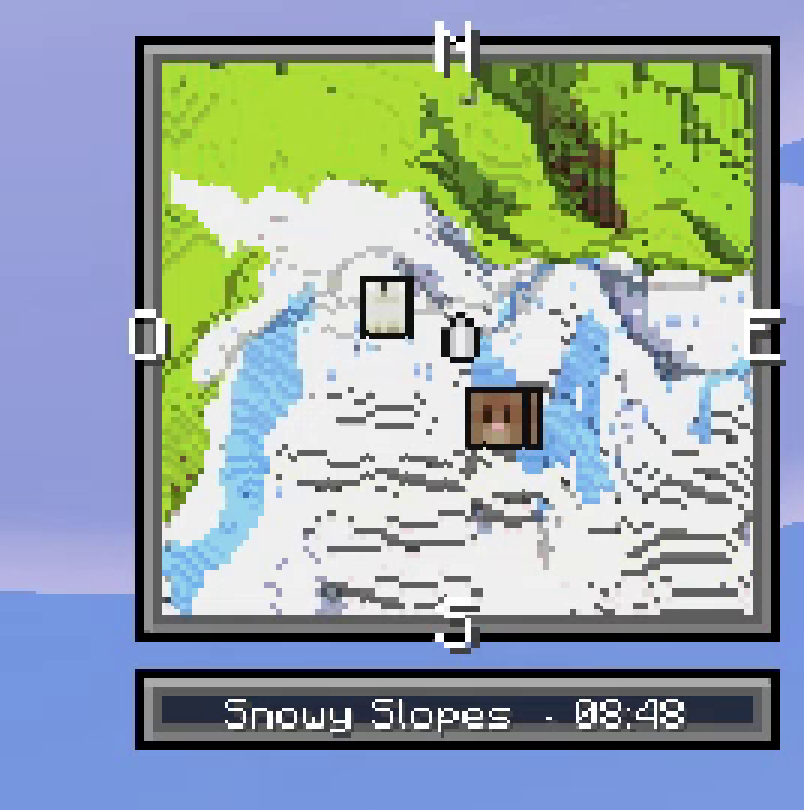
Closer look at the minimap:
A Village Worth Finding
Keep villages and their surroundings in view as you explore. Nearby entity portraits can also appear on the minimap, helping you see who is around.
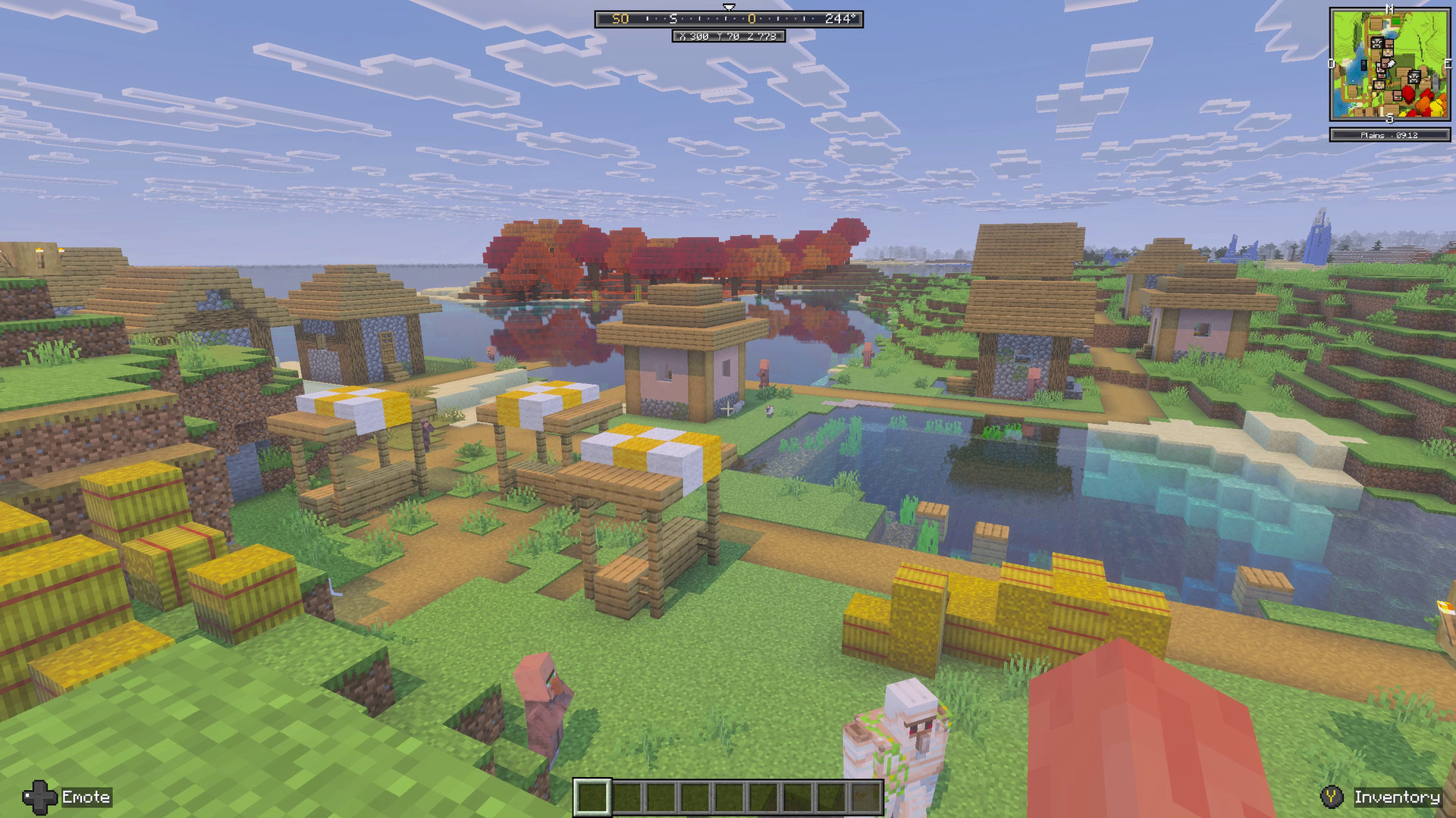
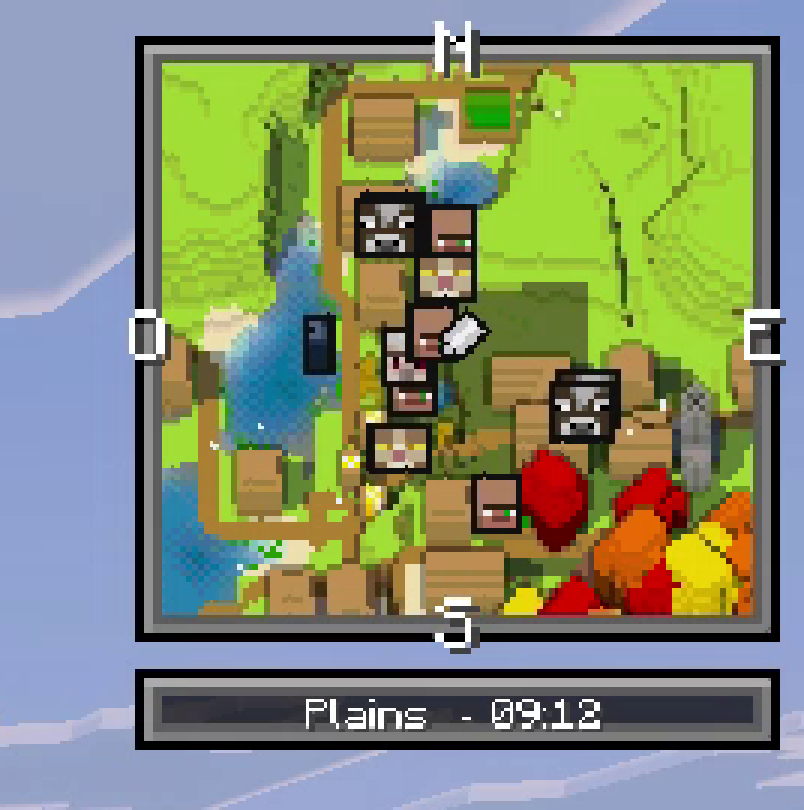
Closer look at the minimap:
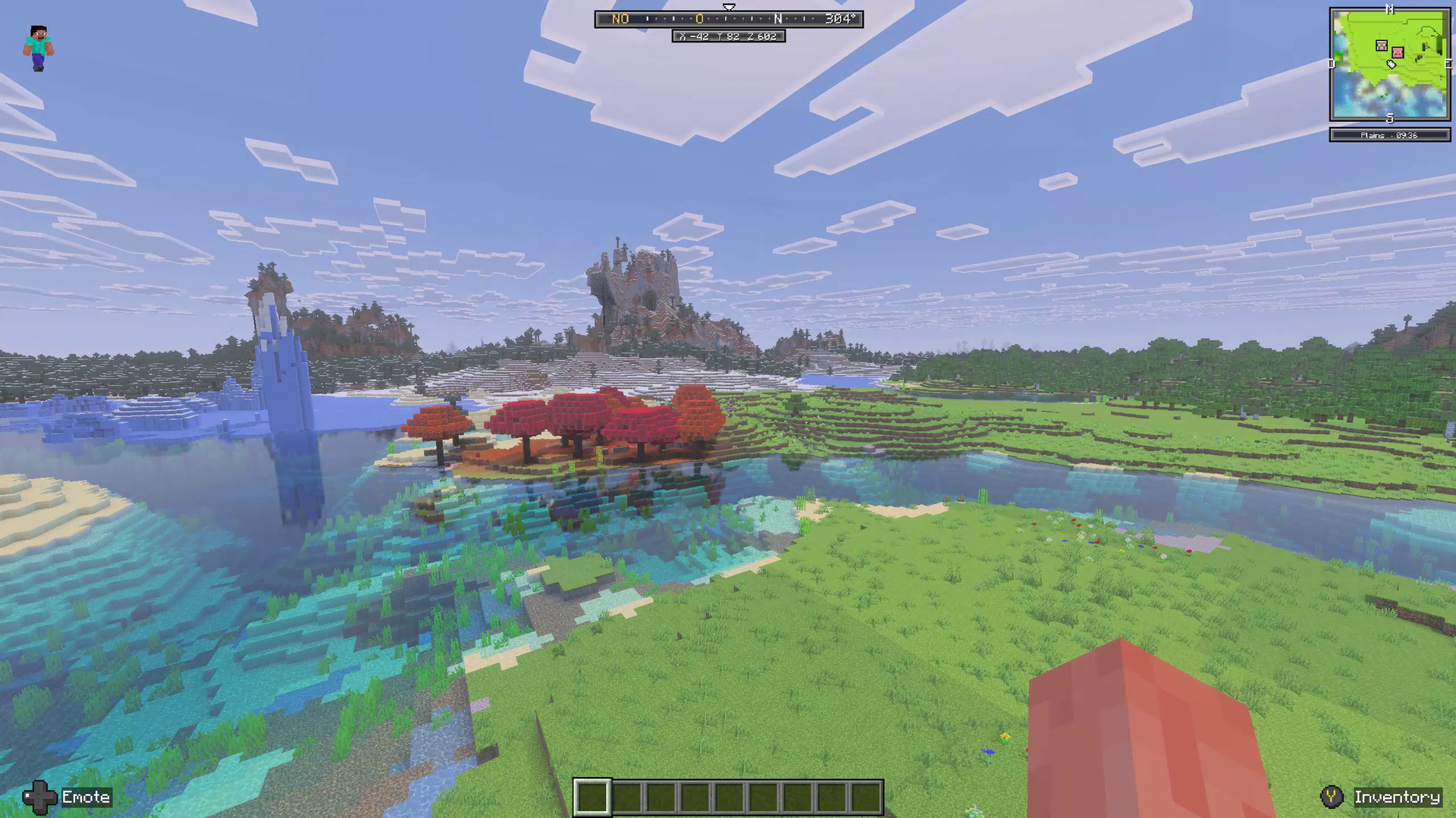
Coasts and Open Plains
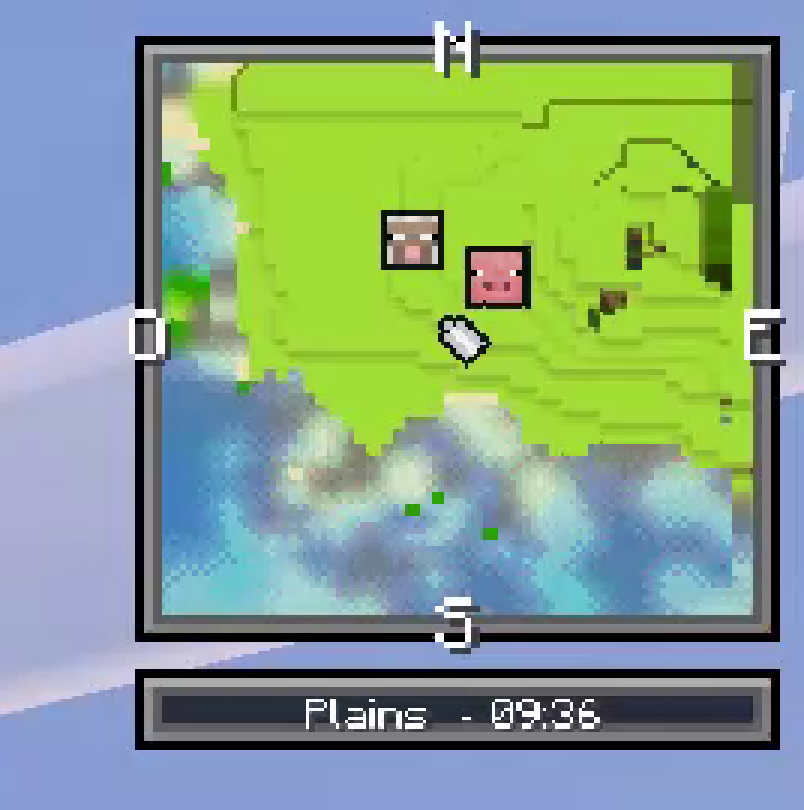
Follow the shoreline, rivers and open grassland at a glance. The minimap combines terrain, water and elevation into one compact view.
Closer look at the minimap:
Frozen Ocean
Navigate a frozen coastline with ice and snow around you. The angled map brings the shape of the icy terrain into view.
Closer look at the minimap:
Frozen Peaks and Forests
Snow, ice and forest meet in a dramatic landscape. Use the minimap and compass to keep your bearings as you move between elevations.
Closer look at the minimap:
Explore with confidence
- 3D terrain: See terrain height, slopes and exposed sides on an angled minimap.
- Full-screen live map: Open a larger map and zoom or move around to explore your surroundings.
- Waypoints: Name and mark important locations using the Atlas book.
- Mob radar: Spot nearby entities, with portraits for the nearest mobs.
- Death markers: Find the locations of your recent deaths.
- Underground mapping: Follow the layer you are on when exploring caves and the Nether.
- Compass and coordinates: Keep track of your direction and position.
- Three HUD styles: Choose a square, round or Atlas-themed frame.
Getting started
- Import the add-on into Minecraft Bedrock.
- Activate both the Behavior Pack and Resource Pack in your world.
- Enter your world and start exploring.
Use /atlas3d:menu to open the Atlas menu and /atlas3d:map for the live map.
Requirements and compatibility
- Minecraft Bedrock 1.26.40 or newer.
- No experimental toggles required.
- Other add-ons that replace the same actionbar or title HUD elements may not be compatible.
Minimap 3D Team

Owner