Minecart Plus - Make minecarts useful!
- By
Link up to eight minecarts, build fuel-powered trains, set speed tiers, and automate station stops in Bedrock Edition.
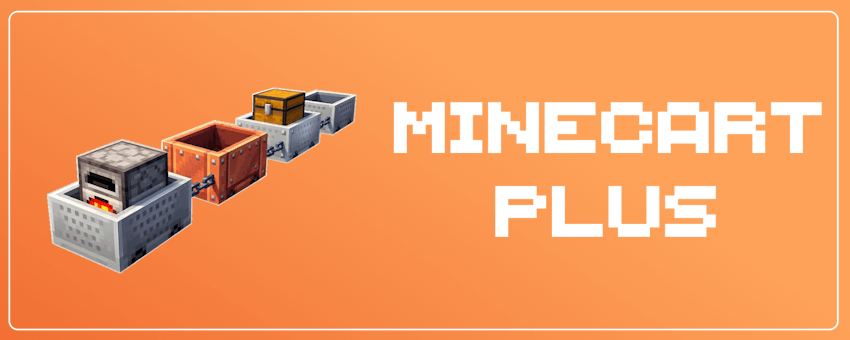
We made a better minecart in Minecraft!
Link carts, fire up a locomotive, and bring your rails to life.
CONNECTED TRAINS • SPEED-UP MINECARTS • AUTOMATIC STATIONS
*ACHIEVEMENT FRIENDLY!!!
💬 Join the Discord ❤️ Support on Patreon
Share your ideas, get help, or support the project. Thank you!

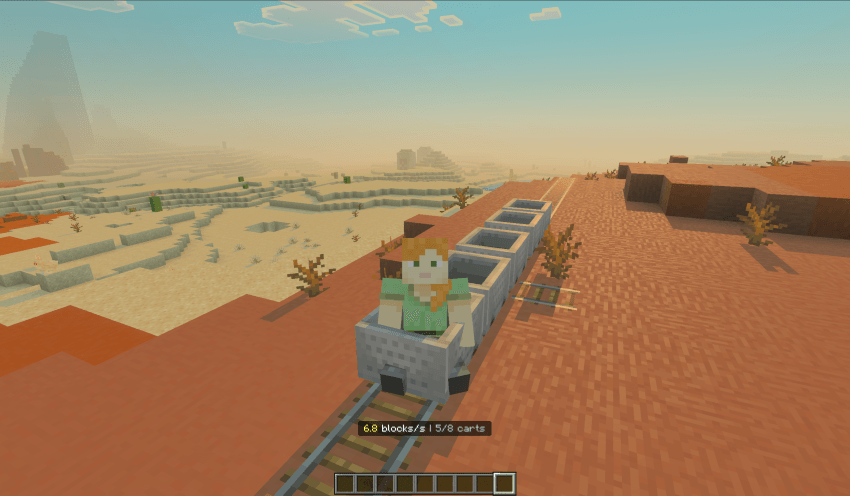
Link up to eight minecarts in a single train. Use chains to connect minecarts, and control the entire train as a single unit.
You can detach a minecart from the train by sneaking and interacting with a chain. (Or you can just simply break the unneed minecart)
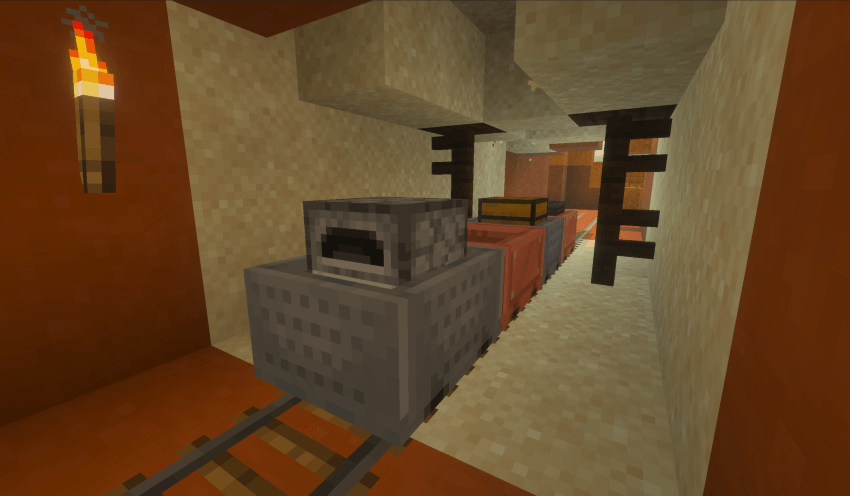


Ride in a minecart at the front, hold forward to accelerate/backward to decelerate, and release to maintain your speed. The manual target speed is up to 12 blocks per second.
In the upcoming update, you might find your saturation level dropping while driving—after all, driving can be quite exhausting!


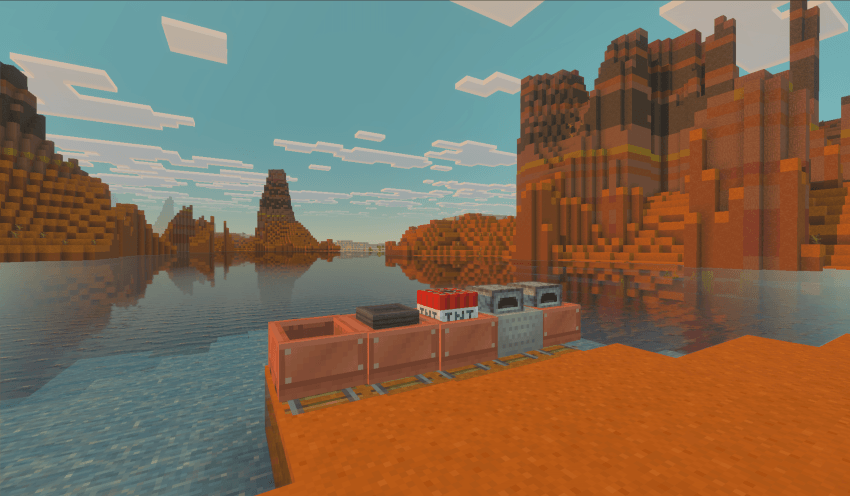
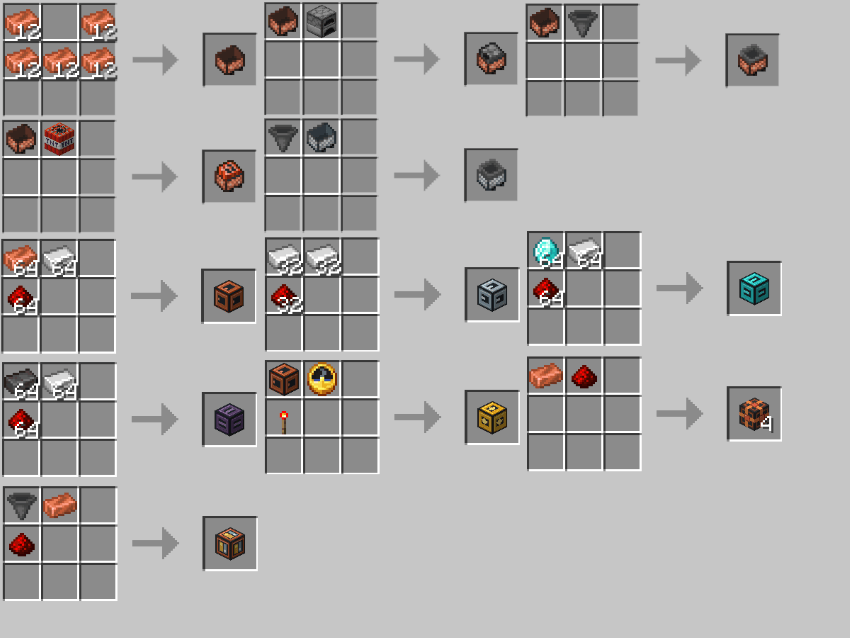
You can now craft copper minecart variants! This includes copper passenger, furnace, hopper, and TNT minecarts—all featuring a non-oxidizing copper appearance.
In addtion, we’ve also made furnace minecarts more useful:
Craft a Furnace Minecart using a minecart and a furnace. Power it with coal or charcoal to automatically propel your trains forward at 6 blocks per second (without speed controllers).
A powered minecart consumes fuel to automatically propel the train forward; the rate of fuel consumption depends on factors such as the train's weight, speed, and the gradient of the track.
You can hold coal and interact with it to rapidly refuel, or interact using an empty hand to check its inventory.


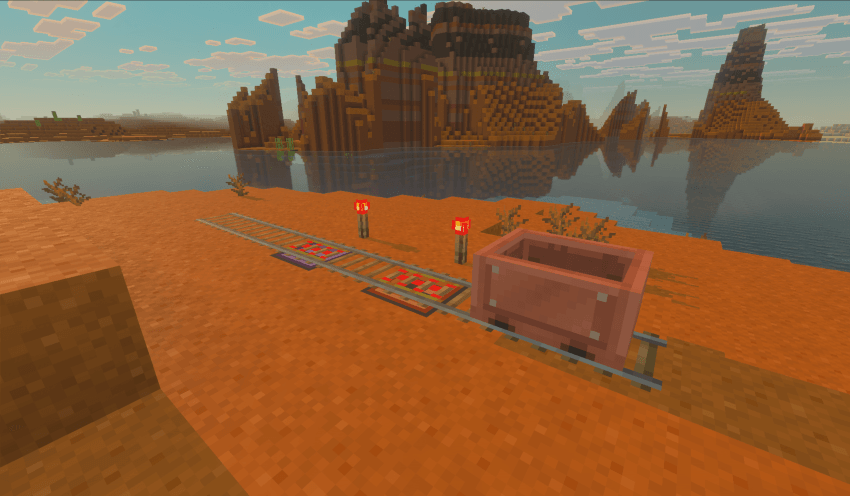
Place a speed controller beneath a vanilla powered rail to set a target speed. When your train passes over an activated powered rail equipped with a speed controller, the train's maximum speed will be instantly boosted to match that target (6, 10, 18, or 25 blocks per second). Conversely, if the powered rail is unpowered, it will bring the lead cart to a complete stop, displaying "Redstone stop".


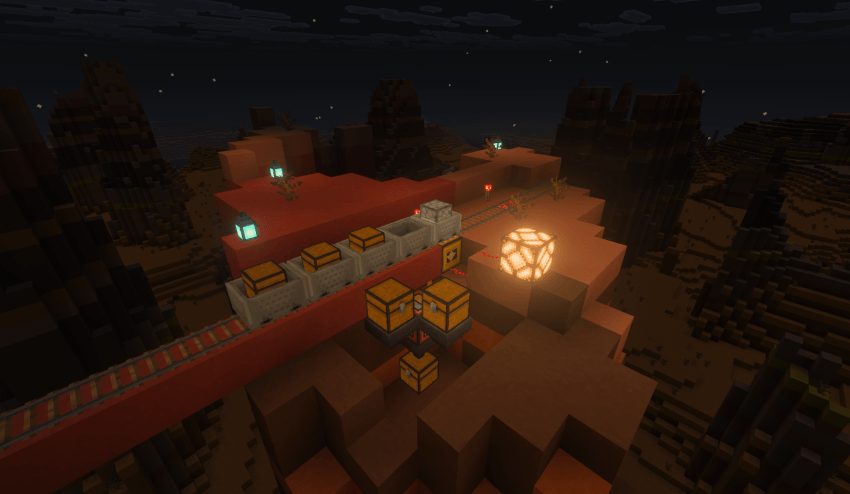
Create custom stations with a personalized name and a stop time ranging from 1 to 120 seconds. By using a Station Link Block, you can connect the Automatic Station Controller to the Station Interface. You can place freight-loading or unloading hoppers right next to the interface, and even set up an adjacent hopper facing the station to automatically restock a docked furnace minecart with coal or charcoal. Furthermore, when a minecart arrives, the station controller will emit a redstone signal, passengers will receive arrival notifications, and players can easily check the next stop's information upon departure.


🌏 SUPPORTED LANGUAGES
🇺🇸 English 🇪🇸 Español 🇨🇳 简体中文 🇭🇰 繁體中文 🇯🇵 日本語
(If you are willing to help translate this Add-on to your language, let me know on Discord :) )
🛠️ Installation and Testing
1. Download and import the .mcaddon file.
2. Open Minecraft Bedrock Edition 26.60 (or later).
3. In your world settings, activate both the Behavior Pack and the Resource Pack.
Made with ❤️ by PixelLingual(Fanconma) — happy driving!
Don't know how to play this add-on? Check the tutorial: https://fanconma.notion.site/
Minecart Plus - Make minecarts useful! Team