LiDAR Scanner
- By
Craftable LiDAR scanner for caves and nights. Beams paint glowing dots on walls, floors and mobs, with sweep modes and optional ore highlighting.
1000013730.jpg
1000013728.jpg
1000013726.jpg
1000013725.jpg
1000013733.jpg
Description
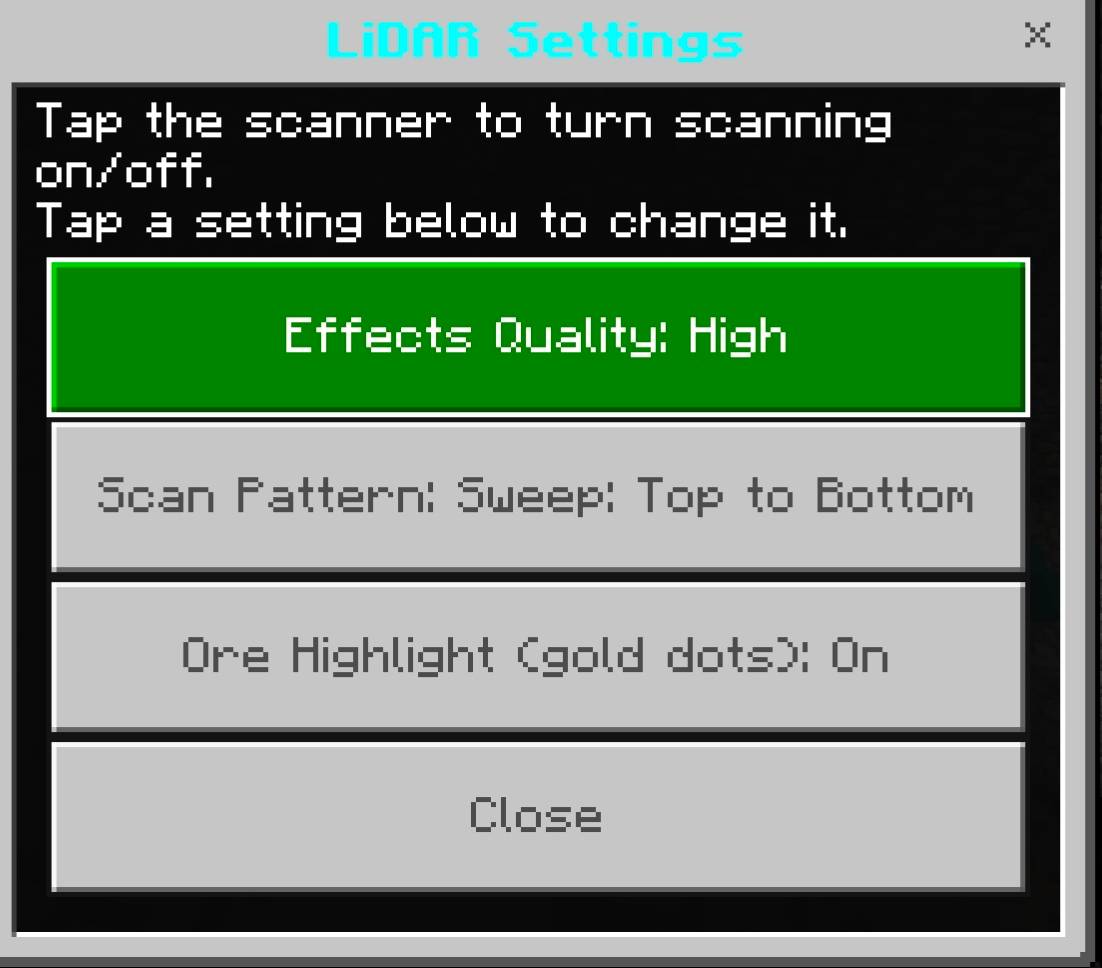
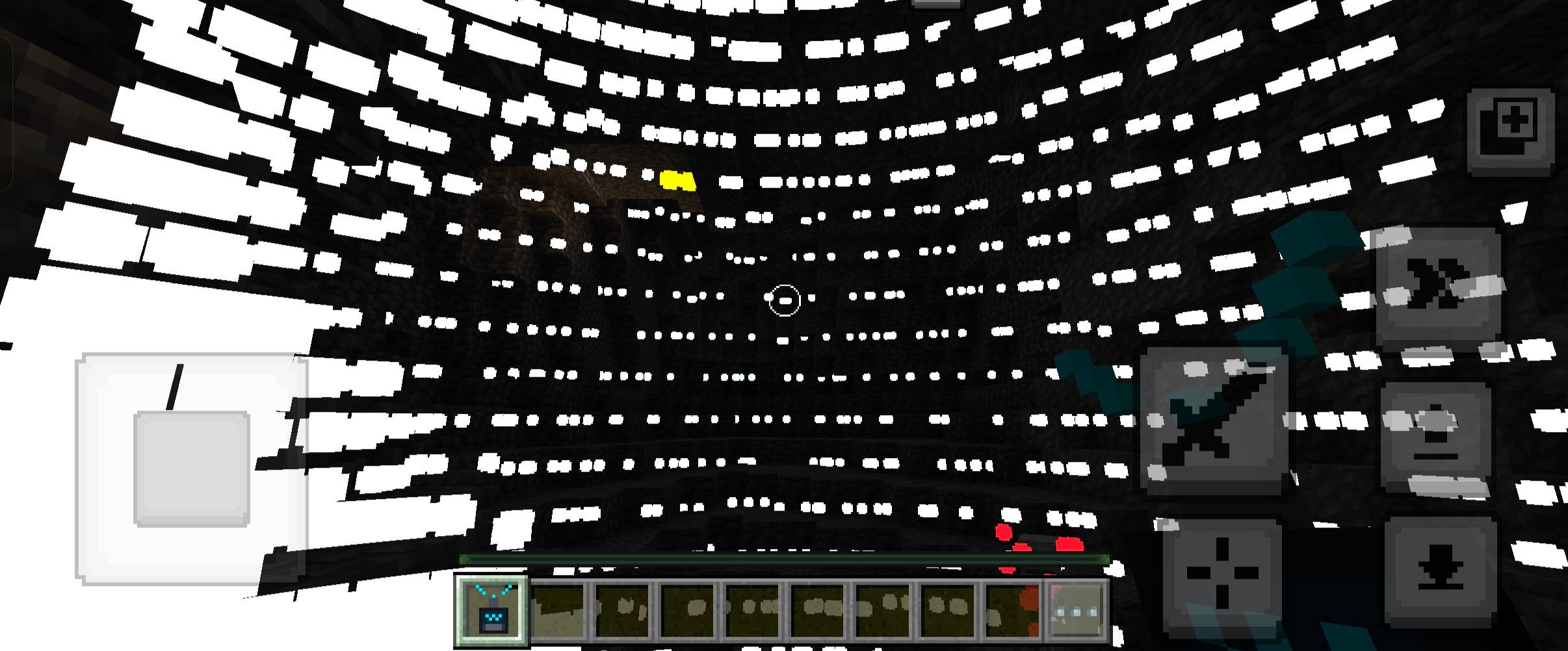
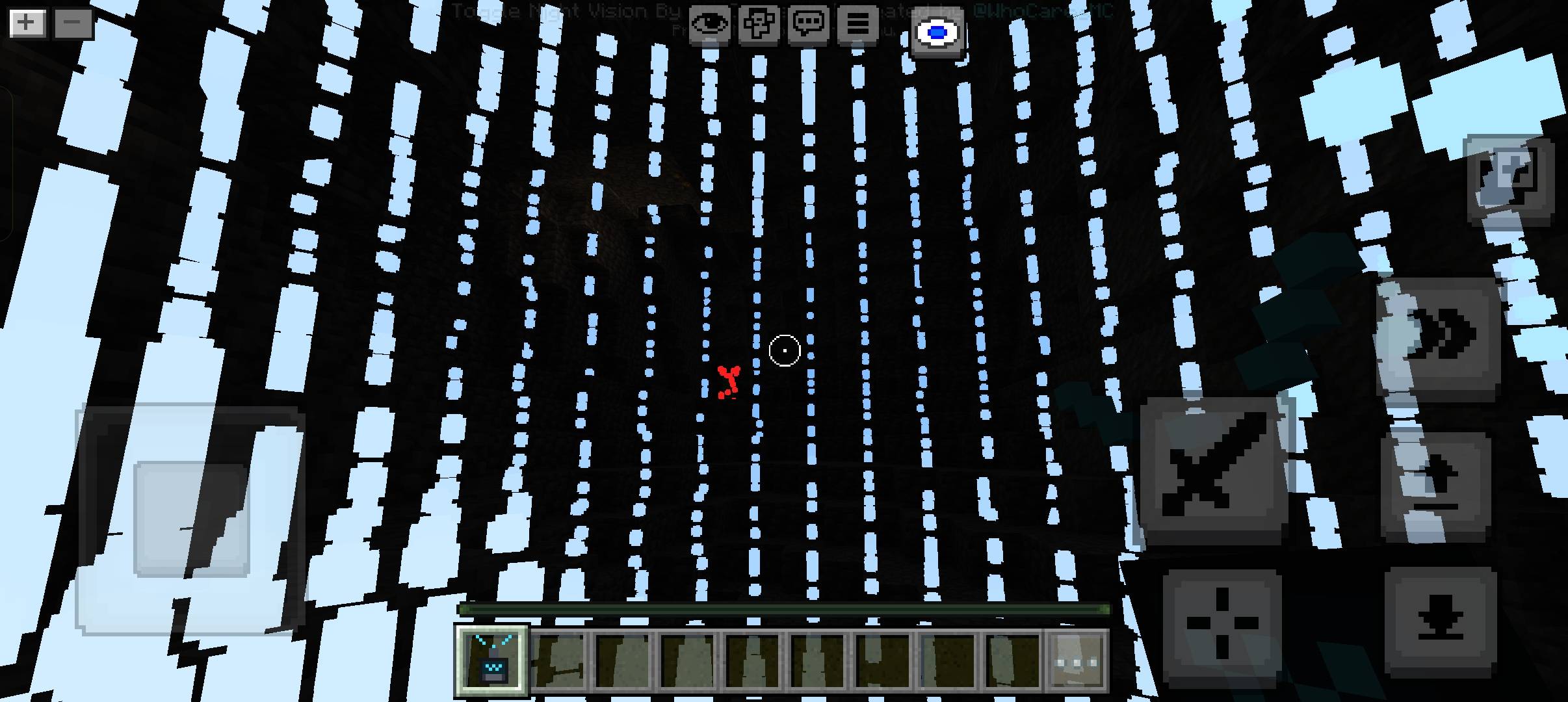
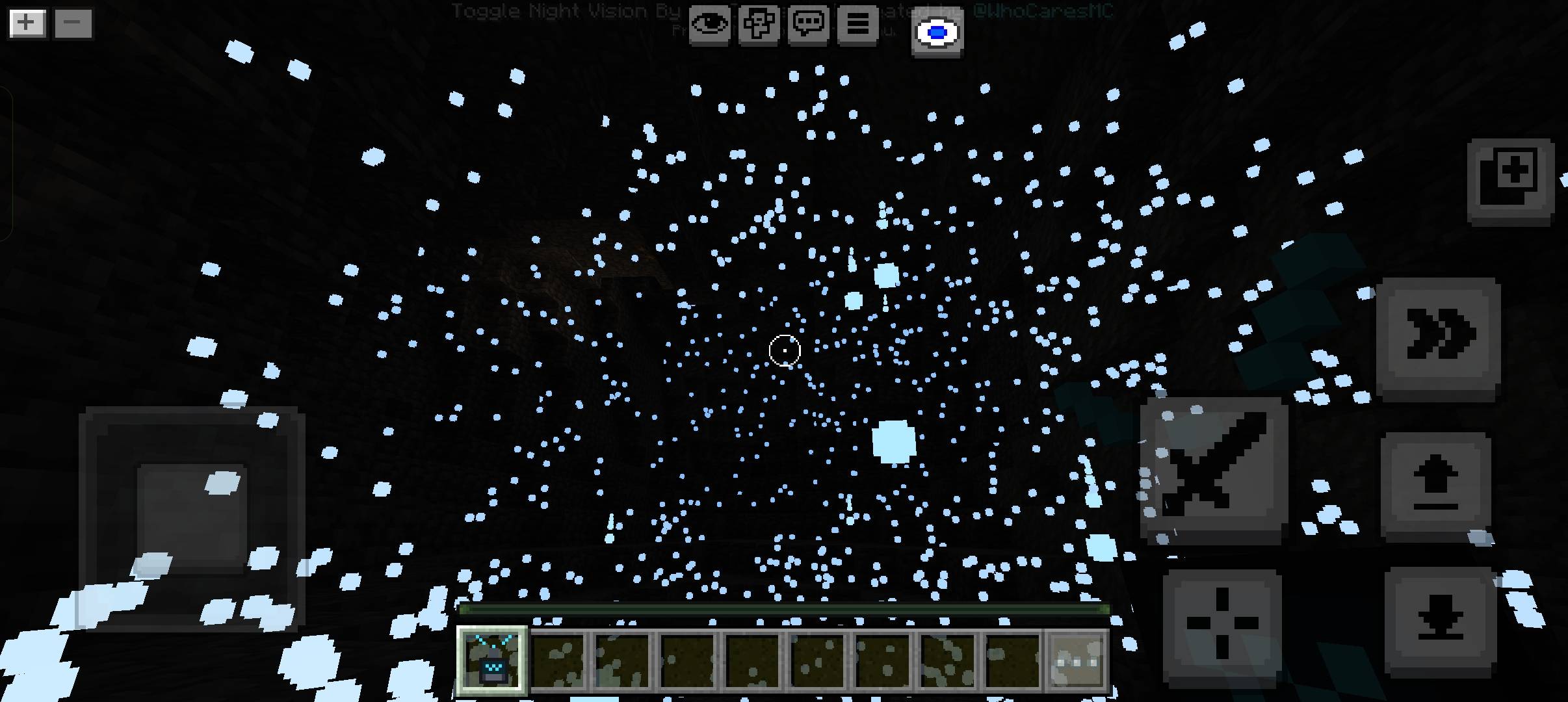
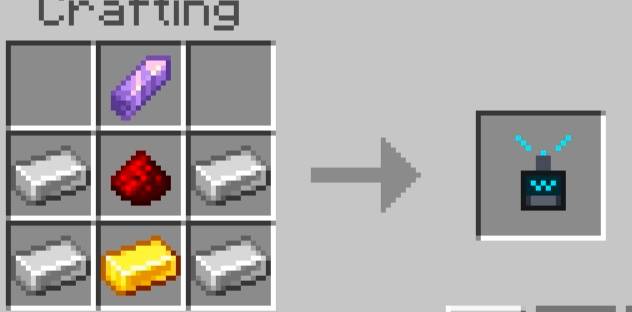
LiDAR Scanner Craft a handheld LiDAR scanner for exploring caves and playing at night. Beams shoot out from the scanner and leave glowing dots on whatever they hit, so you can see the shape of a dark cave, the floor ahead, and mobs nearby. Includes optional ore highlighting. How to play Hold the scanner and tap to turn scanning on or off. Sneak + tap to open the settings page. Settings (saved per player): Effects Quality: Low / Medium / High Scan Pattern: Random (default), Sweep Top to Bottom, Sweep Left to Right Ore Highlight: Off by default, turn it on in settings What the colors mean Color Meaning White-cyan to blue Blocks and terrain (cyan when close, deep blue when far) Light blue-white streaks The scan beam Red Hostile mobs Green Minecraft's non-hostile mobs and players Magenta Mobs from other add-ons Gold / yellow Ores (only with Ore Highlight on) Crafting (crafting table) Top row: empty, Amethyst Shard, empty Middle row: Iron Ingot, Redstone, Iron Ingot Bottom row: Iron Ingot, Gold Ingot, Iron Ingot Creative / commands: /give @s lidar:scanner Compatibility Tested on: Minecraft Bedrock Edition 1.26.44 (Android) Should work on: 1.26.40 and newer. Older versions are untested. Multiplayer: Not tested. Settings are saved per player, so it should work, but this is unconfirmed. Requires both packs (Behavior and Resource) to be active in the world. Limitations Scans surfaces up to 64 blocks away and mobs up to 48 blocks. Mobs are only shown inside your field of view and not through walls. Dots only show for the player who is scanning. Mob dots follow the mob's hitbox (a box shape), not its model, so accuracy depends on the hitbox the mod gives it. Only living mobs are shown. Ore Highlight shows ores that are exposed to the beam. It works with vanilla ores (including deepslate, Nether ores and Ancient Debris) and with modded ores whose block ID contains the word "ore" (like tin_ore). Water, lava and plants like grass are not scanned, the beam passes through them. The scan leaves many particles on screen. If your device lags, switch to Medium or Low. The sweep patterns create more dots than Random. The scanner has to be in your hand to scan. It does not make the world darker, it is meant for caves and night. Install the .mcaddon (it includes the Behavior and Resource pack) and activate both packs in your world.
LiDAR Scanner Team