Jumpscare
- By
Want Jumpscare? Want Minecraft to be scary?. Download On1JumpScare to experience a configurable Horror experience in MCBE.
Screenshot 2026-10-26 000710.png
Screenshot 2026-10-27 020236.png
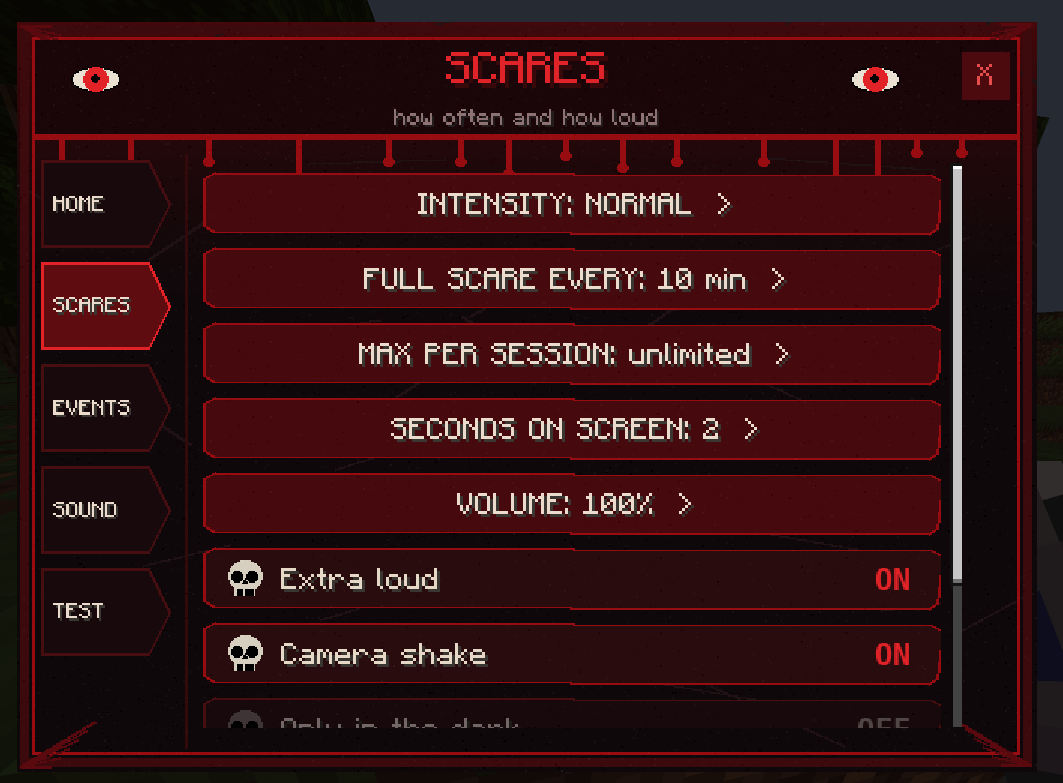
Screenshot 2026-10-27 020334.png
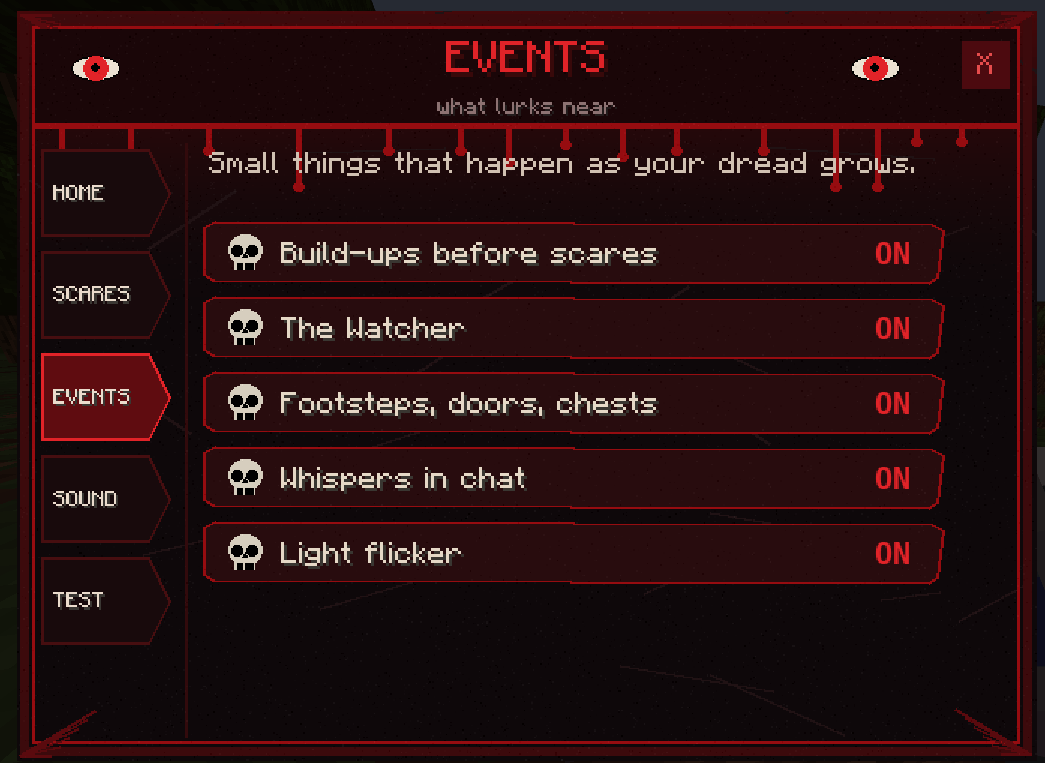
Screenshot 2026-10-27 020426.png
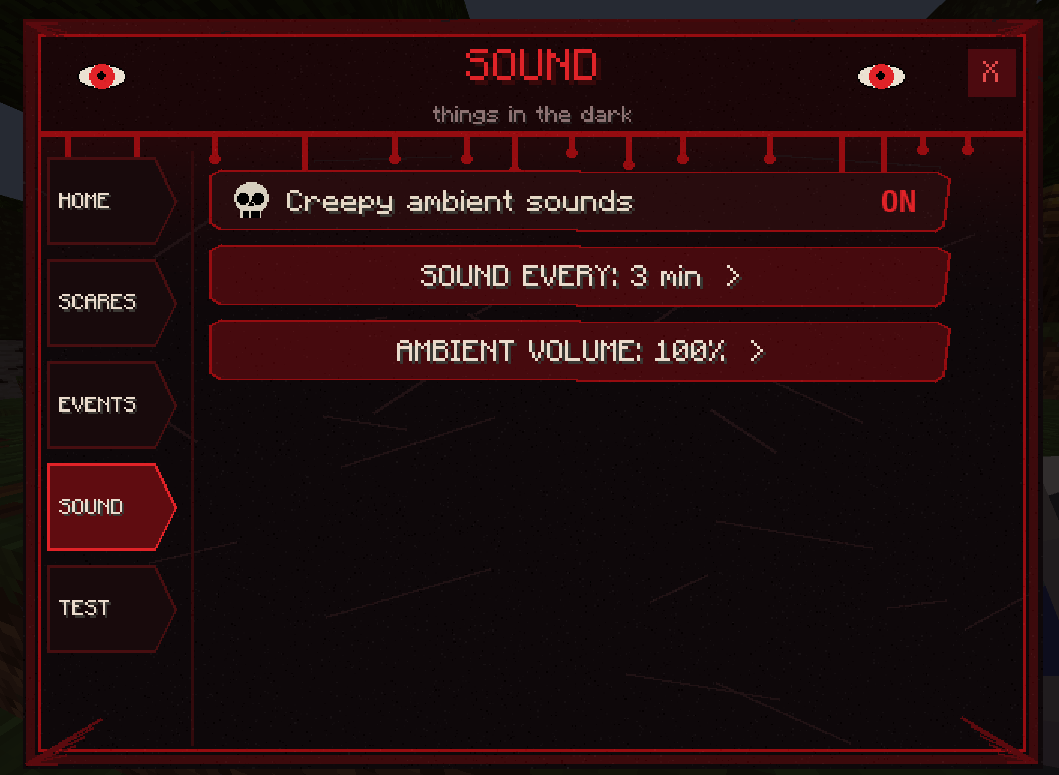
Screenshot 2026-10-27 020457.png
Description
On1JumpScare: Something Is Behind You
Your world just got a lot less safe.
Mining in silence. A chest creaks open deep underground. Footsteps start behind you and get closer. Then the screen goes black.
On1JumpScare turns Minecraft into a horror game, and you decide how scary it gets.
*Warning: contains sudden loud noises and flashing images. Play in the dark at your own risk.*
FEATURES
13 jumpscares, 5 themes: animatronics, an evil clown, classic monsters, video clips and image scares. Each one lunges out of your screen with its own sound.
Dread before the scare: the world goes quiet, a heartbeat starts, and your screen flickers to black.
21 ambient sounds: whispers, knocks, laughter and a woman crying in the caves. They are faint by day and louder at night, underground and in the Nether.
Stalker footsteps: something follows you in the dark. It might scare you, breathe on your neck, or just stop.
Fake chat messages: “Herobrine joined the game”… and nobody did.
Scares triggered by what you do: open a chest in a cave, mine ancient debris, enter the Nether or sleep at night, and you might get one.
Never the same twice: fake-out flashes, double scares, and three different scare effects.
YOU’RE IN CONTROL
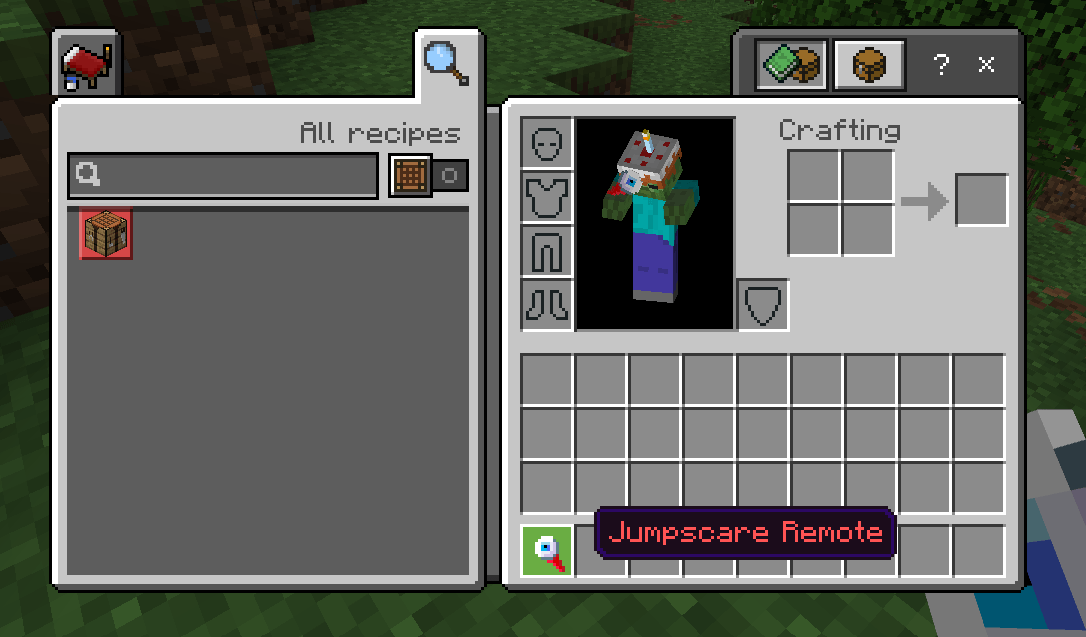
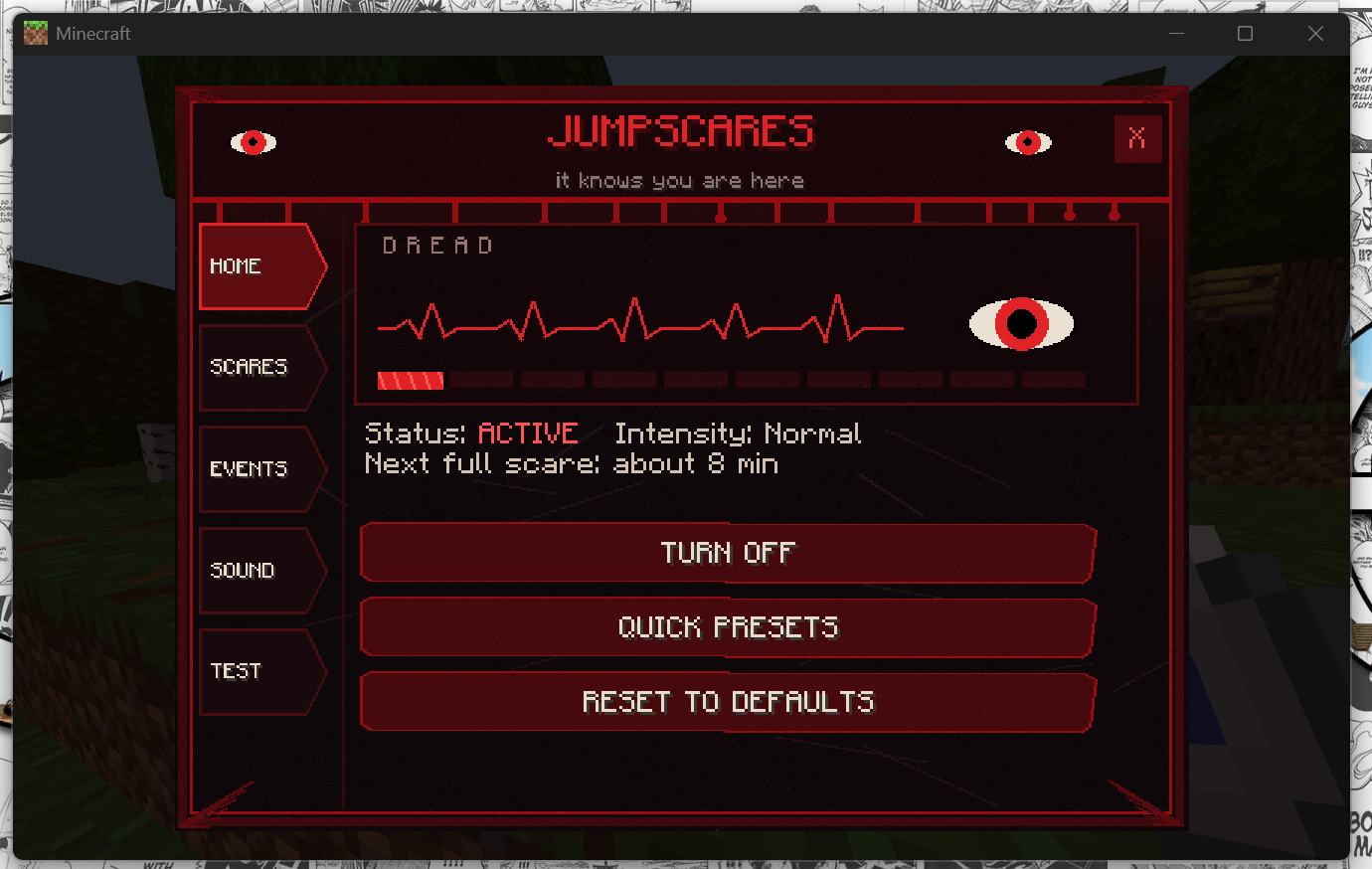
- Right-click the Jumpscare Remote to open the menu.
- Pick a preset from Chill to Nightmare, or set the frequency, volume and themes yourself.
- Turn each feature on or off on its own.
- Safe by design: a grace period after you join, no scares at low health, in lava, while burning or while gliding, and a Calm mode with no flashing for photosensitive players.
- Panic switch:
/scriptevent jumpscare:offturns everything off at once.
Make it yours: add your own images, videos and sounds, then rebuild the pack with the included script.
Requires: Minecraft Bedrock 1.21.130+. Enable both packs. Commands need cheats on.
Jumpscare Team