Item Upgrader (Achievements Friendly)
- By
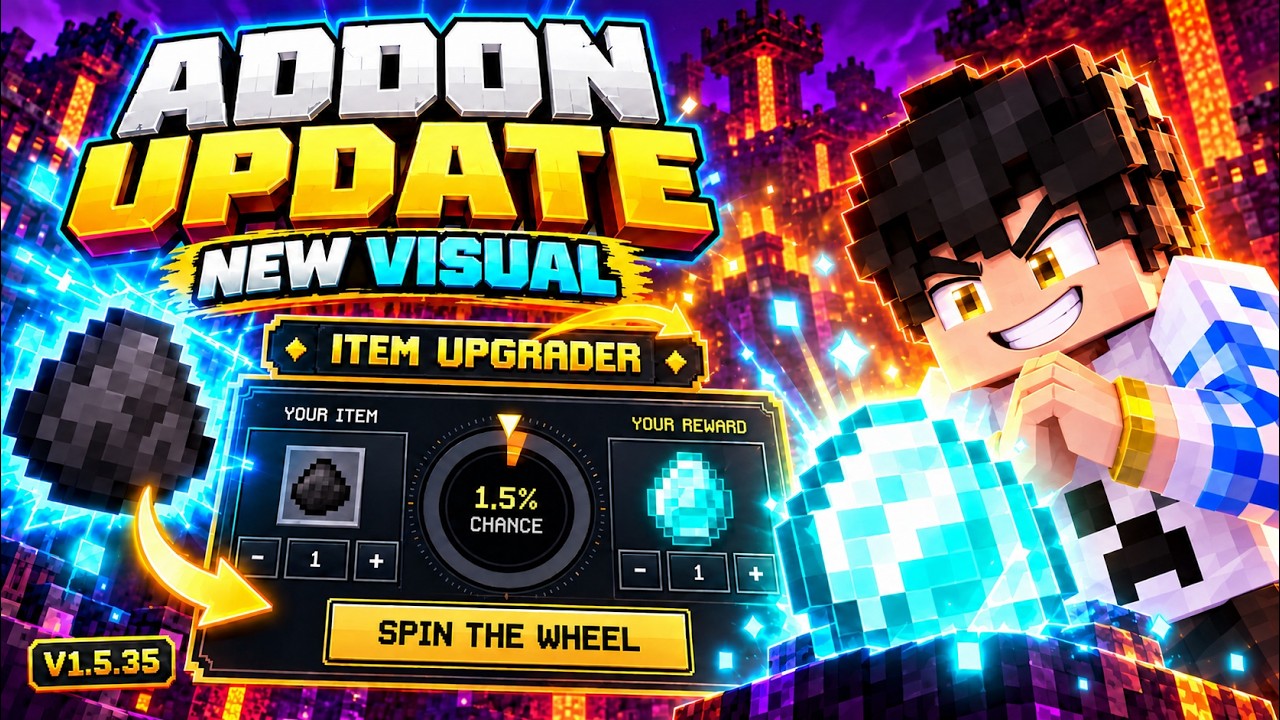
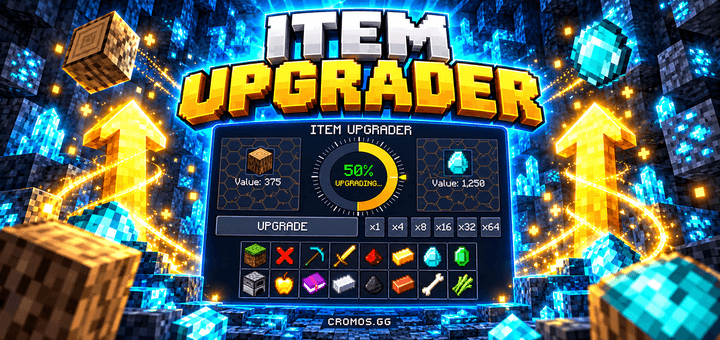
Risk your items for a chance to win better rewards! Animated roulette, a polished custom UI, searchable item catalog, favorites, rankings, and optional Skyblock progression.
b3c3ef9a-c9bd-4f4f-989b-68ce7fb7b638.png
25597017-21e4-4a1a-84a2-1364936ed970.png
Captura de tela 2026-09-21 123716.png
36ed7225-baae-4464-bf02-82590291cdf3.png
Description
CROMOS.GG • MINECRAFT BEDROCK / MCPE
💎 ITEM UPGRADER
Small offer. Big ambition. One risky spin.
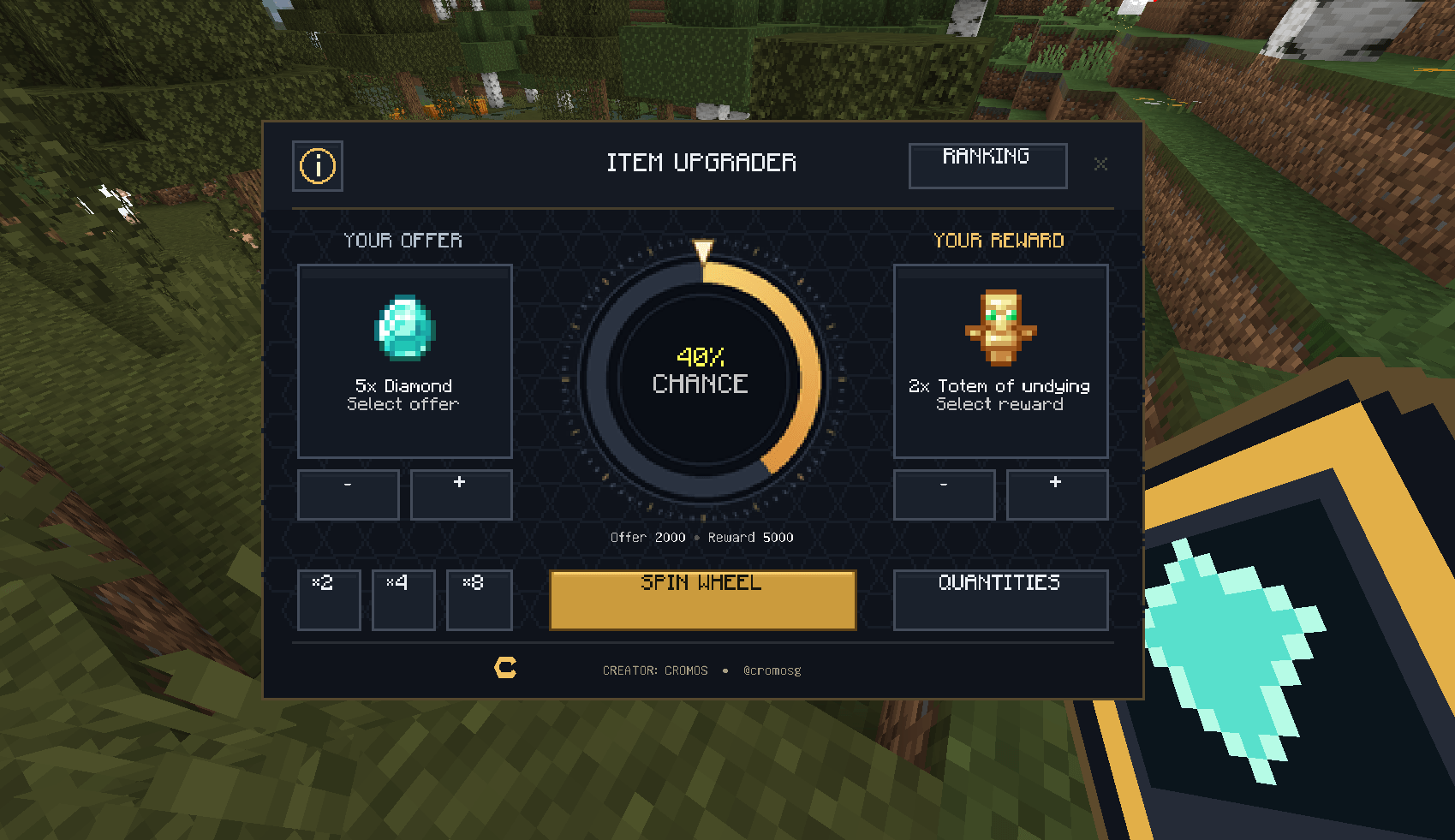
Offer items from your inventory, choose your reward, and see your odds before you spin.
✨ GILDED ROULETTE • VERSION 1.5.44 VV
What if the items sitting in your inventory could become a chance at something better? Item Upgrader brings an animated upgrade roulette to Minecraft Bedrock. Win the roll and collect your chosen reward. Lose the roll and your offer is consumed.
💬 Join the CROMOS.GG Discord for updates, suggestions and community
🎬 SEE IT IN ACTION
Watch the original gameplay presentation. The screenshots throughout this page show the updated Gilded Roulette interface.
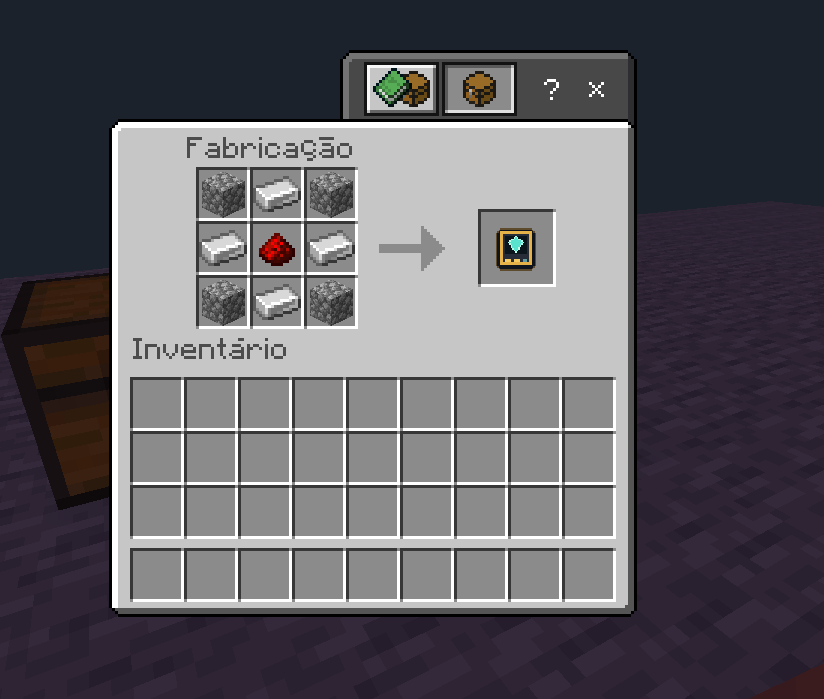
🛠️ CRAFT YOUR FIRST UPGRADER
At a crafting table, use 4 cobblestone, 4 iron ingots and 1 redstone dust.
- 🪨 Place cobblestone in all four corners.
- 🔩 Place iron ingots in the middle slots along the top, bottom, left and right.
- 🔴 Place redstone dust in the center.

Use the crafted Upgrader to open the roulette. Items from your inventory serve as the offer.
🎯 SET YOUR OFFER AND REWARD
- Select your offer from your inventory.
- Choose a reward from the searchable catalog.
- Adjust quantities and check the displayed success chance and risk level.
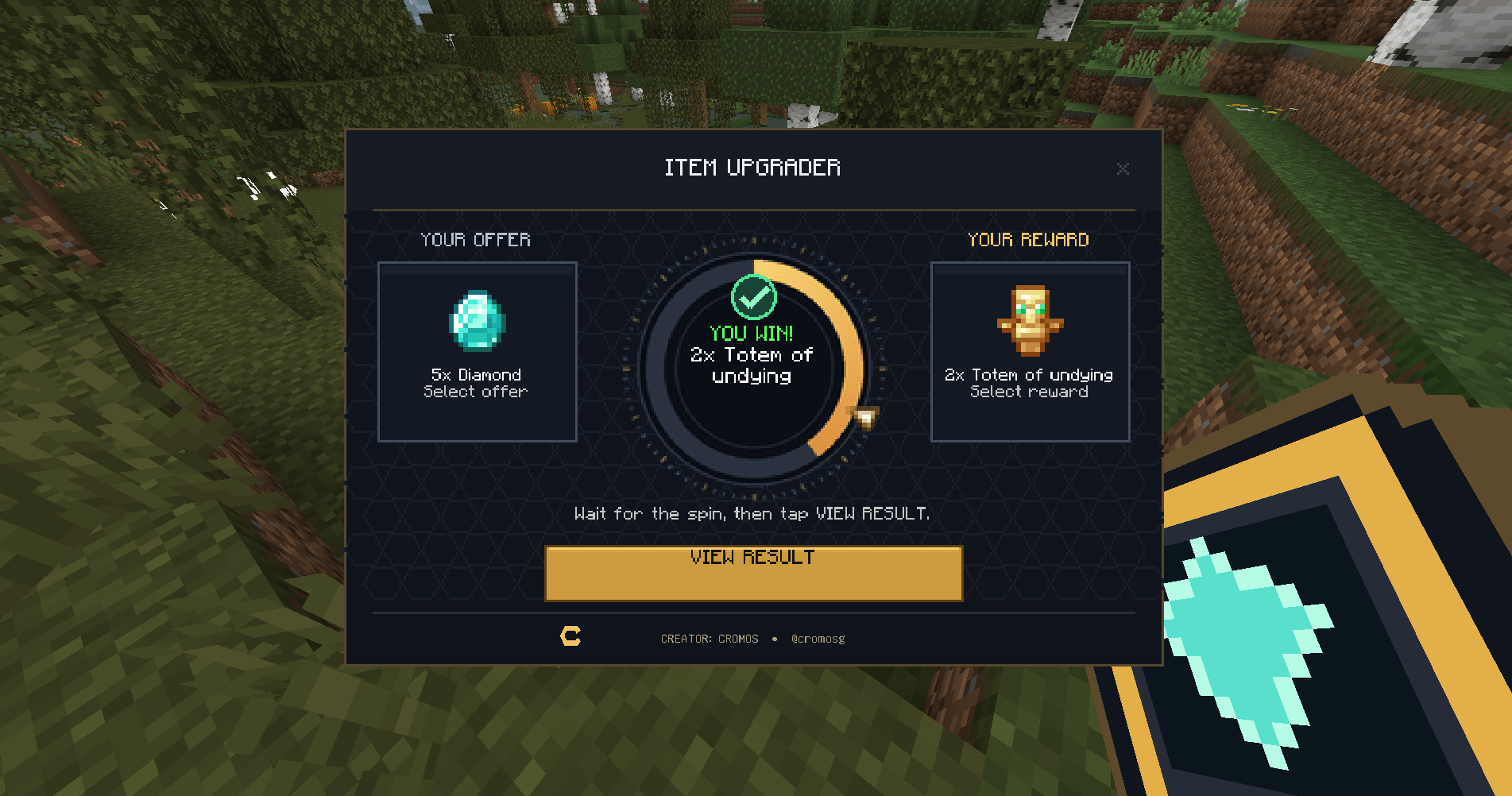
- Spin the wheel and use View Result to see the round details.

Use MAX, the quantity controls, ×2 / ×4 / ×8 and the 30% / 50% / 70% presets to set up a round. The displayed odds are based on the total add-on value of the offer and reward, with a maximum success chance of 90%.
🎰 WATCH THE WHEEL SPIN
The Gilded Roulette features a bronze rim, a turquoise success sector and a redesigned gold pointer. A short metallic click plays during the spin.
The GIF below shows the spin mechanics with the earlier wheel design.

🔒 Each attempt uses an independent roll. Closing the interface leaves that attempt's result in place.
🏆 WIN THE ROLL
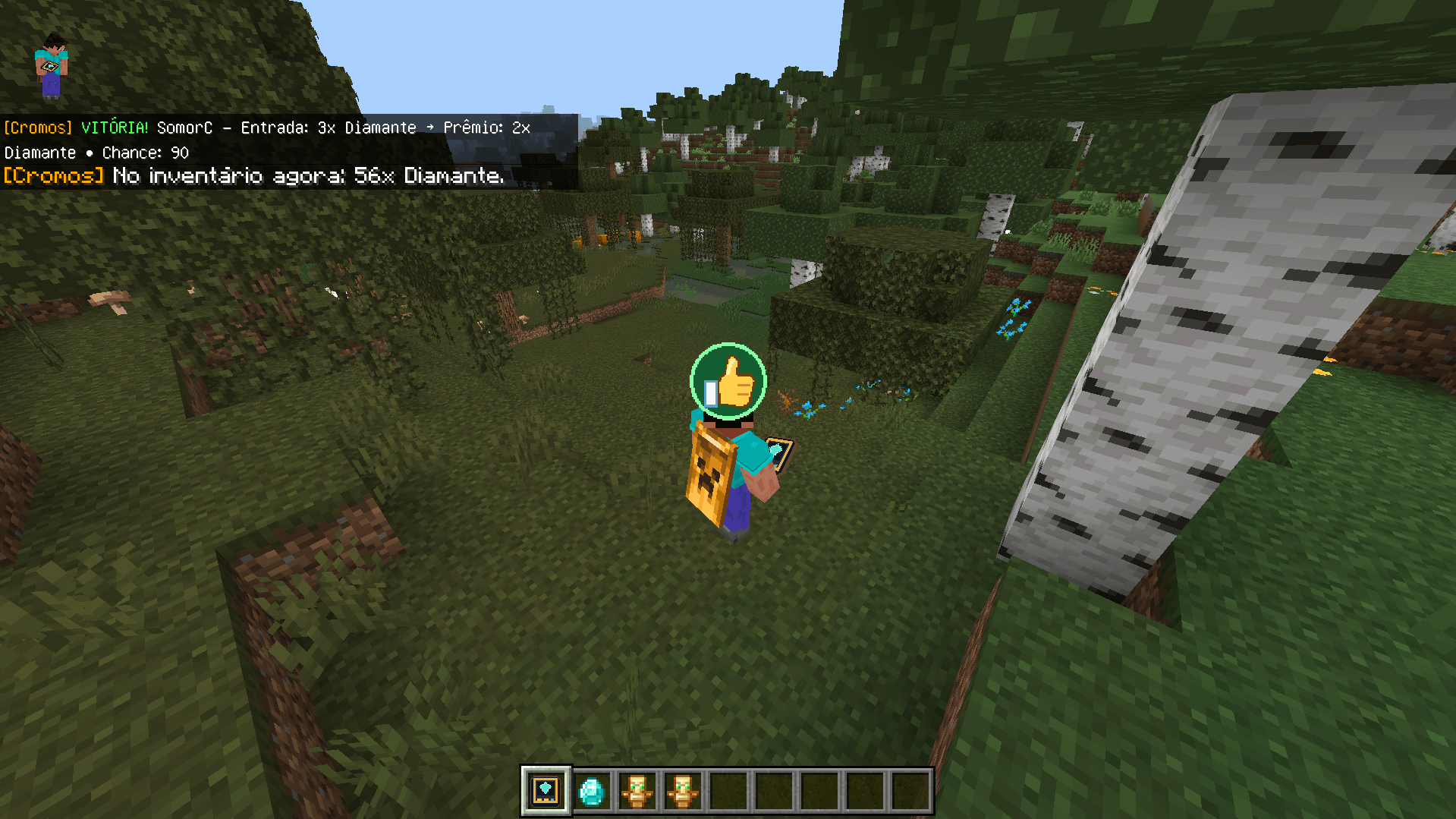
A successful roll consumes the offer and awards the selected reward. In this example, an offer of 1 diamond wins a reward of 2 diamonds.

Inventory full? Rewards that cannot fit remain pending for later collection.
💥 LOSE THE ROLL
A failed roll consumes the offer without awarding the selected reward. The red result badge makes the outcome clear.

⚠️ Only offer items you are willing to lose. Even a high success chance carries a risk.
🔍 BROWSE THE REWARD CATALOG
Open All Items for a searchable 9 × 6 grid with up to 54 entries per page. Hover over an item to see its name in the fixed area beneath the grid.

- ⭐ Favorites keep your preferred rewards easy to find.
- 📜 Round history lets you review recent attempts.
- 🏅 Rankings compare wins, profit and unlikely victories.
- 📚 Enchanted books and potions include supported enchantments and potion variants.
- 🏝️ Skyblock rewards are available in a separate optional menu.
- 🌍 Languages include English, Portuguese and Spanish.
🆕 WHAT'S NEW IN 1.5.44 VV?
- 🎨 Redesigned bronze roulette rim, turquoise chance arc and gold pointer.
- 🔊 Custom metallic tick and adjusted click timing during the spin.
- 💎 Updated Upgrader item icon, refined panels and buttons, and a redrawn CROMOS.GG emblem across the interface.
- 📐 Aligned headers and credits, clearer risk colors, and a fixed item-name area in the catalog.

View the full screenshot album
📥 INSTALL AND START PLAYING
- Download the add-on from the Files section.
- Open the .mcaddon file to import it into Minecraft Bedrock.
- Activate both the Behavior Pack and Resource Pack in your world.
- Craft the Upgrader and use it to open the roulette.
💬 WHAT WOULD YOU RISK?
Share your best upgrades and suggest improvements for the next release.
👉 Join the CROMOS.GG community
Created by CROMOS.GG
YouTube • Cromos GG | CurseForge • CromosGG
Item Upgrader (Achievements Friendly) Team

Owner