Hidden Camera: Attachable Camera
- By
Attach hidden cameras to mobs and watch them through a custom Monitor interface with third-person previews and 360-degree look controls.
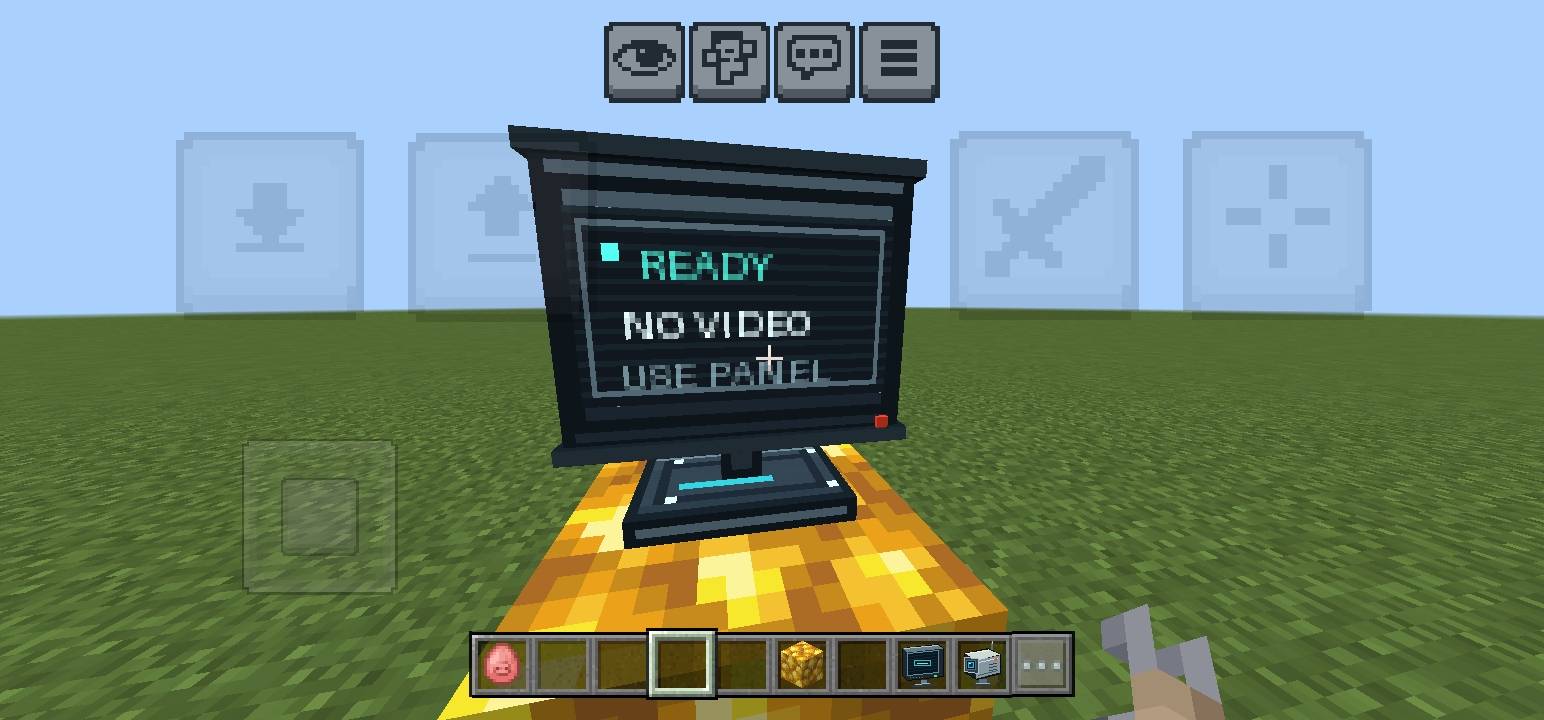
Screenshot_20261115_164032_5c8300b655012b1930f2e0a7b81bf6a9.jpg
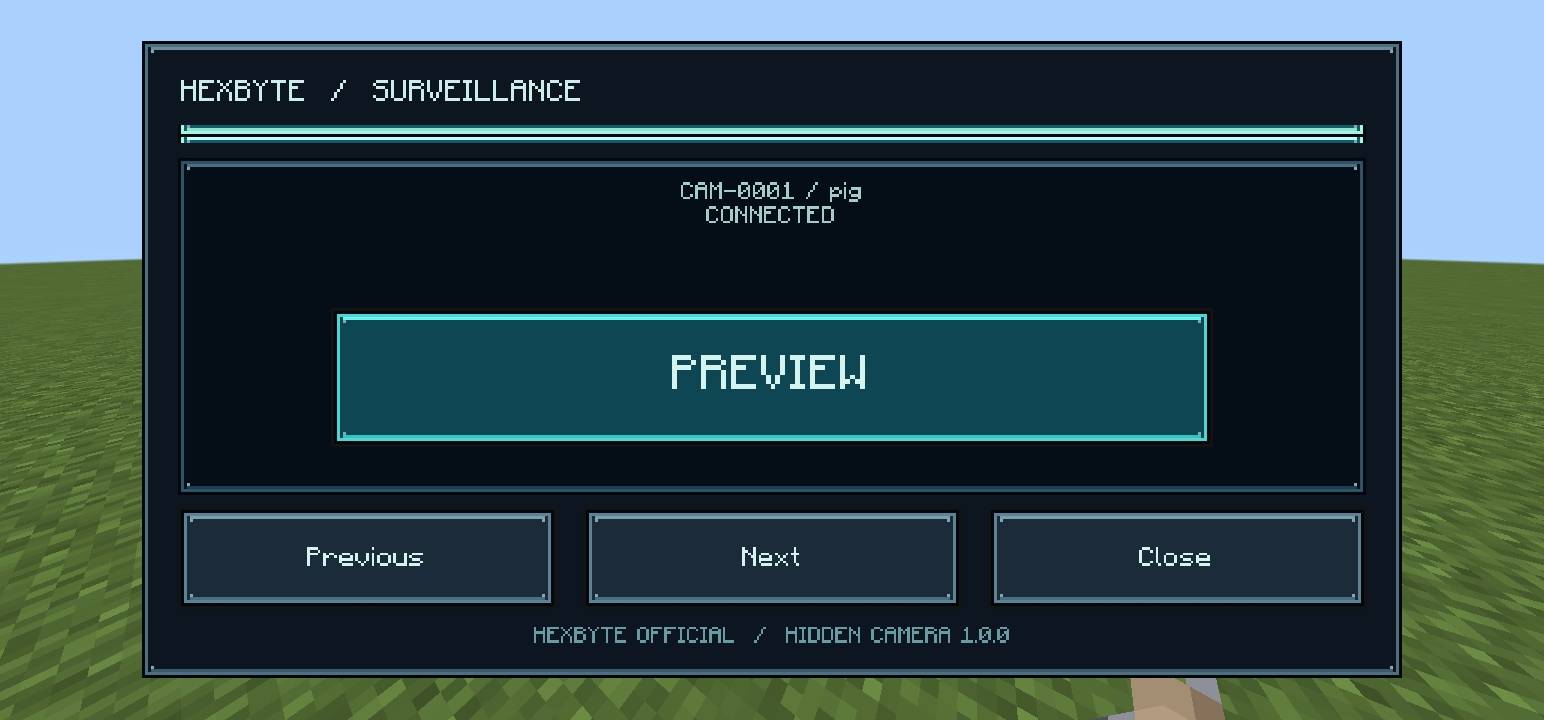
Screenshot_20261115_164022_5c8300b655012b1930f2e0a7b81bf6a9.jpg
Description
Hidden Camera: Attachable Camera
Created by Hexbyte Official
Turn mobs into moving surveillance points! Attach a hidden camera, place a Monitor, and select a saved camera through a custom surveillance interface.
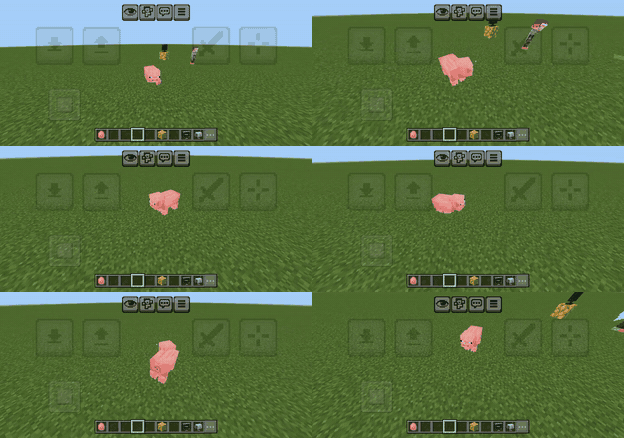
The attached camera appears as a small light-green dot near the mob’s eye, keeping its appearance discreet.
Features
- Camera and placeable Monitor items.
- Hidden attachments represented by a small light-green eye dot.
- Elevated third-person camera previews.
- 360-degree horizontal look controls using touch or mouse input.
- Custom surveillance interface with Previous, Next, PREVIEW, and Close controls.
- Separate saved camera selections for individual Monitors.
- Context-sensitive Remove Camera interaction while holding Camera and aiming at an attached mob.
- Support for the Overworld, Nether, and The End.
- Normal gameplay without operator or administrator privileges.
- Crafting recipes and original pixel-style assets.
- No experimental toggles required.
How to Use
1. Obtain a Camera and Monitor through crafting or the Creative inventory.
2. Hold Camera and interact with a mob to attach it.
3. Place a Monitor and interact with it.
4. Select a camera using Previous or Next.
5. Press the large PREVIEW button.
6. Swipe on mobile or move your mouse to look around.
7. Sneak to exit the preview.
To remove an attachment, hold Camera and aim at the attached mob. When the action changes to Remove Camera, use it.
To recover a Monitor, sneak and interact with it using an empty main hand.
Requirements
- Minecraft Bedrock 26.0, using minimum engine version 1.26.0.
- Activate both included Behavior and Resource Packs.
- Android or Windows.
- No experimental toggles required.
Important Information
Preview uses a temporary full-screen camera view. The physical television and interface panel display connection status rather than live video.
There is no add-on-imposed 64-block preview limit. However, the camera’s mob must remain loaded and be in the viewer’s current dimension. Minecraft’s simulation distance, render distance, and client loading still apply. Unlimited-range viewing and remote cross-dimension viewing are not guaranteed features.
Your player remains at the Monitor and can still take damage. Preview ends after 20 seconds or when interrupted by sneaking, damage, substantial movement, an unavailable host, or an obstructed camera position.
Other resource packs that replace the server-form interface may conflict with the custom UI.
Feedback
When reporting a problem, include your Minecraft version, device, affected mob, reproduction steps, and any relevant content-log errors.
Developer: Hexbyte Official
Hidden Camera: Attachable Camera Team

Owner