Simple Classic Morph
- By
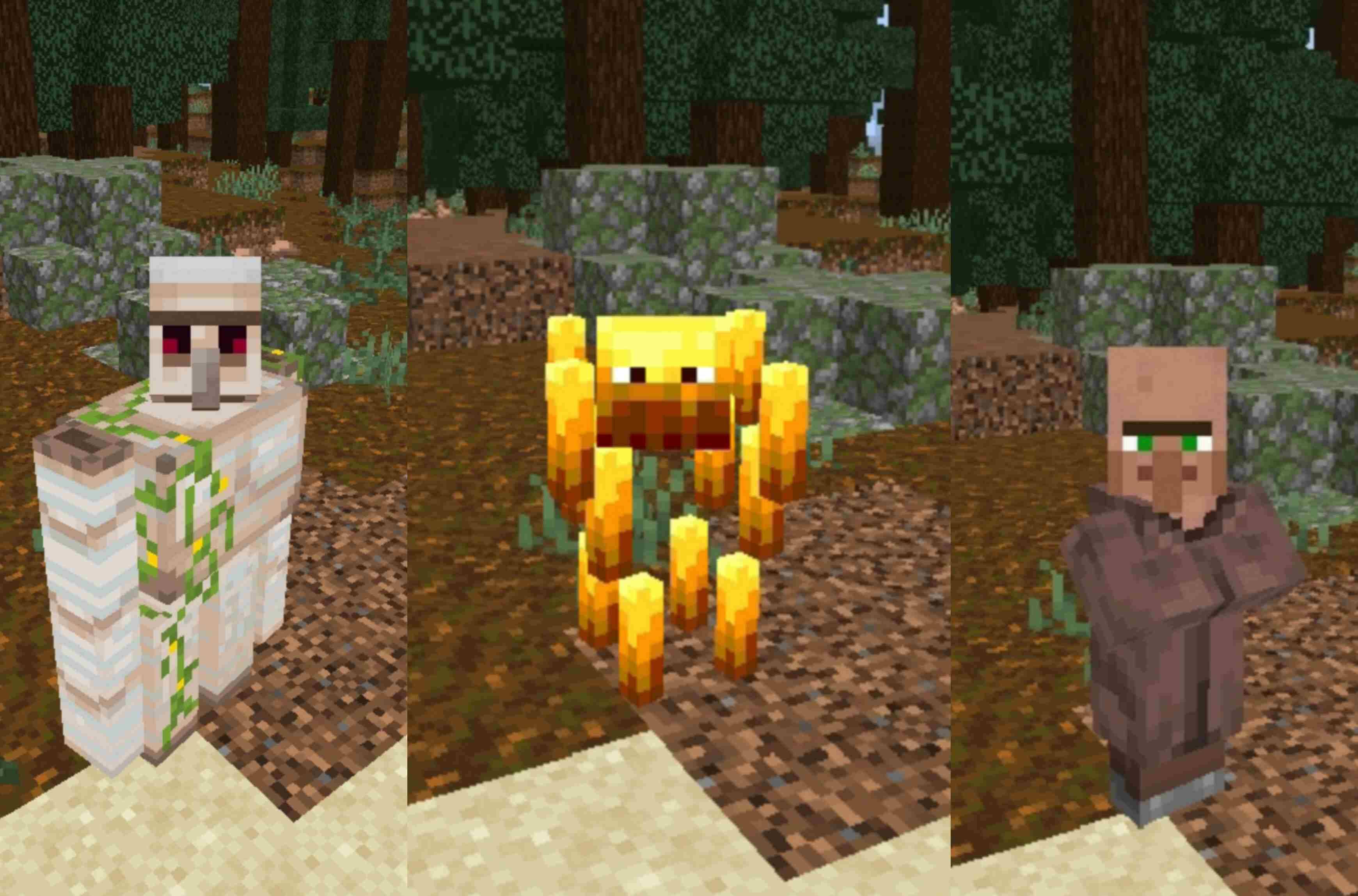
Turn into your favorite vanilla mobs, blocks and items with one item: the Morphing Tome. Craft it from a book and an amethyst shard, open the Morphing Menu, pick a picture, and you change. Tap Player/Default and you are yourself again.
Picsart_26-10-31_11-53-48-019[1].jpg
Picsart_26-10-31_12-27-36-101[1].jpg
Description
DESCRIPTION
What it is
Simple Classic Morph is a Minecraft Bedrock add-on that lets you transform into things that already exist in the vanilla game. Everything is controlled by one item and one menu with picture buttons, so it is easy to learn and easy to play with friends.
Requirements: Minecraft Bedrock Edition 1.26 or newer. The download contains two packs (behavior pack and resource pack). Turn both on for your world.
How it works
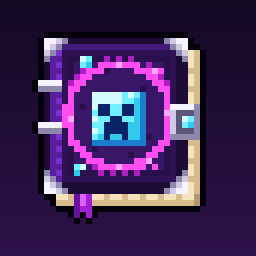
Morphing Tome
The Morphing Tome is the one item you need. Hold it and use it (right-click on PC, tap and hold on mobile) to open the Morphing Menu. It does not stack, and it is also in the creative inventory under Nature.
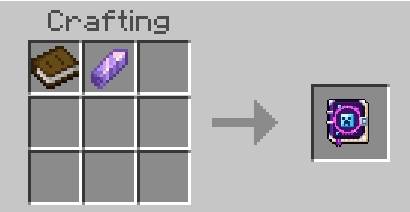
Crafting Recipe
Put 1 book and 1 amethyst shard in a crafting grid. They can go in any arrangement. That is the whole recipe.
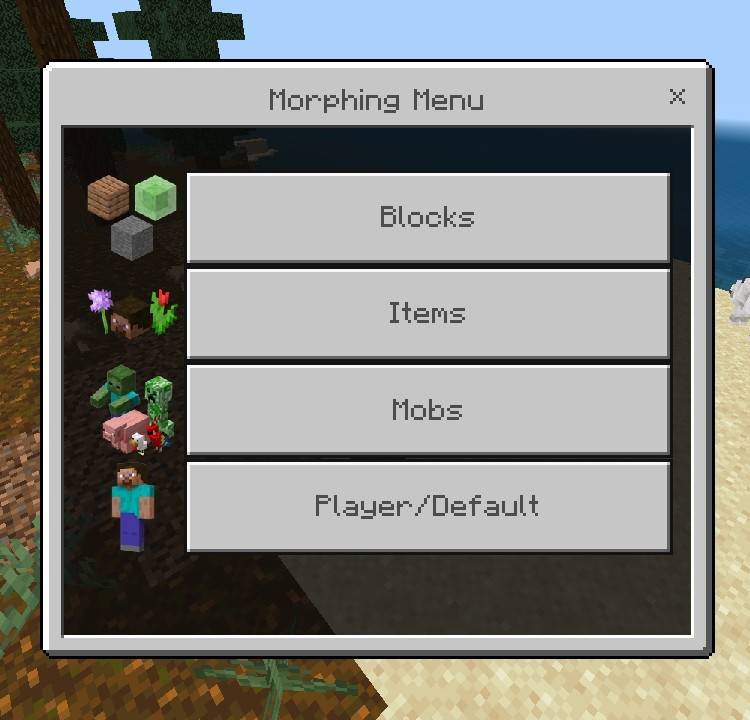
Menu
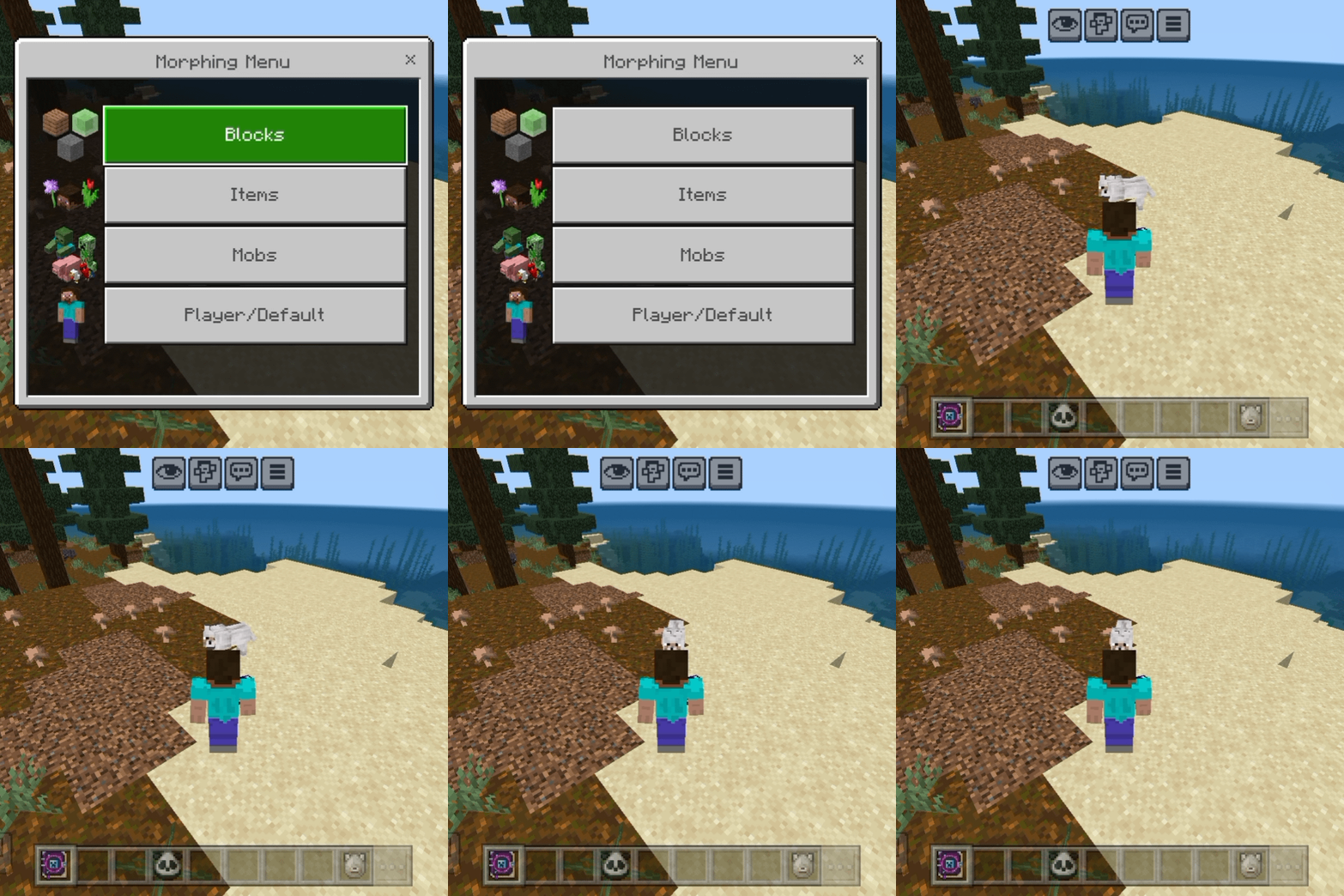
The Morphing Menu has four picture buttons:
• Blocks (49 choices)
• Items (18 choices)
• Mobs (85 choices)
• Player/Default (go back to normal)
Every choice inside a category has its own small picture, so you can find what you want at a glance.
Mobs (supported mobs)
When you morph into a mob, you look like that mob and take on some of its traits, such as its size and health. Your name tag is hidden while you are morphed and comes back when you return to normal.
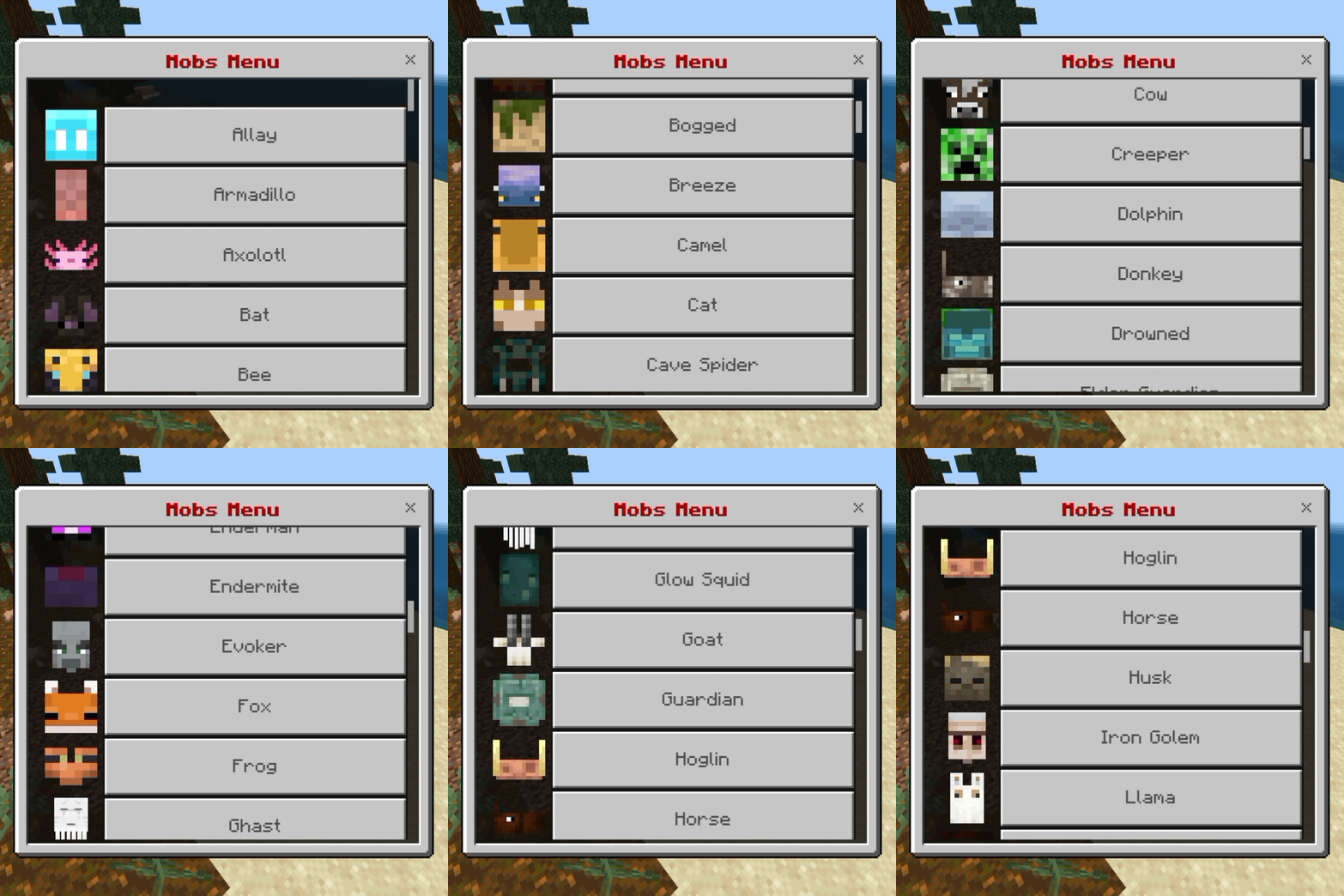
80 adult mobs: Allay, Armadillo, Axolotl, Bat, Bee, Blaze, Bogged, Breeze, Camel, Cat, Cave Spider, Chicken, Cod, Cow, Creeper, Dolphin, Donkey, Drowned, Elder Guardian, Ender Dragon, Enderman, Endermite, Evoker, Fox, Frog, Ghast, Glow Squid, Goat, Guardian, Hoglin, Horse, Husk, Iron Golem, Llama, Magma Cube, Mooshroom, Mule, Ocelot, Panda, Parrot, Phantom, Pig, Piglin, Piglin Brute, Pillager, Polar Bear, Pufferfish, Rabbit, Ravager, Salmon, Sheep, Shulker, Silverfish, Skeleton, Skeleton Horse, Slime, Sniffer, Snow Golem, Spider, Squid, Stray, Strider, Tadpole, Trader Llama, Tropical Fish, Turtle, Vex, Villager, Vindicator, Wandering Trader, Warden, Witch, Wither, Wither Skeleton, Wolf, Zoglin, Zombie, Zombie Horse, Zombie Villager, Zombified Piglin.
5 baby mobs: Baby Armadillo, Baby Bee, Baby Chicken, Baby Cow, Baby Zombie.Some mobs have several looks in the game (for example cat colors or horse colors). Each button uses one default look: Cat is the tabby, Horse is brown, Mooshroom is red, Slime is large, Tropical Fish is the clownfish, Trader Llama is creamy and Wolf is pale.
Item (supported item)
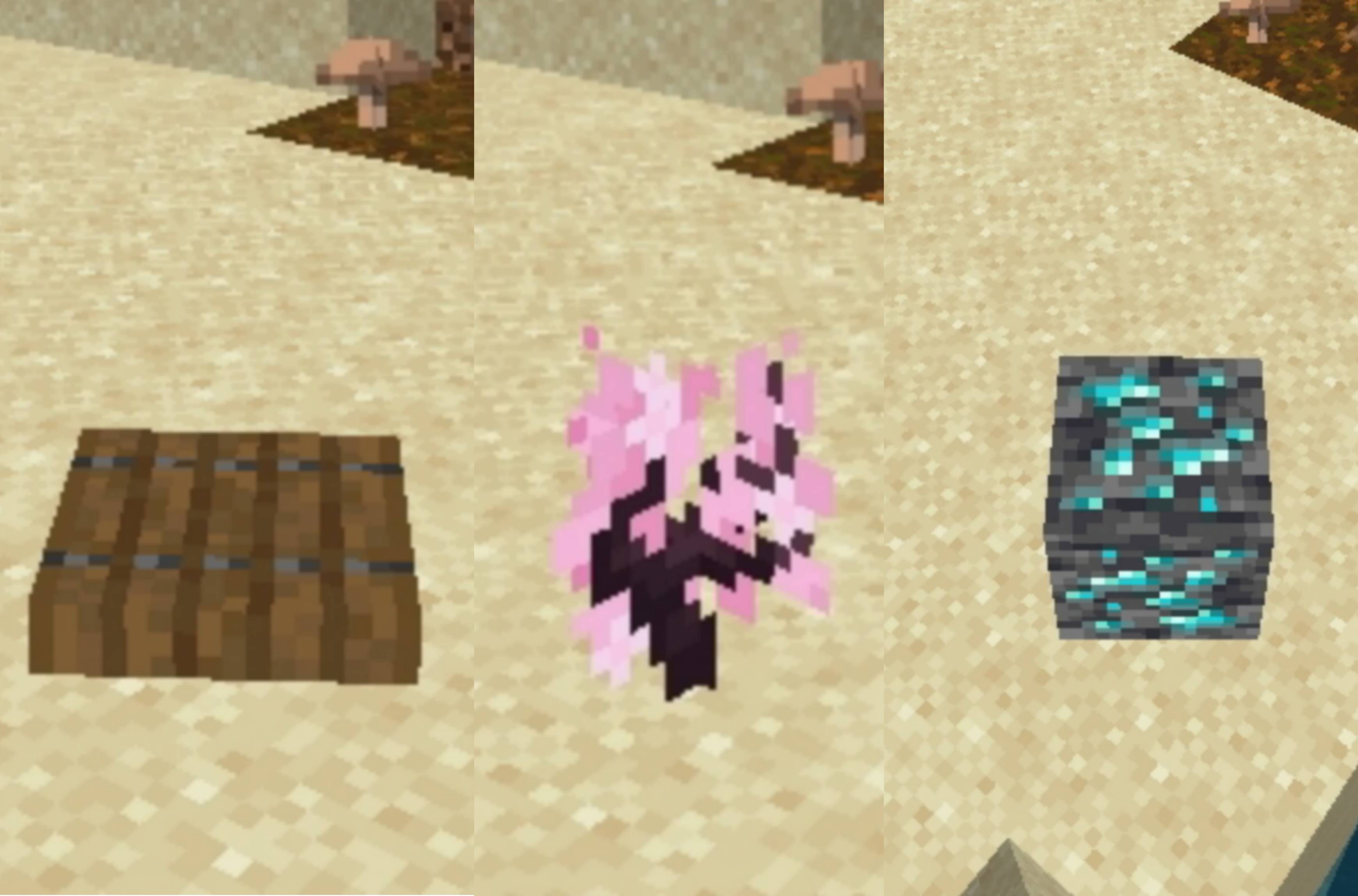
When you morph into an item, you become that item. 18 items:
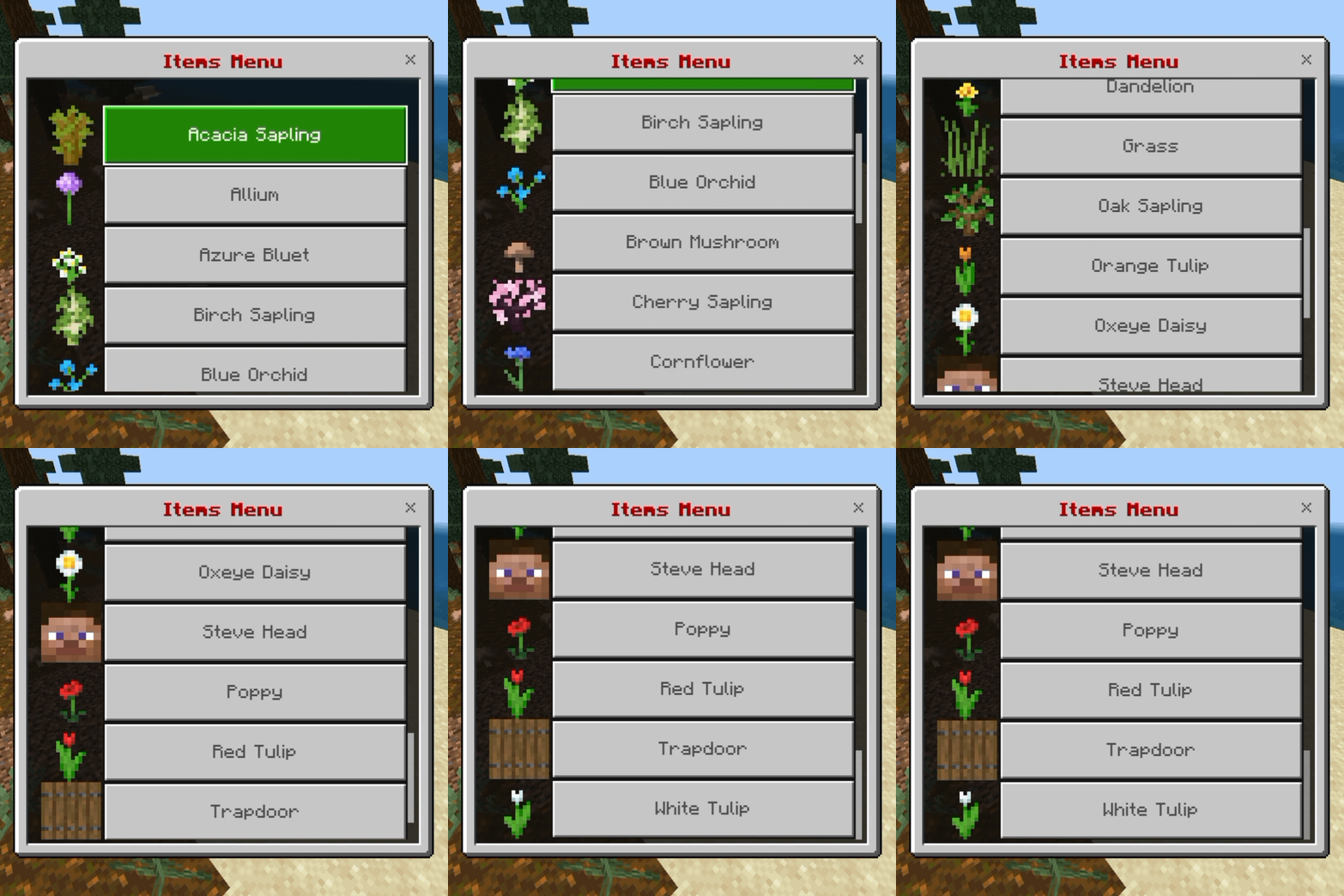
Acacia Sapling, Allium, Azure Bluet, Birch Sapling, Blue Orchid, Brown Mushroom, Cherry Sapling, Cornflower, Dandelion, Grass, Oak Sapling, Orange Tulip, Oxeye Daisy, Poppy, Red Tulip, Steve Head, Trapdoor, White Tulip.
Blocks (supported blocks)
When you morph into a block, you look like that block, which is great for hide and seek. 49 blocks:
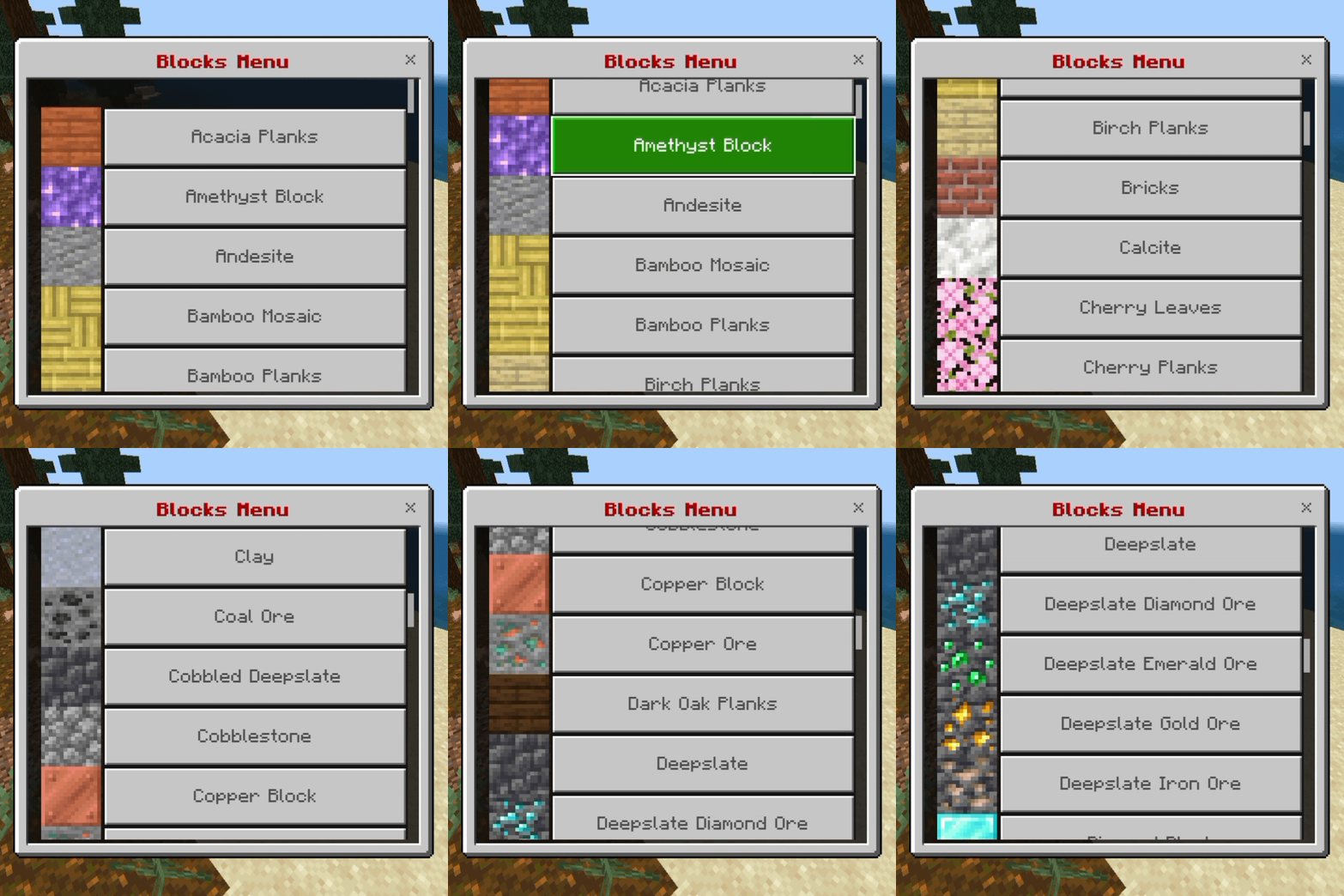
Acacia Planks, Amethyst Block, Andesite, Bamboo Mosaic, Bamboo Planks, Birch Planks, Bricks, Calcite, Cherry Leaves, Cherry Planks, Clay, Coal Ore, Cobbled Deepslate, Cobblestone, Copper Block, Copper Ore, Dark Oak Planks, Deepslate, Deepslate Diamond Ore, Deepslate Emerald Ore, Deepslate Gold Ore, Deepslate Iron Ore, Diamond Block, Diamond Ore, Diorite, Dirt, Emerald Block, End Stone, Glass, Gold Block, Gold Ore, Gravel, Ice Block, Iron Block, Iron Ore, Jungle Planks, Mangrove Planks, Oak Planks, Obsidian, Pale Oak Planks, Redstone Block, Resin Block, Resin Bricks, Sand, Sponge, Spruce Planks, Stone, Stone Bricks, White Concrete.
Default/Player
Open the Morphing Menu and tap Player/Default to turn back into your normal self. It also empties your head slot and clears your effects. Tip: choosing any new morph does the same before it changes you, so potion effects are cleared each time you switch.
Features
• One item, one menu: the Morphing Tome and the Morphing Menu
• 85 mobs (including 5 baby mobs), 49 blocks and 18 items
• A picture on every menu button
• A Player/Default button to return to normal at any time
• Simple recipe: 1 book and 1 amethyst shard
• Vanilla-style look: only things that exist in the vanilla game
• Mob traits such as size, health and attack
• Name tag hidden while you are morphed
• Small download (under 1 MB)
• Normal game menus, nothing heavy added to your screen
• Achievement friendly
Why some mobs, items and blocks are not available?
The add-on does not include every mob, item and block in the game. Each one needs its own model, texture and animations to look right, and the list was built around a core set that works well together. Some choices are also left out so the menu stays short and easy to use.
• Mobs not included yet: newer or special mobs such as the Creaking, Copper Golem, Happy Ghast, Nautilus, Zombie Nautilus, Parched, Camel Husk and Illusioner.
• Looks and colors: mobs with many versions use one default look per button.
• Items and blocks: only the 18 items and 49 blocks listed above are included. Other blocks and items may be added later.
If something you love is missing, tell us in the comments. Popular requests help decide what comes next.
Bug & Errors
 Known Issues (Bugs May Persist) Some players may see error lines in Minecraft's content log that start with "[Geometry][error]" and mention a "locator" on mobs such as the axolotl, horse or camel. This happens inside the game itself, in the way Minecraft loads the models of many different mobs on the player at once. The game skips these lines by itself and morphing keeps working. Because the cause is in the game, this bug may persist until Minecraft changes how it handles this or a workaround is found. If you notice any other error, or a morph looks wrong, please report it with your game version, your device and the other add-ons in your world.
Achievement friendly!
This add-on is marked as an add-on in its pack details, which is the setting meant to keep achievements friendly. We suggest you check it in a new world. Achievement rules can depend on your game version and on any other packs you have turned on.
Suggestions and reports
We love hearing from you. To help us read and fix things quickly, please keep your comments kind and clear.
• Be respectful. Honest feedback is welcome, rude comments are not.
• Report one thing per comment.
• For a problem, tell us your game version, your device (PC, phone, console), what you did, and what you expected to happen. A screenshot helps a lot.
• Tell us which other add-ons you are using in the same world.
• For a suggestion, say what you would like and why. Please do not demand updates or deadlines. This is made in free time.
Credits
• Add-on created and published by MrDavid13.
• Minecraft, its mobs, blocks, items and textures belong to Mojang AB and Microsoft. This add-on is not made by or affiliated with Mojang or Microsoft.
• Thank you to everyone who tests, comments and shares ideas.
Simple Classic Morph Team

Owner