Ghastify: Happy Ghast Colors+
- By
Enhance vanilla Happy Ghasts with 500 colors, claiming, protection, parking, recall, admin tools, and achievement friendly Realm support.
Main.jpeg
Main2.jpeg
Main1.jpeg
Main3.jpeg
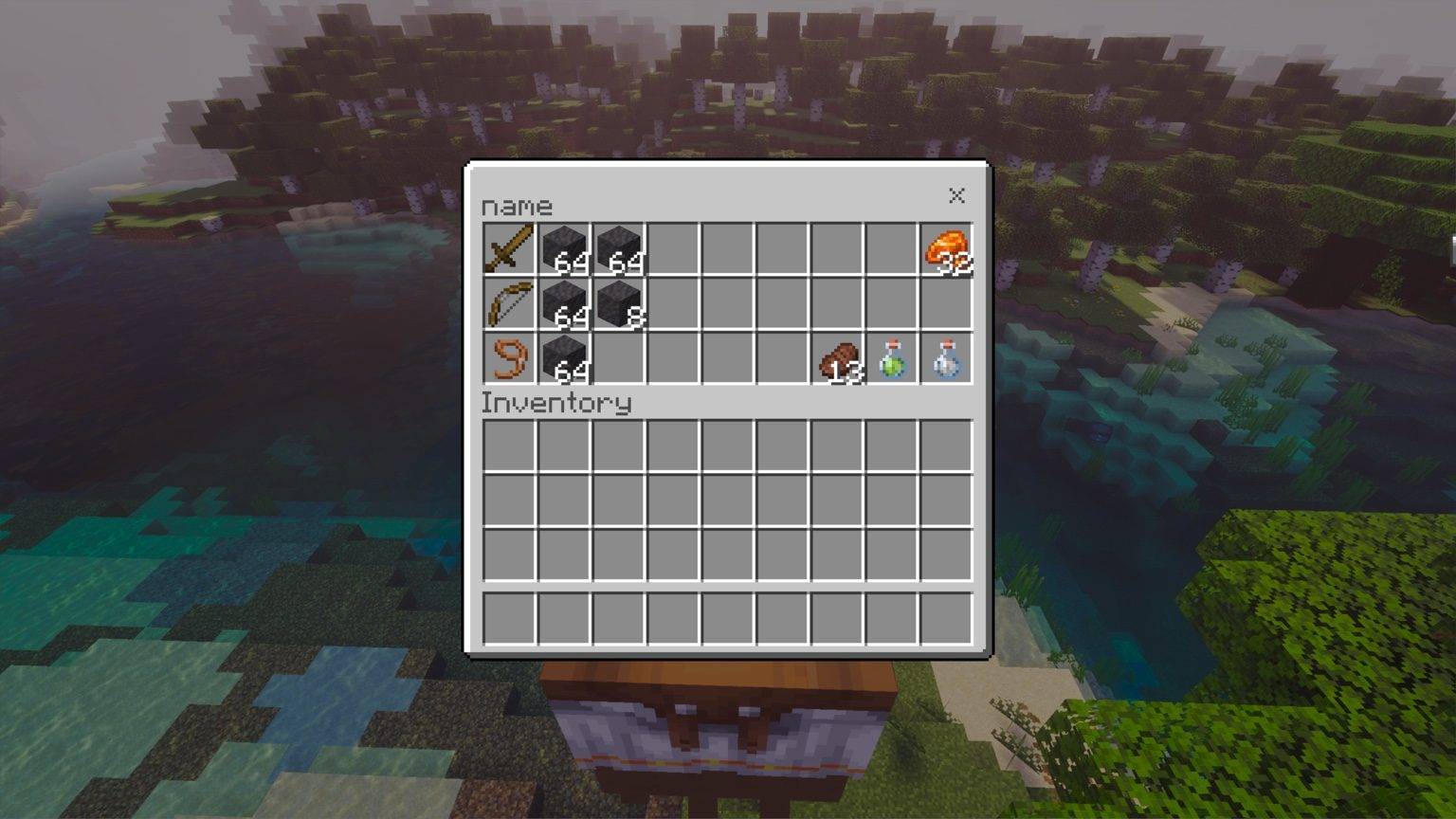
Inventory.jpeg
Description
Ghastify: Happy Ghast Colors+
Current Version: v1.28
✅ Achievement Friendly
Ghastify expands the vanilla Happy Ghast with colors, claiming, protection, storage, parking, recall, custom-dimension support, and management tools — without replacing the original mob.
Designed for Survival, Creative, multiplayer worlds, and Minecraft Realms.
Join the NoctCraft Addons Discord
✨ Main Features
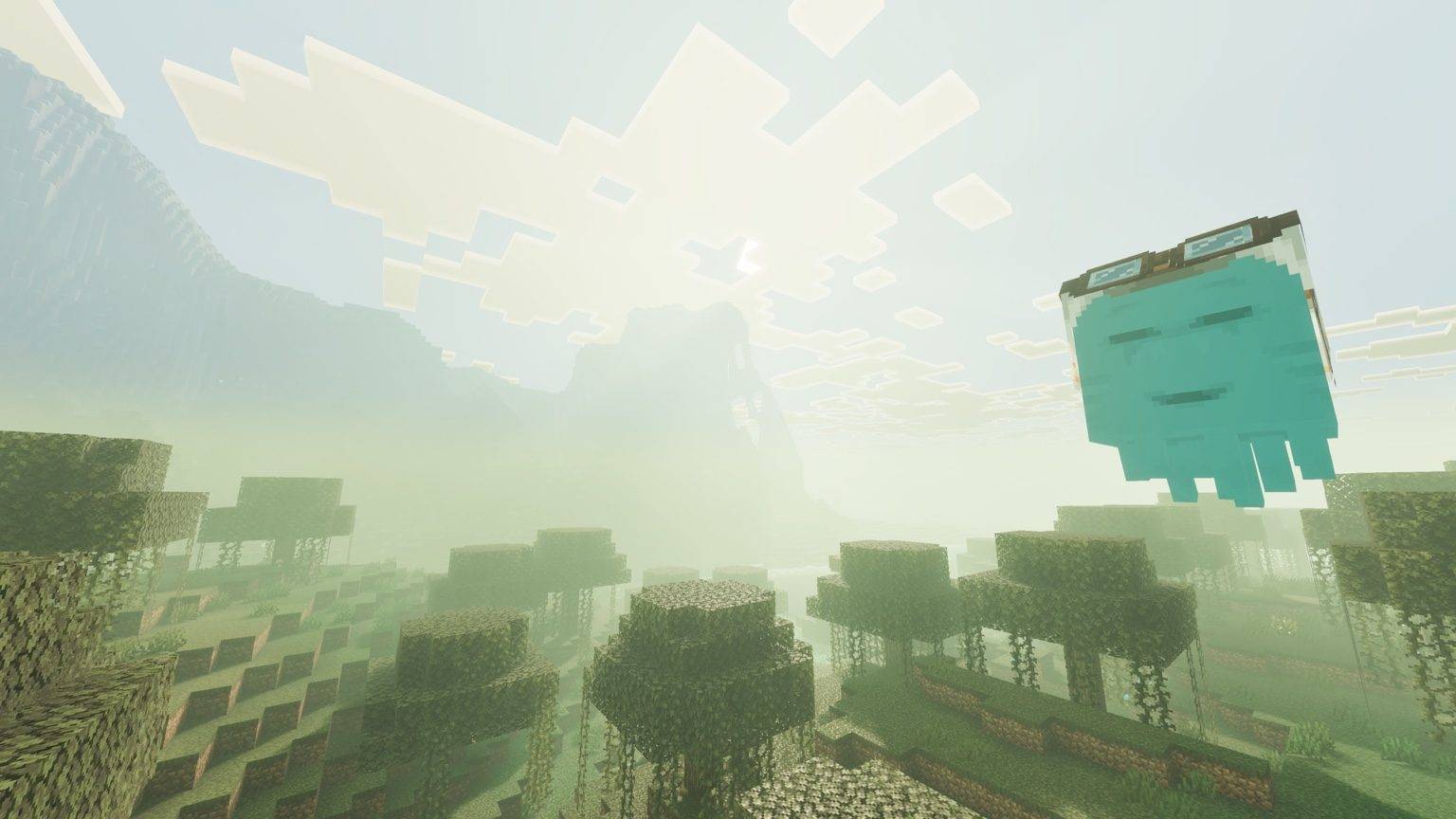
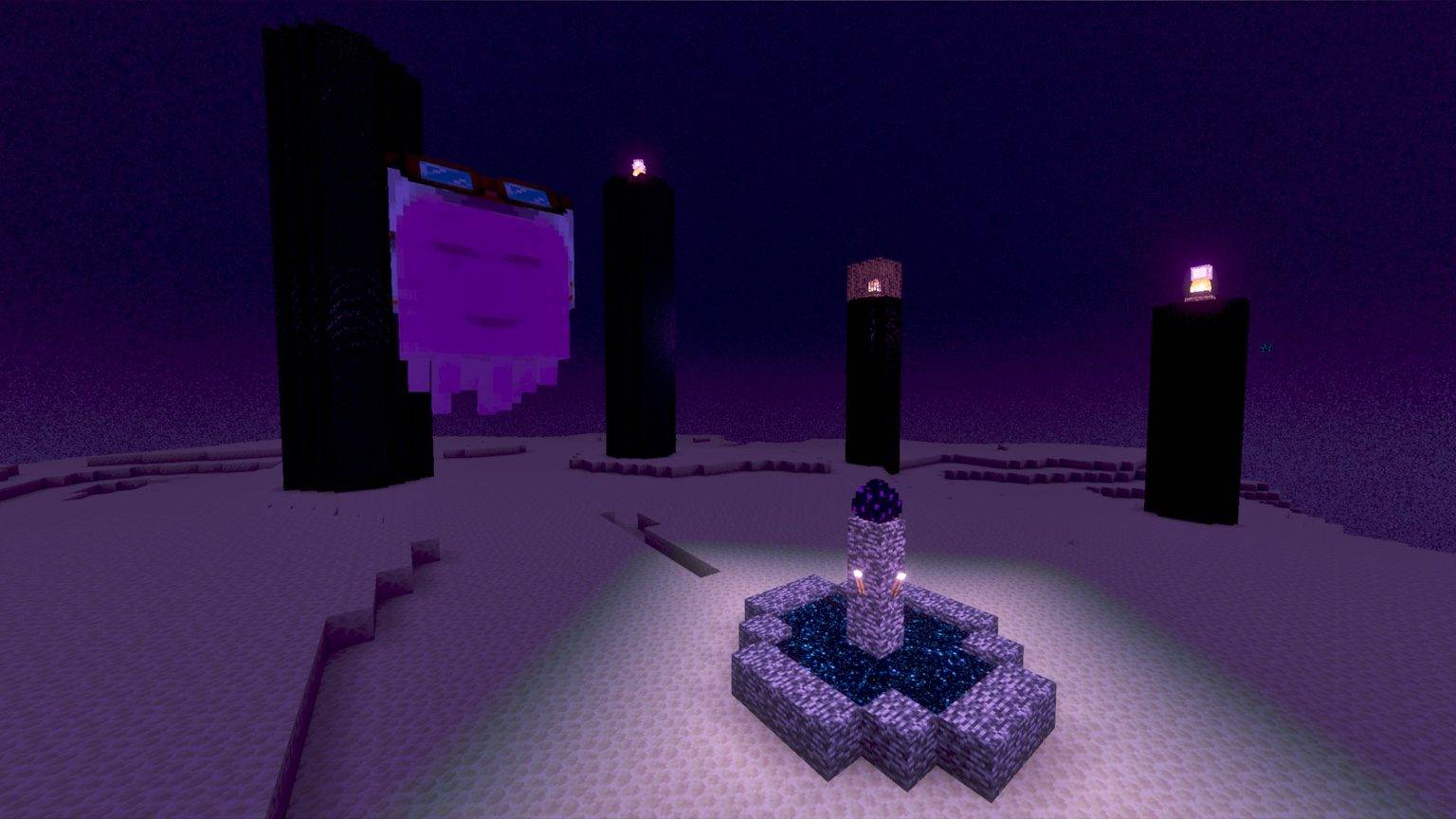
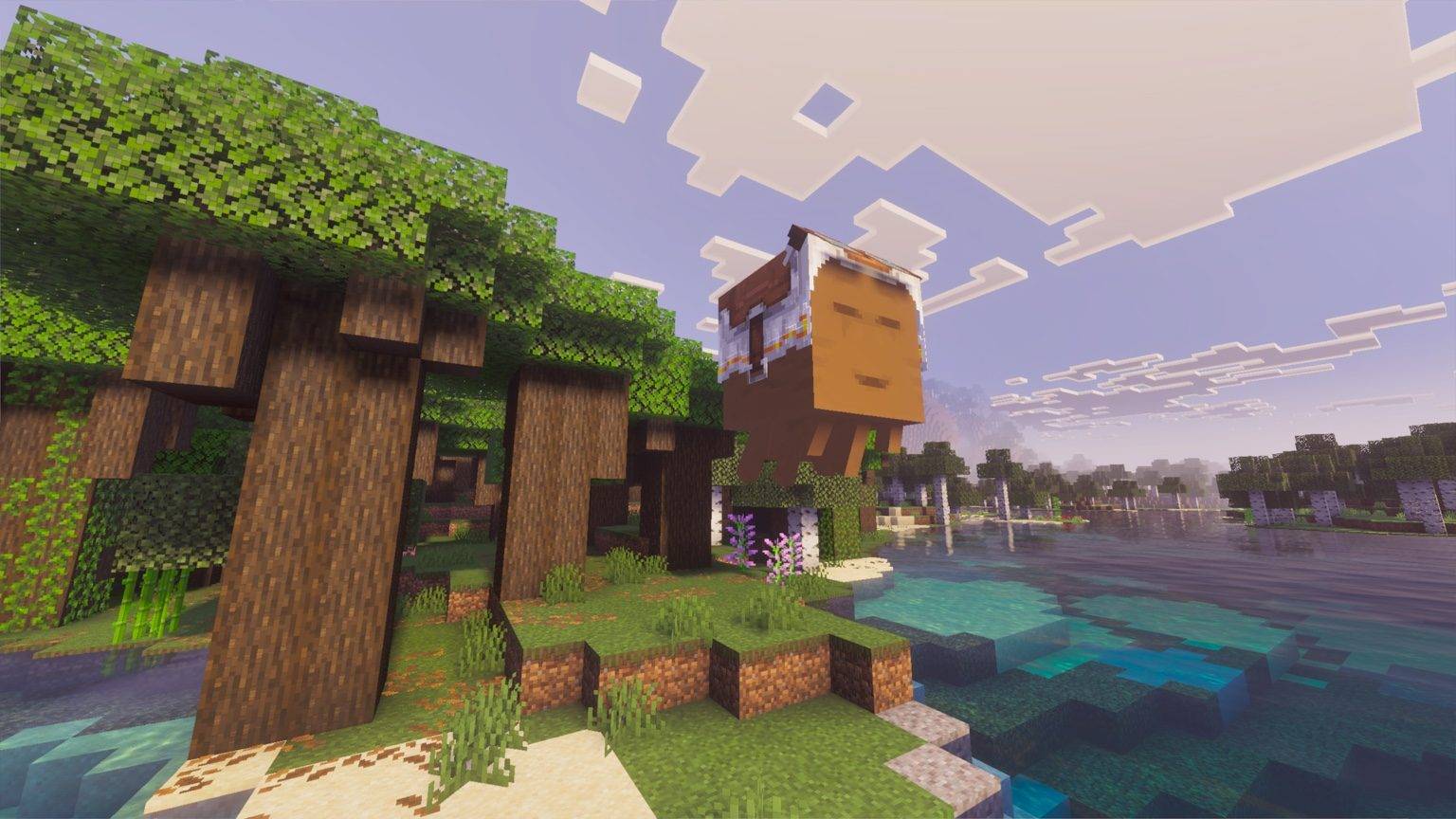
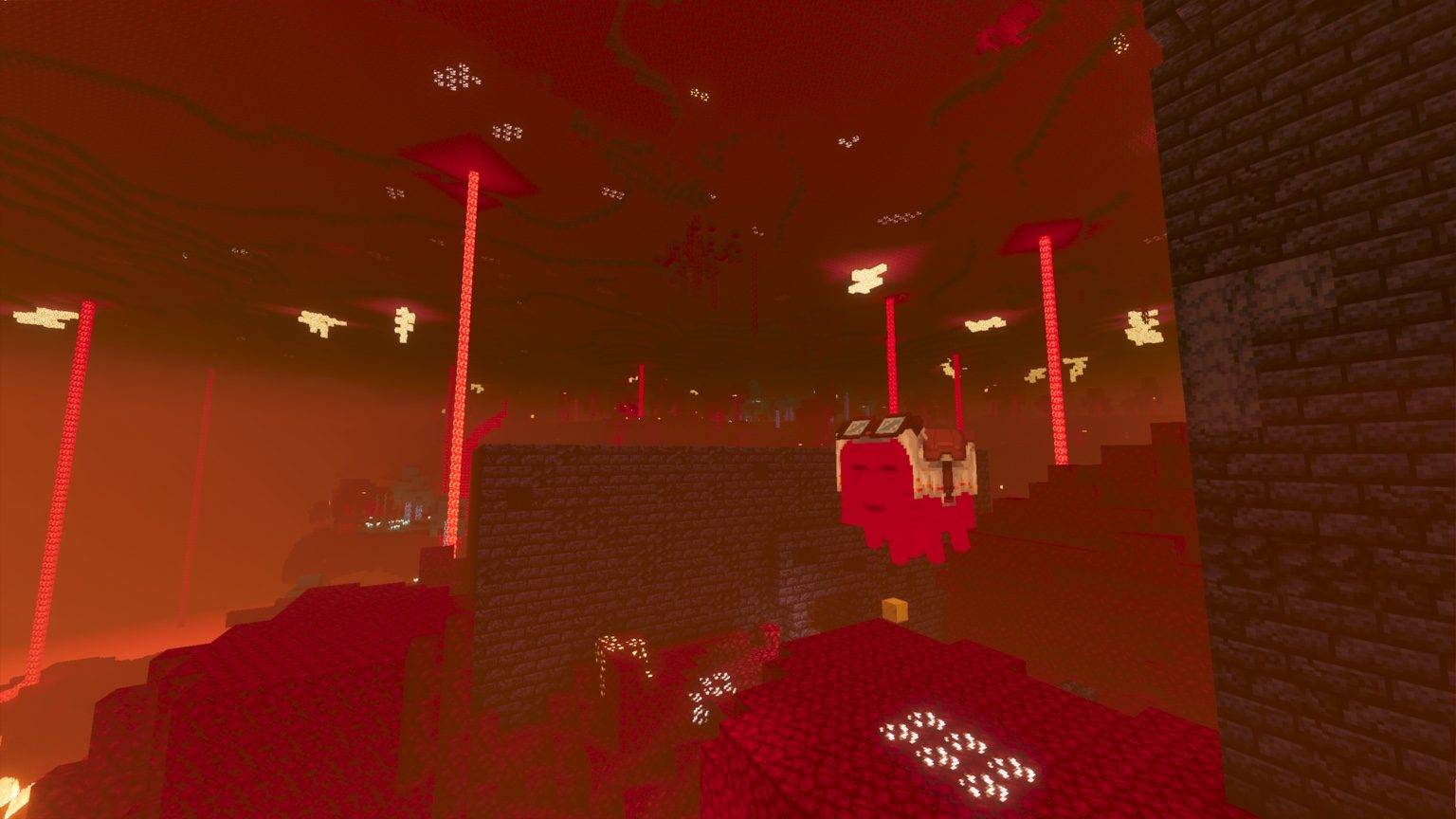
🎨 500 Happy Ghast Colors
Choose from 500 different colors and give each Happy Ghast its own unique appearance.
Colors are saved individually, so every claimed Ghast can have its own color.
🔒 Claiming & Protection
Claim a Happy Ghast and make it yours.
Claimed Ghasts keep their ownership information saved and can be protected from unwanted interactions by other players.
Each claimed Ghast keeps its own:
- Owner
- Color
- Speed
- Protection settings
- Parking state
- Ghastify saved information
📦 Happy Ghast Storage
Continue using the Happy Ghast's vanilla storage inventory while gaining all of Ghastify's additional features.
Storage can be accessed normally, including while standing on top of the Ghast.
Great for carrying building supplies, exploration items, or extra resources while travelling.
🅿️ Parking System
Park your claimed Happy Ghast when you want it to stay securely in one place.
A parked Ghast remains locked in position instead of wandering away and cannot simply be dragged around with a lead.
When you're ready to travel again, unpark it and continue normally.
📍 Happy Ghast Recall
Lost your Ghast or left it somewhere far away?
Claimed Happy Ghasts can be recalled back to you through the Ghastify menu.
Recall works within the same dimension and across supported dimensions.
🌌 Cross-Dimension Recall
Ghastify can recall claimed Happy Ghasts between dimensions.
Supported locations include:
- Overworld
- Nether
- End
- Supported custom addon dimensions
⚠️ The Ghast Must Be Loaded
For cross-dimension recall to work, the chunk containing the Happy Ghast must currently be loaded.
If the Ghast is inside an unloaded chunk, Minecraft does not make that entity available to Ghastify, so it cannot be transferred yet.
Load the area containing the Ghast first, then try recall again.
🌐 Custom Dimension Support
Ghastify is no longer limited to Minecraft's three vanilla dimensions.
The addon can recognize custom dimensions added by other addons, allowing Ghastify features to continue working when a Happy Ghast travels outside the Overworld, Nether, or End.
This includes compatible Aether-style dimensions and other addon-created dimensions.
Ghastify uses the dimension's actual ID instead of relying on a hardcoded list of specific addon names.
🔧 More Features
⚡ Individual Speed Settings
Adjust the travel speed of individual claimed Happy Ghasts.
Each Ghast remembers its own selected speed.
💾 Persistent Ghast Settings
Ghastify saves information individually for each claimed Ghast.
Your Ghasts keep their customization, ownership, parking, speed, and protection information between play sessions.
🎨 Color Tool
The Ghastify Color Tool is the main player tool for interacting with the addon.
Use it to:
- Claim Happy Ghasts
- Choose colors
- Manage protection
- Adjust speed
- Park and unpark Ghasts
- Recall claimed Ghasts
- View and manage Ghast settings
🛡️ Admin Tool
Operators and admins receive additional management options through the Ghastify Admin Tool.
It can be used to:
- Manage claimed Happy Ghasts
- Review saved Ghast information
- Access administrative controls
- Check Ghastify performance information
- Recover Ghasts when something becomes out of sync
Admin features are only available to players with operator/admin permissions.
🚨 Emergency Ghast Reset
If a physical Happy Ghast ever becomes stuck with broken or out-of-sync Ghastify data, admins can use the Emergency Ghast Reset to recover it.
This tool works directly with the physical Happy Ghast instead of relying on the normal loaded-Ghast registry.
How to Access the Emergency Reset
- Hold the Ghastify Admin Tool
- Look directly at the affected Happy Ghast
- Use/interact with the Admin Tool while looking at the Ghast
- Open Targeted Ghast Admin
- Select Emergency Reset This Ghast
- Confirm the reset
The Happy Ghast itself is not deleted.
The Emergency Reset clears its old Ghastify claim, ownership, protection, parking, name-lock, and related saved state so the Ghast can be recovered, renamed, and claimed again.
This feature is intended for emergency recovery only and normally should not be needed.
🌍 Realm & Multiplayer Friendly
Ghastify was designed with multiplayer worlds and Minecraft Realms in mind.
Background systems are kept lightweight and designed to avoid unnecessary constant world scanning.
🛠️ What's New in v1.28
🌐 Custom Dimension Support
Ghastify can now recognize Happy Ghasts inside supported addon-added dimensions instead of treating non-vanilla dimensions as unavailable.
🚨 Emergency Ghast Reset
Added a direct admin recovery option for physical Happy Ghasts with broken or out-of-sync Ghastify data.
Hold the Admin Tool, look directly at the affected Happy Ghast, interact with the tool, then open Targeted Ghast Admin to access the Emergency Reset.
🌌 Safer Cross-Dimension Recall
Fixed an issue where cross-dimension recall cleanup could accidentally affect another nearby Happy Ghast.
Recall cleanup now only targets an accidental duplicate with the exact same Ghastify claim ID as the Ghast being recalled.
Other players' claimed Ghasts and nearby unclaimed Ghasts are left untouched.
🐾 Nearby Mob Duplication Fix
Cross-dimension recall no longer brings or duplicates nearby pets and other mobs with the recalled Happy Ghast.
📦 Storage Fix
Happy Ghast storage remains accessible while standing on top of the Ghast without immediately closing.
📖 Getting Started
- Craft the Ghastify Color Tool
- Find a vanilla Happy Ghast
- Use the tool to claim the Ghast
- Choose a color and customize its settings
- Park, protect, store items, adjust speed, and recall your Ghast whenever needed
Each claimed Happy Ghast keeps its own saved information and settings.
🧰 Tool Recipes
🎨 Color Tool
1 Dirt
Used by players to claim and manage Happy Ghasts.
🛡️ Admin Tool
Any Plank + 1 Iron Ingot
Used by operators/admins for Ghast management, addon information, and emergency recovery options.
Both tools can be crafted using player crafting or a crafting table.
Admin Tool features are only available to players with operator/admin permissions.
⚠️ Important Notes
- Ghastify works with the vanilla Happy Ghast. It does not replace it or add a custom Ghast mob.
- Cross-dimension recall requires the Happy Ghast's chunk to be loaded.
- Custom addon dimensions are supported where Minecraft makes the dimension available to Ghastify.
- Emergency Ghast Reset is accessed by looking directly at a Happy Ghast while holding and using the Admin Tool.
- Designed for Survival, Creative, multiplayer worlds, and Minecraft Realms.
- Vibrant Visuals / PBR support included.
✅ Achievement Friendly
Created by NoctCraft Addons
Ghastify: Happy Ghast Colors+ Team