GearKits
- By
GearKits is a lightweight in-game kit manager for Minecraft Bedrock that lets players save, load, and manage personal and shared gear kits with cooldowns, limits, and admin controls.
Screenshot_20260802_172951_Minecraft.jpg
Screenshot_20260802_172939_Minecraft.jpg
Screenshot_20260802_172931_Minecraft.jpg
Description
GEARKITS
GearKits is a lightweight and reliable kit management add-on for Minecraft Bedrock Edition. Save and load inventories, manage personal and server kits, and configure permissions, cooldowns, and item restrictions through simple in-game menus.
Perfect for Survival, SMPs, and multiplayer servers.
How2Use
To save a kit, fill your inventory with the items you want, including armor and equipment, then use /kit save <name>.
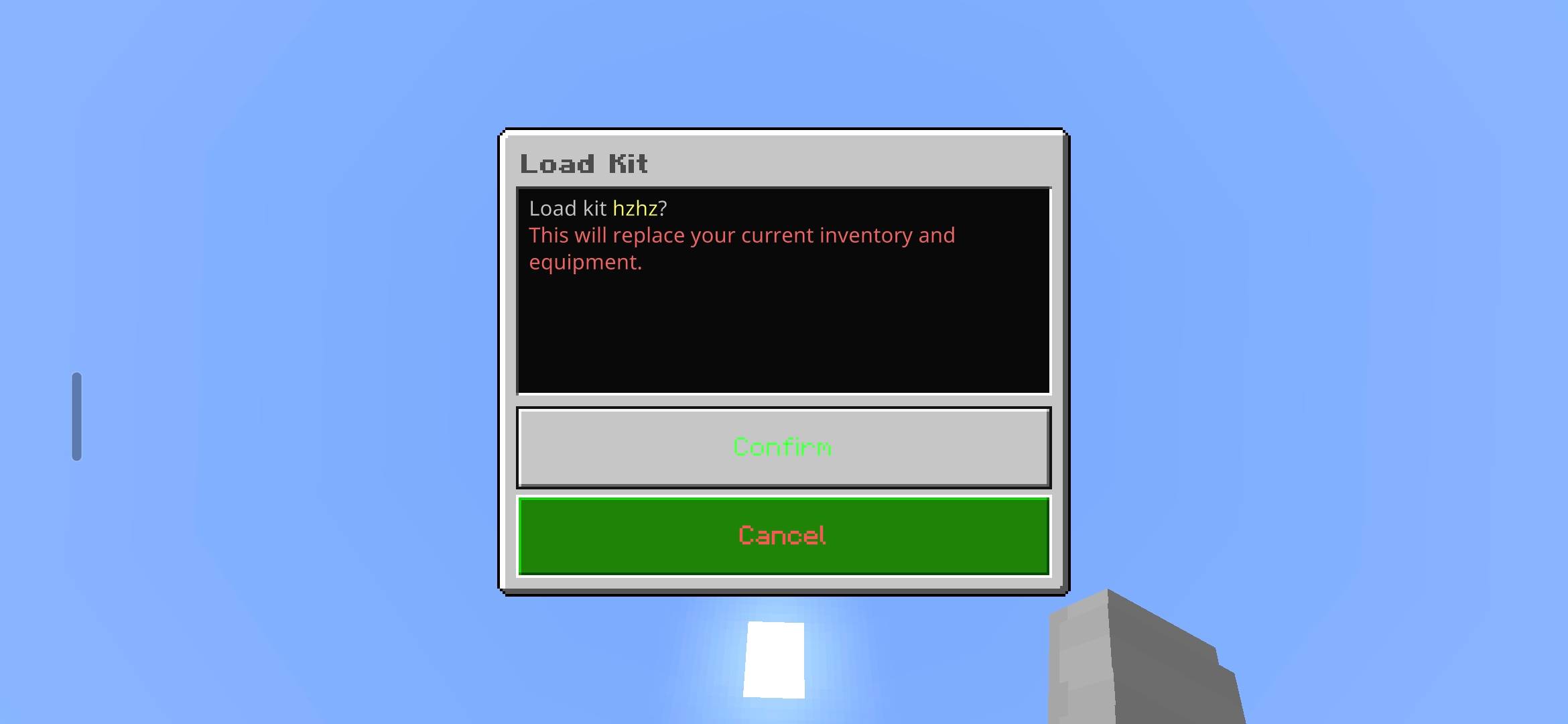
To load a saved kit, use /kit load <name> or open /kits, select your kit, and confirm.
Your saved items retain their supported enchantments, durability, and other item data. Blacklisted items are automatically excluded, and you'll be notified if any items couldn't be saved.
Commands
Player Commands
/kits- Open the kits menu to browse and load available kits./kit save [name]- Save your current inventory as a kit./kit load <name>- Load a saved kit./kit delete <name>- Delete one of your saved kits./kit list- View your available kits./kit info- View your kit limits and cooldowns./blacklist- View restricted items, if enabled.
Admin Commands
Requires the admin tag.
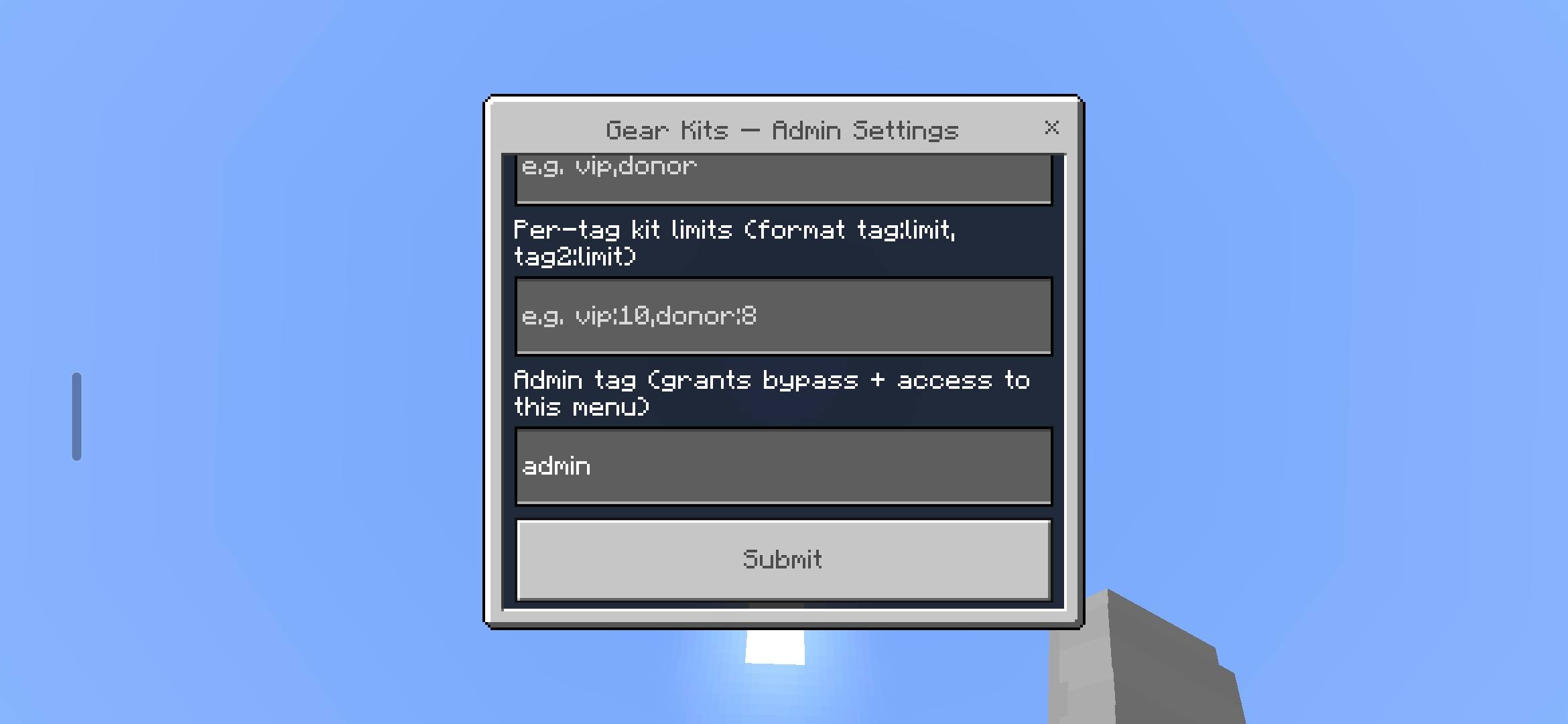
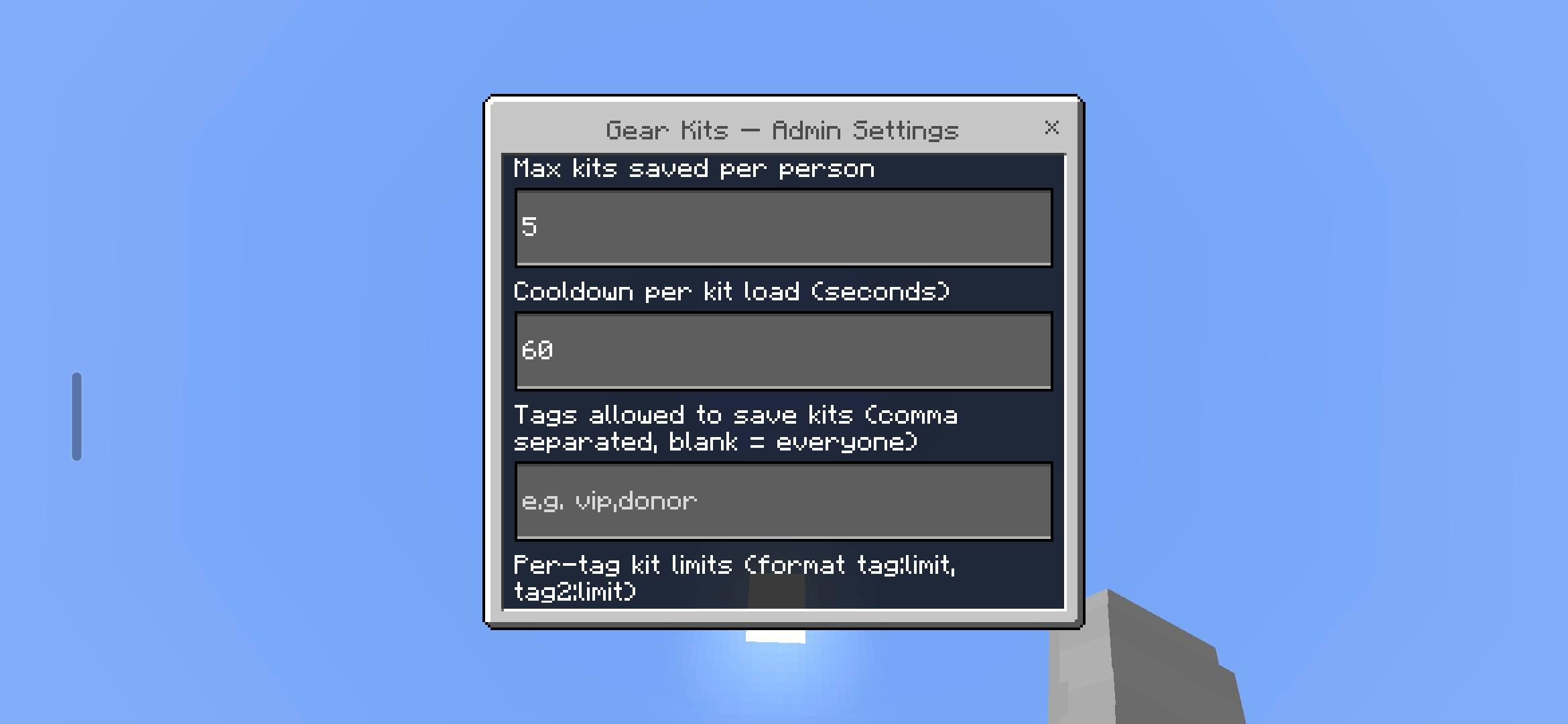
/config- Configure kit settings, permissions, limits, cooldowns, and restrictions./admin save [name]- Create or overwrite a server kit./admin edit <name>- Edit a server kit, including its icon, cooldown, access, and display order./admin delete <name>- Delete a server kit./admin list- View and manage server kits./admin health- Check database integrity and saved kit storage./admin repair- Repair recoverable kit database records./blacklist add <item_id>- Block an item from being saved or loaded./blacklist remove <item_id>- Remove an item from the blacklist.
CREDITS
QIDB: The database implementation draws on the native item-storage approach from Quick Item Database, with additional changes for persistent kit storage, integrity verification, and recovery. REPO

GearKits Team