Floating Text Display
- By
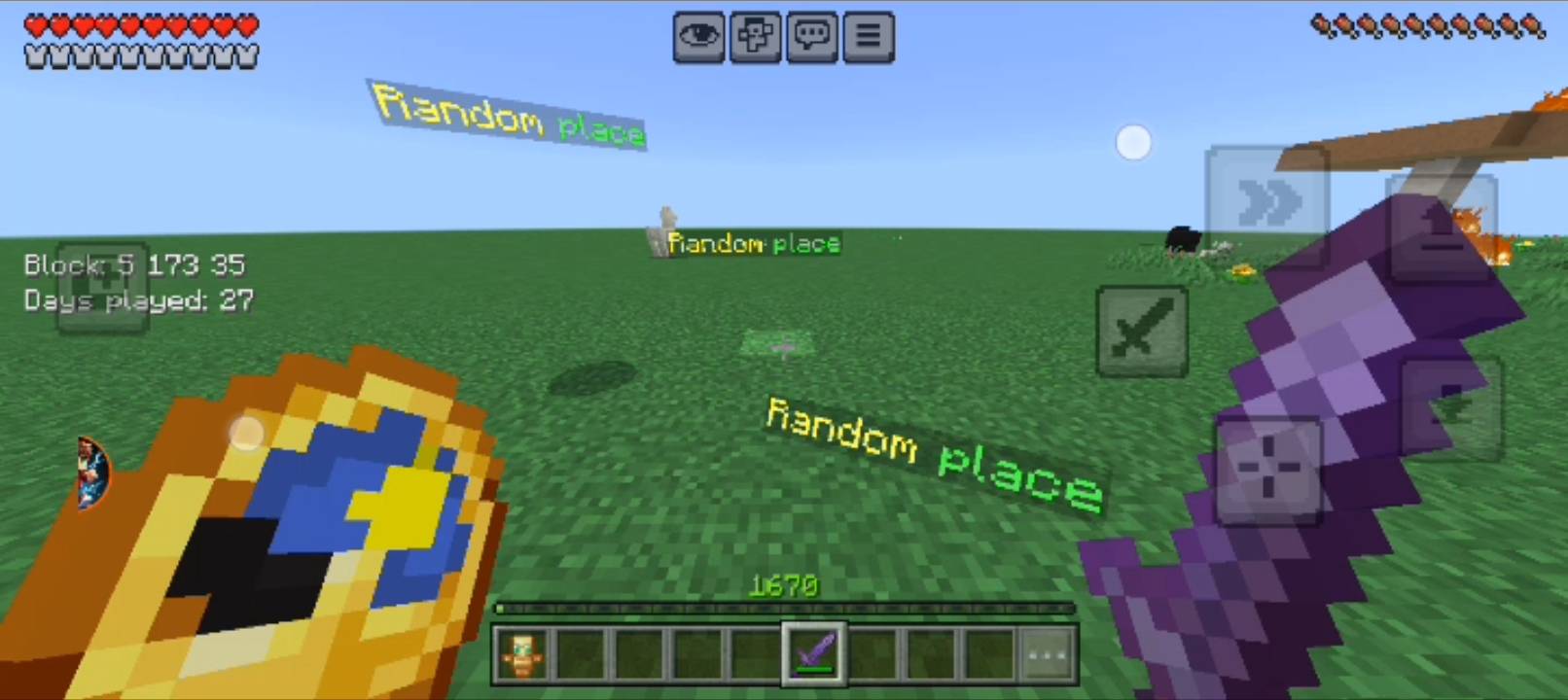
Create Floating or 3D Glowing Text Anywhere in Your Minecraft World!
Screenshot_20250805-184924.jpg
Screenshot_20251213-145114.jpg
Description
📦 Text Display Add-on
Create Floating or 3D Glowing Text Anywhere in Your Minecraft World!
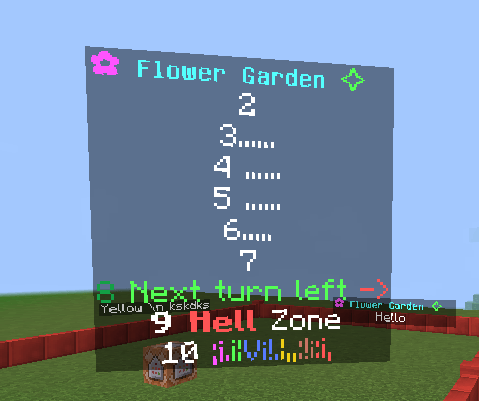
Tired of boring signs or item frames for labeling your builds? With the Text Display addon, you can now summon floating glowing text — right in the air, ground level, or mid-height! It's super easy, colorful, and perfect for decorating your Minecraft Bedrock world in creative style.

✨ What does this addon do?
This add-on lets you display floating, glowing text using simple commands like:
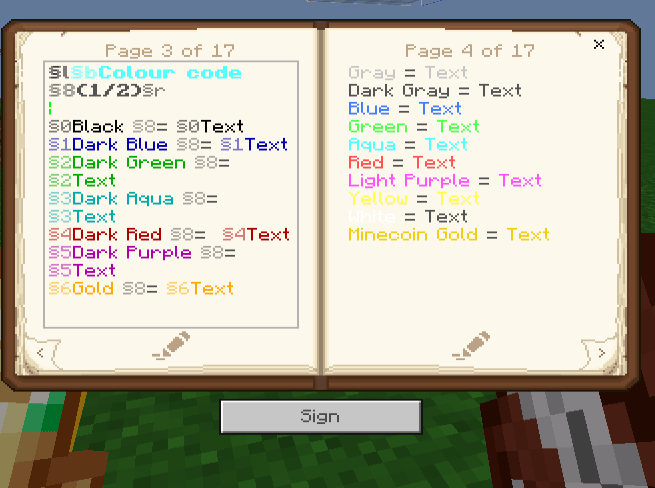
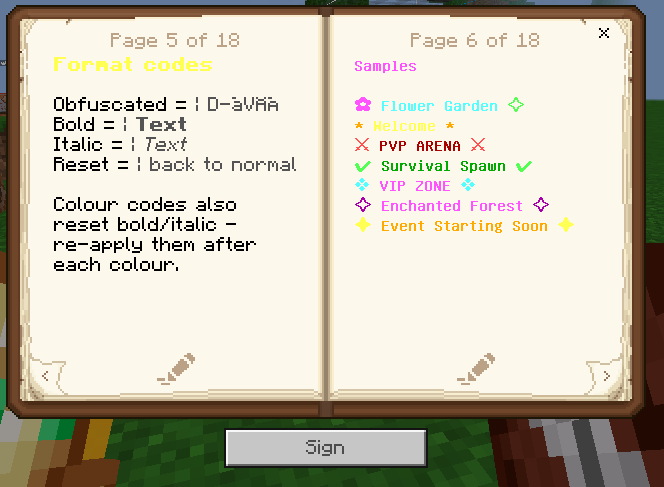
Use the "§" Colour Code to add vibrant colors, bold styles, italics, or even glitchy (obfuscated) effects!
🧠 Note: The text is technically like an invisible entity (like a player name), but floats at three customizable heights — high, medium, or ground level — giving it a true 3D vibe.
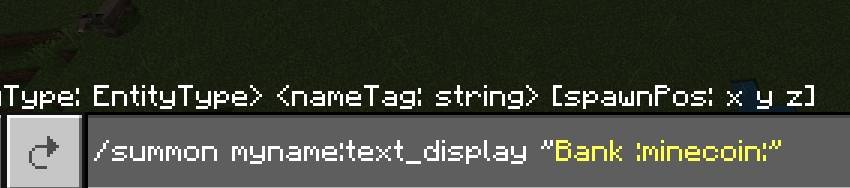
/summon myname:text_display "Enter Your Text" ~ ~ ~Example:
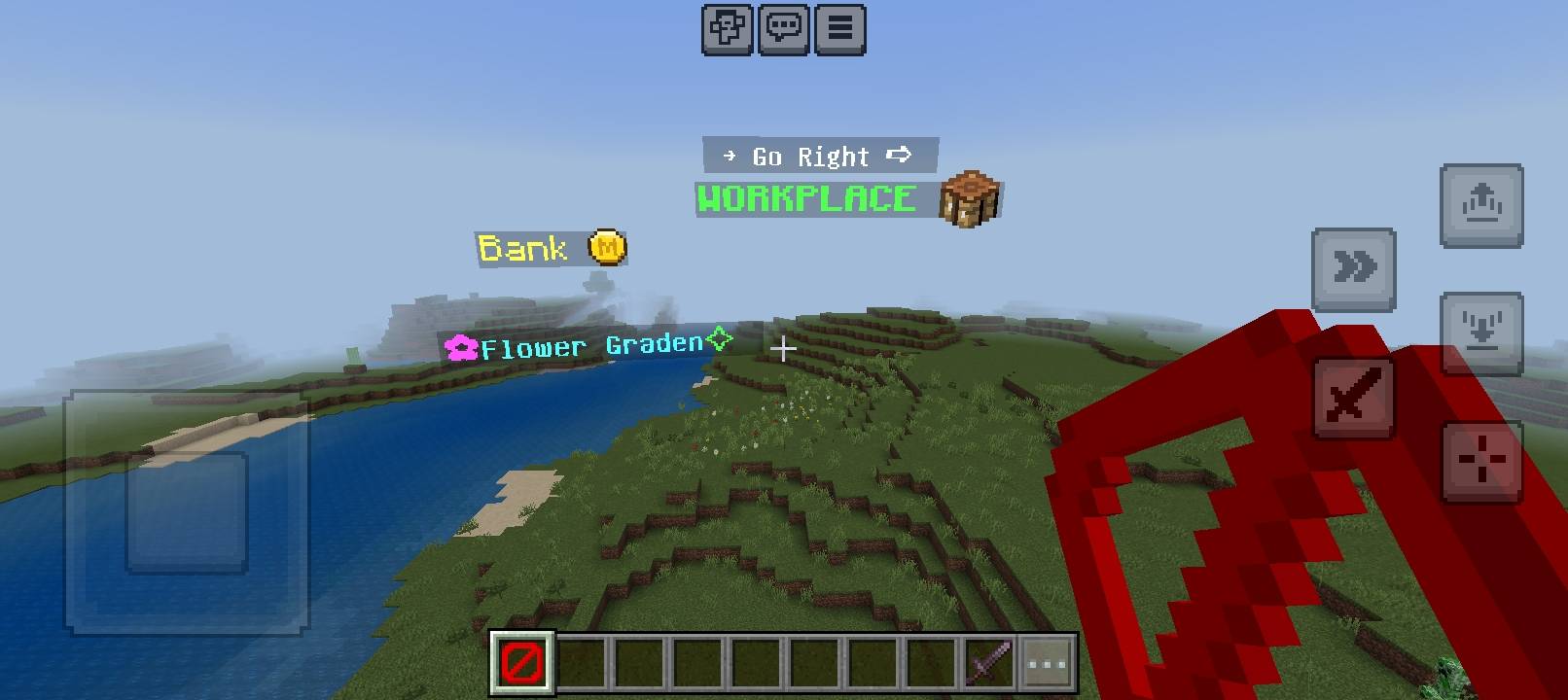
/summon myname:text_display §l§bWelcome! ~ ~ ~/summon myname:text_display "§d§l✿§bFlower Graden§a✧"Plus, use <span style="color: #236fa1;">/function remove_near</span> to quickly delete the nearest text display when needed.
/summon myname:text_display "§d§l✿§bFlower Graden§a✧"

/summon myname:text_display "§a§lWORKPLACE :crafting_table:"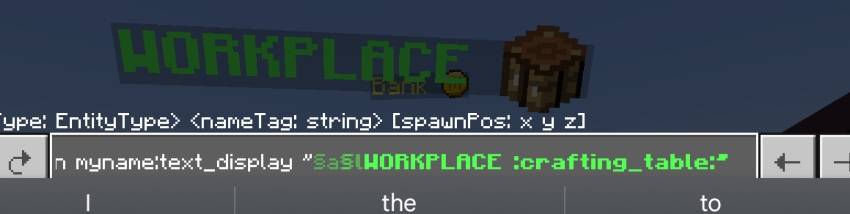
-----
Floating Text — Commands & Menu
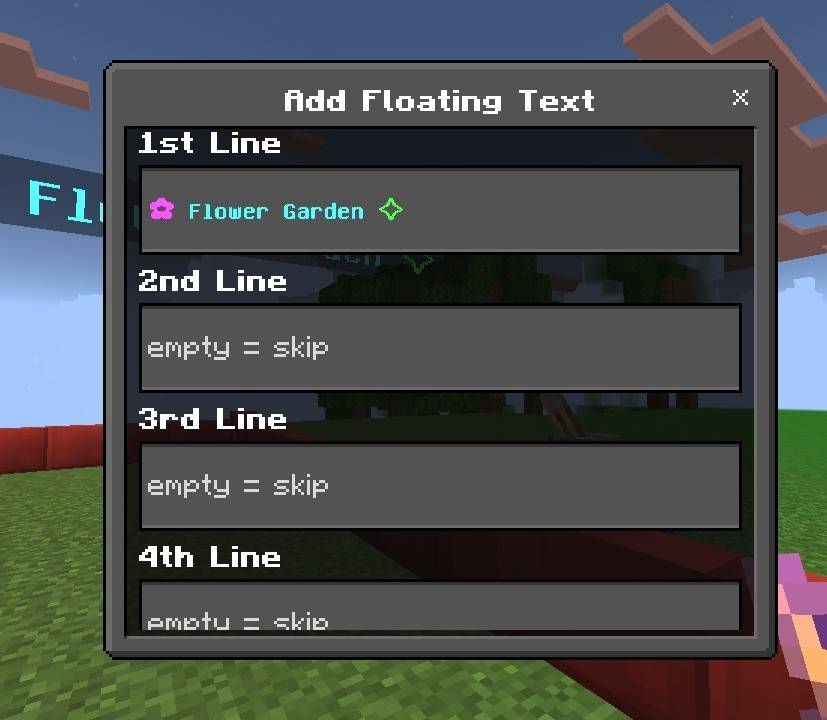
Create a New Text Display
-
Type
/summon myname:text_display "enter_name" ~~~in the chat. -
OR use the
/function addFT
Remove Text Display
-
Remove the nearest text display using the
/function remove_near -
Open the delete menu using the
/function deleteFT -
Remove all floating texts using the
/function delete_all_FT
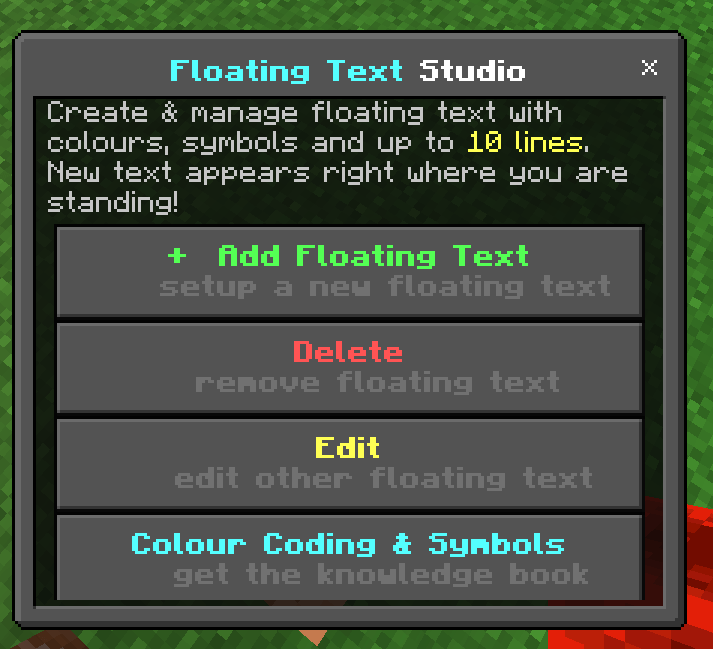
Menu
-
Open the Floating Text menu using the
/function FT/menu -
OR open it using the
/scriptevent ft:menu
Edit Floating Text
- Use the
/function editFTfunction to edit floating text.
List All Text Displays
-
View all text displays in the edit menu.
-
OR use the
/testfor @e[family=text]
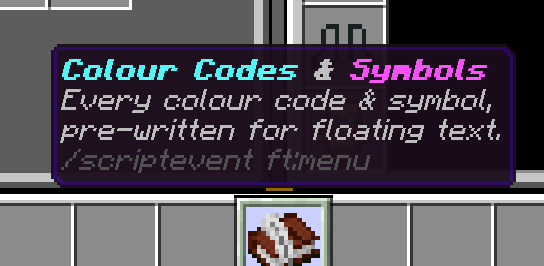
Give Book
- Use the
/function FT/bookcommand to give the book.
🔧 Addon Details
- 🗺 Works in Overworld, Nether, and End
- 🔒 Name Protection — Players cannot change entity names using name tags
- ✨ Floating Text — Summon text that floats in air and water (no barrier block used 💯 % real)
- 👫 Fully compatible with realms and servers
- 📱 Text glows even in the dark
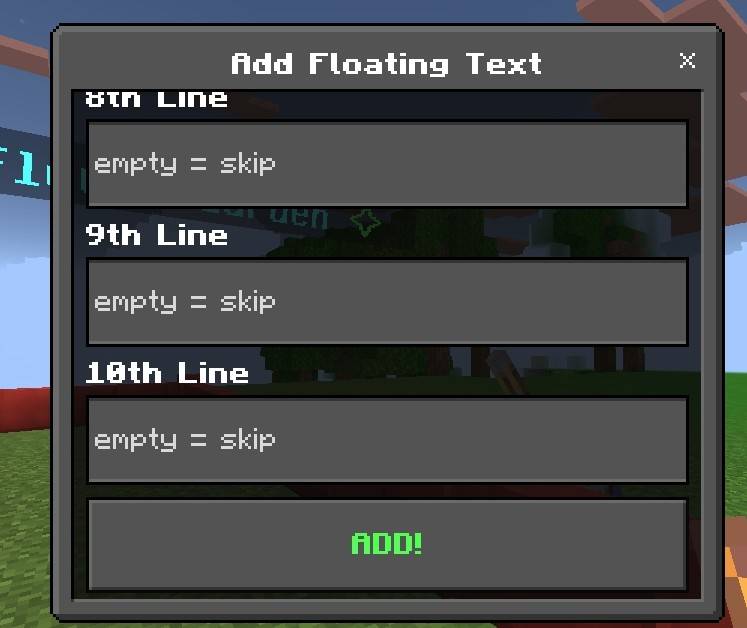
- 🔟 10 Multi-Lines support added
- 💻 Supports bold, italic, obfuscated, and all Bedrock color codes
-⚠️ No experiment toggles needed
-💥 Add as many as you like, but avoid spamming hundreds — performance depends on your device
- 🧨 Text doesn't disappear unless you use /kill @e[family=text]ㅤORㅤ/function remove_near
- 🧩 Requires cheats enabled (uses commands to summon)
images
Menu
Add
.....
Book
 j
j
🎯 Why use this addon?
It’s perfect for labeling buildings, creating signs, decorative messages, or just trolling your friends with floating glitch text! A must-have for creative builders and map makers.
❤️ I made this because signs aren’t enough for my imagination — so why not make the words float magically in the air?
Have suggestions, bugs, or want to show your creations? 💬 Drop a comment here or on my Discord xfThvv2MRB I’d love to hear from you!
Floating Text Display Team