Epic Random Chest Spawner – Random Loot
- By
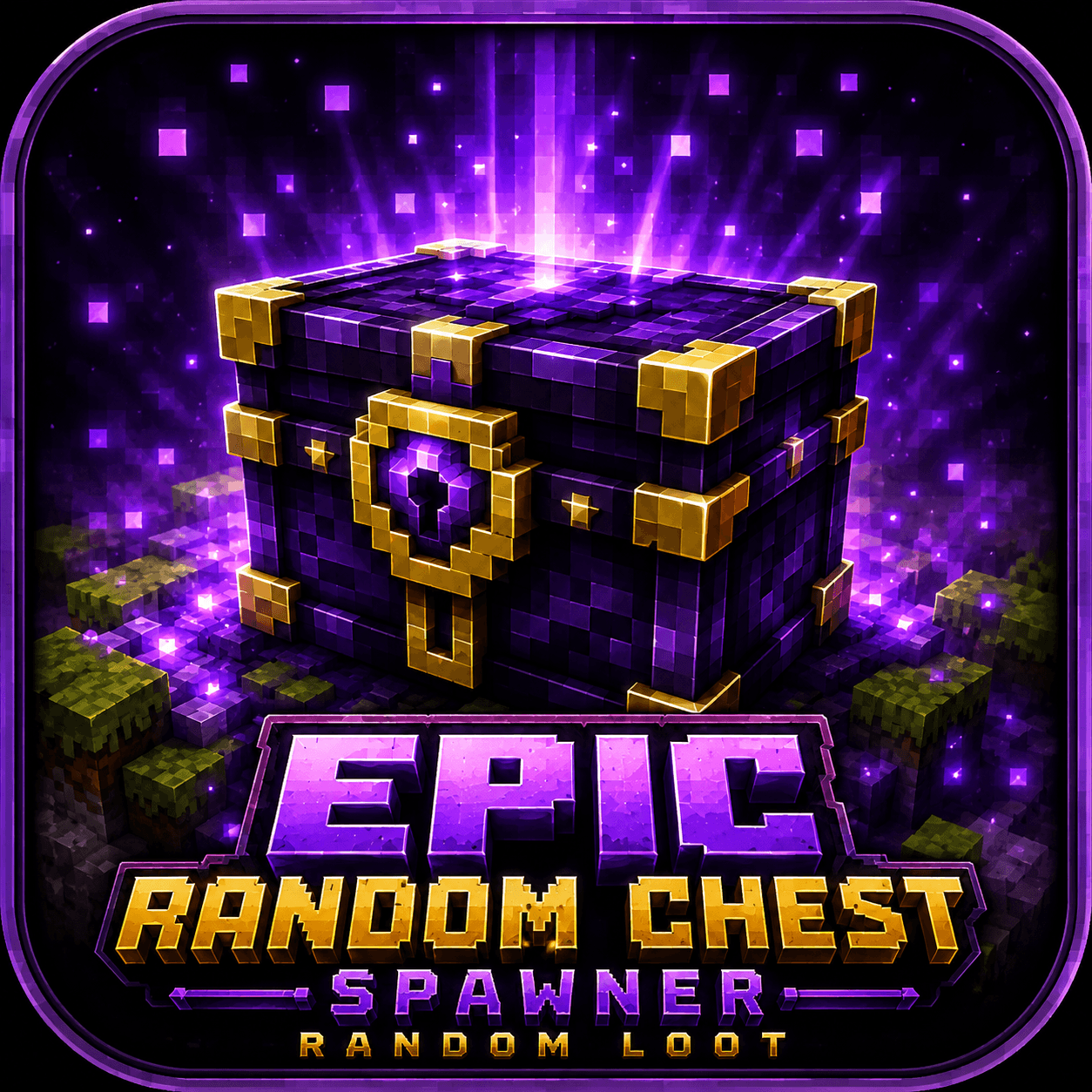
Randomly spawning epic loot chests with HD textures, opening animations, particle effects, configurable loot and OP controls for Minecraft Bedrock.
d04f811c-f783-4b79-98b9-8004c2e3e4e3.png
Epic-Random-Chest-Spawner-Preview-1.jpg
Epic-Random-Chest-Spawner-Preview-2.jpg
Epic-Random-Chest-Spawner-Preview-3.jpg
Epic-Random-Chest-Spawner-Preview-4.jpg
Description
Epic Random Chest Spawner – Random Loot
Bring rare Epic Loot Chests into your Minecraft Bedrock world.
Epic Random Chest Spawner adds animated fantasy loot chests that can randomly appear throughout your world. Every chest can contain different randomized rewards, making exploration more rewarding.
Features
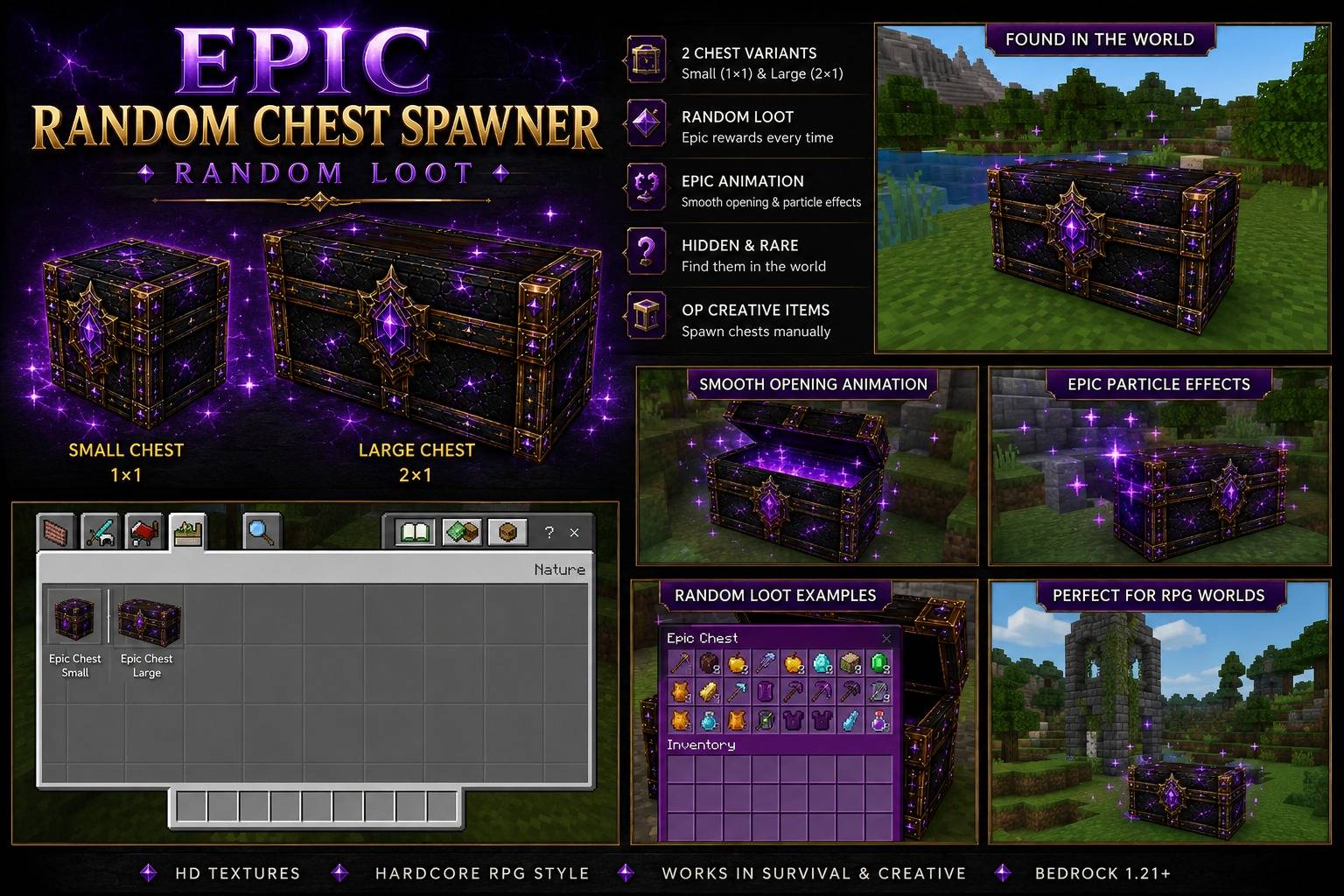
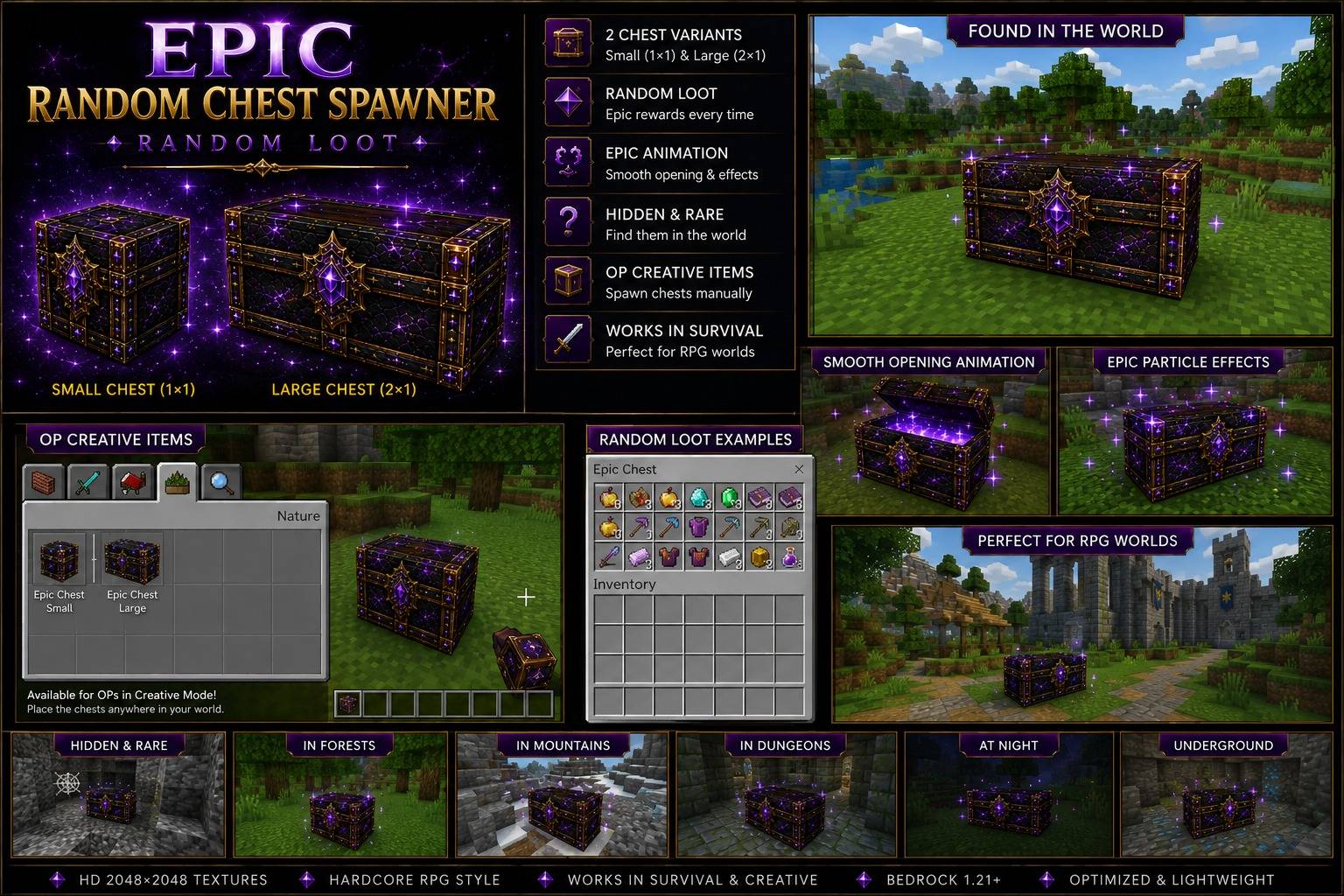
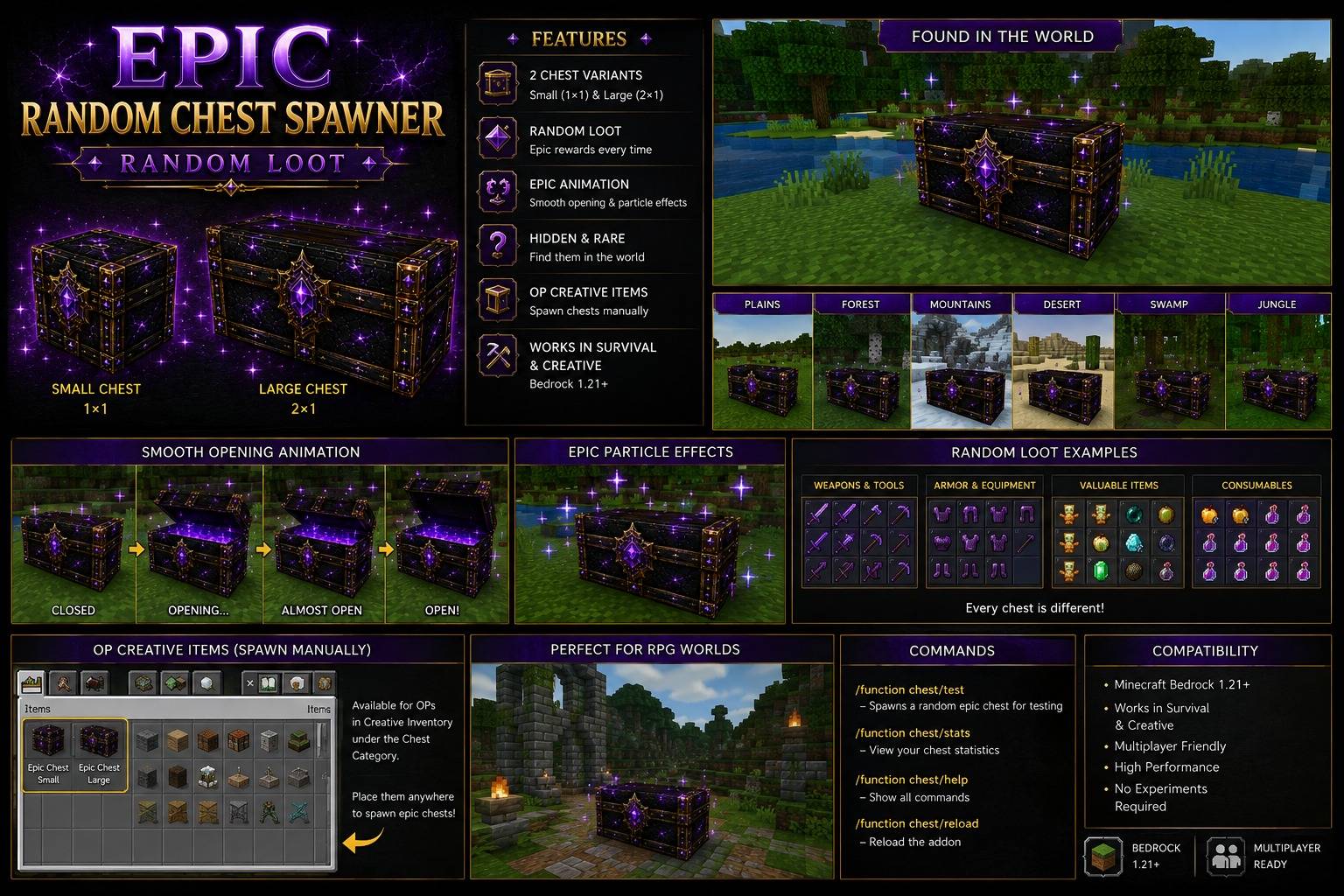
- Random Epic Chest spawning
- Small and Large Epic Chest variants
- HD custom chest textures
- Animated chest opening
- Purple Epic particle effects
- Randomized loot
- Fully configurable loot system
- Weapons, tools, armor, food, gold, supplies and rare items
- Configure loot chances and maximum quantities
- Chest statistics
- Remove spawned chests from the Admin Menu
- Manual random spawning in existing worlds
- Creative Mode chest items for manual placement and hiding
- Multiplayer compatible
- Designed for Minecraft Bedrock
Random Loot
Epic Chests can contain randomized combinations of items such as:
- Gold Ingots
- Iron, Gold, Diamond and Netherite Weapons
- Tools
- Armor
- Food
- Supplies
- Crystals and other rare items
Server operators can configure which items are available and how many of each category can appear.
Admin Menu
Operators can open the configuration menu with:
/function chest/set
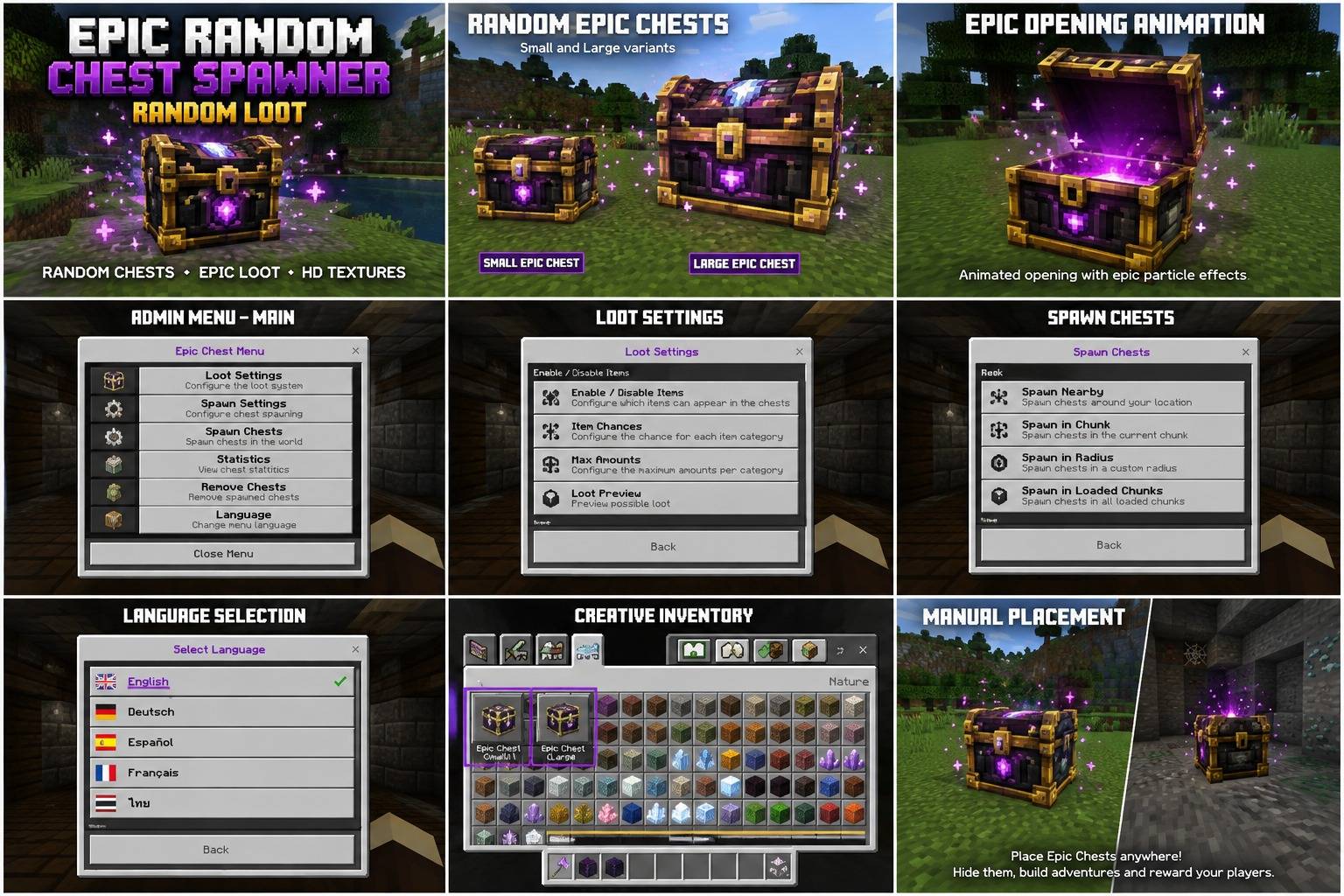
The Admin Menu allows you to configure the loot system, spawn chests in existing areas, remove spawned chests and view chest statistics.
Chest interaction texts are also localized, so players see the chest interaction in their supported language where available.
Supported menu languages:
- English – Default
- Deutsch
- Español
- Français
- ไทย
Test Chest
Operators can quickly spawn a chest for testing with:
/function chest/test
This is useful for testing the chest appearance, opening animation, particles and current loot configuration.
Creative Mode Manual Placement
Operators can also find dedicated Epic Chest items directly in the Creative inventory:
Epic Chest – Small
Epic Chest – Large
These items can be used to manually place Epic Chests anywhere in the world.
This is useful for:
- Manually hiding loot chests
- Creating treasure locations
- Building dungeons
- Creating adventure maps
- Setting up server events
- Placing rewards in custom structures
- Creating your own secret chest locations
The manually placed chests use the same random loot system, opening animation and particle effects as automatically spawned chests.
Normal players do not need commands or operator permissions to open Epic Chests after they have been placed.
Installation – Minecraft Bedrock
- Download the
.mcaddonfile. - Open the downloaded file with Minecraft.
- Minecraft will import the Behavior Pack and Resource Pack automatically.
- Open your world settings.
- Activate the Epic Random Chest Spawner Behavior Pack.
- Make sure the corresponding Resource Pack is also active.
- Start the world.
For the Admin Menu you must have operator permissions and cheats/functions available.
Dedicated Server Installation
The .mcaddon can also be installed manually on a Minecraft Bedrock Dedicated Server.
- Download the
.mcaddonfile. - Rename the file extension from
.mcaddonto.zip. - Extract the ZIP file.
- Inside you will find the
BPandRPfolders. - Copy the
BPfolder into:
behavior_packs
- Copy the
RPfolder into:
resource_packs
- Add the Behavior Pack UUID and version to:
world_behavior_packs.json
- Add the Resource Pack UUID and version to:
world_resource_packs.json
- Restart the Bedrock Dedicated Server.
The UUIDs and versions can be found inside the respective manifest.json files.
Example
world_behavior_packs.json
[
  {
    "pack_id": "BEHAVIOR-PACK-UUID-FROM-MANIFEST",
    "version": [1, 5, 1]
  }
]
world_resource_packs.json
[
  {
    "pack_id": "RESOURCE-PACK-UUID-FROM-MANIFEST",
    "version": [1, 5, 1]
  }
]
Important: Use the actual UUIDs and version numbers from the included BP/manifest.json and RP/manifest.json.
Commands
Open Admin Menu:
/function chest/set
Spawn Test Chest:
/function chest/test
Existing Worlds
Epic Chests can also be spawned in already existing worlds.
The Admin Menu includes a random spawn function that distributes Epic Chests around loaded areas, so you do not have to create a new world just to use the addon.
You can also use the Creative Mode chest items to manually hide Small or Large Epic Chests anywhere you want.
Explore your world, discover rare Epic Chests and claim the randomized loot.
Epic Random Chest Spawner – Random Loot Team