Elevator | Jump & Sneak Teleport
- By
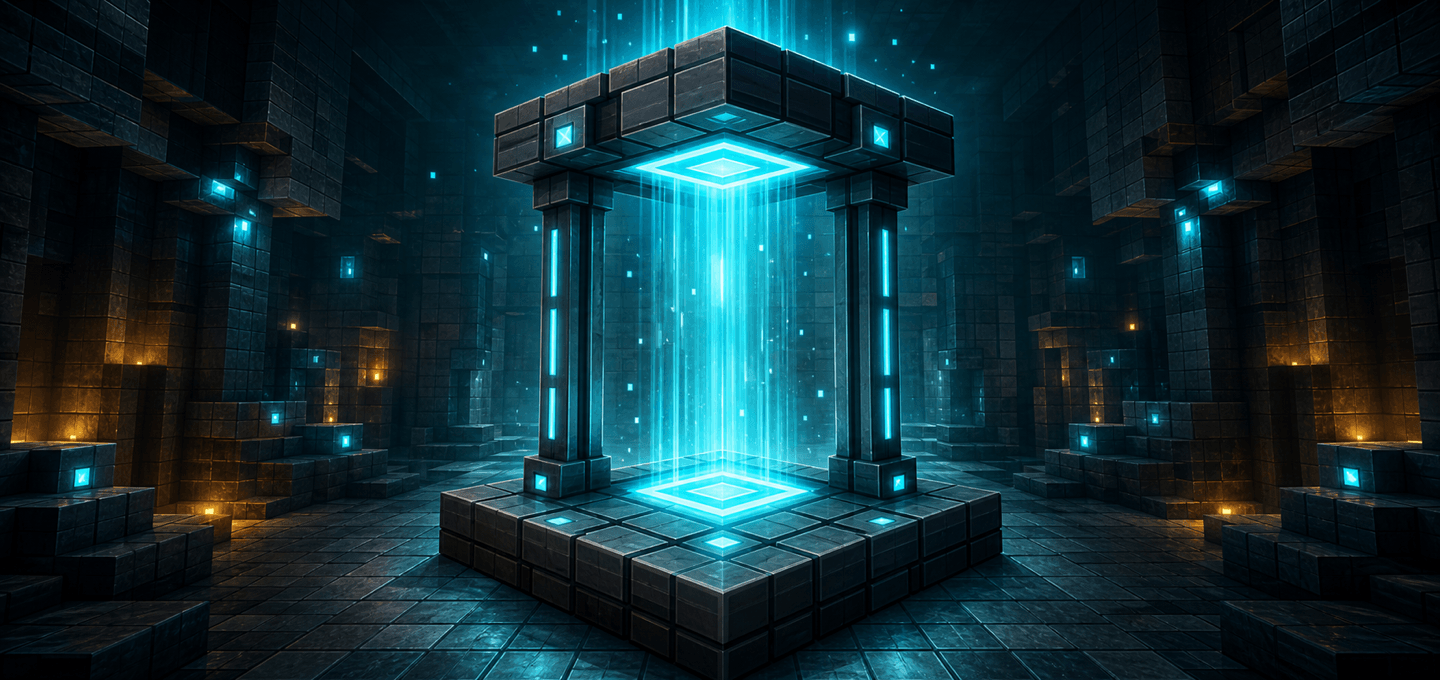
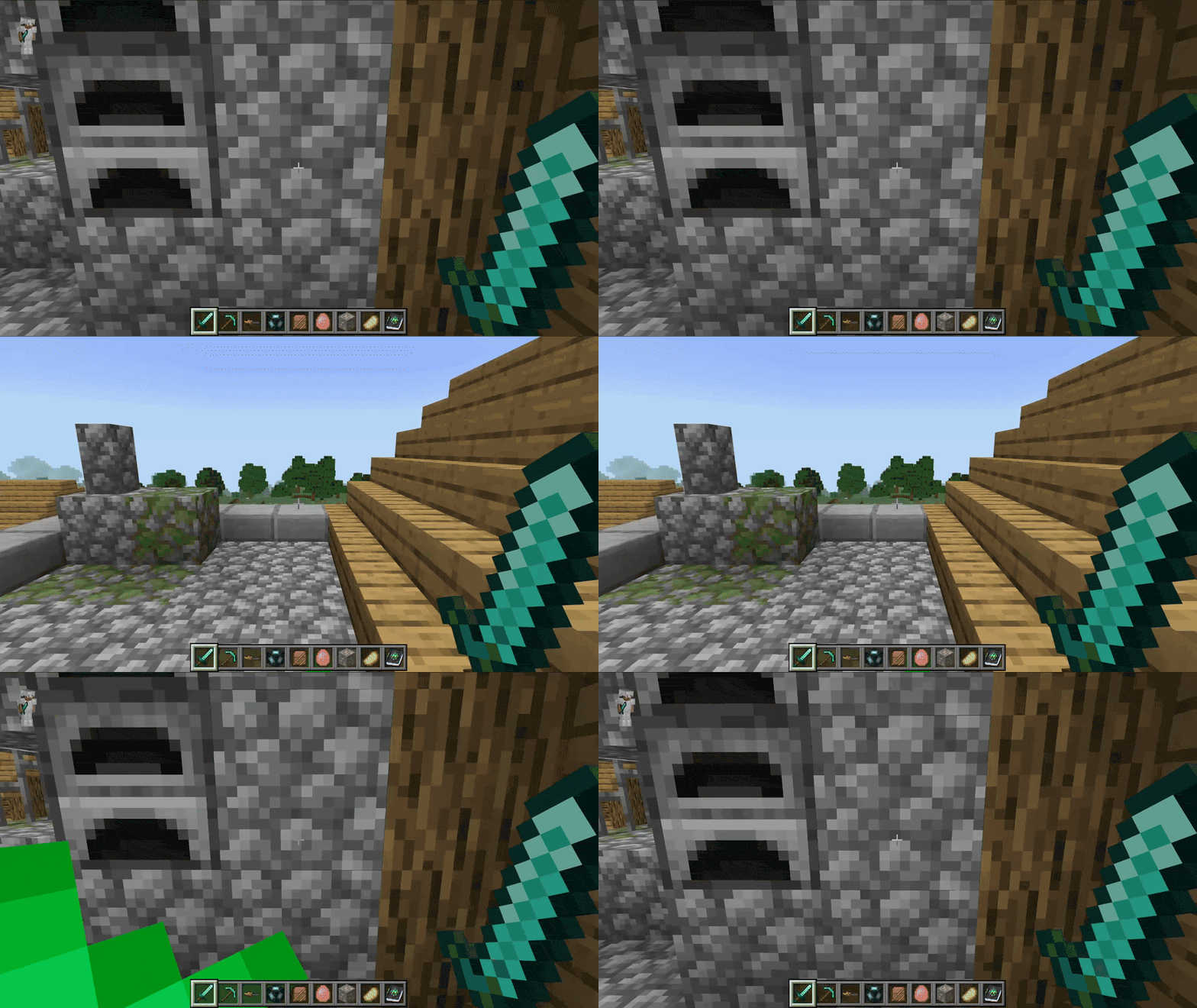
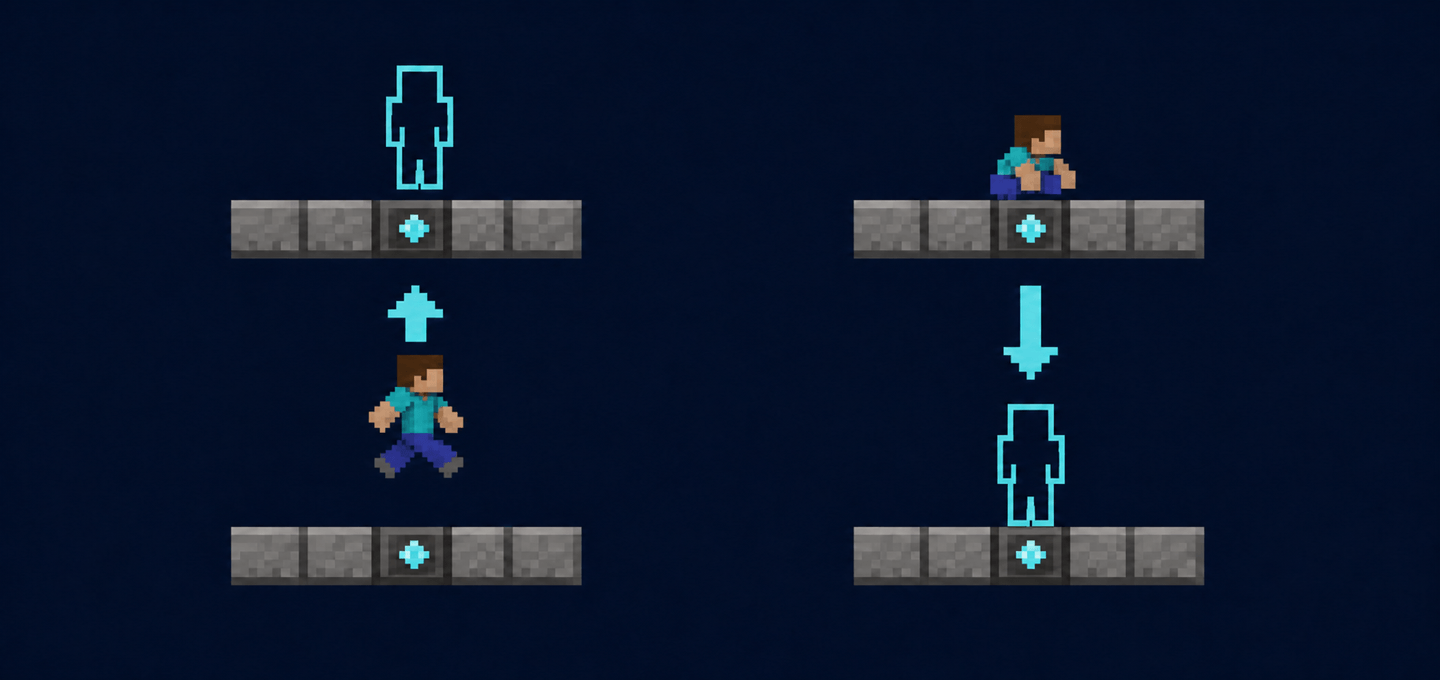
Elevator adds a craftable elevator block to Minecraft Bedrock: stack two or more on the same column, then jump to ride up or sneak to ride down — instant vertical travel for your base, mineshaft, or tower.
MCPEDL.png
Screen-1.png
Screen-2.gif
Elevator-Controls.png
Description
About
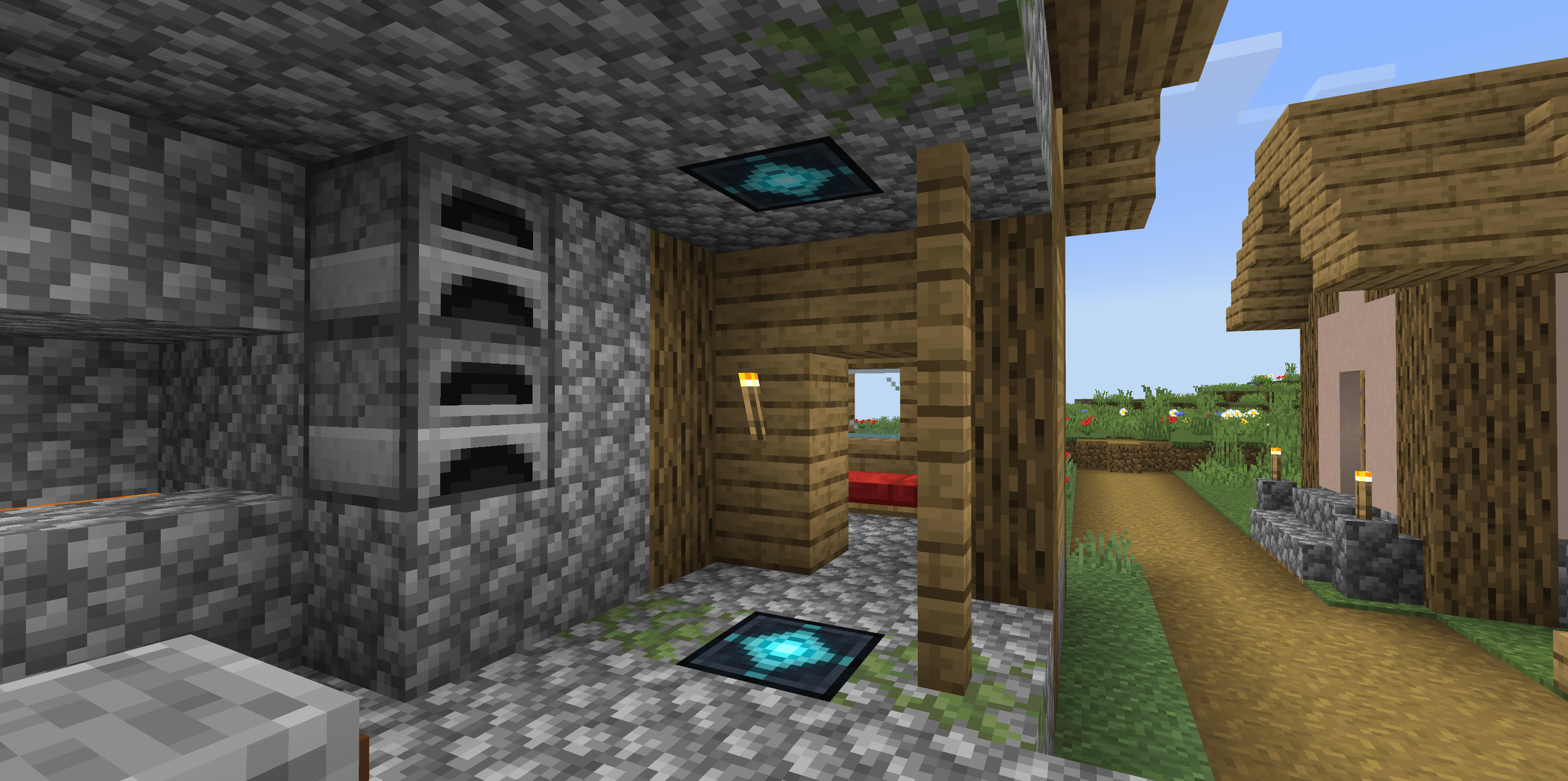
Elevator adds a simple, survival-friendly elevator block: stand on it and jump to teleport up, or sneak to teleport down to the next elevator on the same column. No redstone, no commands — just place the blocks and go.
Features
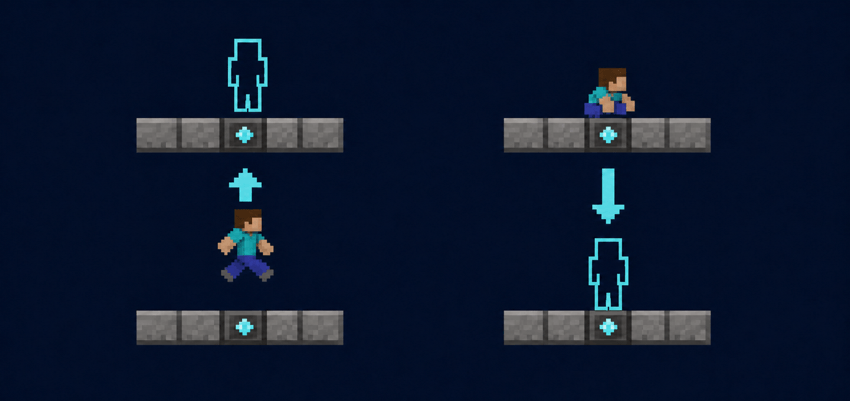
- Jump to go up, sneak to go down — instant teleport between elevator blocks placed on the same vertical column.
- Long reach — elevators connect across up to 64 blocks of vertical distance, perfect for deep mines and tall towers.
- Multi-floor support — place as many elevator blocks on one column as you like; each jump or sneak moves you one floor at a time. Release the button before travelling again.
- Safe teleporting — you only arrive at floors with enough headroom, so you never get stuck inside blocks.
- Built-in lighting — the elevator block softly glows, making your elevator shaft easy to find in the dark.
- Polished feel — teleport sound and particle effects, plus a short cooldown so you never accidentally skip a floor.
- Multiplayer friendly — works for every player independently, with no setup per player.
How to use
- Import the
.mcaddonfile into Minecraft Bedrock. - Activate the behavior pack and resource pack for your world (no experiments required).
- Craft at least two Elevator blocks.
- Place them on the same vertical column (same X/Z), for example one on each floor of your base.
- Stand on an elevator block and jump to teleport to the next elevator above, or sneak to teleport to the next one below.
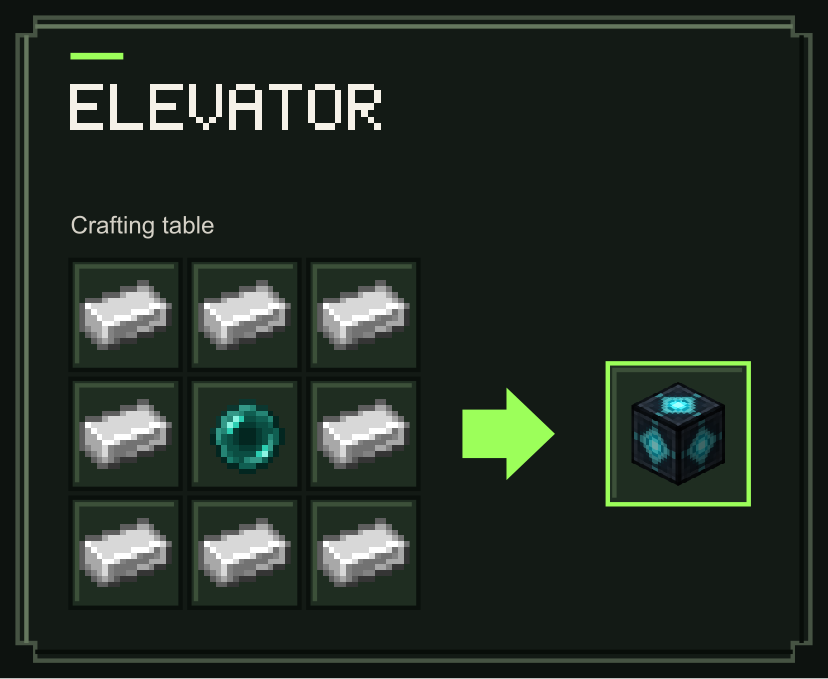
Crafting
Recipes use the ingredients and quantities shown below.
Elevator
Notes
- Elevator blocks must share the same X/Z column and be within 64 blocks vertically of each other.
- The destination needs 2 blocks of free space above it (air or water); blocked floors are skipped safely.
- Works in the Overworld, the Nether, and the End.
Requirements
- Minecraft Bedrock Edition 26.30 or newer
- No experimental toggles required
- No external dependency required

Elevator | Jump & Sneak Teleport Team

Owner