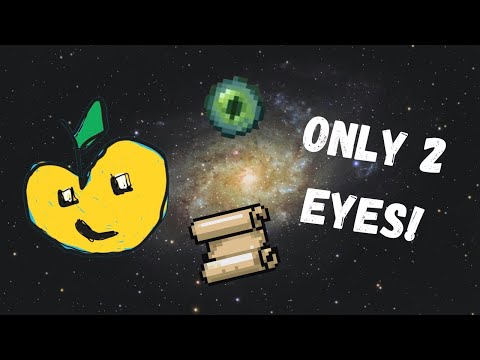
The worst part of any Minecraft speedrun is trying to find the stronghold (not including finding a fortress 💀💀💀). Unless you reset your run hundreds of times to find a stronghold under a village, most people do it the old school way. But this costs TONS of eyes, and by the time I reach, I often feel as if I had wasted so much time. So, I made a pack that uses trigonometry (I know, a blast from the past) to calculate the stronghold location.
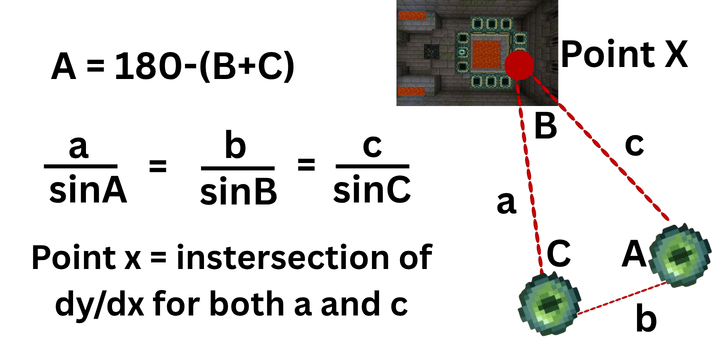
All you need to do is throw two eyes and measure them (using methods listed below), and the math will work itself for you! This is similar to Java speedrunning in the fact that eye measurement impacts your success rate. This is also completely achievement friendly and doesn't use a player.json, so you can activate it in YOUR survival world!
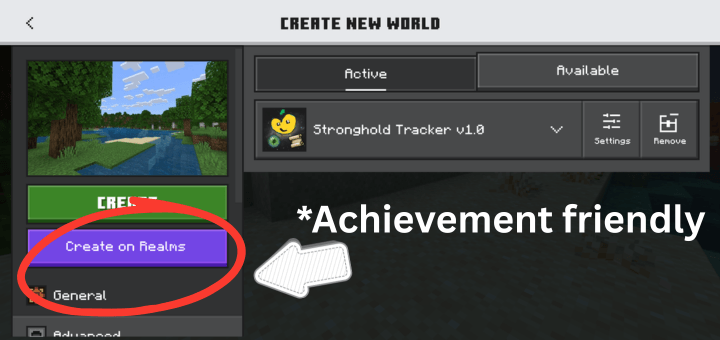
Note: Because I'm such a nice guy, there are pictures/gifs attached of the whole process in "gallery"! Stuff marked red is IMPORTANT, which means without knowing this the addon will not work. If it's bolded AND red, it must be REALLY important!
IF YOU WANT TO FIND THE STRONGHOLD WITH:
2 eyes:
- Throw both the eyes following the steps below and go to the coords
- Look near the coords (50-100 blocks) for a village
- Use "Sprinkz Strats" (search it up if you don't know) to find the stronghold once you find the village.
4 eyes:
- Throw both eyes following the steps below and go to the coords
- Look near the coords (50-100 blocks) for a village
- Throw two more eyes and measure them in the village, and this will give you the exact coords (100% certainty), and you don't even need to lower your FOV or worry about other techniques to increase accuracy this time
Procedure for Eye Measurements:
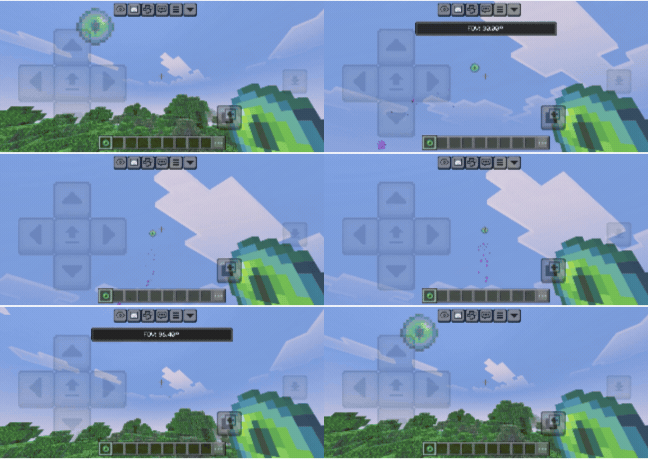
- Throw one eye of ender, crouch, and follow it with your crosshair (try to be as precise as possible)
- Stay still and then "use" a stick (this will take the measurement and give the message "Measurement 1/2" in chat or in the action bar)
- Go another 15-100 blocks away NOT DIAGONALLY and AT THE SAME Y LEVEL (If the eye goes in the increasing z direction, then travel in the increasing x direction and vice versa, if you do not do this, then it will not work).
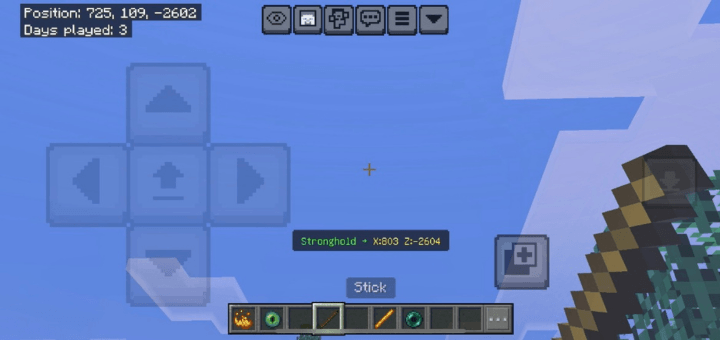
- Repeat steps 2-3, and it should show a message with the stronghold coords in chat or in the action bar
Final Result:
Tips to be more accurate:
- Lower your FOV to 30-60 to get a more precise angle
- Travel 30-50 blocks for the most accuracy
- Go to a high elevation to avoid losing thrown eyes
- Throw eyes after you get to the suggested coords to make sure that you're not 10-100 blocks off
Subpacks:
Chat: Shows result in chat, which allows you to constantly be able to check the number 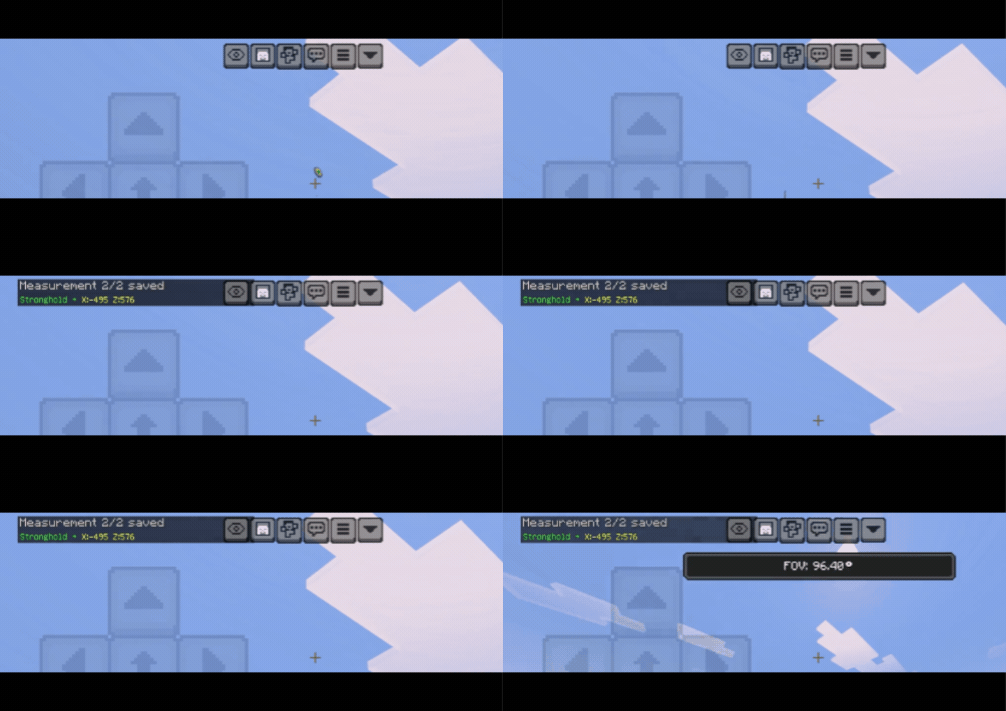
Action Bar: Shows result in action bar which looks better, but only stays for a couple seconds
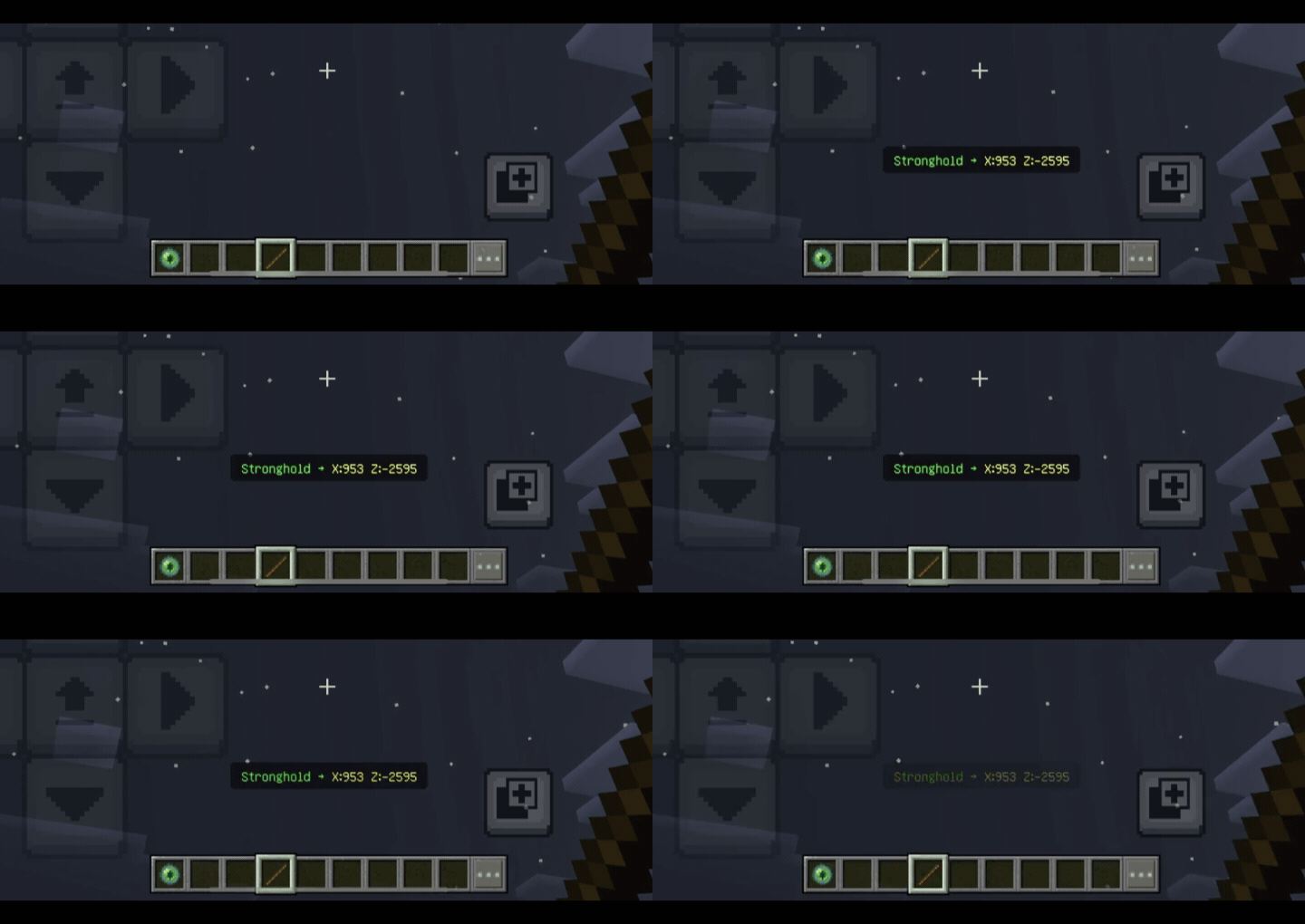
NOTE: Because subpacks are glitched in Bedrock, you must first create the world and only then you can change the settings (the default is chat).
Showcase video is on youtube in the channel linked below (https://youtube.com/@Soul0w_YT). Subscribe to stay tuned for more packs!
What you CAN do:
- Modify my pack for personal uses (cannot distribute it to others though)
- Use it in videos, but must include the link to the MCPEDL page and proper attributions
- Message me on discord (@Echol0w) for bug reports
What you CANNOT do:
- Distribute my pack without my permission
- Do anything NOT mentioned in the CAN do section without my permission
- Modify my pack or use any of the original code in another pack without my permission
Note: Because I'm such a nice guy, there are pictures/gifs attached of the whole process in "media"!
Thanks, and happy speedrunning! :p
- Echol0w
Special thanks to:
Lethalbunny for being helpful to where spatial info is stored within Minecraft's code!
Ty El's Settings Overlay Pack on MCPEDL for being used in the GIFs above. This is a super helpful pack to help you switch between FOVs fast (on MCPE) to record eye throws easier (NOTE: doesn't work in the newest update).